Categories
Self-Hosted AI Agents Collaboration Knowledge Base AI Chat AI Workspace Enterprise AI AI GovernanceDeveloper links
Aperture Chat
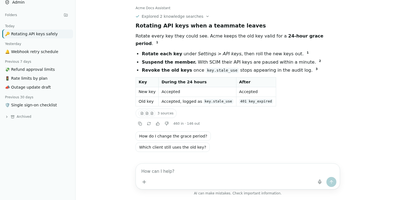
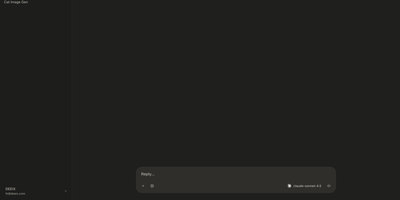
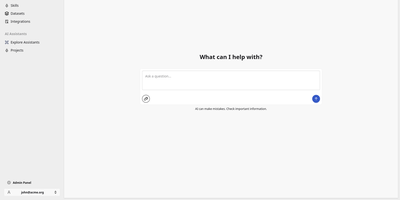
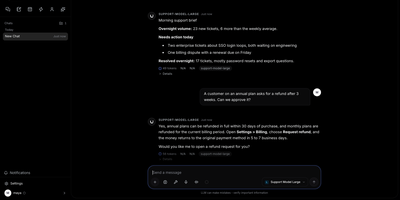
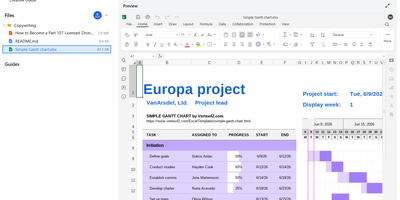
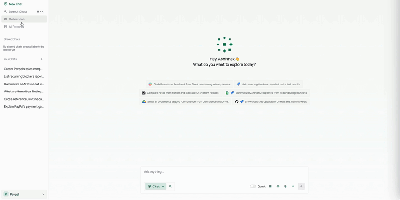
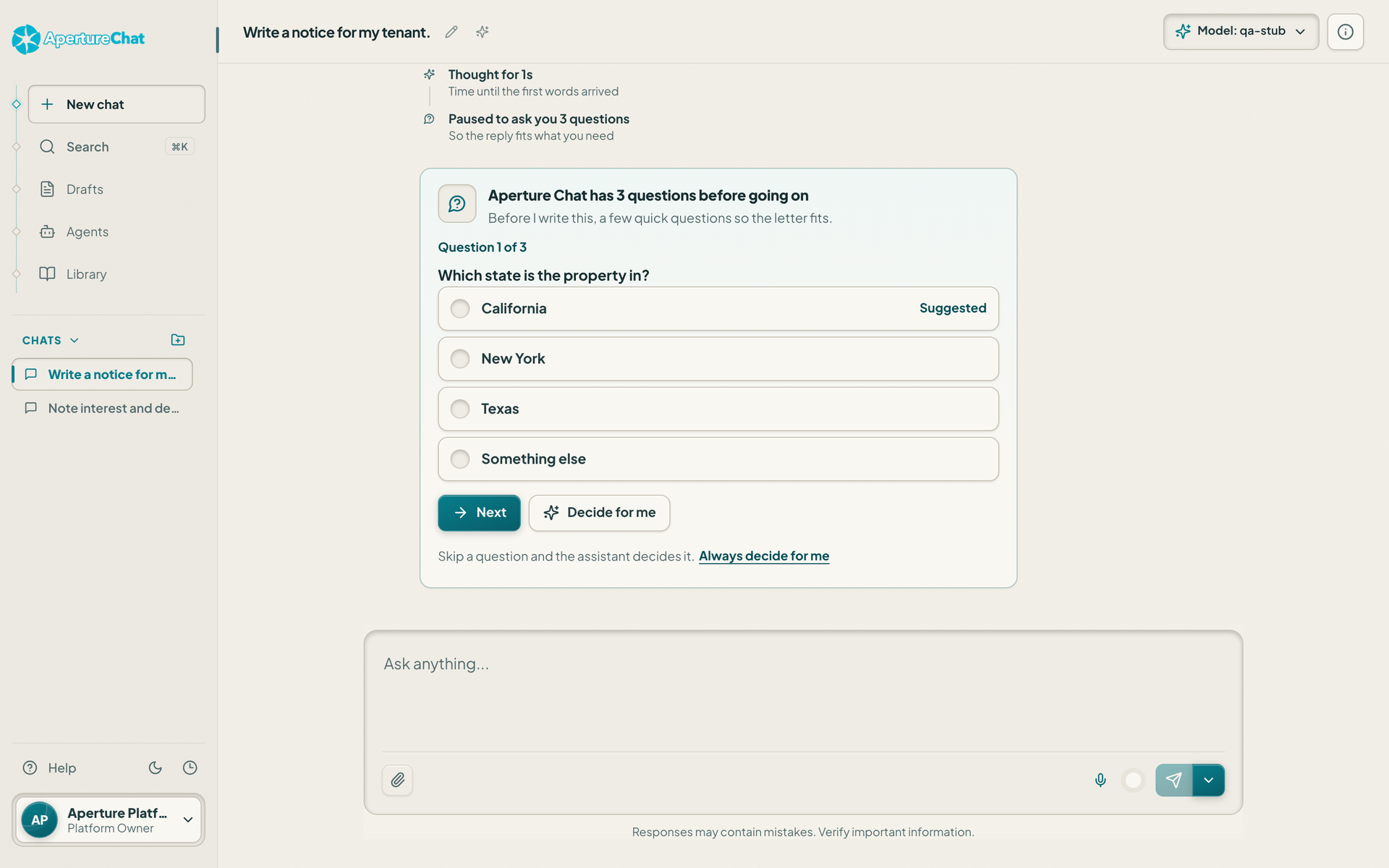
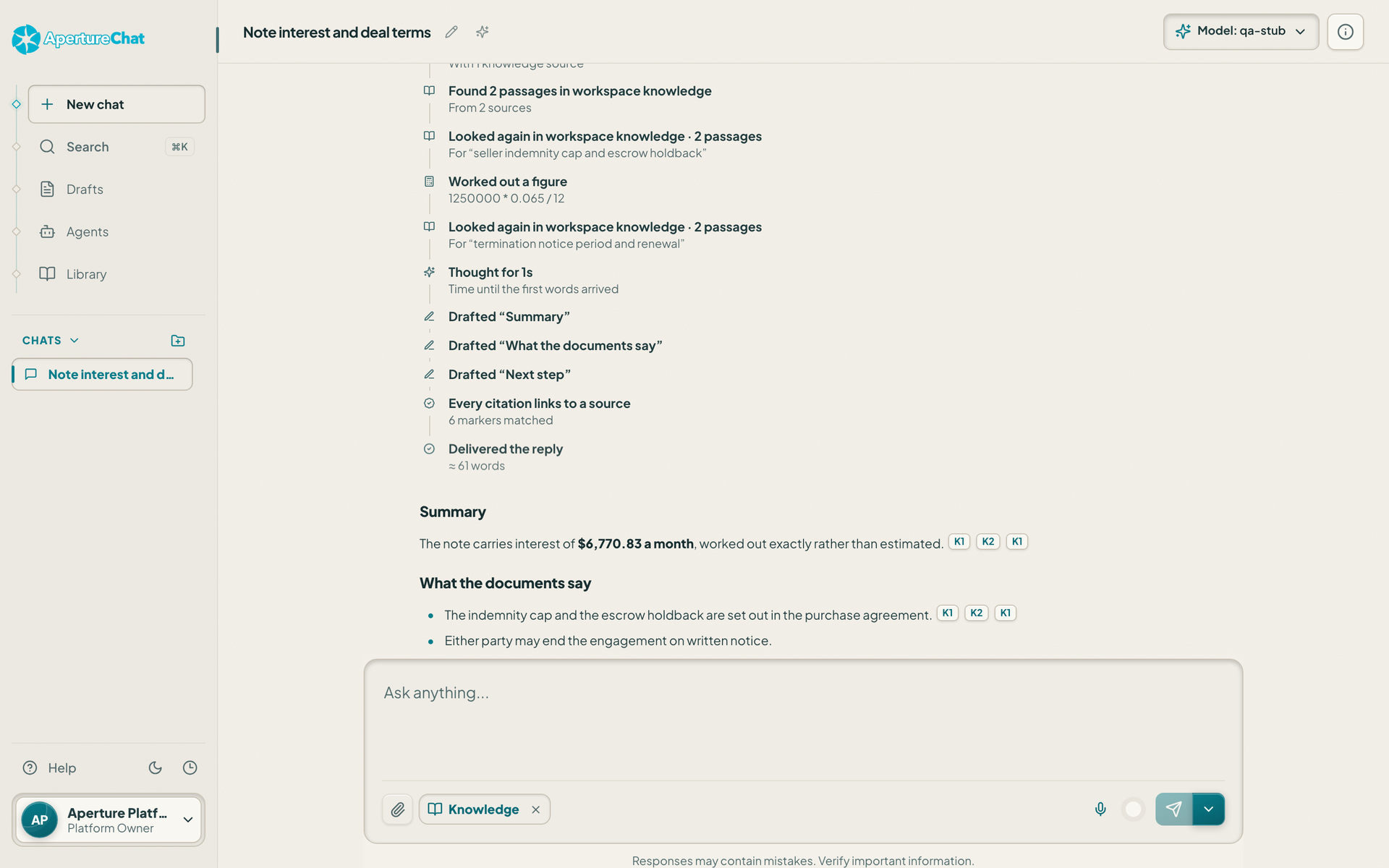
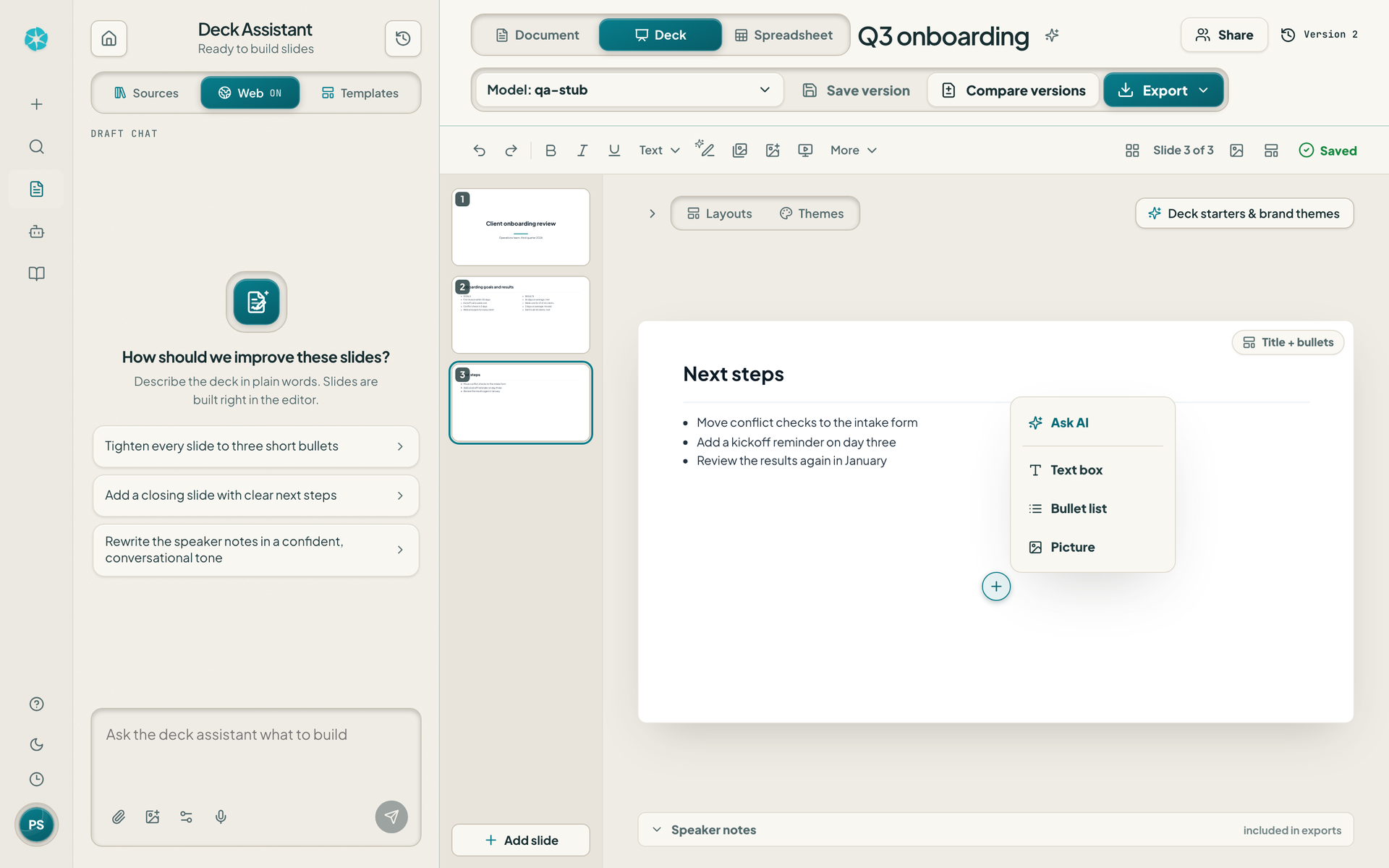
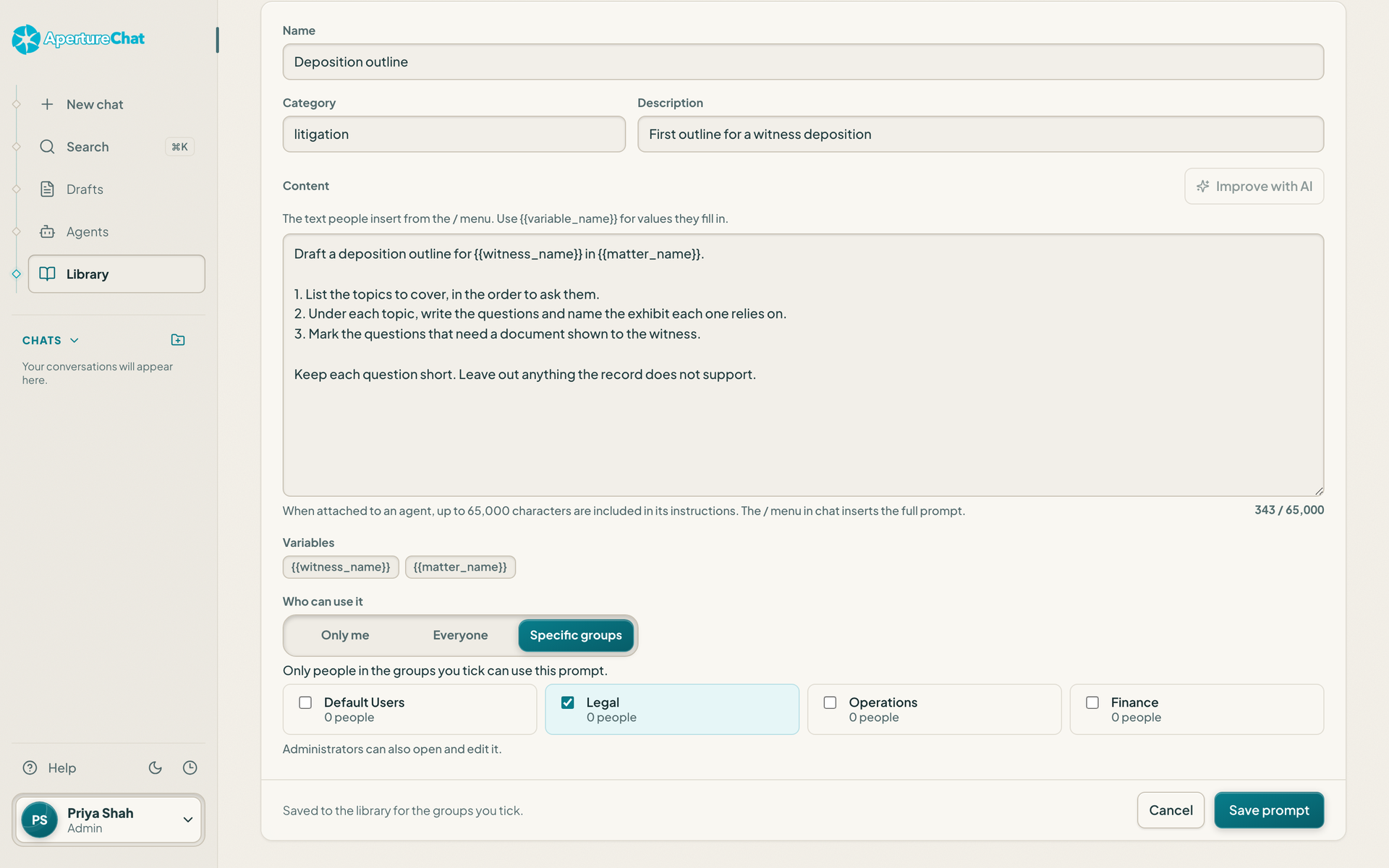
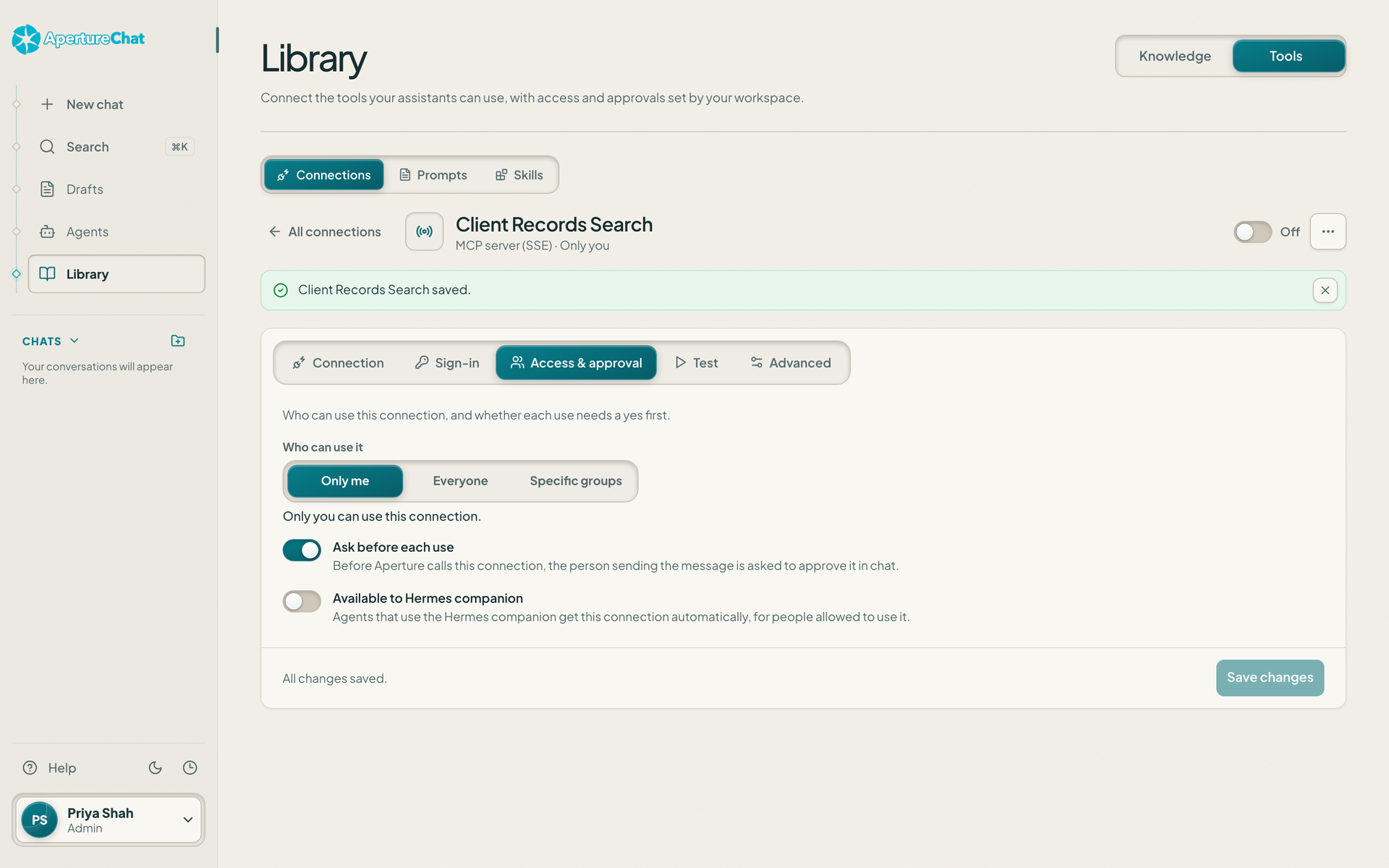
Aperture Chat is one governed workspace where chat, documents, slide decks, spreadsheets, agents, and automations draw on the same approved models, knowledge, and access rules. Choose any model or agent you are allowed to use and the answers arrive with citations from attachments, knowledge bases, and web search, plus a work trace of the research steps behind them. When a request is vague, the reply pauses to ask up to three multiple-choice questions. Replies keep running on the server after you close the tab, and if the chosen model fails, a similar one takes over and the trace names it. Drafts handles documents, slide decks, and spreadsheets with an assistant alongside, a Check panel that flags blanks and undefined terms, live co-editing, saved versions, and export to Word, PowerPoint, Excel, or PDF/A. New drafts start private. Agents bundle instructions, a model, knowledge, tools, and prompts, and automations run them on a cron schedule into a fresh chat or draft. Knowledge bases take uploads, web pages, synced folders, and cloud drives, and an ethical wall fences a file to one group. Administrators get single sign-on, SCIM, audit trails, retention rules, and a setting that keeps Social Security and card numbers away from the model. It suits legal and professional-services teams, and IT groups rolling out AI across an organization. Running on a dedicated VPS on RepoCloud with guaranteed CPU, RAM, and SSD, full root SSH access, and a browser serial console. MIT licensed.
Benefits
- Any approved model, with access rules
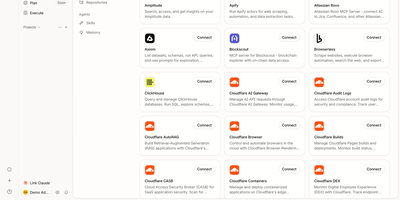
- Connect OpenAI, Anthropic, Azure OpenAI, Azure AI Foundry, Google Gemini, OpenRouter, or Ollama, then decide which people and groups may use each model; access follows provider, tenant, group, user, and deny policies.
- Cited answers with a visible trace
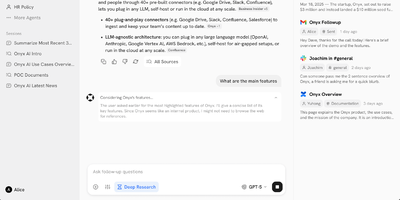
- Replies cite attachments, knowledge bases, and web search, while the work trace lists each research step, source, and provider-reported usage, and names the model that took over if the first one failed.
- Documents, decks, and spreadsheets included
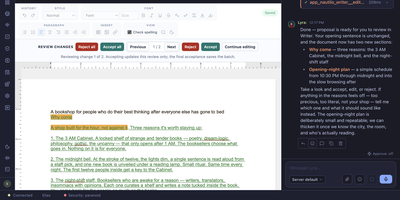
- Drafts edits documents, slide decks, and multi-sheet workbooks with an AI assistant beside them, live co-editing, saved versions, and export to Word, PowerPoint, Excel, or PDF/A.
- Governance built into the platform
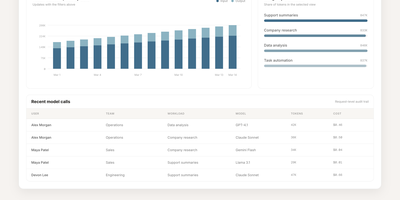
- OIDC sign-in with Entra ID, Google Workspace, or Okta, SCIM provisioning, role-aware consoles, audit trails, retention, and analytics give administrators control over how AI is used across the organization.
Features
- Multi-provider model routing
- Routes chat and drafting to OpenAI, Anthropic, Azure AI Foundry, Gemini, OpenRouter, Ollama, and other OpenAI-compatible endpoints, with catalog sync and grants per user, group, or tenant.
- Research steps and clarifying questions
- Replies can search knowledge again, search the web, read a linked page, or work out a figure exactly, and pause to ask up to three multiple-choice questions.
- Drafts editors for three formats
- A document editor with page setup, a slide editor with seven themes, and a spreadsheet with formulas, pivot tables, and charts, exporting .docx, .pptx, .xlsx, .csv, and PDF/A.
- Knowledge bases and cloud sources
- Uploads, web pages, API sources, and folders kept in sync feed knowledge bases with local embeddings; connectors reach Google Drive, Box, SharePoint, OneDrive, and iManage.
- Agents and scheduled automations
- Agents bundle instructions, a model, knowledge, tools, prompts, and skills; automations run them once, weekly, or on a cron schedule, delivering a new chat or draft.
- Docker Compose with Caddy HTTPS
- Published linux/amd64 and linux/arm64 images, a Caddy profile for HTTPS on ports 80 and 443, SQLite by default, an optional PostgreSQL profile, and an updater sidecar with rollback.