Stars
Forks
Watchers
Developer links
BankMCP
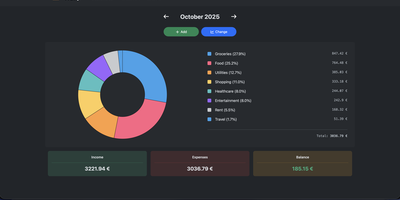
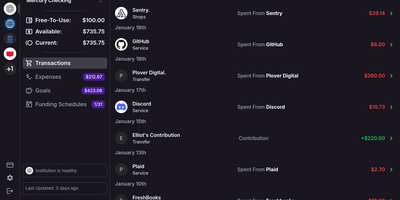
Ask your assistant what you spent on groceries last month, and let it answer from your actual bank accounts instead of a spreadsheet you never update. BankMCP is a small server you run yourself that connects your European banks to Claude, ChatGPT, Cursor, or any MCP client, so questions about balances and spending get real answers. Ask for a balance and it fetches the booked and available figures live; ask where the money went and it searches transactions across every connected account by merchant or invoice number; ask for the month and it totals money in and out while leaving transfers between your own accounts out of the picture. Background watches keep an eye out between conversations: get a webhook when a balance crosses a line, a large debit lands, a named payment arrives, or an expected payment has not shown up by its date. Ready-made prompts cover connecting a bank, building a budget, scanning savings, auditing subscriptions, and spotting unusual transactions. The server is deliberately boring about your data: it keeps consents, account labels, watches, and your login, fetches balances and transactions only when asked, and stores none of them. It is read-only by design, with no payment tools to abuse. Running on a dedicated VPS on RepoCloud with guaranteed CPU, RAM, and SSD, full root SSH access, and a browser serial console. MIT licensed.
Benefits
- Your bank, in the conversation
- Balances, transactions, and monthly in-and-out totals come from your real accounts through PSD2 open banking, so the assistant answers from the ledger instead of asking you to export statements or paste screenshots.
- Read-only, with nothing to steal
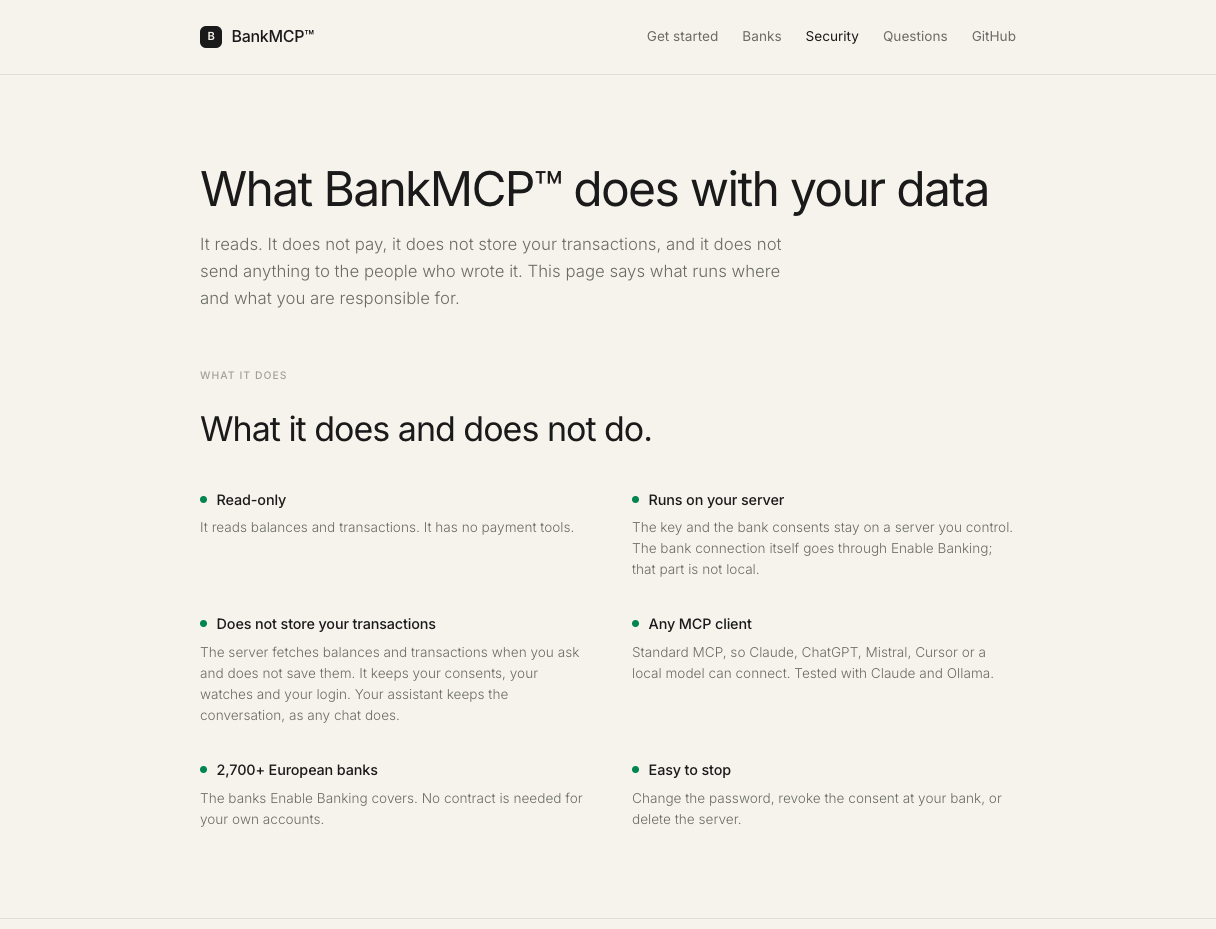
- There are no payment tools at all, and the server stores consents, account labels, and watches rather than balances or transactions, which are fetched live when asked and never saved.
- Watches that notice for you
- Background rules flag a low balance, a large debit, an arriving named payment, or a payment that has not landed by its date, sending a Slack message or JSON webhook when one triggers.
- Yours alone, on your server
- One user, your password, your Enable Banking key, and your consents on infrastructure you control: sign in once and OAuth tokens handle the rest, with lockouts after repeated wrong passwords.
Features
- Standard MCP tools
- Read-only tools list banks and accounts, fetch balances and paginated transactions, search across accounts by merchant or invoice, and build monthly summaries, from any MCP client.
- Enable Banking connection
- One licensed PSD2 provider wraps more than 2,700 European banks; you consent at your own bank's site, and restricted mode covers your own accounts without a commercial contract.
- Background watch rules
- Rules check accounts up to four times a day, the PSD2 unattended-access limit, covering balance thresholds, large debits, named payments, and expected payments that fail to arrive.
- Guided setup page
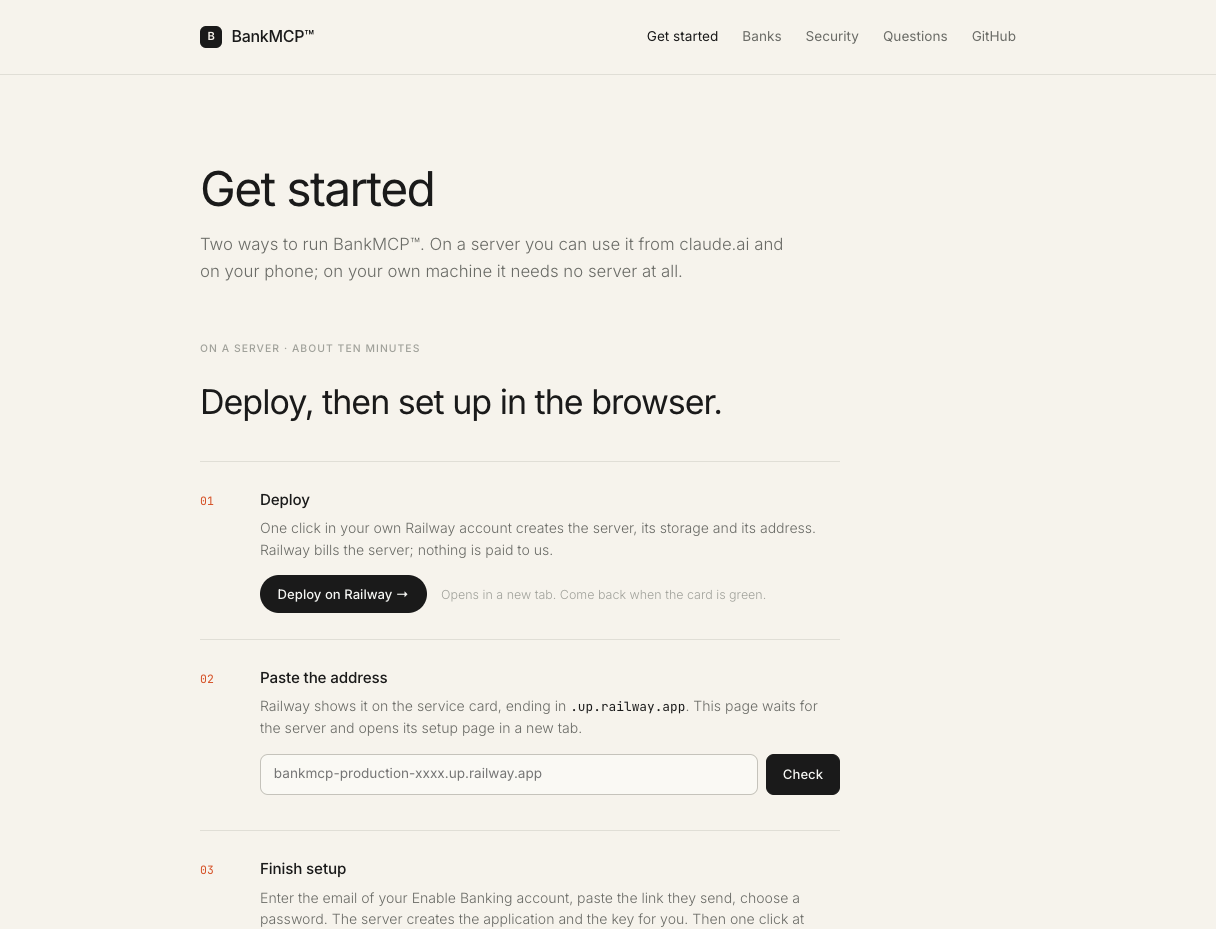
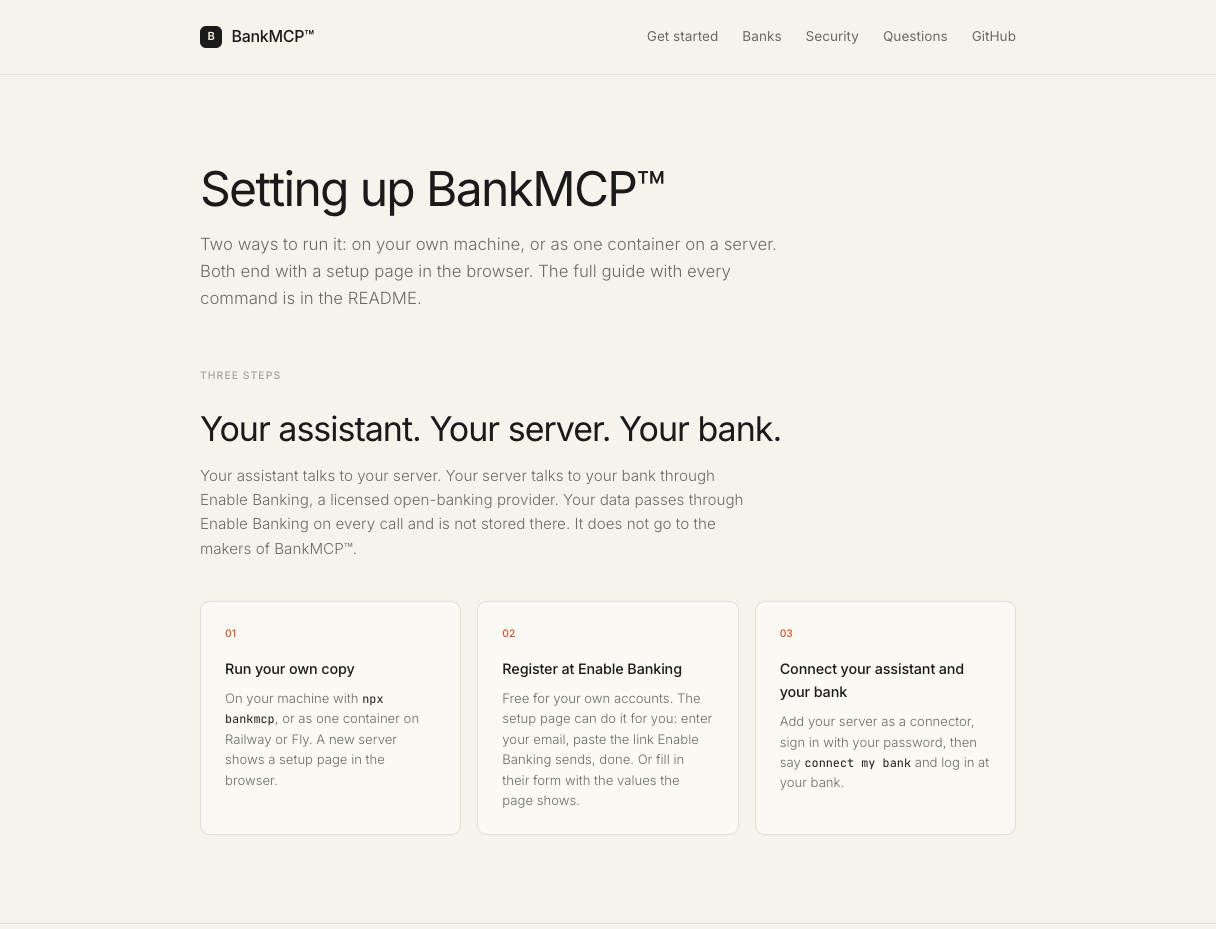
- A fresh server shows a browser setup page that can register your Enable Banking application, create its key, set your password, and show the connector address for your assistant.
- Prompts for money questions
- Built-in prompts walk through connecting a bank, a monthly summary, building a budget, a savings scan, a subscription audit, and finding unusual transactions.