BookHeaven Server
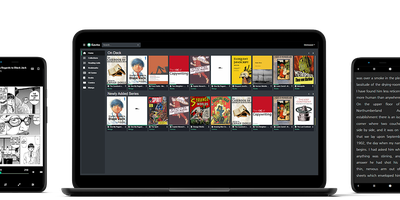
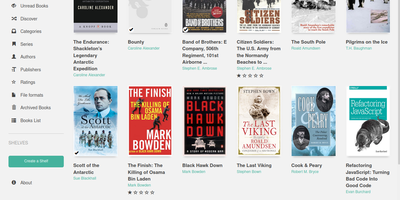
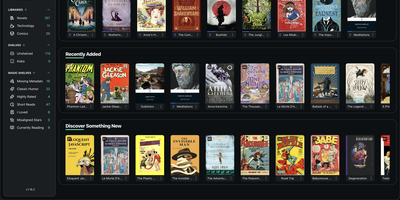
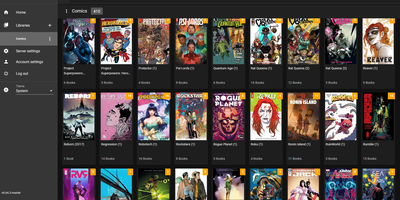
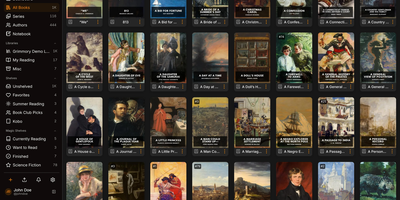
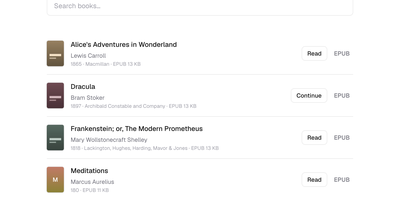
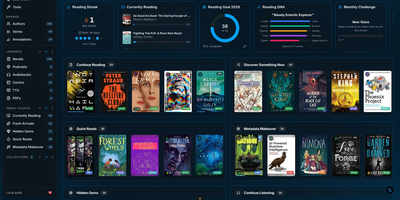
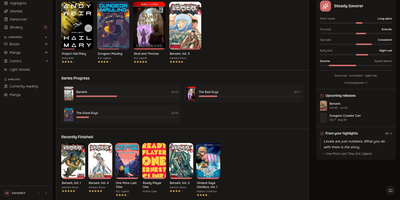
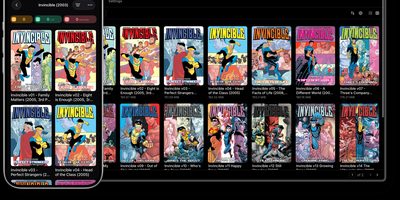
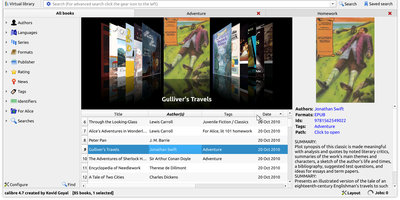
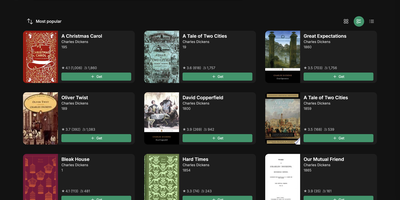
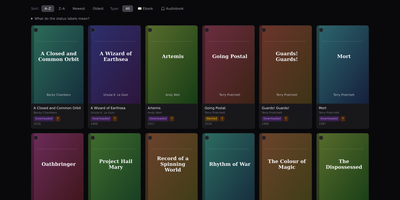
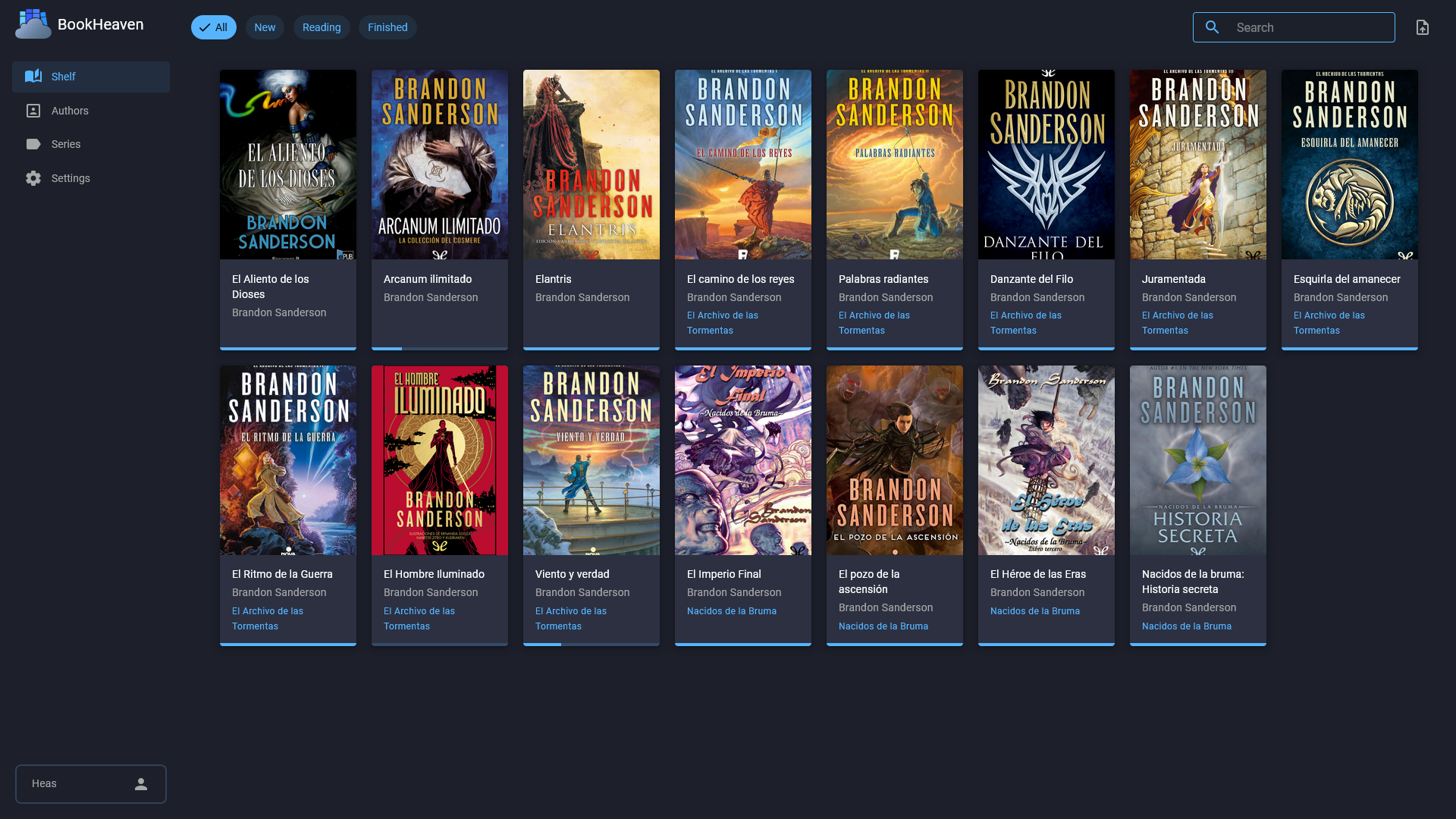
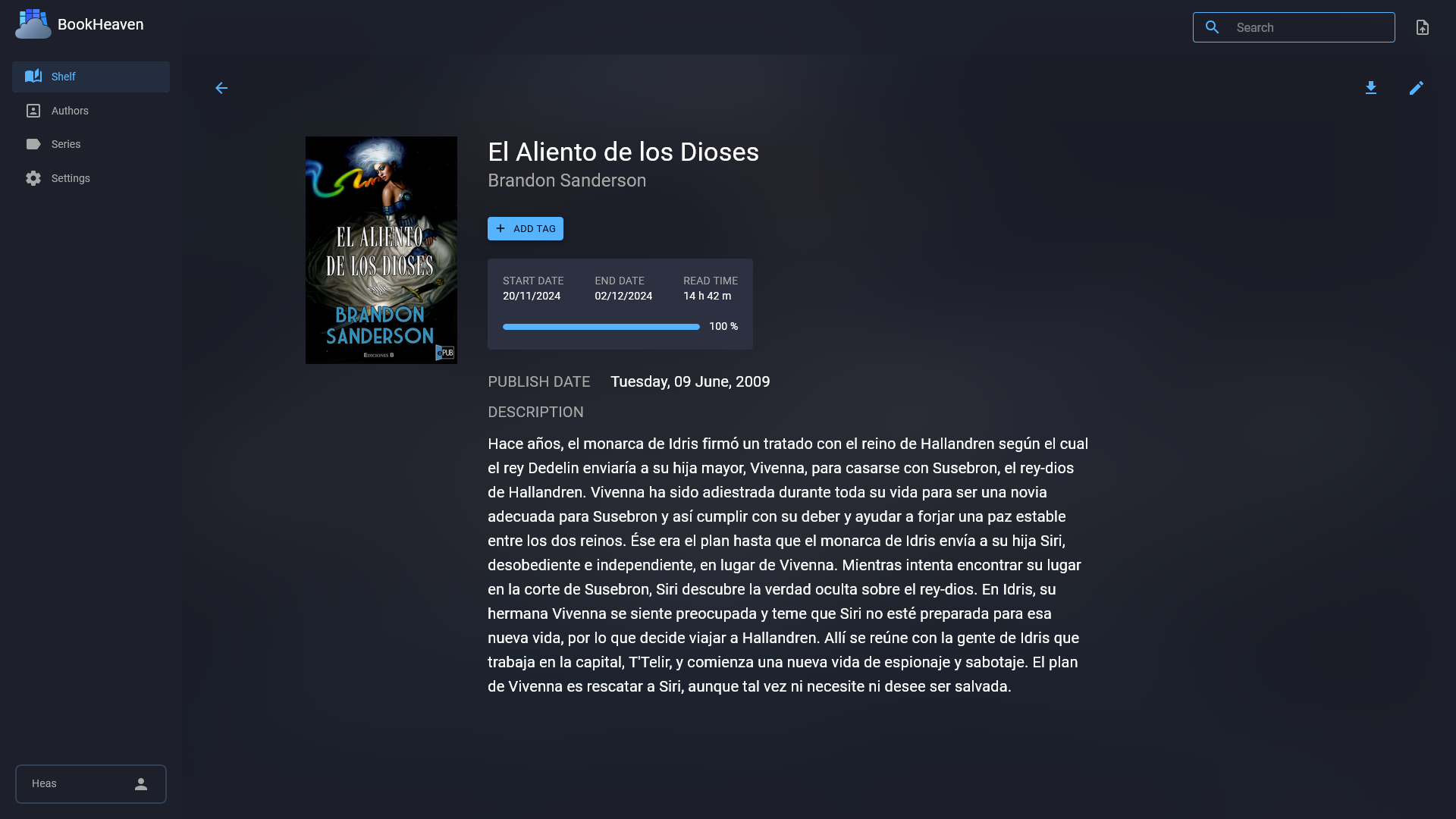
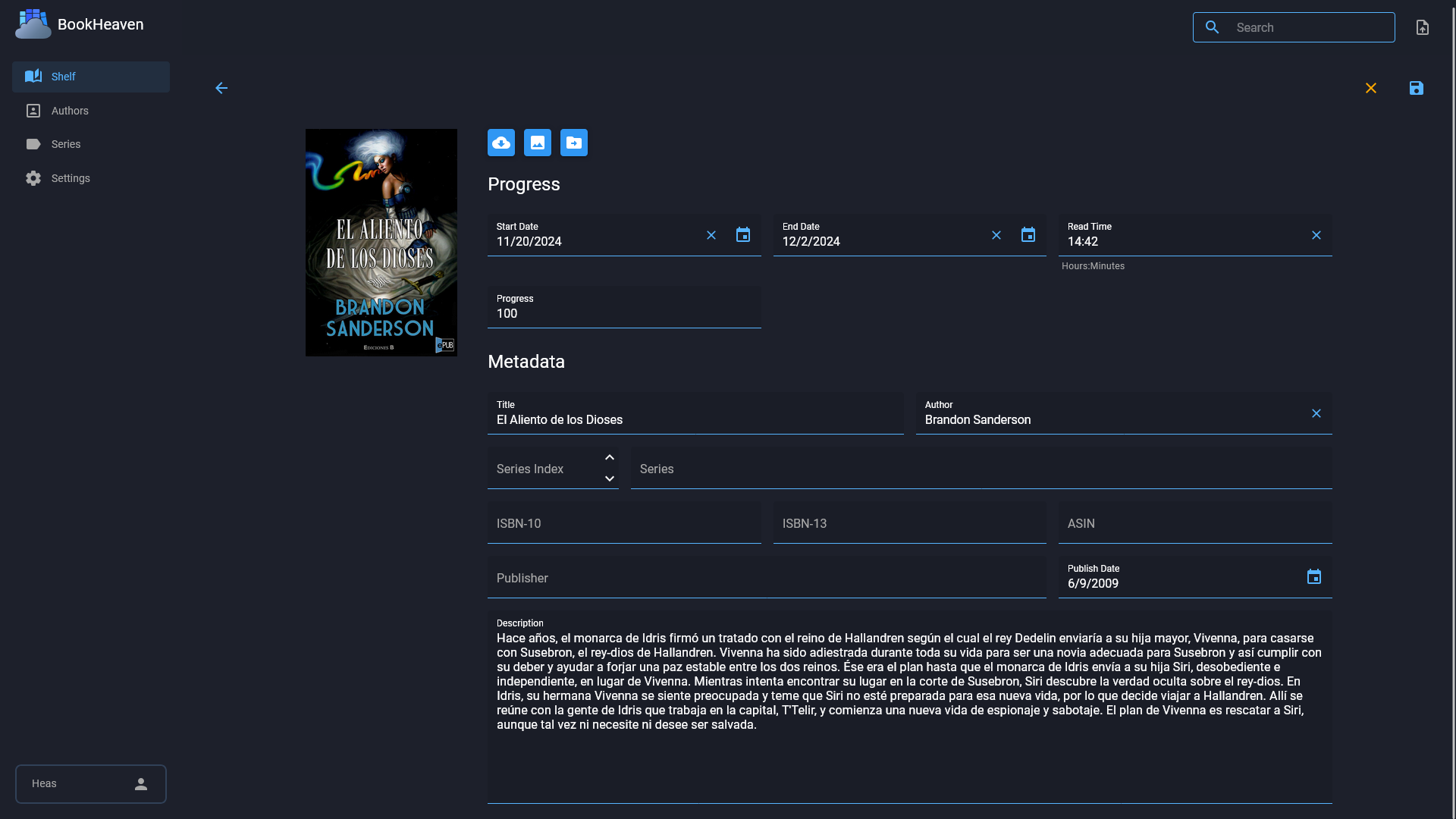
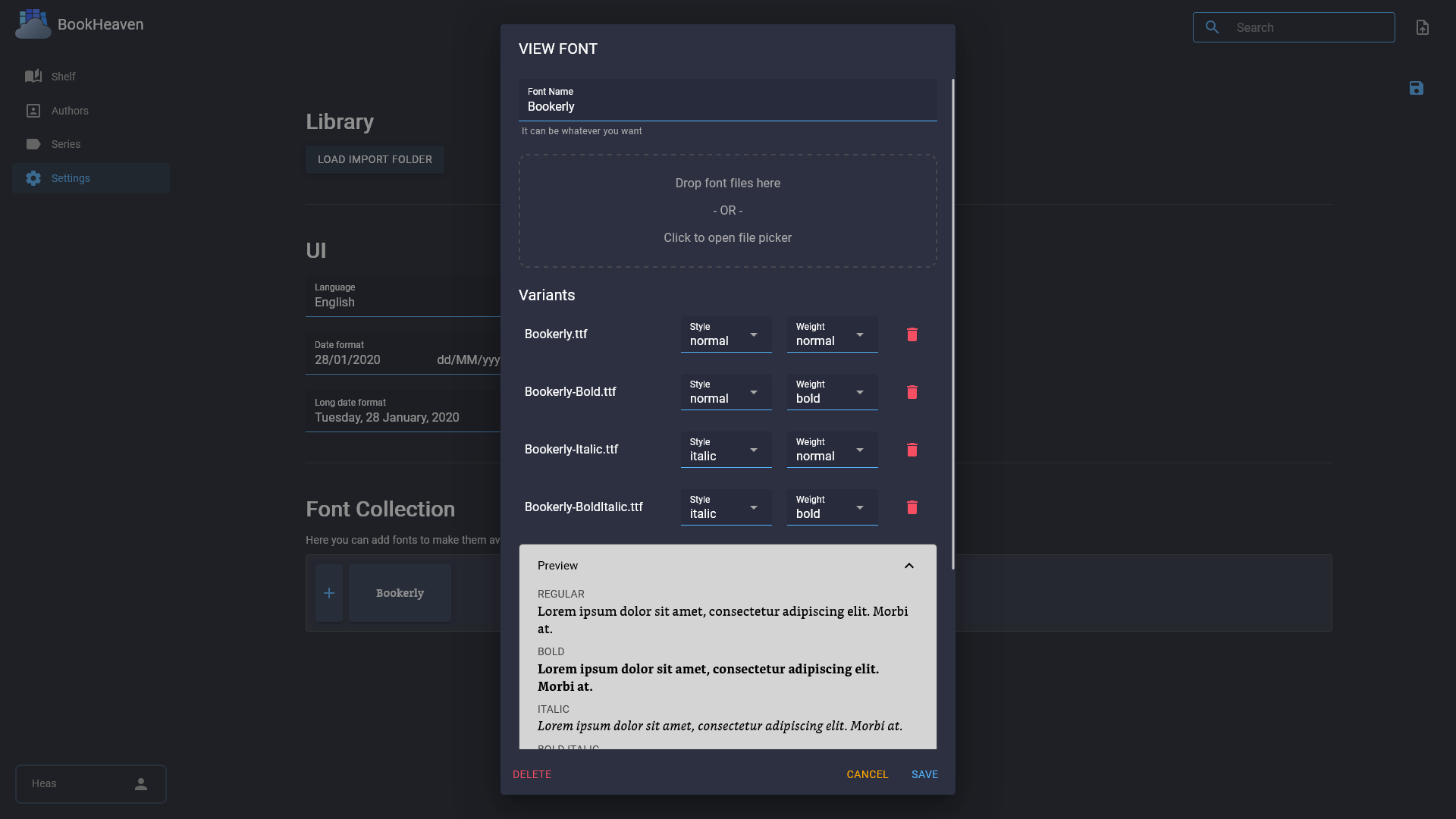
BookHeaven Server turns a scattered folder of EPUB files into a proper library you can browse, organize and read from anywhere, with your progress following you between devices. Import books by copying them into a watched folder or uploading them, and the server reads metadata straight from each file, grouping everything by author, series, collection and tag. When a title, author or cover is wrong, you fix it in the browser and the correction is written back into the EPUB itself, so edits survive even if the file moves elsewhere; missing covers can be fetched from the internet. Each person gets a profile with its own reading progress, including start date, last read date, percentage, elapsed time and finished date, and progress can also be corrected manually. Any OPDS reader app can browse and download from the built-in catalog at /opds/v1, while KOReader devices sync progress by pointing at your server and signing in with a profile name. Upload your favorite fonts once and every connected device can download them, with styles and weights mapped per file or split from a single font. The companion Android reader, built for e-ink screens, discovers the server automatically on your network and downloads books for offline reading. Running on a dedicated VPS on RepoCloud with guaranteed CPU, RAM, and SSD, full root SSH access, and a browser serial console. GPL-3.0 licensed.
Benefits
- Edits live inside the file
- Metadata and cover changes are written back into the EPUB itself, not a sidecar database, so your corrections travel with the book wherever the file goes next.
- Progress syncs across devices
- KOReader devices point at your server and sync with just a profile name, while every profile tracks start dates, percentages, elapsed time and finished dates separately.
- Every reader app welcome
- The built-in OPDS catalog at /opds/v1 feeds any compatible reader app, and the Android companion discovers your server automatically on the local network via UDP.
- One container, no database server
- A single Docker container on port 8080 with embedded SQLite and one data volume replaces a database stack, so the whole library runs comfortably on small hardware.
Features
- OPDS catalog feed
- Point any OPDS-compatible reader at /opds/v1 to browse authors, series and collections and download EPUBs directly to your device.
- KOReader sync server
- Works as a custom KOReader sync server: enter your server URL, use your profile name as the username, and reading progress follows your Kobo.
- Metadata written back
- Titles, authors, series, tags and covers are read from each EPUB on import and every edit is persisted into the file itself.
- Per-profile progress tracking
- Separate profiles keep each reader's start date, last read date, percentage, elapsed reading time and finished date apart, with manual correction when needed.
- Shared font library
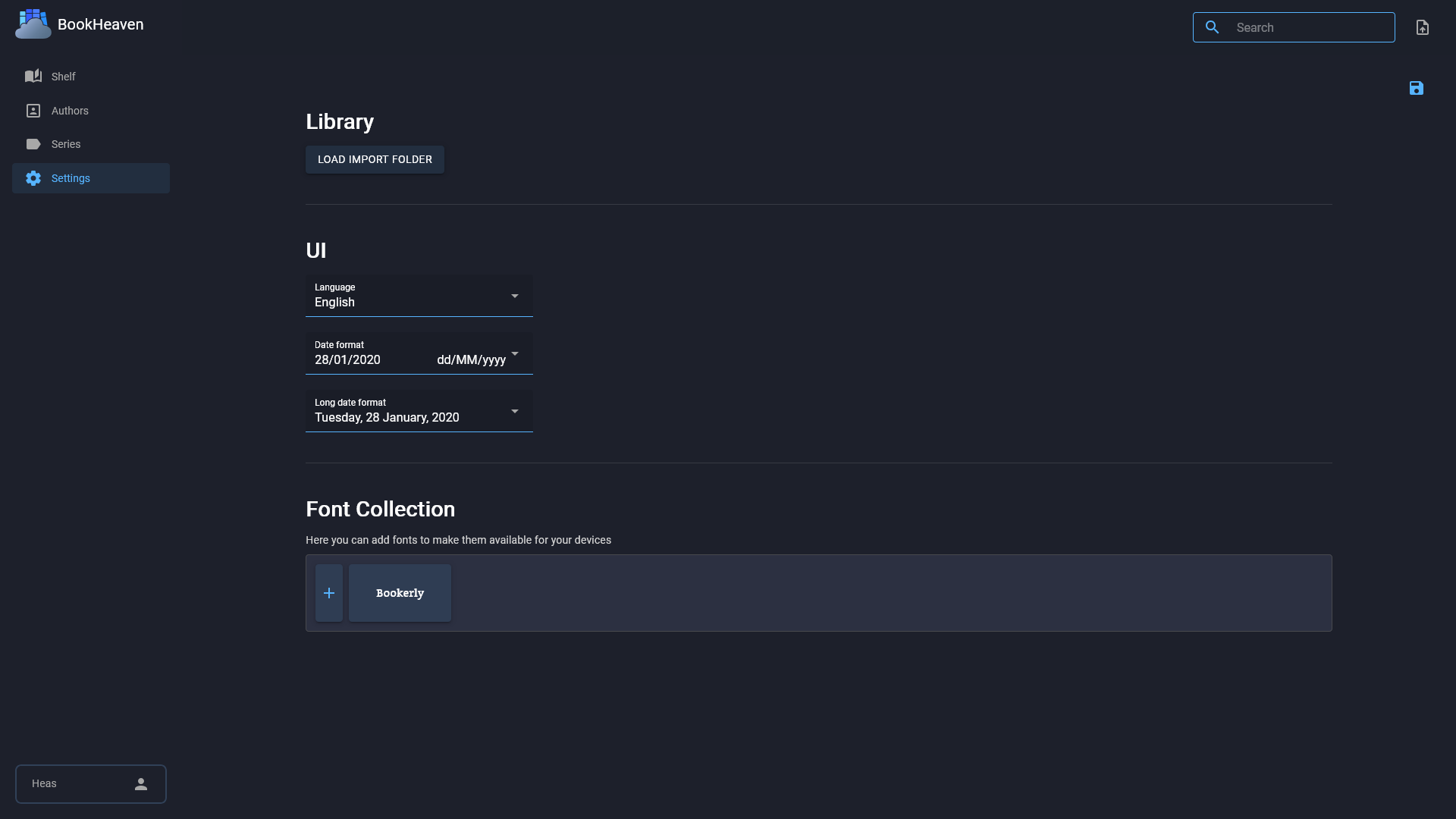
- Upload fonts in any mix of styles and weights and connected devices download them on demand, making e-ink reading look the way you want.
- Docker and Podman ready
- One GHCR container image maps port 8080 and a data volume, with an optional watched import folder for dropping in new books.