Categories
Self-Hosted Developer Tools DevOps Automation CI/CD Containers Continuous Delivery Continuous IntegrationStars
Forks
Watchers
Developer links
Concourse
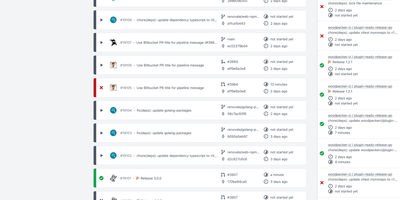
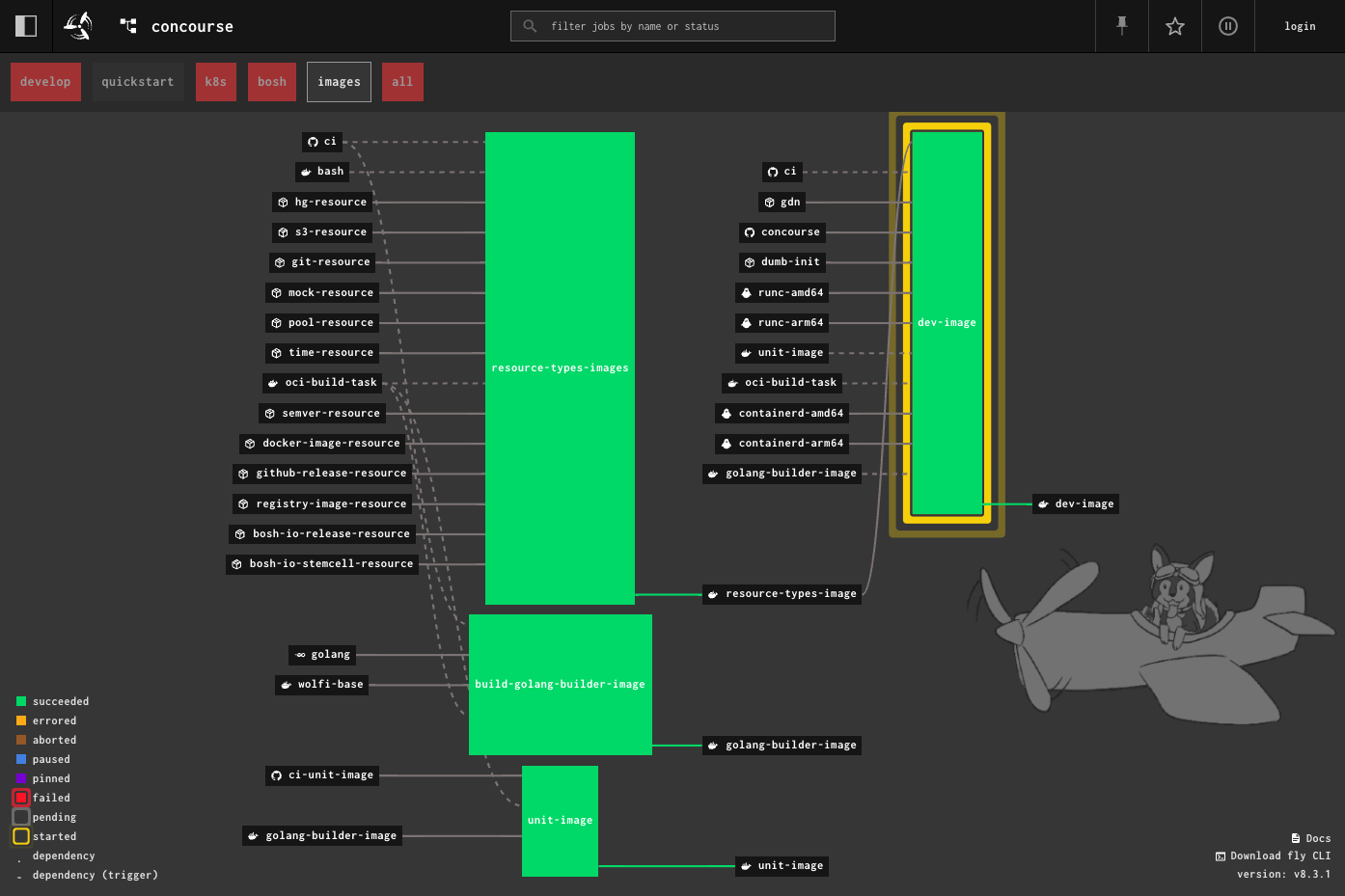
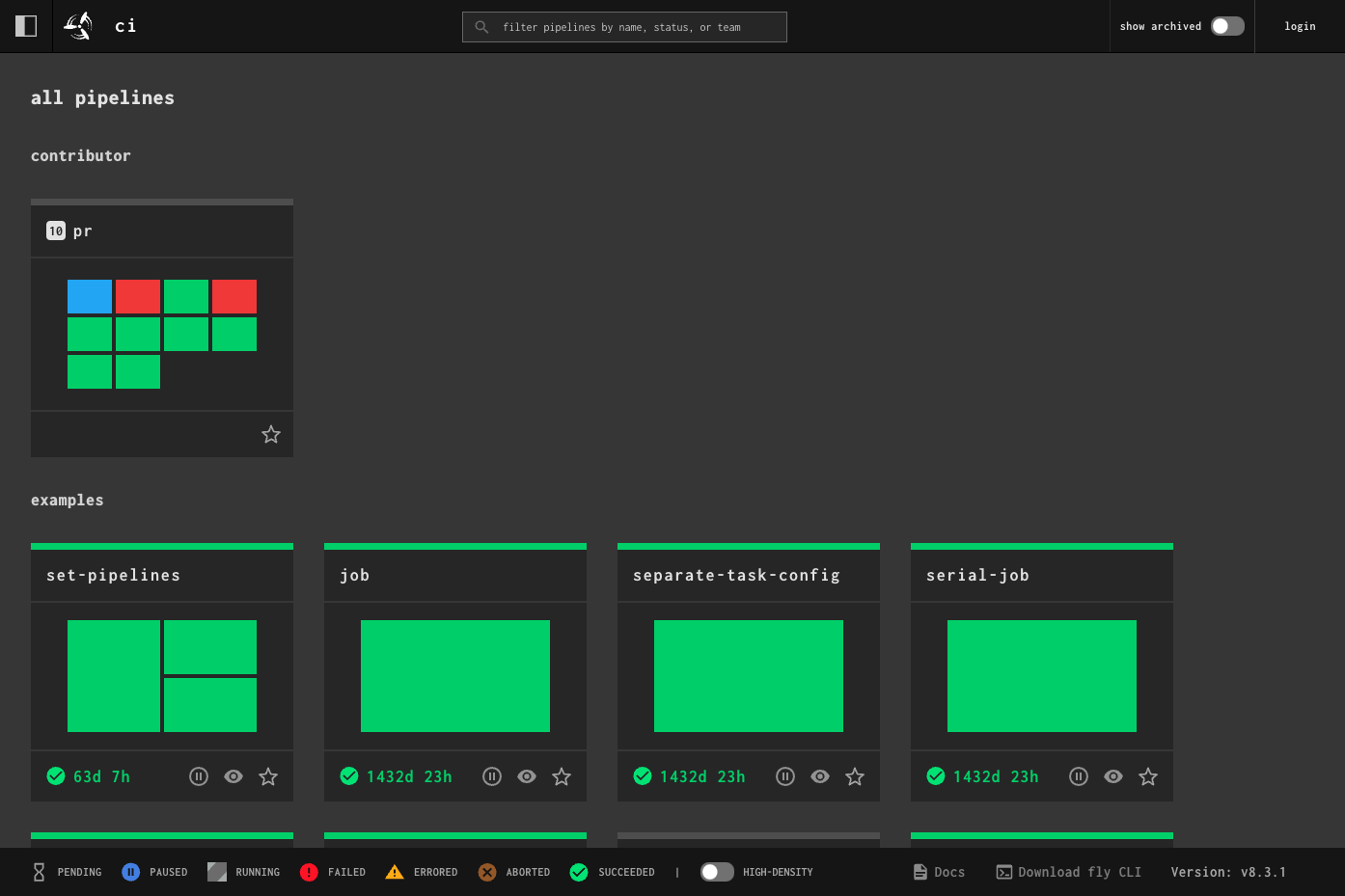
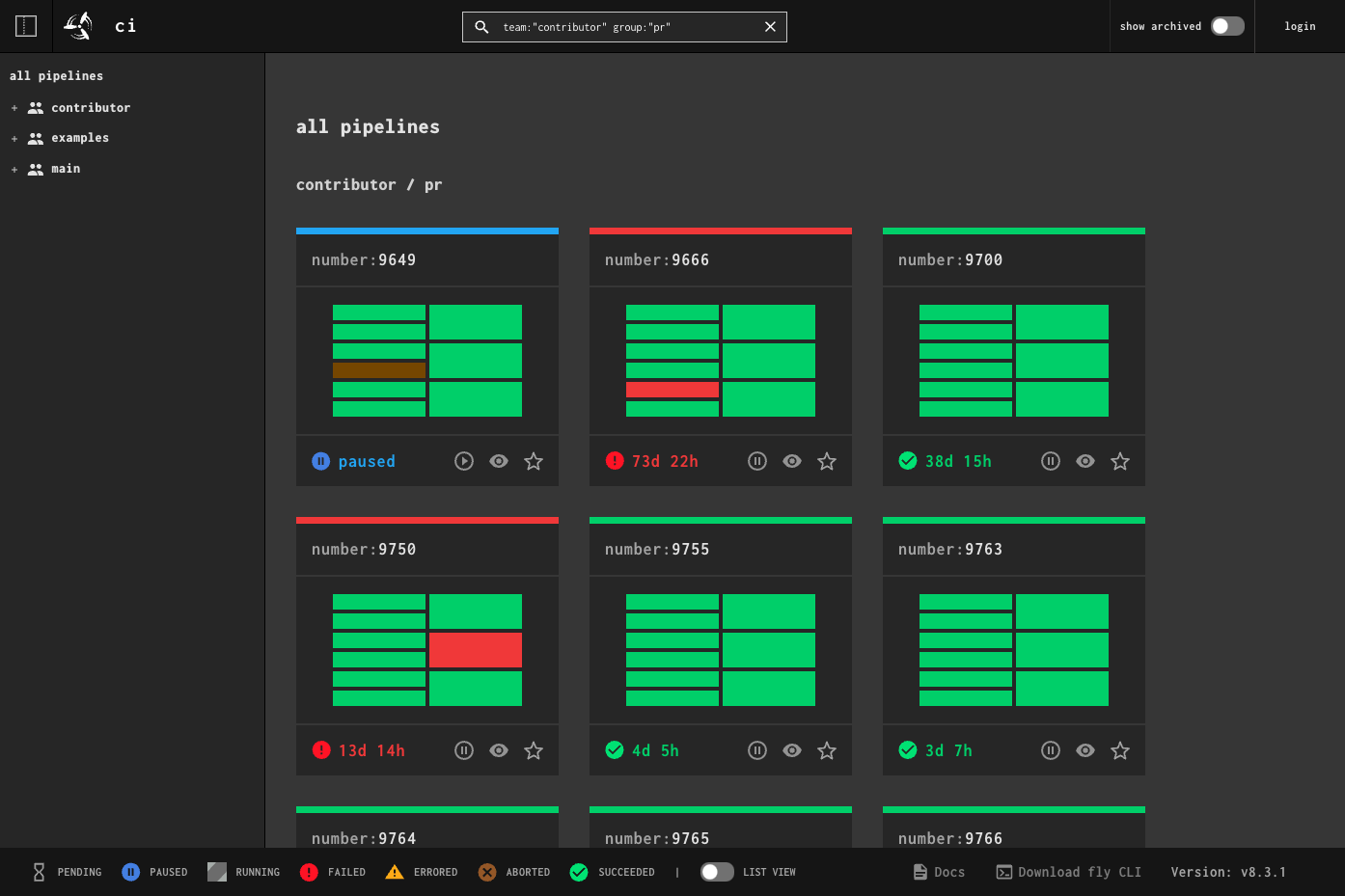
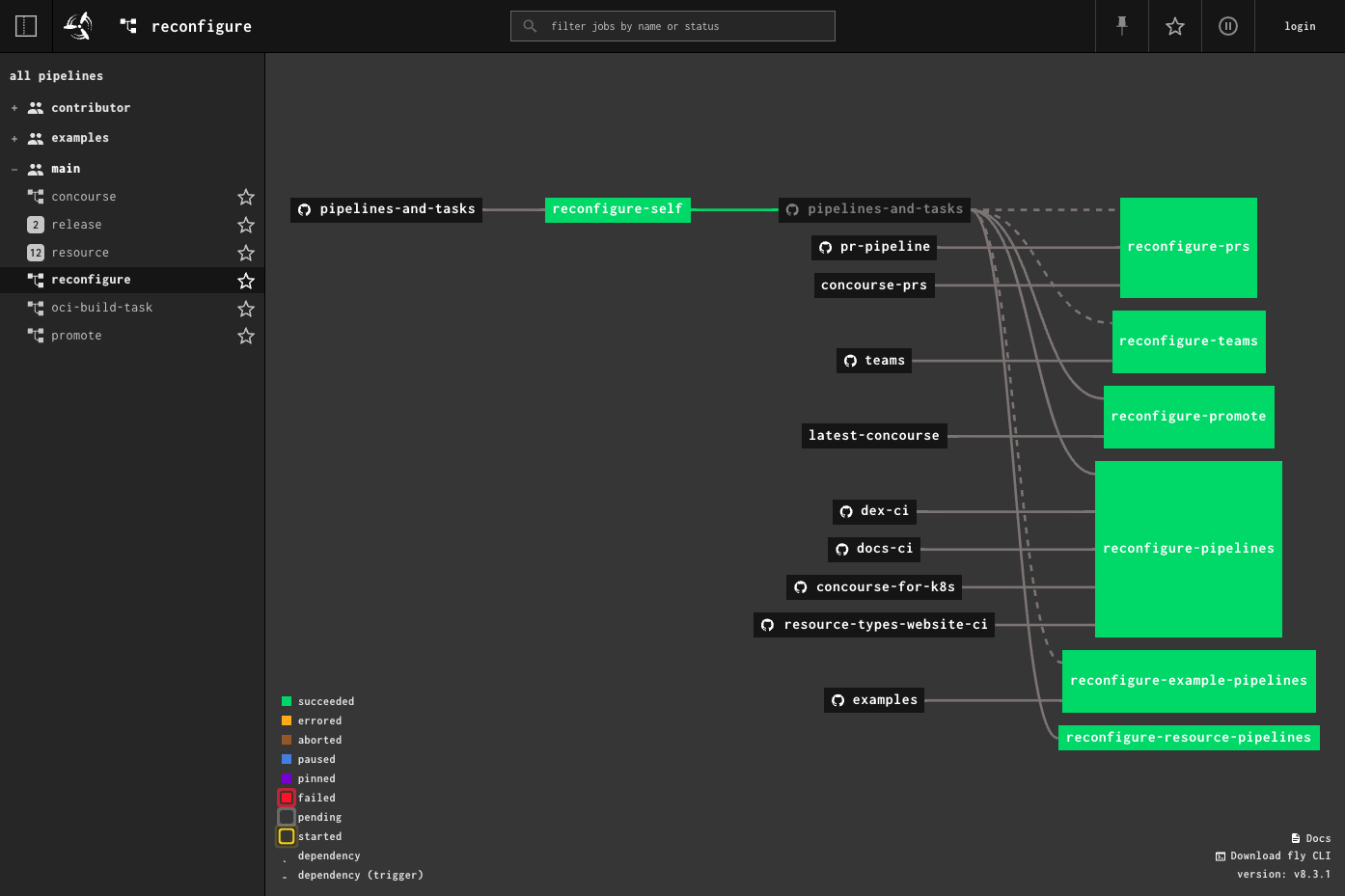
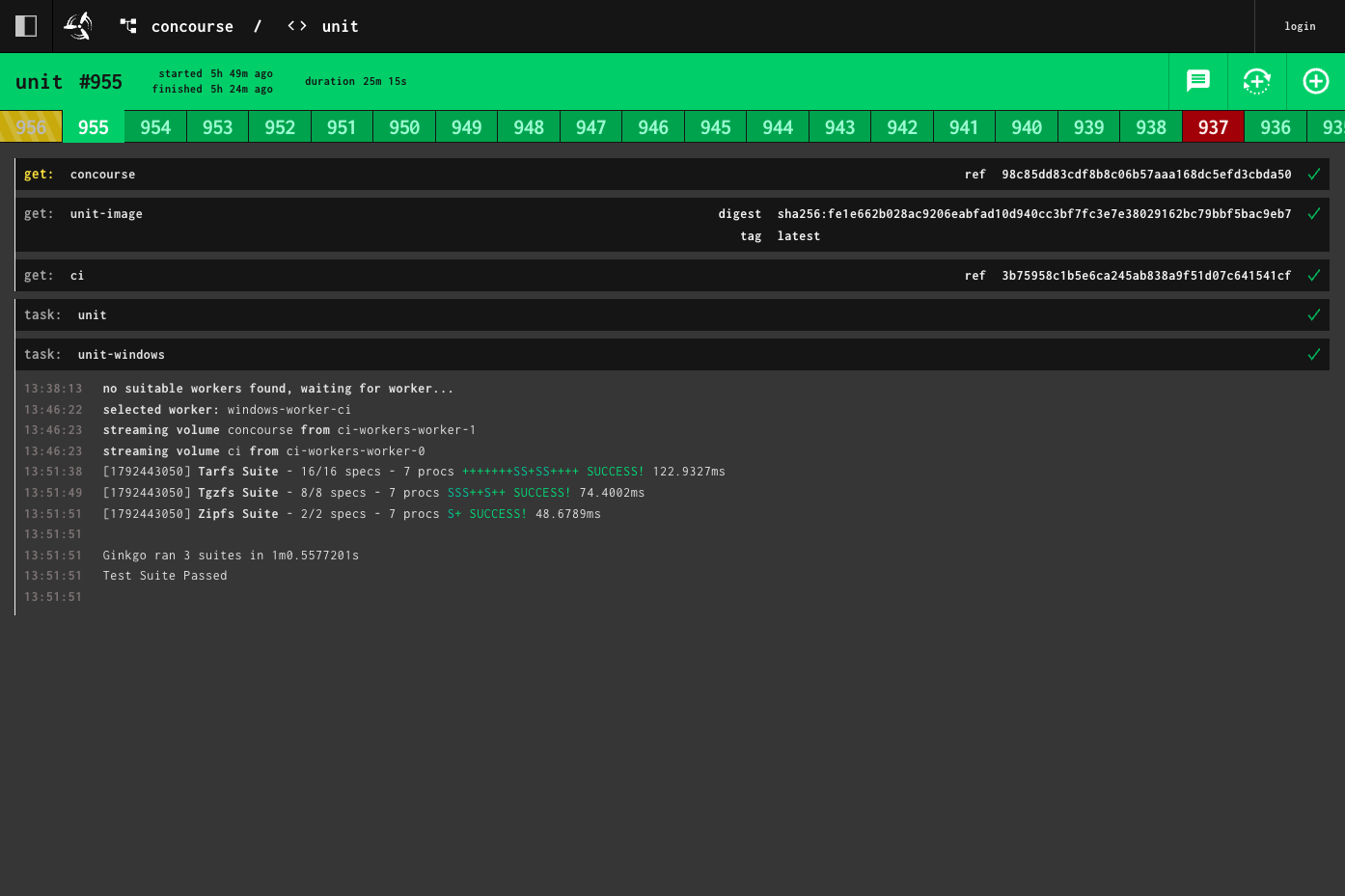
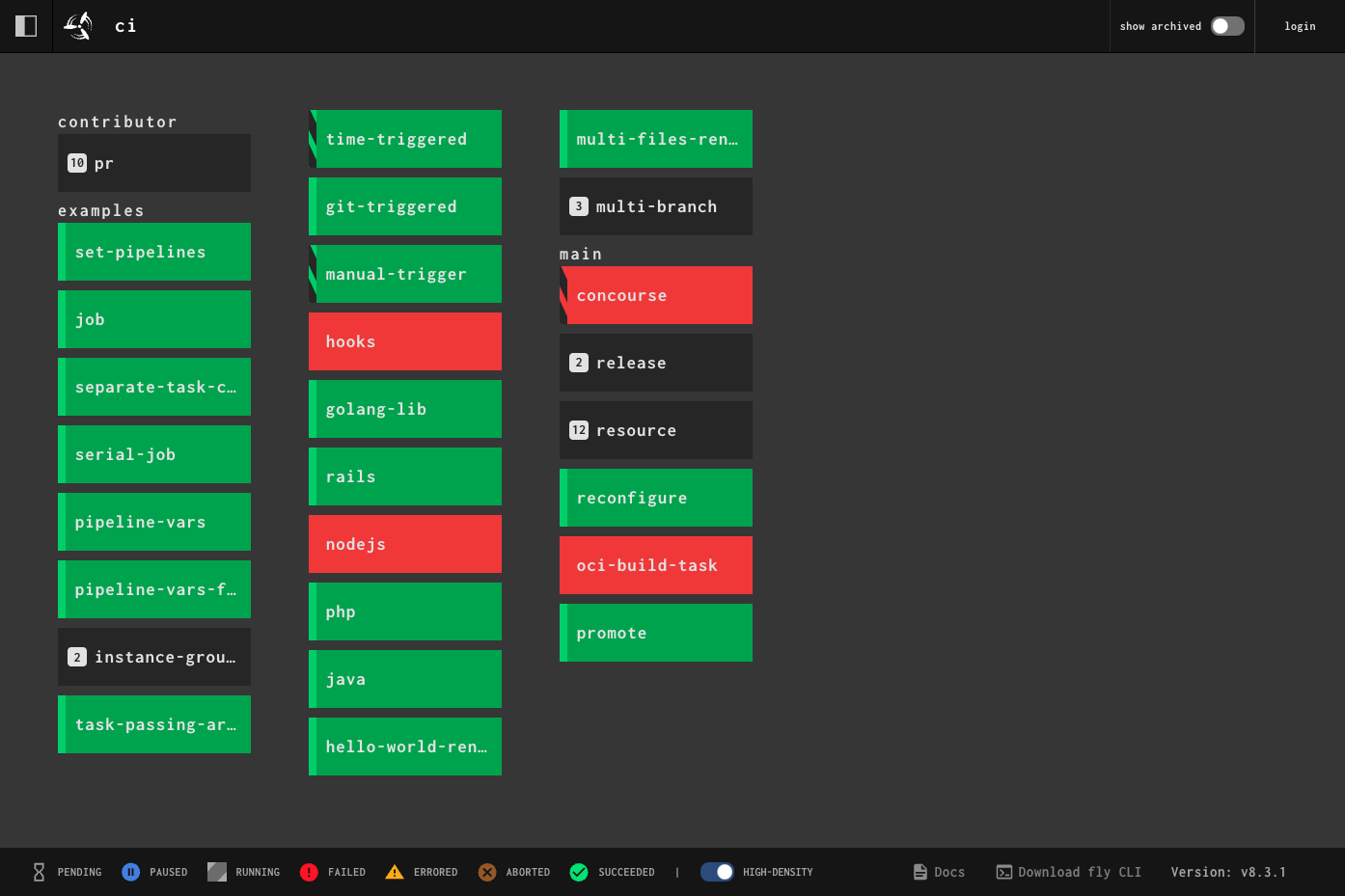
When a commit lands, a timer fires, or a pull request opens, Concourse runs the matching jobs in fresh containers and draws the entire CI/CD pipeline as a live graph you can read at a glance. Pipelines are plain YAML files that tie resources such as git repositories, registries, and buckets to jobs made of get, put, and task steps, so the same file behaves the same on every installation. Resources are checked continuously for new versions, webhooks can request an immediate check, and a version can be pinned when something needs to stay put. The dashboard lists every pipeline by team with status colors, a filter box, favorites, and a high-density view, while build pages stream colored logs and let you rerun a build with the exact same inputs. The fly command line sets pipelines, runs one-off tasks against local files from your laptop, and opens a shell inside the container of a failed step. A set_pipeline step lets pipelines configure other pipelines, and instance vars create a family of related pipelines, such as one per pull request. Teams keep projects separate and can be tied to a GitHub organization, credentials arrive at run time from Vault, CredHub, AWS, or Kubernetes, and policy rules can block disallowed images. Running on a dedicated VPS on RepoCloud with guaranteed CPU, RAM, and SSD, full root SSH access, and a browser serial console. Apache-2.0 licensed.
Benefits
- Pipelines you can actually see
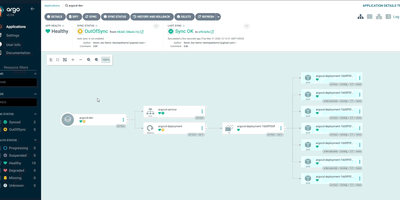
- Resources, jobs, and the dependencies between them are drawn as a graph with live status colors, so a failing job and the inputs feeding it are visible at a glance.
- Builds that match on every run
- Each get, put, and task step runs in its own container, and tasks bring their own image, so results never depend on tools someone installed on a worker.
- Debug failures from your terminal
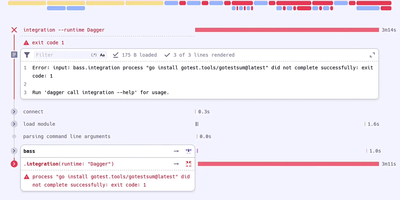
- Failed builds keep their containers until the next build starts, so fly intercept opens an interactive shell inside the failing step, and fly execute runs a task against your local files.
- Start small, add workers later
- A complete install is a web node, a worker node, and PostgreSQL. Docker Compose or the Helm chart gets one running, and placement strategies spread containers across more workers.
Features
- Resources and Triggers
- Resources such as git, s3, registry-image, and time are checked continuously, with webhook-triggered checks, version pinning, and automatic job triggers when a new version appears.
- Dashboard and Build Pages
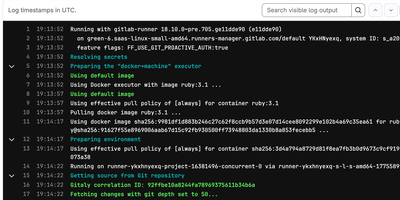
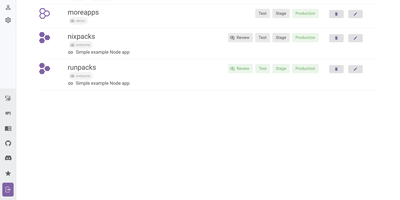
- A filterable dashboard groups pipelines by team with favorites, a sidebar, and a high-density view; build pages show step output, streaming colored logs, and reruns with identical inputs.
- The fly Command Line
- Log in to teams, set pipelines, watch builds, rerun or abort them, and intercept containers from a terminal; the fly binary downloads straight from the web UI.
- Self-Updating Pipeline Instances
- The set_pipeline step lets a pipeline update itself or others from a git repository, and instance vars create groups such as one pipeline per pull request or branch.
- Credentials and Policy Controls
- Credentials are resolved at run time from Vault, CredHub, AWS Secrets Manager, AWS SSM, Conjur, or Kubernetes, and Open Policy Agent rules can block disallowed images or privileged tasks.
- Metrics and Tracing
- Emit metrics to Prometheus, InfluxDB, Datadog, or NewRelic, and export experimental OpenTelemetry traces to Jaeger, Honeycomb, Google Cloud Trace, or an OTLP collector.