Stars
Forks
Watchers
Developer links
Input
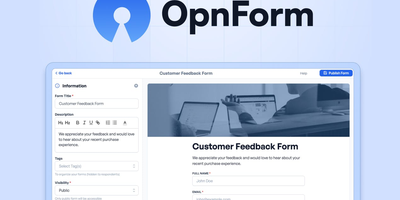
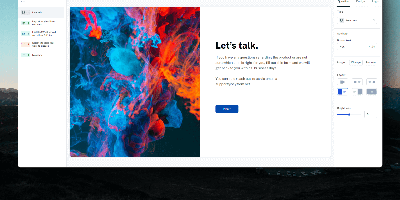
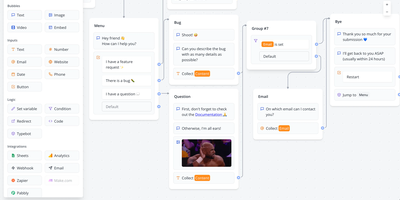
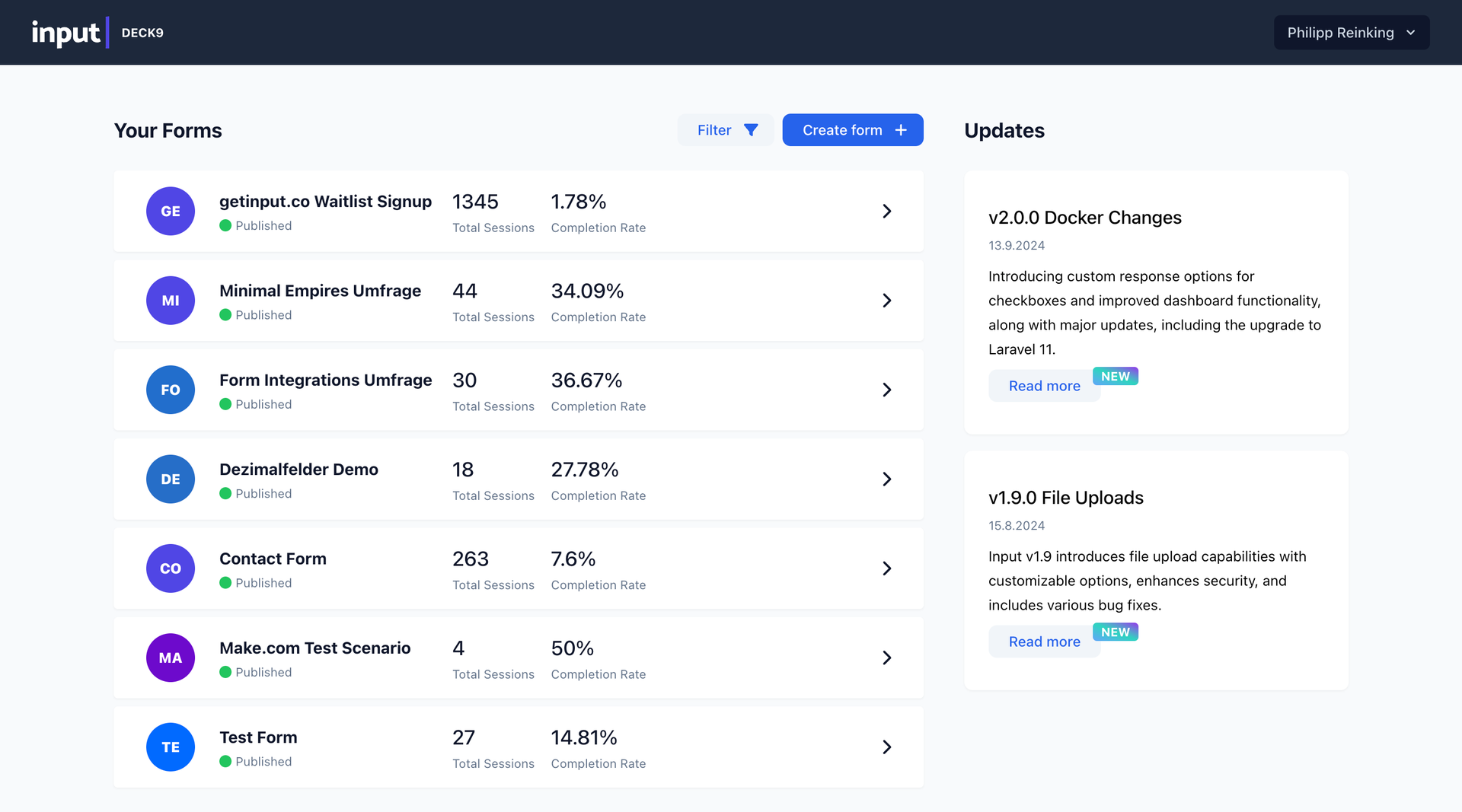
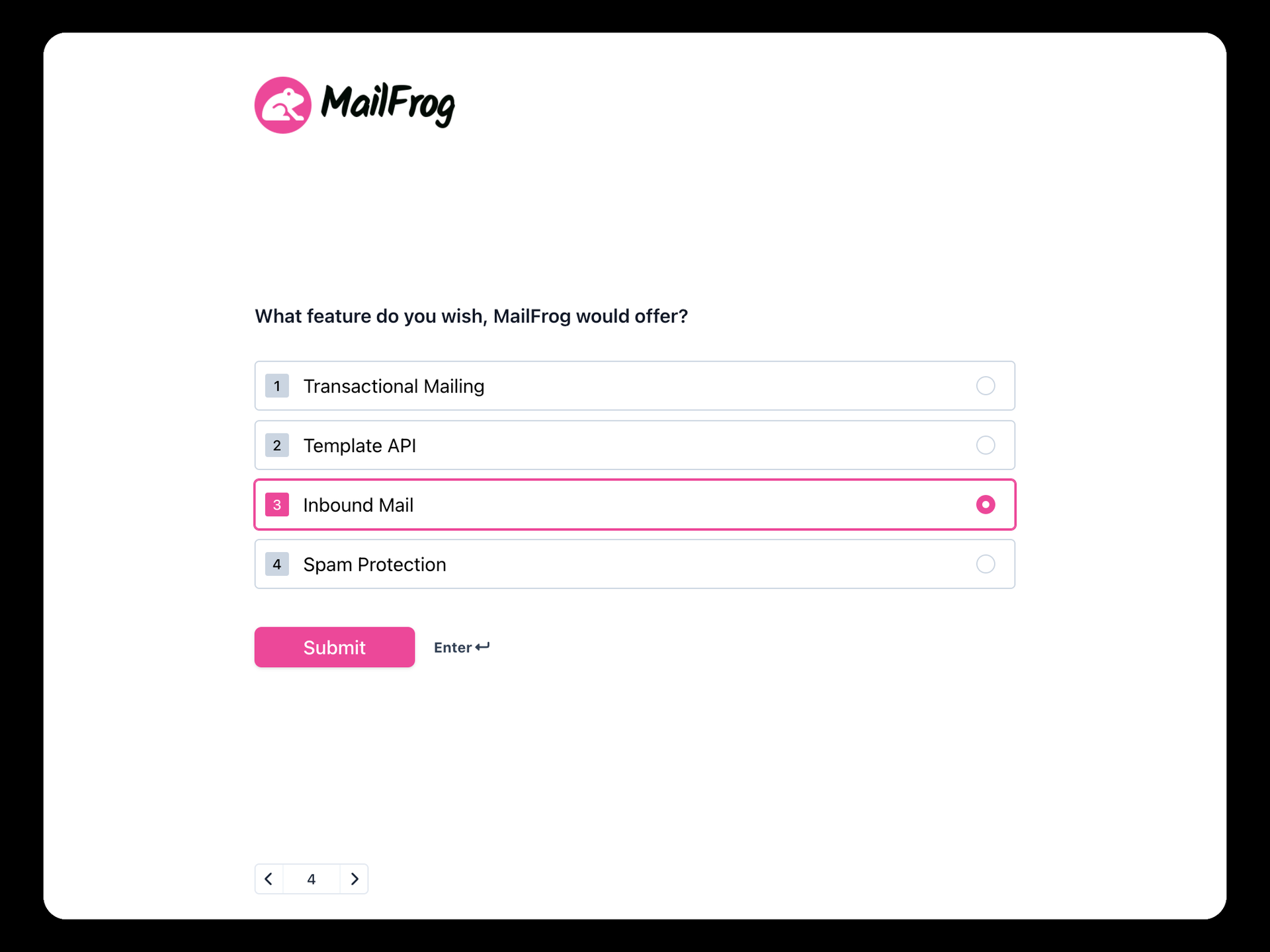
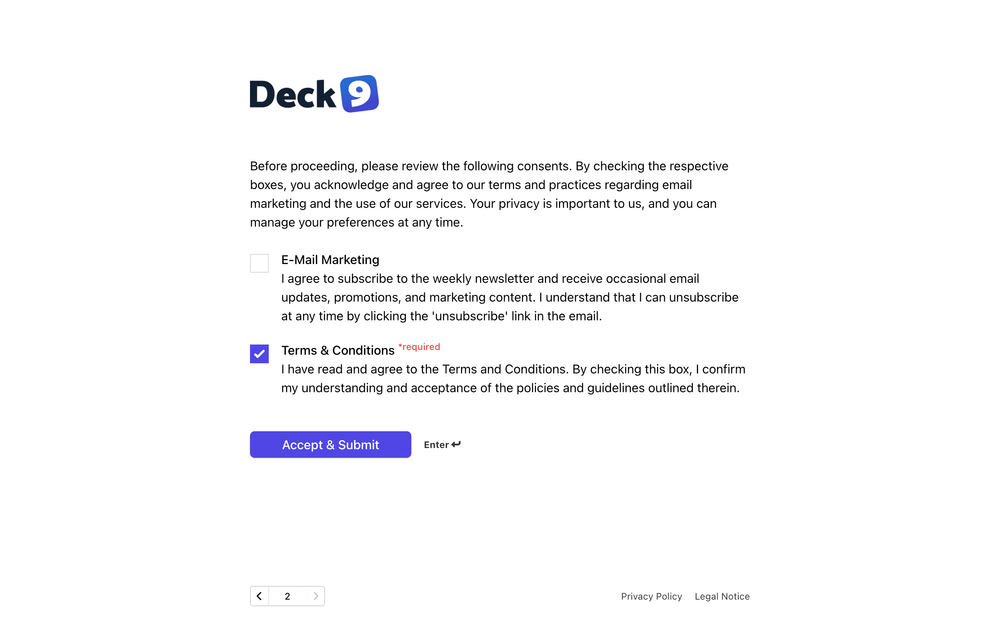
Input is a no-code form builder you host yourself, so the forms your customers answer and the data they submit stay on your infrastructure instead of a form vendor's cloud. Build in the drag-and-drop workbench by stacking blocks: short and long text, email, phone, number, date, checkboxes, multiple choice, rating, scale, file upload, link, secret, and consent fields, fifteen types in all. Conditional logic shows or hides blocks based on earlier answers, so a form can branch like a conversation instead of interrogating everyone with every question. Style the result in your brand colors and fonts until it looks like part of your site, then embed it on any page or share it directly. Respondents get a responsive form that adapts to desktop, tablet, and mobile, in multiple languages when your audience needs them. Submissions collect into a table view with one row per response and a summary view that charts choice distributions, common text answers, averages, and rating ranges, and everything exports to CSV for analysis elsewhere. Webhooks fire each submission as JSON to your other tools, with simplified setup for Make, and a custom completion page closes the loop with your message or a redirect. Consent fields and encrypted storage keep GDPR duties manageable, and unlimited forms and responses come standard because the server is yours. Running on a dedicated VPS on RepoCloud with guaranteed CPU, RAM, and SSD, full root SSH access, and a browser serial console. AGPL-3.0 licensed.
Benefits
- Forms without the vendor
- Self-hosting puts form processing and collected responses on your own server with unlimited forms and responses, ending per-response pricing and third-party custody of customer data.
- Branded like your site
- Colors, fonts, and design elements adjust until each form matches your brand identity, so respondents experience your business rather than a form builder's template.
- Submissions you can analyze
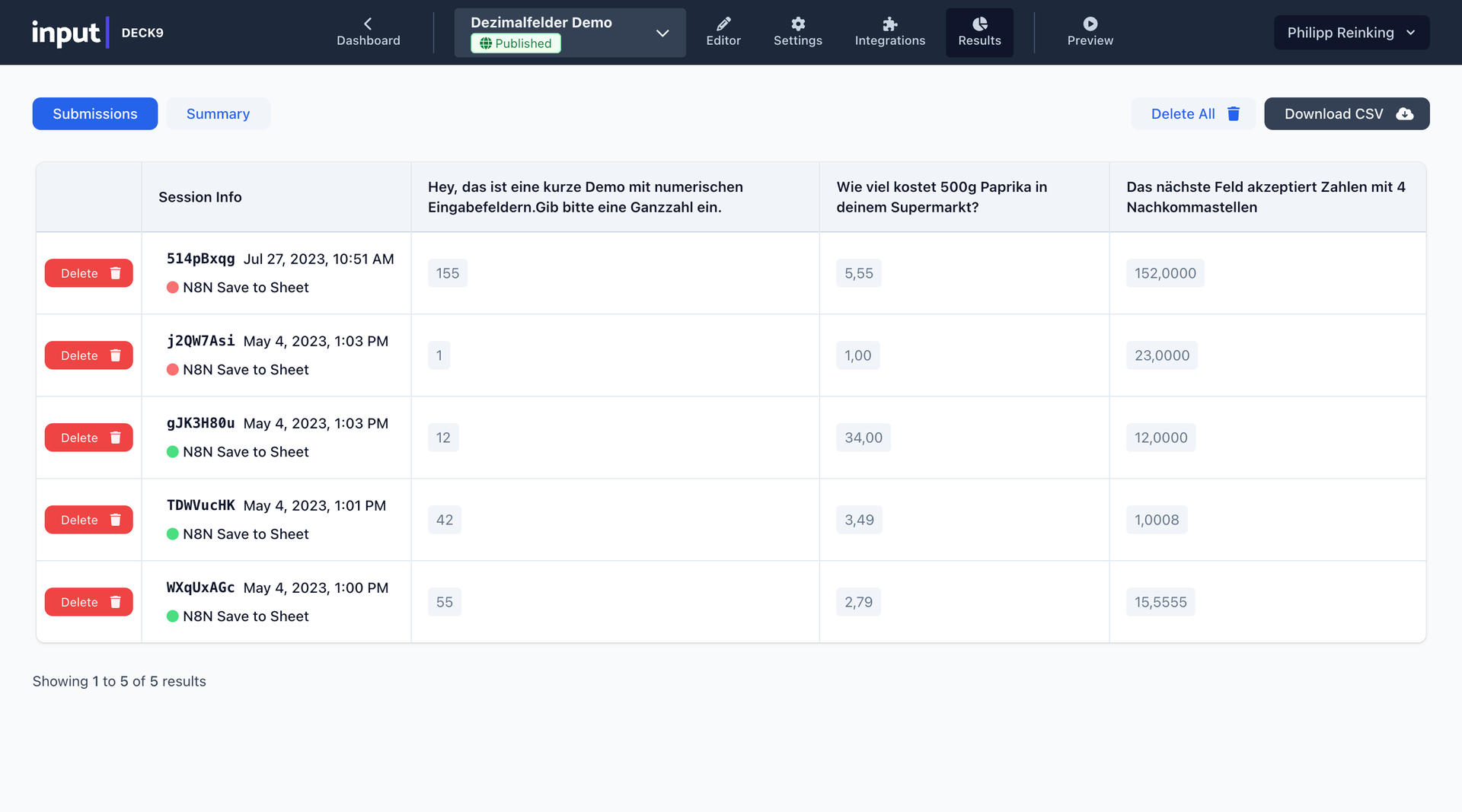
- The table view lists every response with timestamps and IDs, the summary view charts distributions and averages, and CSV export carries the data into any analysis tool.
- Privacy duties built in
- Consent input fields support GDPR transparency at the point of collection, and encrypted storage protects sensitive responses while they sit in your database.
Features
- Drag-and-drop workbench
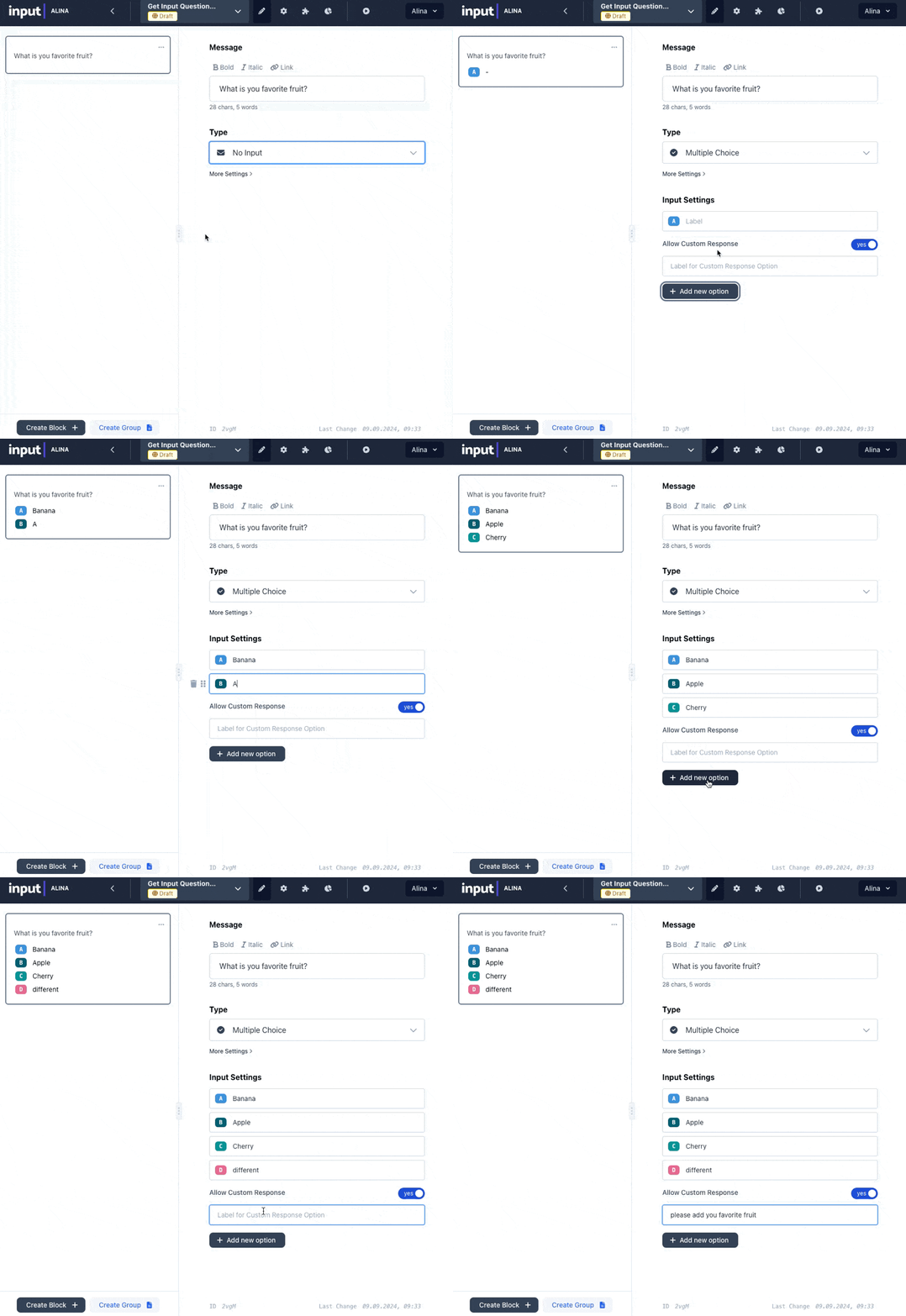
- Forms assemble from blocks with conditional logic that shows or hides questions based on earlier answers, requiring no programming knowledge to build or edit.
- Fifteen input types
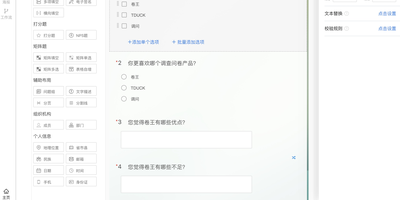
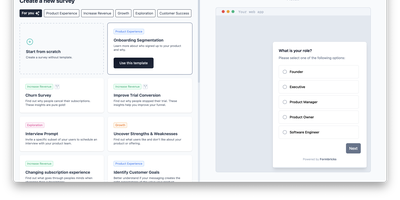
- Short and long text, email, phone, number, date, checkboxes, multiple choice, rating, scale, file upload, link, secret, and consent blocks cover most form needs.
- Webhooks and Make
- Each submission posts as JSON to your webhook endpoints in real time, with simplified Make setup connecting forms to hundreds of other applications.
- Summary analytics view
- Aggregated views show response distributions with graphs, common text responses, numerical averages and ranges, and average ratings with visual indicators per form.
- Embeds and completion pages
- Forms embed into any website, adapt responsively to every screen size, support multiple languages, and end on custom completion pages with your message or redirect.