Stars
Forks
Watchers
Developer links
Litpage
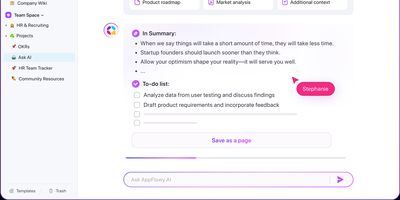
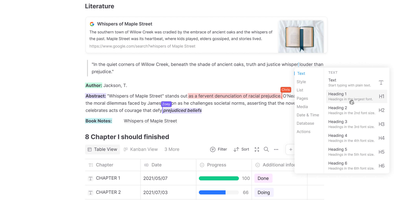
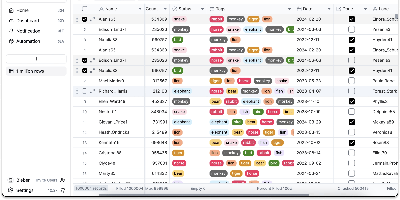
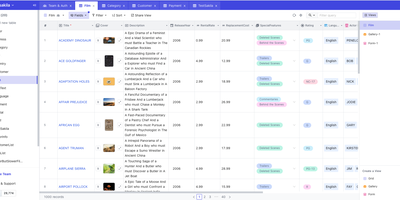
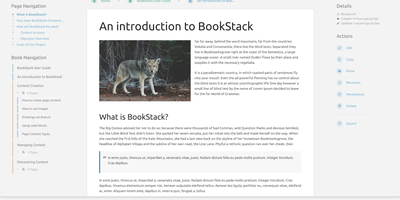
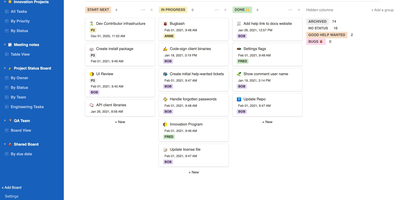
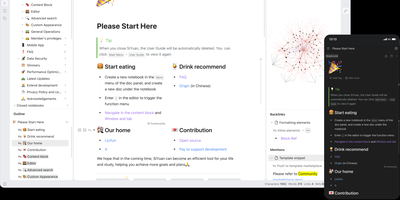
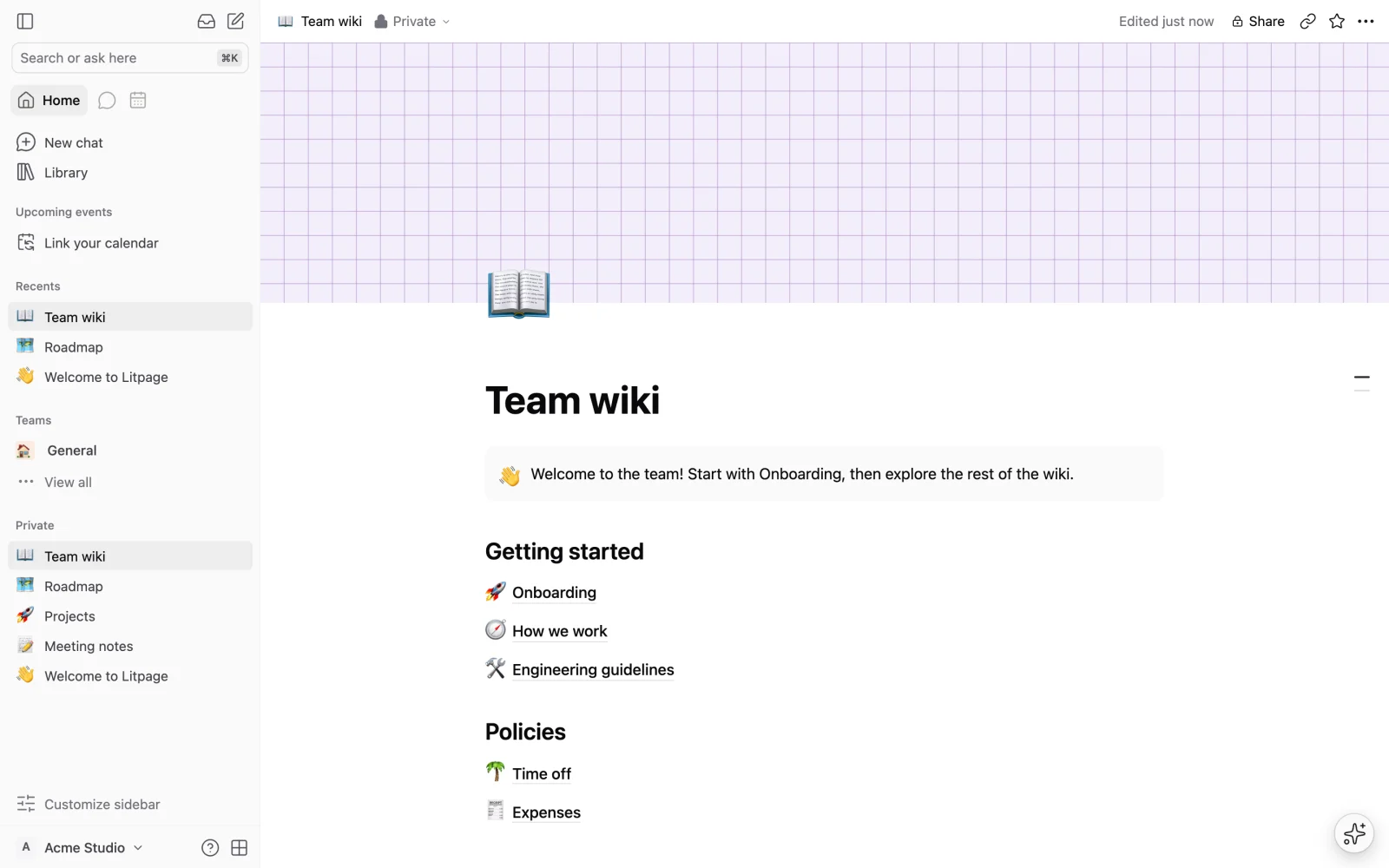
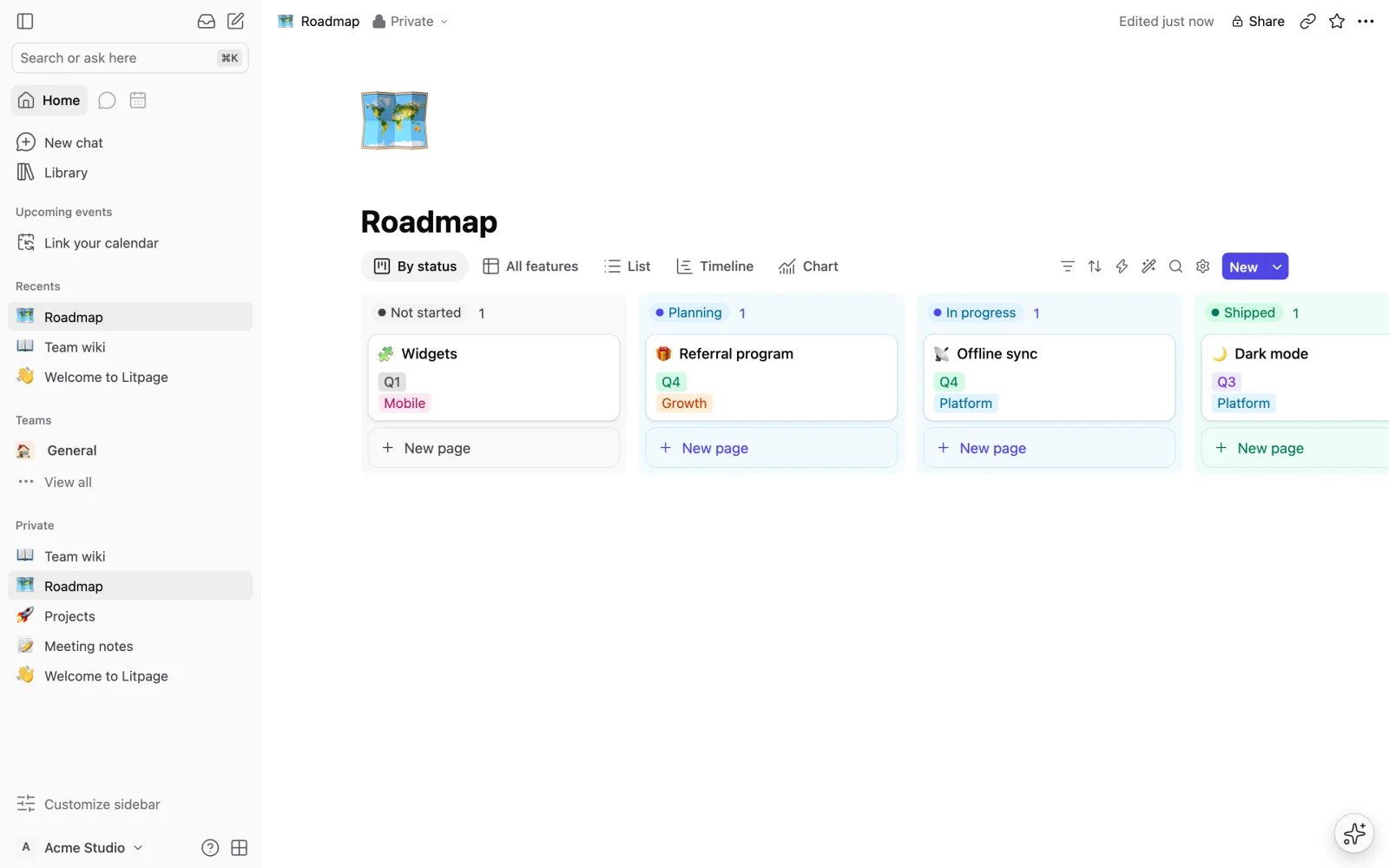
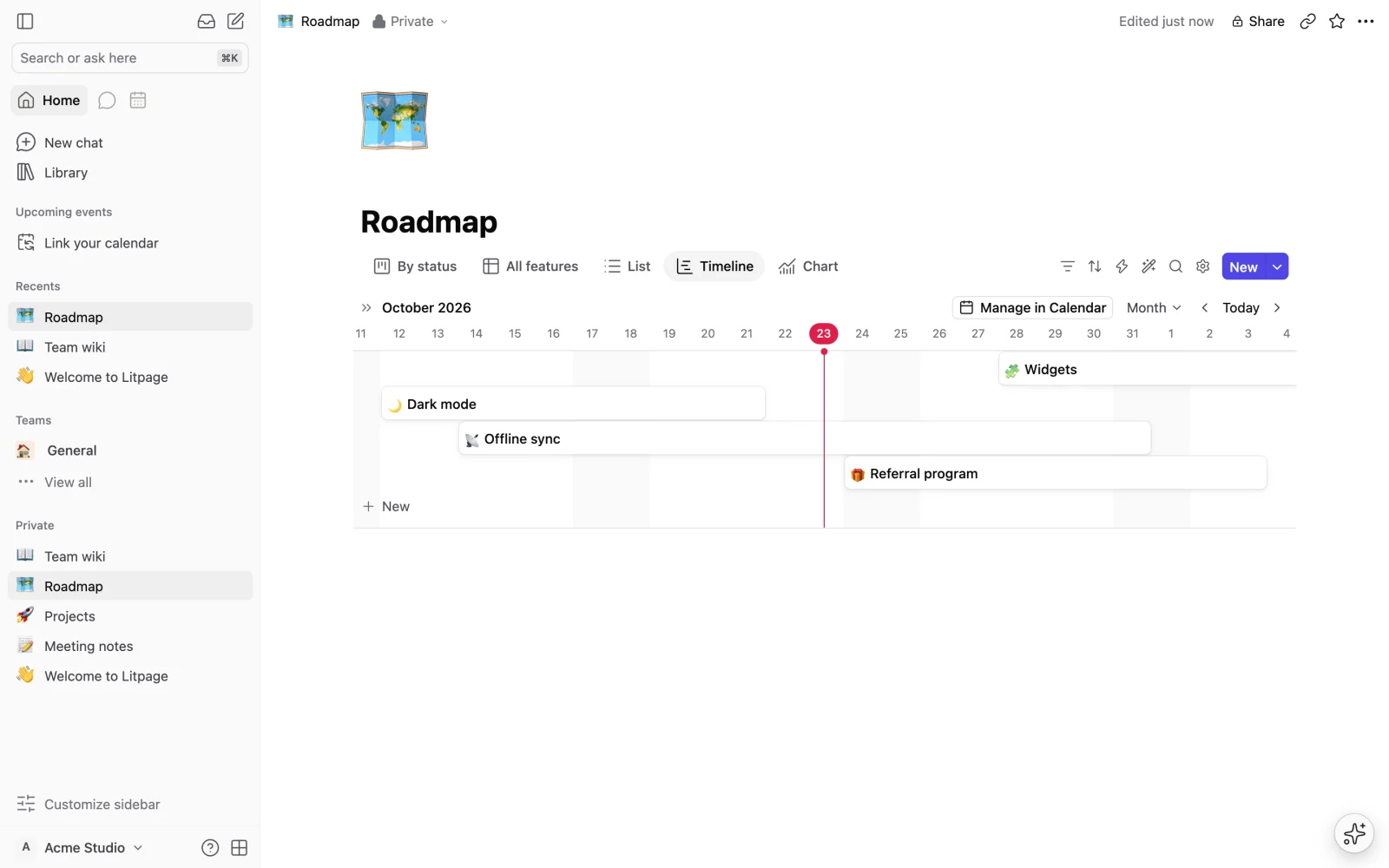
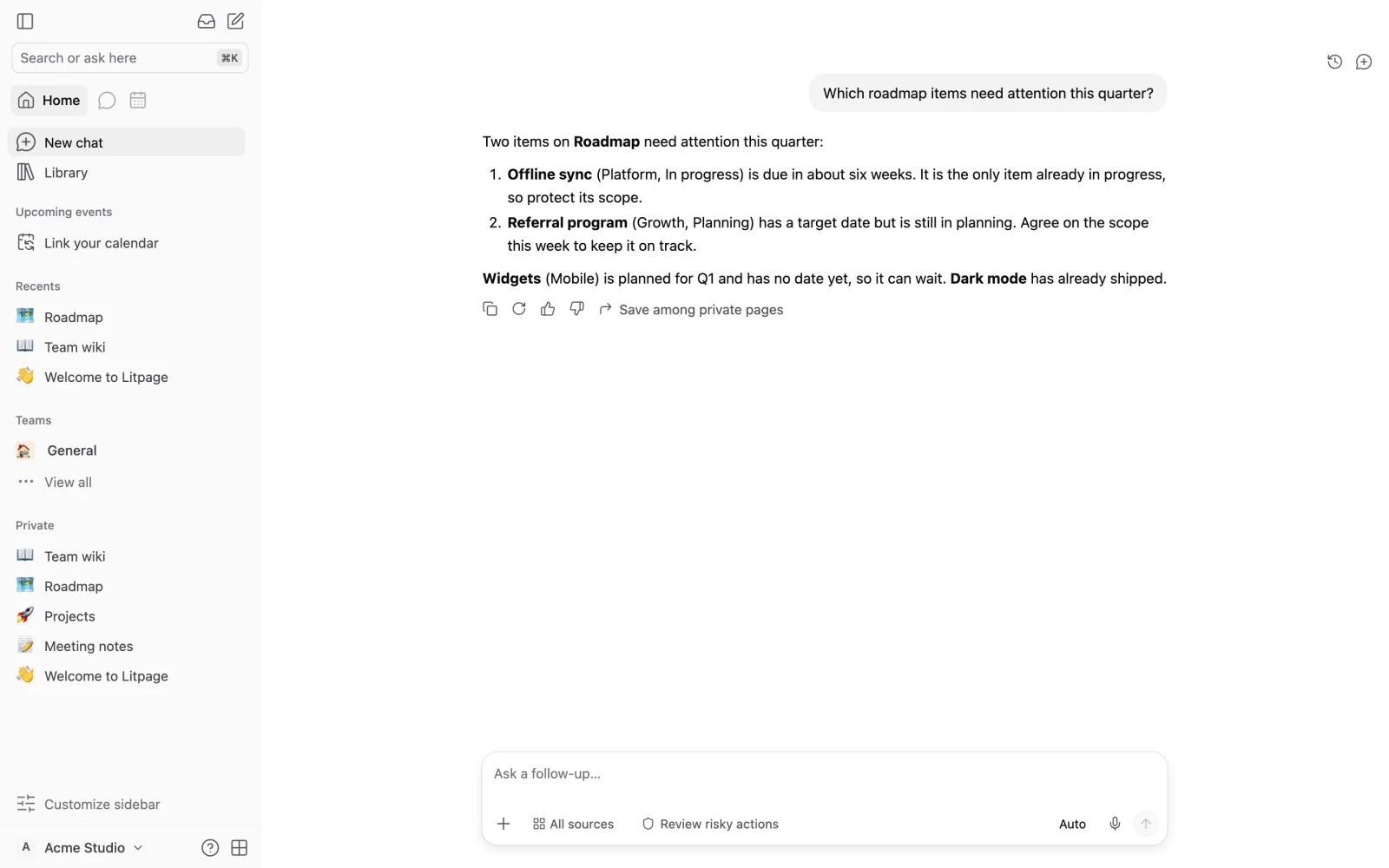
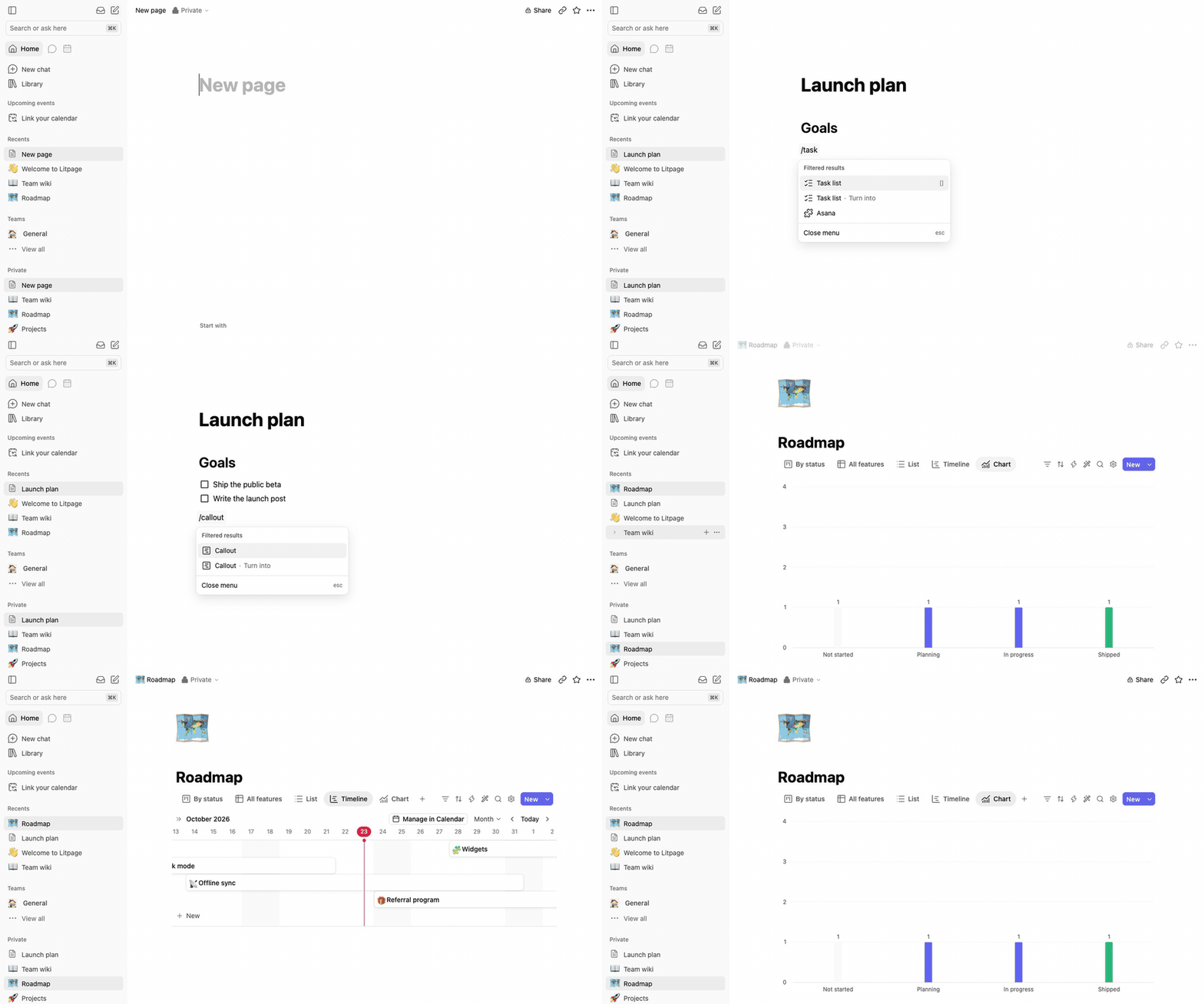
A project brief and the task board tracking it belong together, and Litpage keeps pages, databases, and team discussion in one self-hosted workspace instead of scattering them across subscriptions. Write in a block editor with 41 block types, a slash menu, markdown shortcuts, drag and drop, mentions, equations, and highlighted code blocks. The same data becomes a table, board, list, gallery, calendar, timeline, chart, dashboard, feed, form, or map, with typed fields, formulas, relations, and rollups underneath. Automations and buttons turn those databases into working tools, while templates keep repeated projects consistent. Teammates edit together live, comment, suggest edits, and revisit version history, with page-level and field-level permissions deciding who sees what. Pages can be shared publicly or published as sites, and Markdown, CSV, HTML, Word, and PDF files import into the tree. Optional AI runs on the provider and key you configure: chat that searches your workspace, custom agents on schedules or triggers, writing help, database autofill, and meeting-note summaries. Administrators get member and guest management, security policies, an audit log, analytics, passkeys, and two-step verification. A REST API with personal tokens, webhooks, and an MCP endpoint open everything to your other tools. Running on a dedicated VPS on RepoCloud with guaranteed CPU, RAM, and SSD, full root SSH access, and a browser serial console. MIT licensed.
Benefits
- Docs and data together
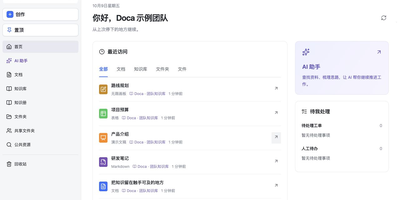
- Pages, a block editor, and databases live in the same tree, so a project brief and its task board sit side by side instead of drifting apart across separate subscriptions and logins.
- One process, one file
- The whole application is a single Node.js process with one SQLite database and one folder for files. There is no Postgres, Redis, or queue to install, secure, back up, or upgrade.
- Collaboration with real permissions
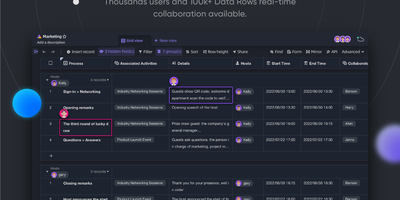
- Live multi-user editing, comments, suggested edits, and version history come with teams, public sharing, published sites, and page-level plus field-level permissions for guests and sensitive content alike.
- AI on your terms
- Chat, custom agents, writing help, and database autofill run on the OpenAI or Anthropic key you configure, and every non-AI feature keeps working if you never add a key at all.
Features
- 41 block types
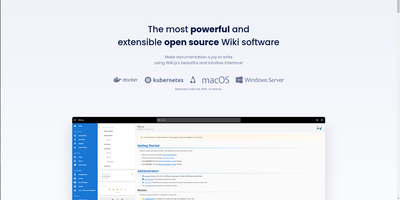
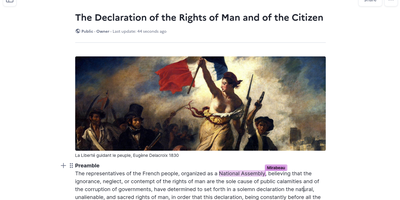
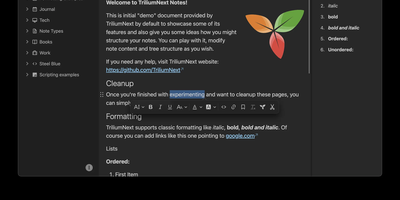
- The editor combines a slash menu, markdown shortcuts, drag and drop, mentions, equations, embeds, and highlighted code blocks with comments, suggested edits, and full version history.
- Twelve database views
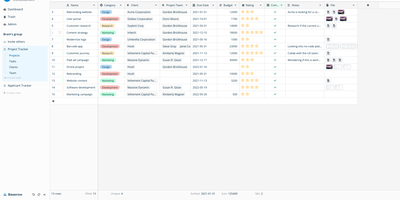
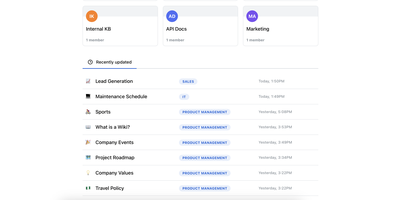
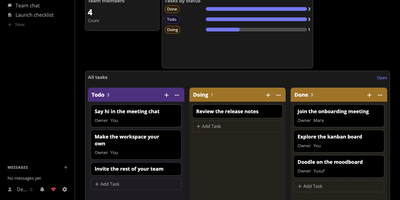
- Table, board, list, gallery, calendar, timeline, chart, dashboard, feed, form, and map views render the same typed data with filters, sorts, groups, formulas, relations, and rollups.
- Automations and buttons
- Database automations, action buttons, templates, and unique IDs turn stored rows into repeatable workflows, while field-level access rules decide exactly which roles can read or change each column.
- API, webhooks, MCP
- A REST API with personal access tokens, outgoing webhooks, and an MCP endpoint for AI clients expose pages and databases to scripts, integrations, and agent tooling you control.
- Admin and security
- Workspace settings, members and guests, security policies, an audit log, analytics, passkeys, and two-step verification give administrators oversight without a separate management product.