Categories
self-hosted docker jellyfin emby media library nfo generator metadata scraper file organizerStars
Forks
Watchers
Developer links
MDCz
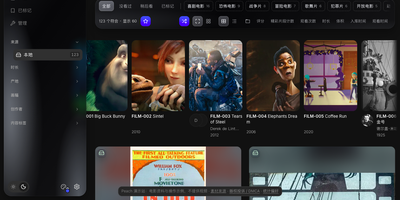
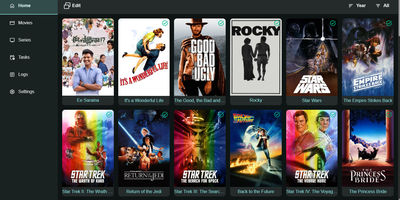
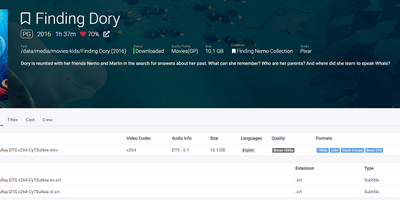
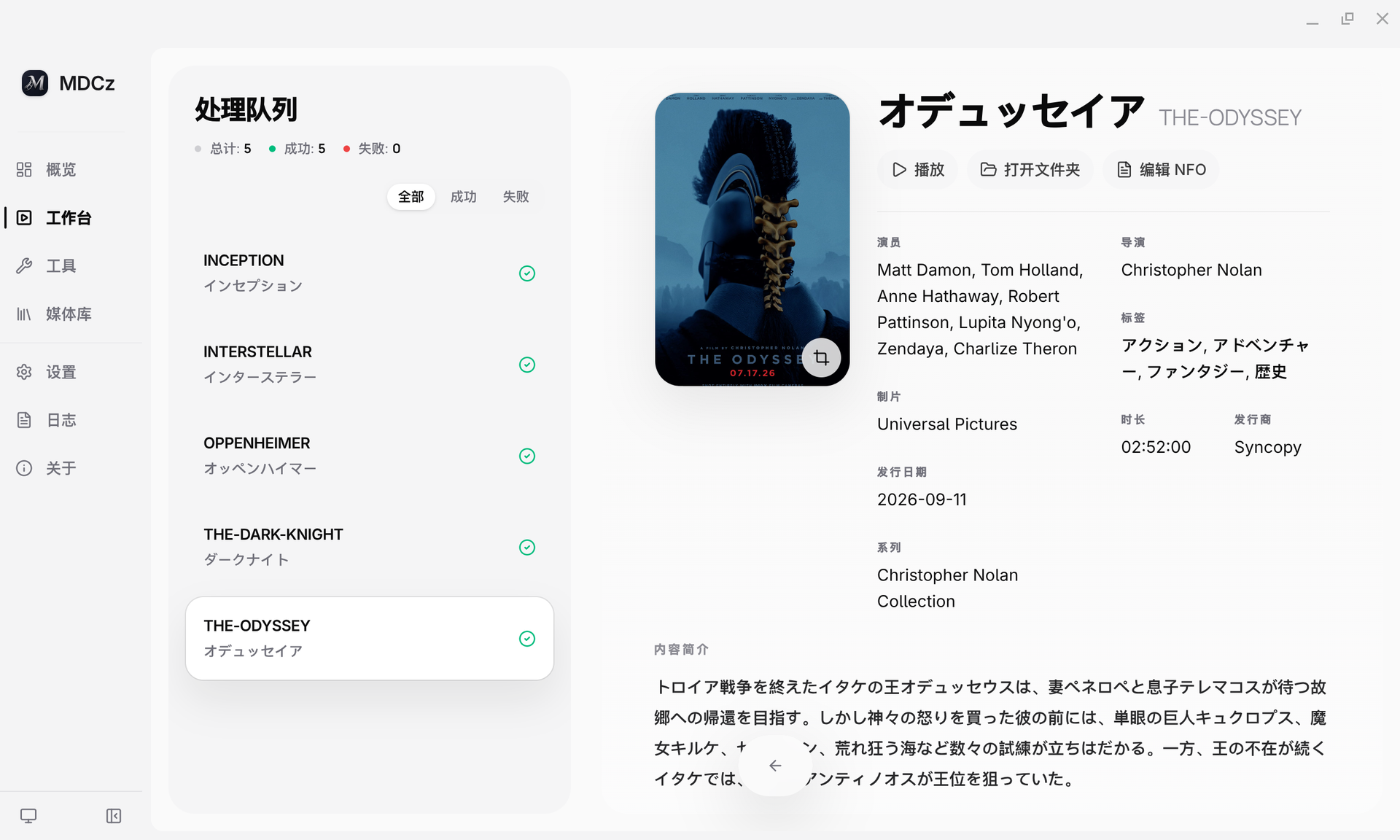
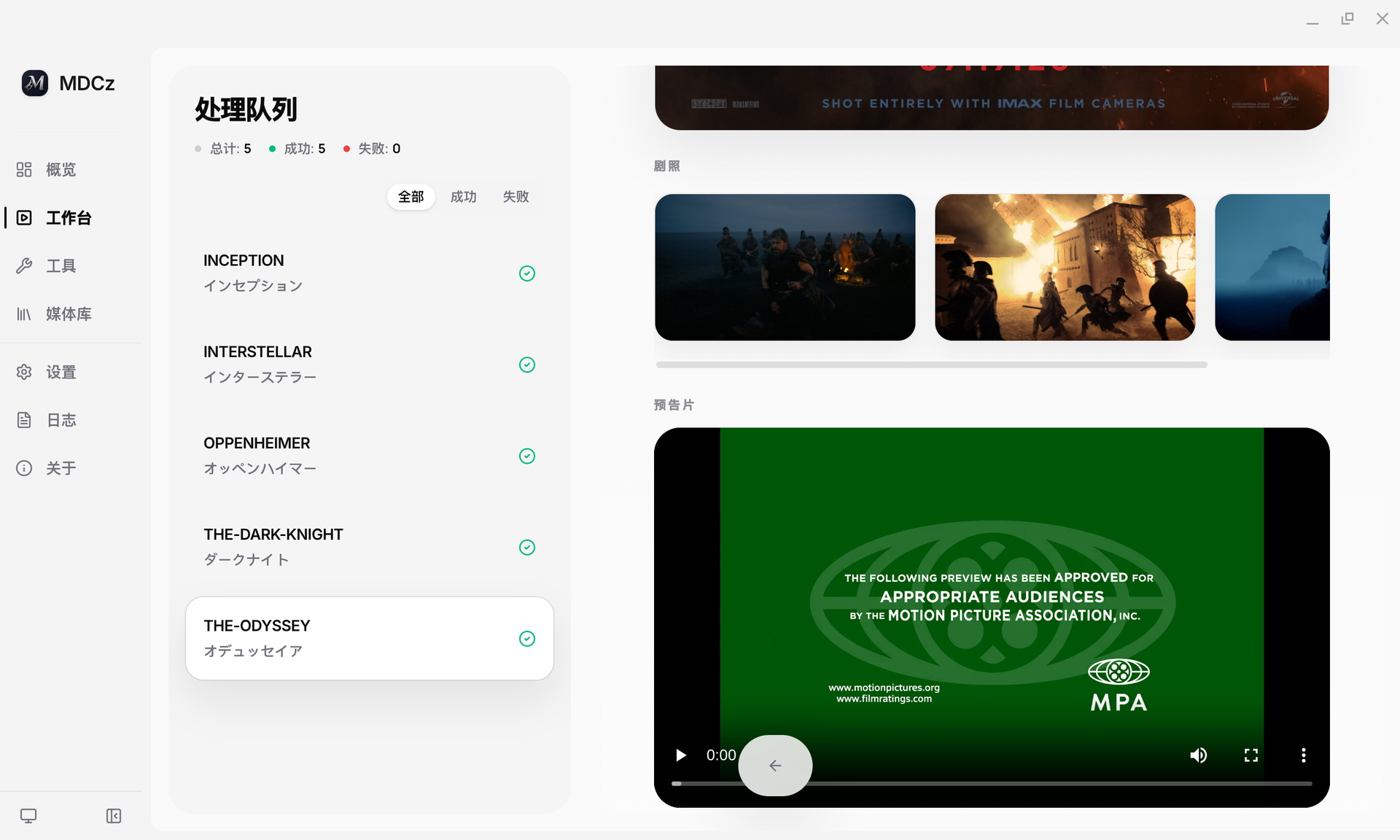
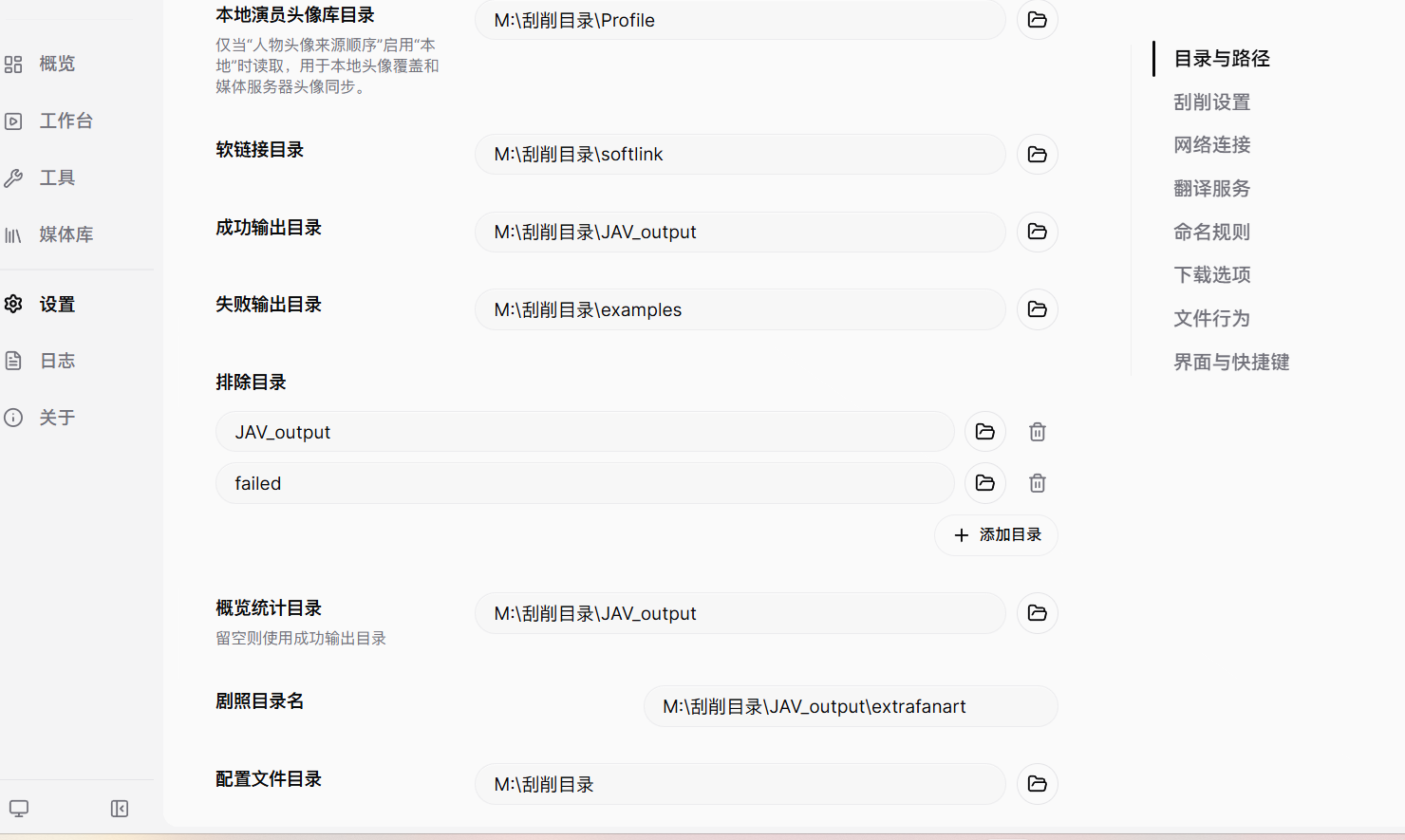
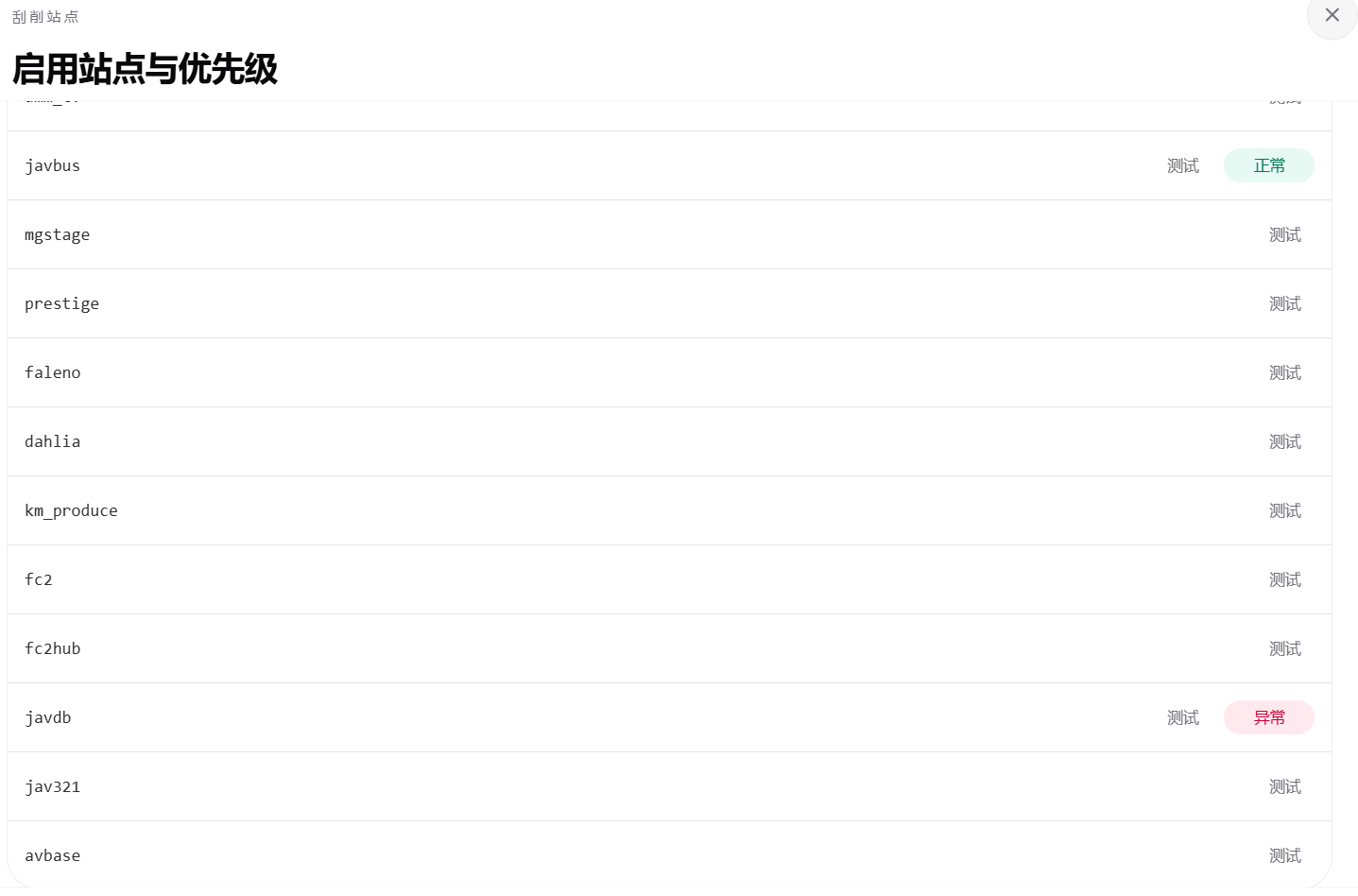
Messy video folders become a clean, browsable library with MDCz, a metadata scraper and organizer that prepares local movie files for Emby, Jellyfin, and Kodi. Point it at a folder and it recognizes titles from filenames, then pulls metadata, high-resolution covers, stills, and cast information from sources including DMM, FC2, AVBase, JavBus, JavDB, MGStage, and Prestige. Each finished title gets a standard NFO file beside the video, so your media server shows rich detail pages instead of bare filenames. The batch workbench queues folders of files, shows a diff preview of every rename before anything changes, and reports success and failure per title. Actor names arriving under different aliases from different sources merge into one canonical name with your own mapping rules. Segmented releases, STRM stream files, and external subtitle files move together with the main video during renaming. Built-in tools check for duplicate titles, apply rule-based renaming, and maintain existing library data. Run it as the Docker WebUI on your NAS at port 3838, or use the desktop builds for Windows, macOS, and Linux. Running on a dedicated VPS on RepoCloud with guaranteed CPU, RAM, and SSD, full root SSH access, and a browser serial console. GPL-3.0 licensed.
Benefits
- Eight Metadata Sources Aggregated
- DMM, FC2, AVBase, AVWikiDB, JavBus, JavDB, MGStage, and Prestige are queried from one tool, so a title missing on one site is often found with full detail on another.
- Emby And Jellyfin Ready Output
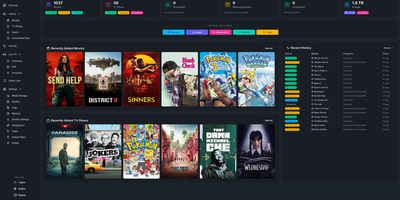
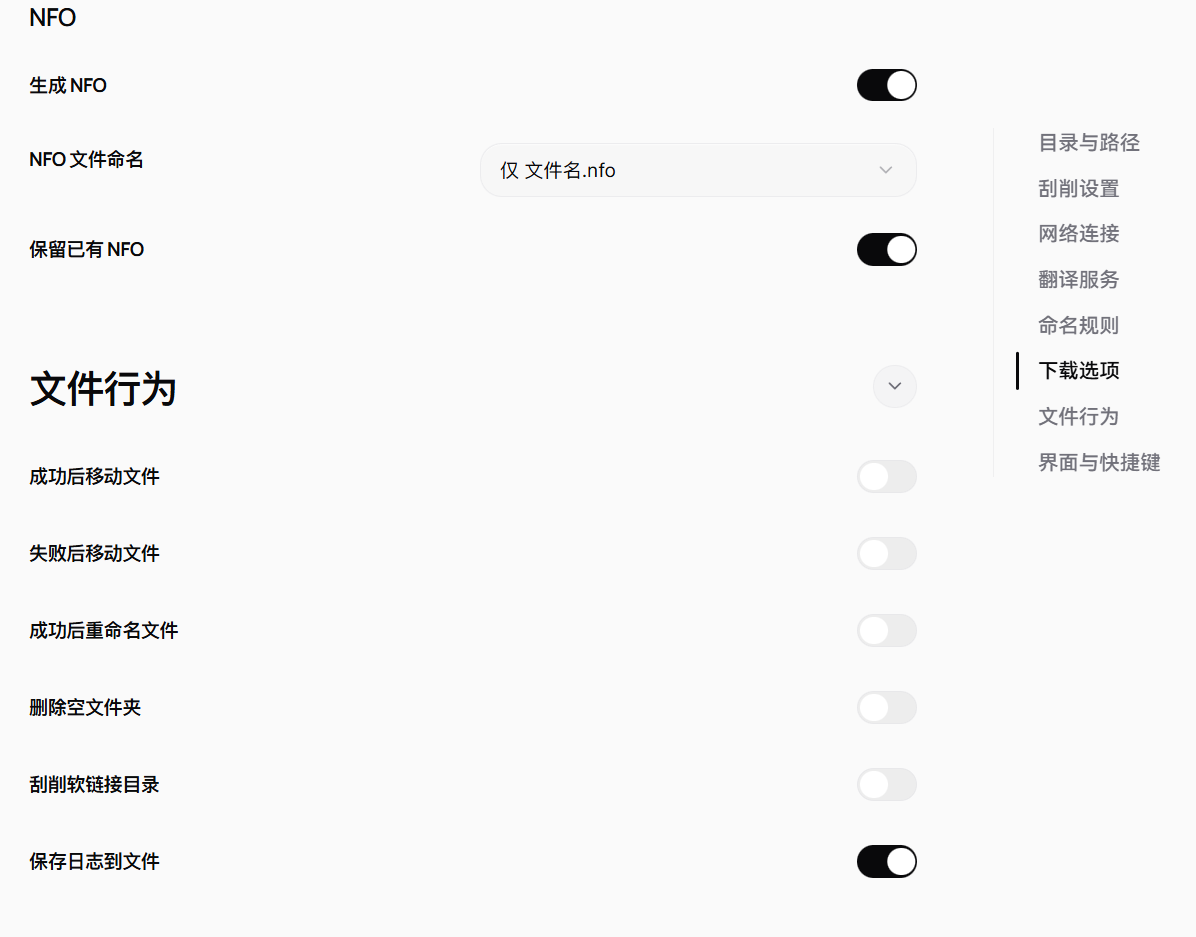
- Scraped titles get standard NFO files, covers, stills, and synced actor portraits in the layout Emby and Jellyfin read natively, turning bare filenames into rich detail pages.
- Preview Before Anything Changes
- The batch workbench shows a diff preview of planned renames and moves before execution, and reports per-title success or failure, so large cleanups stay reviewable and reversible.
- One Name Per Actor
- Custom alias mapping merges the different names sources use for the same performer into one canonical name, keeping filmographies unified across your whole library.
Features
- Batch Scraping Workbench
- Queue folders of video files for processing, watch per-title progress, and filter results by success or failure state.
- Automatic Renaming Rules
- Files are renamed and filed by configurable rules, and segmented videos, STRM files, and external subtitles travel with the main file.
- Actor Alias Normalization
- Per-source performer aliases resolve to canonical names through your mapping table, and Emby or Jellyfin actor portraits sync automatically.
- Duplicate And Maintenance Tools
- Built-in utilities find duplicate titles, apply rule-based batch renaming, and repair existing library metadata during maintenance passes.
- Docker WebUI Deployment
- The compose stack serves the web interface on port 3838 for NAS and server installs, with desktop builds for Windows, macOS, and Linux.