Categories
File Management Digital Asset Management 3D Printing Maker Tools Self-Hosted Storage CAD LibraryStars
Forks
Watchers
Developer links
MakersVault
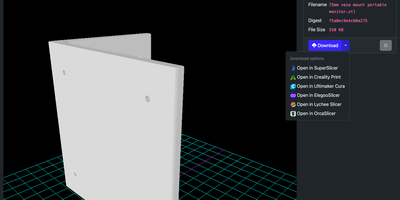
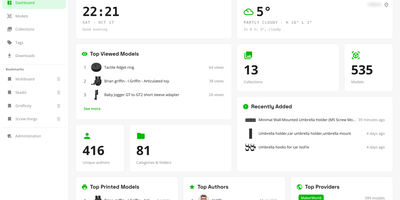
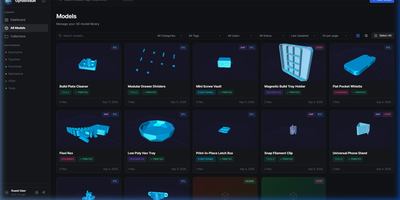
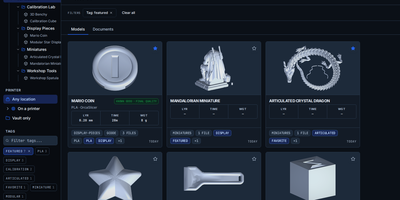
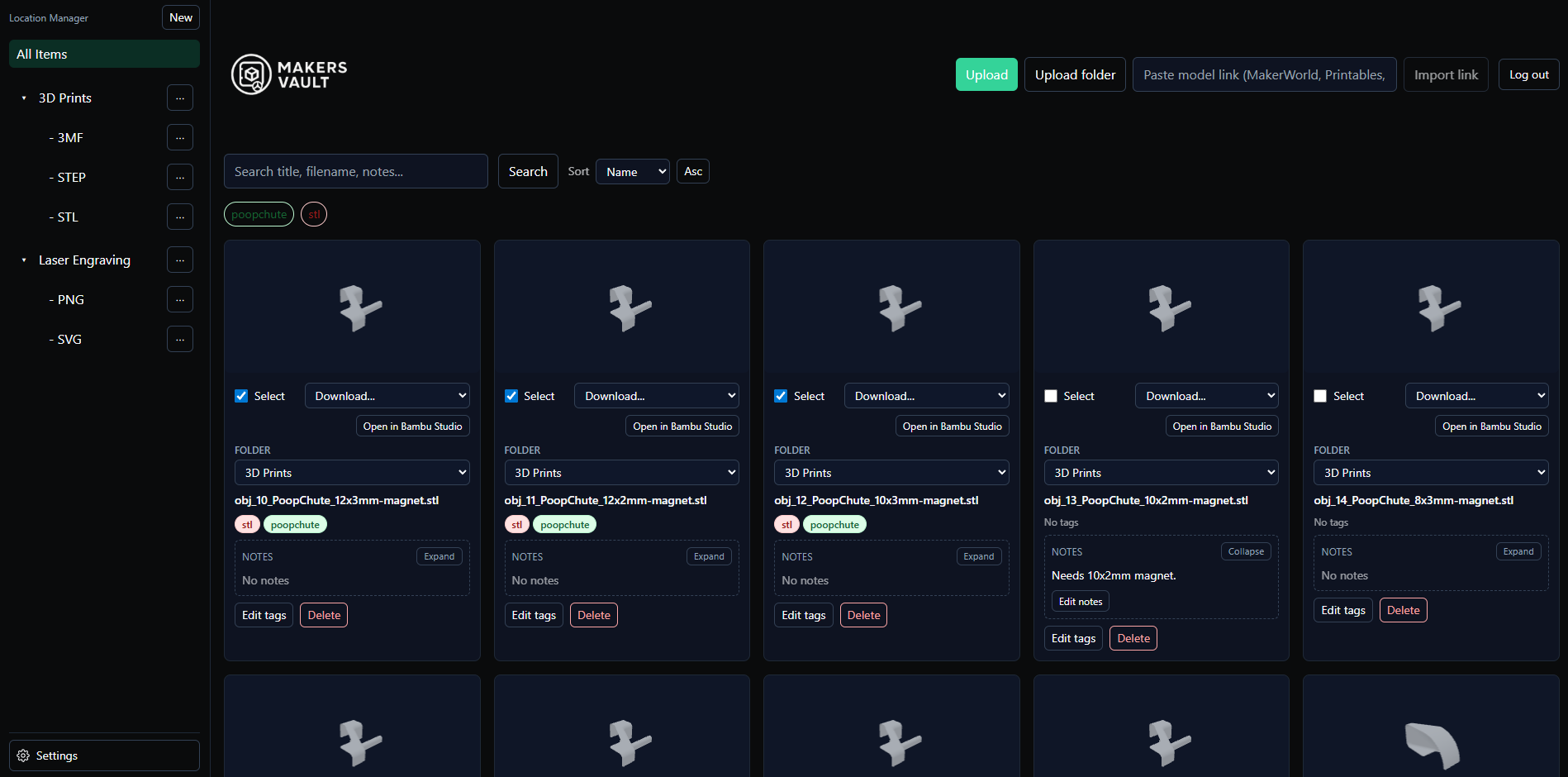
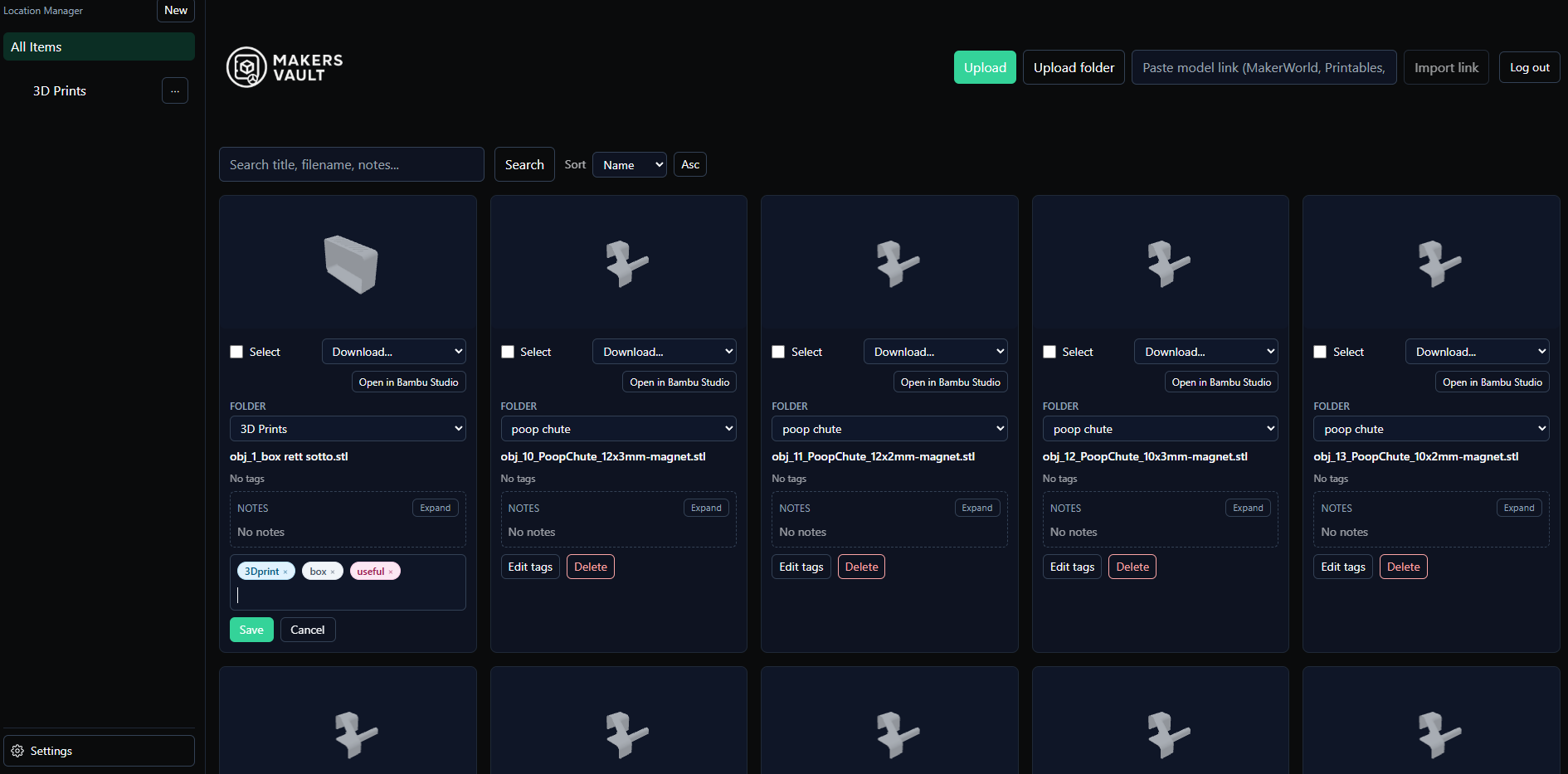
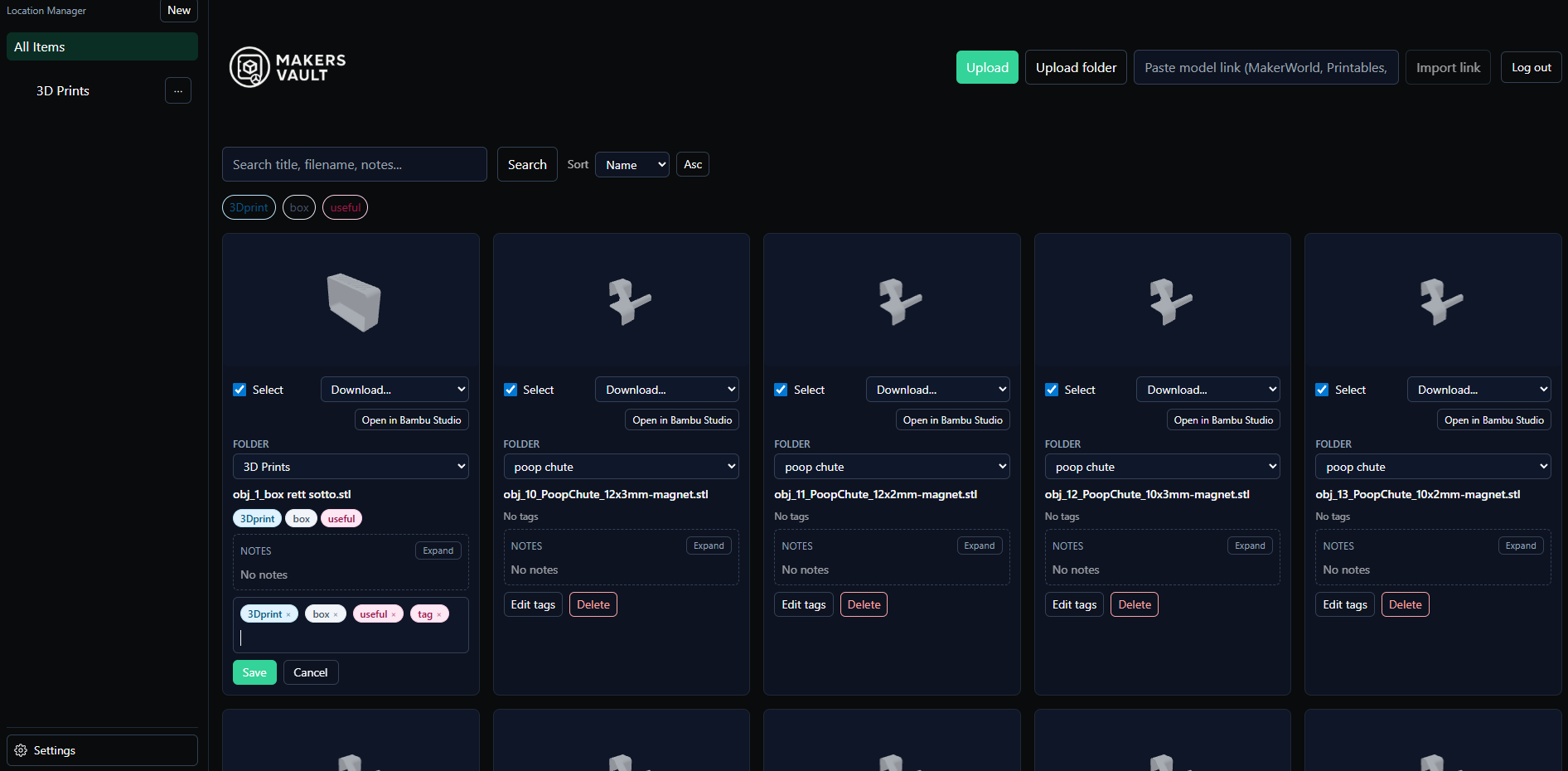
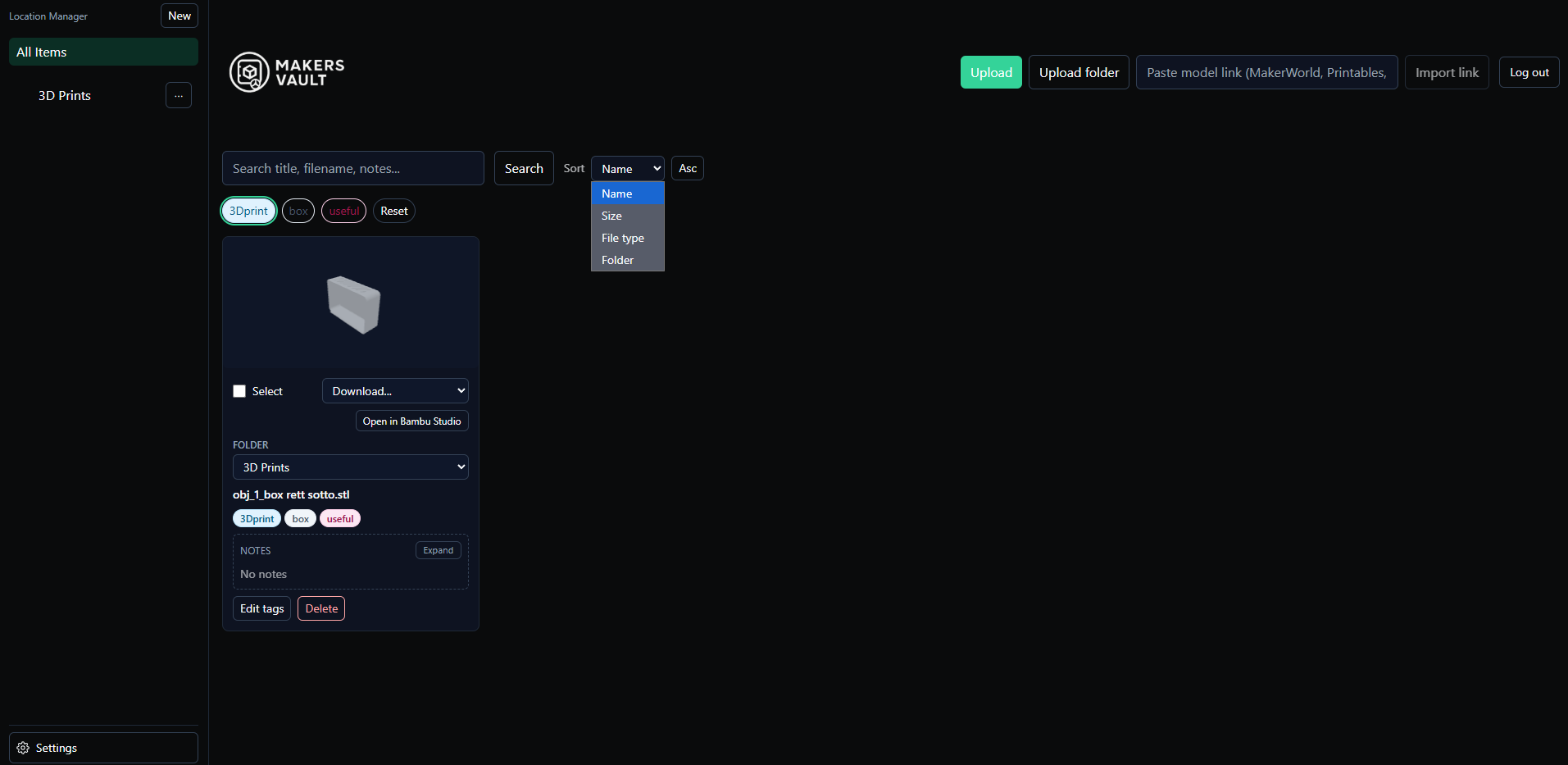
MakersVault gives your scattered 3D print files and creative artwork one searchable home, so you stop loading models into a slicer just to remember what they are. You create folders and subfolders for projects, then drag and drop single files, batches, or whole folders straight into the library from your browser. Every model tile carries a rendered preview, and double-clicking opens an interactive 3D view you can rotate and inspect before downloading anything. Tags attach to any file, batch tagging covers many selected models at once, and tag tabs plus sorting by name, size, type, or folder keep large collections browsable. Notes on individual files record print settings, filament choices, or assembly reminders right beside the model they describe. Imports pull models directly from MakerWorld, Thingiverse, and Printables links, and zip archives prompt you to keep only the files you actually want. Supporting documents ride along with each model and travel inside its ZIP downloads, and prepared print data surfaces printer, material, nozzle, and time estimates on the card. The Open in Slicer button hands a model to your configured slicer through the desktop bridge, and themes from light and dark to neon accents restyle the whole workspace. Running on a dedicated VPS on RepoCloud with guaranteed CPU, RAM, and SSD, full root SSH access, and a browser serial console. MIT licensed.
Benefits
- Preview before you download
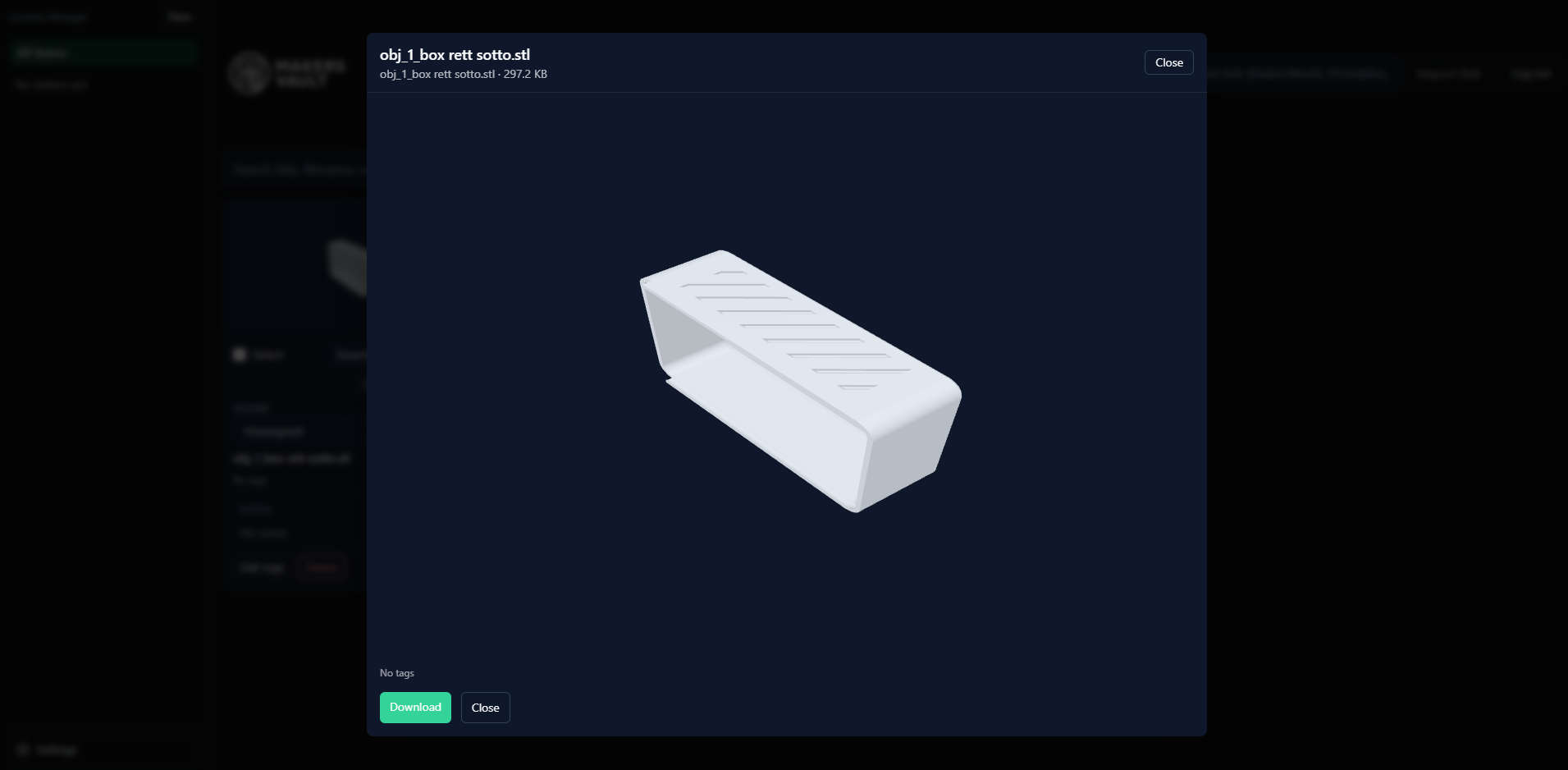
- Rendered tile previews and interactive browser 3D views show exactly what each STL, STEP, OBJ, or 3MF file contains, ending the habit of opening models blindly in a slicer.
- Organization that scales up
- Folders, subfolders, comma-entered tags, batch tagging, notes, and sorting by name, size, type, or folder keep thousands of models and artwork files findable in a few clicks always.
- Imports from maker sites
- Paste a MakerWorld, Thingiverse, or Printables link to pull models directly into the vault, with zip handling where you discard readme clutter and keep only wanted files.
- Print context on card
- Supporting documents, prepared-print summaries with printer, material, nozzle, and time estimates, and one-click handoff to your slicer keep every model ready for its next print run today.
Features
- Interactive 3D previews
- Browser-based three.js rendering rotates and inspects STL, STEP, OBJ, 3MF, and STP models interactively, with static tile previews generated and cached for fast folder browsing.
- Drag and drop uploads
- Single files, multi-file batches, and entire folders upload by button or drag and drop, landing automatically inside whichever library folder is currently open on screen.
- Tags and batch tools
- Comma-separated tags, tag filter tabs, and multi-select batch tagging or deleting organize large libraries quickly, and search plus sorting refine results by name, size, or type.
- Link import pipeline
- MakerWorld, Thingiverse, and Printables URLs import directly, and zip archives open a picker that saves selected contents instead of forcing the entire bundle into storage.
- Open in Slicer
- A desktop bridge for Windows and Linux hands the selected model to your configured slicer, with the button on every tile updating to match your settings choice.
- Themes and storage templates
- Light, dark, and neon themes restyle the interface, and configurable path templates using folder, tag, creator, and model tokens organize managed files on disk automatically.