Stars
Forks
Watchers
Developer links
Mikochi
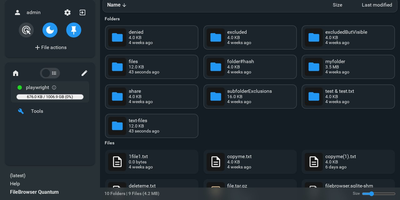
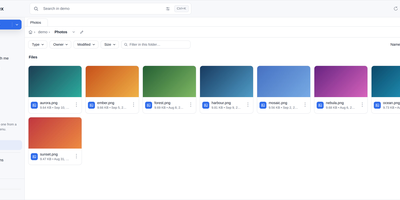
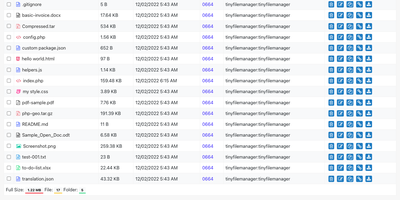
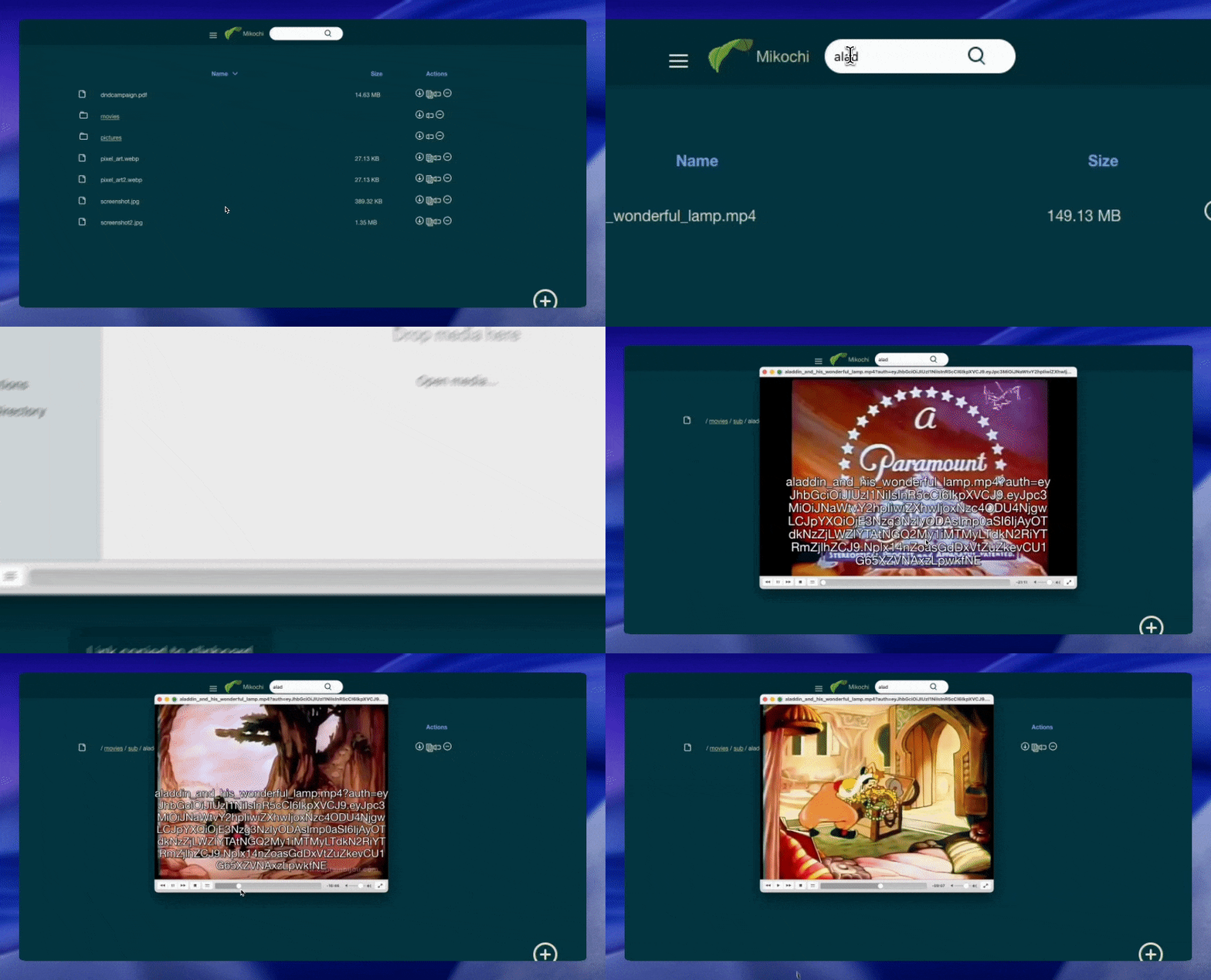
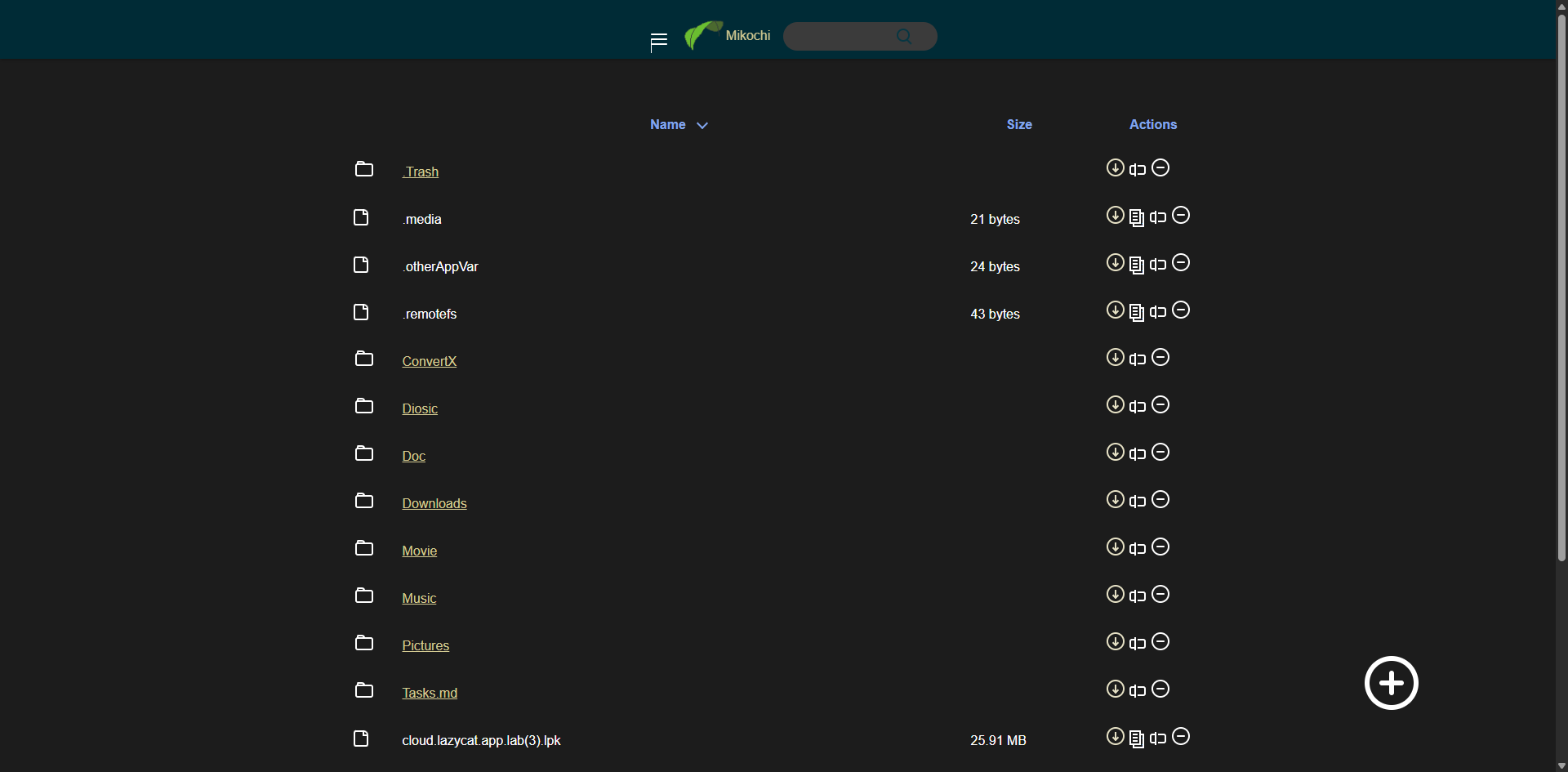
Point a browser at your server's folders and skip the FTP clients, the SSH tunnels, and the heavyweight cloud clones: Mikochi turns any directory on your machine into a clean web file browser you can open from anywhere. You browse nested folders in a fast list view, jump to files with fuzzy search, upload new material, create folders, rename items, and delete what is no longer needed. Whole directories come down as a single tar.gz archive, which makes backups and bulk transfers painless. Media files get a smarter treatment: Mikochi generates streaming links that open directly in VLC or mpv, so a film or album stored on the server plays on your screen without downloading gigabytes first. Access stays protected behind a username and password login with JWT sessions, and you can serve everything over TLS with your own certificates or disable authentication entirely on a trusted private network. Deployment takes one Docker command with a mounted data directory, and Kubernetes users get an official Helm chart. Homelab owners point it at a NAS share, developers drop it on a build box, and anyone tired of scp commands gets a permanent window into their files. Running on a dedicated VPS on RepoCloud with guaranteed CPU, RAM, and SSD, full root SSH access, and a browser serial console. MIT licensed.
Benefits
- Files Without Mounting Anything
- Reach a server or NAS directory from any browser without NFS mounts, SSH tunnels, or sync clients. One Docker container on port 8080 exposes exactly the folder you choose through DATA_DIR.
- Streaming Links For Media
- Generate per-file streaming URLs that open directly in VLC or mpv, so movies and music stored on the server play instantly without downloading the full file to your device first.
- Featherweight Go Backend
- A single Go binary with a Gin API and Preact frontend keeps memory use tiny, leaving your server free for real work. Optional gzip compression cuts transfer sizes on slow connections.
- Deploy Anywhere In Minutes
- Run it with one Docker command, install the official Helm chart on Kubernetes, or grab Debian and Fedora packages. Environment variables control credentials, TLS certificates, and the listening address.
Features
- Fuzzy File Search
- Type partial names to jump straight to deeply nested files, with the Preact interface filtering the remote directory listing as you type.
- Tar.gz Directory Downloads
- Download an entire folder as one compressed tar.gz archive generated on the server, replacing dozens of individual browser downloads with a single transfer.
- JWT Session Authentication
- Username and password login issues JWT access and refresh tokens; version 1.12 hardened the module with shared token identifiers and a fixed login rate limiter.
- Native TLS Support
- Serve HTTPS directly by pointing CERT_CA and CERT_KEY at your certificates, or place Mikochi behind a reverse proxy such as Traefik for automatic Let's Encrypt certificates.
- Helm Chart Included
- An official Helm chart installs Mikochi on Kubernetes with persistent volumes, configurable credentials, and ingress-ready settings maintained alongside the application releases.