Categories
Self-Hosted Collaboration Education E-Learning Learning Management System Online Courses Quizzes and Grading Competency-Based LearningStars
Forks
Watchers
Developer links
Moodle
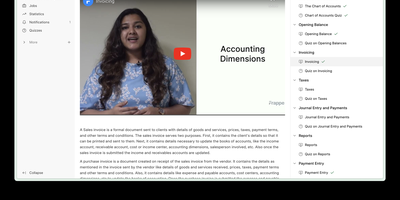
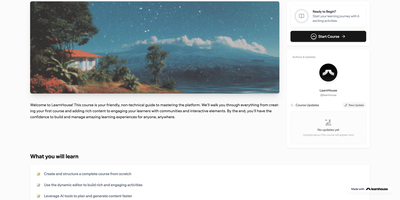
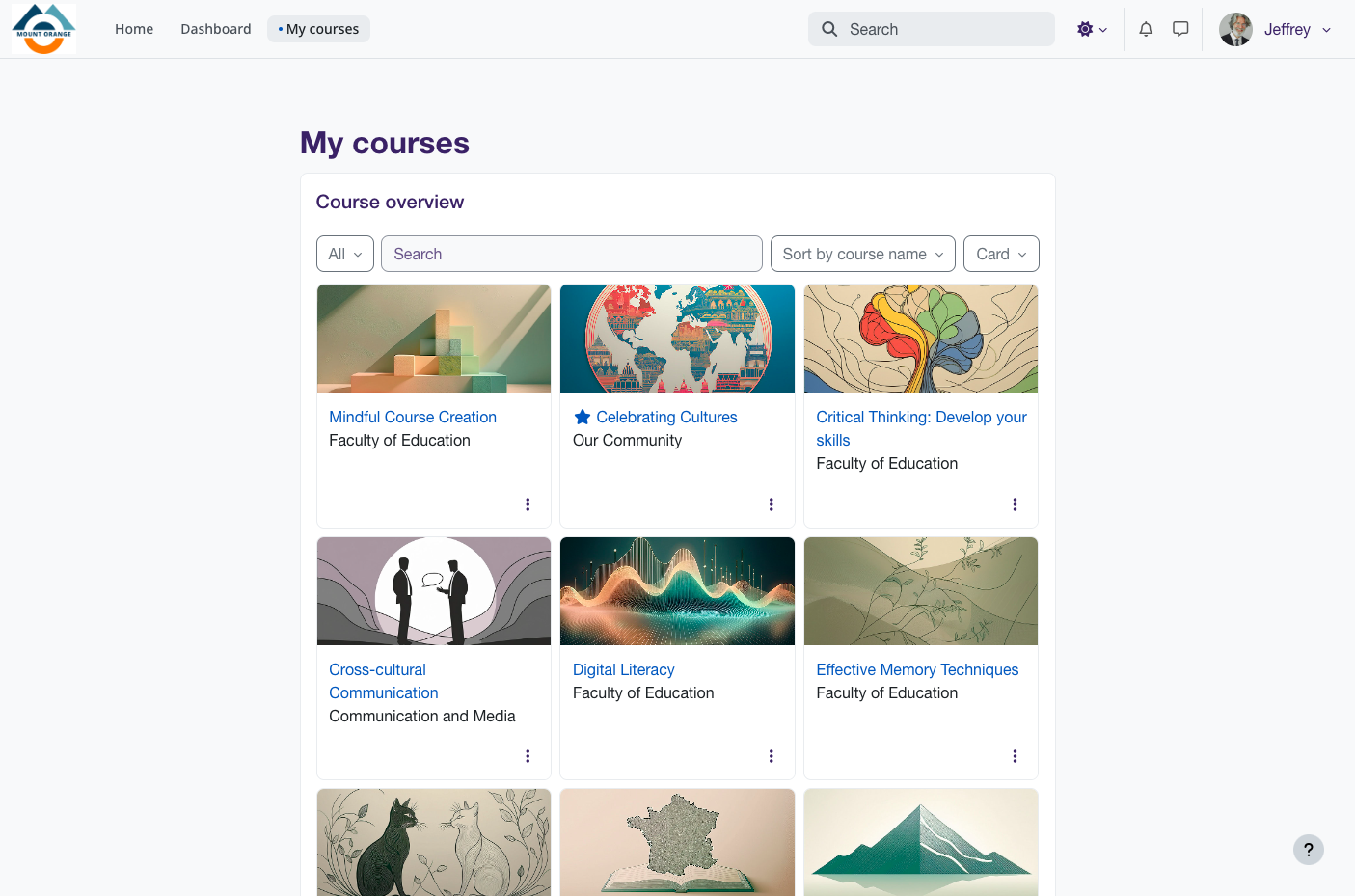
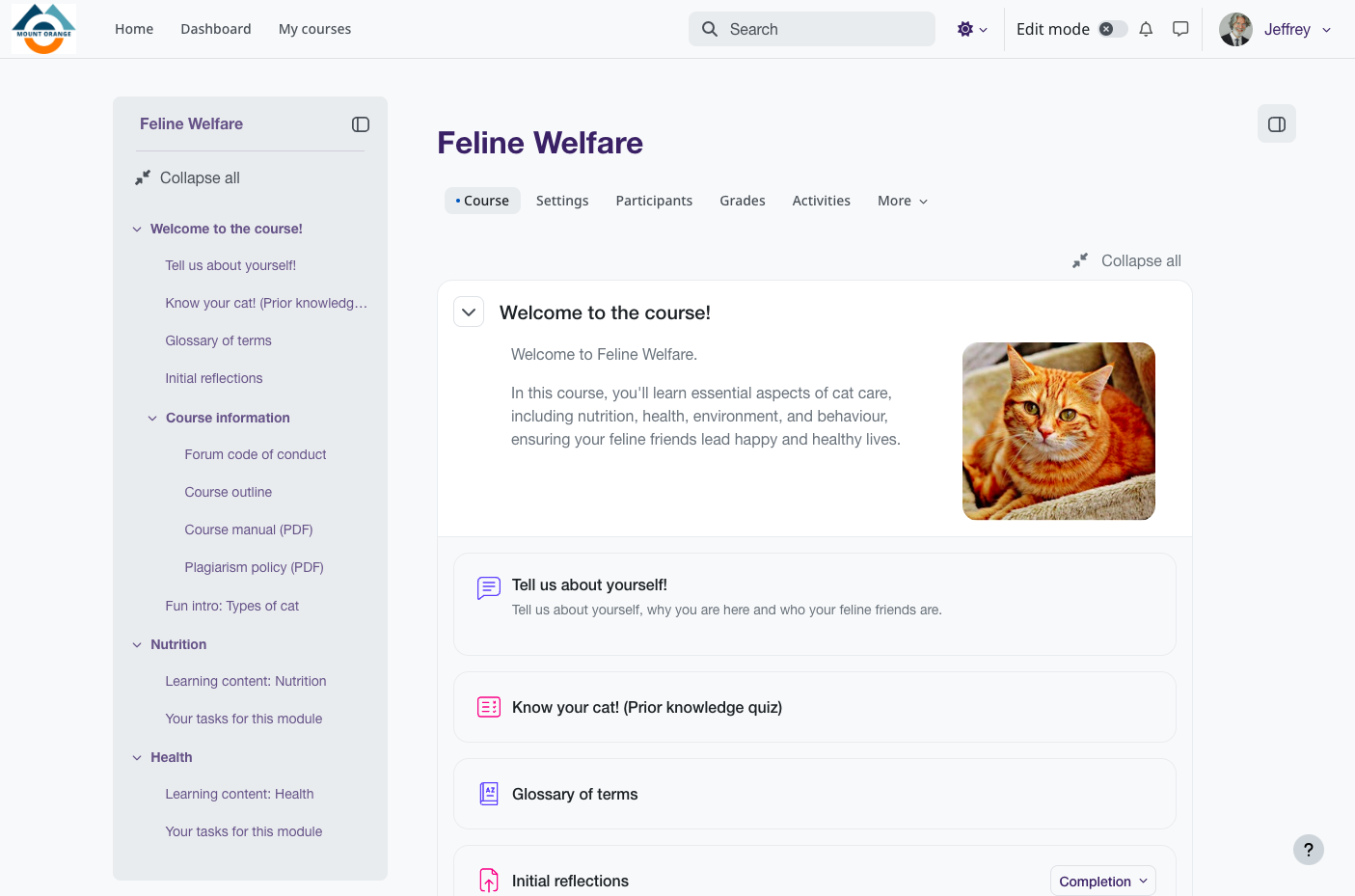
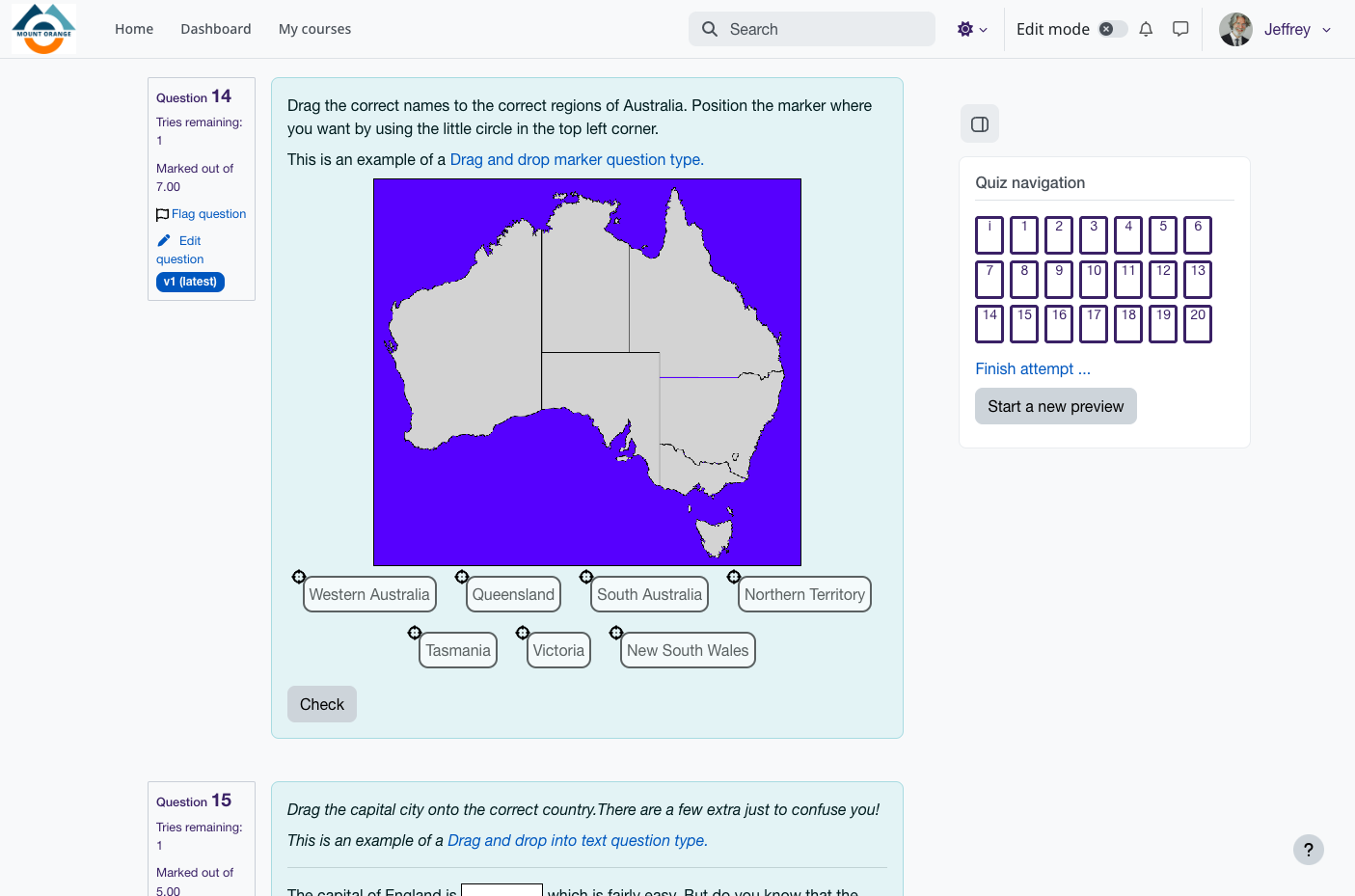
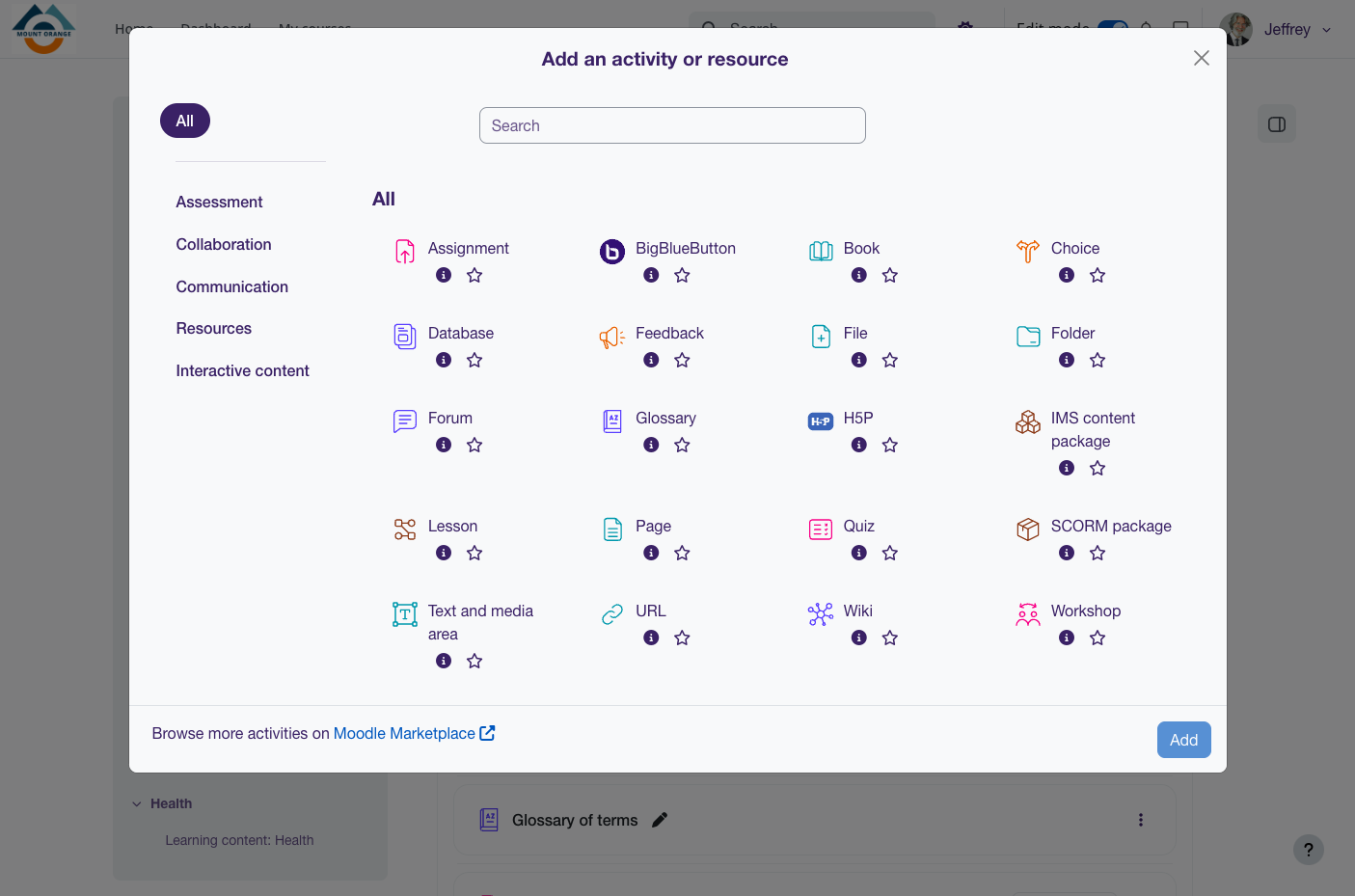
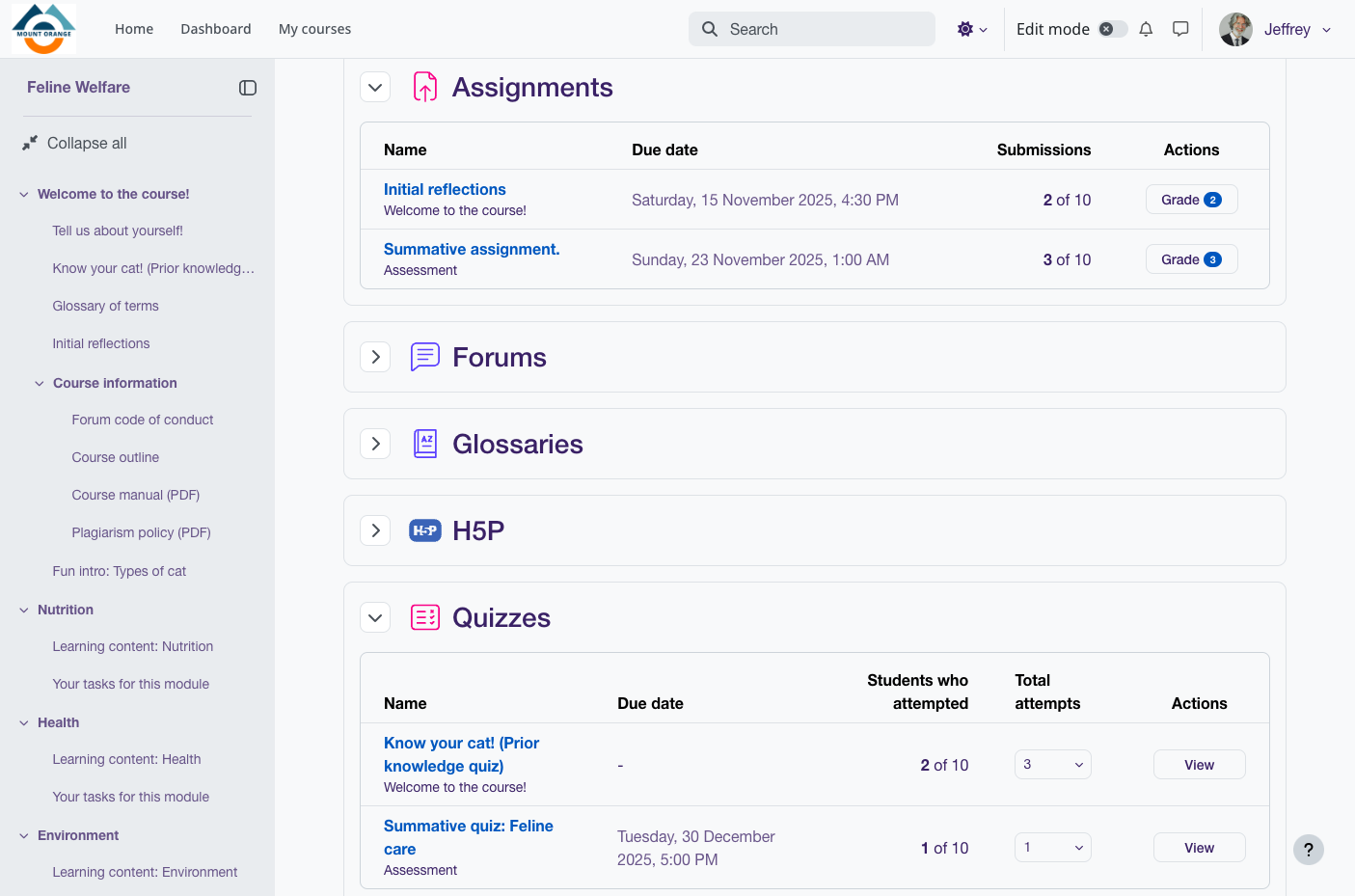
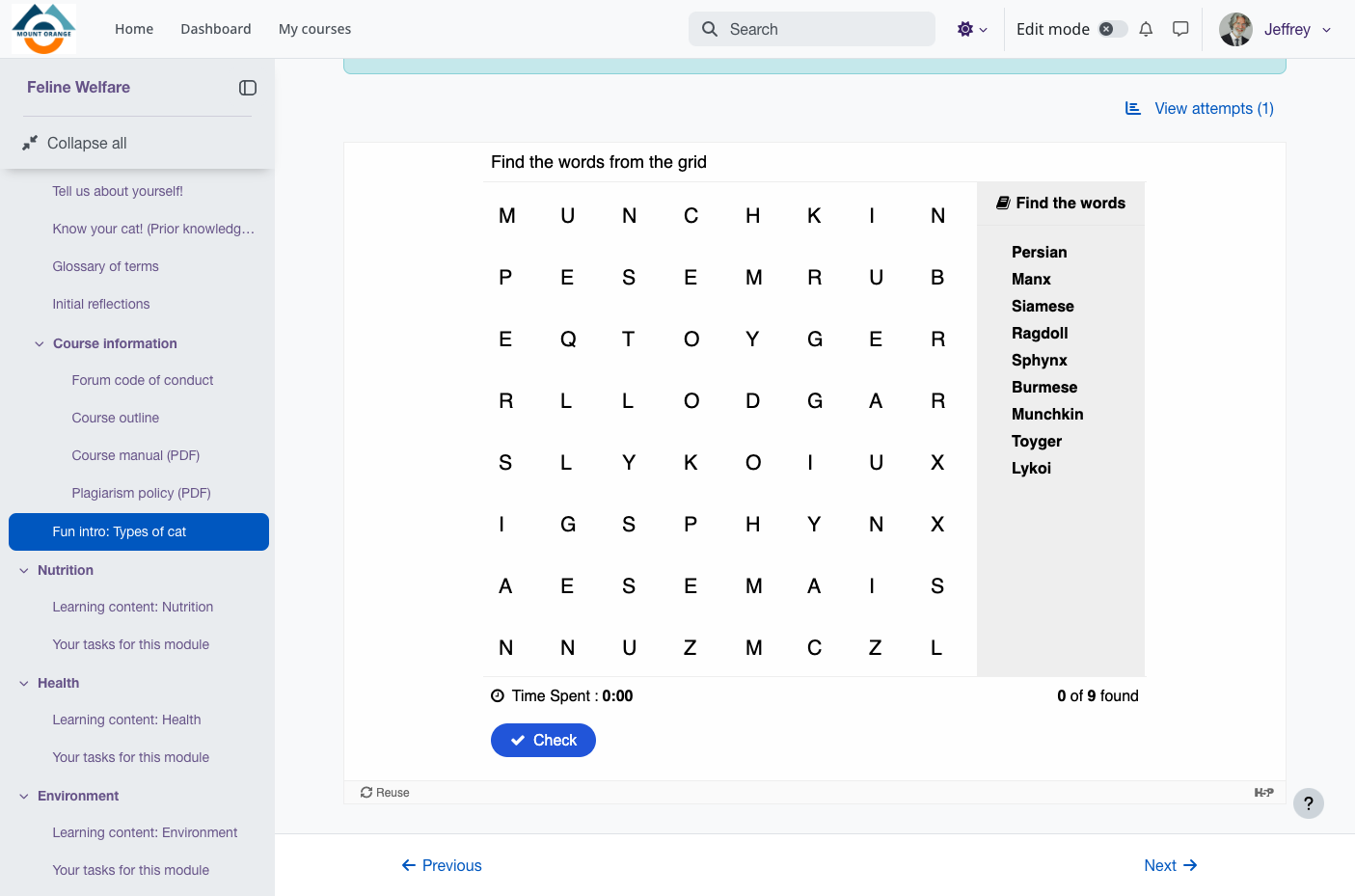
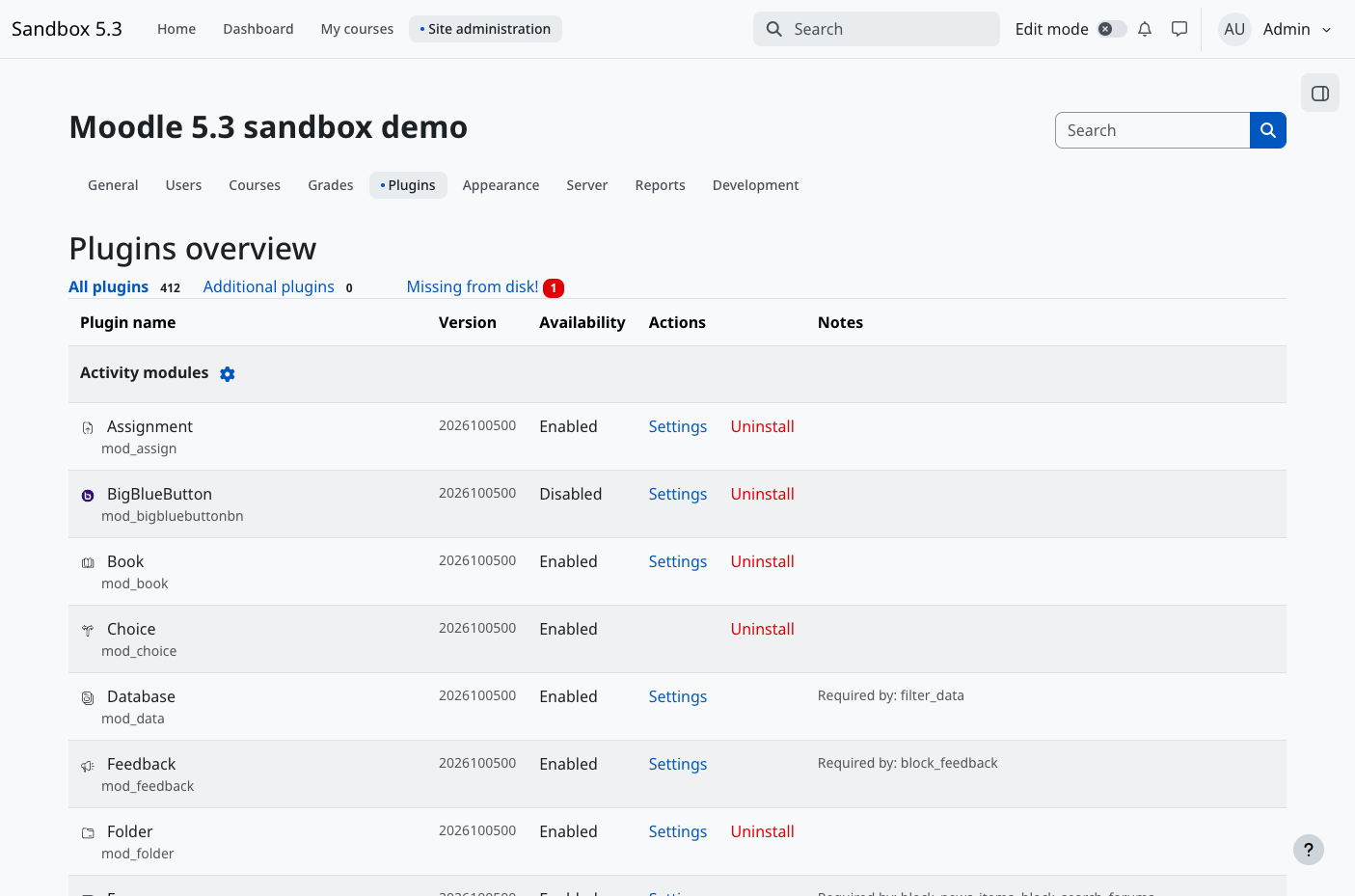
Moodle gives teachers a place to build courses and learners a place to work through them, with quizzes, assignments, grading, and progress tracking on a learning platform you host yourself. Custom or weekly sections sit beside a course index, and Previous and Next buttons walk learners through activities in order. The activity chooser adds forums, wikis, glossaries, lessons, H5P content, and SCORM packages. Question banks can be shared across courses and track every edit, and quizzes combine calculated, ordering, and essay questions with due dates and Safe Exam Browser settings. Assignments offer in-browser PDF annotation, rubrics, and marking guides, and with a marking workflow several markers can leave separate feedback before grades are released. Peer assessment runs through workshops, competency frameworks feed learning plans, and Open Badges recognize achievement. With learning outcomes enabled, a course page lists each outcome beside the activities linked to it. Learners follow deadlines on a dashboard timeline, message classmates, and take course content offline in the official mobile app. Sign-in works through email self-registration, LDAP, Shibboleth, OAuth 2, or LTI, and enrollment through keys, cohorts, flat files, or PayPal. Administrators assign roles, build custom reports, and upload plugin ZIP files. AI actions can run on providers including OpenAI, Azure AI, Gemini, Ollama, and Anthropic Claude, and a course-level report shows how students use them. Running on a dedicated VPS on RepoCloud with guaranteed CPU, RAM, and SSD, full root SSH access, and a browser serial console. GPL-3.0-or-later licensed.
Benefits
- Own the platform and your data
- Courses, submissions, grades, and learner records stay on a server you control, and the open-source software carries no per-learner license fees, so you decide when to upgrade and how to back up.
- Assess learners in many ways
- More than a dozen question types, rubrics, marking guides, peer-assessed workshops, and multi-marker workflows let a single course combine automatic scoring, essay marking, and moderated grading.
- Fits instructor-led or self-paced courses
- Courses can be instructor-led, self-paced, blended, or fully online, with activity and course completion tracking, groups for team work, and competency-based learning plans that span courses and activities.
- Extend it and connect other systems
- Choose from more than 2,000 open-source plugins, embed external tools through LTI, import SCORM packages, and connect systems with a REST API secured by OAuth 2 and personal access tokens.
Features
- Course Sections and Activities
- Custom or weekly sections with a course index organize forums, wikis, glossaries, databases, lessons, H5P content, SCORM packages, and IMS content packages chosen from the activity chooser.
- Quizzes and Question Banks
- Course-shared question banks keep version history and feed quizzes with calculated, ordering, matching, essay, and drag and drop questions, plus quiz due dates and Safe Exam Browser settings.
- Assignments and Marking Workflows
- In-browser file annotation, rubrics, and marking guides support grading, while marking workflows let several markers leave separate feedback and control when marks are released to learners.
- Outcomes, Competencies, and Badges
- A course Learning outcomes page shows outcomes and their associated activities, competency frameworks build learning plans, and badges compatible with Open Badges recognize achievement.
- Enrollment, Roles, and Groups
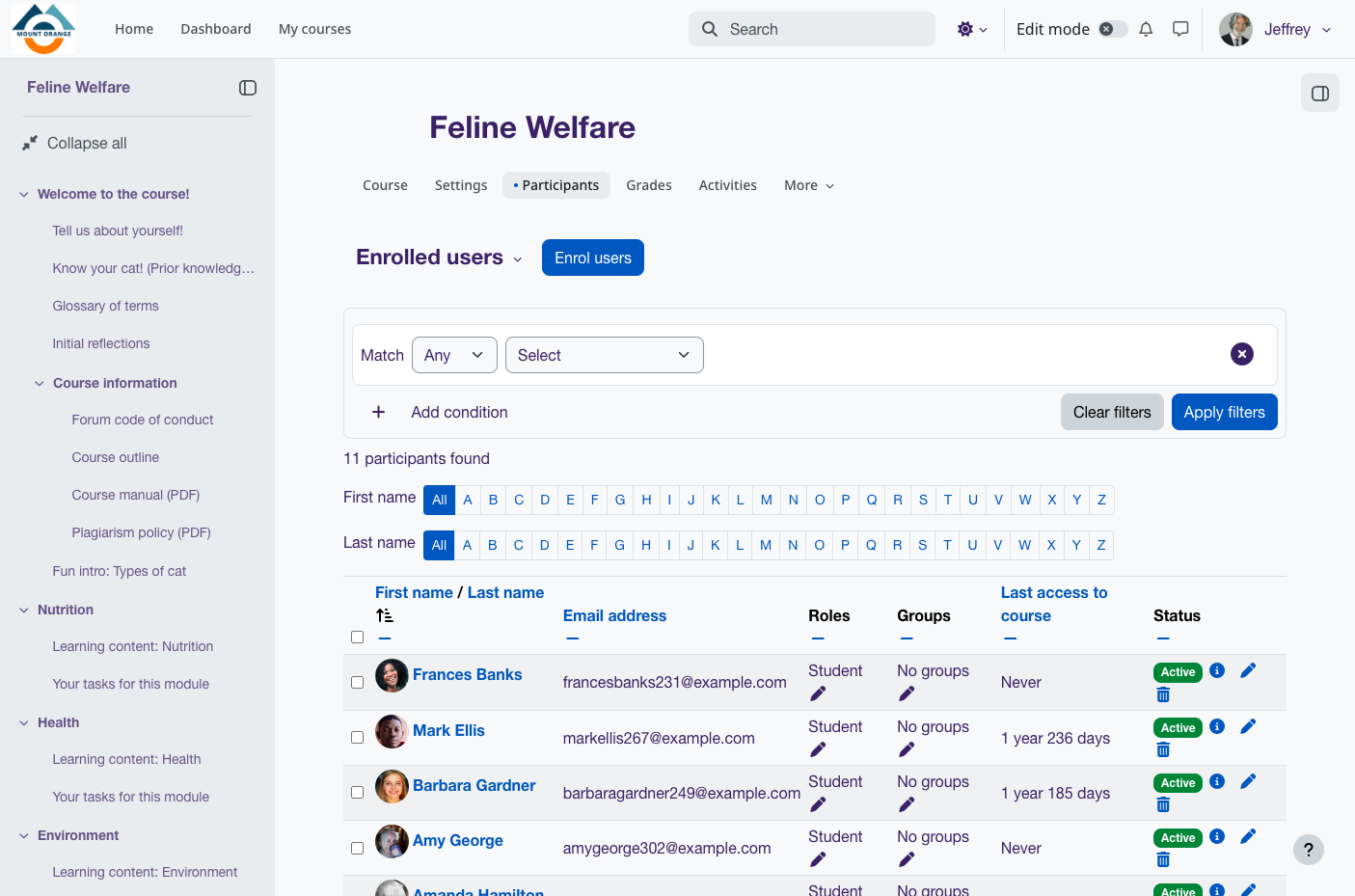
- More than 50 authentication and enrollment options, configurable roles and permissions, groups, bulk course creation, and course backup and restore keep large sites manageable.
- Official Mobile App
- The official Moodle app lets learners browse course content offline, attempt quizzes, post in forums, track progress, view grades, and receive instant notifications.