Categories
DevOps Server Management System Administration Remote Access Infrastructure Management Remote Desktop File Transfer SSH ClientStars
Forks
Watchers
Developer links
Nexterm
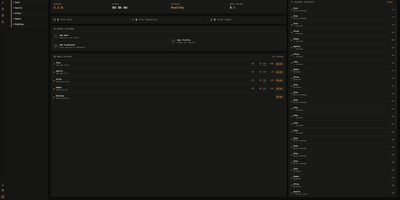
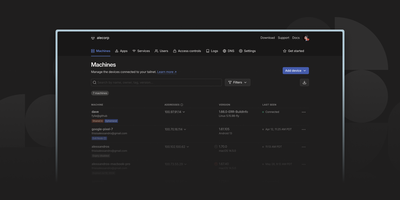
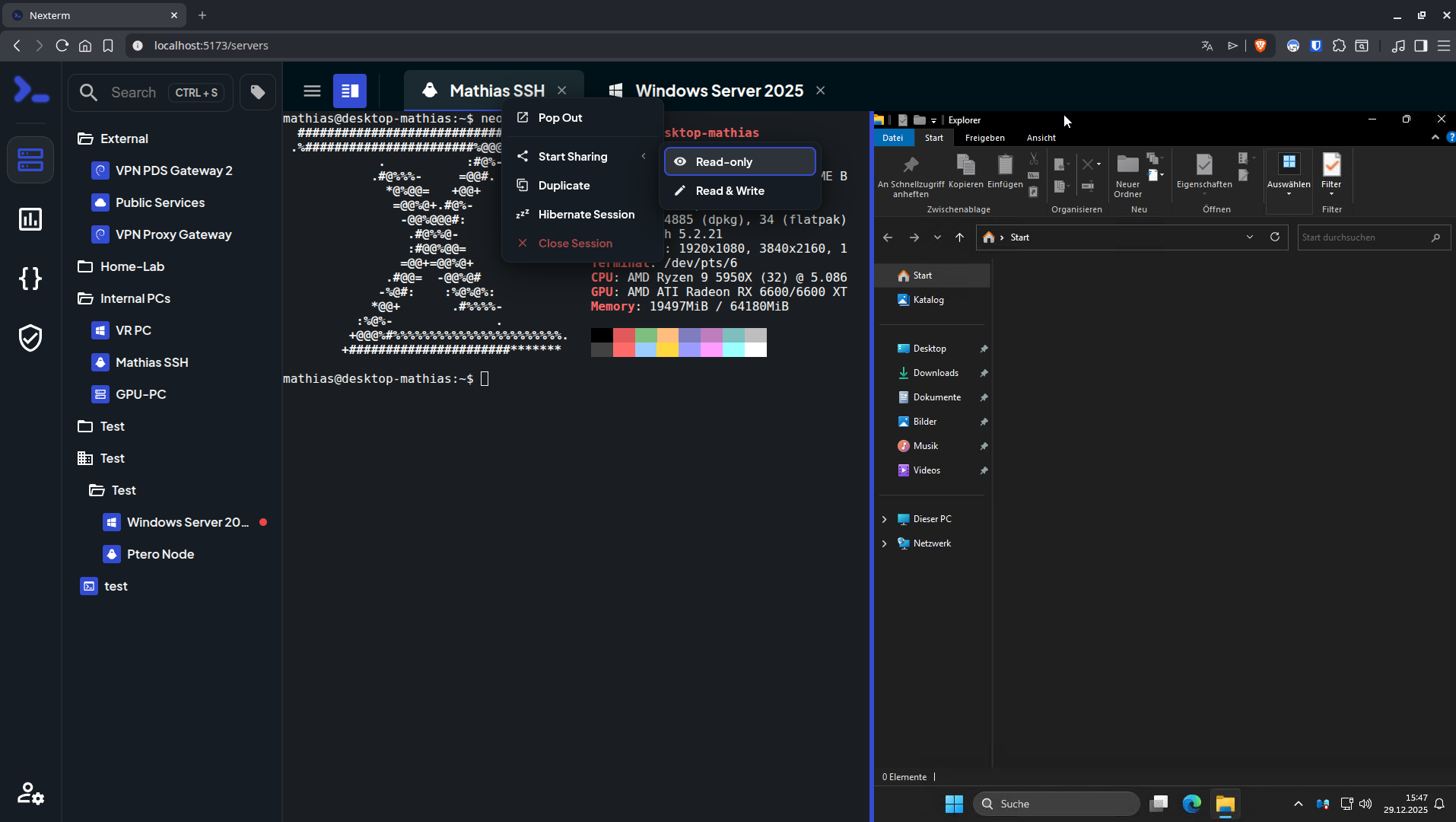
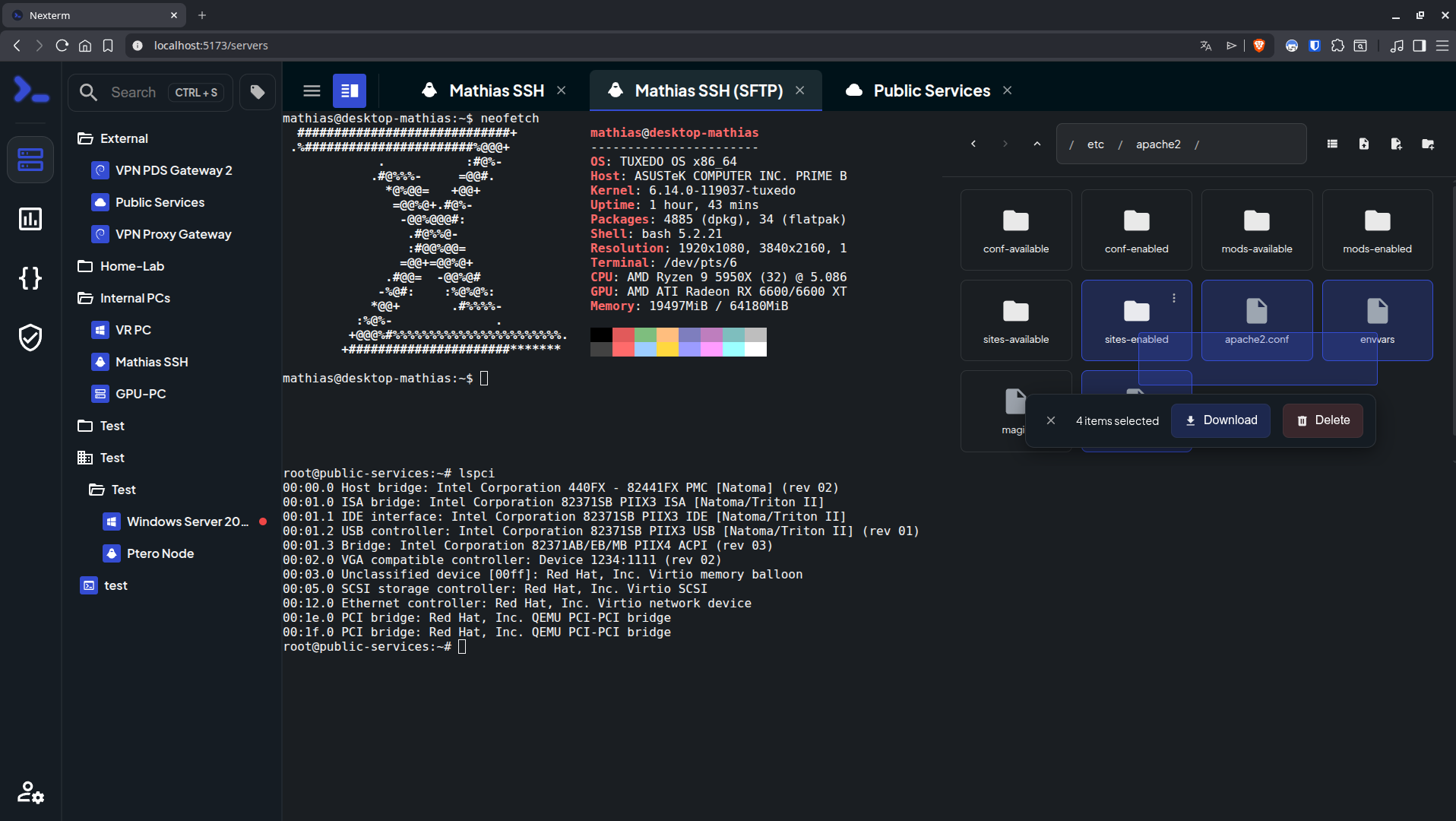
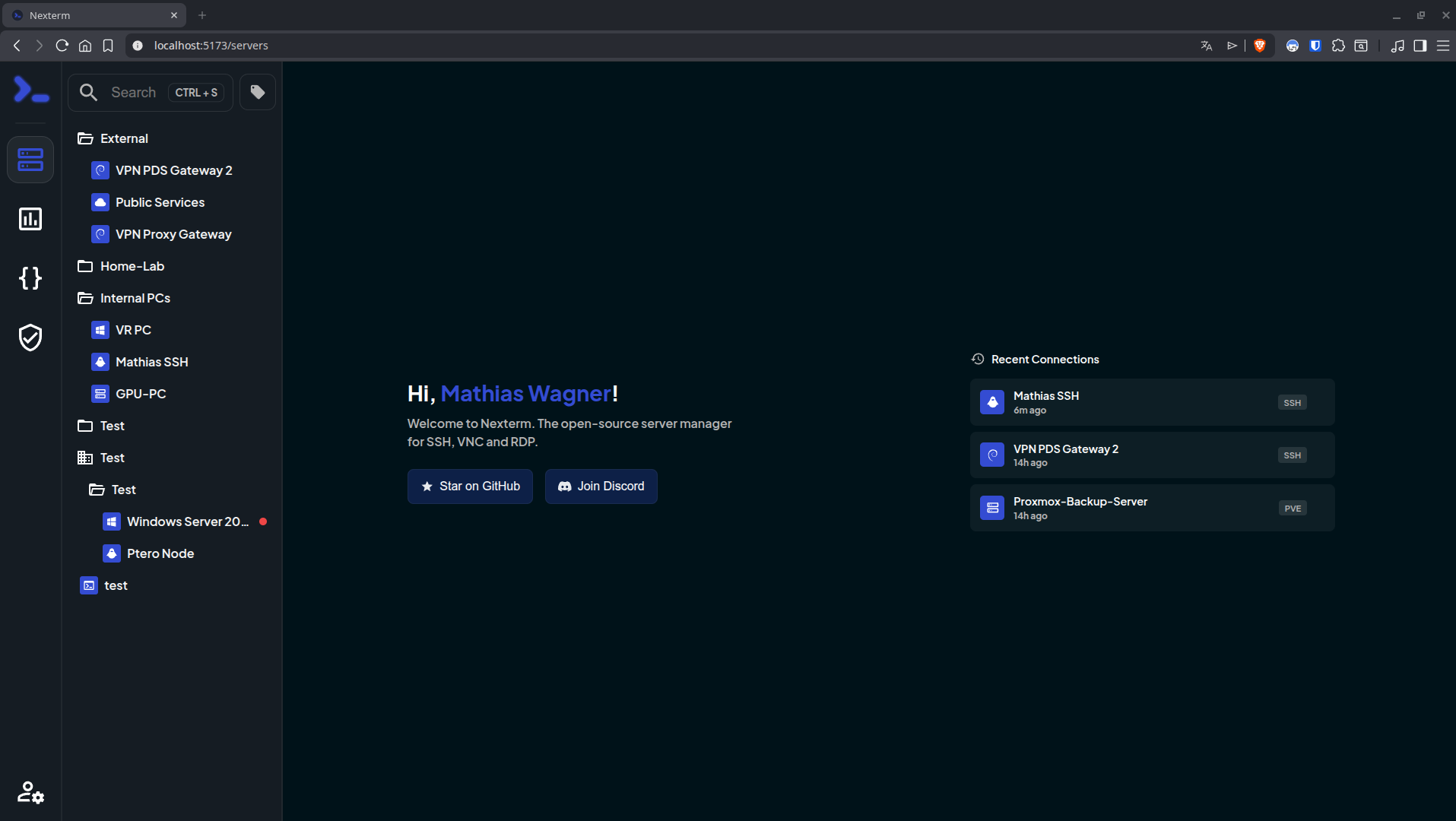
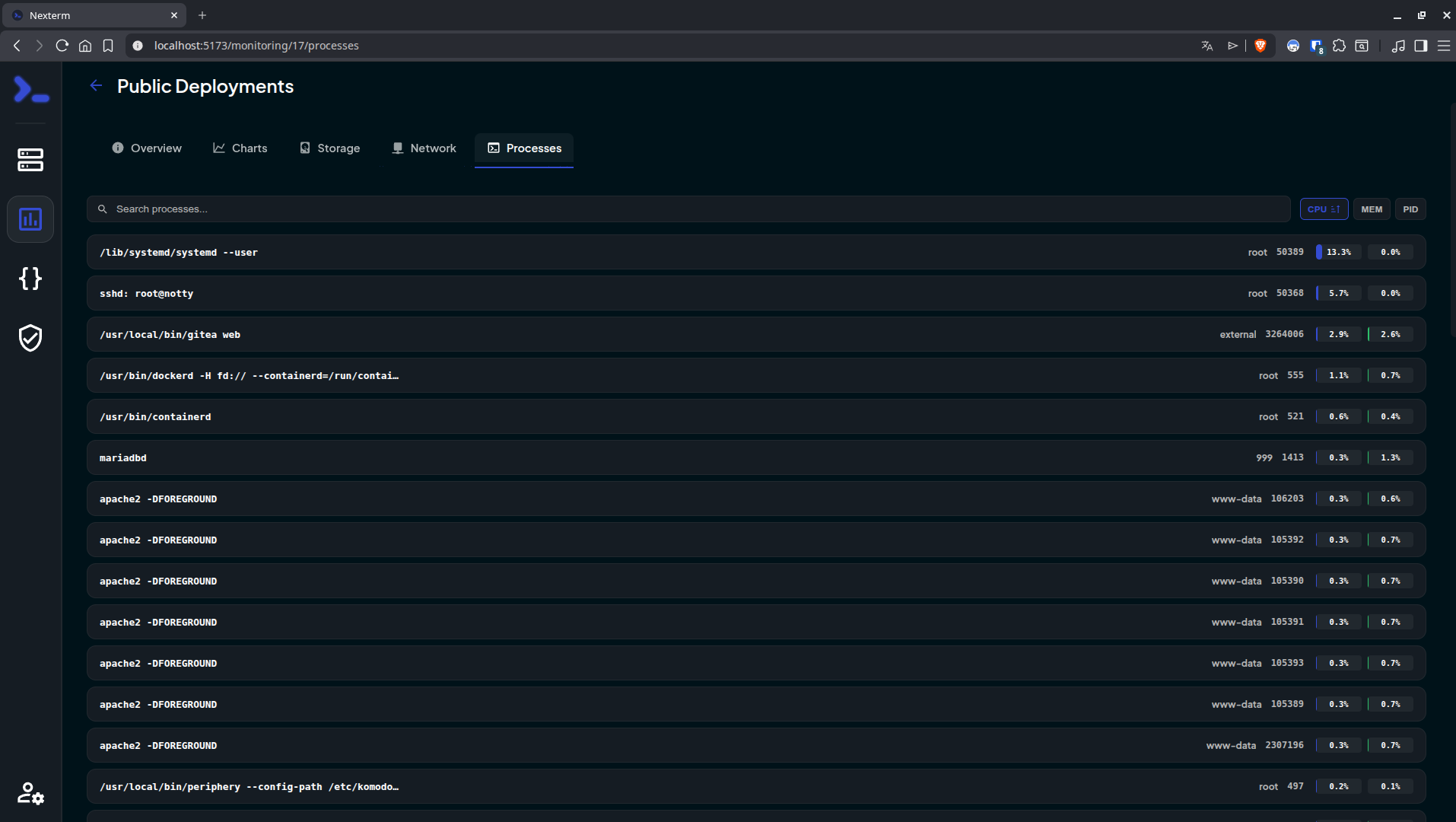
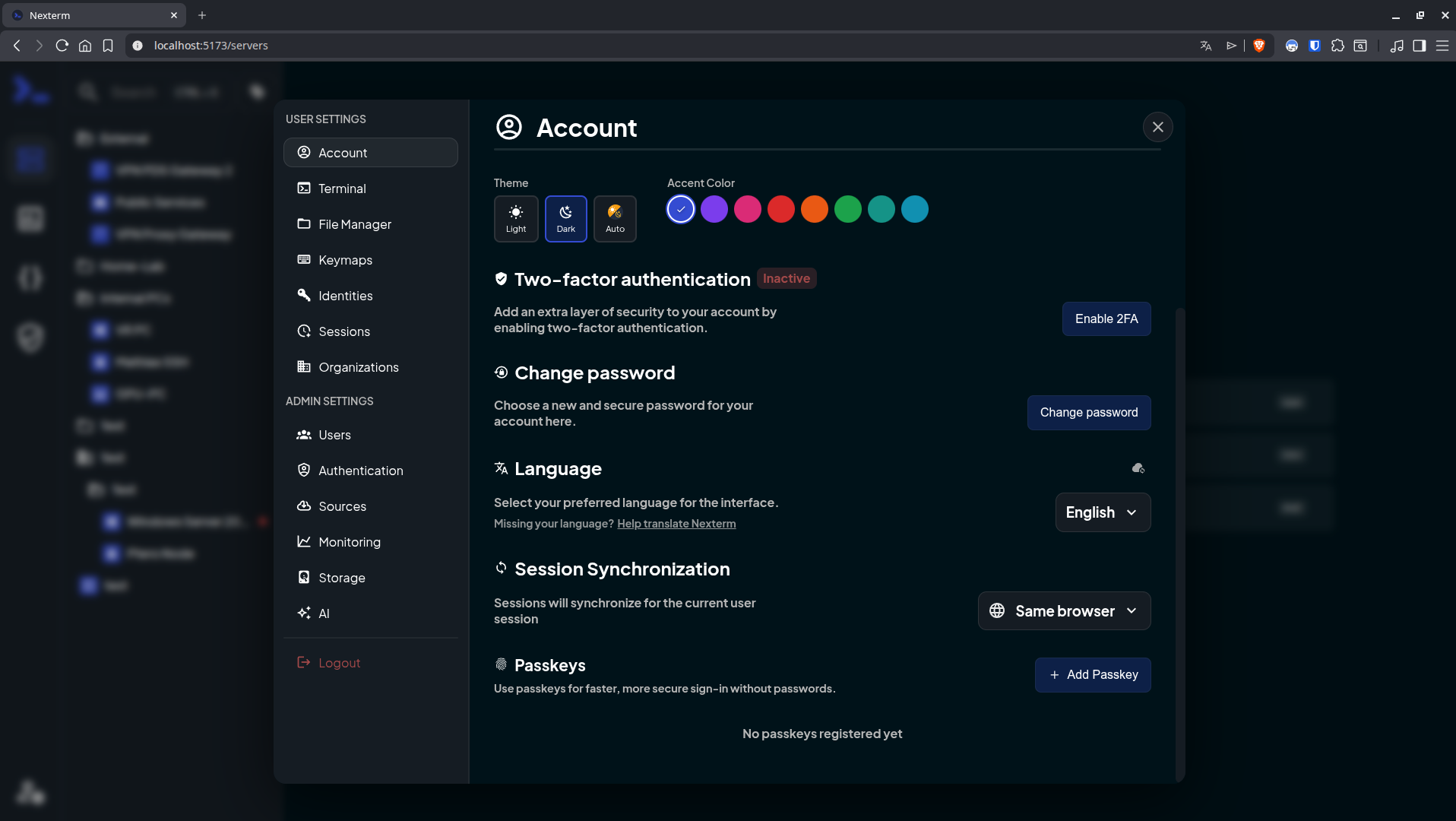
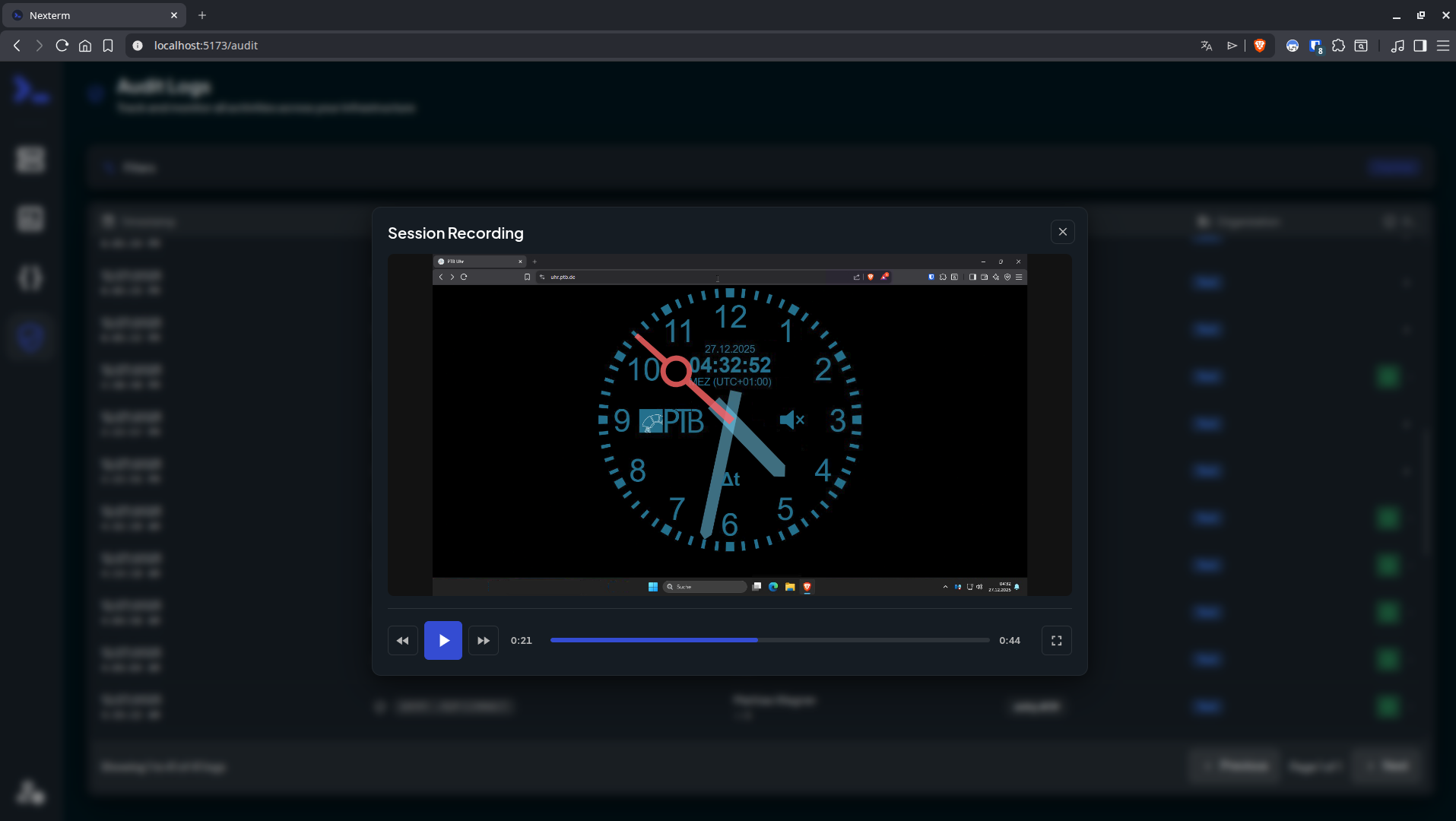
Terminals, remote desktops, and file browsers for every server you run: Nexterm opens them over SSH, VNC, RDP, Telnet, or SFTP from a self-hosted web page. Servers live in folders with tags and custom icons. Connections open as tabs or split views, keep running across browsers and devices, and can hibernate and resume later. The file manager handles SFTP and FTP: drag files in, upload whole folders, search, and edit in place with syntax highlighting. Live metrics track CPU, memory, disk, network, and processes for each host. Snippets store the commands you retype most. Scripts run whole maintenance jobs. Git repositories added as sources bring ready-made ones filtered by operating system. Organizations share servers through role-based permissions, and every action is logged. Record full terminal sessions for audits and training, or send a shared-session link so a colleague can join, read-only or writable. Authentication covers local accounts with TOTP and passkeys, OIDC providers such as Keycloak, Authentik, and Microsoft Entra ID, and LDAP or Active Directory. Saved passwords, SSH keys, and passphrases stay encrypted at rest. A Proxmox integration lists LXC containers and QEMU virtual machines and can start or stop them. An opt-in AI assistant drafts shell commands from plain-language requests. Running on a dedicated VPS on RepoCloud with guaranteed CPU, RAM, and SSD, full root SSH access, and a browser serial console. MIT licensed.
Benefits
- One browser tab for everything
- SSH terminals, VNC screens, RDP desktops, Telnet consoles, and SFTP file browsing open as tabs in a single web interface, so no desktop clients are needed on any laptop.
- Share servers with your team
- Organizations grant role-based access to shared servers, audit every action, and record whole terminal sessions, while OIDC and LDAP sign-in keep team accounts in your existing directory.
- Credentials stay encrypted at rest
- Passwords, SSH keys, and passphrases are encrypted with a key you generate with openssl, and the built-in provider adds TOTP two-factor authentication and passkeys for sign-in.
- Automate routine server chores
- Snippets paste frequent commands into a session, scripts run full maintenance jobs, and Git sources load ready-made ones tagged by operating system, including Proxmox VE shell commands.
Features
- Tabbed Remote Connections
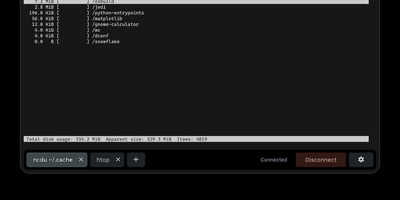
- SSH terminals, VNC, RDP, and Telnet sessions open in tabs or split views, persist across browsers and devices, and can be hibernated and resumed later.
- SFTP and FTP File Manager
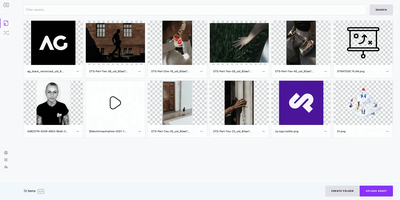
- Browse, upload, download, and edit remote files with drag-and-drop uploads, folder uploads, a search bar, and an inline editor that highlights syntax.
- Real-Time Server Monitoring
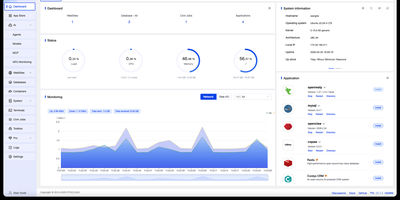
- Live CPU, memory, disk, and network metrics plus process monitoring show the health of each connected server at a glance.
- Organizations and Session Recording
- Role-based organizations share servers with teams, audit actions, record terminal sessions for replay, and let colleagues join read-only or writable shared sessions.
- Flexible Authentication Options
- Local accounts support TOTP and passkeys, OIDC covers Keycloak, Authentik, Authelia, Google, and Microsoft Entra ID, and LDAP binds to OpenLDAP or Active Directory.
- Proxmox and AI Integrations
- A Proxmox VE integration lists LXC containers and QEMU VMs with start and stop actions, and an opt-in AI assistant generates shell commands from plain-language prompts.