Categories
Self-Hosted Collaboration Knowledge Base Task Management Note Taking Markdown Editor AI WritingStars
Forks
Watchers
Developer links
Nowen Note
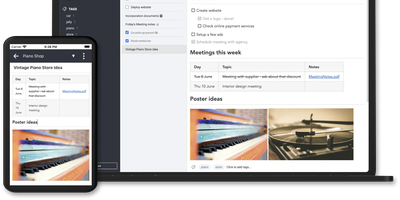
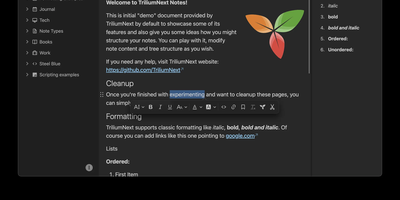
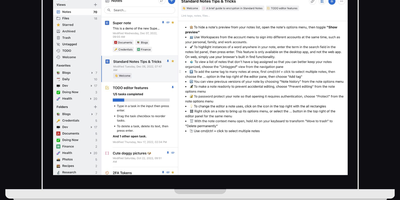
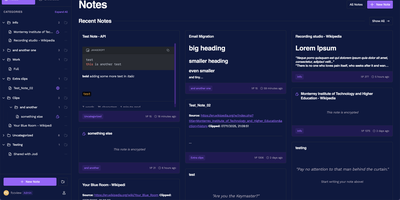
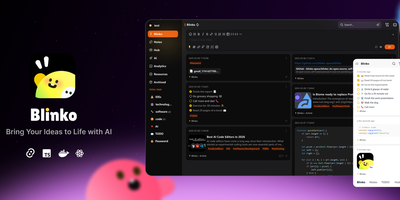
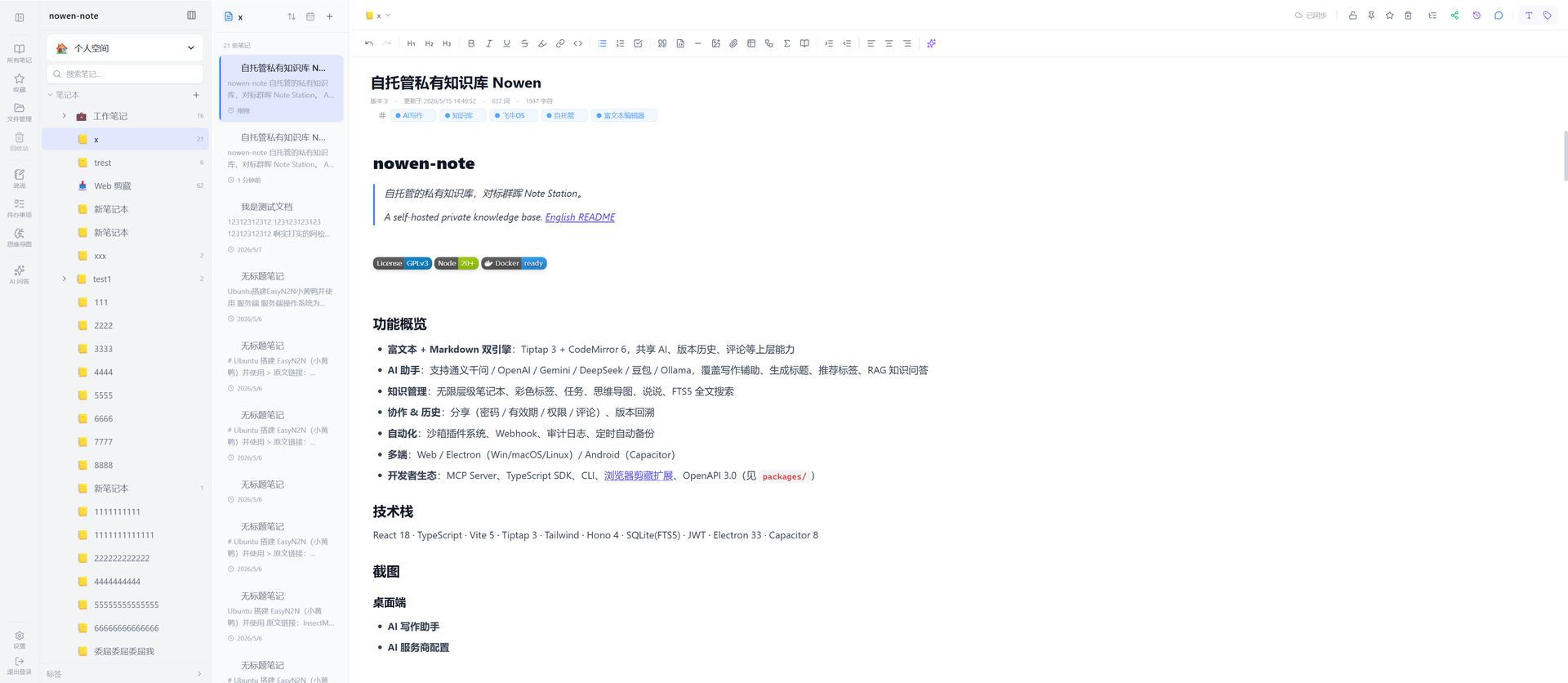
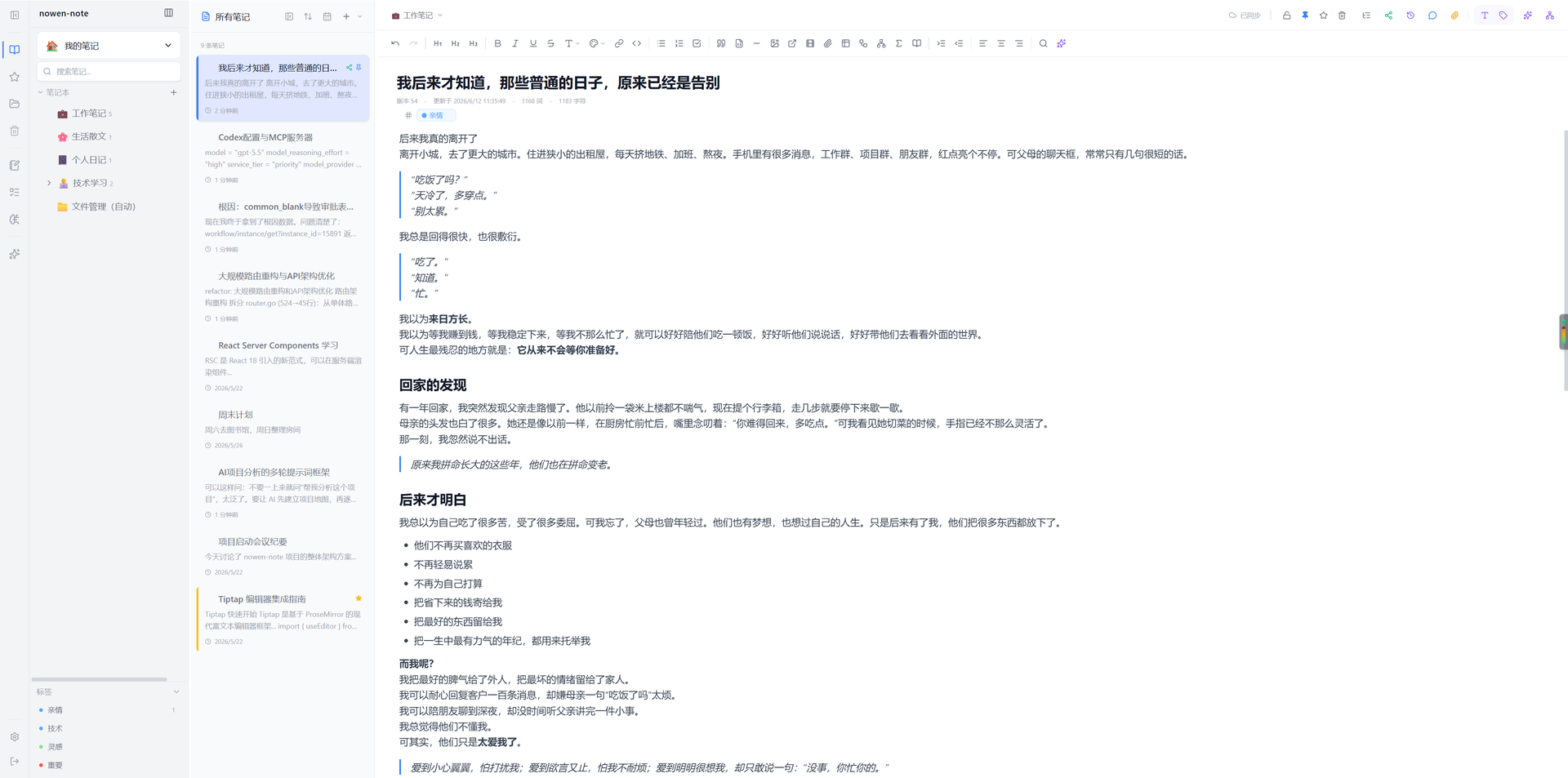
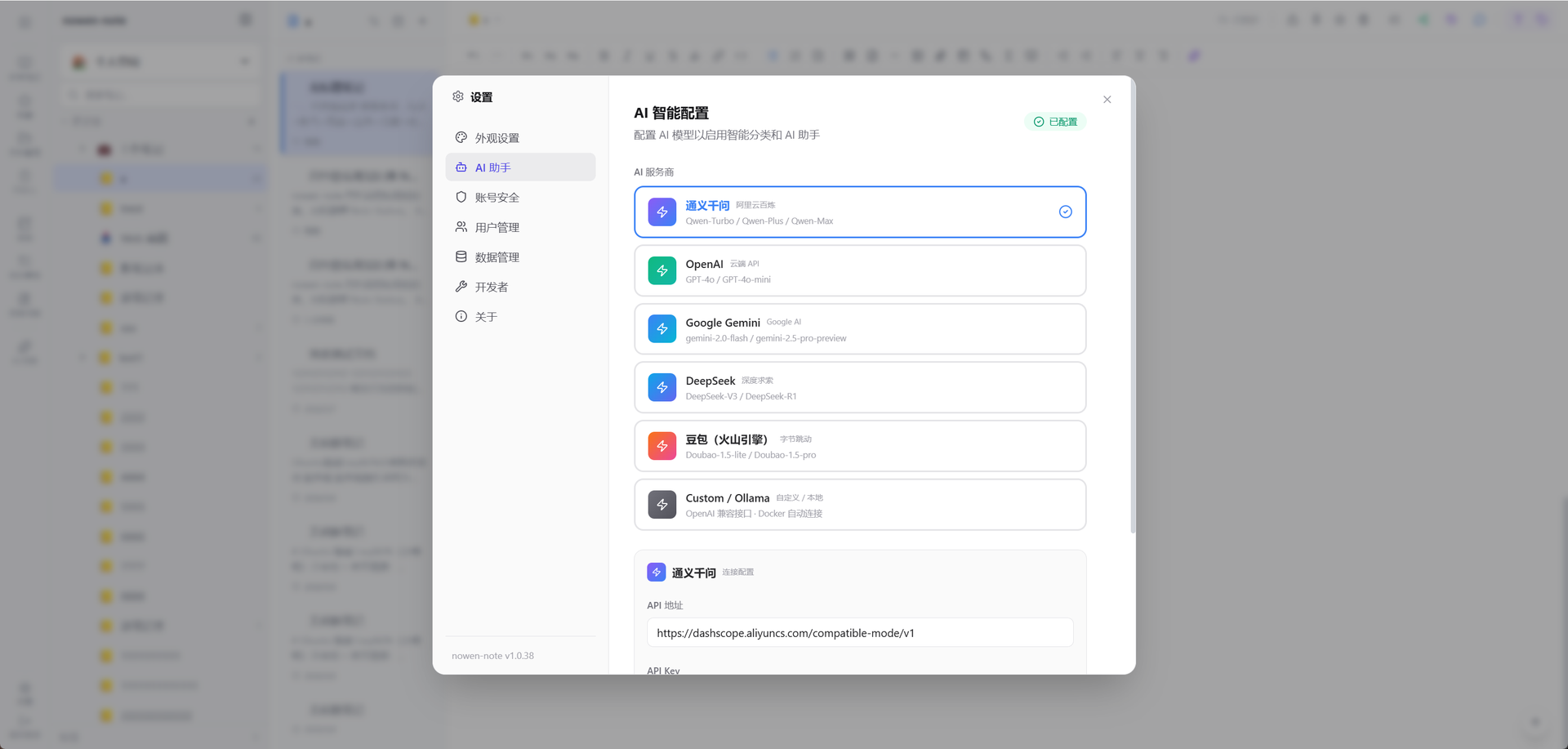
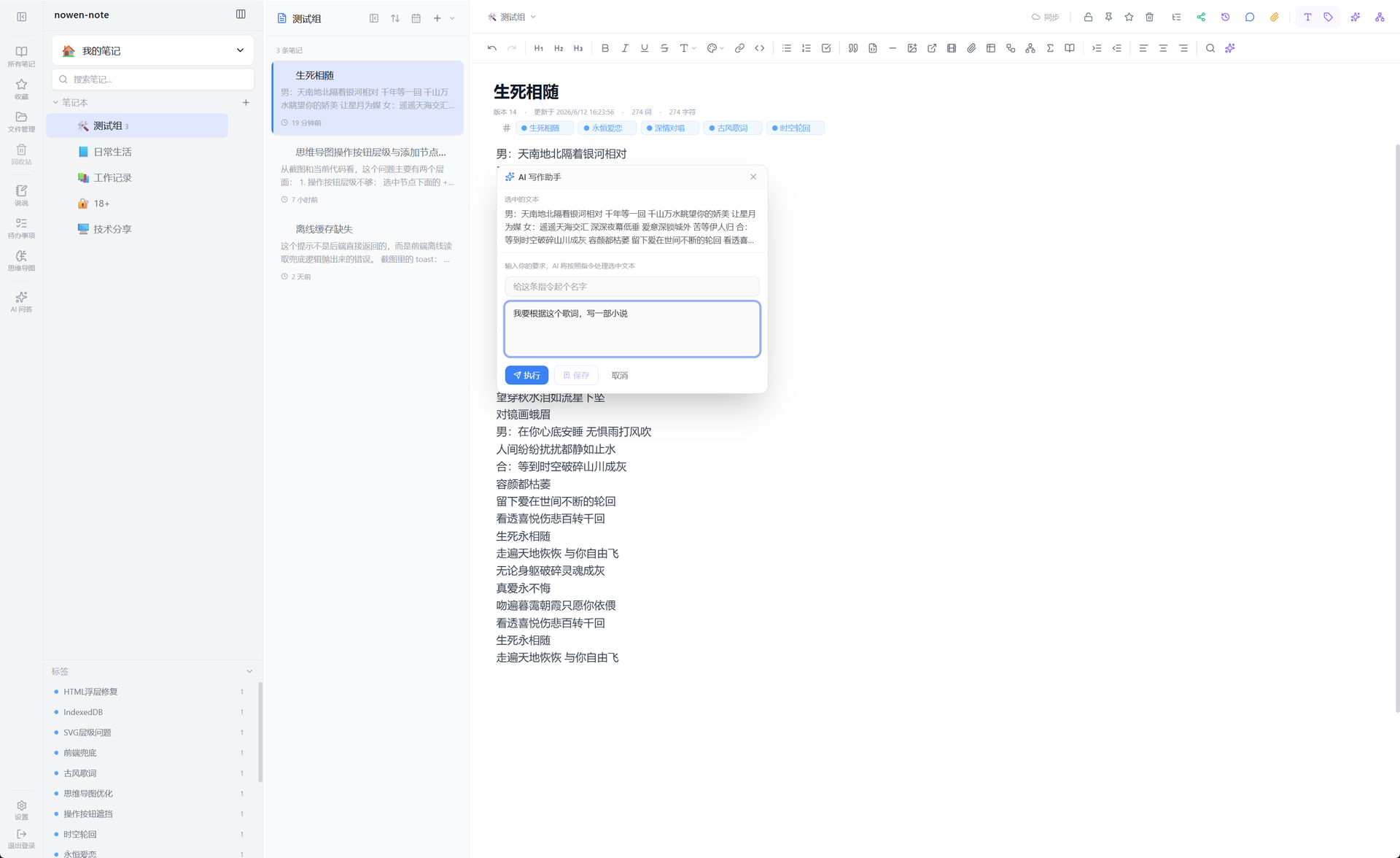
Nowen Note is a self-hosted knowledge base where your notes, tasks, daily journals, and mind maps live in one private workspace you control. One tree holds folders, rich-text documents, and Markdown notes side by side, with drag-and-drop ordering, unlimited nesting, colored tags, pinning, and full-text search across everything. Each note can switch between a rich-text editor and Markdown with live preview, split view, outlines, tables, code blocks, math formulas, diagrams, comments, and version history. Connect the AI provider you prefer, such as an OpenAI-compatible API, Gemini, DeepSeek, or local Ollama, to continue drafts, rewrite passages, translate, summarize, and ask questions answered from your own notes. Tasks get list, board, calendar, and timeline views with dependencies, recurring rules, reminders, and templates, while daily journals capture short entries, moods, and photos and roll them into AI weekly and monthly reviews. Teammates edit together in real time, and folder-level permissions, passwords, allow and deny rules, share links with expiry dates, and guest comments decide exactly who sees what. Imports arrive from Obsidian, SiYuan, Word documents, web pages, and plain Markdown, attachments can live on local disk or S3-compatible storage, and scheduled backups travel to email or WebDAV. Keep working offline with a cached workspace that syncs when you reconnect, clip pages from the browser extension, and connect other tools through the OpenAPI, SDK, webhooks, and MCP server. Running on a dedicated VPS on RepoCloud with guaranteed CPU, RAM, and SSD, full root SSH access, and a browser serial console. GPL-3.0 licensed.
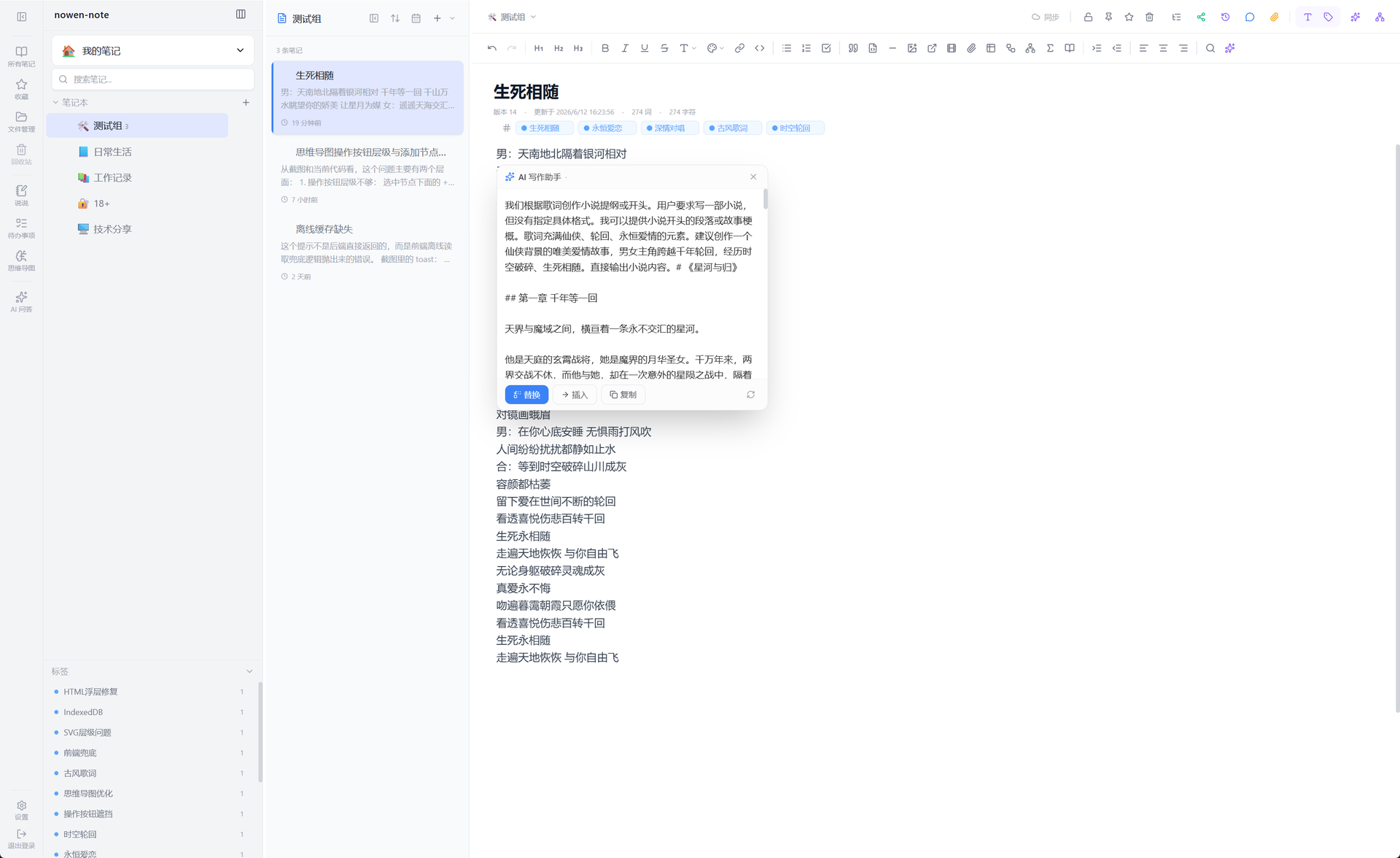
Benefits
- Every note format unified
- Rich text and Markdown live in the same tree with per-note conversion, so quick notes, technical documentation, and long-form writing share one workspace, one search, and one permission system.
- Your data stays yours
- Databases, attachments, and backups remain on your infrastructure, attachments can move to S3, Cloudflare R2, or MinIO, and scheduled backups go to email or WebDAV on separate storage.
- AI that reads your notes
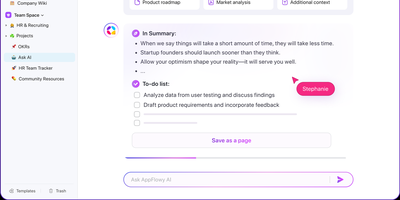
- Ask questions and get answers grounded in your own knowledge base, generate titles and tags, summarize long documents, and let AI draft today's task list for your confirmation.
- Collaboration with real permissions
- Real-time co-editing pairs with folder-level access rules, passwords, expiring share links, and guest comments, so a public knowledge space and a locked private folder coexist safely.
Features
- Dual editing engines
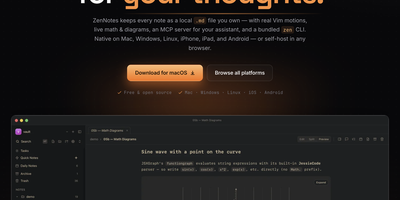
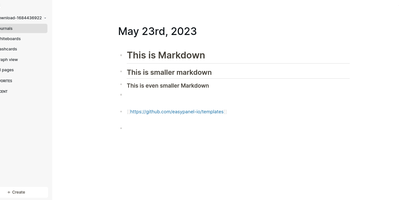
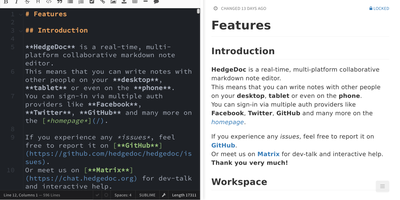
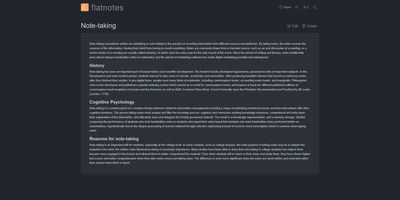
- Switch each note between a Tiptap rich-text editor and CodeMirror Markdown with live preview, split view, tables, KaTeX formulas, Mermaid diagrams, footnotes, and callouts.
- AI writing and RAG
- OpenAI-compatible APIs, Qwen, Gemini, DeepSeek, Doubao, and Ollama power continuation, rewriting, translation, summaries, embedding indexes, and retrieval questions over your notes.
- Tasks and journals
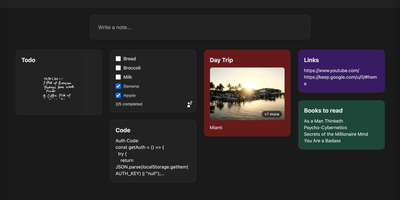
- Tree, list, board, calendar, and Gantt views organize tasks with dependencies and recurrence, while journals collect daily entries, moods, media, and AI period reviews.
- Search and knowledge graph
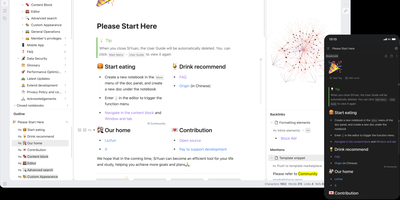
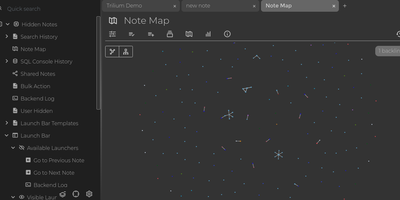
- Full-text search, colored tags, favorites, backlinks, block references, and a visual knowledge graph connect related notes across folders, workspaces, and shared team spaces.
- Sharing and access control
- Directory ACLs, folder passwords, Restricted mode, expiring share links, and guest comments publish selected knowledge publicly while keeping private folders locked down.
- Imports, backups, offline sync
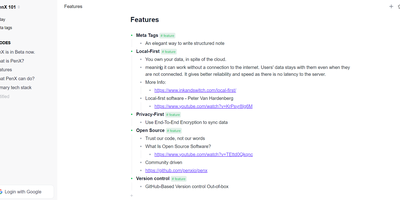
- Import from Obsidian, SiYuan, DOCX, and web pages; back up automatically to email or WebDAV; keep an offline workspace that syncs changes when reconnected.