Categories
Self-Hosted Automation Collaboration Scheduling Event Management Live Production BroadcastStars
Forks
Watchers
Developer links
Ontime
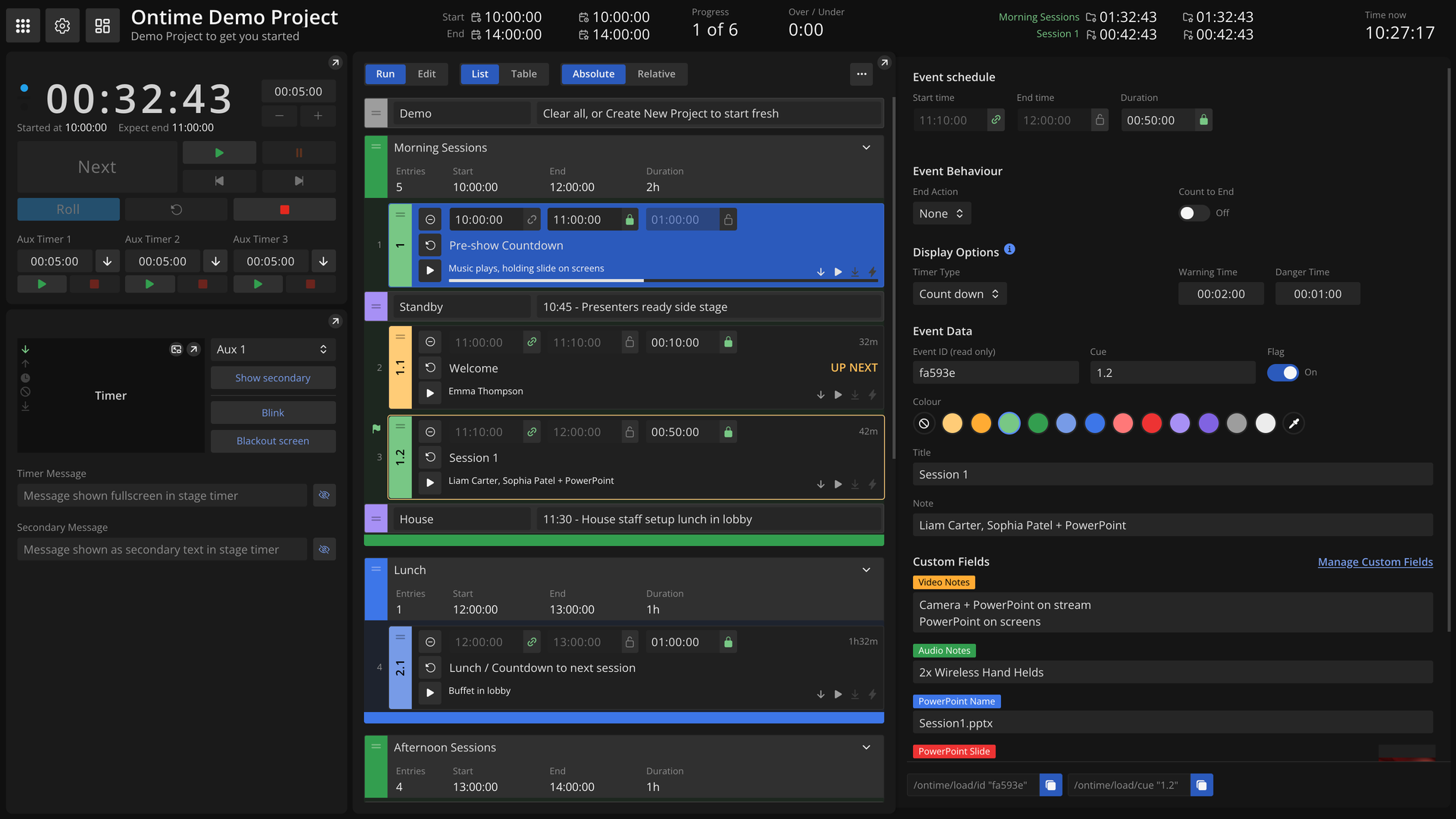
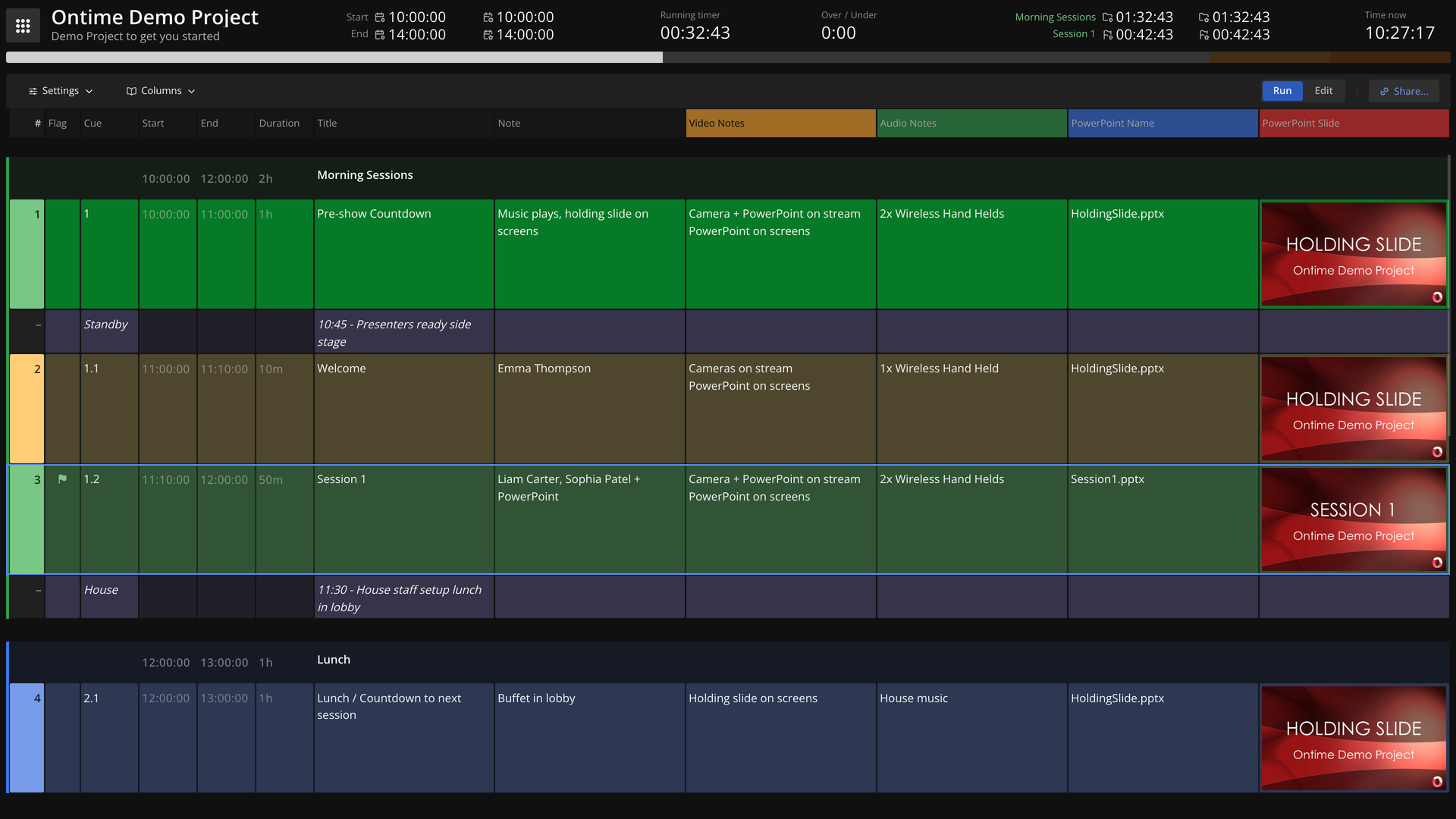
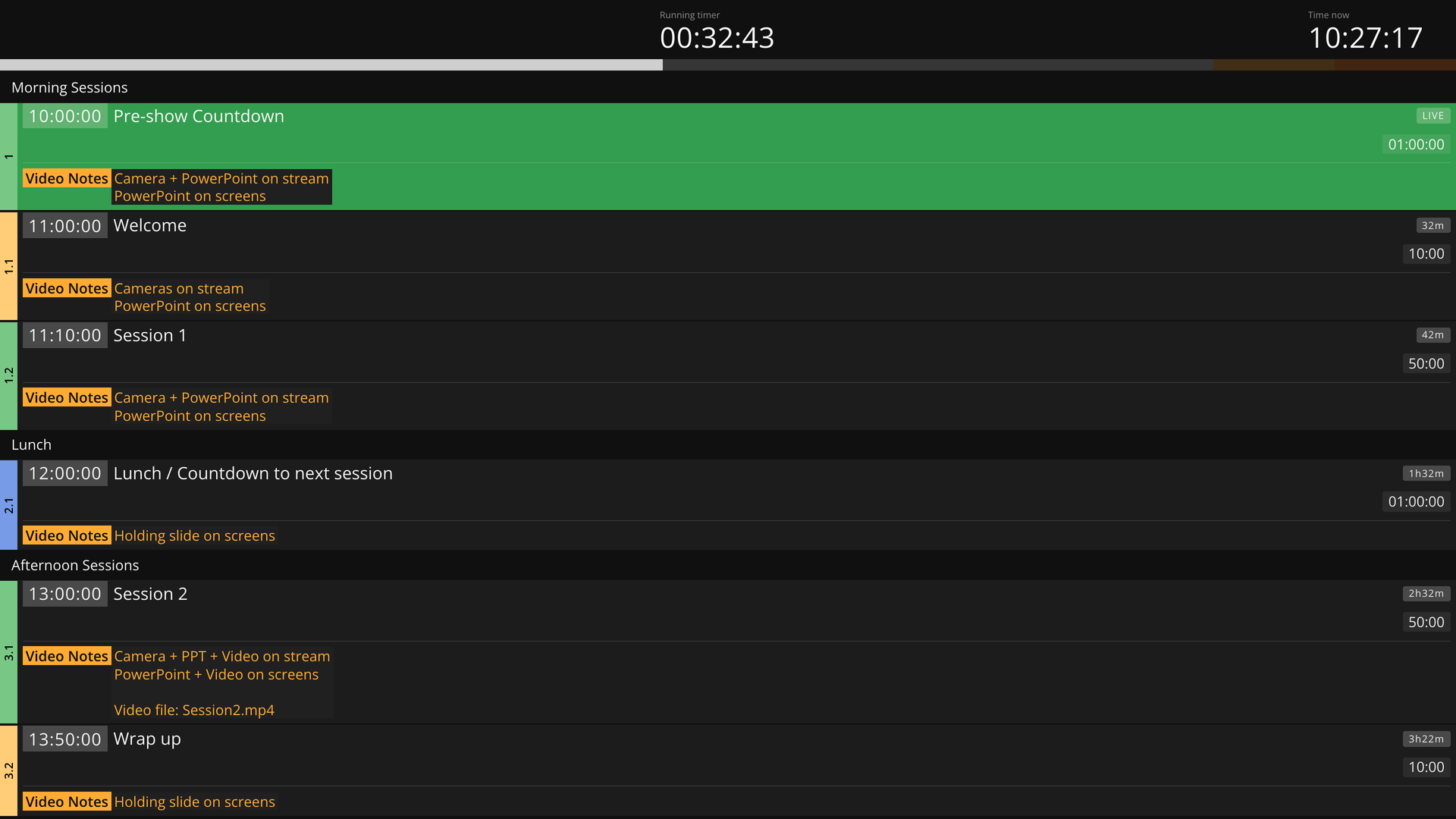
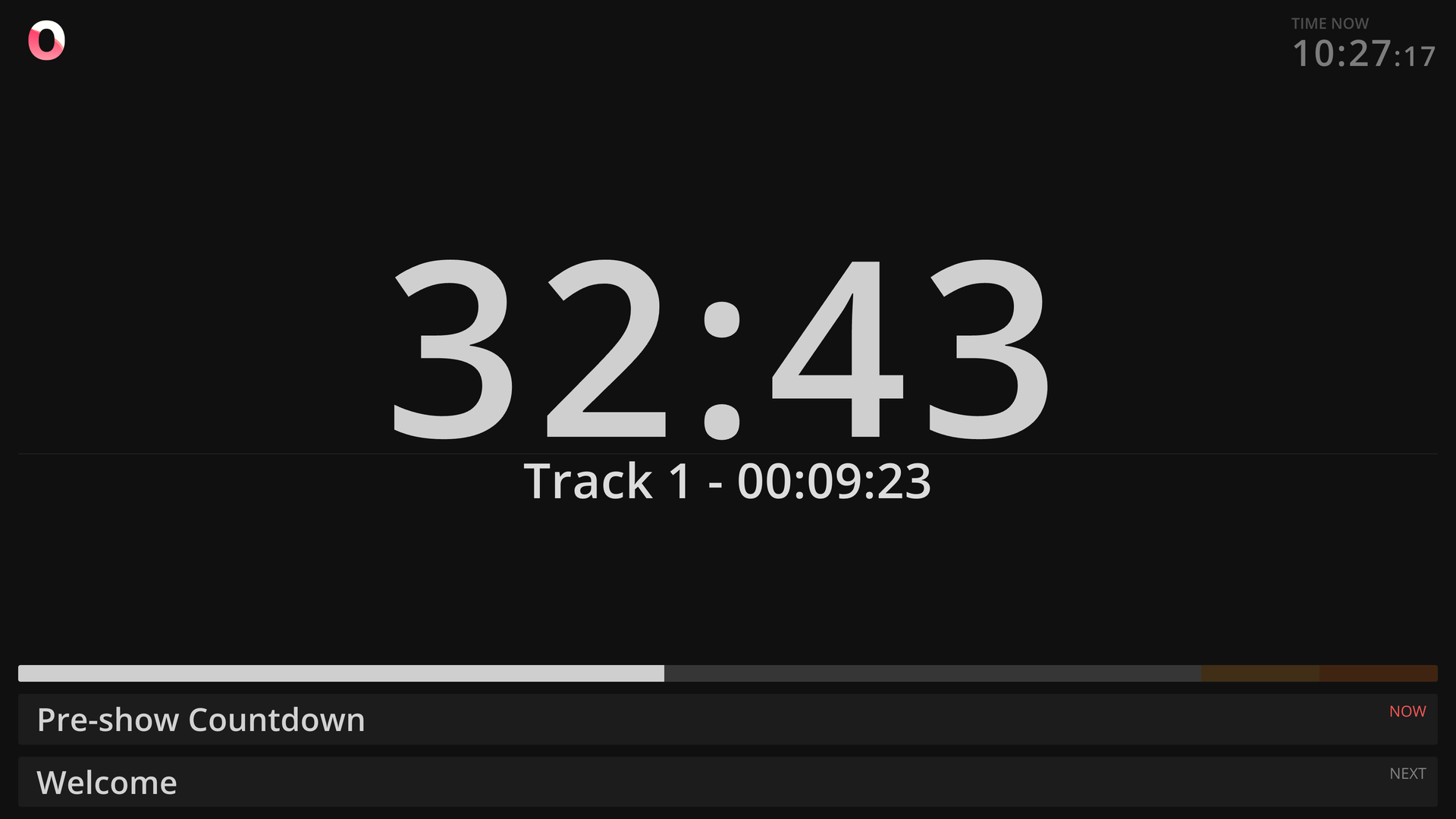
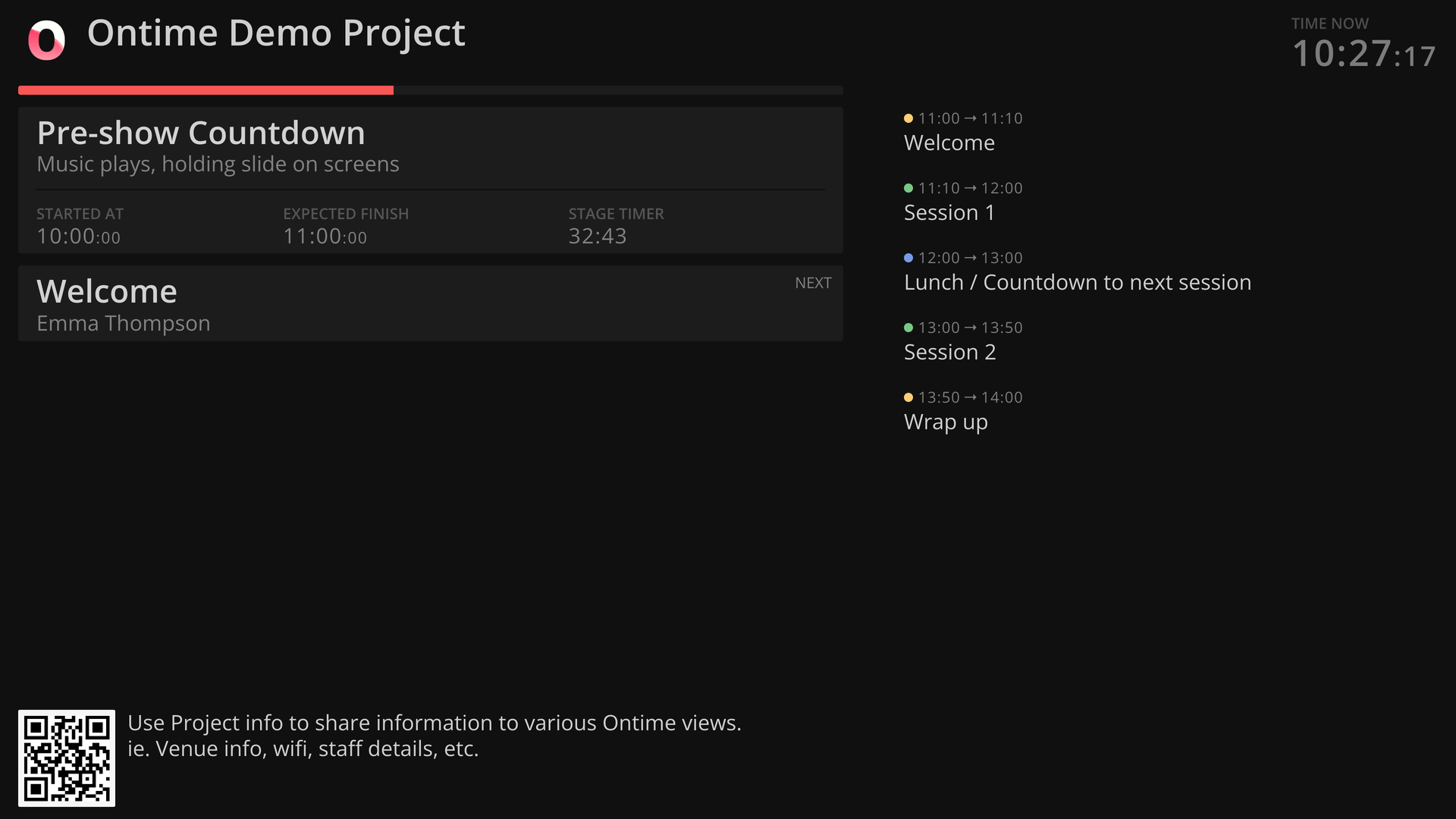
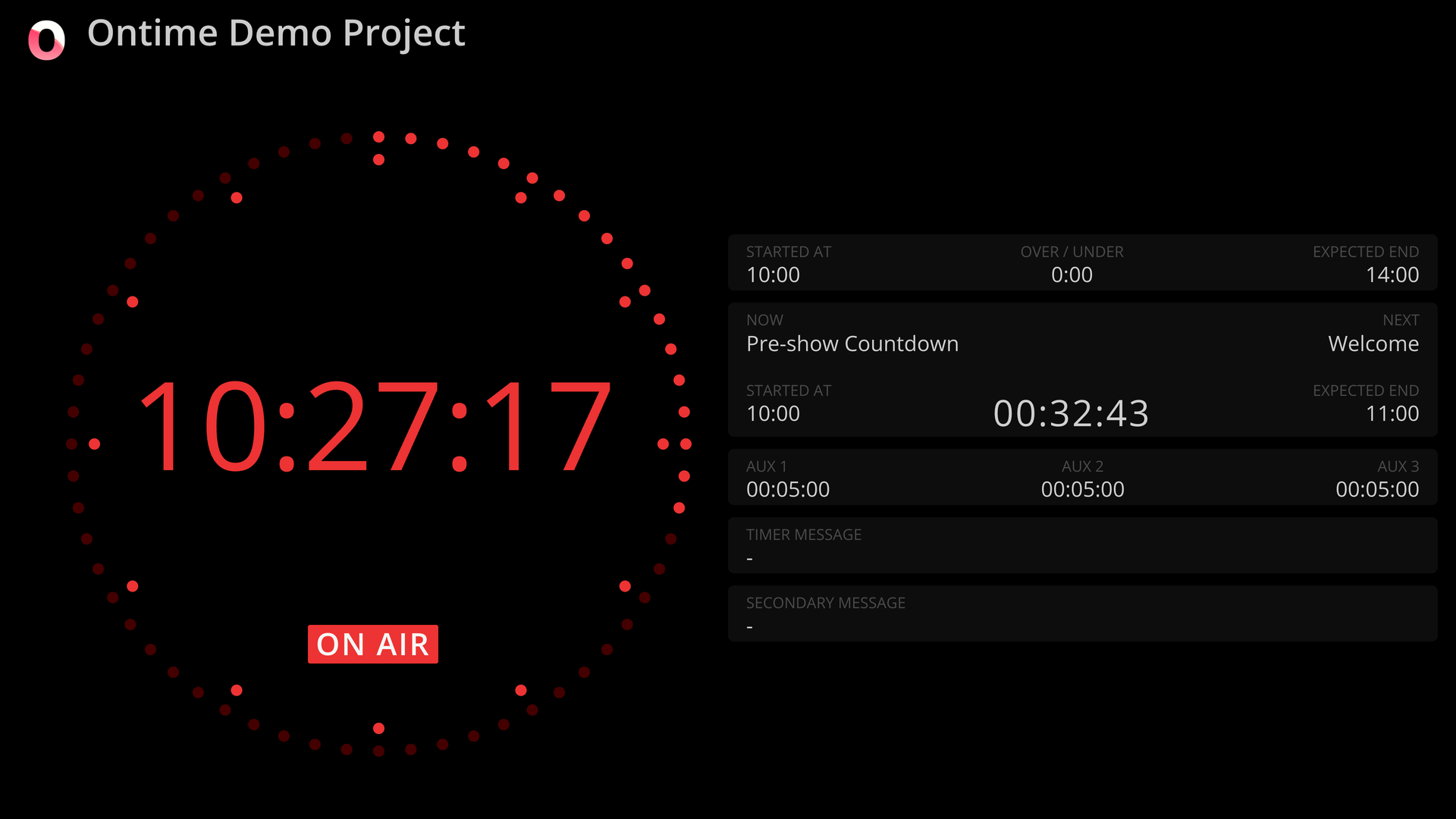
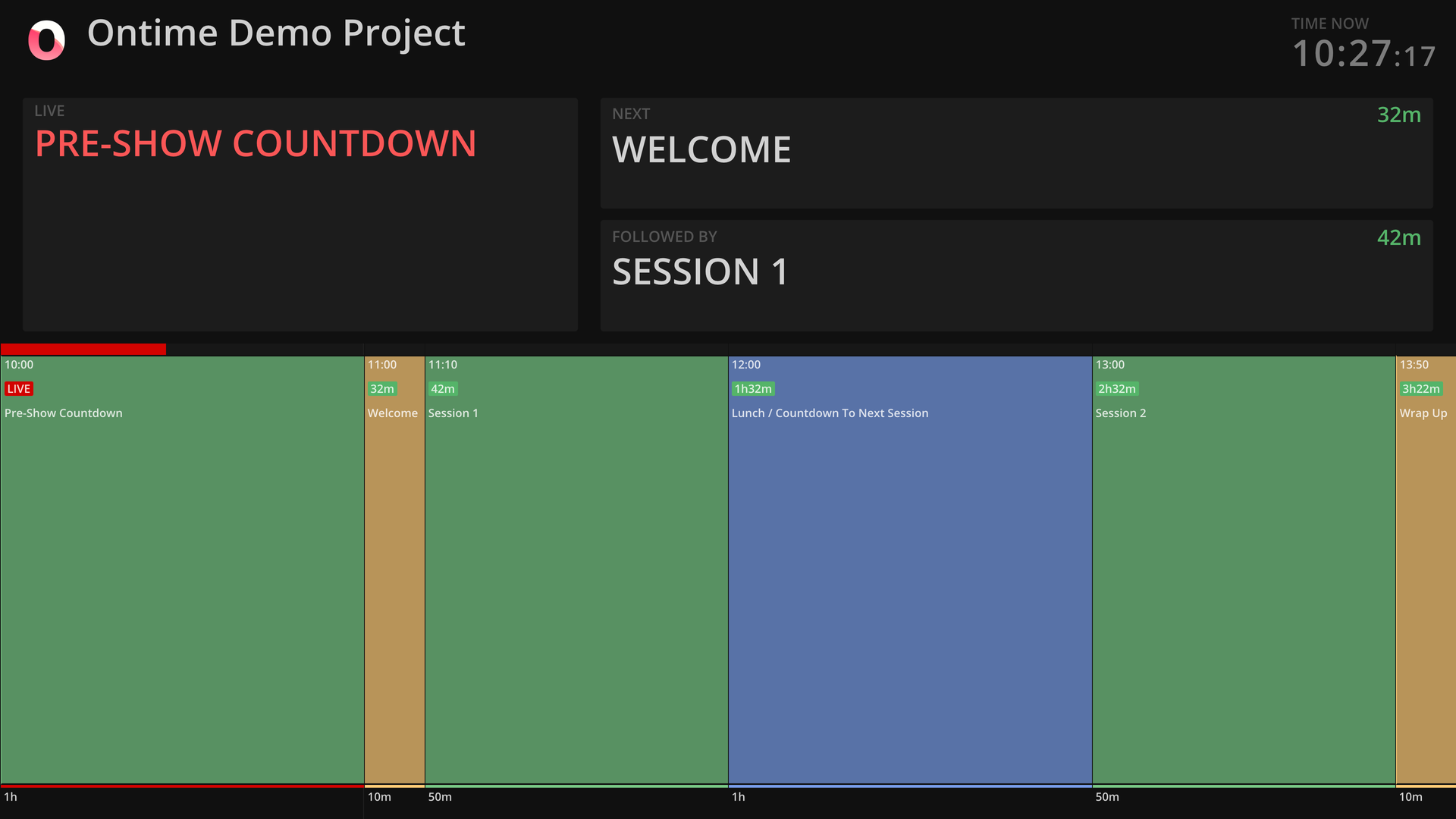
Before doors open, the rundown lives in Ontime's editor, and once the show starts every operator screen, stage timer, and cuesheet follows it live. It is built from timed events, groups for acts and panels, and milestones for operator notes, with durations typed as 10m15s. Excel and Google Sheets imports bring in an existing plan. During the show, play events by hand or switch on roll mode to follow the system clock. Added time and delays flow into downstream events, and expected start and finish times show how far the show has drifted. Custom fields hold light, sound, and camera notes, and a shared cuesheet link gives each department or client only the access it needs. Operator, cuesheet, stage timer, backstage, countdown, studio clock, and timeline views each get a URL, and presets turn long view settings into short shareable links. Remote client redirects steer wall displays nobody can touch. OSC, HTTP, and WebSocket APIs, a Bitfocus Companion module, and event-triggered automations tie the rundown to vMix, QLab, and OBS. An MCP server gives AI agents the tools to build, group, and audit a rundown from a pasted agenda, but never to start, stop, or advance a timer. Conference organizers, touring shows, broadcasters, theatres, and houses of worship use it to keep crews on one clock. Running on a dedicated VPS on RepoCloud with guaranteed CPU, RAM, and SSD, full root SSH access, and a browser serial console. GPL-3.0-or-later licensed.
Benefits
- One Rundown Feeds Every Screen
- Edit the schedule once and the operator list, backstage display, countdown, studio clock, and timeline all update together, so nobody reads a stale printout mid-show.
- Delays Reach Everyone Immediately
- Added time, scheduled delays, and offsets propagate through downstream events, and expected start and finish times show how far the show has drifted, so crews react before a slip snowballs.
- Each Department Edits Its Own Columns
- Custom fields hold light, sound, and camera notes in the editor and cuesheet, and a shared cuesheet link gives a department or client only the read or write access it needs.
- Your Data Stays On Your Server
- Projects are portable JSON files you host yourself with no subscription, an optional pin code guards the editor, cuesheet, and operator views, and the same file opens in the desktop app.
Features
- Structured Rundown Editor
- Timed events, groups for acts and panels, and milestones for operator notes, with shorthand time entry like 10m15s, drag reordering, cloning, skipping, and Excel or Google Sheets import.
- Role-Based Browser Views
- Operator, cuesheet, stage timer, backstage, countdown, studio clock, and timeline views each have a URL, and URL presets turn long view settings into short shareable links.
- OSC, HTTP, WebSocket APIs
- Read runtime data and control playback over OSC, HTTP, or WebSocket, use the Bitfocus Companion module, and fire automations that send messages when events start.
- MCP Server For Agents
- An MCP server over Streamable HTTP lets AI agents build, group, and audit rundowns from pasted agendas, but it cannot start, stop, or advance timers.
- Custom Views And Styling
- Override view colors with a CSS file and serve custom HTML, JavaScript, and CSS views from the external folder, driven by the Ontime WebSocket stream.
- Roll Mode And Aux Timers
- Roll mode runs sections standalone from the system clock, while auxiliary timers run free alongside the rundown for speaker countdowns or video playback.