Categories
Self-Hosted Developer Tools AI Agents MCP Diagramming Architecture Diagrams Mermaid Diagrams as CodeStars
Forks
Watchers
Developer links
OpenFlowKit
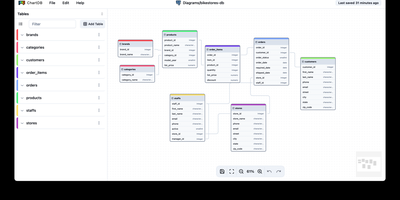
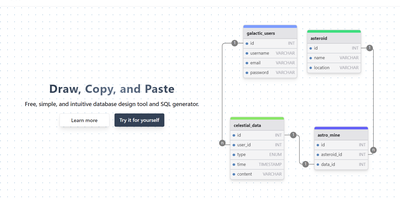
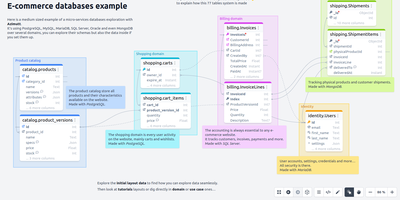
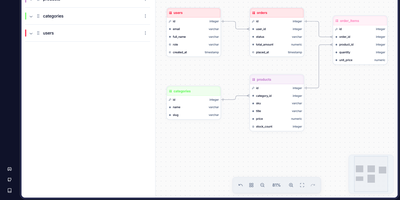
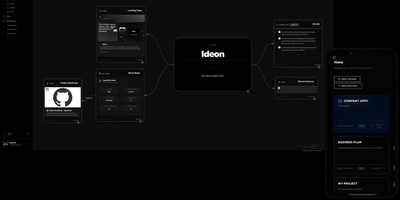
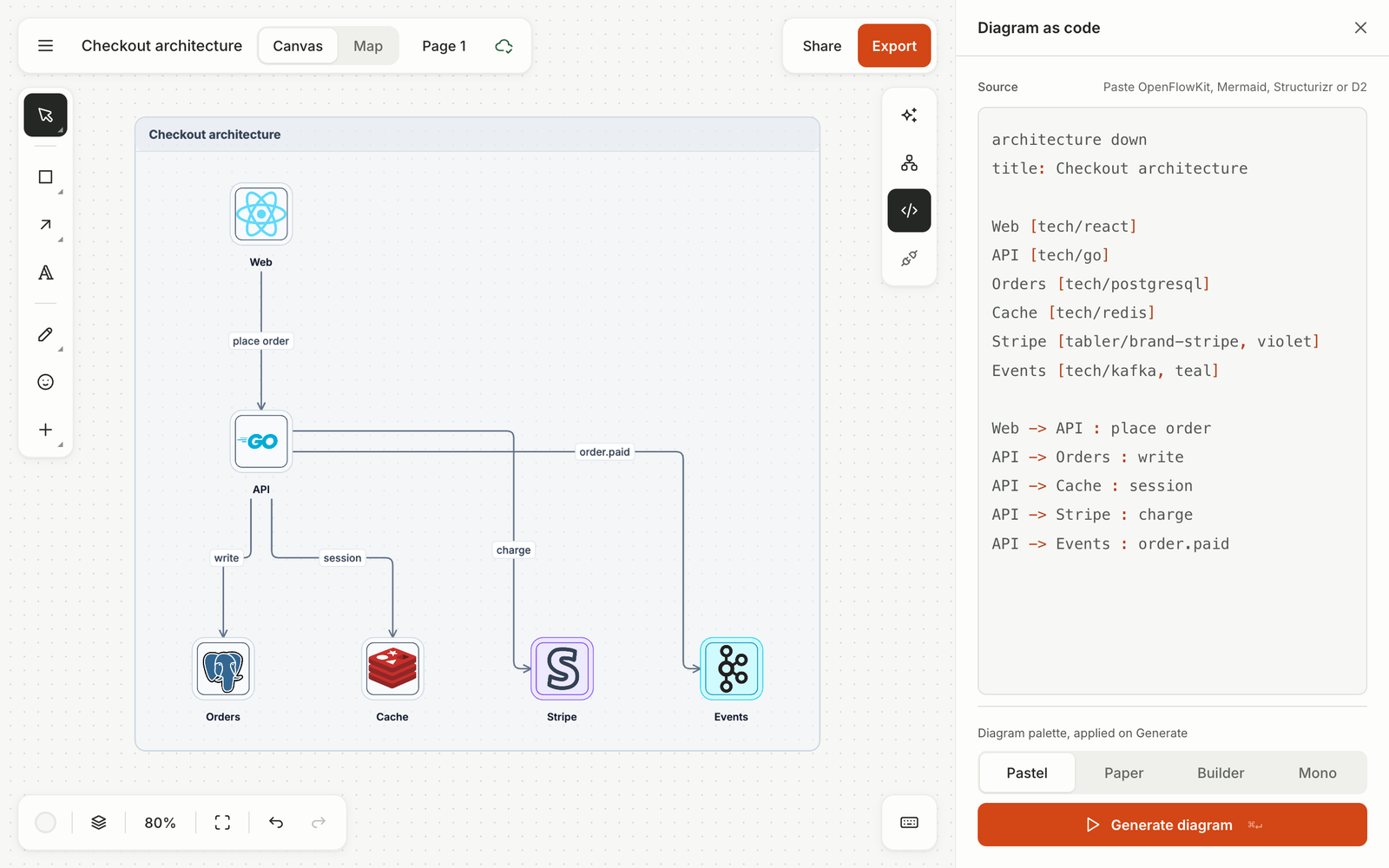
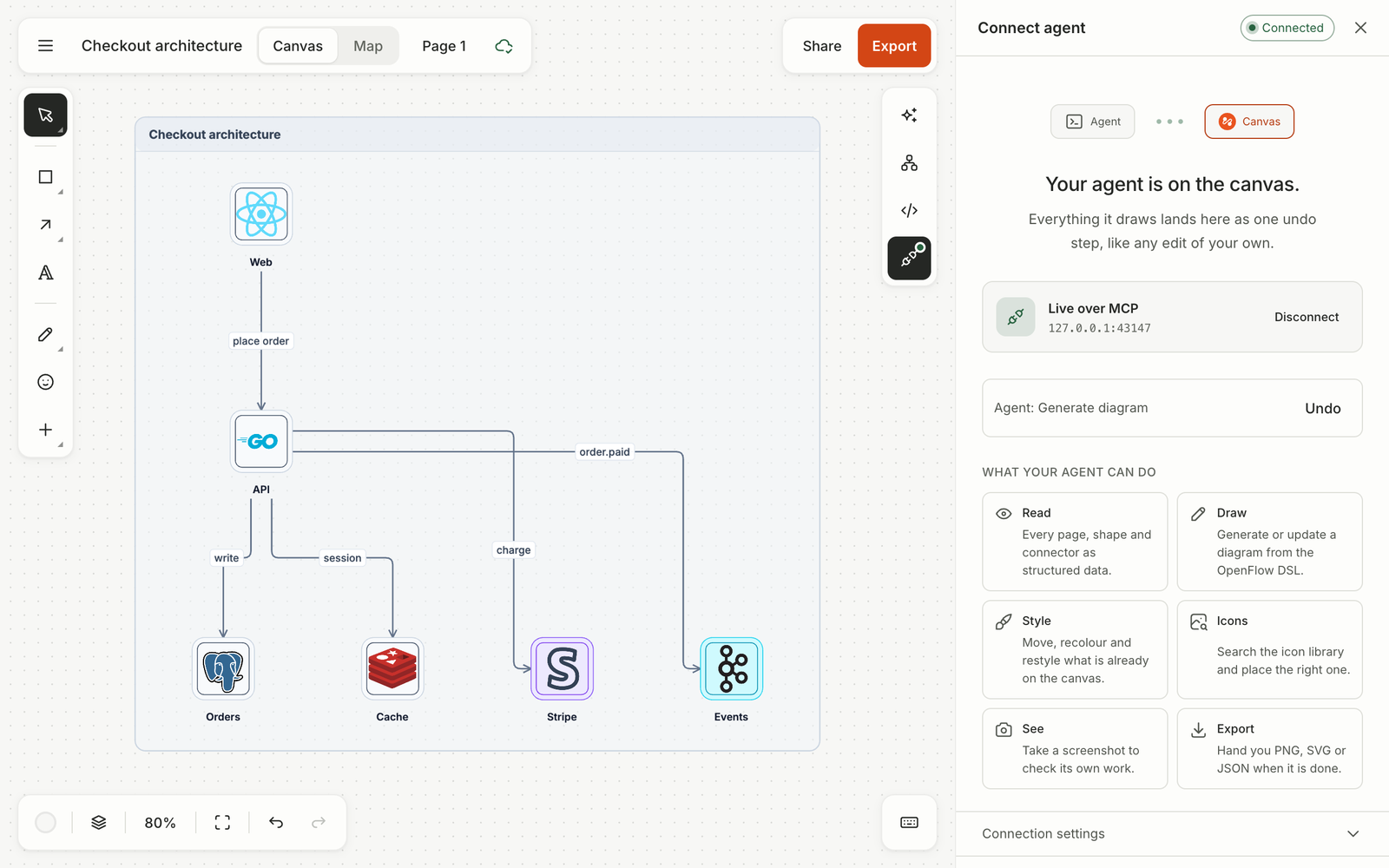
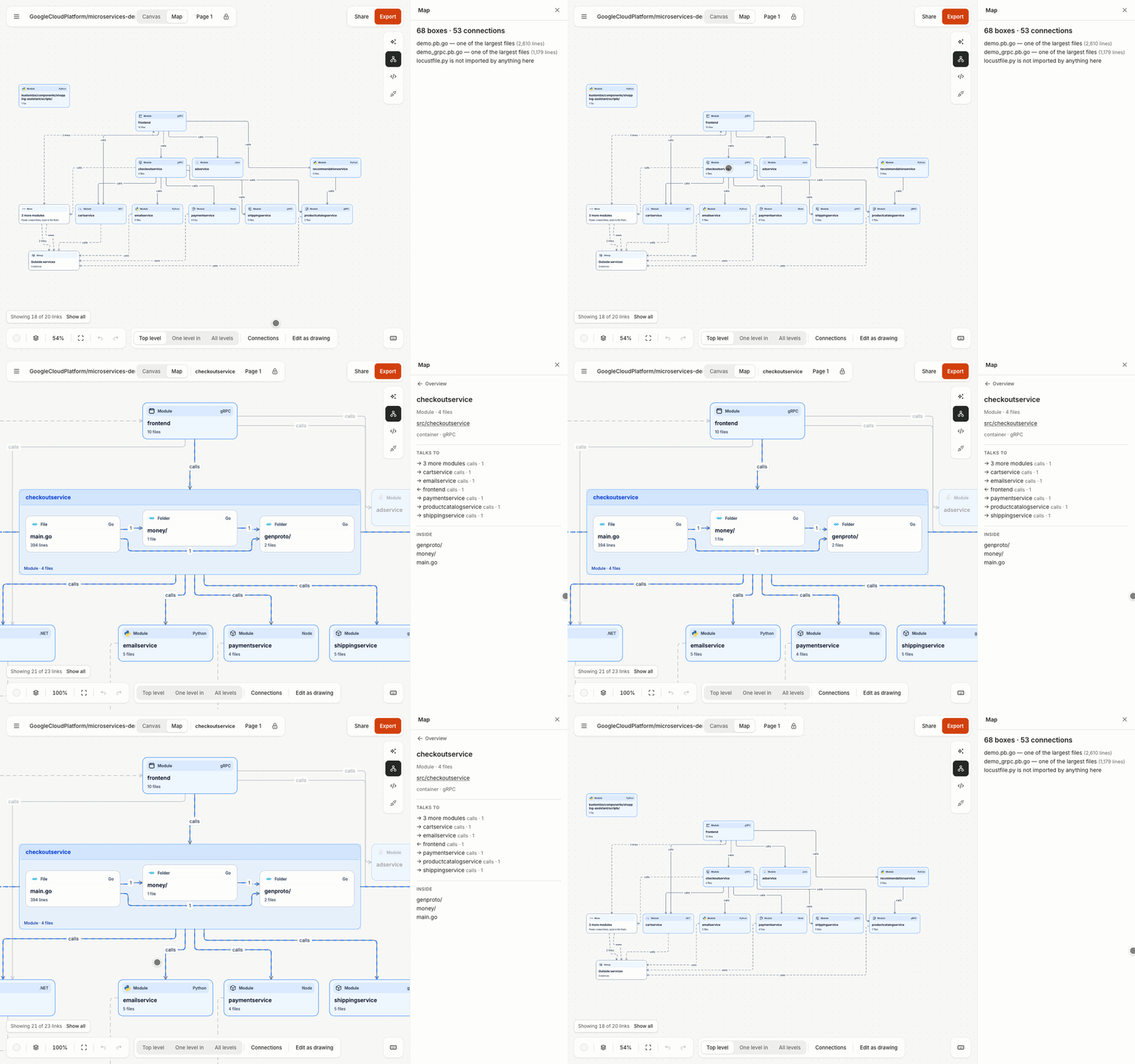
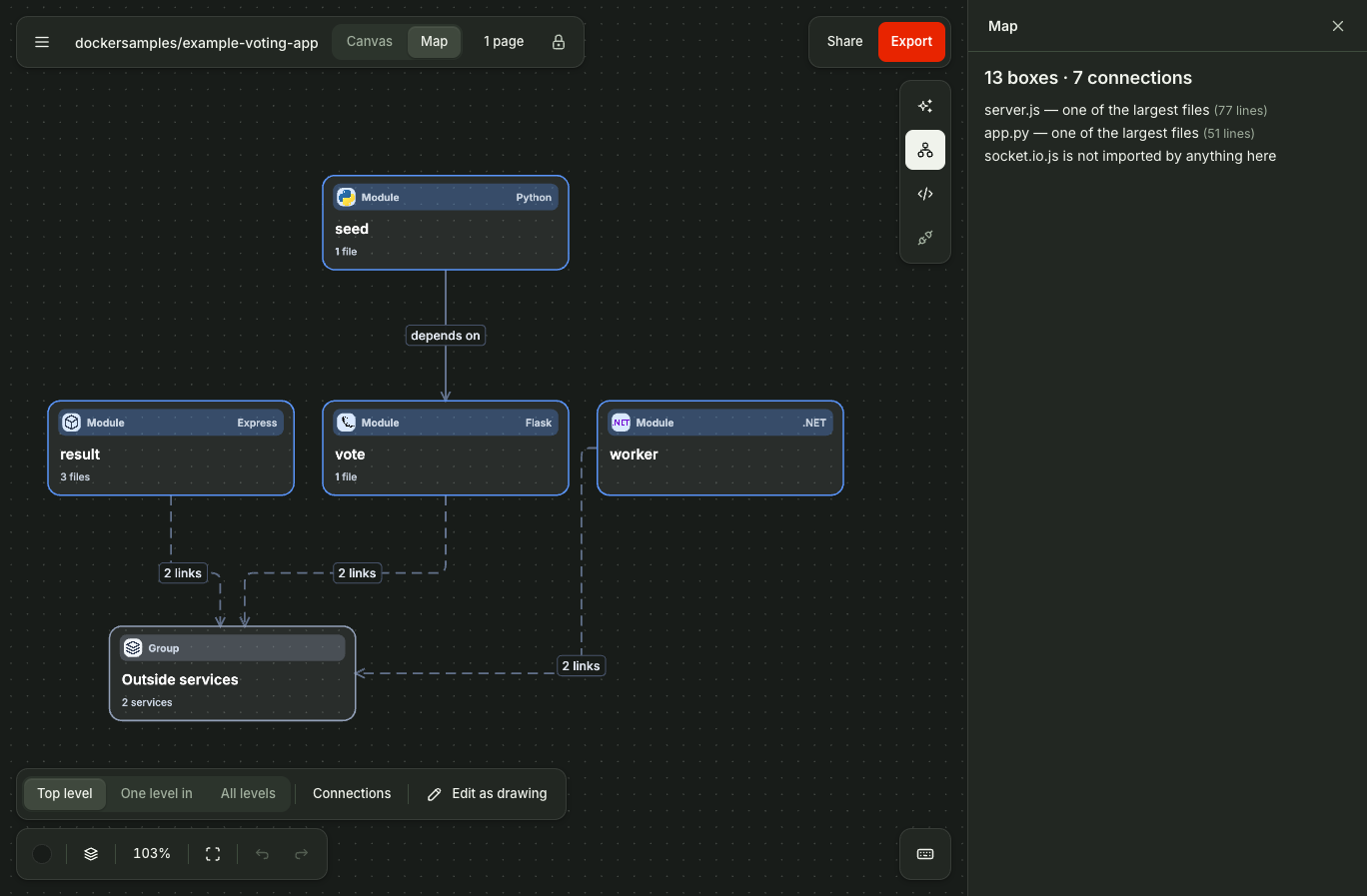
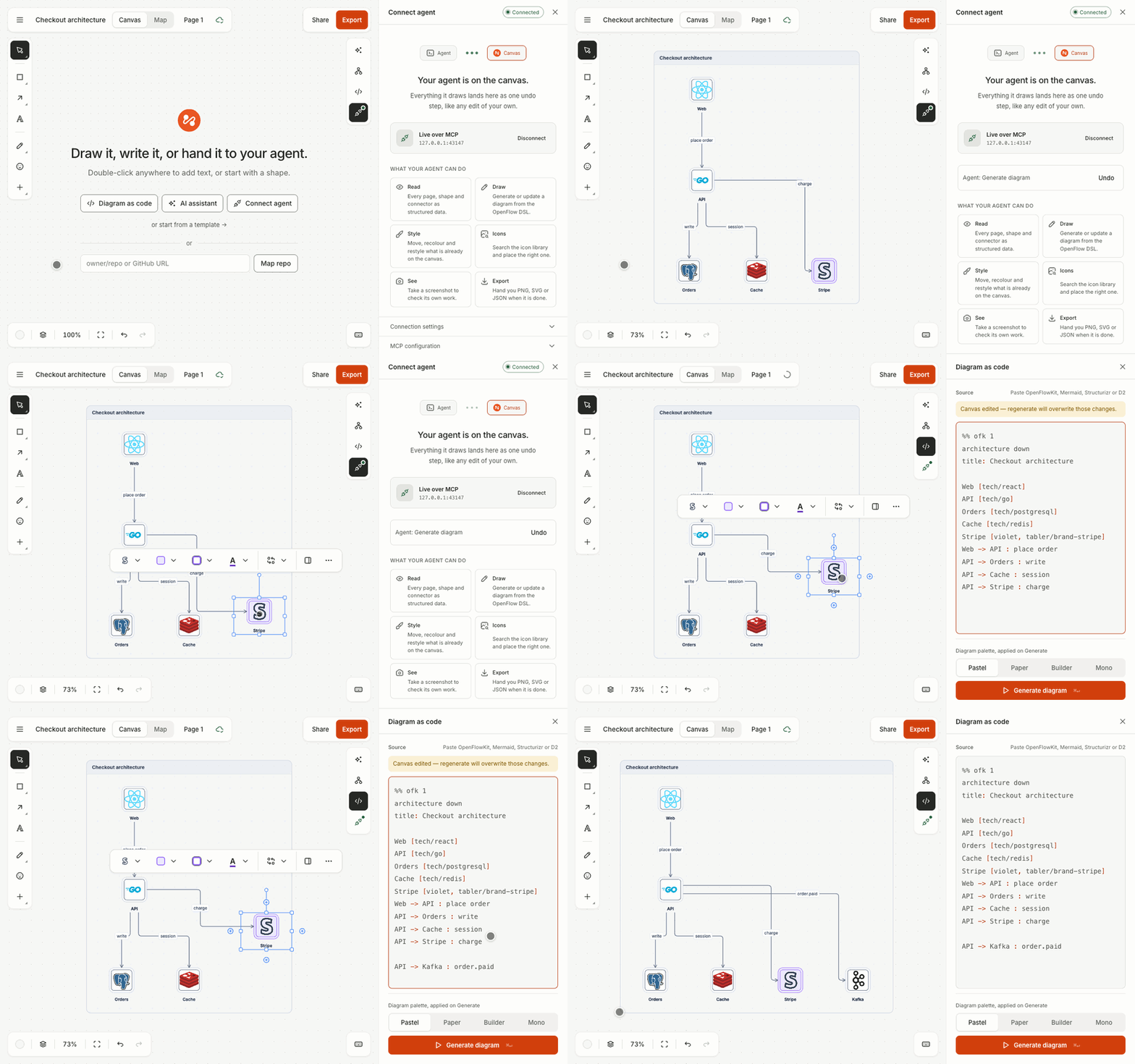
Draw it, write it as code, or hand it to your AI agent: OpenFlowKit is an open-source diagram canvas where the picture and the text behind it are always the same diagram. Drag shapes on the canvas or type a few forgiving lines, and each side regenerates the other as a single undo step. Ten diagram types share that one language: architecture with C4 views and cloud icons, sequence, flowchart, entity-relationship, state, class, mind maps, git graphs, charts, and wireframes. Paste Mermaid, Structurizr, or D2 and it converts into editable shapes, and Copy as Mermaid sends a flowchart or sequence back out for your README. Paste a GitHub repository instead and Map mode draws its architecture for you, with every arrow citing the exact file and line behind it, and a CLI that maps a local checkout for private repos. Connect Claude Code, Cursor, or any MCP client and the agent draws on your live canvas, restyles what is there, and screenshots its own work to check it. A built-in assistant works with your own key from Claude, OpenAI, Gemini, Groq, Mistral, OpenRouter, or a local Ollama, and exports cover PNG, SVG, PDF, JSON, and animated SVG, GIF, MP4, or WebM you can drop into documentation. Running on a dedicated VPS on RepoCloud with guaranteed CPU, RAM, and SSD, full root SSH access, and a browser serial console. MIT licensed.
Benefits
- Text and Canvas in Sync
- Edit the drawing or edit the code: the code panel regenerates the frame from text and canvas drags rewrite the text, each as one undo step, so diagrams stay reviewable in git.
- Your Agent Draws Live
- Claude Code, Cursor, and other MCP clients draw on your open canvas through 29 tools, restyle selections, and screenshot their own output to verify the result before handing control back.
- Repo Maps with Citations
- Map mode reads a GitHub repository in the browser and draws its architecture with every arrow linked to the file and line behind it, so generated diagrams can be audited against real code.
- No Account, Nothing Uploaded
- OpenFlowKit is local-first with no sign-up: diagrams live in your browser, share links carry the document inside the link itself, and AI keys never leave the machine you paste them on.
Features
- Ten Diagram Types
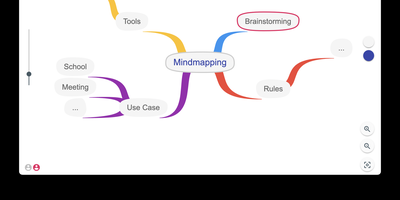
- Architecture with C4 views and cloud icons, sequence, flowchart, ERD with crow's-foot cardinality, state, class, mindmap, gitgraph, chart, and wireframe diagrams share one versioned DSL.
- Mermaid, D2, Structurizr Import
- Paste Mermaid flowcharts, sequence, ERD, class, state, mindmap, architecture, or gitGraph text, Structurizr workspaces as C4 pages, or D2 shapes and containers; Copy as Mermaid exports back.
- GitHub Repo Mapping
- Map mode draws a repository's components and connections with file:line citations; the CLI maps local checkouts for private repos and emits a standalone HTML map.
- MCP Agent Tools
- Twenty-nine MCP tools cover drawing, restyling, reading pages and selections, screenshotting results, exporting files, and repository analysis including architecture discovery and drift reports.
- Animated Exports
- Exports include PNG at 1x or 2x, SVG and PDF with embedded icons and font, JSON documents, and animated SVG, GIF, MP4, or WebM rendered from an animate block.