OpenGrokBot
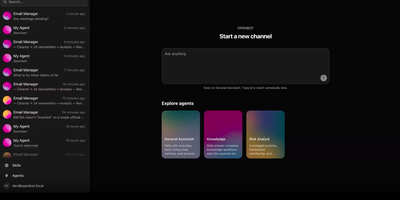
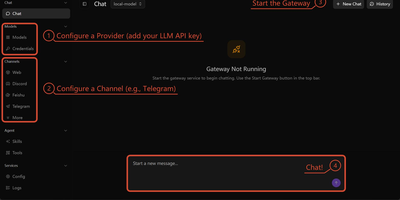
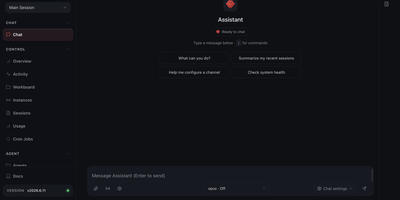
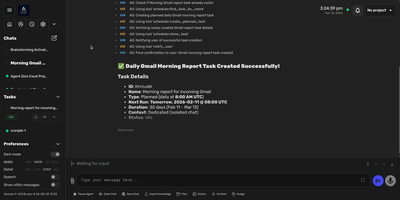
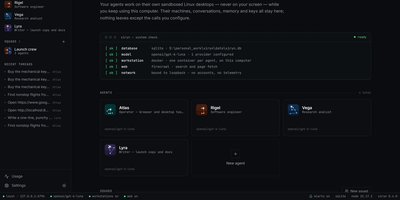
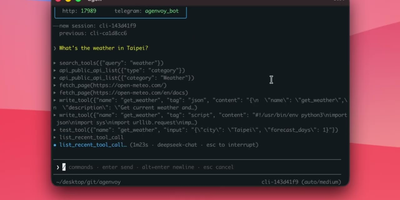
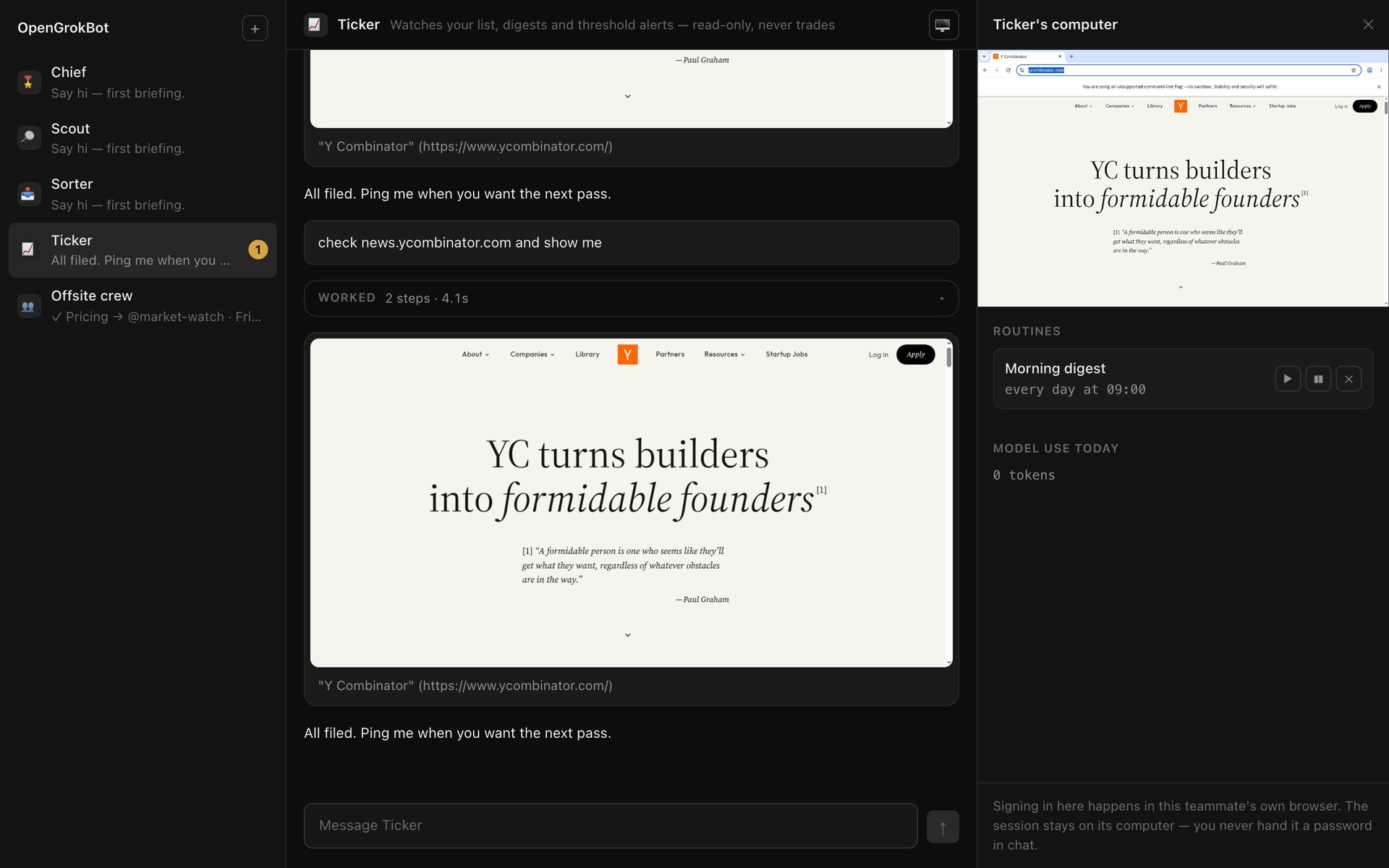
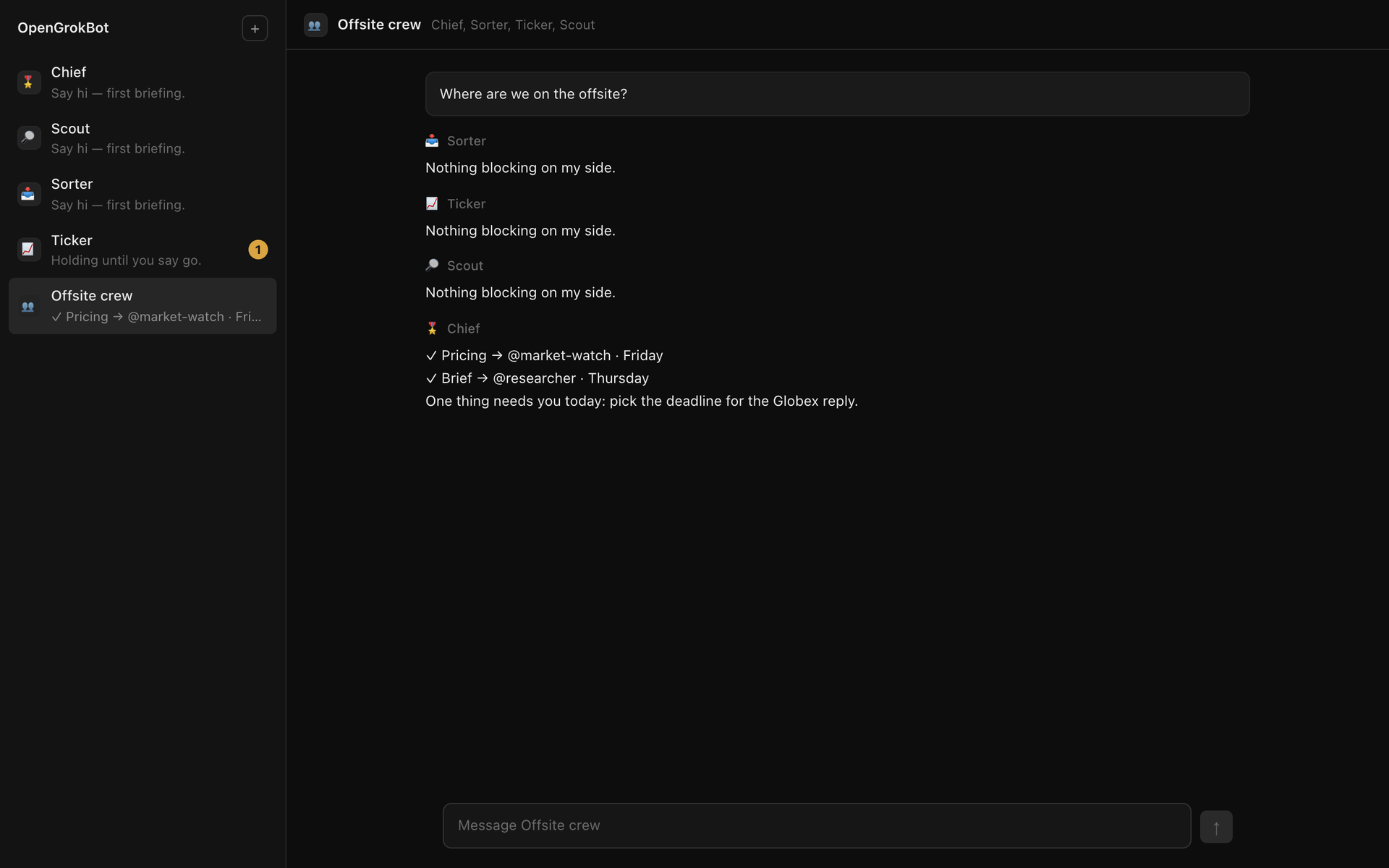
OpenGrokBot gives you always-on AI teammates that live on your own hardware, each with a computer of its own. Every teammate is a folder with a persona and hard boundaries, a thread in your sidebar, and a contained machine with its own browser profile, workspace, and persistent memory that survives between asks. You manage the crew from a workbench-style web client: message one teammate or the whole group, watch its browser screen live, set routines like a morning digest, and check what each one used today. The safety model is the point: credentials live inside the teammate's own browser profile, so at a login wall it asks you to take over its screen instead of asking for a password; standing instructions change only through a diff you approve; and a teammate cannot approve its own holds. Teammates hand work to each other under an allowlist with a hop limit, optional daily token ceilings stop spending for the rest of the day, and a stop button kills even a shell command mid-flight. Computers can be a Docker container per teammate, or Docker-free local browsers with sandboxed commands. Running on a dedicated VPS on RepoCloud with guaranteed CPU, RAM, and SSD, full root SSH access, and a browser serial console. MIT licensed.
Benefits
- Teammates With Their Own Computers
- Each AI teammate gets its own browser profile, workspace, and persistent memory on your hardware, so its logins, files, and half-finished work stay put between conversations instead of evaporating when a chat window closes.
- Credentials Never Enter Chat
- A teammate's logins live in its own browser profile and workspace, the gateway never sees a password, and at a sign-in wall it asks you to take over its screen.
- Approvals It Cannot Self-Grant
- Standing memory changes only through a diff chip you approve, holds cannot be cleared by the bot or by any website you visit, and every state change requires your gateway token from the gateway's pages.
- Crews With Rules and Ceilings
- Teammates hand work to each other under an allowlist capped at two hops, a daily token ceiling can stop a bot until tomorrow, and the stop button aborts a turn mid-flight.
Features
- Contained Bot Computers
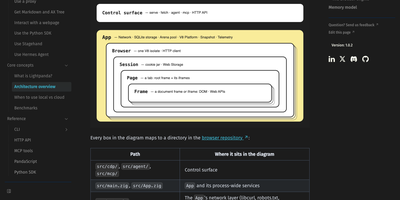
- One Docker container per teammate with memory, CPU, and process limits and only its workspace mounted, or a Docker-free local computer with a per-teammate browser profile.
- Sandboxed Commands, Off by Default
- On local computers the shell tool is not offered until you enable it per teammate; commands then run confined to that folder under Seatbelt or bubblewrap, after a passing self-check.
- Live Screen and Routines
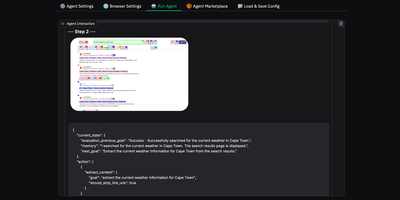
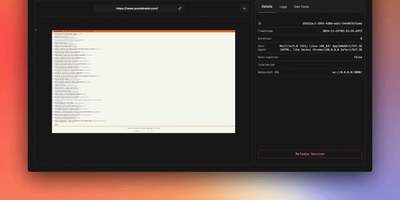
- The computer panel streams the teammate's browser screen for watching or takeover, manages recurring routines you can pause or delete, and shows daily model usage.
- Bring Any Compatible Model
- Any OpenAI-compatible model endpoint can drive a teammate, including local models, and a scripted stub model exercises every path so you can try everything first.