Categories
Self-Hosted Team Chat Real-Time Collaboration Federation Instant Messaging XMPP Server Group ChatStars
Forks
Watchers
Developer links
Openfire
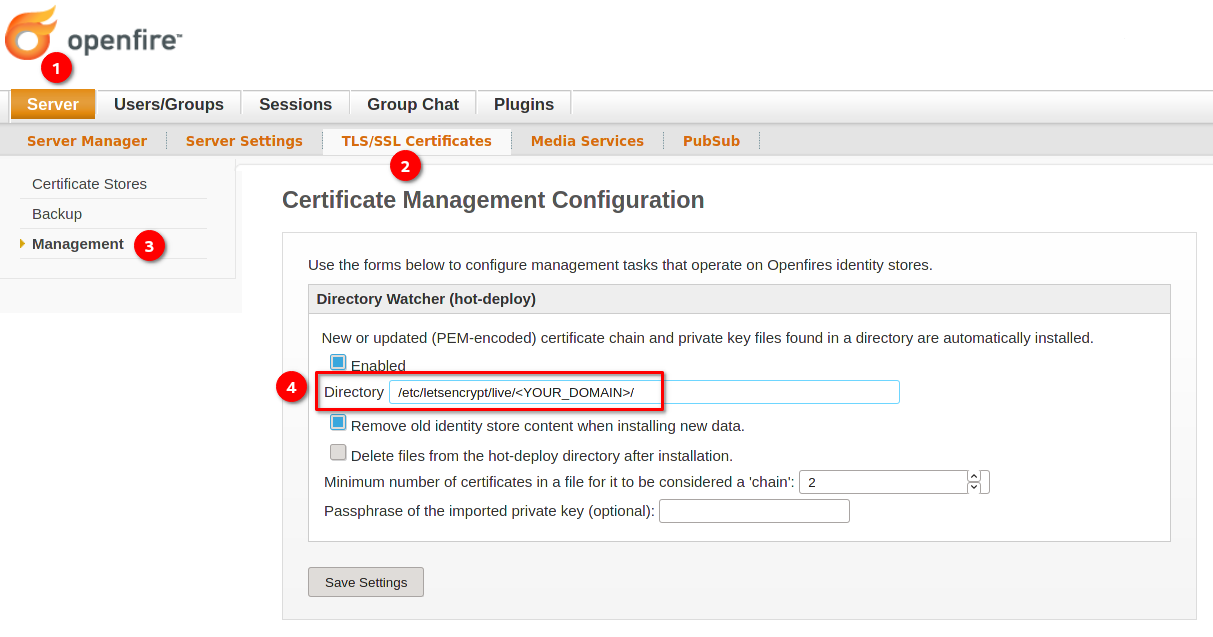
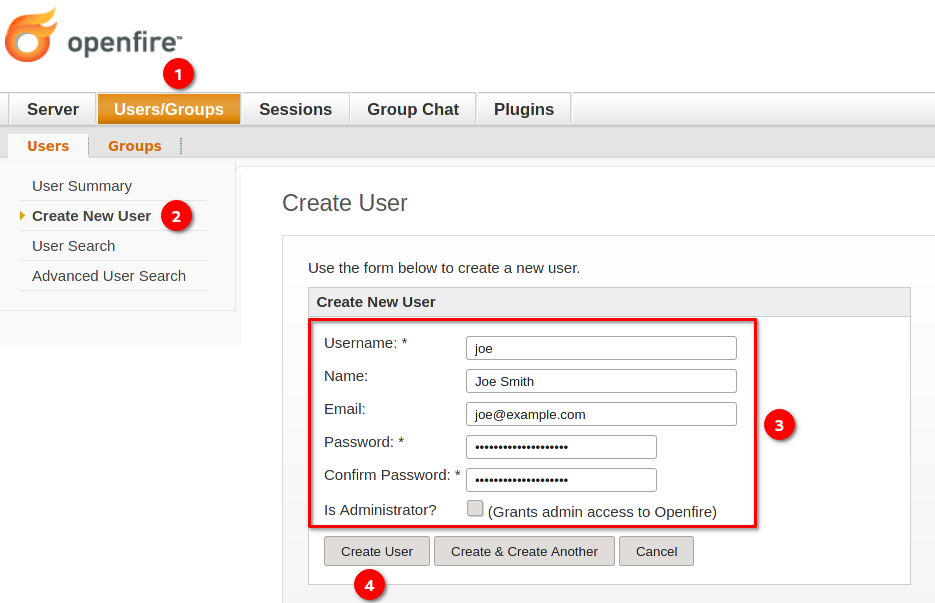
Openfire is a self-hosted XMPP server that gives your organization its own instant messaging network, with one-to-one chat, persistent group rooms, and federation to other XMPP servers, all administered from a web console. Team members connect with any XMPP client on desktop, mobile, or the web and get presence, rosters, offline message delivery, and file sharing inside conversations. Multi-user chat rooms stay available around the clock with configurable history, moderation roles, and access controls, so a support channel or project room keeps its context instead of dissolving into scattered direct messages. The plugin catalog installs from inside the admin console and adds capabilities like message archiving and compliance monitoring, a browser-based chat client, HTTP file upload, and push notifications for mobile clients. An LDAP directory or an existing database can supply users and groups, so accounts stay in sync with the directory your organization already maintains. Server-to-server federation connects your users with contacts on other XMPP domains over encrypted connections, and load balancing spreads busy deployments across multiple instances. TLS certificates, encrypted client ports, and IP-based access lists for the admin console keep the deployment under your control from the first setup wizard onward. Running on a dedicated VPS on RepoCloud with guaranteed CPU, RAM, and SSD, full root SSH access, and a browser serial console. Apache-2.0 licensed.
Benefits
- Your Own Messaging Network
- Run chat on infrastructure you control, with accounts, rooms, and message history on your server instead of a vendor cloud, and no per-seat pricing deciding how many people can join.
- Any XMPP Client Works
- Because Openfire speaks the open XMPP protocol, people connect from desktop, mobile, and web clients of their choice, and federation reaches users on other XMPP servers without gateways.
- Plugins Without Restarts
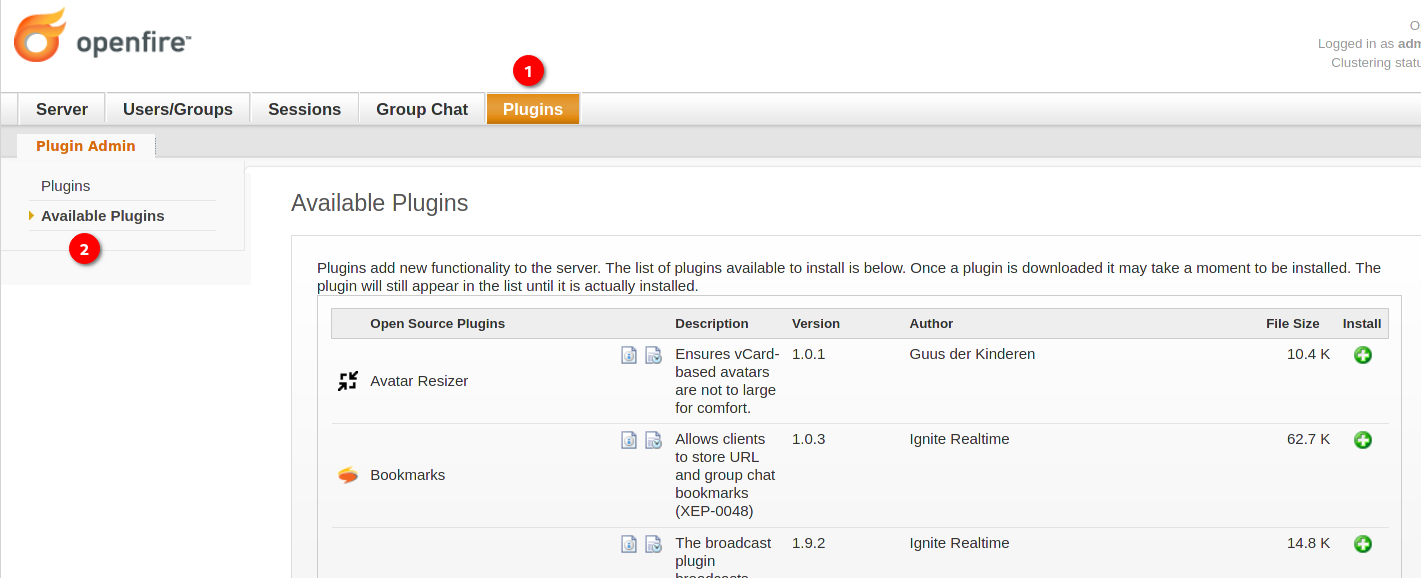
- The admin console browses and installs plugins for archiving, monitoring, web chat, and file upload, and most take effect immediately, so the server grows features without scheduled downtime.
- Directory And Database Integration
- Point Openfire at LDAP or an existing MySQL, PostgreSQL, or Oracle database for users and groups, or use the embedded database and be running minutes after installation.
Features
- XMPP Core With Federation
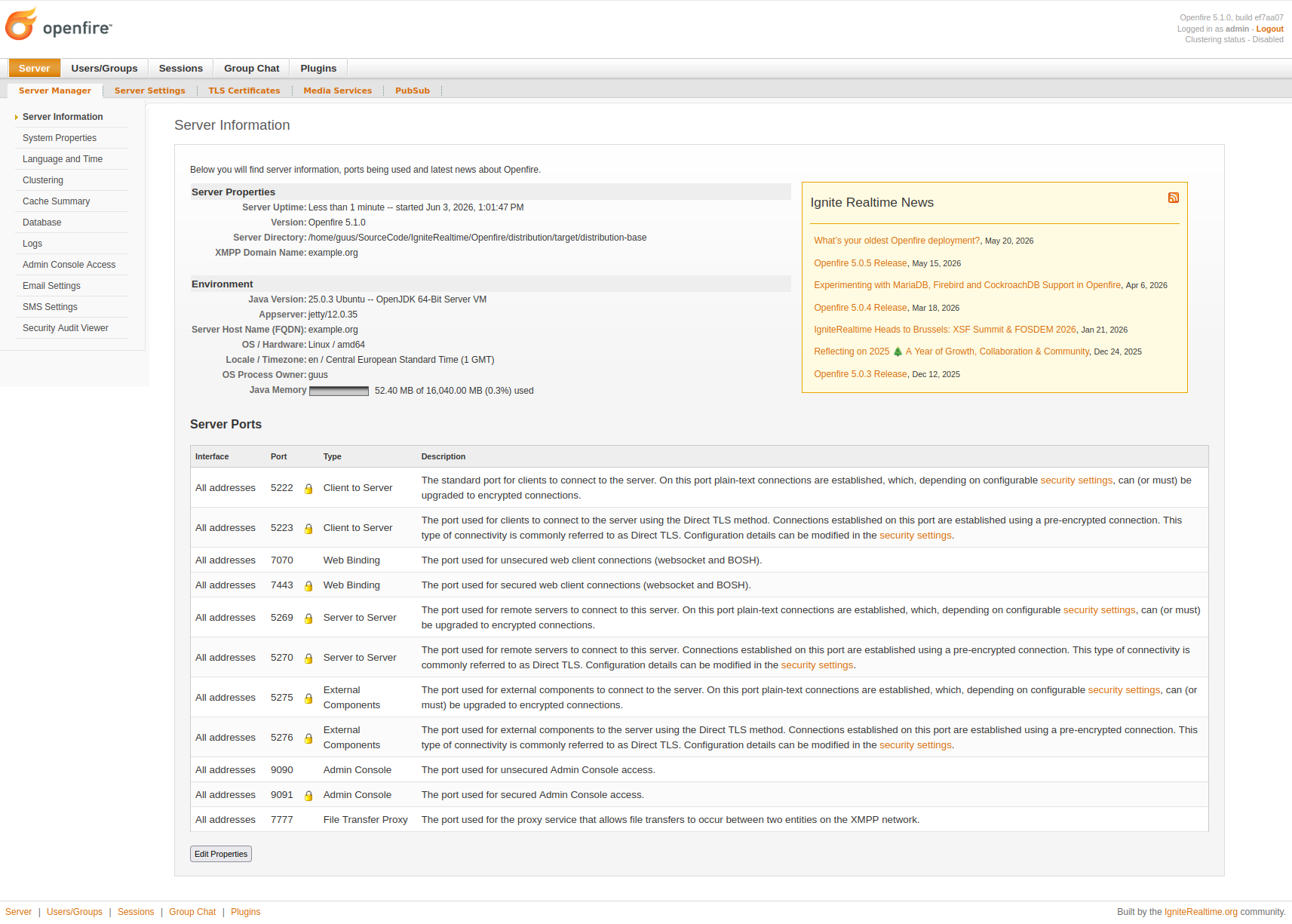
- Clients connect on ports 5222 and 5223, server-to-server federation uses 5269 and 5270, and BOSH plus websocket endpoints on 7070 and 7443 serve browser-based clients.
- Web Admin Console
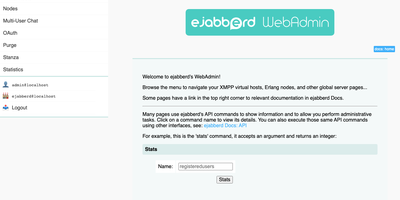
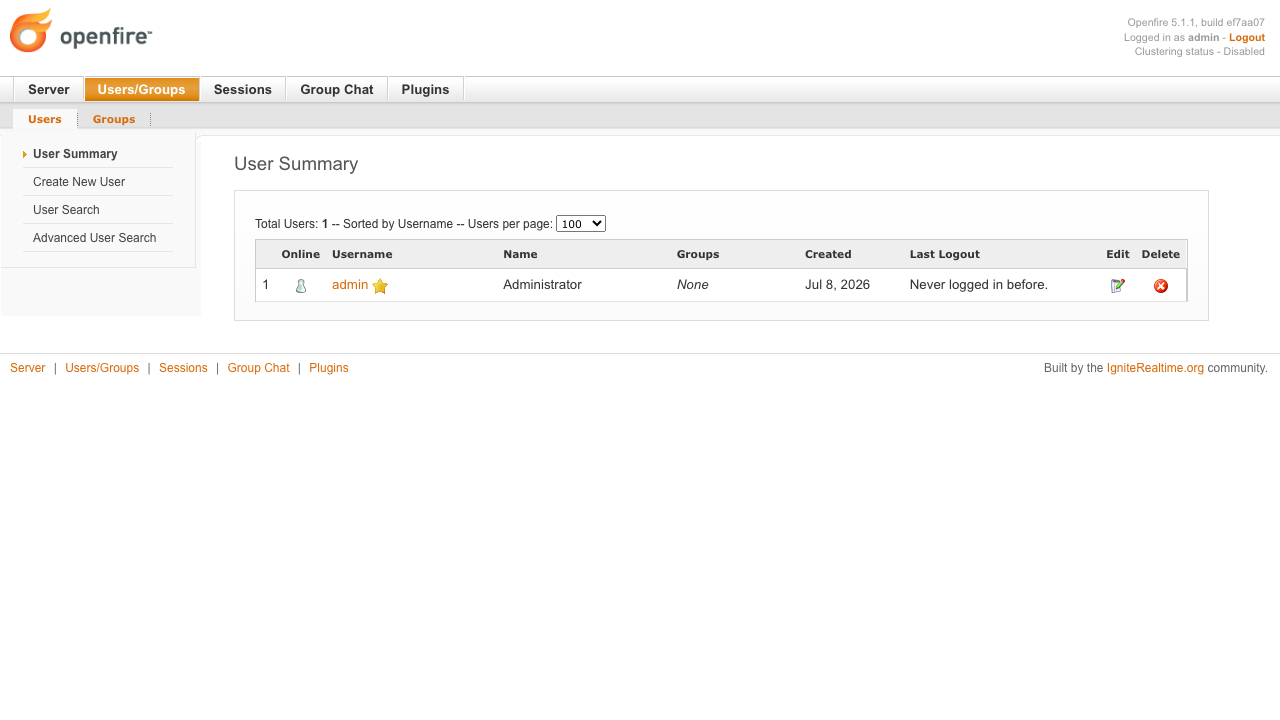
- A browser console on ports 9090 and 9091 manages users, groups, rooms, sessions, and plugins, with live server statistics and IP-based access restrictions for administrators.
- Multi-User Chat Rooms
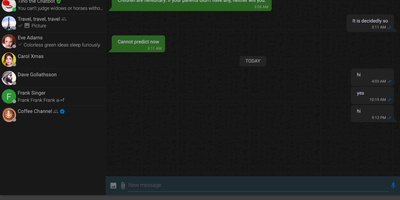
- Persistent group chat rooms support history retention, moderator and owner roles, member-only access, and password protection, giving teams durable channels for projects and support.
- Plugin Architecture
- Dozens of official plugins add message archiving, monitoring, a Converse.js web client, HTTP file upload, and clustering, installable from the console or by dropping in a JAR.
- LDAP And External Databases
- Authentication, users, and groups can come from LDAP or a custom database provider; message and roster data live in MySQL, PostgreSQL, Oracle, or the embedded database.
- Load Balancing And Clustering
- Documented load balancing spreads client and server connections over several Openfire instances, and clustered database setups keep larger deployments responsive as usage grows.