Categories
Self-Hosted AI Generative AI AI Image Generation Image Editing AI Video Generation Web UI Stable Diffusion Diffusion ModelsStars
Forks
Watchers
Developer links
SD.Next
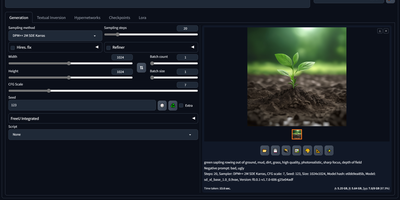
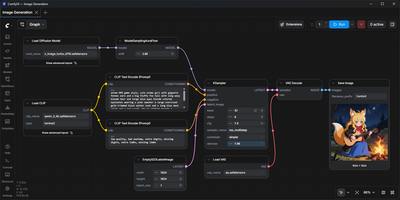
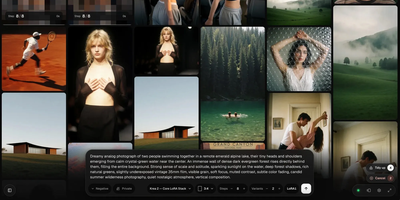
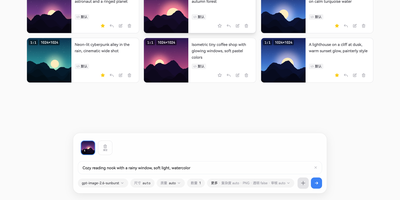
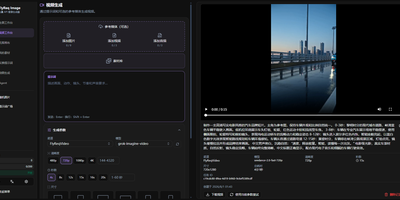
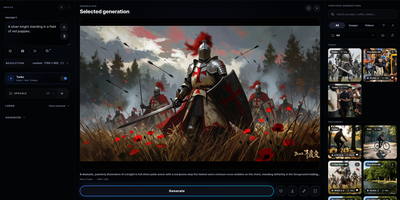
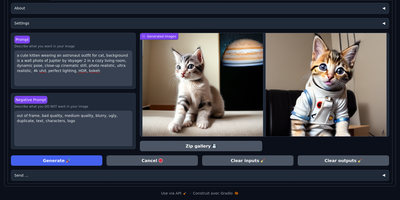
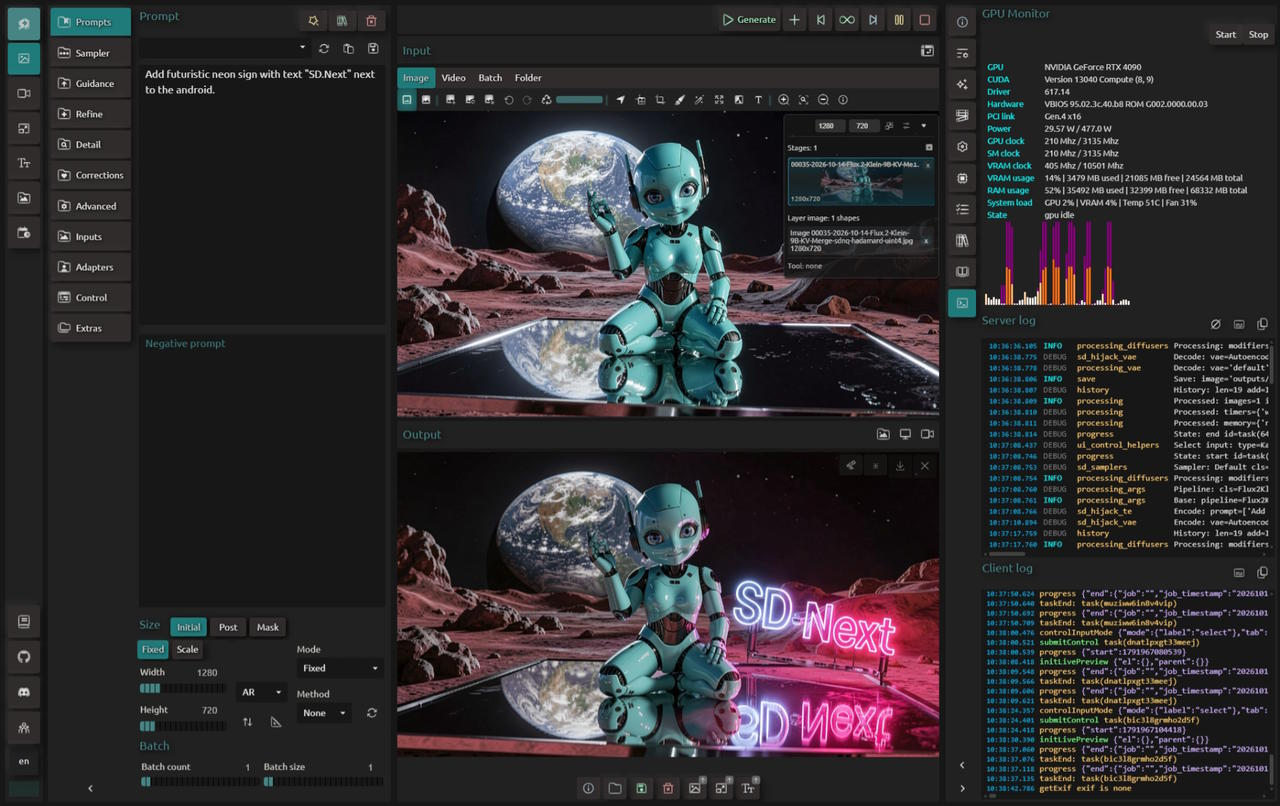
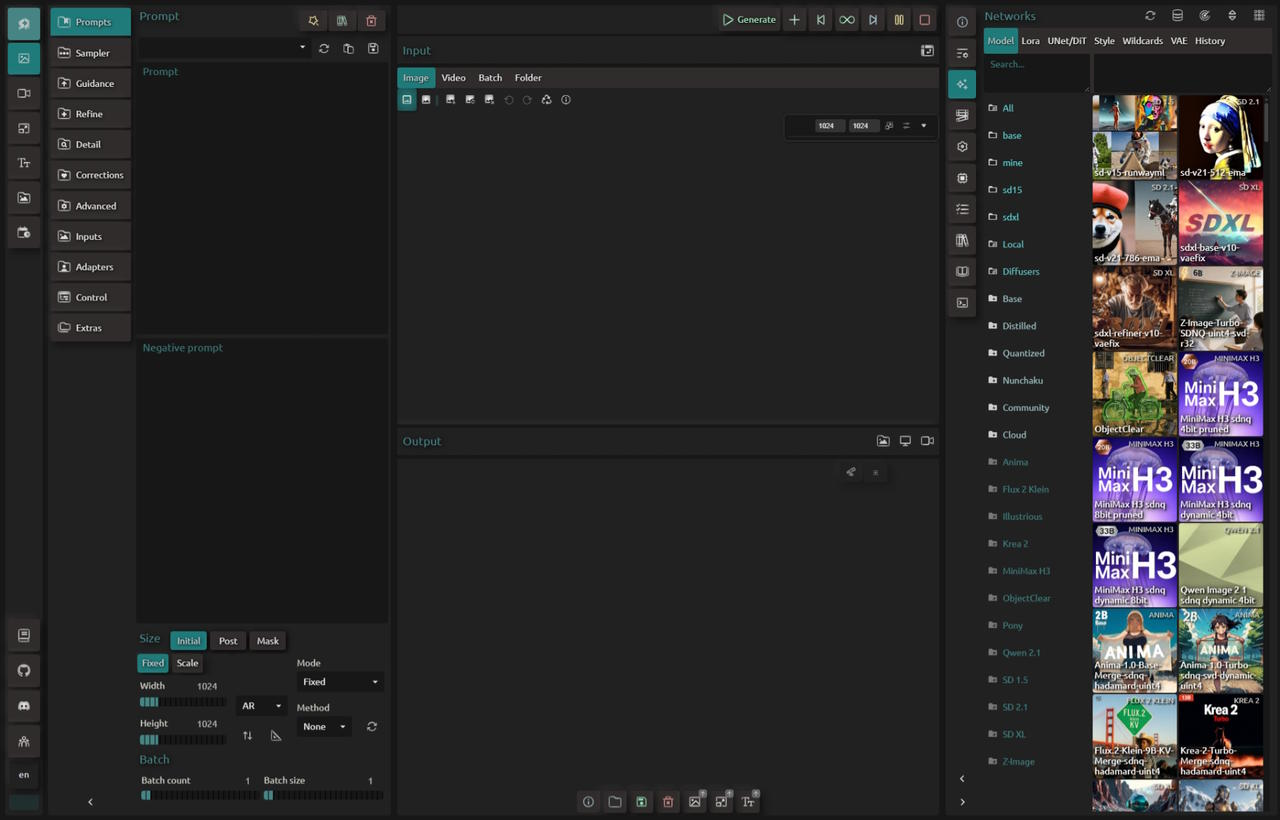
Pick a diffusion model, type a prompt, and SD.Next renders an image or a video clip on hardware you control. It handles text-to-image, image-to-image, text-to-video, and image-to-video, with inpainting, outpainting, a detailer pass, and hires or refine stages for edits. Models come from a reference list that downloads on demand or from your own files, which are detected automatically, and the catalog spans Stable Diffusion, FLUX, Qwen-Image, Wan, and HiDream. LoRA, ControlNet, IP-Adapters, and prompt enhancement steer each result. Kanvas, the built-in editor, offers up to ten stages with painting, a magic wand, text, and masking. Caption and Process tools describe images with vision-language models, interrogate them with CLiP, upscale, remove backgrounds, and turn frame sets into video. A scheduler queues jobs in order, runs them inside an active-hours window, and keeps task history. SDNQ quantization and CPU or GPU offloading fit large models into less memory, and one interface covers NVIDIA CUDA, AMD ROCm, ZLUDA, Intel Arc, OpenVINO, Apple Silicon, or plain CPU. The web UI also offers themes, interface languages, a mobile layout, and a live GPU monitor with server logs. Optional login credentials and TLS certificates protect the web server, and scripts or extensions add more. Running on a dedicated VPS on RepoCloud with guaranteed CPU, RAM, and SSD, full root SSH access, and a browser serial console. Apache-2.0 licensed.
Benefits
- Generate Images And Video Together
- Text-to-image, image-to-image, text-to-video, and image-to-video share one interface, so a still concept can become an animated clip without switching tools or reloading models elsewhere.
- Run On Nearly Any Hardware
- NVIDIA CUDA, AMD ROCm, ZLUDA, Intel Arc, OpenVINO, Apple Silicon, and CPU-only setups are supported, with Docker recipes for CUDA, ROCm, Intel IPEX, and OpenVINO.
- Fit Large Models Into Less Memory
- SDNQ quantization and attention options plus CPU and GPU offloading manage memory, so bigger diffusion models can run on modest graphics cards instead of demanding top-end hardware.
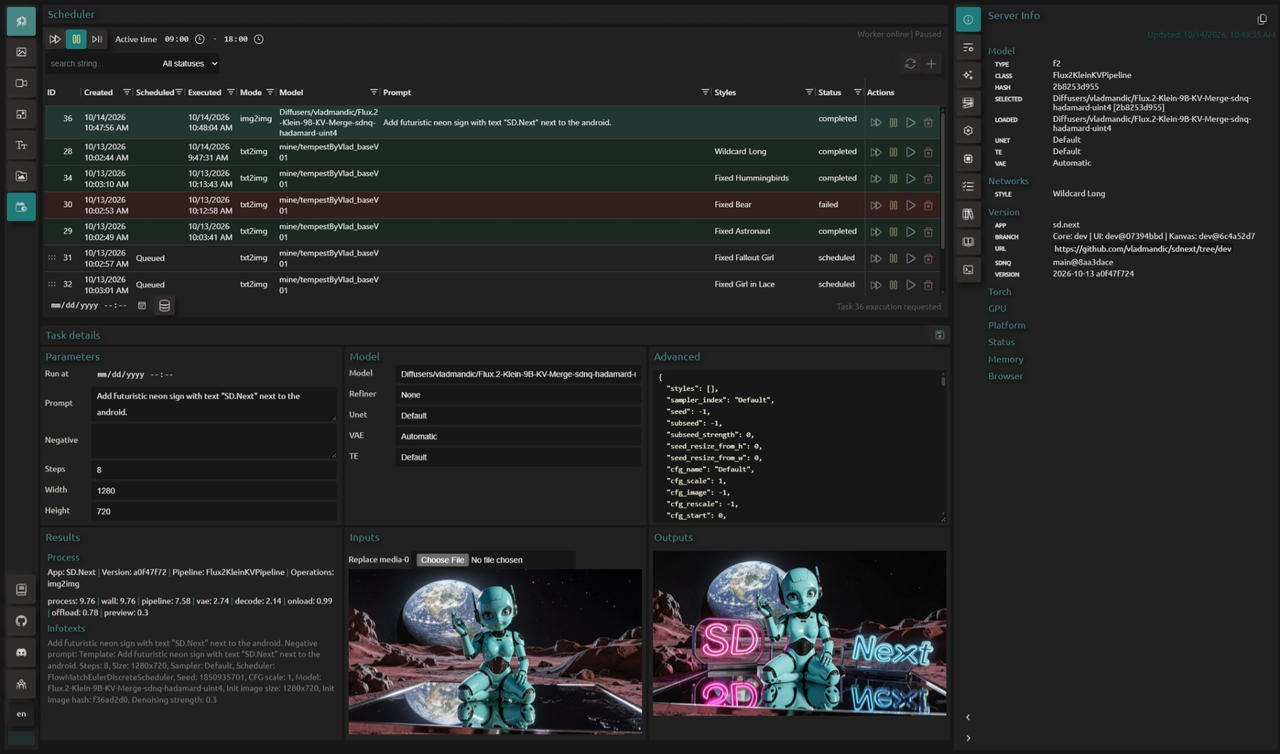
- Queue Jobs And Keep Working
- The scheduler stores each request with its prompt, model, and media inputs, then processes tasks in order or inside an active-hours window while you pause, reorder, or delete them.
Features
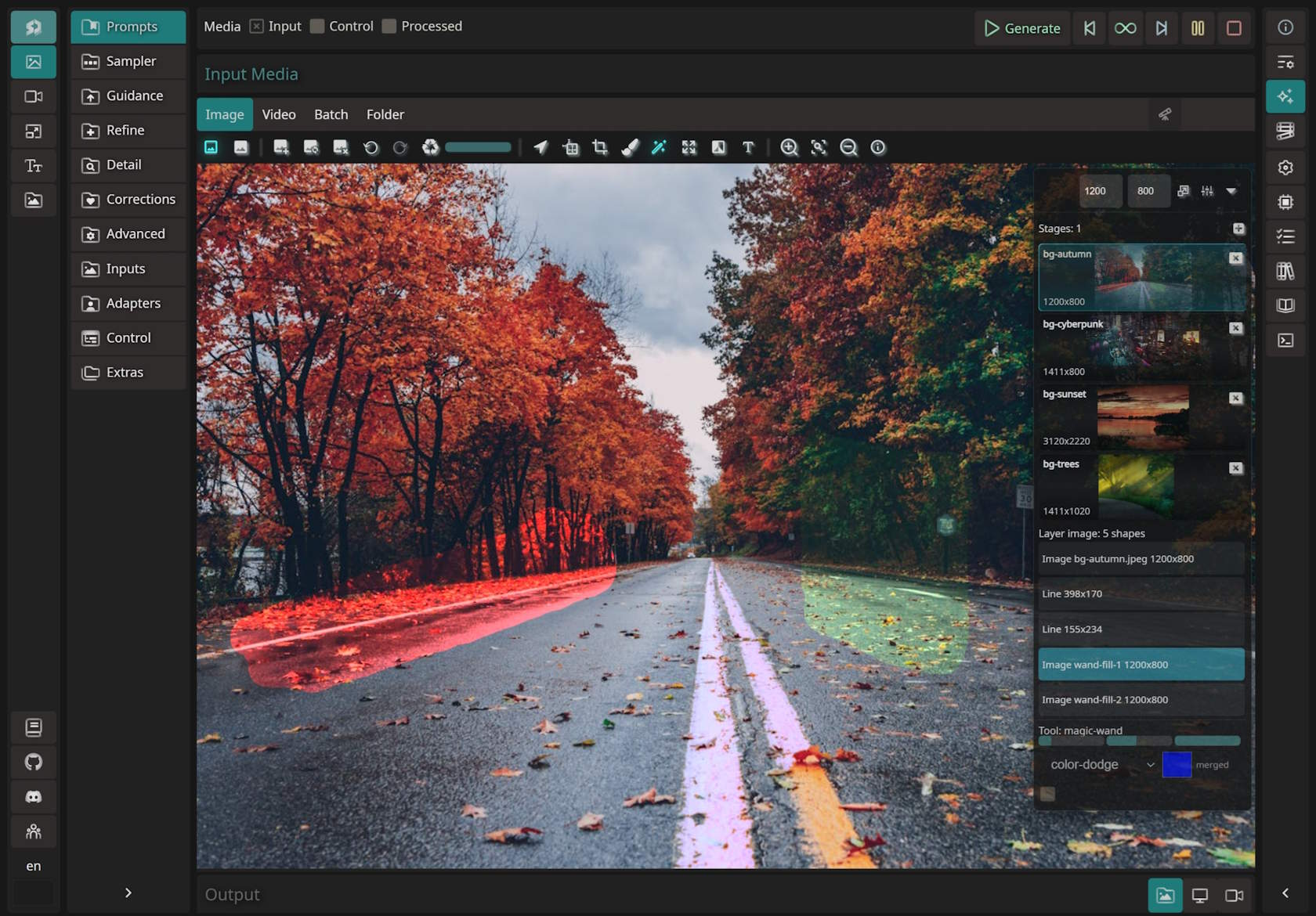
- Kanvas Image Editor
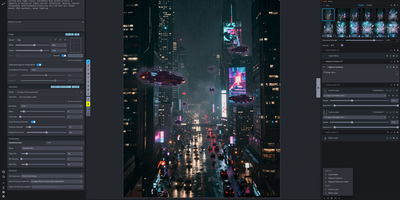
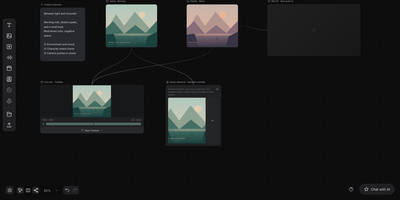
- A built-in editor with up to ten stages, paint, crop, magic wand, text, filters, outpainting, and masking; SD.Next picks text-to-image, image-to-image, or inpainting from the inputs.
- Model Reference Library
- Reference models download on demand from the Networks panel, your own models are detected automatically, and tabs for LoRA, UNet, styles, wildcards, and VAE keep assets organized.
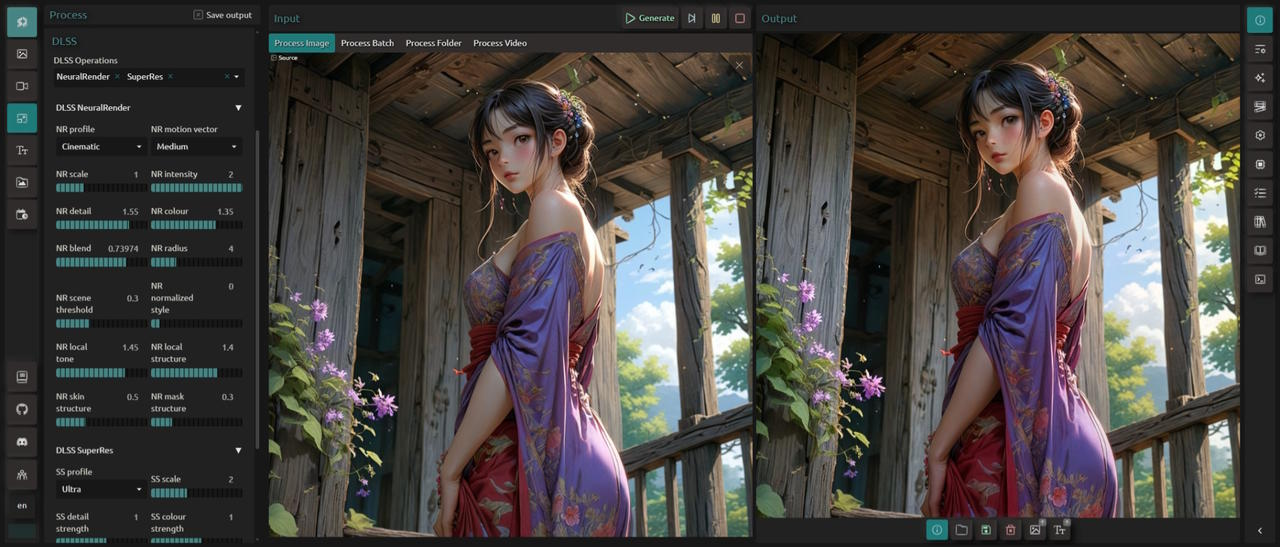
- Caption And Process Tools
- Caption with Florence, MoonDream, Gemma, Qwen, or JoyCaption, run CLiP interrogation, upscale, remove backgrounds, and convert frames to video for single images, batches, or folders.
- Scheduler Job Queue
- A background queue with Active, Paused, Auto, and Stopped states, an active-time window, first-in first-out order, and Execute, Pause, Resume, and Delete actions per task.
- ControlNet And IP-Adapters
- Guide generation with ControlNet units, IP-Adapters, LoRA, and prompt enhancement; the Control tab accepts image, video, batch, and folder inputs for repeatable workflows.
- Docker And Access Controls
- Dockerfiles for CUDA, ROCm, Intel IPEX, and OpenVINO, a web server on port 7860, optional authentication credentials, TLS key and certificate options, and a listen flag for network access.