Categories
Self-Hosted DevOps Infrastructure Docker Container Management Server Management Application DeploymentStars
Forks
Watchers
Developer links
Yacht
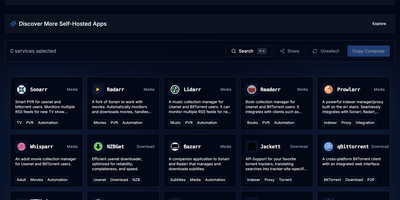
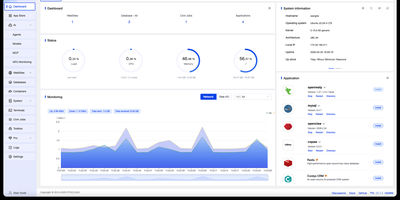
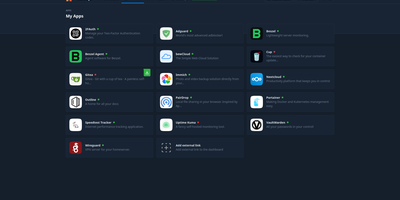
Docker deployment reimagined as an app store: browse a visual catalog of applications, click to deploy with sensible defaults, and customize ports, volumes, and environment variables only when you need to. Point Yacht at any Portainer-compatible template JSON URL and it parses every application into a browsable, searchable interface with pre-configured settings ready for one-click launch. The template framework is fully decentralized — anyone can host template files on GitHub, a personal server, or any URL, creating a community-driven ecosystem of deployment packages without central gatekeeping. Template variables prefixed with ! automatically substitute server-level settings, so !config resolves to your configured path across every deployment without repetitive manual editing. The Python backend handles container lifecycle — start, stop, restart, kill, removal — while streaming real-time logs, providing browser-based shell access, and monitoring resource statistics through the Vuetify dashboard. Docker Compose stacks sit alongside individual containers in the same management interface. Advanced editing lets you modify port mappings, volumes, environment variables, and restart policies on running containers without redeployment. The develop branch introduces agent-managed remote host support for expanding management to additional Docker hosts. Authentication can be disabled for environments behind external proxies like Authelia or Traefik forward auth. Running on a dedicated VPS on RepoCloud with guaranteed CPU, RAM, and SSD, full root SSH access, and a browser serial console. CC-BY-4.0 licensed.
Benefits
- One-Click Template Deployments
- Browse a visual catalog of Docker applications parsed from Portainer-compatible JSON template URLs, customize variables, and deploy containers with a single click instead of writing commands.
- Decentralized Application Store
- Add template sources from any URL including GitHub raw files, personal servers, or community repositories to build a custom catalog of deployable applications for your server.
- Full Container Lifecycle Control
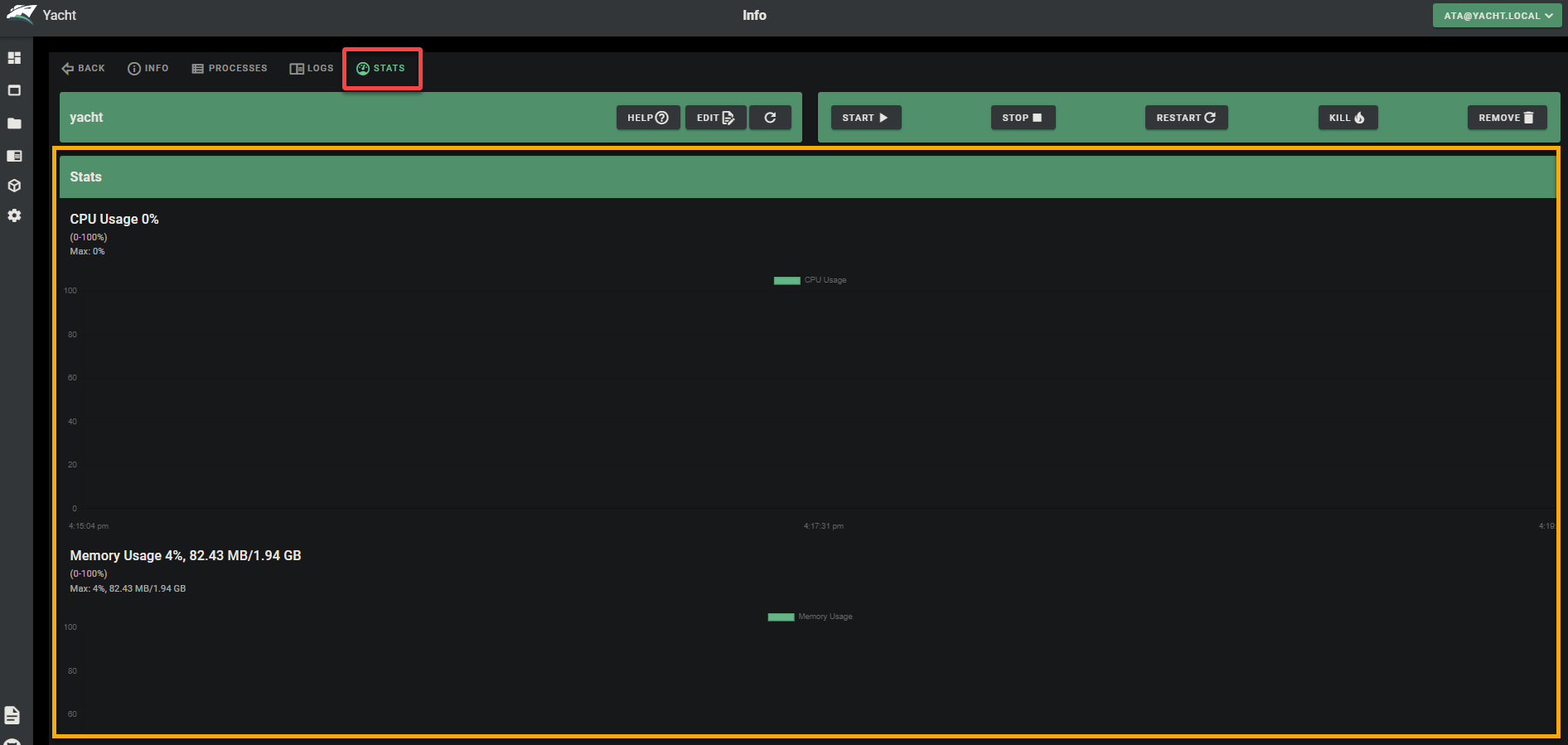
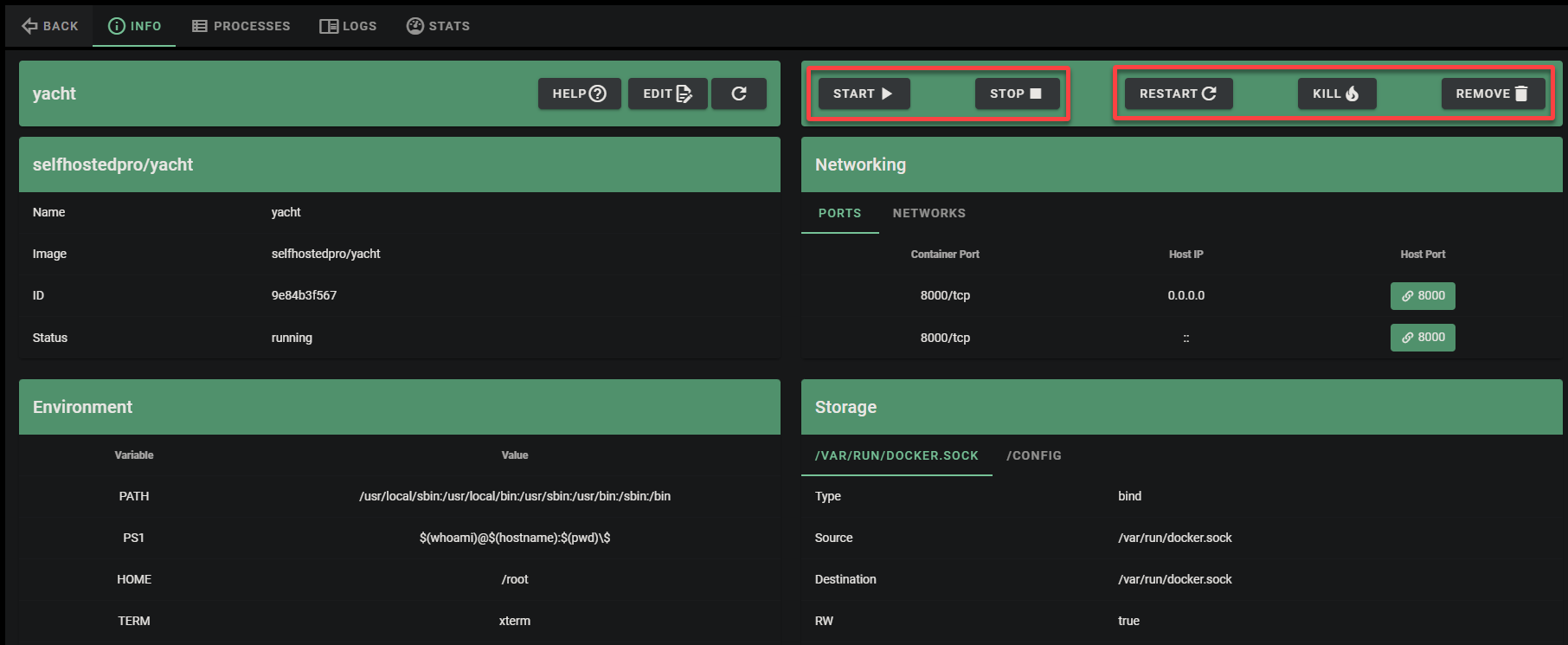
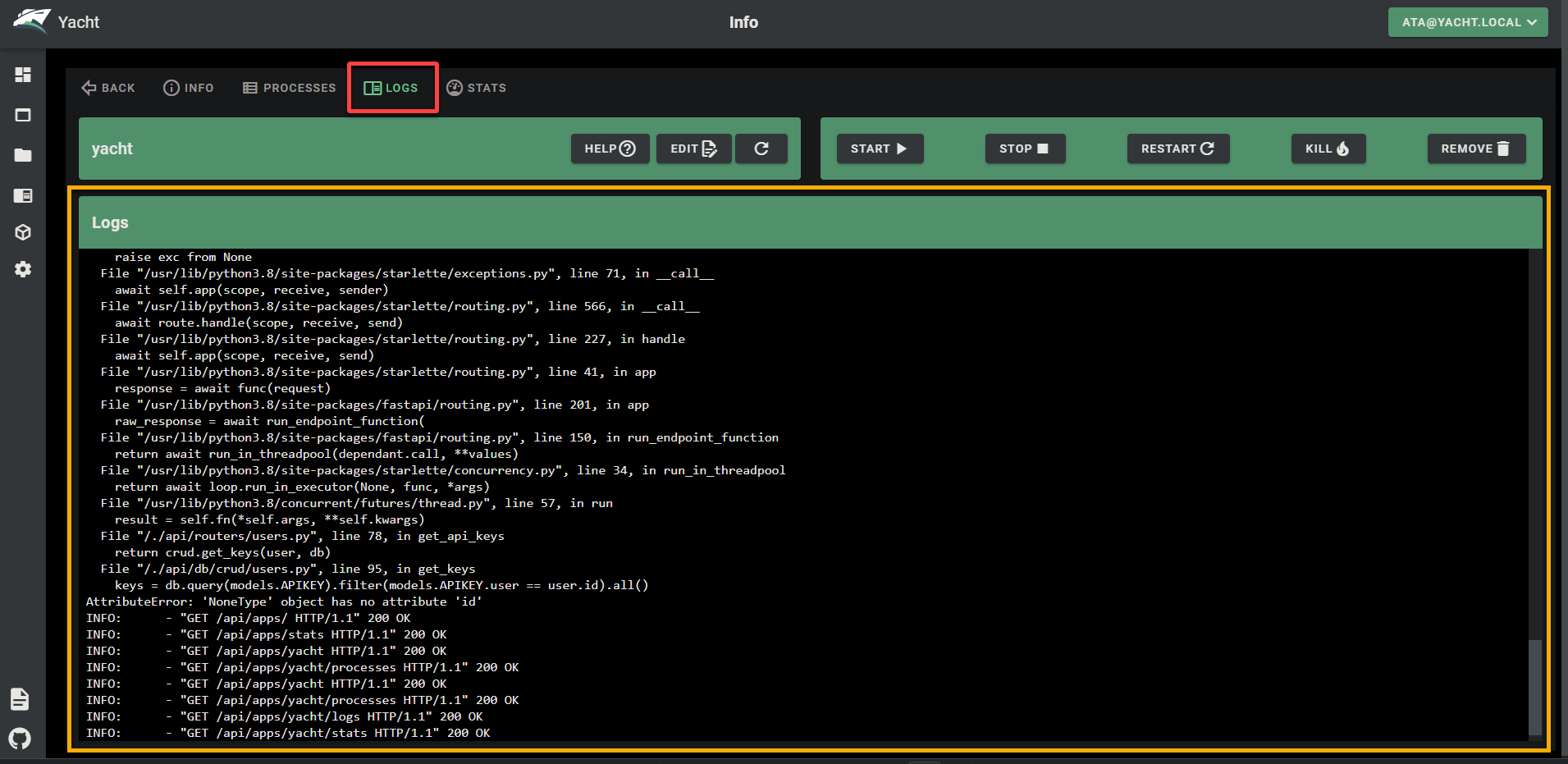
- Start, stop, restart, kill, remove, and edit running containers directly from the web interface with real-time log streaming, shell access, and resource monitoring dashboards.
- Template Variable Substitution
- Define server-level settings once and template variables prefixed with ! are automatically replaced across all deployments, ensuring consistent volume paths and configurations.
Features
- Container Management Dashboard
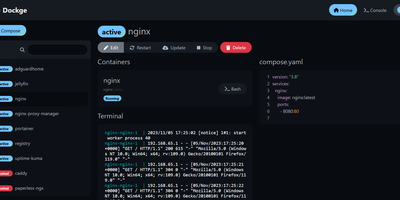
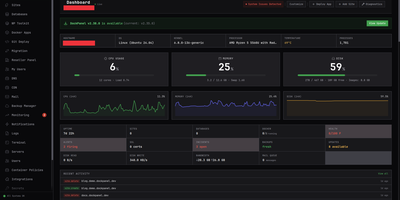
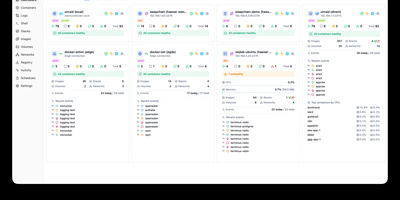
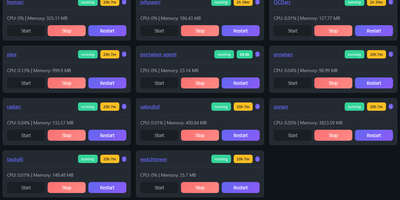
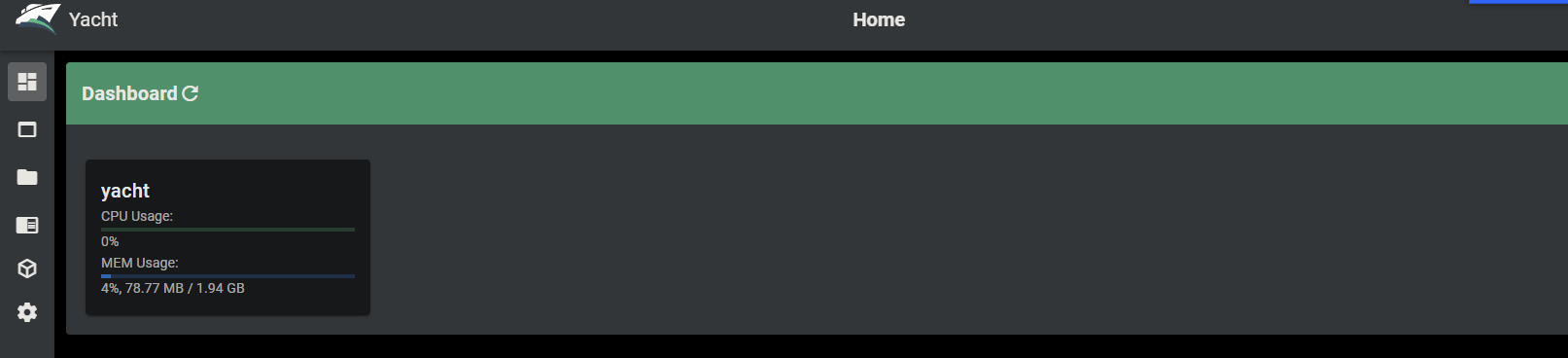
- Vuetify-based web UI displaying all Docker containers with status indicators, resource usage, port mappings, and quick-action buttons for lifecycle control.
- Template Framework
- Reads Portainer-compatible template JSON from any URL, stores applications in a relational database, and supports automatic template updates with one button.
- Docker Compose Support
- Import and manage multi-container Docker Compose stacks alongside individually deployed containers from the same unified management interface.
- Container Shell Access
- Attach directly to running container terminals through the browser for debugging, configuration, and interactive command execution without SSH.
- Advanced Container Editing
- Modify port mappings, volume bindings, environment variables, network connections, and restart policies on existing containers without redeployment.