Stars
Forks
Watchers
Developer links
code-server
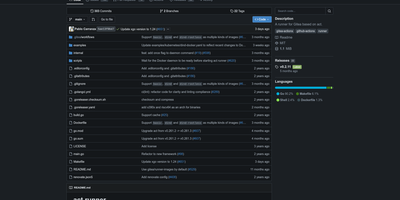
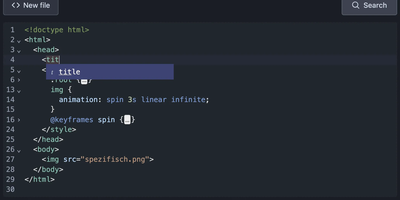
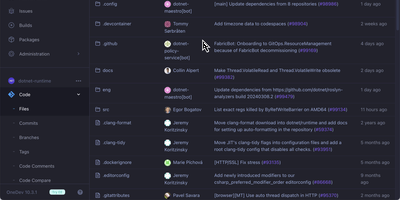
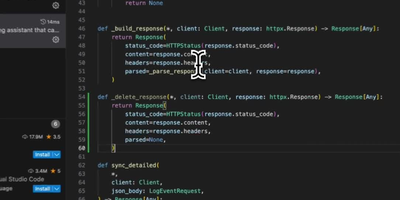
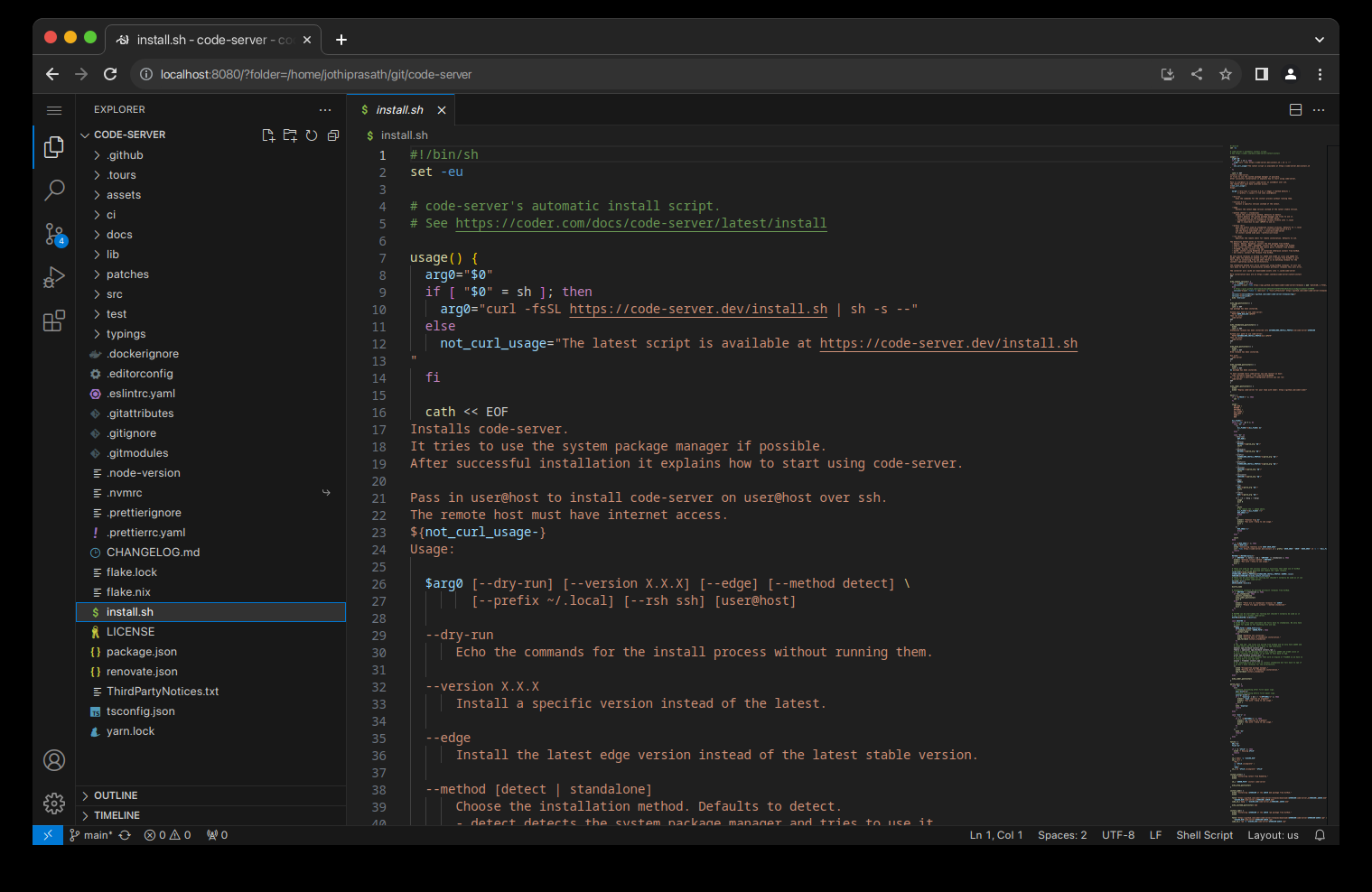
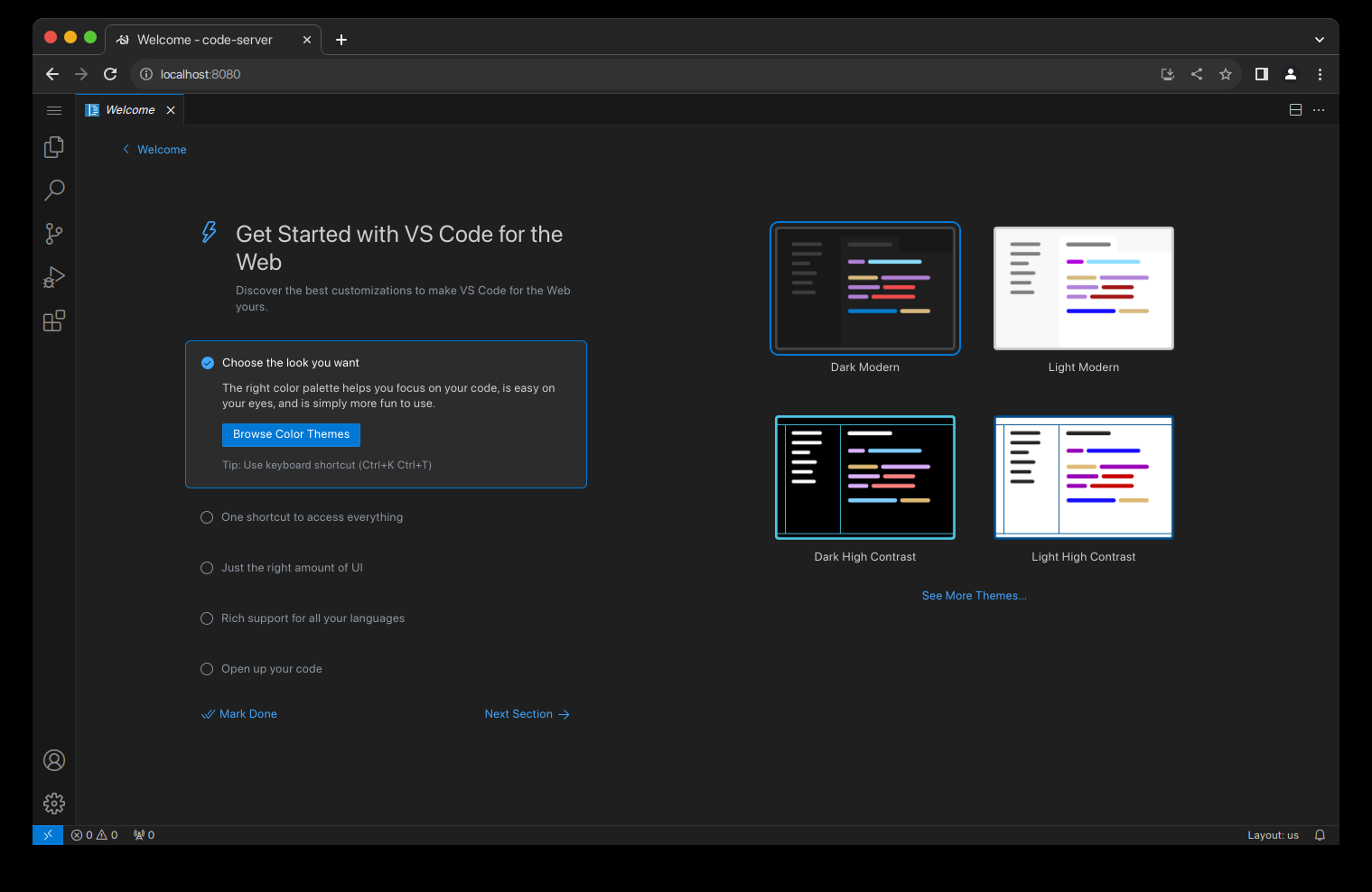
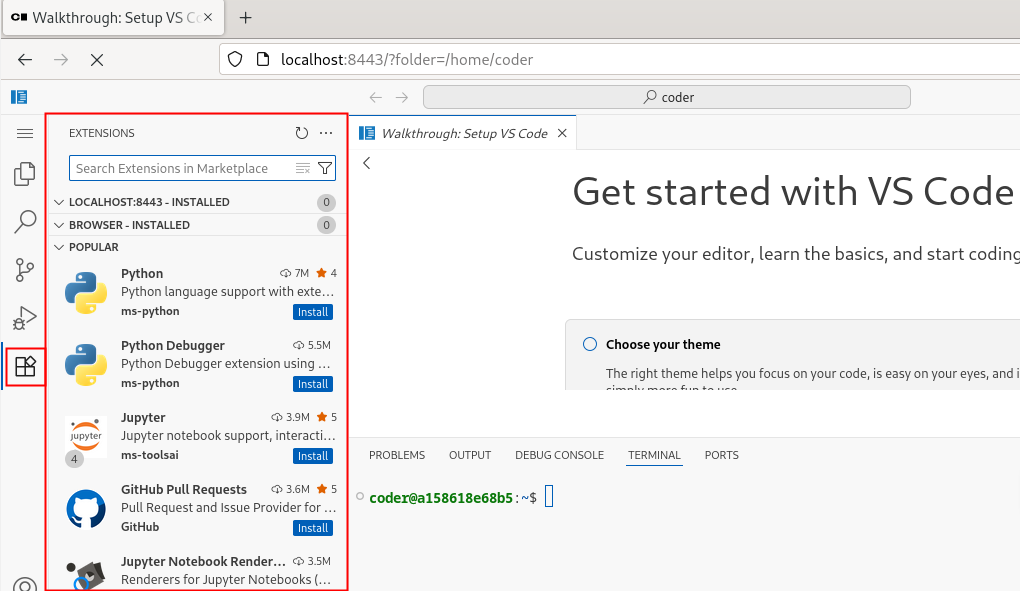
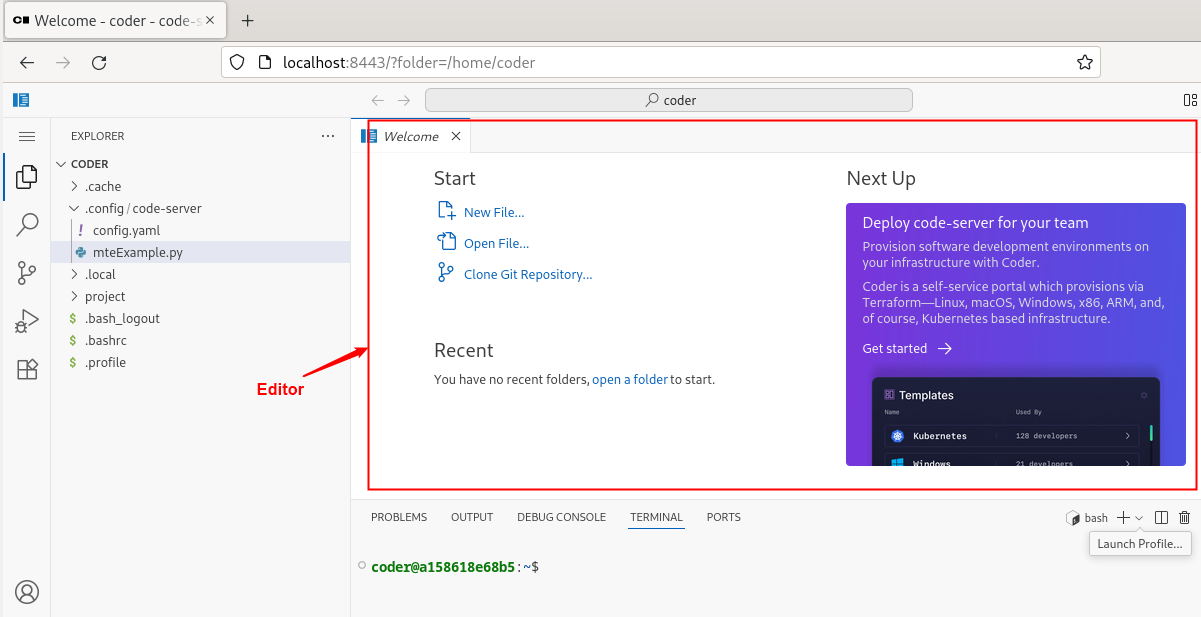
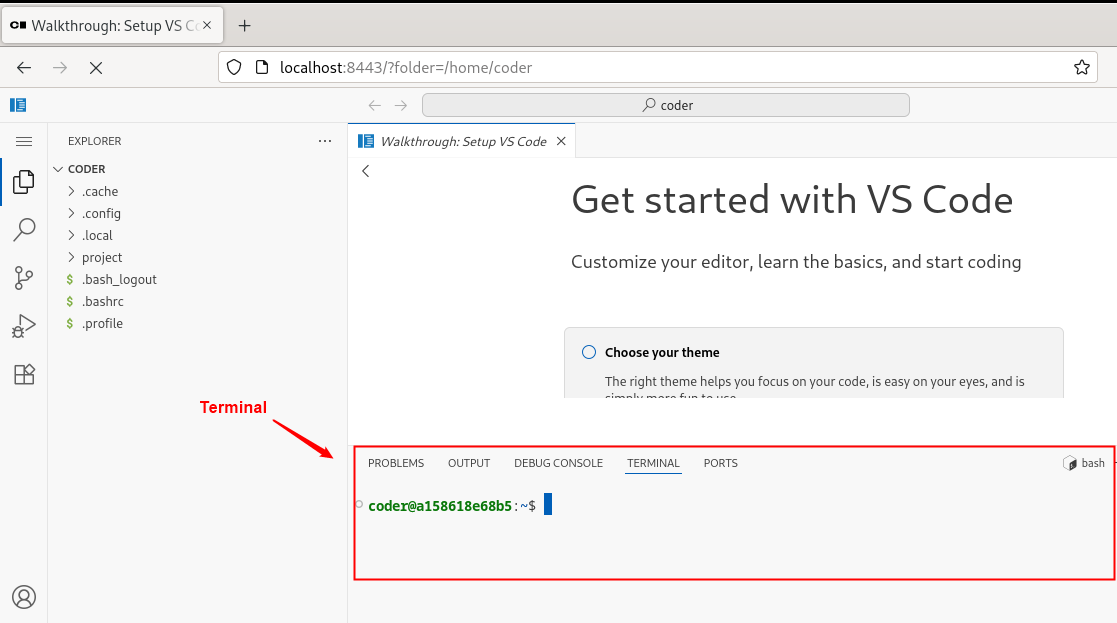
With over 78,000 GitHub stars, 270 contributors, and seven years of continuous development tracking upstream VS Code releases within days, code-server has become the definitive way to run a full Visual Studio Code IDE on any remote machine and access it from any browser on any device. The project applies a curated set of patches to Microsoft's VS Code codebase that add password authentication, sub-path hosting behind reverse proxies, self-contained web views that never call out to Microsoft servers, a built-in proxy for accessing ports on the remote machine directly through the VS Code ports panel, and on-disk settings persistence instead of browser storage. The extension ecosystem works with the Open VSX marketplace by default, giving access to thousands of extensions for Python, JavaScript, Go, Rust, Java, and every other language, along with themes, linters, formatters, and debuggers. The integrated terminal provides direct shell access to the server, Git integration handles version control without leaving the editor, and the debugger supports breakpoints, variable inspection, and step-through execution for Node.js, Python, Go, and other runtimes. DevContainer support enables reproducible development environments defined in JSON configuration files. Installation options include a one-line install script, manual package installation, Docker via the official codercom/code-server image, and DevContainer features. Minimum requirements are a Linux machine with 1GB RAM, 2 vCPUs, and WebSocket support. Running on a dedicated VPS on RepoCloud with guaranteed CPU, RAM, and SSD, full root SSH access, and a browser serial console. MIT licensed.
Benefits
- Full VS Code in Browser
- Access the complete Visual Studio Code IDE with extensions, terminal, debugger, Git integration, and settings from any device with a web browser without local installation.
- Ultra-Low Server Requirements
- Run a full cloud IDE on as little as 1GB RAM and 2 vCPUs, making remote development viable on inexpensive VPS instances, Raspberry Pi devices, or homelab NAS hardware.
- Self-Contained Privacy Design
- Web views never call out to Microsoft servers, settings persist on disk instead of browser storage, and the built-in port proxy keeps all development traffic on your infrastructure.
- Upstream VS Code Tracking
- Releases track upstream VS Code within days of Microsoft's monthly updates, maintaining compatibility with the latest language features, debugger improvements, and UI enhancements.
Features
- Password Authentication
- Secure access with built-in password authentication or integrate with external auth providers through reverse proxy configurations for team deployment scenarios.
- Built-In Port Proxy
- Access ports running on the remote server directly through the VS Code ports panel without SSH tunneling or separate proxy configuration.
- Extension Marketplace
- Install extensions from the Open VSX marketplace for language support, themes, linters, formatters, and debuggers across Python, JavaScript, Go, Rust, and Java.
- DevContainer Support
- Use DevContainer features to define reproducible development environments in JSON configuration files with automatic container provisioning and toolchain installation.
- Docker Deployment
- Deploy via the official codercom/code-server Docker image with configurable bind addresses, authentication, and persistent workspace volumes for stateful development.