Stars
Forks
Watchers
Developer links
django CMS
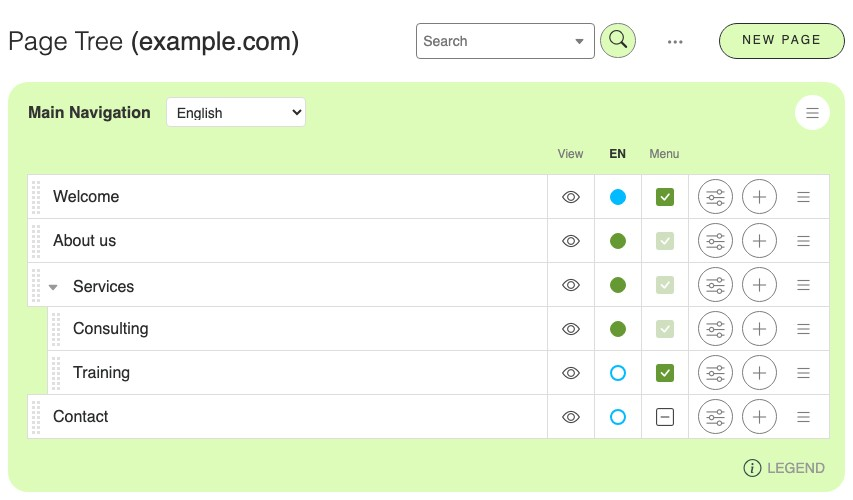
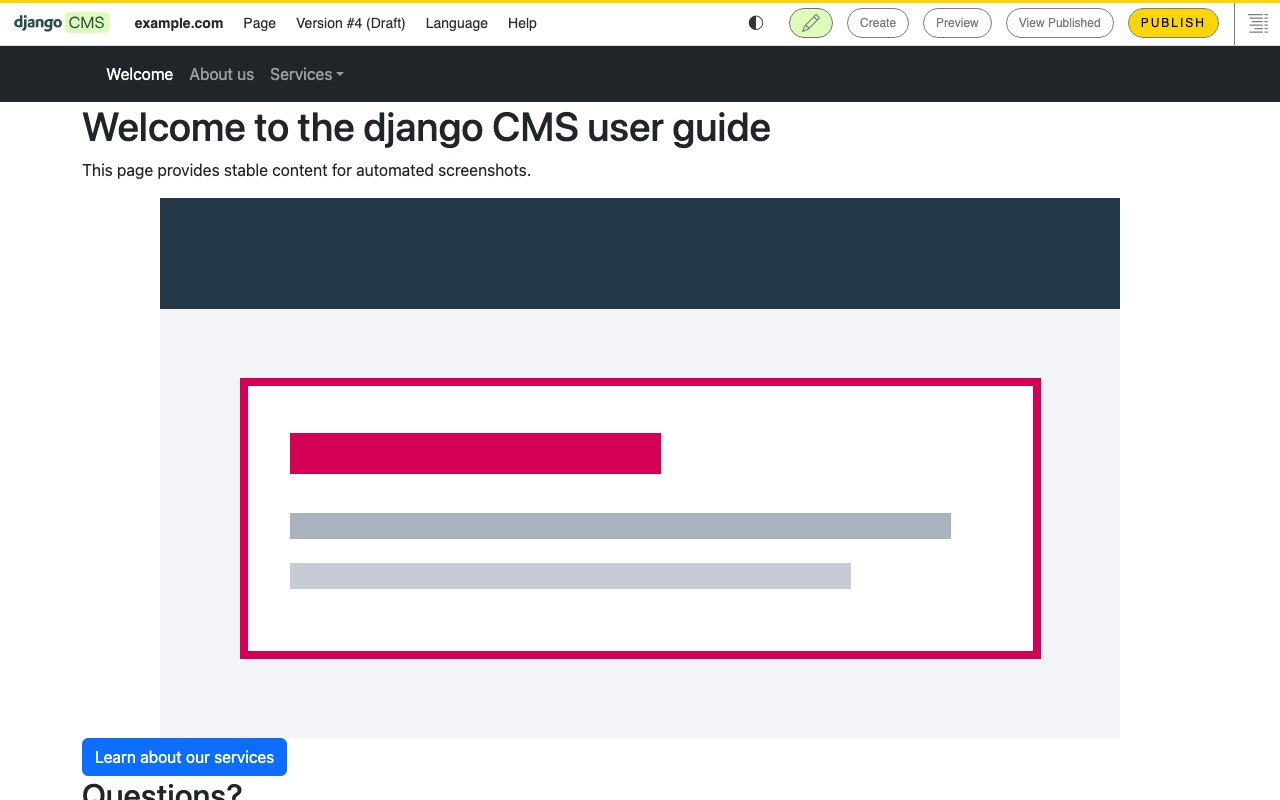
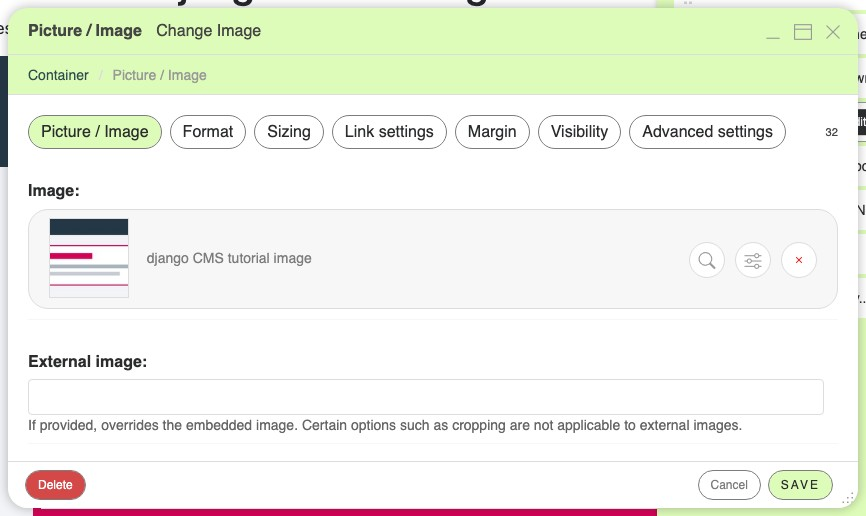
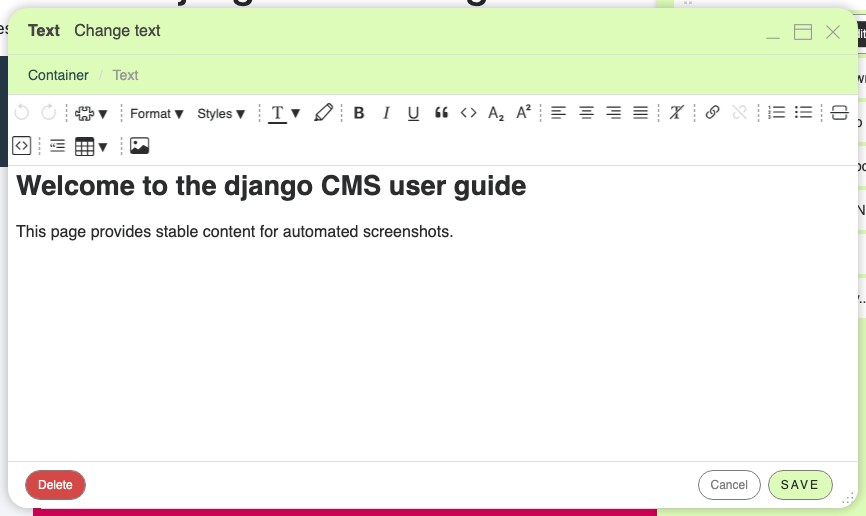
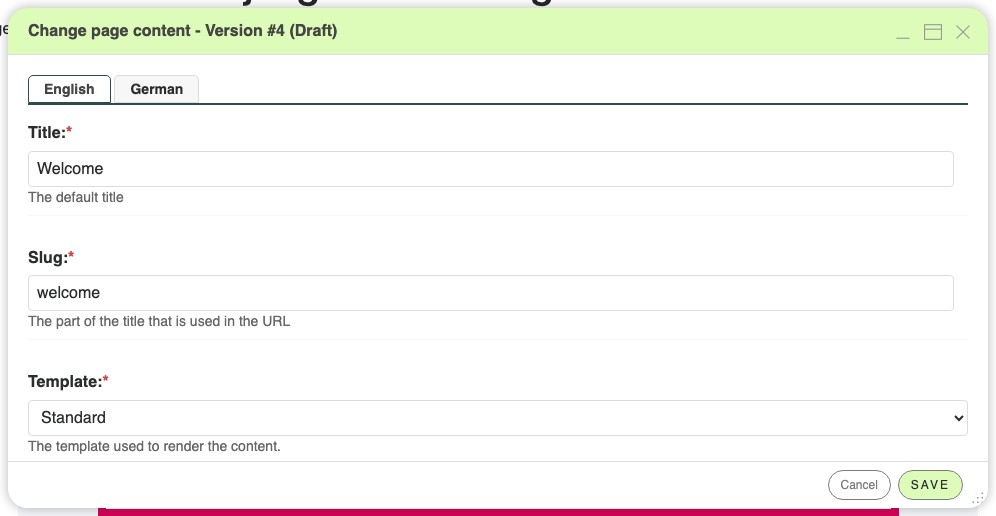
Click the pencil on a live page, change a headline or drop in an image, and publish: that is django CMS, an open-source content management system built around editing in place. A structure board lists every plugin on a page as a draggable tree, so layouts get rearranged without touching code. Plugins cover rich text with tables and links, pictures from a media library with sizing, margin, and visibility settings, and nested containers, and rules limit where each plugin may appear. With versioning enabled, every edit is a draft that can be previewed, compared visually or in source against an earlier version, discarded, or published, and publishing can be reserved for editors. Each page carries a translation per language with its own title and slug, and a language menu adds translations or copies plugins from another language. The page tree manages navigation as a hierarchy with drag-and-drop ordering, per-language status dots, and a menu toggle per page. Page permissions can let a legal team edit one branch of the tree and nothing else, and one settings file can serve several domains by hostname. Apphooks mount whole applications, such as a news section, on a page that editors place in the tree, and reusable aliases keep footers and banners in one place. Running on a dedicated VPS on RepoCloud with guaranteed CPU, RAM, and SSD, full root SSH access, and a browser serial console. BSD-3-Clause licensed.
Benefits
- Edit Pages Right Where They Appear
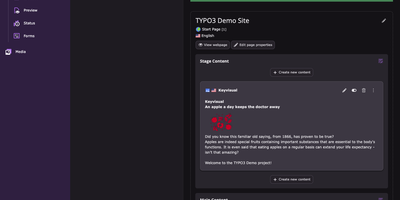
- Editors switch on the pencil in the toolbar and change text, images, and plugin settings directly on the rendered page, with Preview and Publish buttons one click away.
- Safe Drafts With Visual Comparison
- With versioning enabled, each edit becomes a draft that can be compared visually or in source against earlier versions, discarded, or published, and publishing can require its own permission.
- Many Languages and Domains, One Install
- Pages carry a translation per language with separate titles and slugs, and a single settings file can serve several domains by resolving the site from the request hostname.
- Permissions Scoped to Parts of Sites
- Row-level page permissions let a group edit pages under /legal/ but not under /marketing/, and multi-site projects can scope editors to a single site.
Features
- Structure Board
- A draggable plugin tree lists every container, text block, and image on a page, with edit and add controls on each entry and an Expand All control.
- Rich Text and Media Plugins
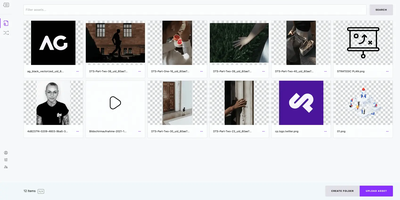
- A rich text editor offers formatting, tables, links, and images, while picture plugins pick files from a media library and expose format, sizing, link, margin, and visibility tabs.
- Versioning and Publishing
- The djangocms-versioning package tracks draft, published, archived, and unpublished states, with a version list, visual or source comparison, and a Discard changes action.
- Multilingual Page Management
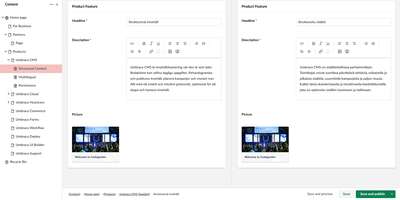
- Language tabs on every page form, a toolbar language menu, and actions to add or delete translations or copy plugins from another language, configured through the CMS_LANGUAGES setting.
- Page Tree Navigation
- A hierarchical page tree with drag-and-drop ordering, per-language status indicators, a menu-visibility checkbox, a search field, and quick controls to add pages or open page settings.
- Flexible Project Setup
- The djangocms command scaffolds traditional, headless, or hybrid projects, retrofits existing Django projects with a dry-run preview, and a Docker quickstart brings up the CMS with its database.