Categories
Self-Hosted Developer Tools Documentation CI/CD Static Sites Documentation Hosting Version ManagementStars
Forks
Watchers
Developer links
docat
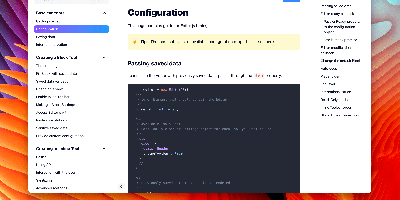
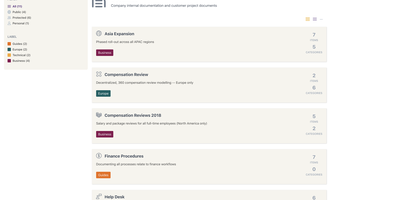
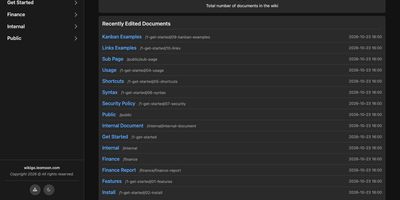
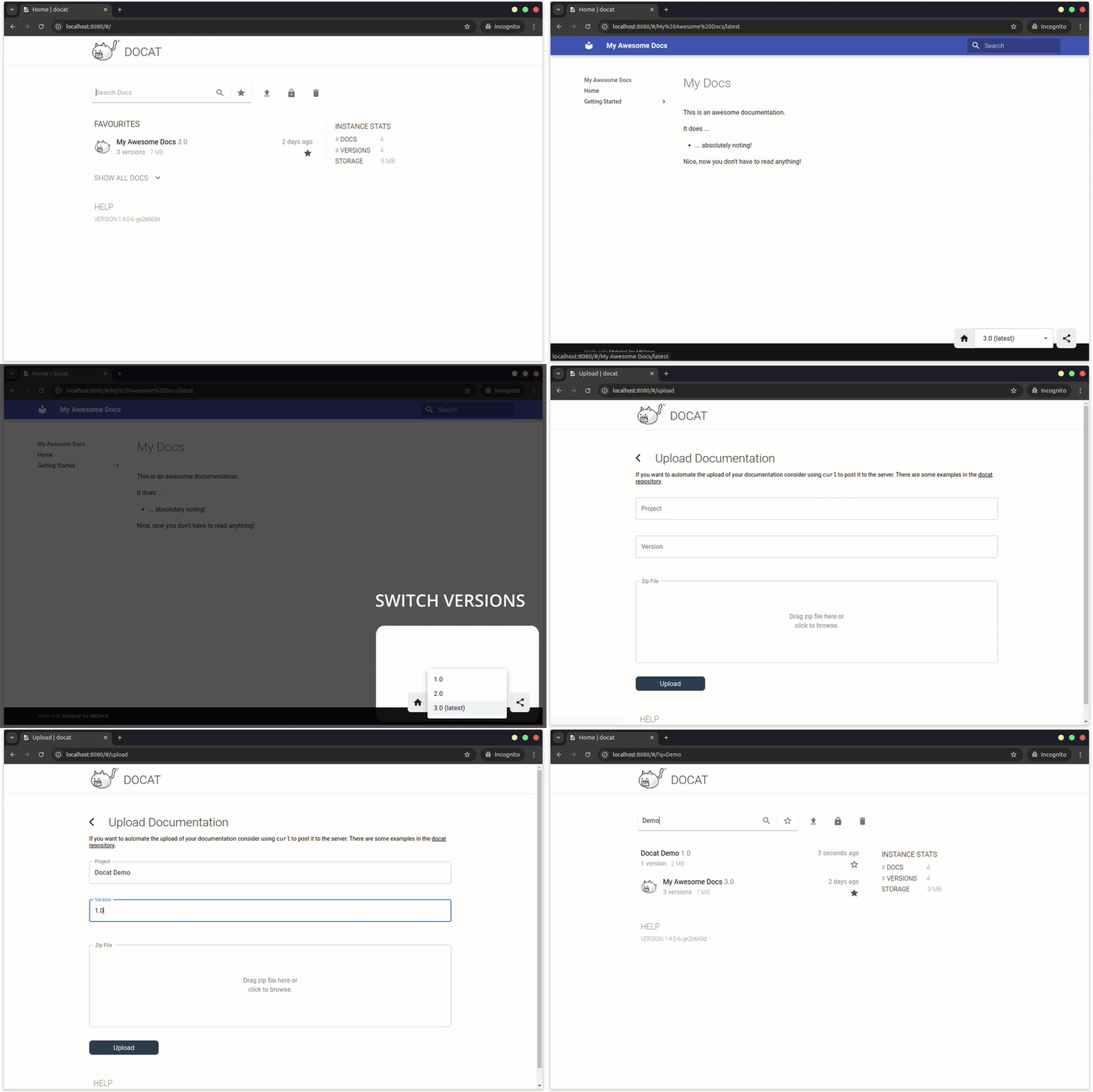
Hosting finished documentation for many projects at once, Docat leaves every uploaded version online for the readers still on version 2. Zip the static HTML that MkDocs, Sphinx, or mdBook produced. Send it to a project and version with curl or the docatl command line client. Tag the newest build as latest, and links get a stable address. Readers land on a home page that opens on starred favourites. A search box narrows the list, and its queries can be shared as links. Instance statistics report documents, versions, and storage. Inside any docs page, a version dropdown with a latest label moves between releases. Uploads are open at first. Claim a project and it returns a token that must accompany every later version upload or deletion. The same token hides versions from the dropdown and from search, and each project can carry its own icon. Operators can mount a small config file for custom header and footer HTML, raise the 100 MB default archive limit with an environment variable, and put nginx basic authentication in front of the write endpoints. Swagger UI and ReDoc pages at /api/docs and /api/redoc document the HTTP API for pipeline authors. Running on a dedicated VPS on RepoCloud with guaranteed CPU, RAM, and SSD, full root SSH access, and a browser serial console. MIT licensed.
Benefits
- Old Releases Stay Readable
- Every uploaded version of every project stays online beside the newest one, and a version dropdown on each docs page lets readers on older releases keep reading the manual that matches theirs.
- Publishing Fits Any CI Pipeline
- A single curl POST or docatl push sends your built static HTML to a chosen project and version, so a release job can publish documentation unattended, passing the project token once claimed.
- Claim Tokens Guard Your Projects
- Claiming a project returns a token that must accompany every later version upload or deletion, and HTTP basic authentication through nginx can additionally protect the write endpoints.
- One Container, One Data Volume
- Docat ships as a single Docker image that serves on port 80 and keeps documents, nginx configs, and the token database in one mounted volume, so a backup is one directory.
Features
- Multi-Version Project Hosting
- Hosts many projects with many versions each, serving static HTML from MkDocs, Sphinx, mdBook, or any generator, with tags such as latest for stable URLs.
- docatl Command Line Client
- The docatl CLI pushes, tags, claims, renames, hides, and deletes documentation, installs as a standalone binary, with Go, or as a Docker image, and reads DOCATL_ environment variables.
- Web Interface with Search
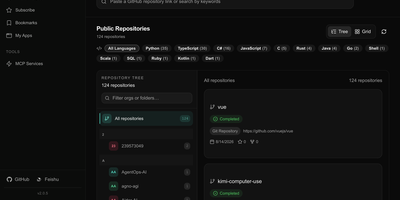
- A React interface lists projects with favourites, a search box with shareable query links, instance statistics, a drag-and-drop upload form, and a version switcher inside every docs page.
- OpenAPI-Documented HTTP API
- Endpoints under /api upload and delete versions, tag releases, and claim projects, with Swagger UI at /api/docs and ReDoc at /api/redoc, and archives capped at 100 MB by default.
- Custom Header and Footer
- A mounted config.json injects custom header and footer HTML into the web interface, which suits company banners, support contacts, or version notices without rebuilding the Docker image.
- Hidden Versions and Icons
- Authenticated hide and show commands remove a version from the dropdown and search results without deleting it, while push-icon gives each project its own icon.