Categories
Self-Hosted Media Tools Transcription Whisper Speech to Text AI Subtitles Video Captions Audio TranscriptionStars
Forks
Watchers
Developer links
Anysub
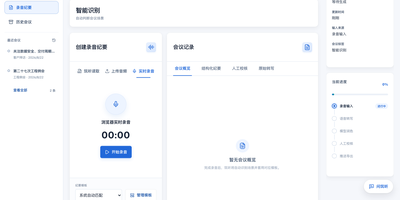
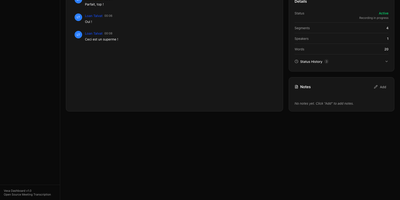
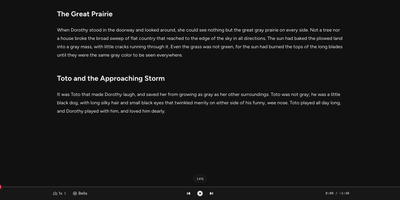
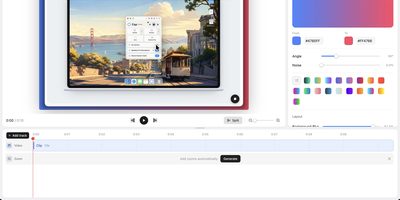
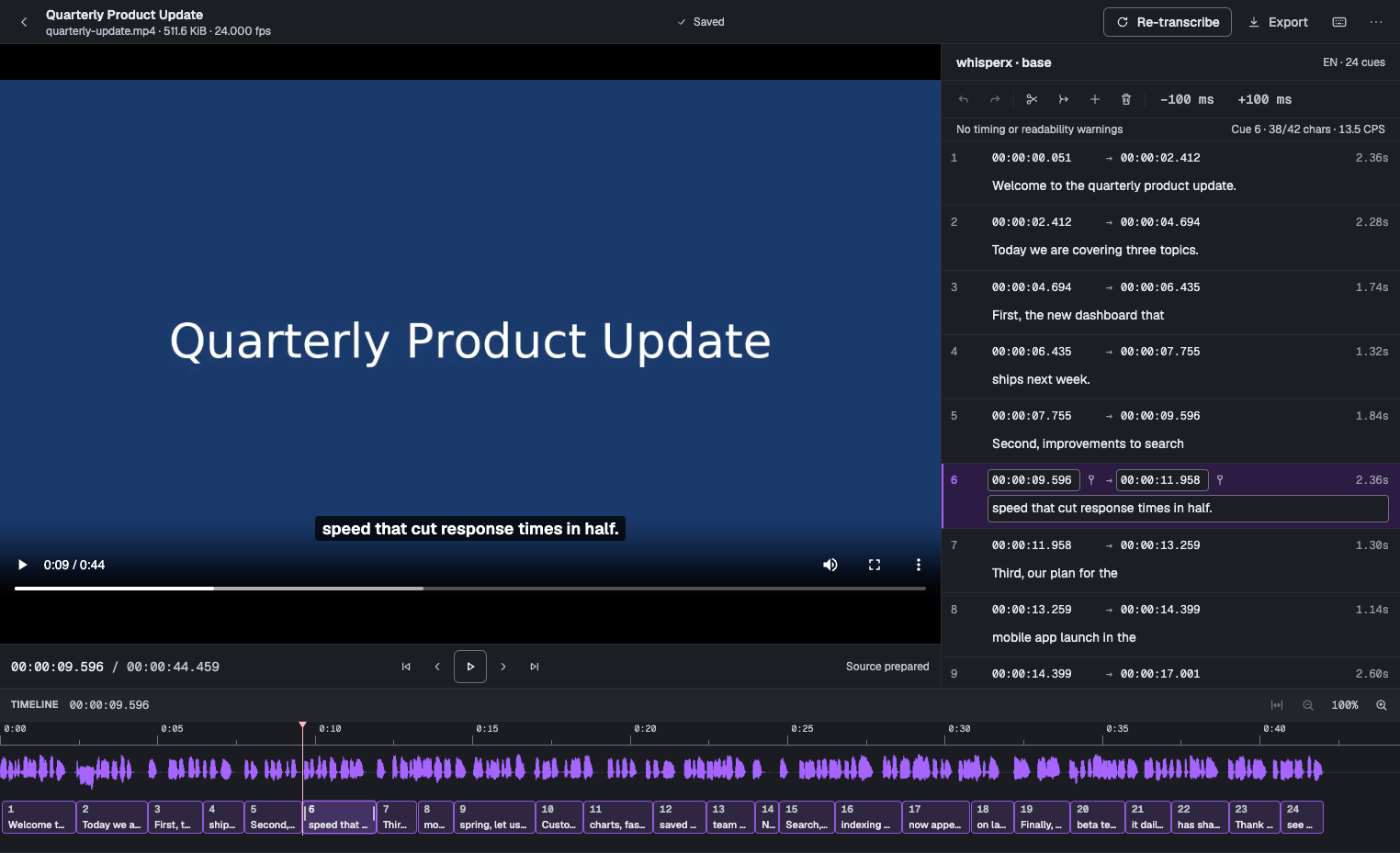
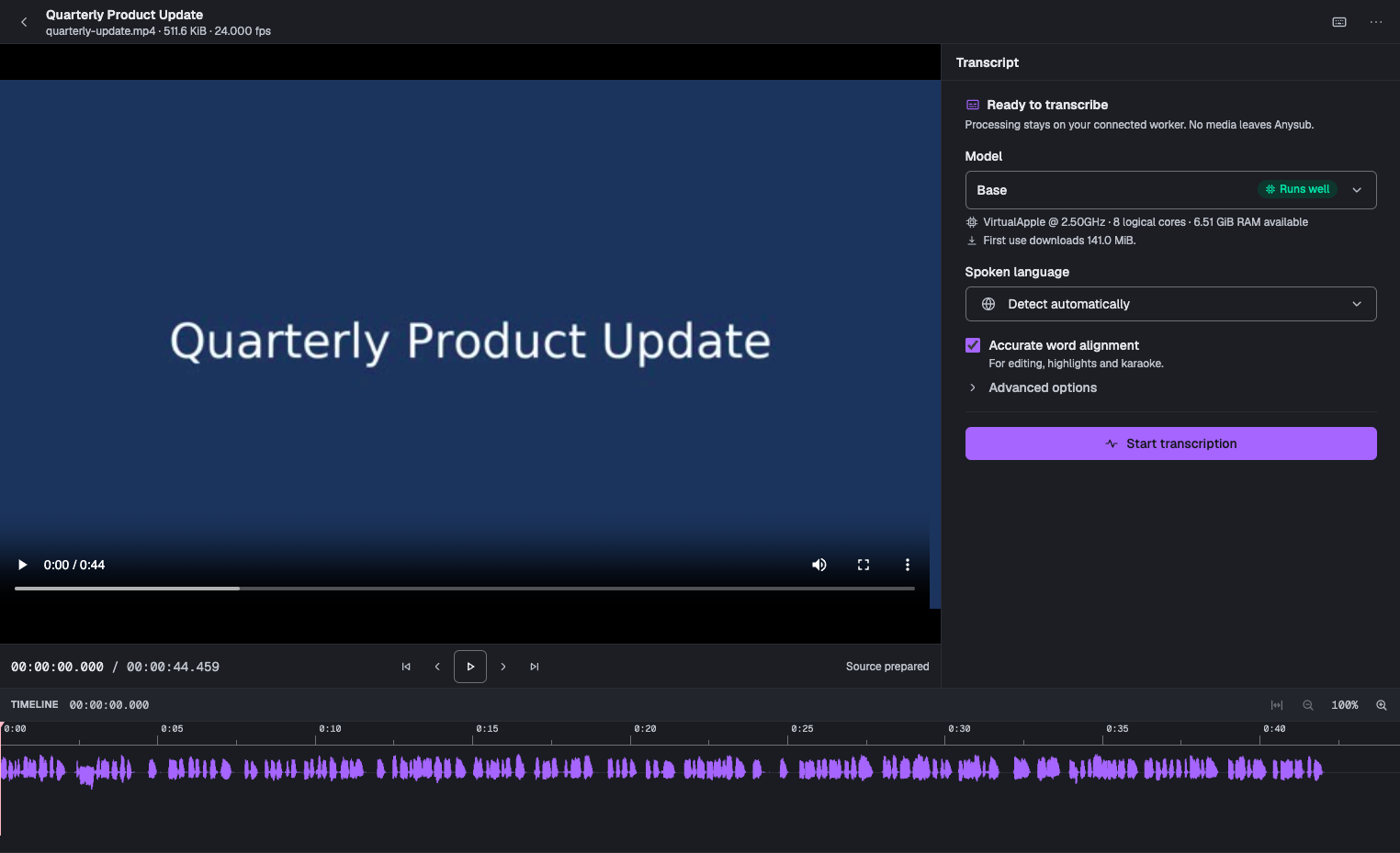
Need subtitles but not a cloud upload? Anysub transcribes audio and video with Whisper on your own server and hands back editable cues. Drop in a video or audio recording, pick a Whisper model from tiny to large, and the worker transcribes it with word-level timing. The studio then puts the video, the cue list, and a zoomable waveform timeline side by side, so every subtitle can be dragged, trimmed, split, merged, or retyped. Warnings flag cues that run too fast, too long, or overlap a neighbor, and autosave with undo keeps edits safe. Long uploads resume after a dropped connection, and the searchable library finds projects by name or by the words spoken inside them. Finished tracks export as SRT, WebVTT, plain text, or JSON with words and metadata. Administration pages manage model downloads, transcription defaults, upload limits, disk usage, and connected workers, and a first-run setup code protects the owner account. Running on a dedicated VPS on RepoCloud with guaranteed CPU, RAM, and SSD, full root SSH access, and a browser serial console. AGPL-3.0 licensed.
Benefits
- Private Subtitles Without Cloud
- Media, transcripts, and models stay on your own server, so confidential interviews, meetings, and unreleased videos are never uploaded to a third party.
- Fix Mistakes Visually Fast
- Edit text and timing against the video and a waveform, then export when the cues look right instead of rerunning the transcription blindly.
- Model Size Fits Hardware
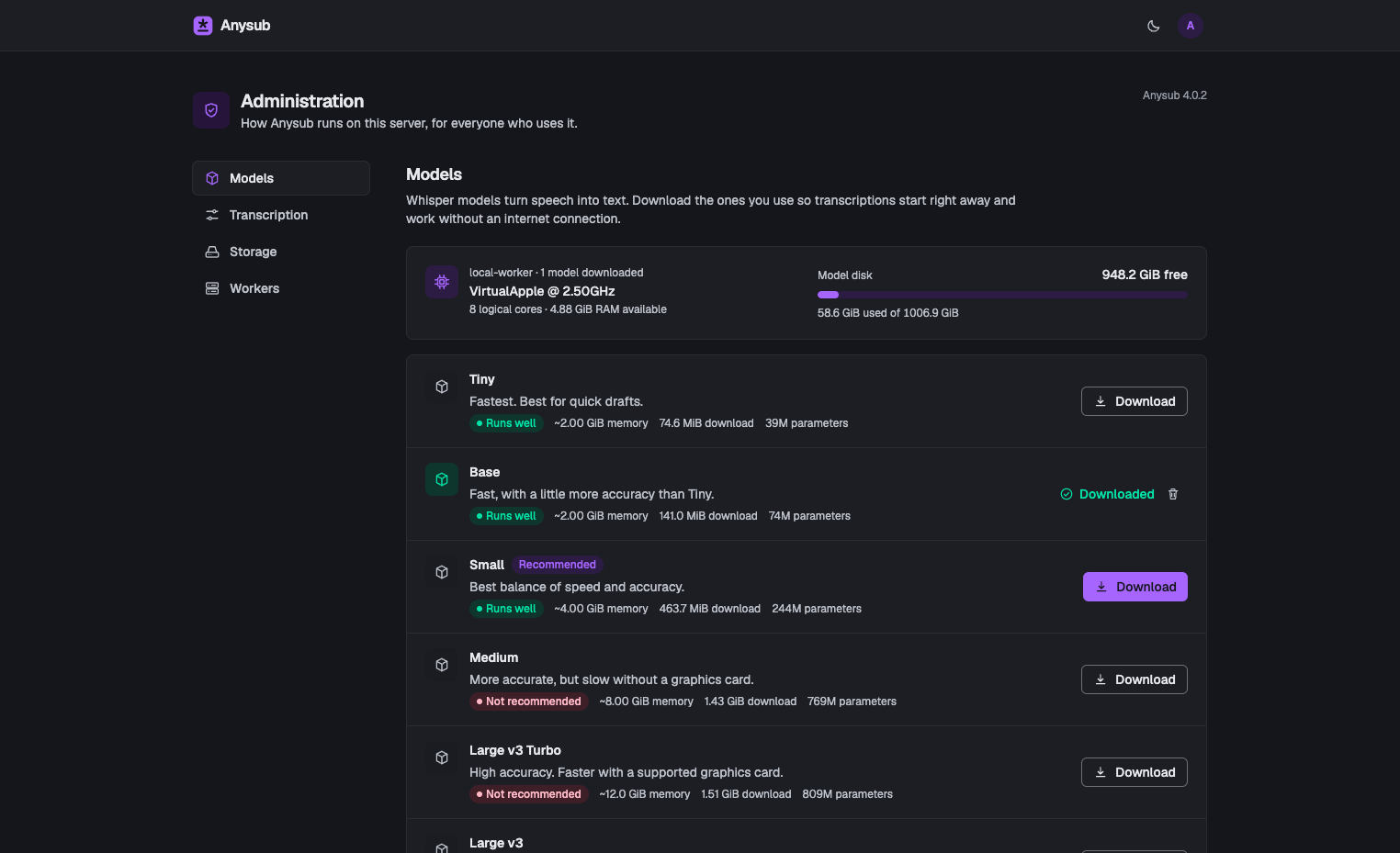
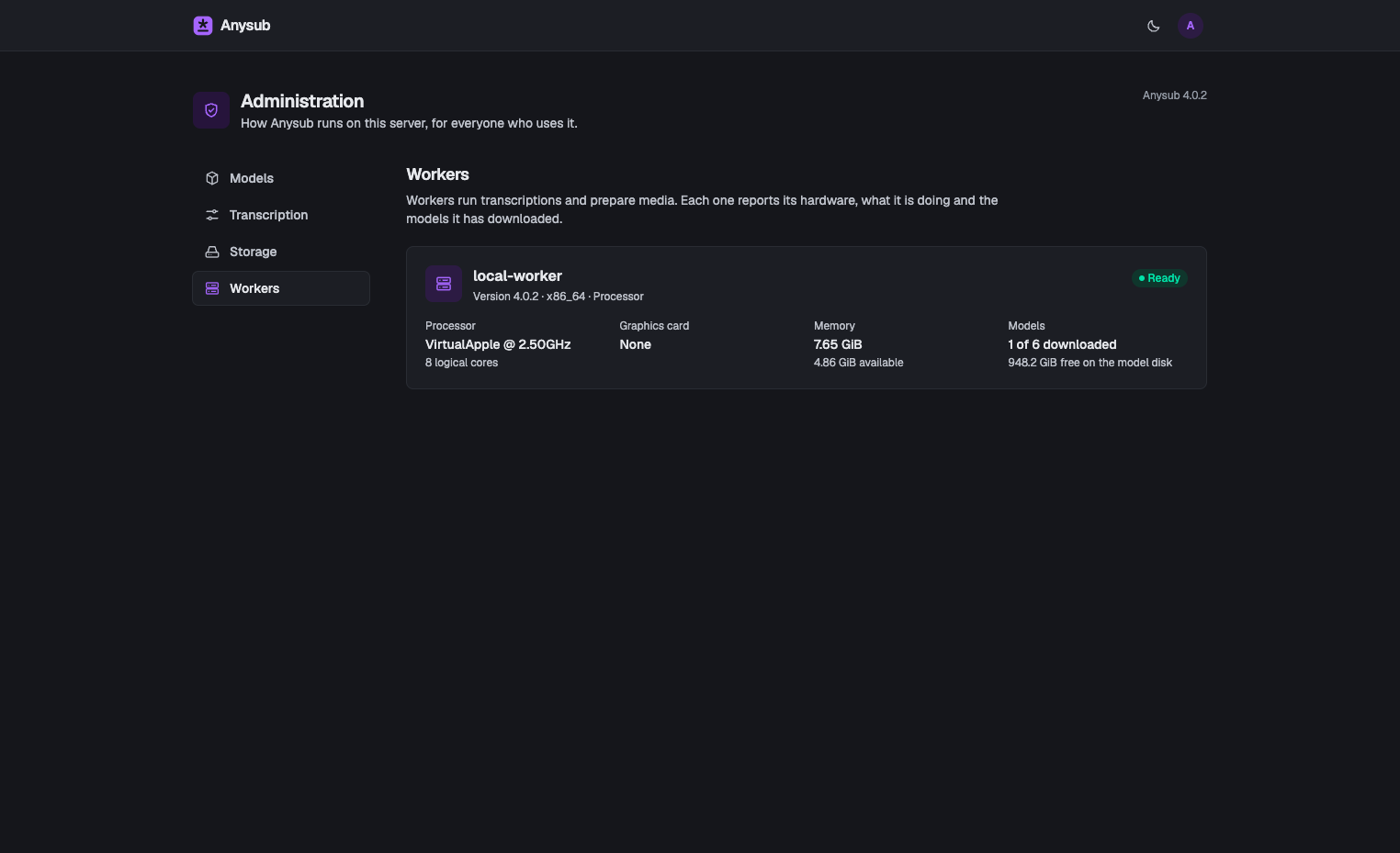
- Anysub checks the worker's memory and graphics card, then labels each Whisper model so you pick speed or accuracy without trial and error.
- Handles Very Long Recordings
- Resumable uploads and a background worker cope with hours-long files, so a dropped connection or closed tab does not cost you the transfer.
Features
- Waveform Subtitle Studio
- Edit cues beside the video and a zoomable waveform, drag edges to retime, split or merge lines, and rely on undo and autosave.
- Word-Level Timing
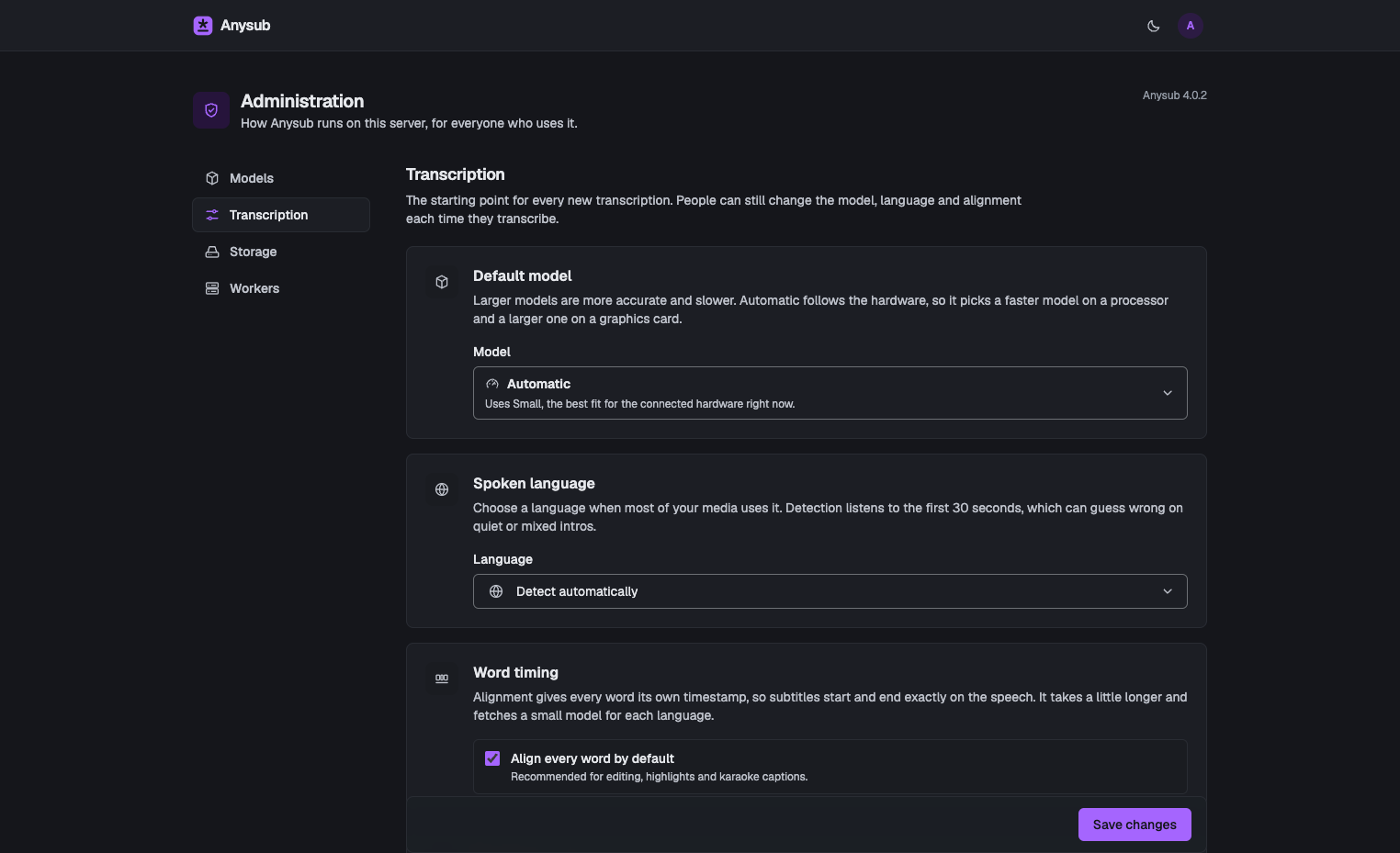
- Optional word alignment gives every word its own timestamp, so cues start and end exactly on the speech and support highlights.
- Readability Warnings
- Cues that are too fast, too long, or overlapping get flagged with characters per second, helping subtitles stay easy to read.
- Searchable Project Library
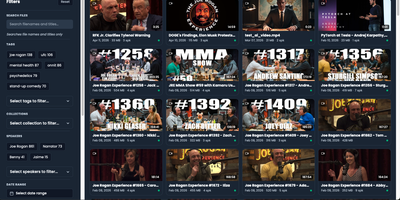
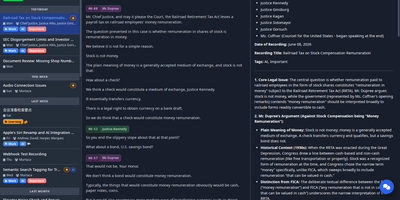
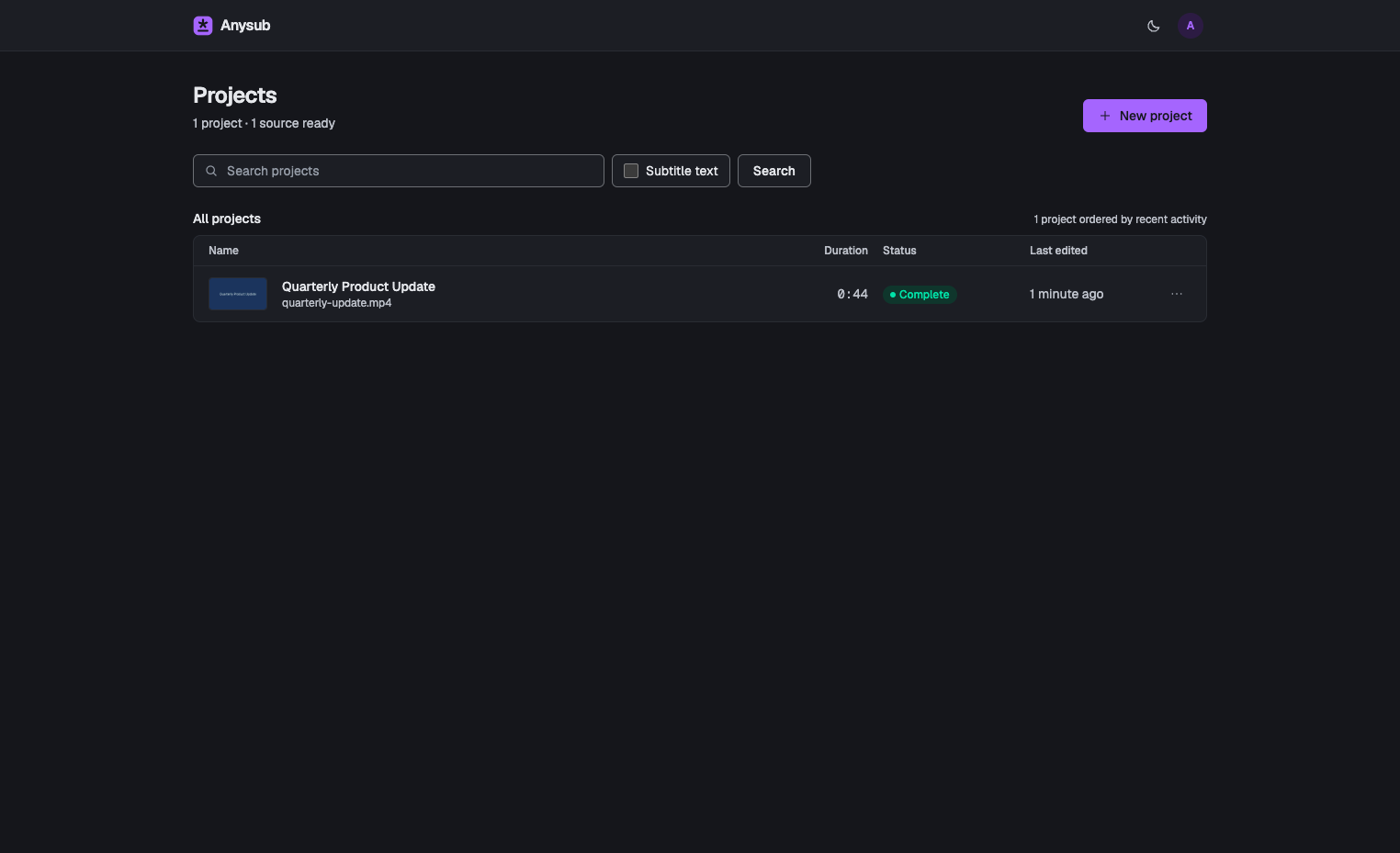
- Browse every recording with duration and status, and search project names or the subtitle text itself to find the right file again.
- Flexible Subtitle Exports
- Download finished tracks as SRT, WebVTT, plain text without timecodes, or Anysub JSON that keeps cues, words, and metadata.
- Admin Controls
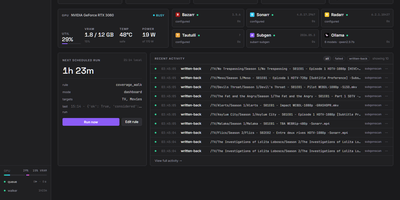
- Download or remove models, set the default model and language, cap upload size, watch disk usage, and check connected workers.