Categories
Developer Tools Claude Code LLM Observability Cost Tracking MCP Tools Monitoring Dashboard AI Agent Observability Session AnalyticsStars
Forks
Watchers
Developer links
Claude Code Karma
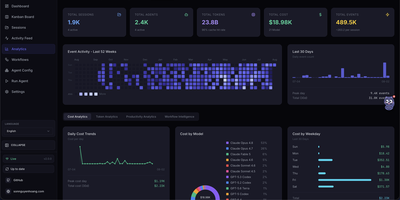
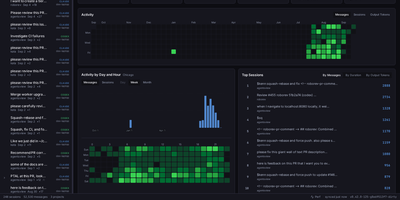
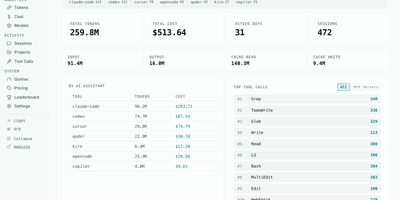
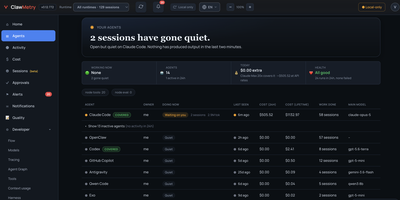
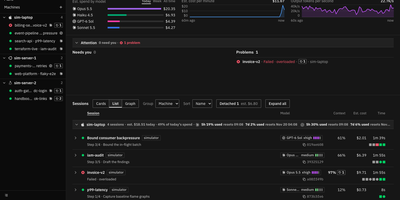
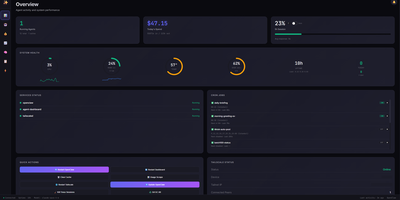
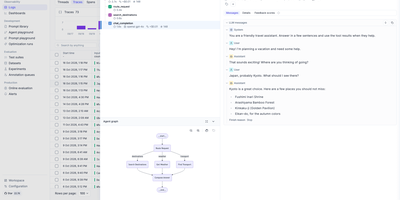
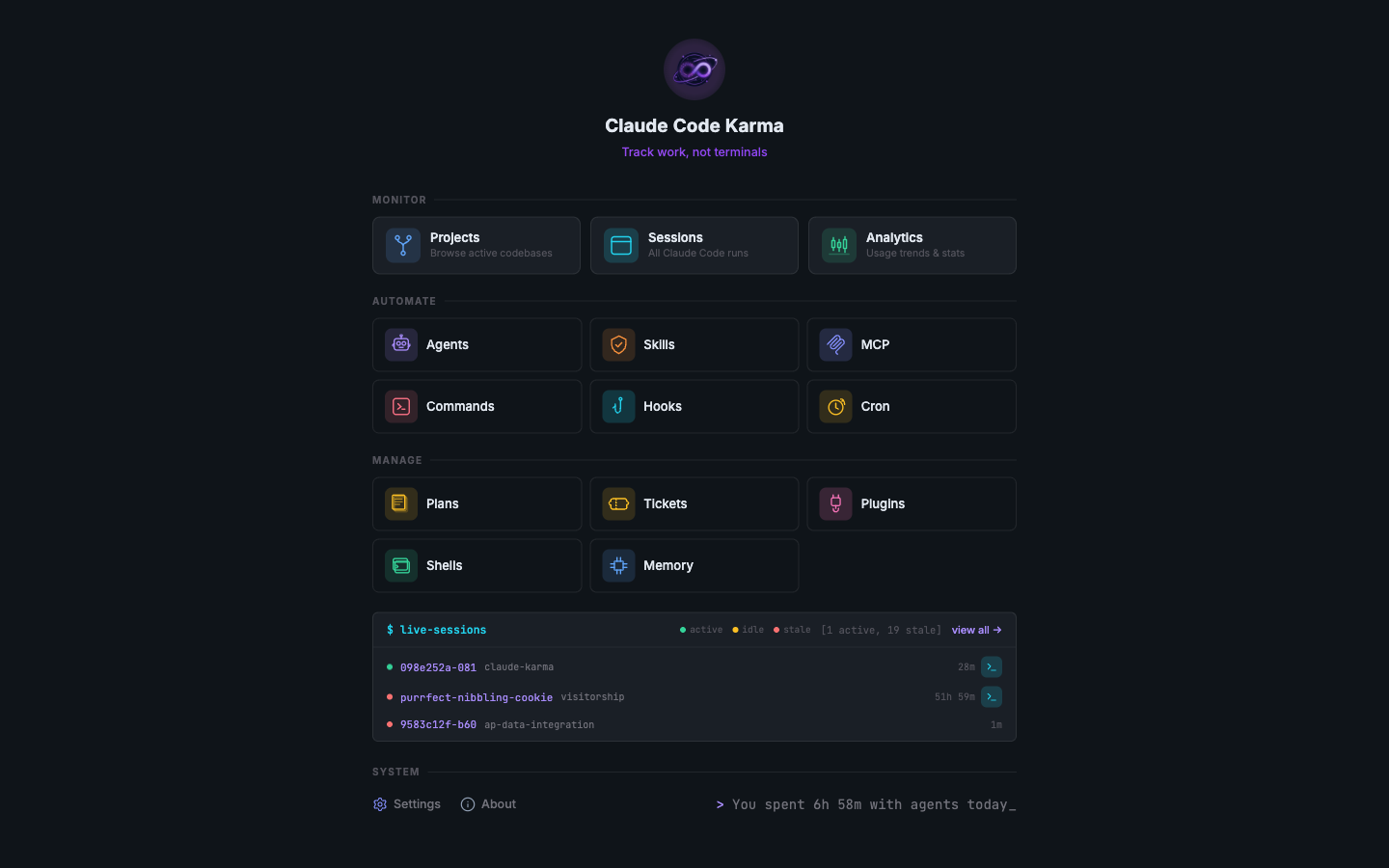
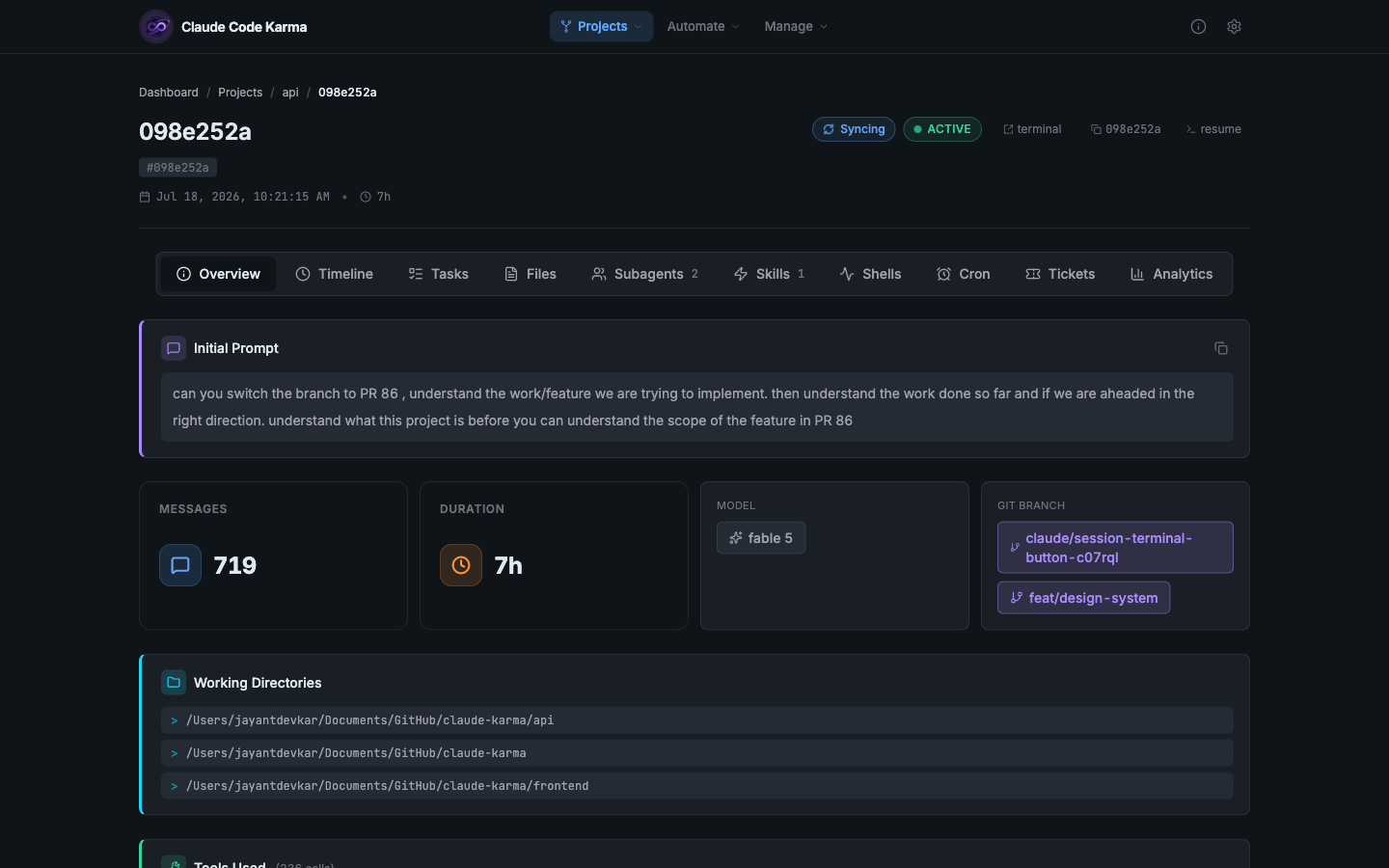
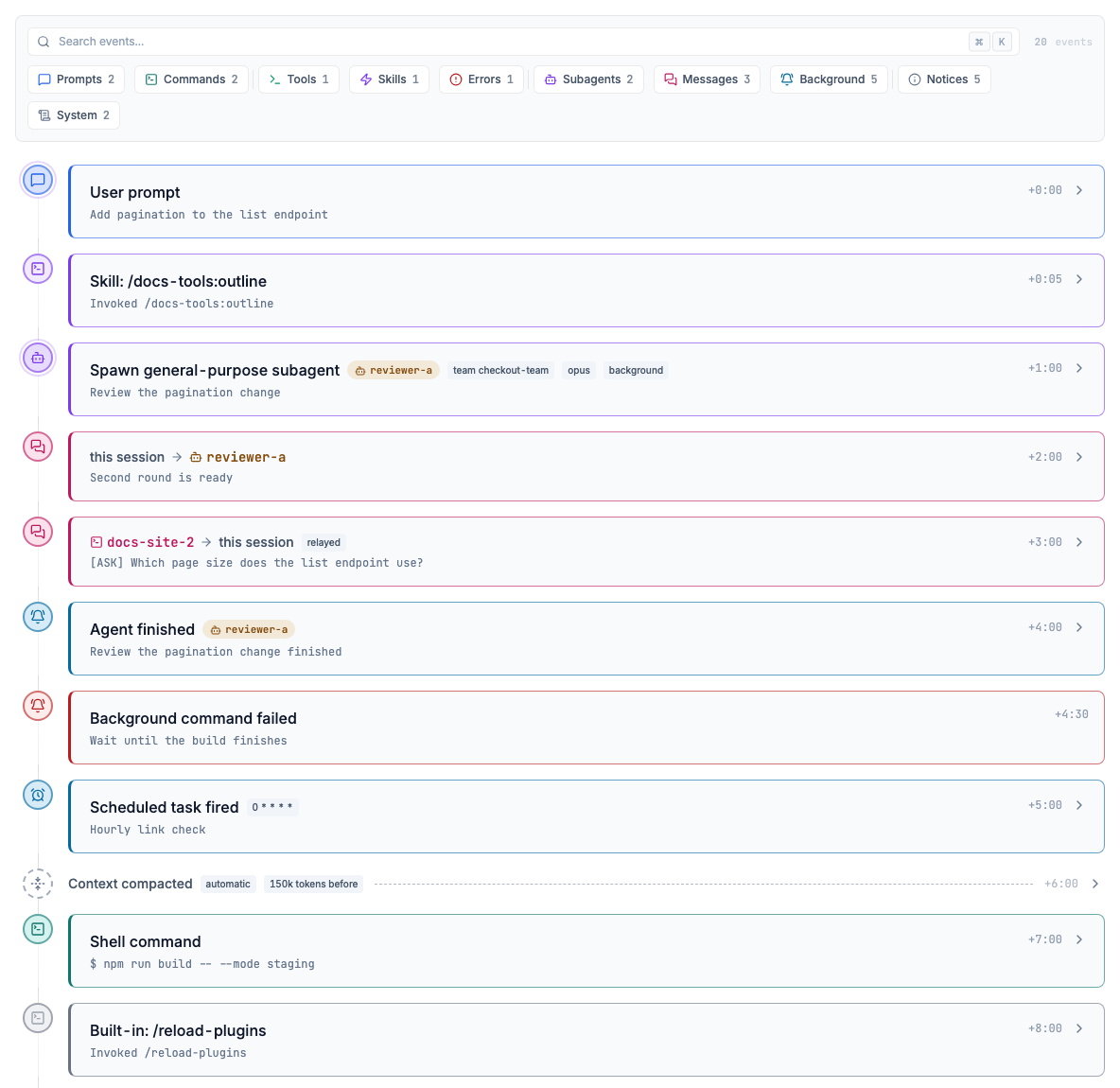
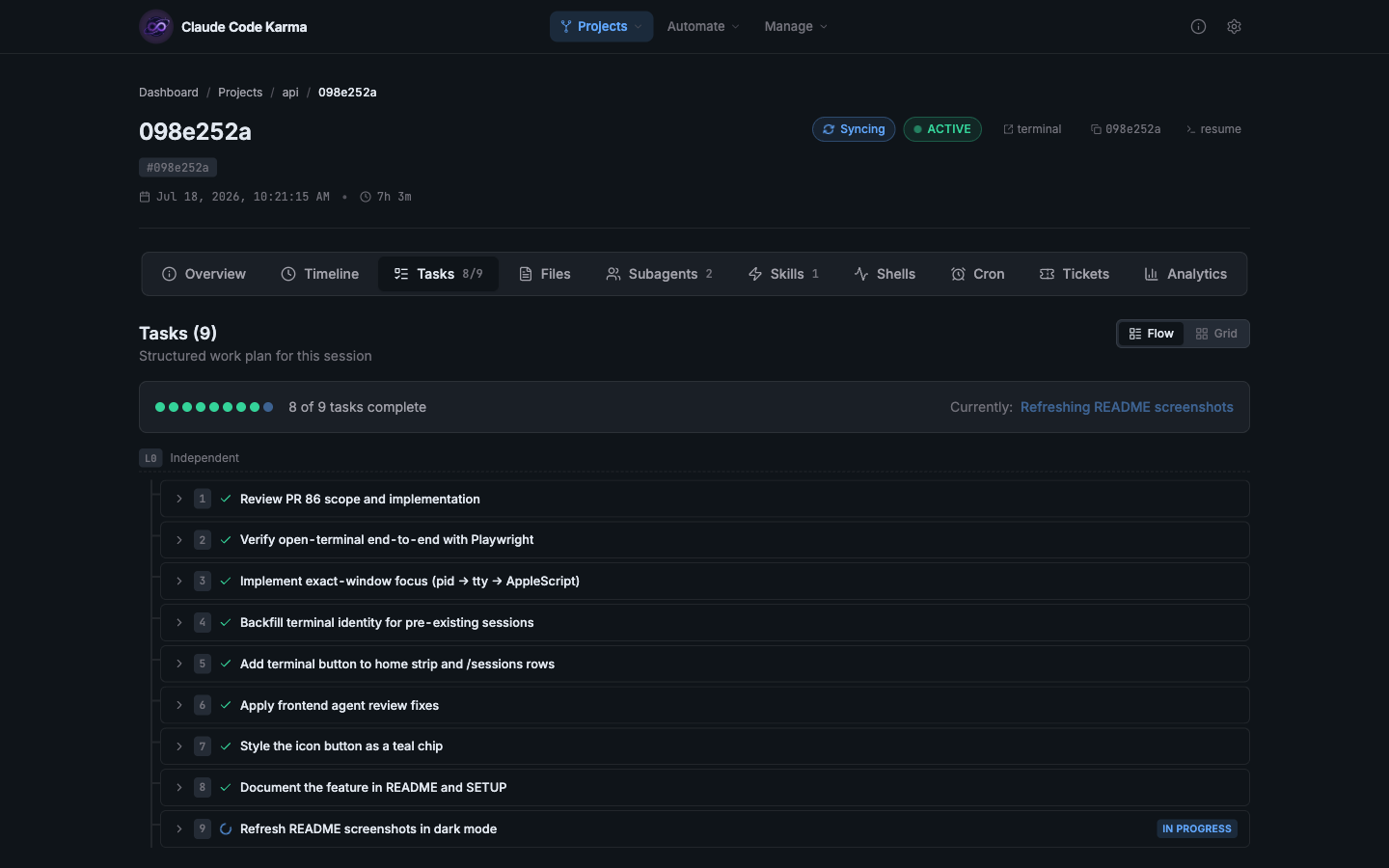
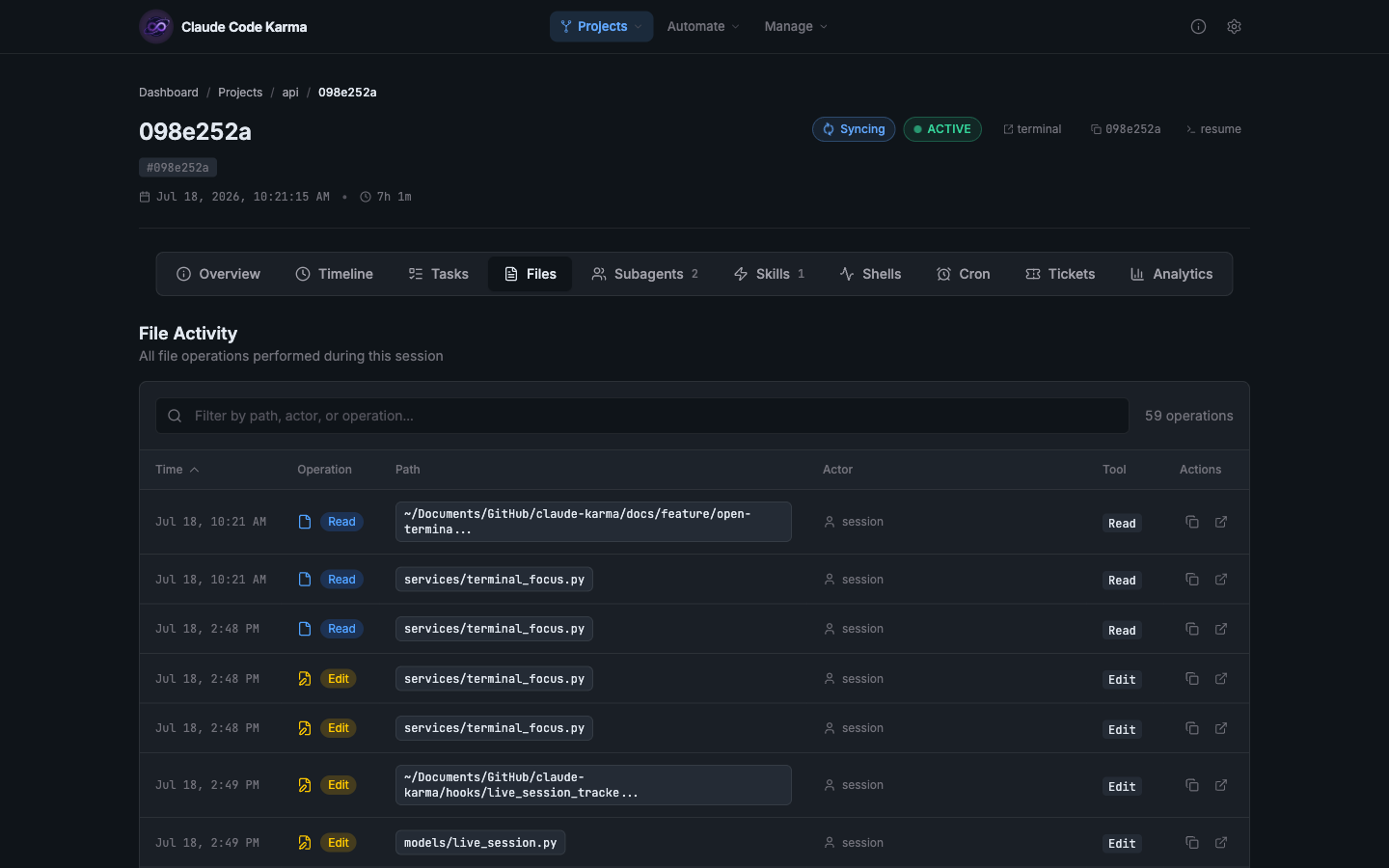
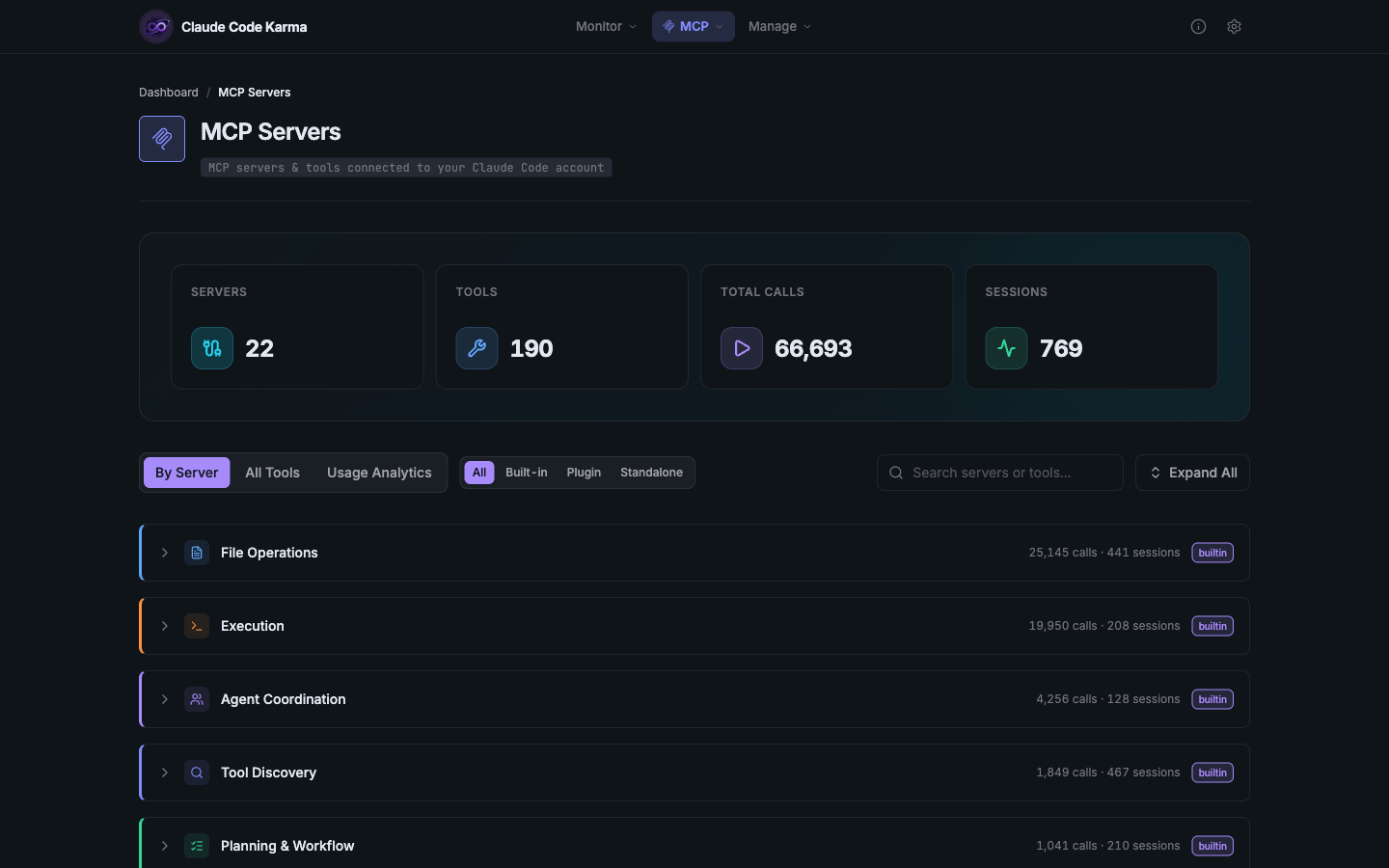
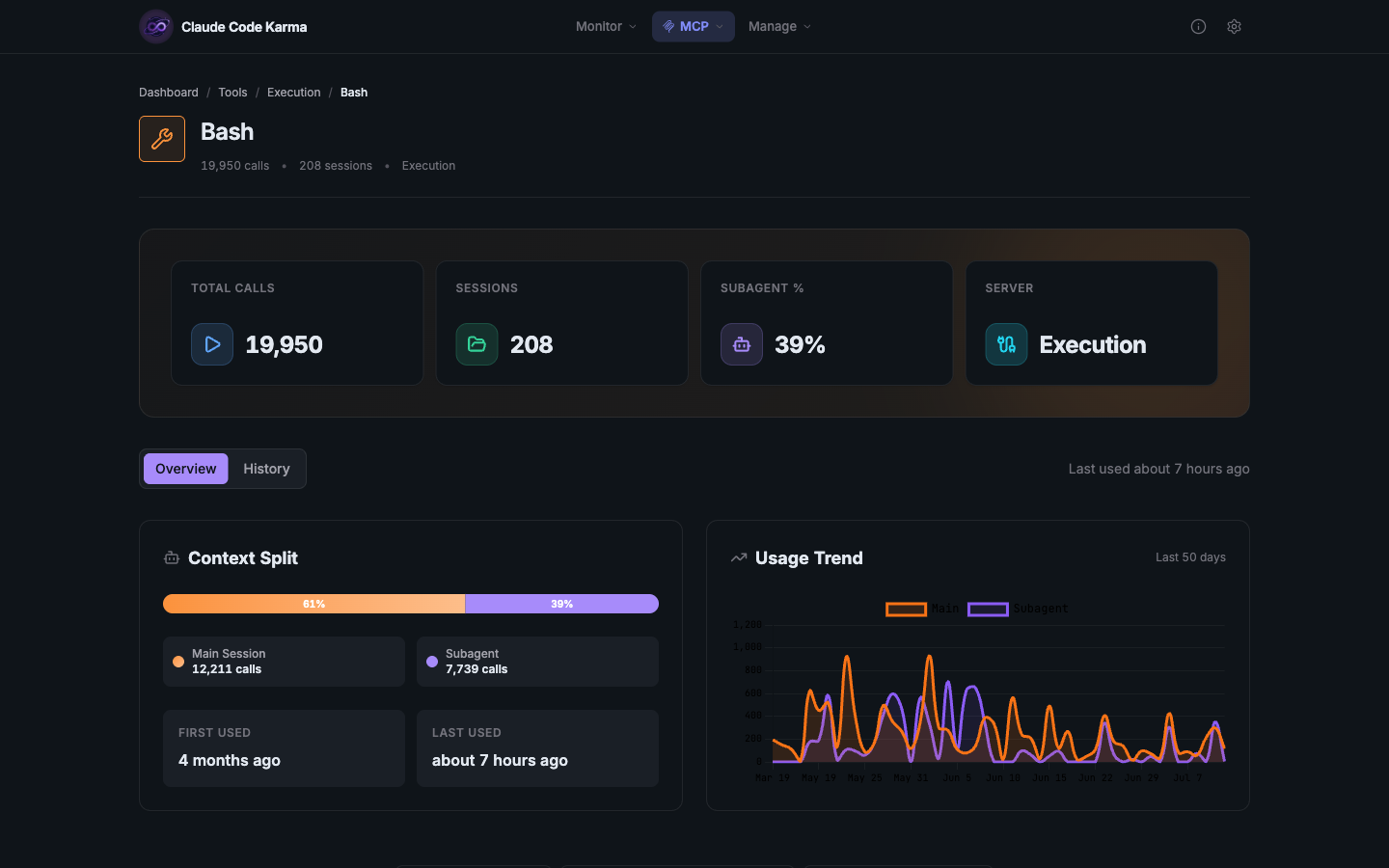
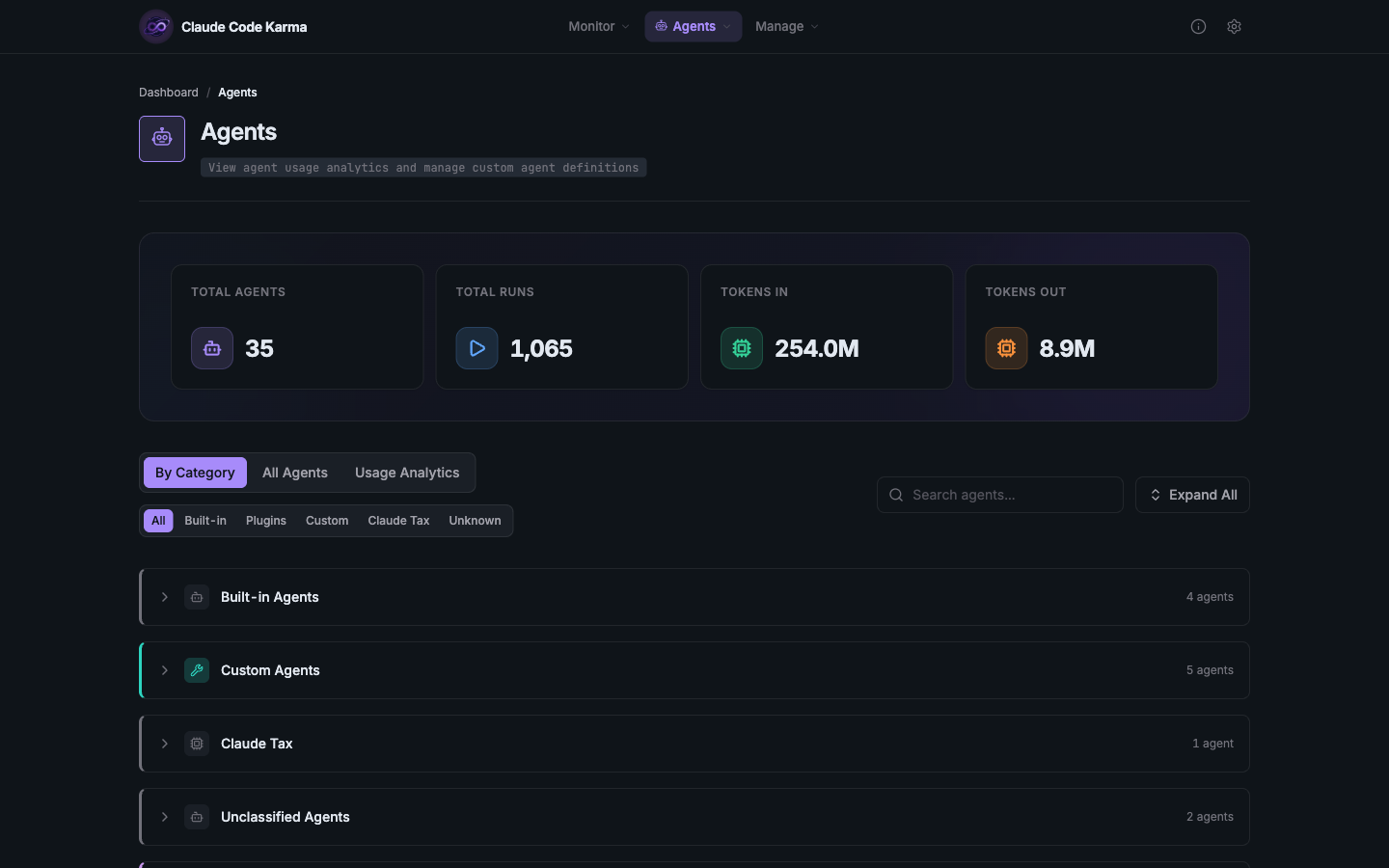
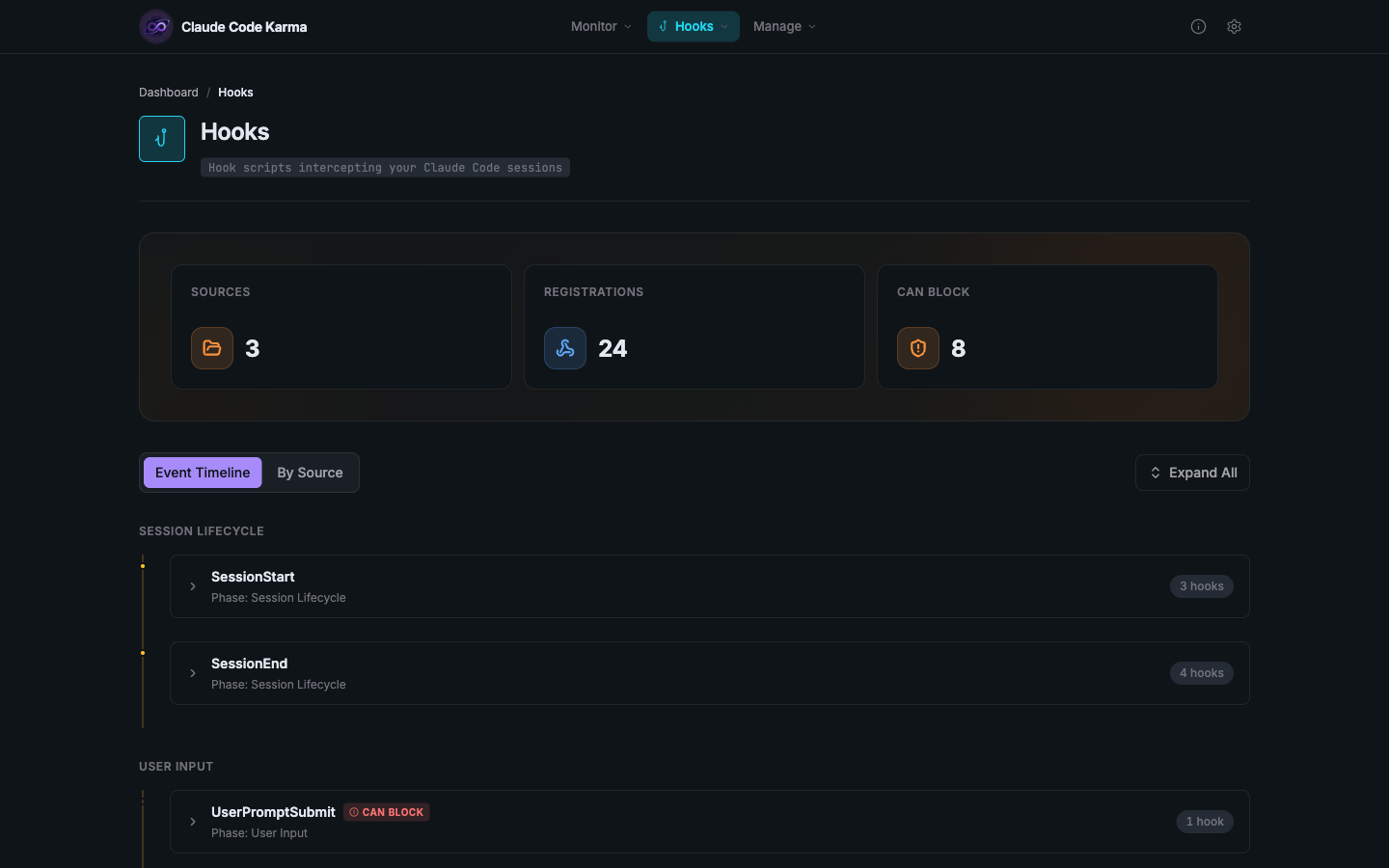
Anyone running Claude Code all day can open Claude Code Karma to see each session as a searchable timeline with its cost, file activity, and live status. It reads the session files Claude Code already saves on disk. The Timeline tab puts prompts, tool calls, skills, subagent spawns, and compactions in order, filterable by sender. Tasks appear as a flow diagram with status and dependencies. Every file operation lands in a sortable table. Subagents are grouped by type, with tokens and cost. Cost and token estimates sit beside each session, and a toggle adds every subagent to the totals. Hooks installed in Claude Code feed badges marking each session running, waiting for you, stopped, or stale. Projects group sessions by git repository. Analytics track spend, velocity, cache hit rate, and coding rhythm. Further pages cover MCP servers and tools, agents, skills, hooks by lifecycle phase, plugins, and plans. Paste a link, run a slash command, or add a branch-name hook to tie sessions to Linear, Jira, or GitHub tickets, with nothing written back. Synced copies of other computers' ~/.claude folders join as extra roots under machine badges. There are no accounts and no telemetry, and the index never leaves the server. The dashboard has no login screen, so keep it private and reach it through an SSH tunnel. Running on a dedicated VPS on RepoCloud with guaranteed CPU, RAM, and SSD, full root SSH access, and a browser serial console. Apache-2.0 licensed.
Benefits
- See Every Step Claude Took
- The timeline orders prompts, tool calls, thinking blocks, subagent spawns, agent messages, and context compactions, labels each event by sender, and links spawns to the agents they started, so audits are quick.
- Track Cost And Token Usage
- Session and global analytics estimate spend, tokens, cache hit rate, model mix, and velocity from local session files, so expensive runs and busy projects stand out.
- One Dashboard For Many Machines
- Sync other computers' ~/.claude folders to the server with rsync or Syncthing, register them as extra roots, and browse every machine's sessions together; Karma only reads those copies.
- Local Index With Zero Telemetry
- Karma reads session files in place and keeps metadata in a local SQLite index, with no cloud service, accounts, or telemetry; only the optional Haiku titling hook calls out through your Claude login.
Features
- Session Timeline
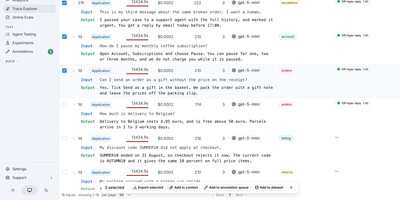
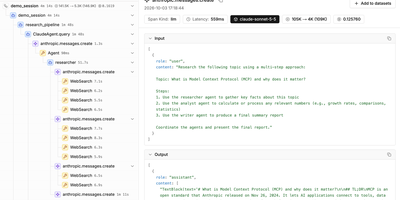
- Prompts, tool calls, skills, subagent spawns, agent messages, background reports, scheduled task fires, and compactions in order, filterable by sender with search and expandable event details.
- Live Session Tracking
- Claude Code hooks write session state that Karma reads, so the home page and Sessions list show running sessions with status badges, project, and elapsed time.
- Cost And Token Analytics
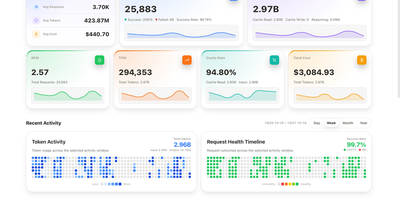
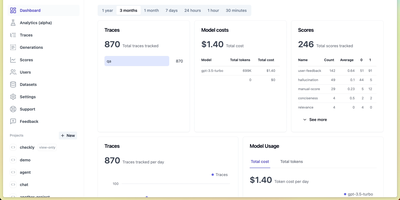
- Global and per-session views estimate spend, tokens, cache hit rate, velocity, and model mix, with a scope toggle that adds every subagent to a session's totals.
- Tools, Agents, And Hooks
- Browse built-in tools and MCP servers with call counts, agents with runs and tokens, skills with invocation history, and hooks grouped by lifecycle phase with blocking flags.
- Ticket Linking
- Attach sessions to Linear, Jira, or GitHub issues by pasting a key, running a slash command, or using a branch-name hook; titles and status are cached read-only.
- Multi-Machine Roots
- A JSON file or CLAUDE_KARMA_EXTRA_ROOTS lists synced copies of other machines' ~/.claude folders; their sessions merge into one dashboard with machine badges and are never modified.