Categories
Email Marketing Self-Hosted Apps Email Builder Drag and Drop Editor Newsletter Tools HTML Email Template BuilderStars
Forks
Watchers
Developer links
Colspan
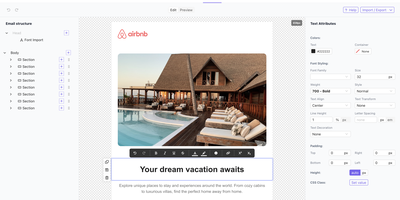
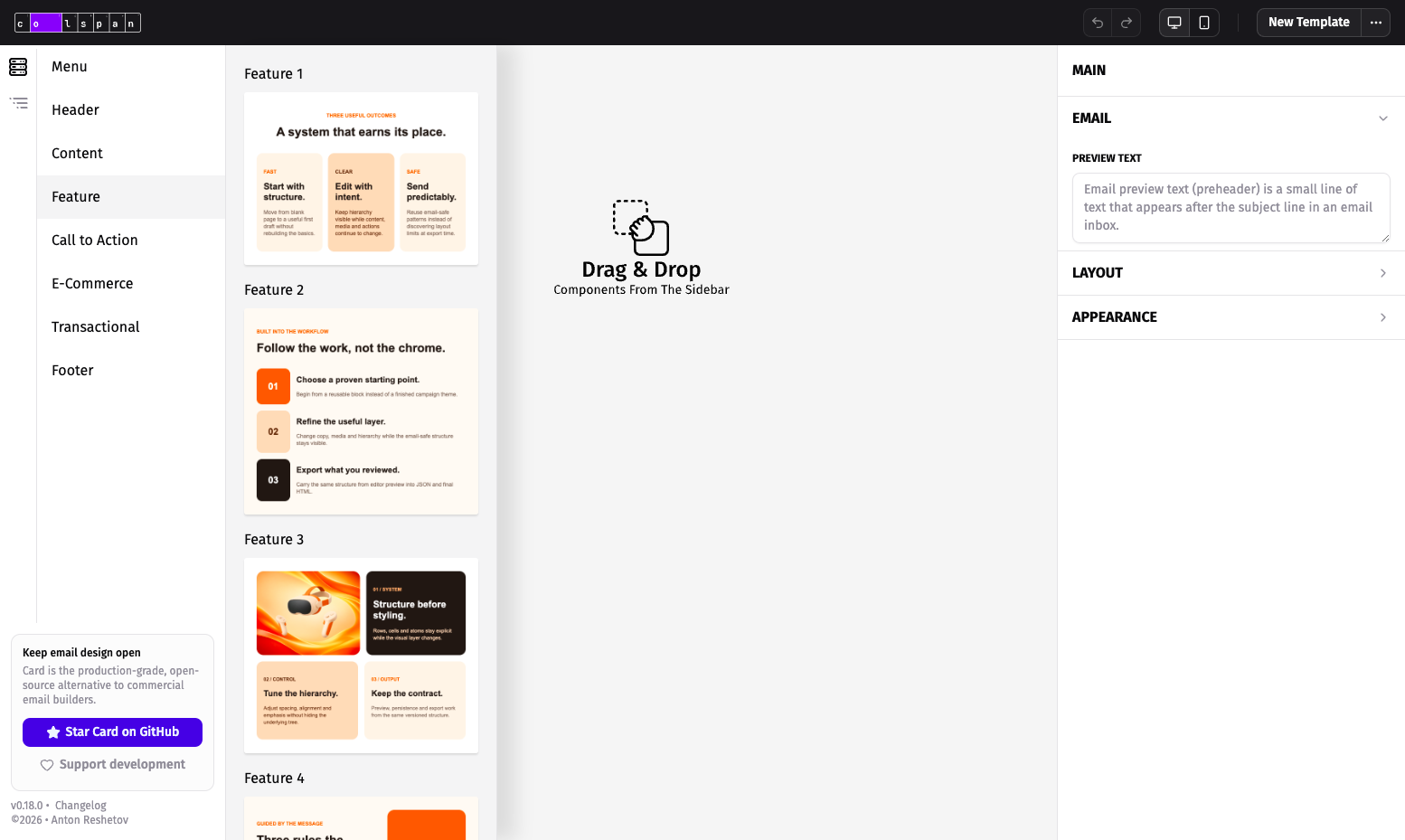
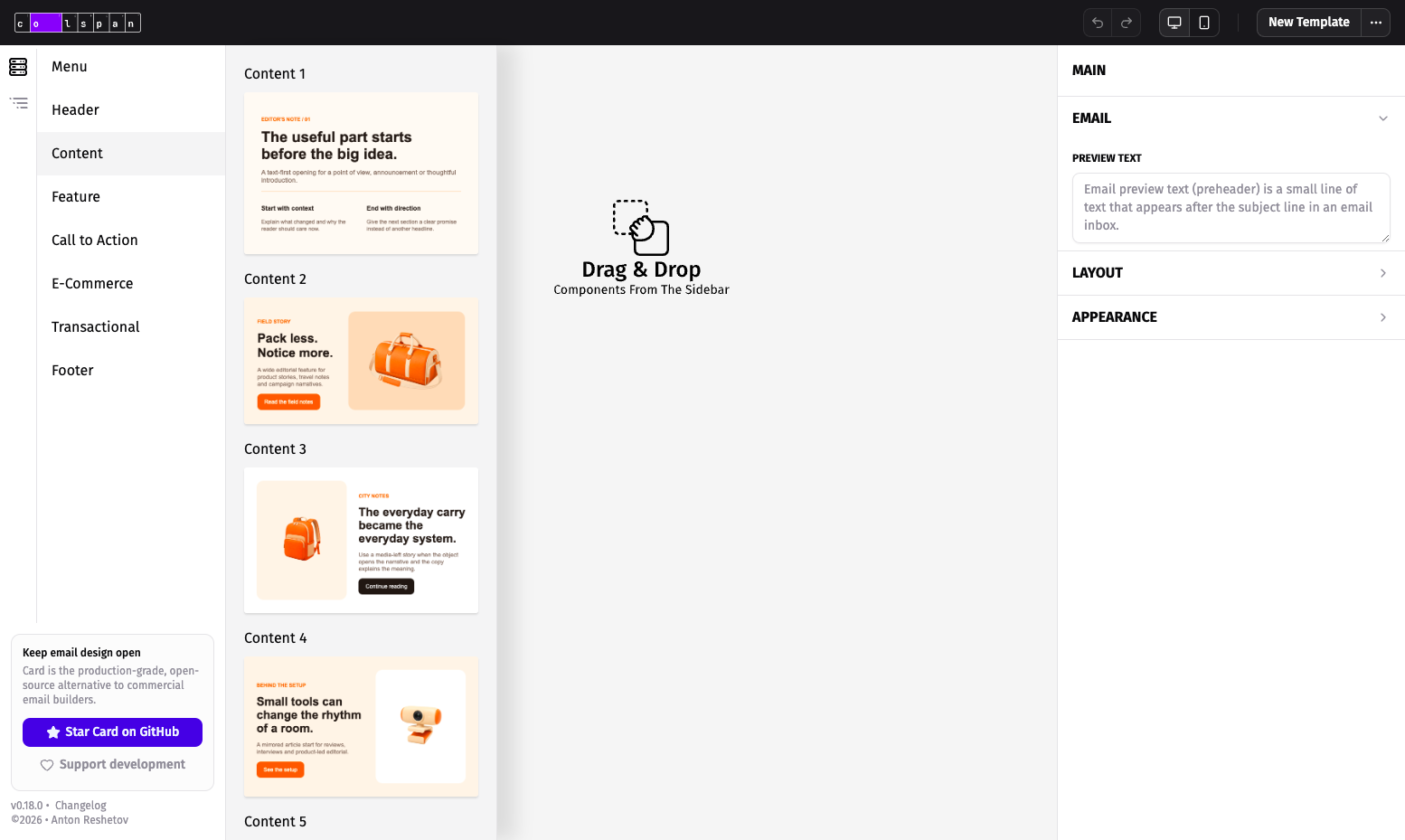
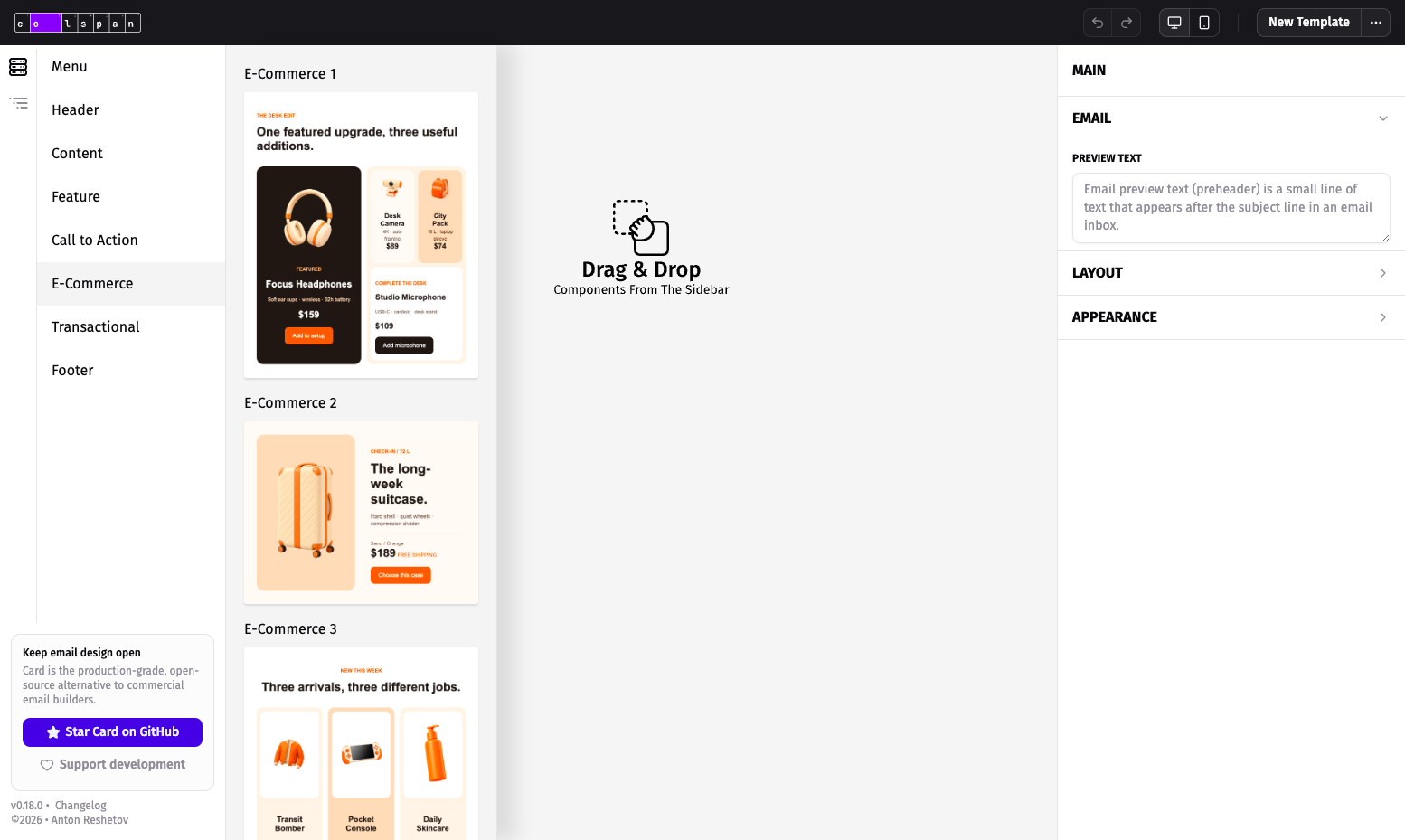
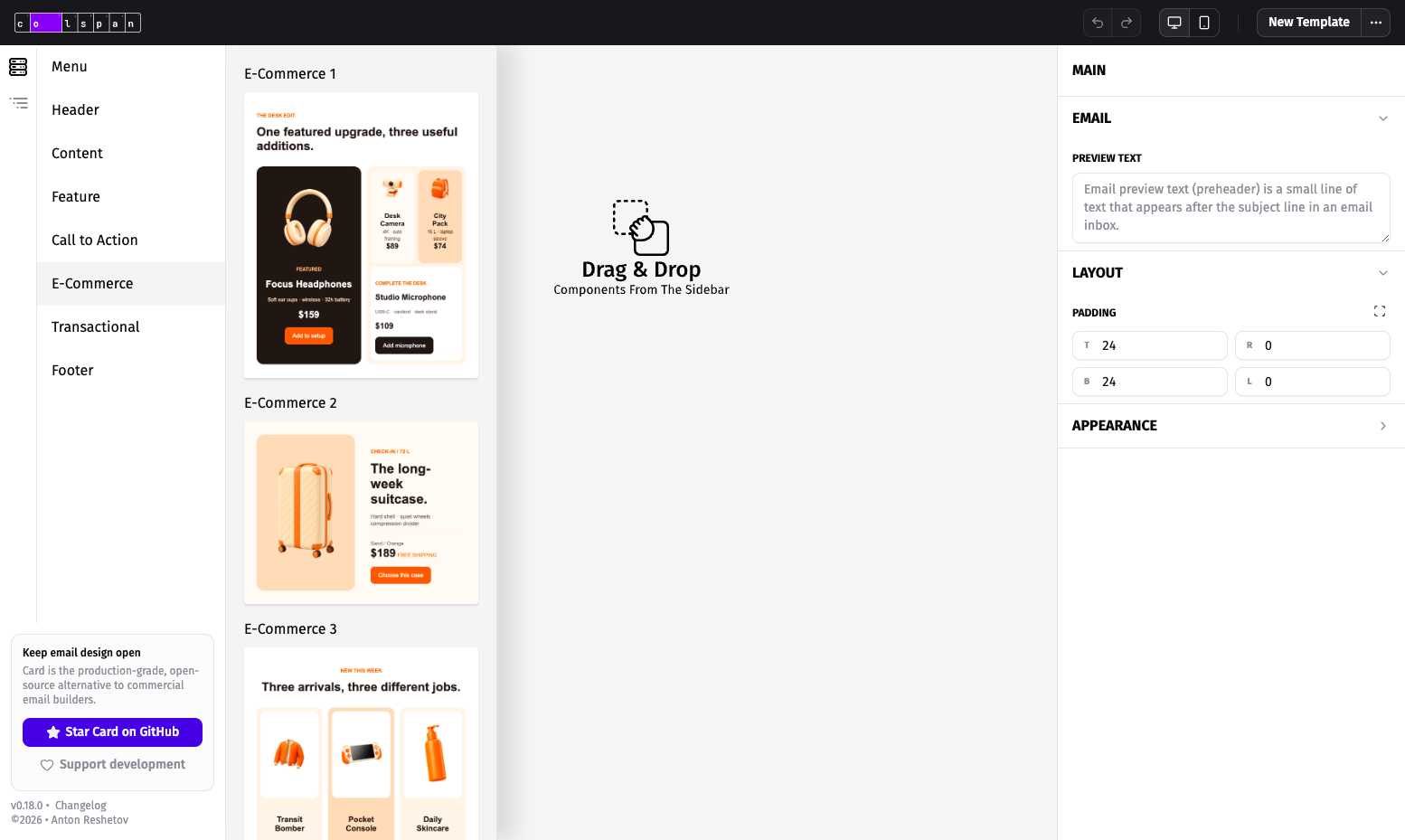
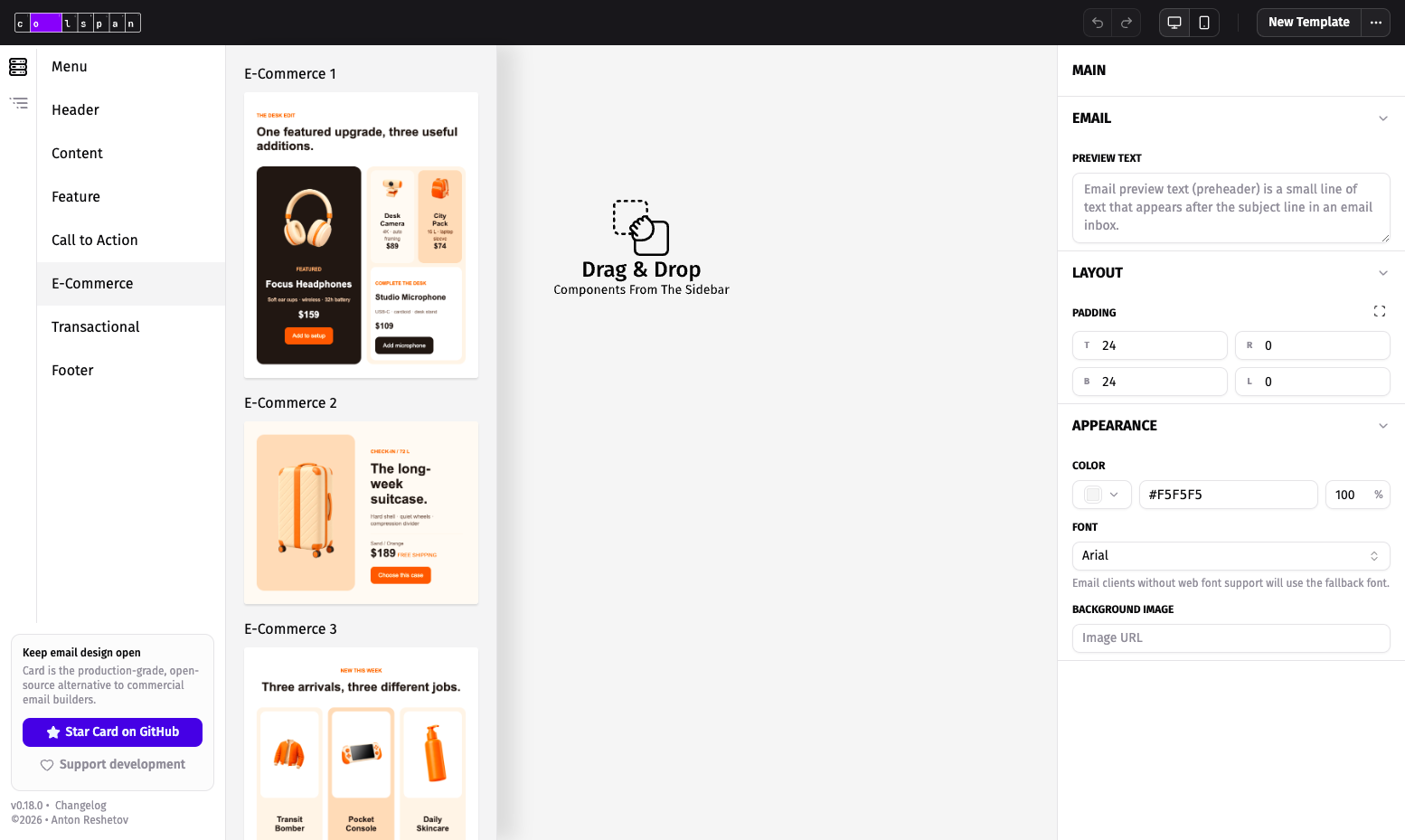
Hand-coding HTML emails means wrestling nested tables and Outlook quirks for hours; Colspan turns that work into dragging ready-made blocks onto a canvas and exporting code that holds together in Gmail, Outlook, and Apple Mail. The component catalog holds 78 blocks grouped into Menu, Header, Content, Feature, Call to Action, E-Commerce, Transactional, and Footer sets, so newsletters, receipts, and promotional campaigns all start from structured pieces instead of a blank file. You edit text inline with rich formatting and Google Fonts, arrange blocks in a synchronized component tree, and adjust each row for stacking order and visibility on mobile. Desktop and mobile previews render side by side, and the preview stays isolated from the editor chrome, so what you check is what recipients open. Finished designs export as responsive HTML with inline styles, or as JSON you can store, version, and re-import later in replace or append mode. Import validation and sanitization guard templates received from teammates or clients before they enter your workspace. Your work saves automatically in the browser and reloads where you left off, and undo and redo cover every edit during experimentation. Agencies can host the editor on a client-facing domain, marketing teams can produce campaign emails without developer time, and product teams can standardize receipts and notifications as reusable templates. Running on a dedicated VPS on RepoCloud with guaranteed CPU, RAM, and SSD, full root SSH access, and a browser serial console. AGPL-3.0 licensed.
Benefits
- Emails That Survive Outlook
- Table-based HTML with inline styles renders consistently in Gmail, Outlook, and Apple Mail, ending the cycle of client-specific hacks and broken layouts discovered after a campaign already shipped to subscribers.
- Start From 78 Blocks
- Menus, headers, content sections, product features, calls to action, e-commerce rows, transactional notices, and footers ship as ready blocks, so a newsletter or receipt starts structured instead of blank.
- Preview Both Screens Together
- Desktop and mobile previews sit side by side, and per-row stacking plus visibility controls confirm the phone layout before export instead of after a test send exposes the breakage.
- Your Editor, Your Domain
- The static build serves from any web server or subpath you control, with no account system and no vendor lock-in, so client work and internal tools keep one editor under your own address.
Features
- Drag-and-Drop Editor
- Assemble emails visually from blocks arranged in a Block, Row, Cell, and Atom tree, with inline editing and undo and redo for every change.
- 78-Block Catalog
- Ready blocks cover Menu, Header, Content, Feature, Call to Action, E-Commerce, Transactional, and Footer patterns, including text, button, divider, and image atoms.
- Responsive HTML Export
- Export table-based HTML with inline styles sized for desktop and mobile, or save designs as JSON for storage, versioning, and re-import.
- Dual Device Preview
- Check desktop and mobile renderings side by side, control per-row stacking order and mobile visibility, and review output isolated from editor styles.
- Safe Template Import
- Import JSON templates in replace or append mode; built-in validation and sanitization check incoming designs before they enter the editor workspace.