Stars
Forks
Watchers
Developer links
ComposeToolbox
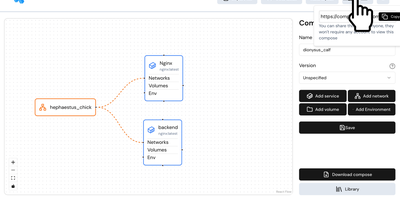
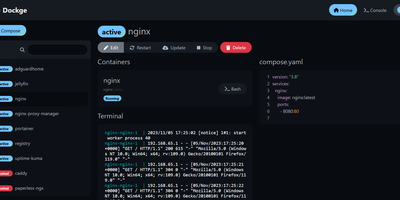
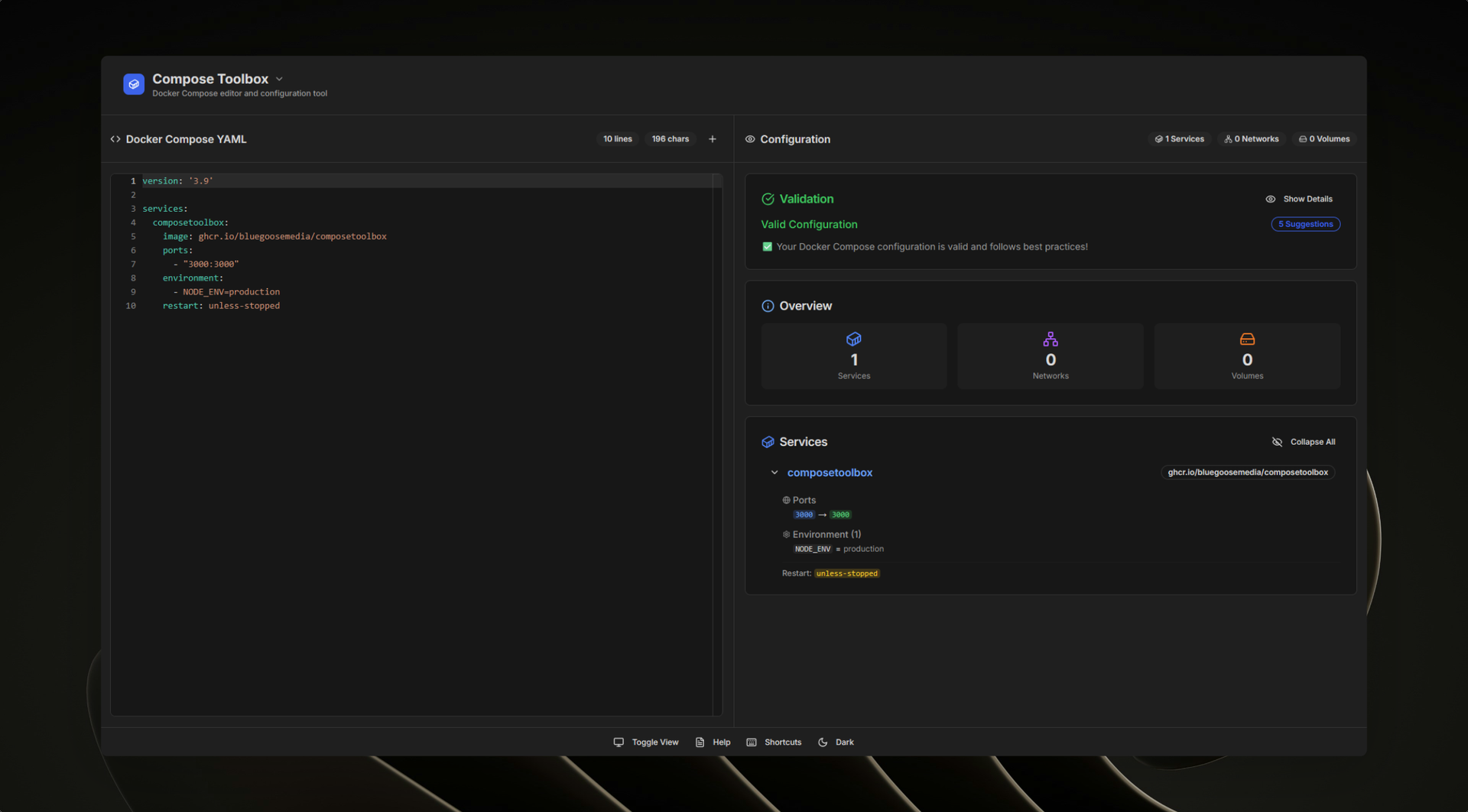
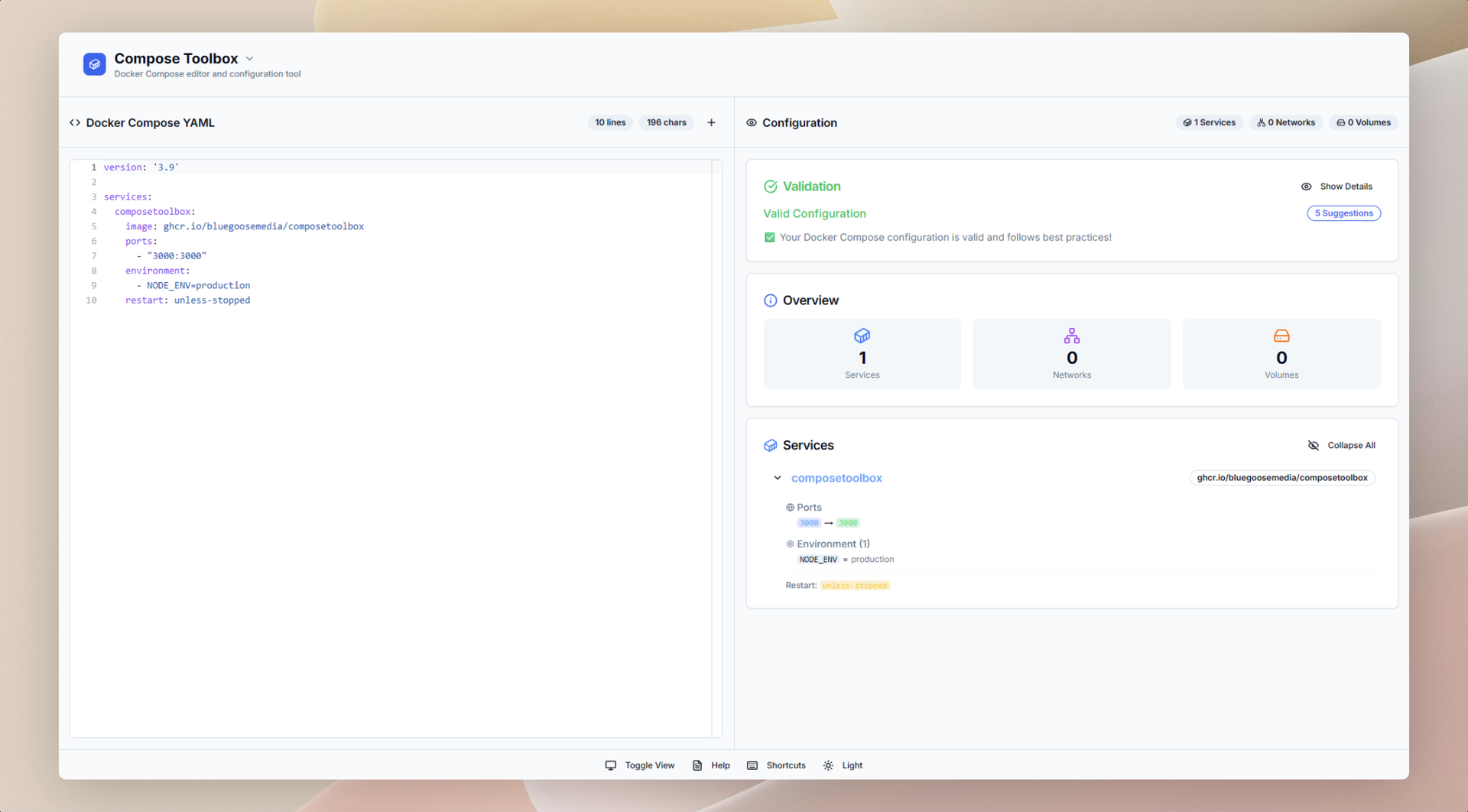
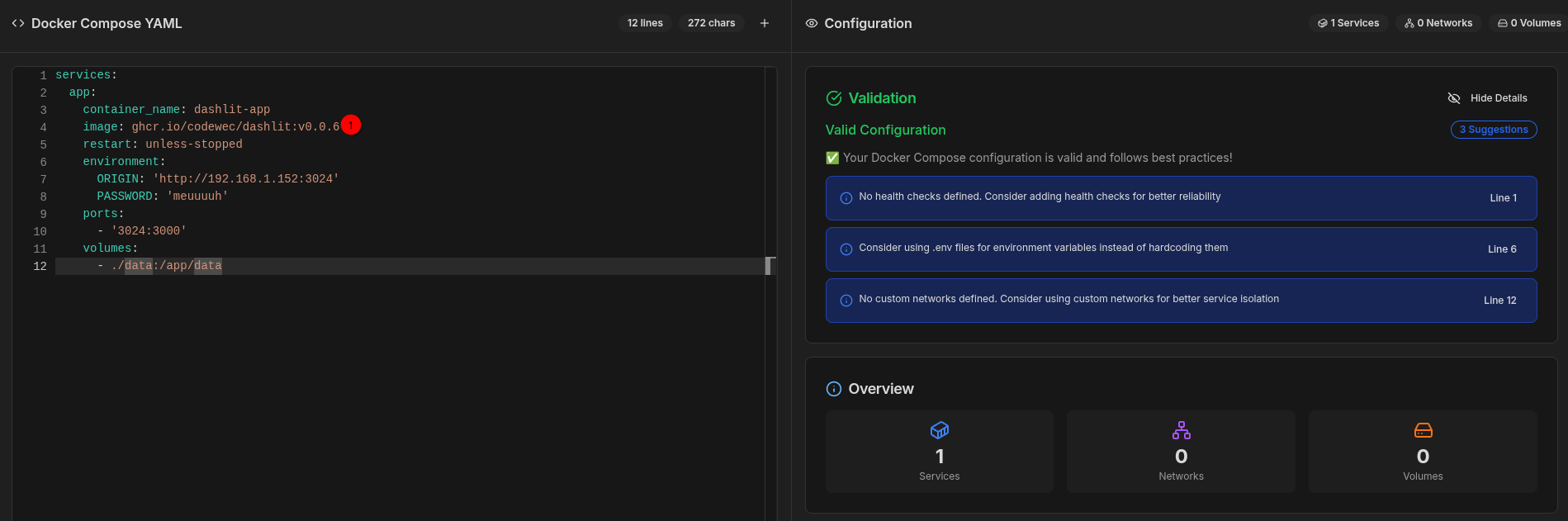
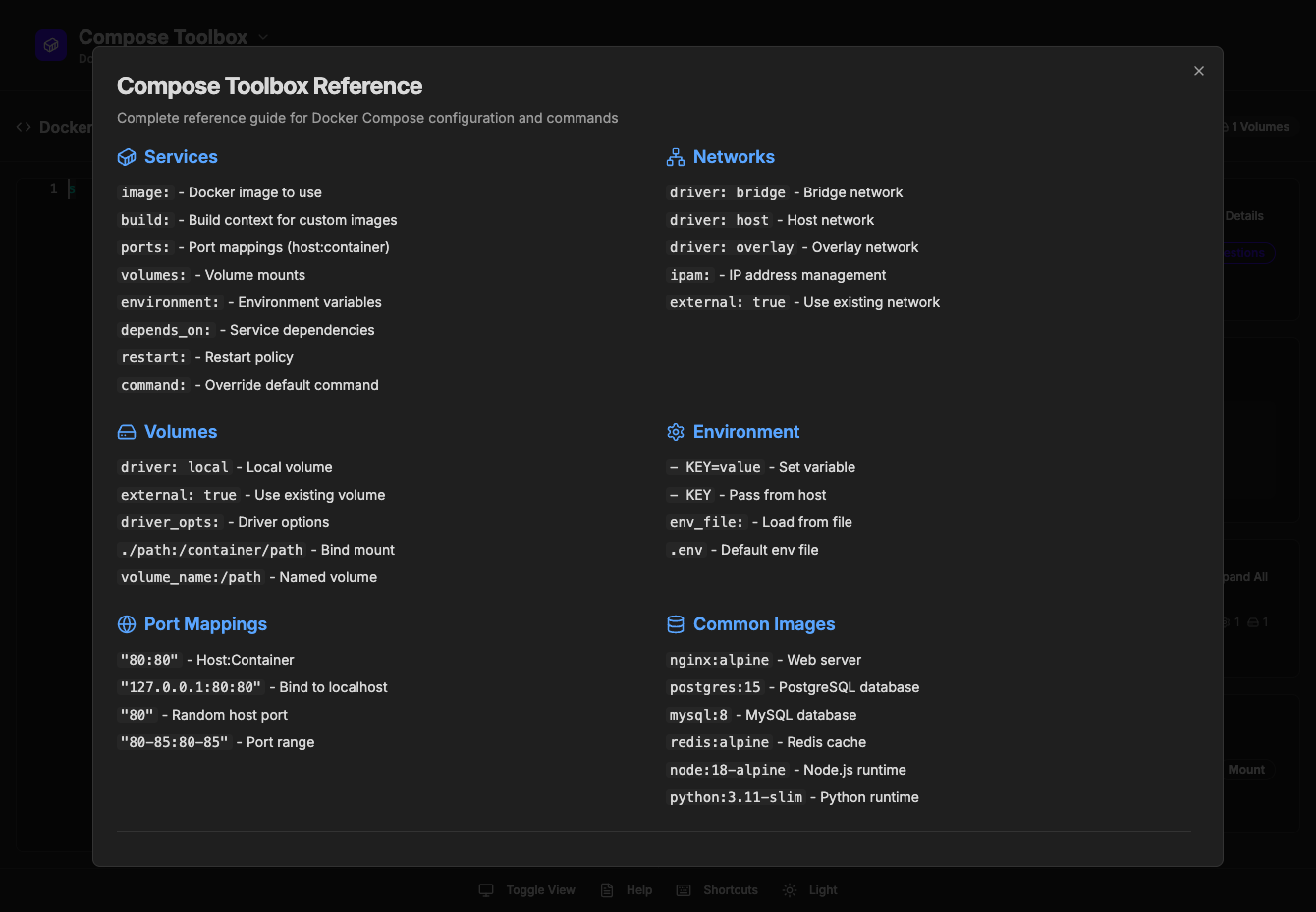
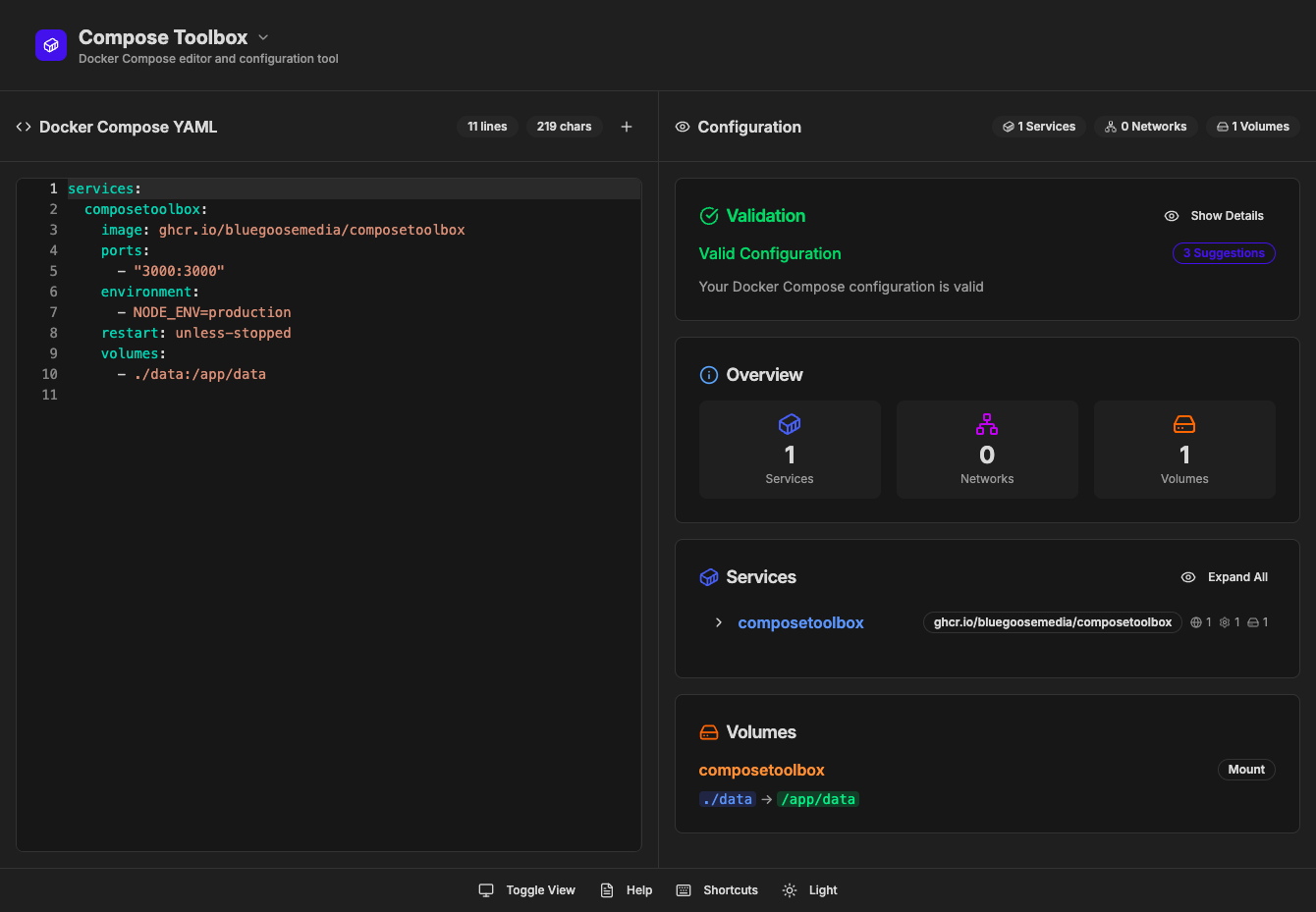
To eliminate YAML indentation errors and cryptic container misconfigurations before running docker compose up, ComposeToolbox pairs a full-featured code editor with a live configuration analyzer in a single self-hostable web workspace. Paste or write any docker-compose.yml file in the left pane to see immediate syntax validation alongside actionable best-practice warnings, such as unpinned latest image tags, missing healthchecks, or deprecated version declarations. On the right side, an interactive Configuration Overview breaks down every defined service, exposed port mapping, persistent volume mount, environment variable, and custom network into structured tabs. Built-in Quick Insert buttons let operators drop new service blocks, volume definitions, or network stanzas into the editor with one click. By mounting the persistent /app/data directory, administrators can define custom quick-insert YAML snippets with selectable hardware and networking icons in custom-templates.yml. Teams can also customize startup-template.yml so the editor opens with their organization's standard homelab or production boilerplate every time the page loads. Keyboard shortcuts, light and dark themes, and one-click YAML formatting or file export streamline daily container authoring. Running on a dedicated VPS on RepoCloud with guaranteed CPU, RAM, and SSD, full root SSH access, and a browser serial console. MIT licensed.
Benefits
- Catch Compose Errors Before Deployment
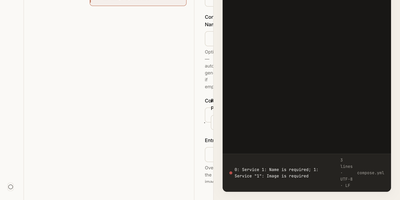
- Validates YAML syntax and Docker Compose schema structure in real time while surfacing actionable warnings for unpinned latest tags, missing restart policies, and deprecated fields.
- Visual Breakdown of Complex Stacks
- Parses multi-container compose files into dedicated overview tabs for Services, Volumes, Networks, and Ports so operators can audit port bindings and mounts at a glance.
- Customizable Quick-Insert YAML Snippet Library
- Loads user-defined service, volume, and network snippets from /app/data/custom-templates/custom-templates.yml with 22 selectable Lucide hardware and infrastructure icons for one-click insertion.
- Persistent Startup Boilerplate Configuration
- Reads /app/data/startup/startup-template.yml on launch so self-hosters can preload their preferred reverse proxy labels, logging drivers, or external network definitions automatically.
Features
- Monaco YAML Code Editor
- Embeds the @monaco-editor/react code editor with line numbering, syntax highlighting, keyboard shortcuts, automatic indentation formatting, and one-click file import or download.
- Real-Time Validation and Suggestions
- Analyzes docker-compose.yml definitions continuously to report syntax errors, configuration warnings, and improvement recommendations in a dedicated Validation Results panel.
- Interactive Configuration Breakdown Panel
- Deconstructs parsed Compose specifications into categorized Services, Volumes, Networks, and Ports views inside resizable split panes powered by react-resizable-panels.
- Custom Template and Startup Mounts
- Persists custom quick-insert templates and startup YAML files via a single Docker volume mapped to /app/data on port 3000.
- Light and Dark Theme Modes
- Supports instant switching between light and dark interface themes via next-themes alongside a toggleable split-pane or full-editor layout.