Stars
Forks
Watchers
Developer links
Docling Studio
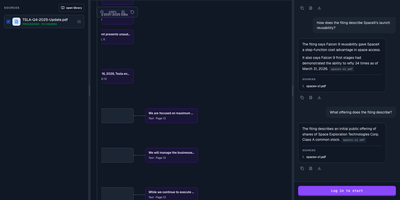
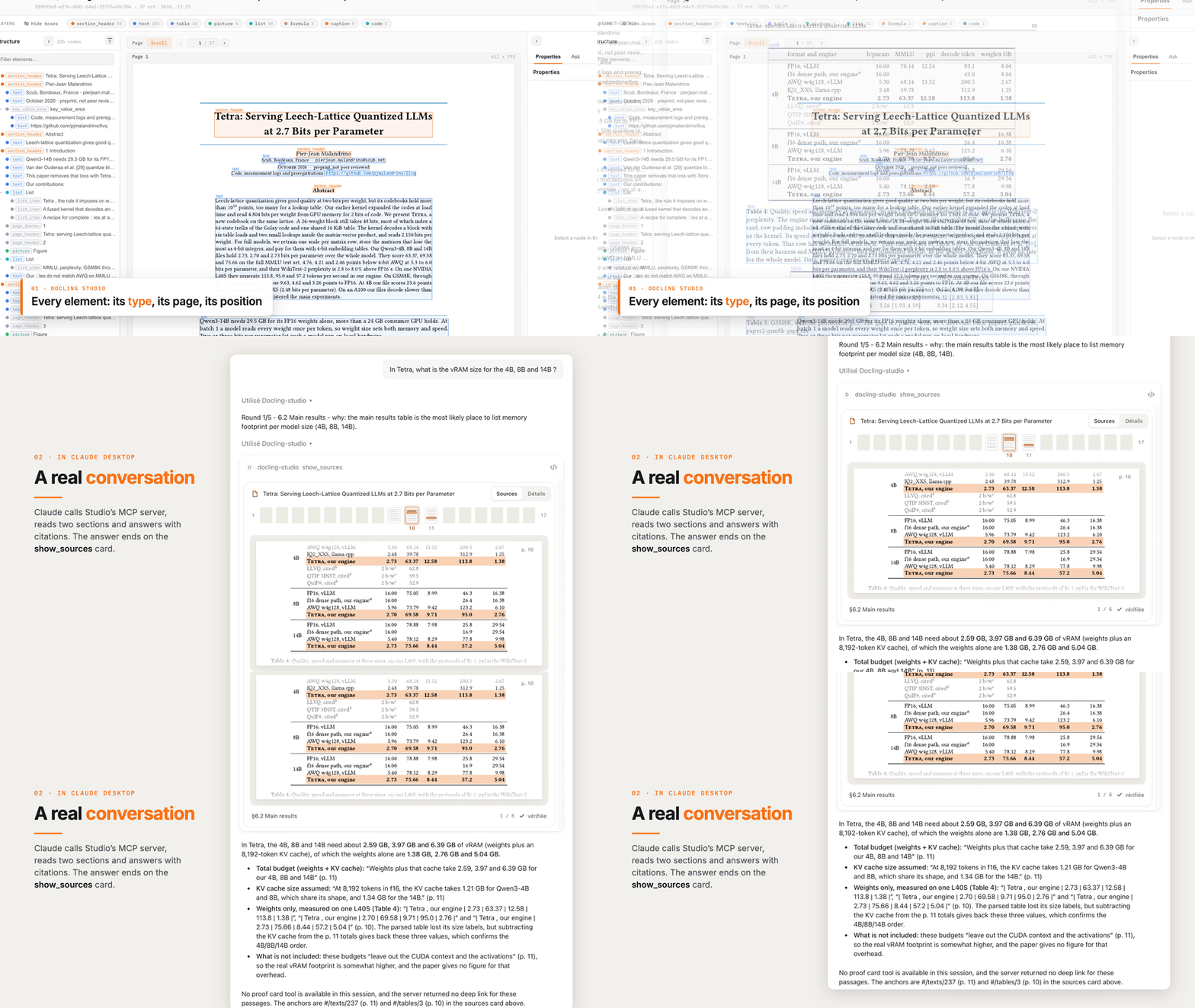
Docling Studio shows you exactly what a document parser sees, drawing a colored box around every title, paragraph, table, and picture it extracts from your PDFs. Import a PDF, run an analysis, and the result opens with three linked panels: the document tree on the left, the paged preview in the center, and the selected element on the right with its type, page, position, and text or table. Click any box on the page and the same element lights up in the tree and properties panel as other boxes fade away. The layers bar counts each element type and toggles boxes per type, or hides them all to reveal the bare page. You can analyze several documents at once from the list, watch progress percentages on long files, and queue work three analyses at a time. Ask a question and a local model answers from the document, with a reasoning timeline that links each step back to the passage it read. Finished results download as the original PDF, clean Markdown, or Docling JSON for downstream pipelines. AI agents connect over MCP to read and cite your documents, and an optional connection to your own Docling Serve server handles heavier parsing loads. Running on a dedicated VPS on RepoCloud with guaranteed CPU, RAM, and SSD, full root SSH access, and a browser serial console. MIT licensed.
Benefits
- See extraction, not guesses
- Every extracted element appears as a box on the page beside the document tree, so missed tables or misread headings are visible immediately instead of hiding in output files.
- Click from page to data
- Selecting a box syncs the tree, preview, and properties panels, showing type, page, coordinates, and content for that element without hunting through exported JSON by hand.
- Batch analysis built in
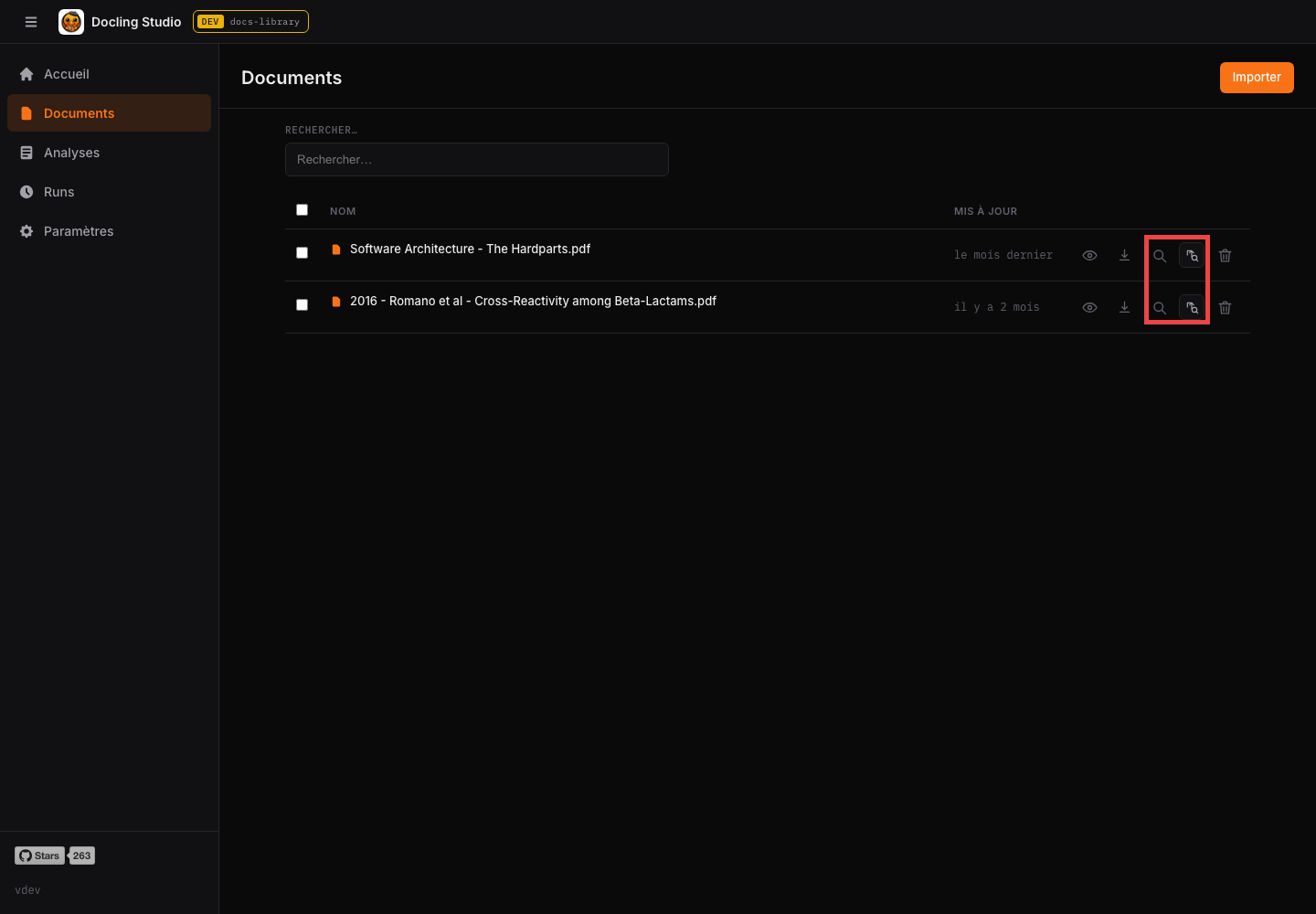
- Tick several documents and start analyses together; the server runs three at a time, queues the rest, and streams progress percentages for long PDFs automatically.
- Agents can cite documents
- The built-in MCP server lets AI agents read analyzed documents and answer with cited sources, turning your PDF archive into a queryable knowledge base.
Features
- Visual result viewer
- Three-panel result page with document tree, paged preview with element boxes, and a properties panel showing text or rendered tables per element.
- Layer controls
- A layers bar lists each element type with counts; toggle types, hide all boxes, or show all again to inspect the bare page.
- Ask with local models
- Questions run through Ollama with a reasoning timeline linking each step to the document passage used, plus per-session model override.
- Exports for pipelines
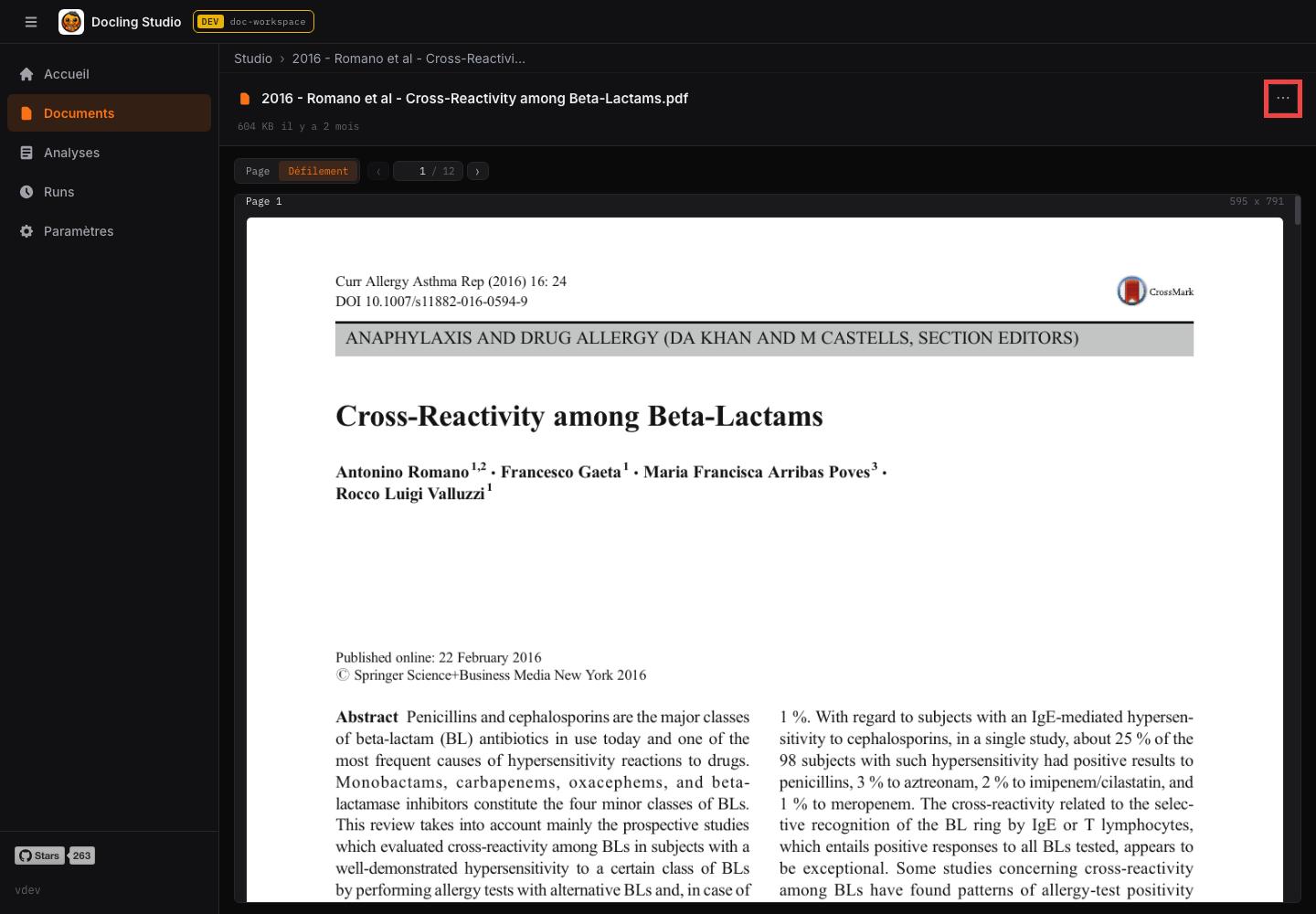
- Download results as Markdown or Docling JSON from the result page, or the original PDF from the document list.
- MCP document server
- Agents read and cite documents over MCP, enabled by default and switchable in settings; keep the port private on your network.
- Flexible parsing backend
- Run Docling inside the container with no GPU required, or point the studio at your own Docling Serve server.