Categories
Knowledge Base Customer Support Ticketing System Service Desk Customer Service SLA Management Email Ticketing Helpdesk SoftwareStars
Forks
Watchers
Developer links
Faveo Helpdesk
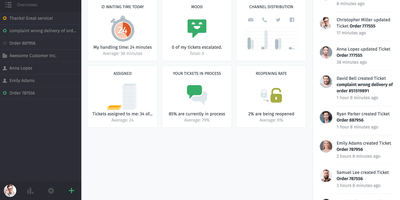
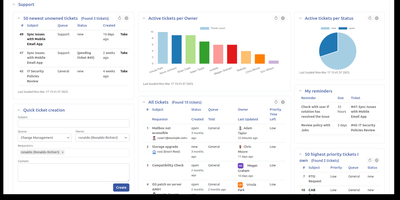
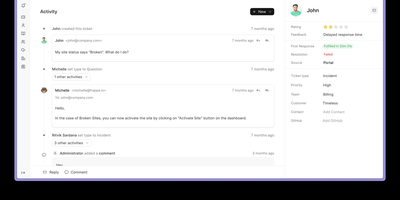
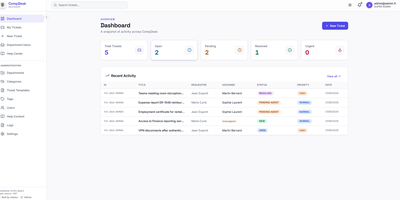
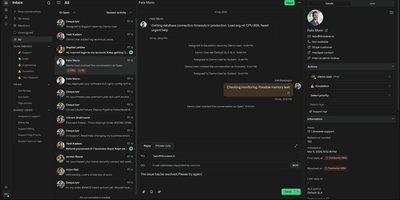
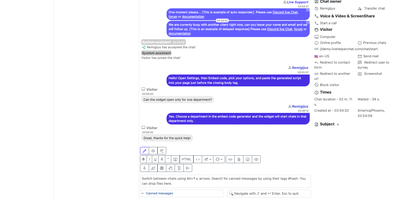
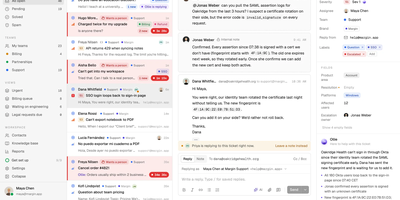
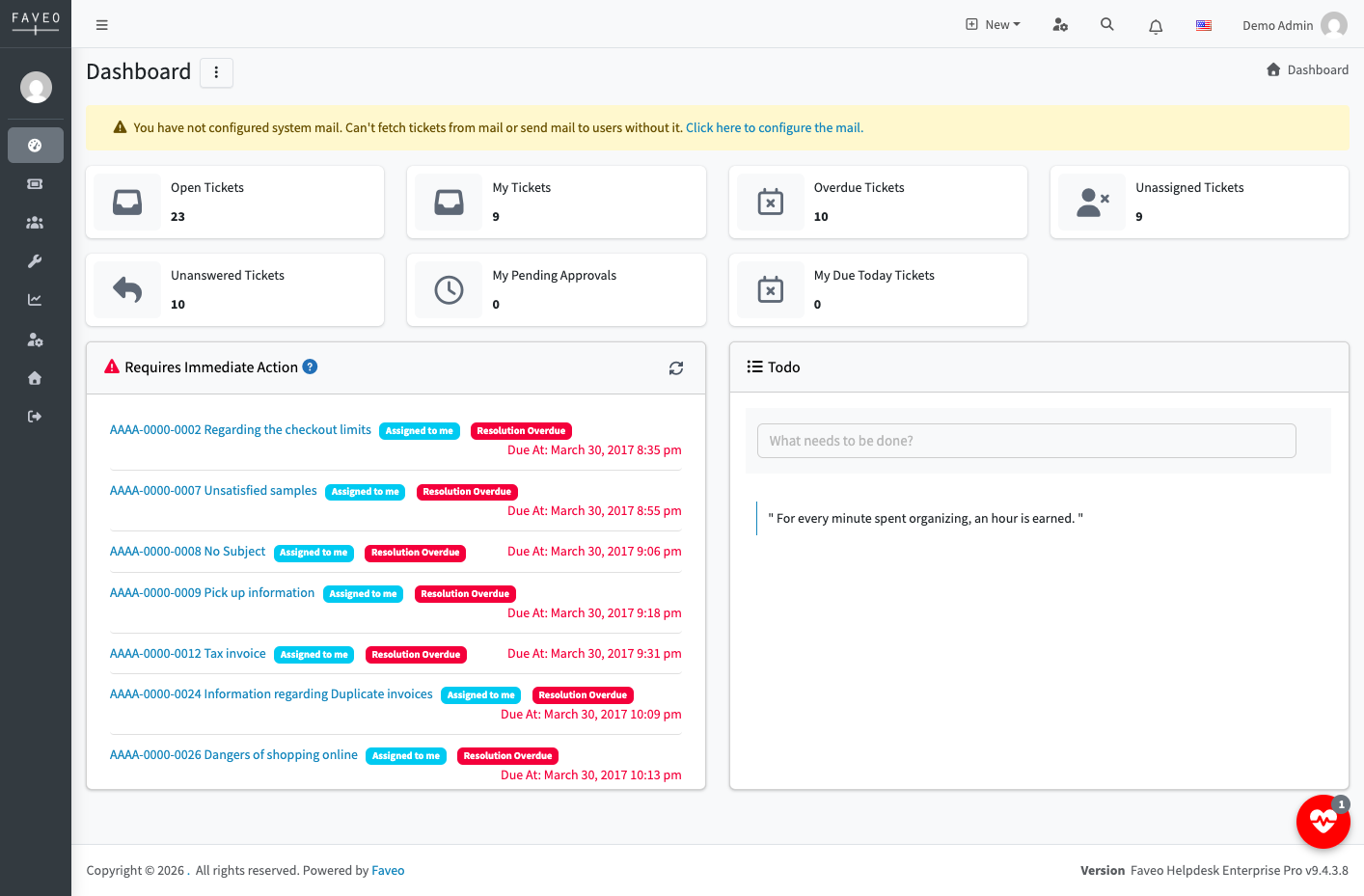
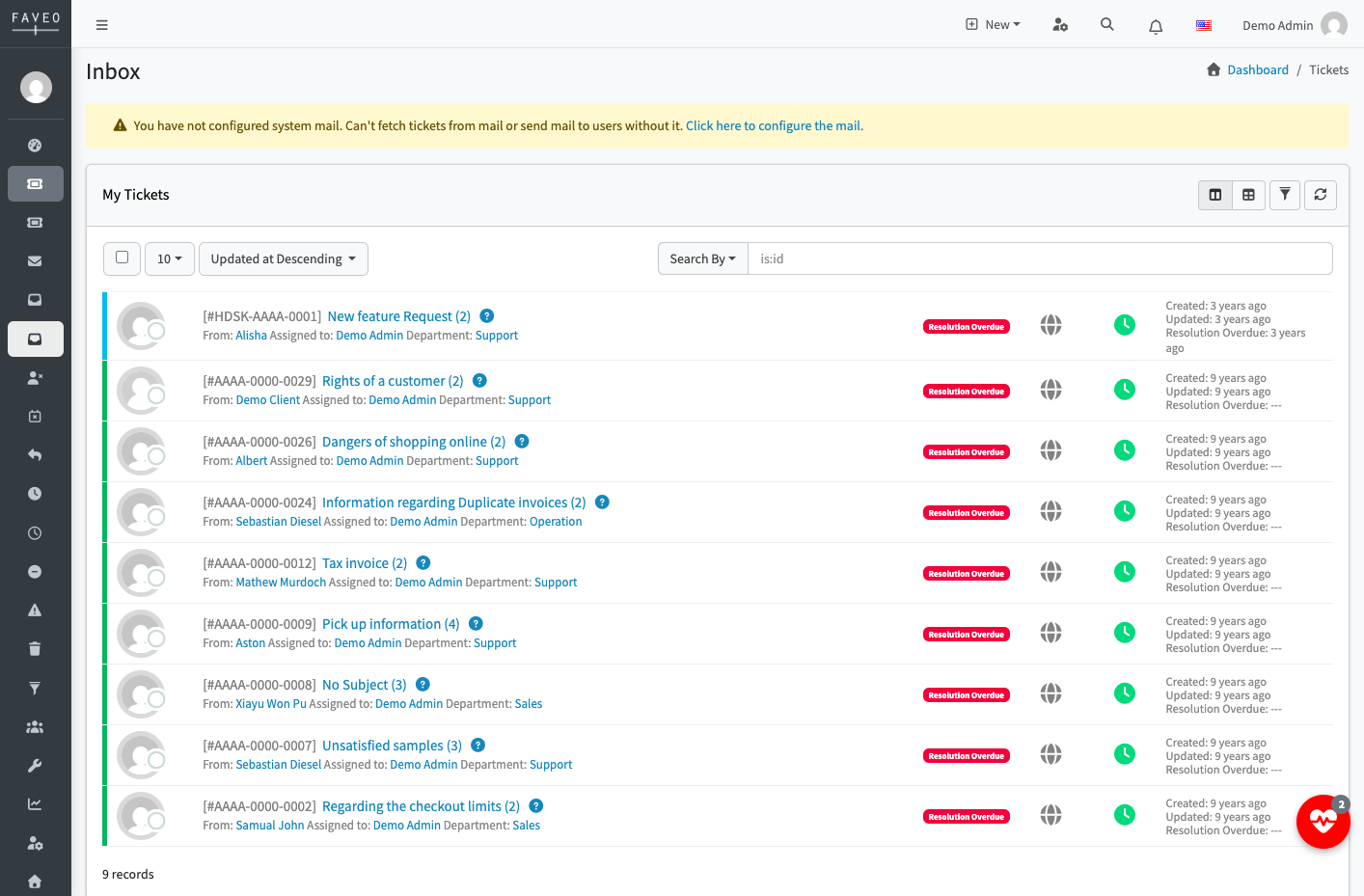
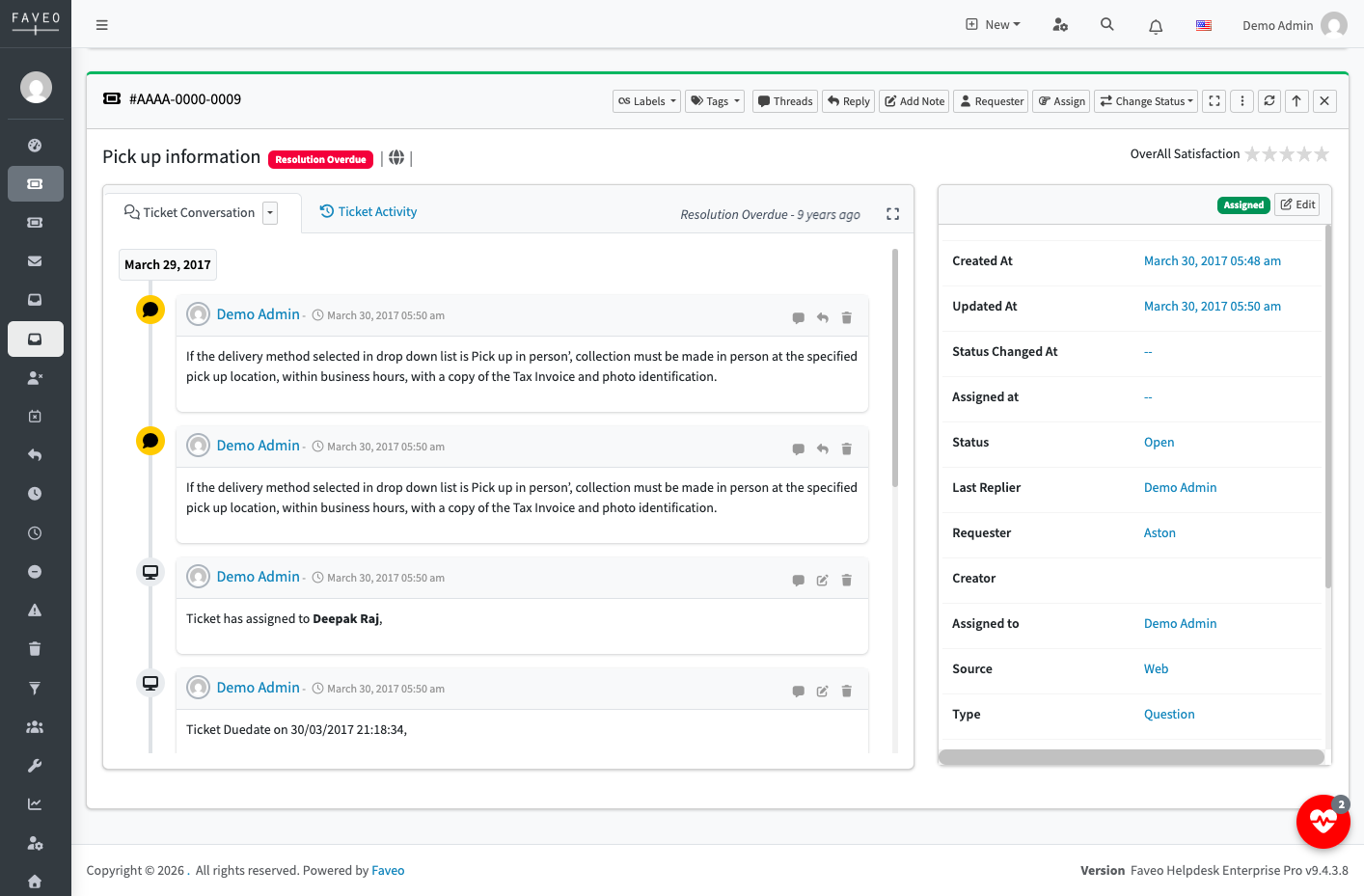
A shared support inbox works until two agents answer the same customer or nobody answers at all, and Faveo Helpdesk, an open-source ticketing system, swaps that guesswork for a queue of tickets with owners, priorities, and deadlines. Each department connects its own mailbox over IMAP or POP3, so incoming email becomes a ticket routed to the right team, and replies go out from that department's address. Colour-coded priorities, custom statuses, and nested help topics sort the queue, tickets can be assigned to an agent, a department, or a team with a lead, and optional ticket locking warns other agents when a colleague already has a ticket open. SLA plans set grace periods against business hours and escalate overdue tickets automatically, while the dashboard counts inbox, unassigned, overdue, and due-today tickets. Workflow rules can set a department or reject spam by subject or channel, a close-ticket workflow auto-closes tickets after a set number of days, and a ban list stops unwanted senders. Customers rate replies and whole tickets on a star scale that defaults to five, a knowledge base with nested categories and public or private articles answers repeat questions, and internal notes stay hidden from customers. Social login, a token-authenticated HTTP API, uploadable language packs, and zip-installed plugins suit IT desks, customer service teams, and internal service teams. Running on a dedicated VPS on RepoCloud with guaranteed CPU, RAM, and SSD, full root SSH access, and a browser serial console. OSL-3.0 licensed.
Benefits
- Every Customer Email Becomes a Ticket
- Departments link their own IMAP or POP3 mailboxes, so incoming messages are logged as tickets and routed to the right queue, and agent replies leave through the same department address.
- Deadlines That Escalate Themselves
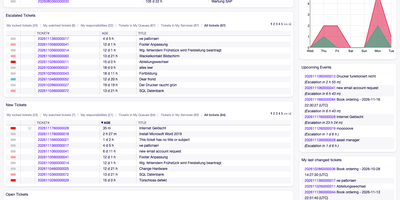
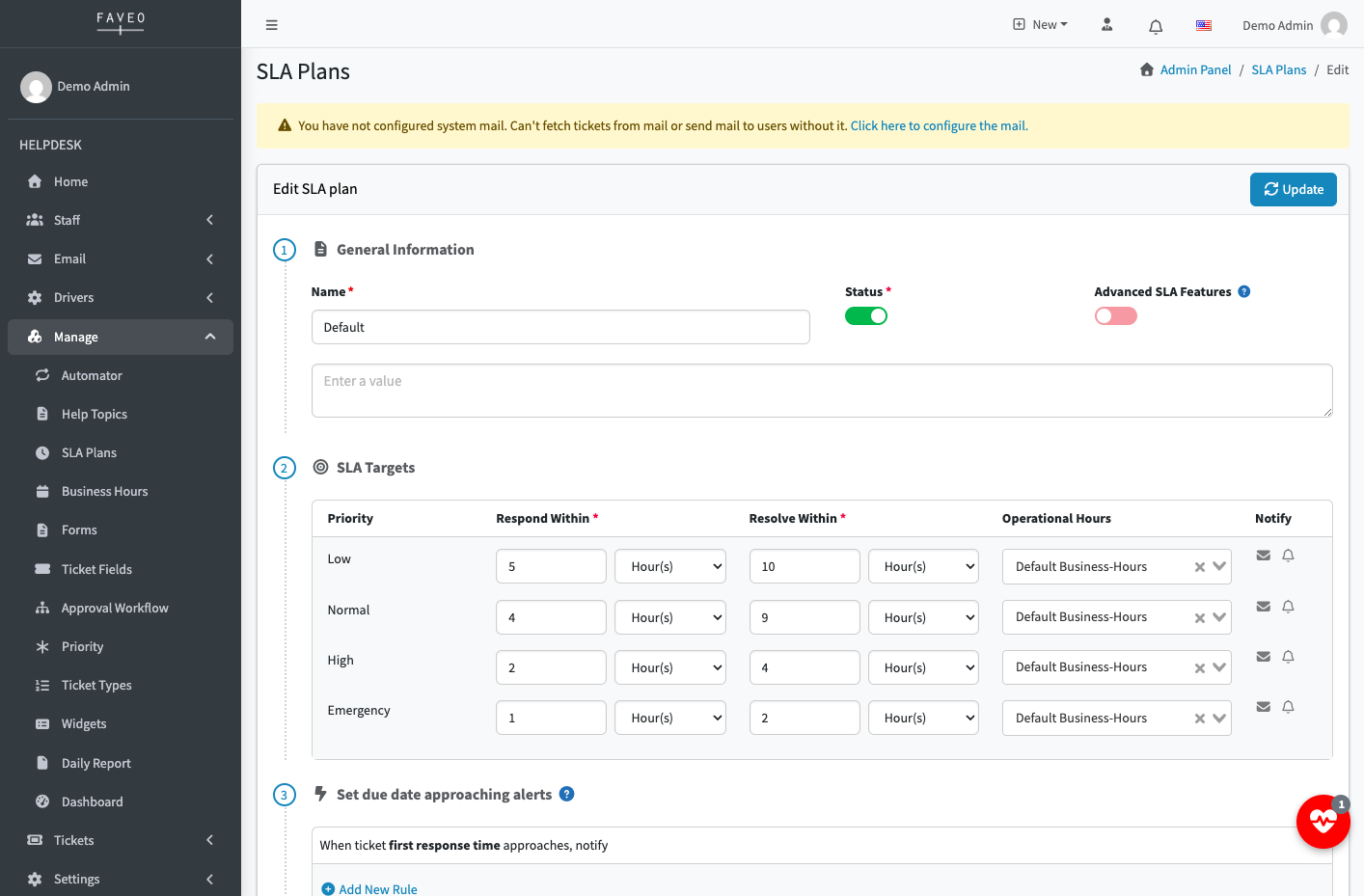
- SLA plans set grace periods against business hours and escalate overdue tickets to the concerned teams automatically, while the dashboard counts inbox, unassigned, overdue, and due-today tickets at a glance.
- Rules Sort Tickets Before Agents See Them
- Workflow rules match the subject on a chosen channel to set a department or reject spam, and a close-ticket workflow auto-closes tickets after a number of days the admin sets.
- Customers Self-Serve and Grade Support
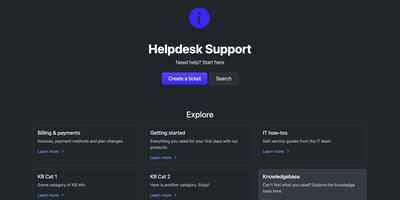
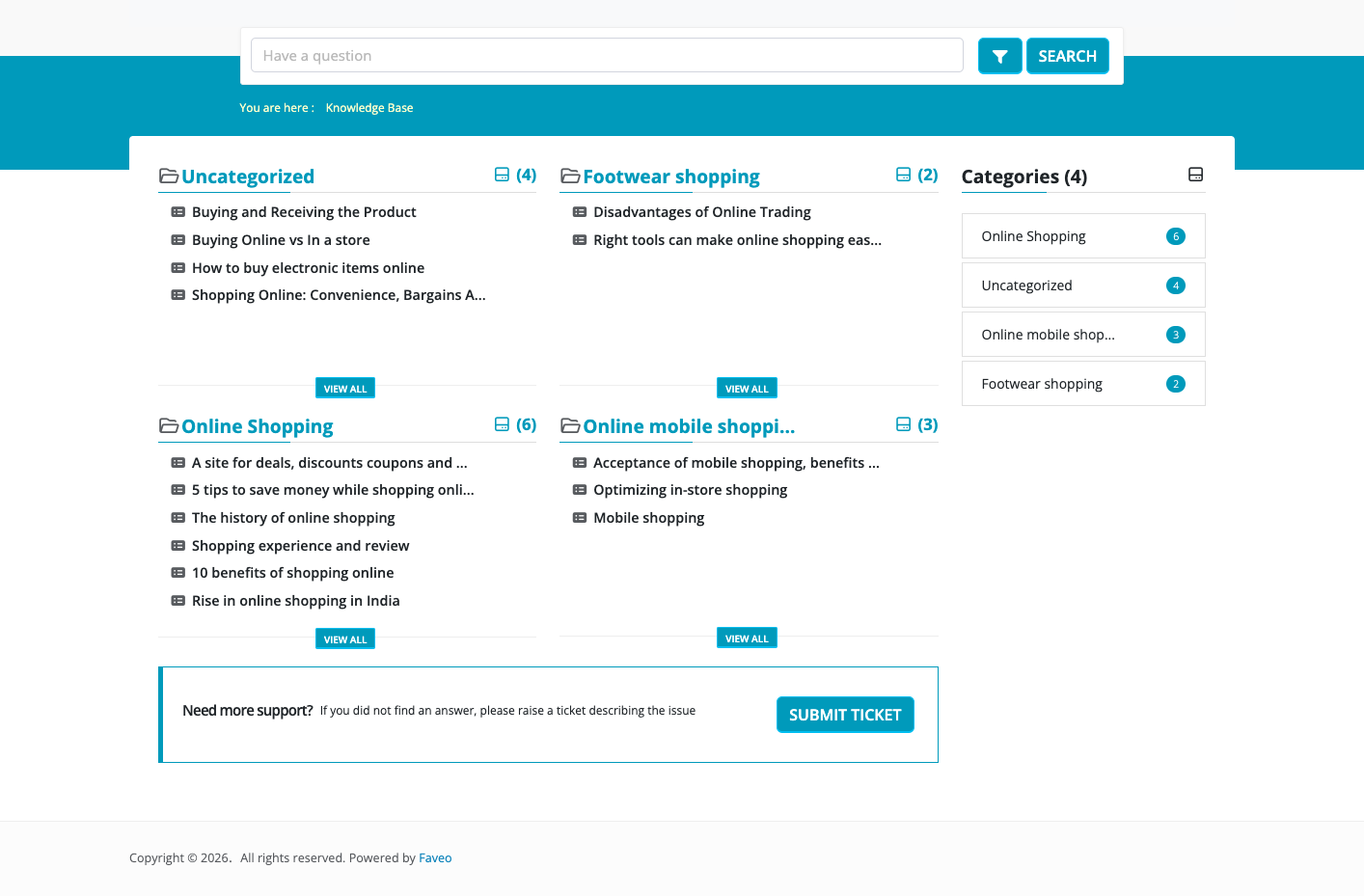
- A public knowledge base answers repeat questions before they become tickets, while star ratings on single replies and whole tickets give managers direct feedback on team performance.
Features
- Department Mailboxes
- Each department links an email account, choosing IMAP or POP3 for incoming mail and a transfer protocol for outgoing replies, with the sender name shown to customers.
- Priorities, Topics, and Assignment
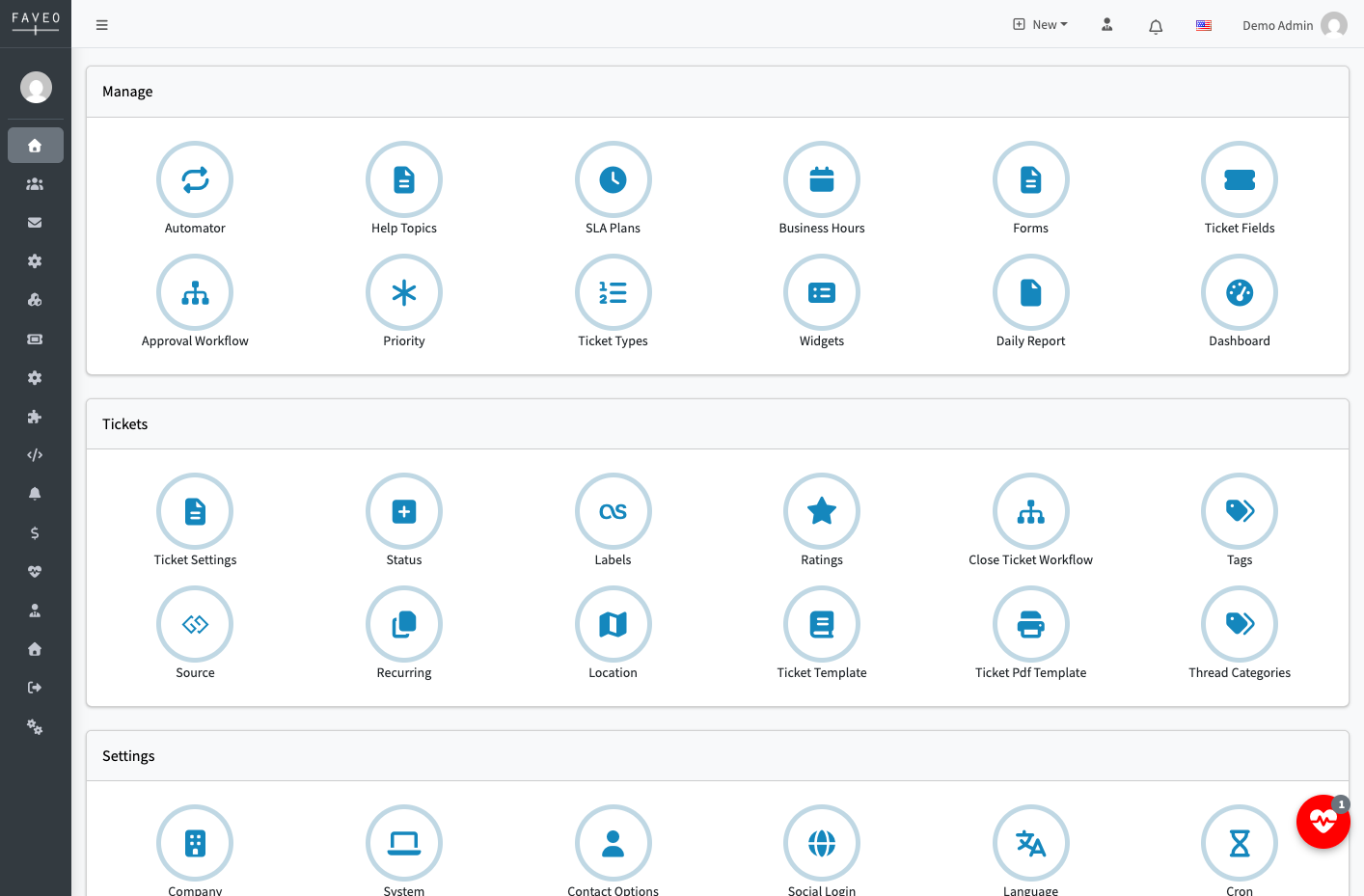
- Tickets are organised by colour-coded priorities, custom statuses, and nested help topics, then assigned to an agent, a department, or a team with a lead.
- SLA Plans and Escalation
- SLA plans define grace periods in hours tied to business operating hours, and tickets that run past the limit are escalated automatically to the concerned teams.
- Workflow Automation Rules
- Rules test fields like the subject on a channel such as email and apply actions like setting a department; a close-ticket workflow auto-closes tickets after a set number of days.
- Knowledge Base and Ratings
- A knowledge base has nested categories and articles saved as drafts or published publicly or privately, and customers rate replies and whole tickets on a star scale defaulting to five.
- Plugins, API, Social Login
- Plugins install from a zip uploaded in the admin panel, a token-authenticated HTTP API integrates other apps, and social login connects Google, Facebook, Twitter, LinkedIn, or GitHub accounts.