Categories
self-hosted collaboration whiteboard graphic design design tool presentation software video editorStars
Forks
Watchers
Developer links
HyCanvas
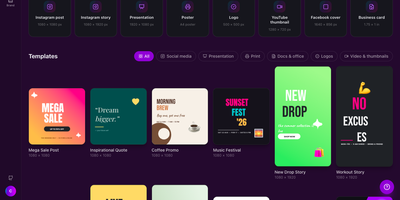
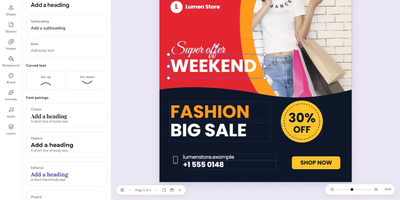
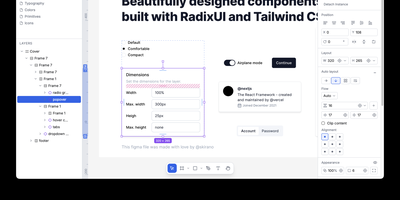
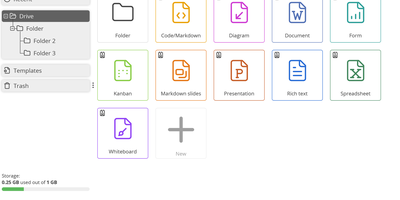
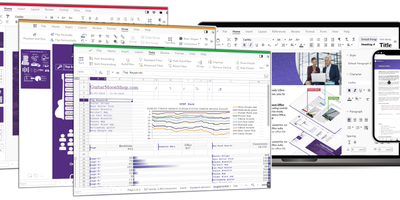
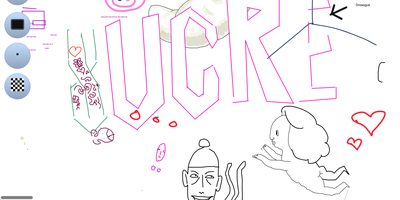
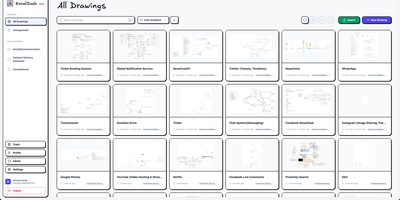
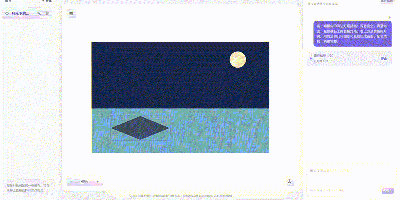
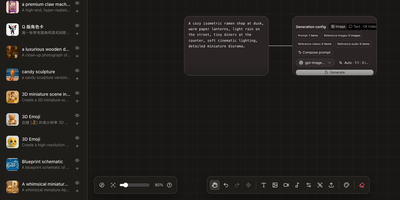
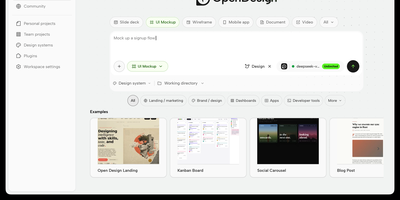
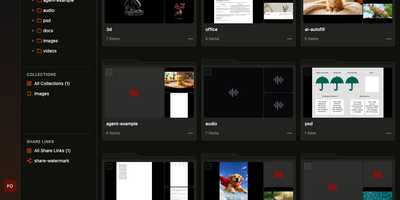
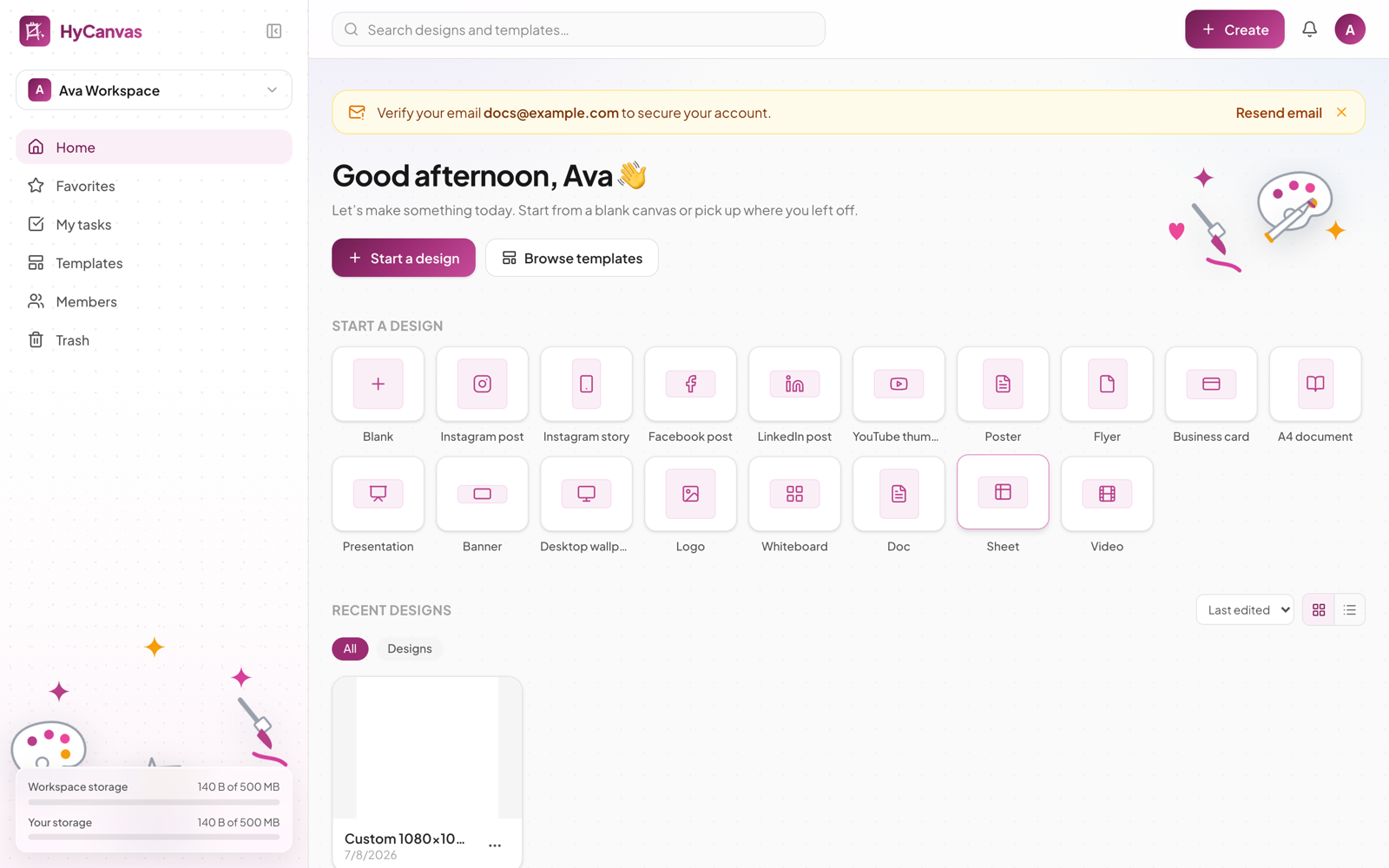
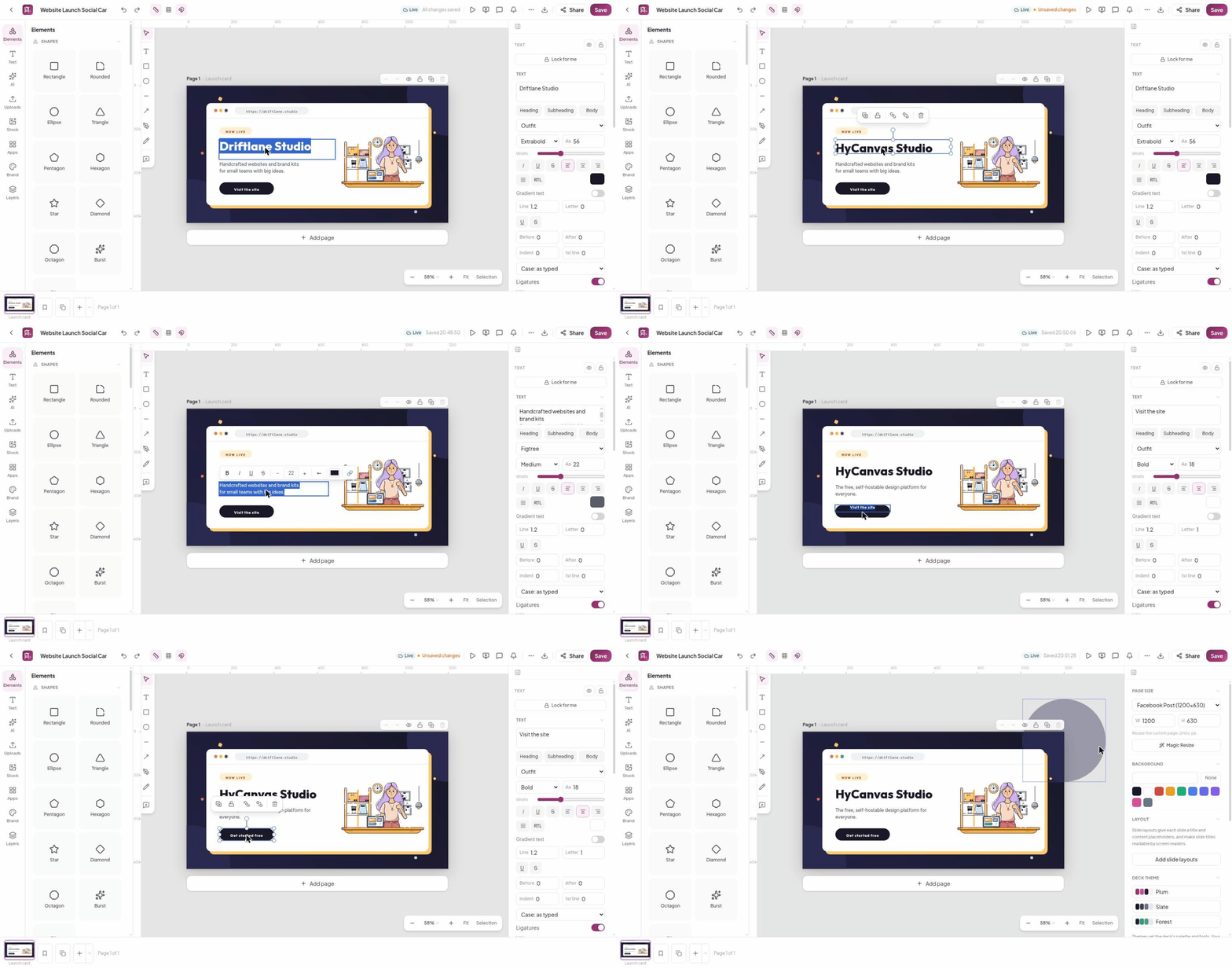
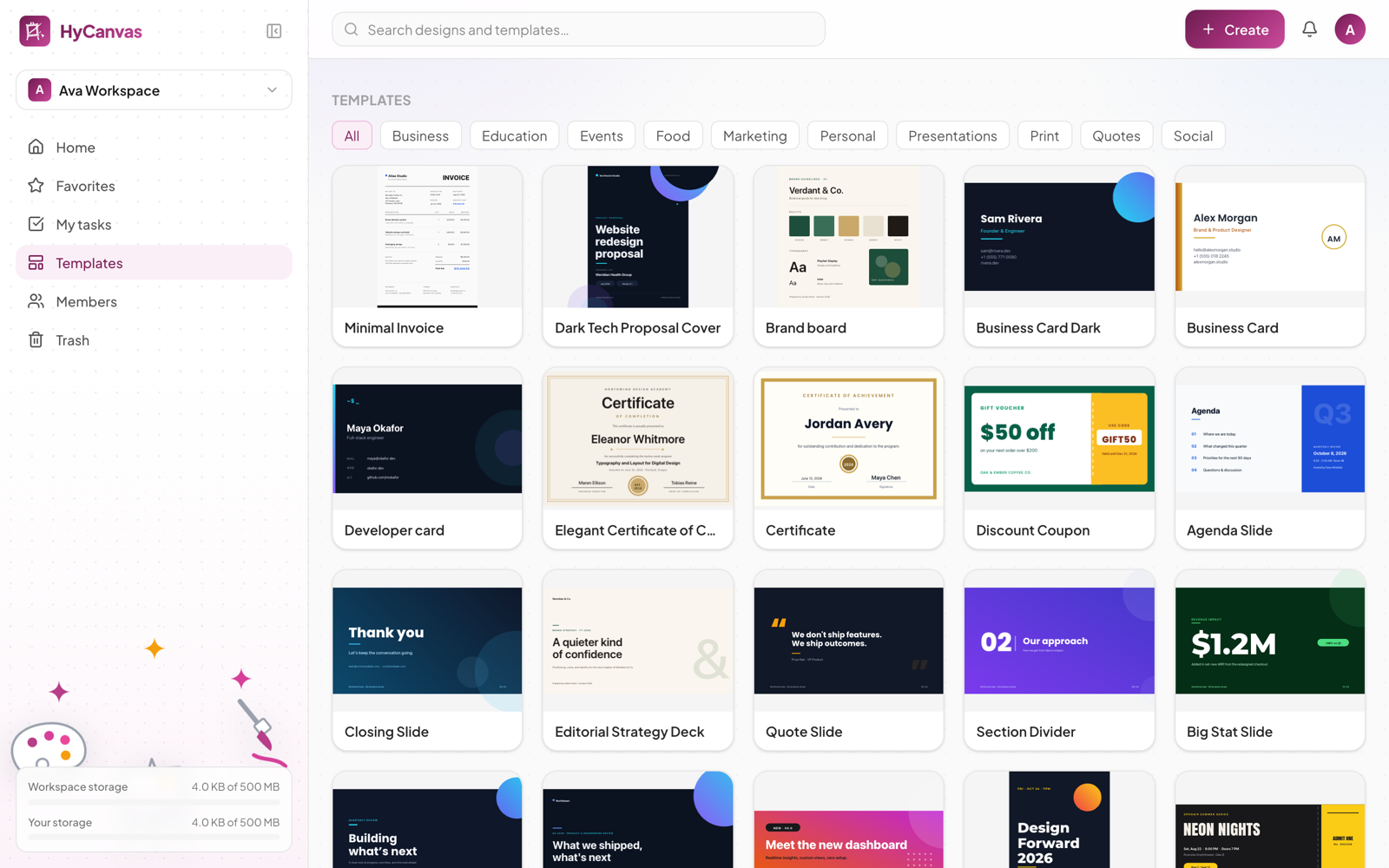
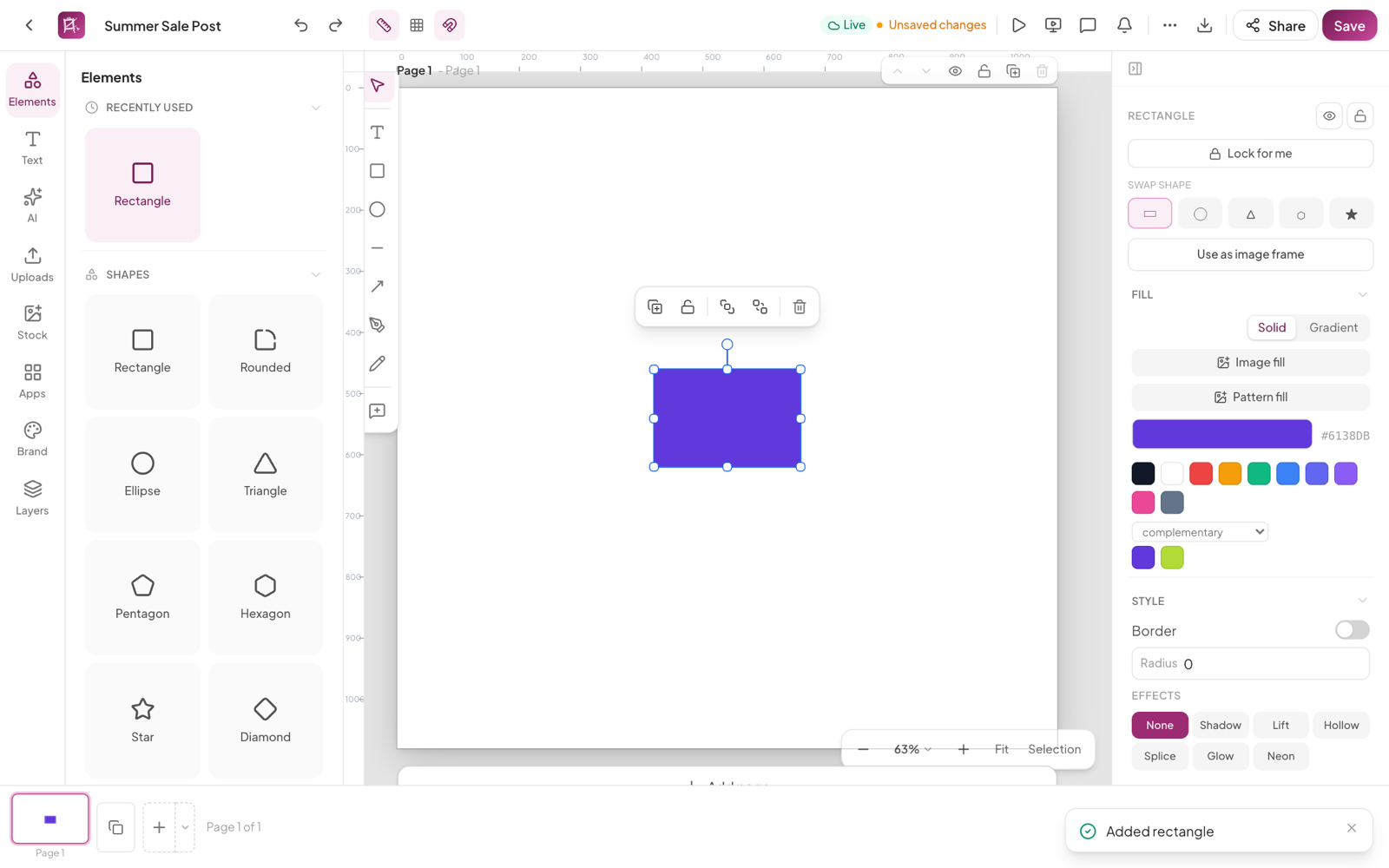
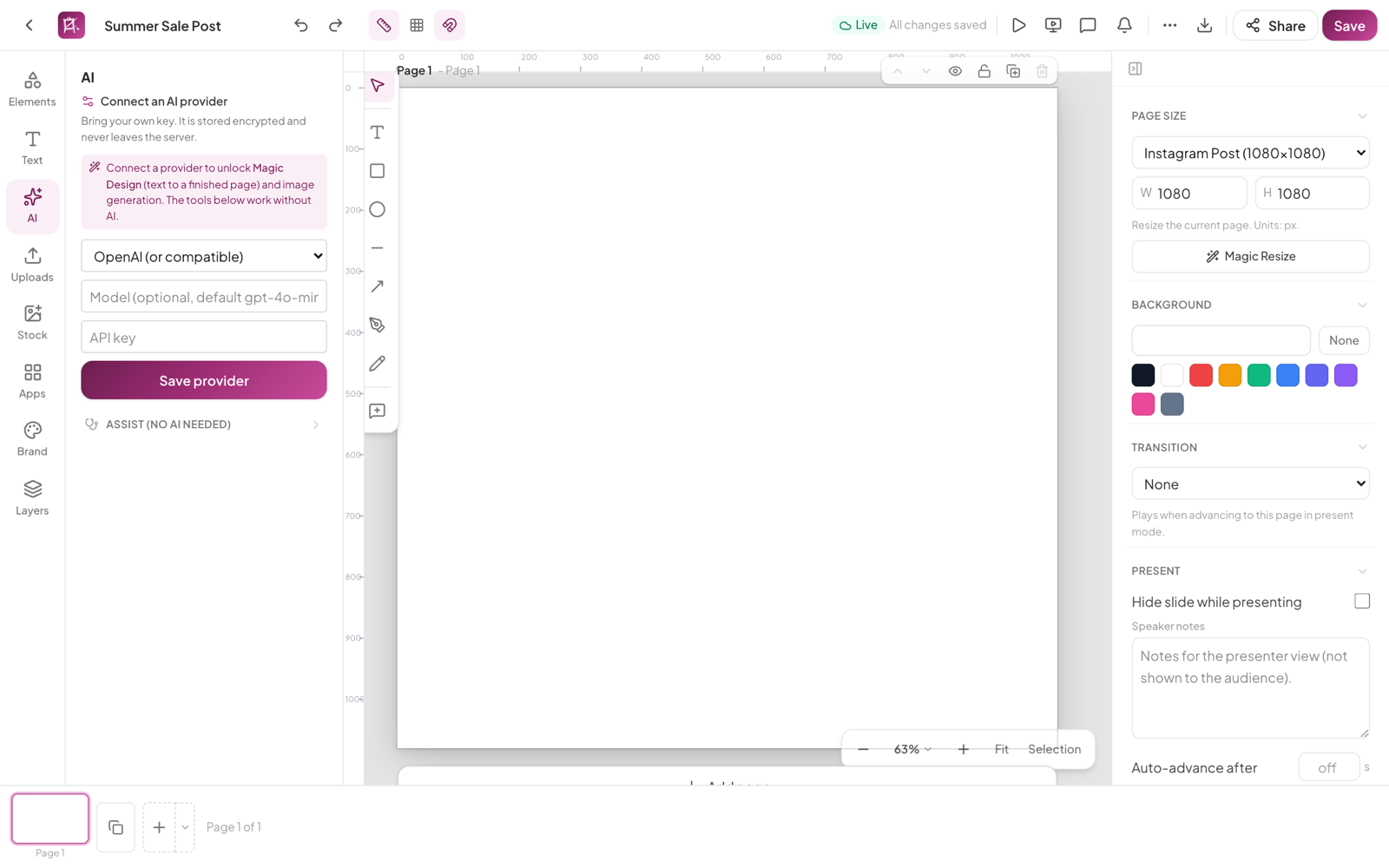
HyCanvas folds graphics, presentations, videos, whiteboards, documents, and spreadsheets into one self-hosted browser editor, covering work that usually takes several separate design subscriptions. Start from one of 140 templates across social, print, events, business, and presentations, or import a PowerPoint file and keep editing it. The canvas carries shapes, frames, tables, nine chart types, QR codes, image filters, crop and masks, background removal, and Magic Resize for one-click reformatting. Video projects get a multi-track timeline with trims, transitions, keyframes, styled captions, green-screen keying, and screen or webcam recording. Whiteboards add sticky notes, connectors, a shared timer, and dot voting, and a finished board converts straight into a slide deck. Teammates co-edit in realtime with presence cursors, comments with mentions, version history, and approvals, while share links open view-only, comment, or edit access. Brand kits hold your colors, fonts, and logos, and a brand lock warns or blocks off-brand edits before they ship. Connect your own AI provider key to generate decks, documents, images, and charts from a prompt, then export PNG, JPG, PDF, SVG, PPTX, MP4, or GIF with no watermark. Running on a dedicated VPS on RepoCloud with guaranteed CPU, RAM, and SSD, full root SSH access, and a browser serial console. AGPL-3.0 licensed.
Benefits
- Six editors, one workspace
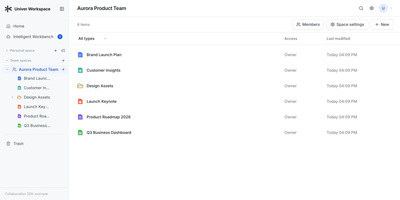
- Graphics, slides, video, whiteboards, docs, and sheets share one canvas, one asset library, and one account system, replacing several separate design subscriptions with a single self-hosted install.
- Exports without watermarks or paywalls
- Every feature works on self-hosted installs with nothing to unlock: PNG, JPG, PDF, SVG, PPTX, MP4, GIF, APNG, Lottie, and WebM exports carry no watermark, and designs also download as portable .hyc files.
- Realtime teamwork with brand control
- Presence cursors, comments with mentions, version history, and approvals keep reviews moving, while brand kits and a brand lock warn or block off-brand colors, fonts, and logos before publishing.
- AI generation on your key
- Bring your own provider key from 13 presets including OpenAI, Anthropic, DeepSeek, and Amazon Bedrock, stored encrypted per workspace, and generate decks, documents, images, and charts from a prompt.
Features
- Template and canvas editor
- 140 built-in templates plus shapes, frames, tables, nine chart types, QR codes, text effects, custom fonts, image filters, masks, background removal, and Magic Resize.
- Multi-track video timeline
- Video editing with trims, transitions, keyframes, styled SRT and VTT captions, green-screen keying, screen and webcam recording, and server-side ffmpeg MP4 export.
- Whiteboards, docs, sheets
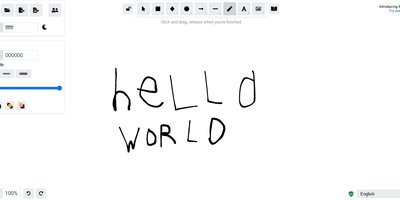
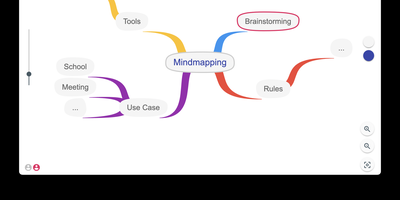
- Sticky notes, frames, connectors, a shared timer, and dot voting on boards that convert to decks; a block editor for docs and a formula engine for spreadsheets.
- Realtime collaboration and sharing
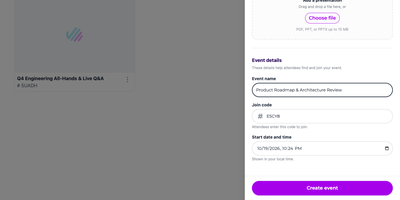
- WebSocket co-editing with presence cursors, comments with mentions, version history, approvals, and share links granting view, comment, or edit access per design.
- Accounts, SSO, security
- Workspaces with roles, OIDC single sign-on, TOTP two-factor sign-in, and per-workspace encrypted AI keys, all served by one Go binary with PostgreSQL.