Categories
Education E-Learning Offline First Learning Platform Open Educational Resources Classroom Management Quizzes and LessonsStars
Forks
Watchers
Developer links
Kolibri
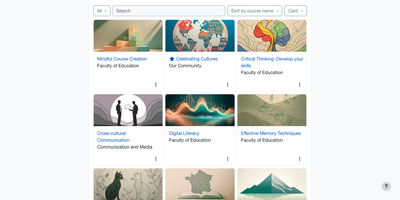
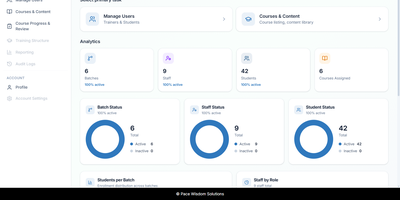
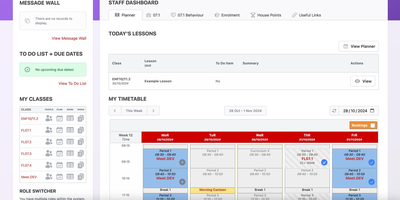
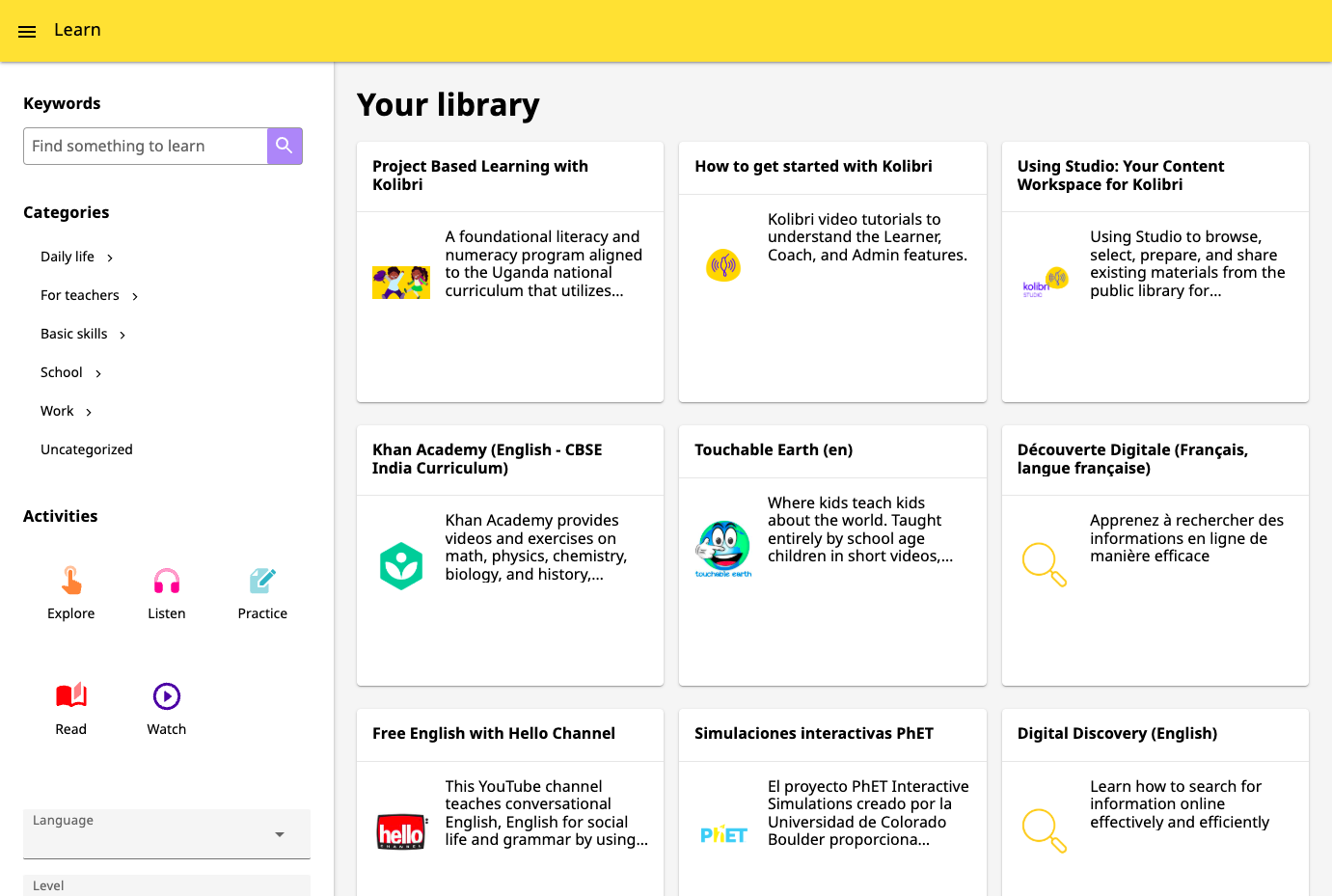
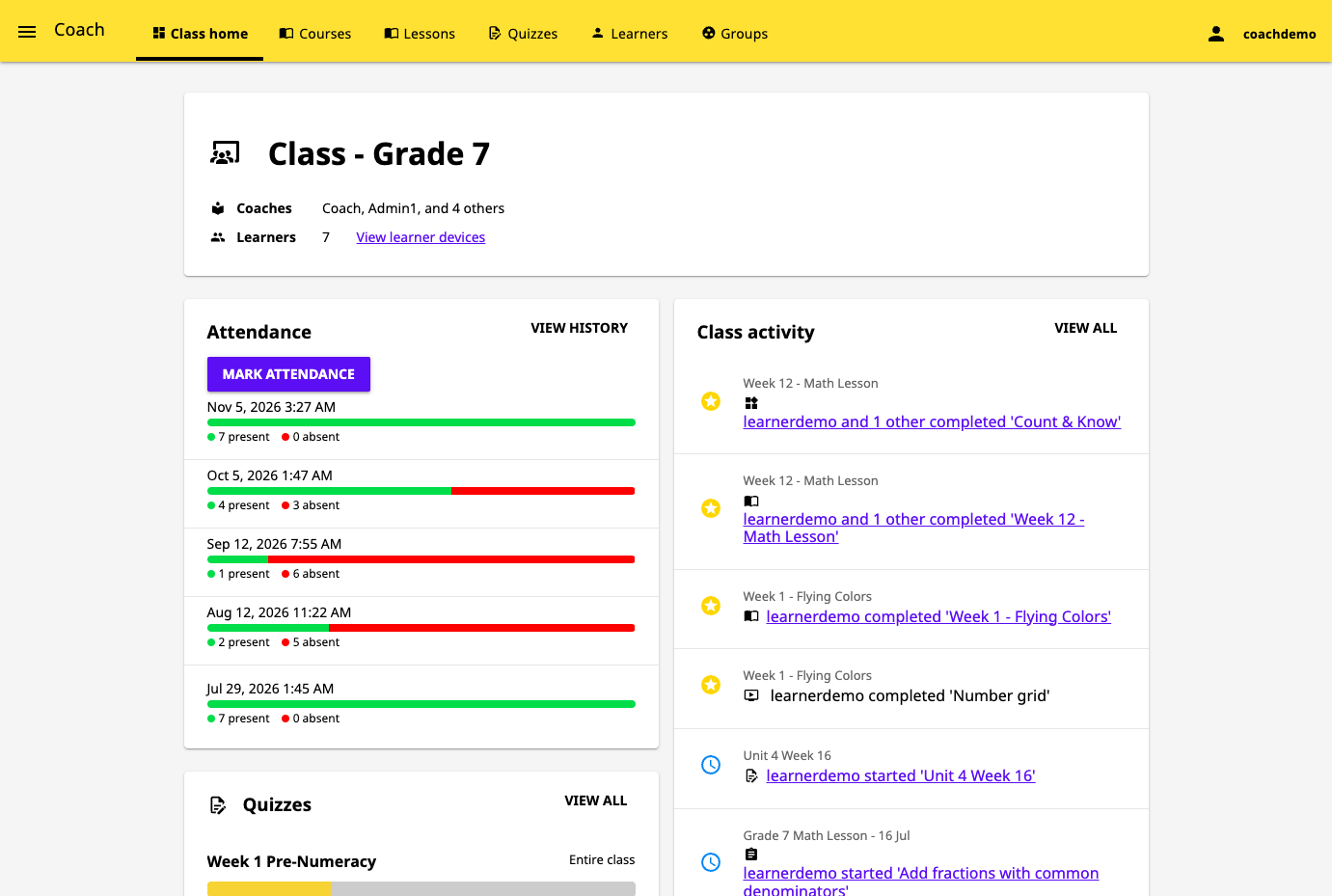
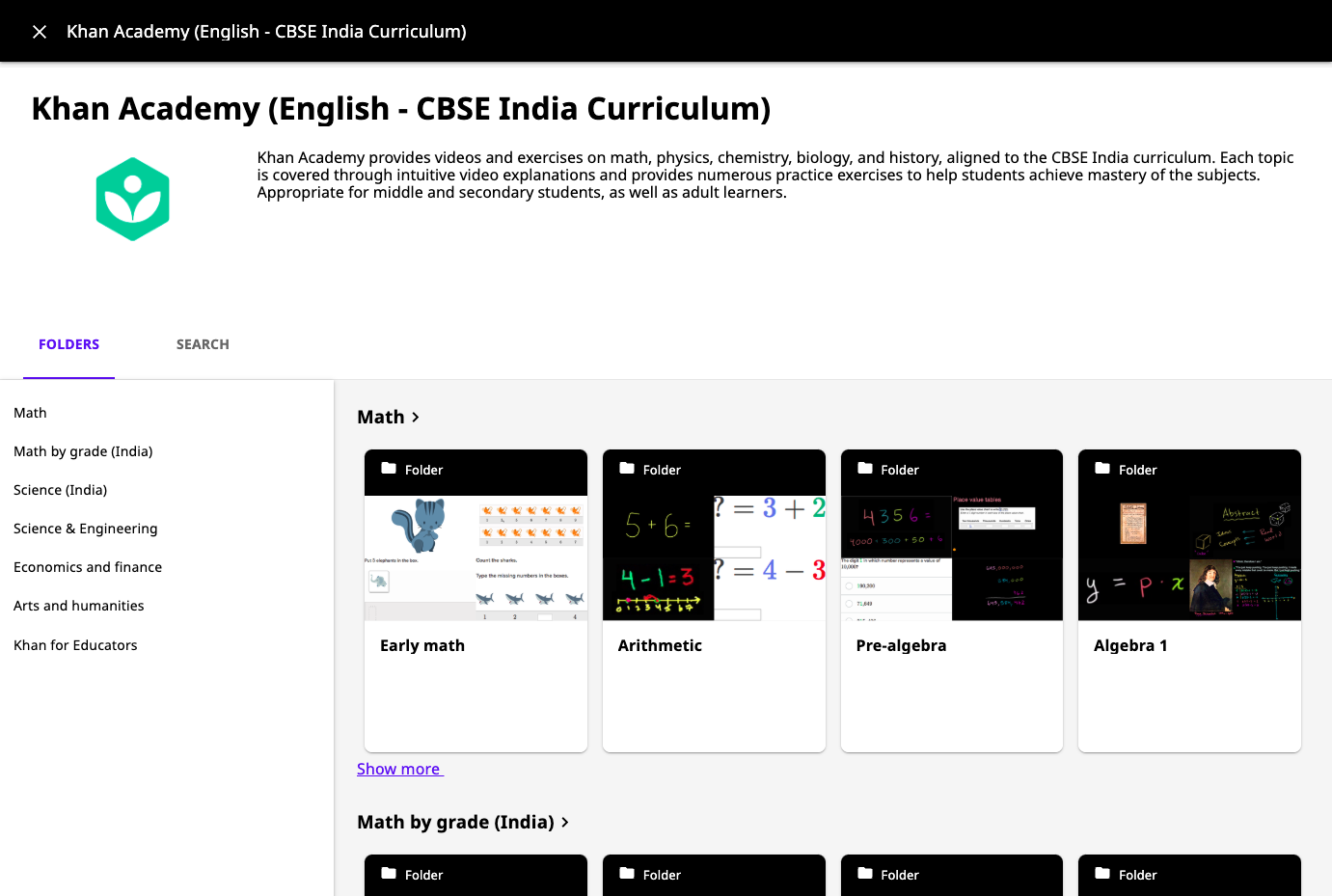
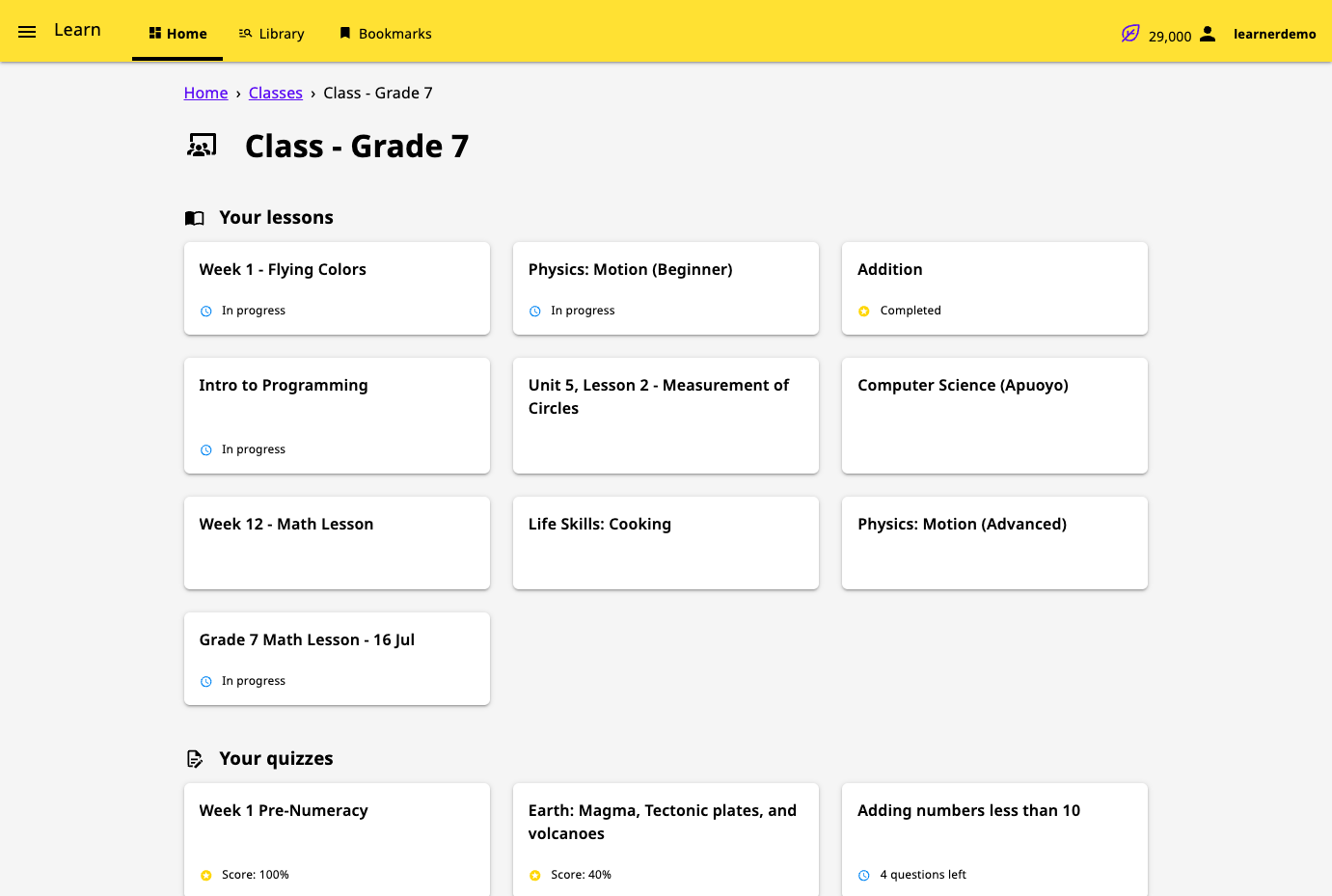
Where the internet is slow or missing, Kolibri still gives learners a library of videos, exercises, books, and interactive apps from one local server. Content arrives as channels, curated collections imported from Kolibri Studio, another Kolibri device on the network, or a USB drive. Learners browse by category, search by keyword, and filter by activity type (Watch, Listen, Practice, Read, or Explore), language, or channel. Most exercises ask for five correct answers in a row, some offer hints, completed resources award points, and bookmarks save a place in any resource. Guest browsing needs no account, or administrators can require sign-in and limit learners to the lessons and quizzes assigned to them. Coaches organize learners into classes and groups, assign lessons and quizzes, and follow an activity feed that flags learners who need help. Reports go down to single answers, and an attendance tool records who was present at each class session. Administrators create learner, coach, and admin accounts, import or export users and classes from CSV files, and download session and summary logs as CSV. Facilities can be imported and synced over a local network, so progress from offline schools reaches one central device. The interface is translated into many languages, including Spanish, French, Swahili, Arabic, and Hindi, and device settings choose the default language, landing page, and storage locations. Running on a dedicated VPS on RepoCloud with guaranteed CPU, RAM, and SSD, full root SSH access, and a browser serial console. MIT licensed.
Benefits
- Teach Without Internet Access
- Channels are imported once from Kolibri Studio, a nearby Kolibri device, or a USB drive, after which learners and coaches work entirely from the local server with no connection.
- Track Every Learner's Progress
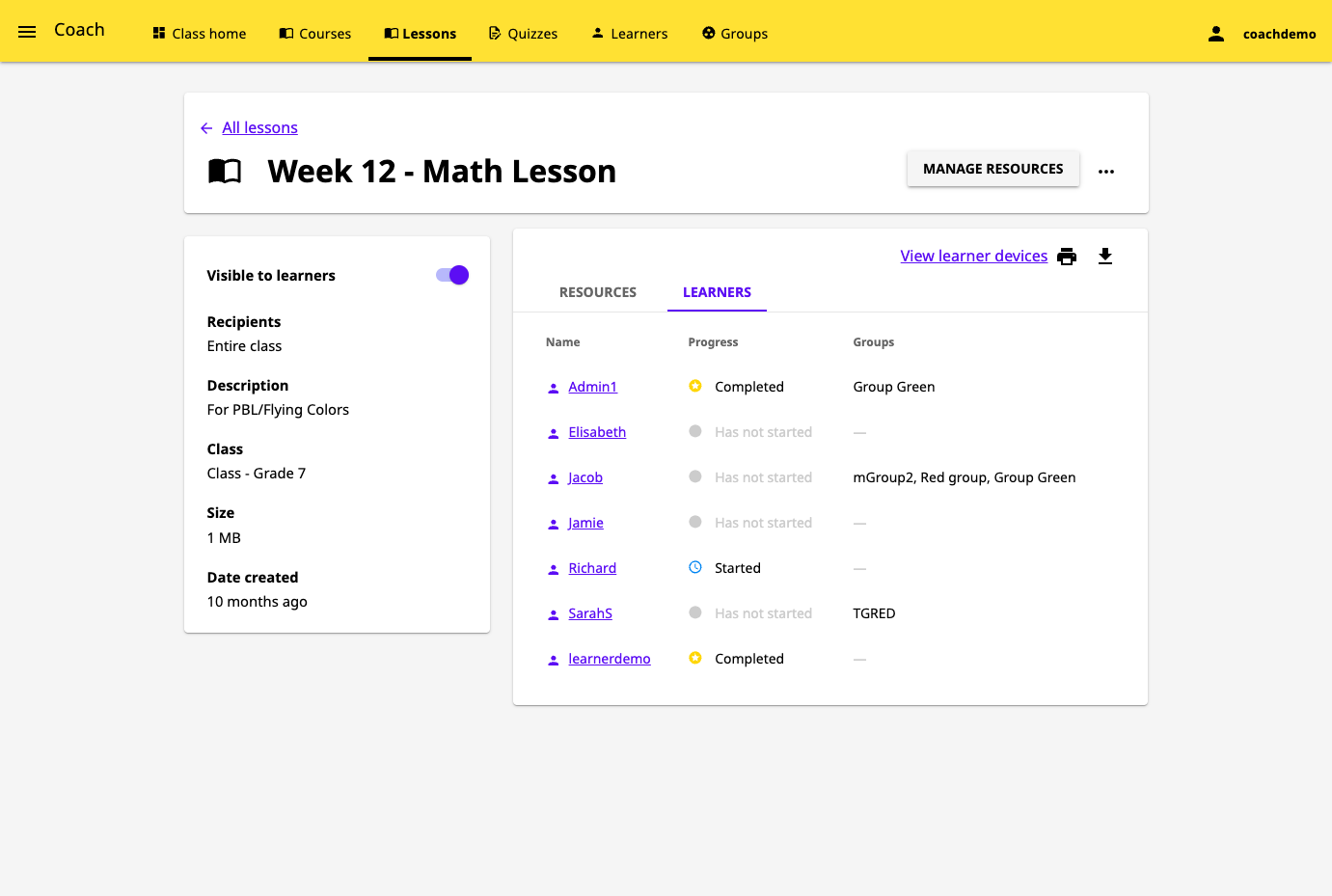
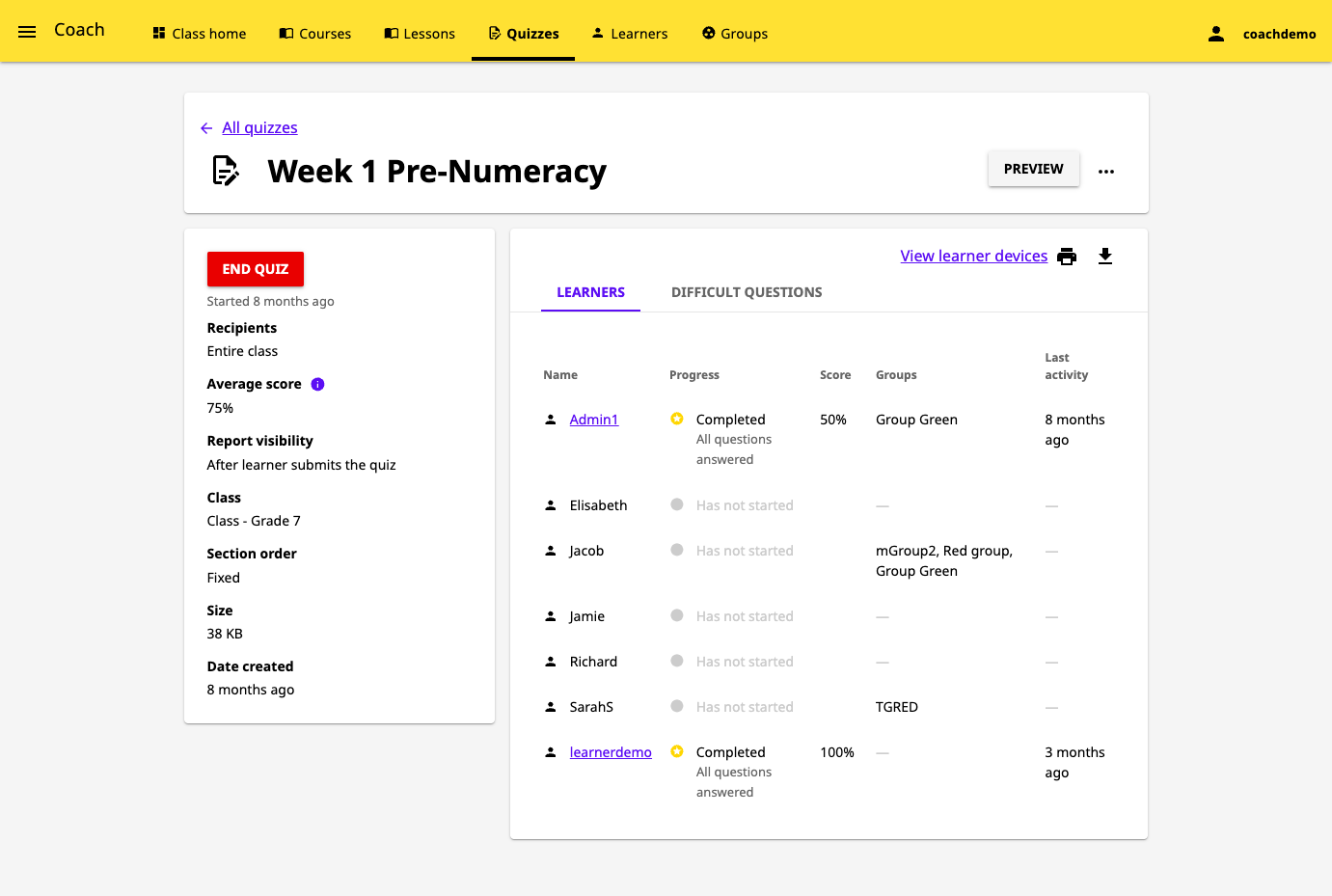
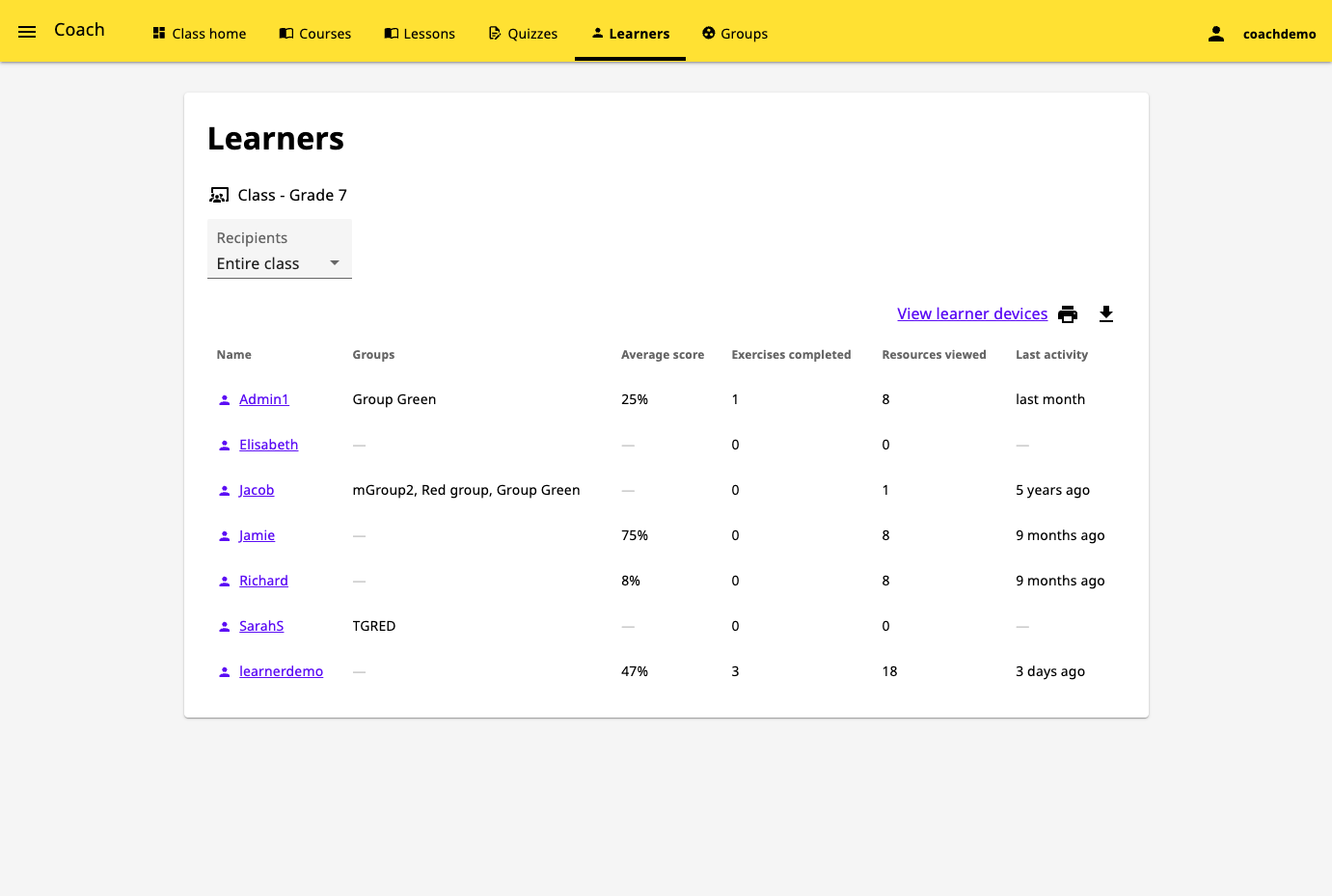
- Class reports show lesson and quiz progress for each learner and group, drill down to single answers, and an activity feed flags learners who need help with a resource.
- Control Who Sees Which Content
- Device settings can send everyone to a sign-in page, block guest browsing, or restrict learners to the lessons and quizzes their coaches assigned to their classes.
- Collect Data From Many Schools
- Facility import and sync move learner progress between Kolibri devices on a local network, and the Data tab exports session and summary logs as CSV files.
Features
- Channel Library
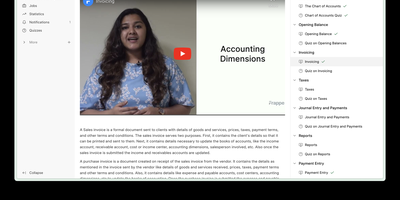
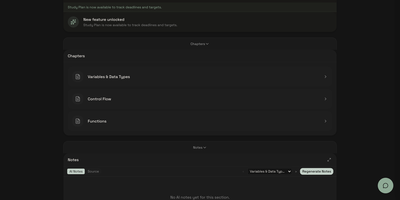
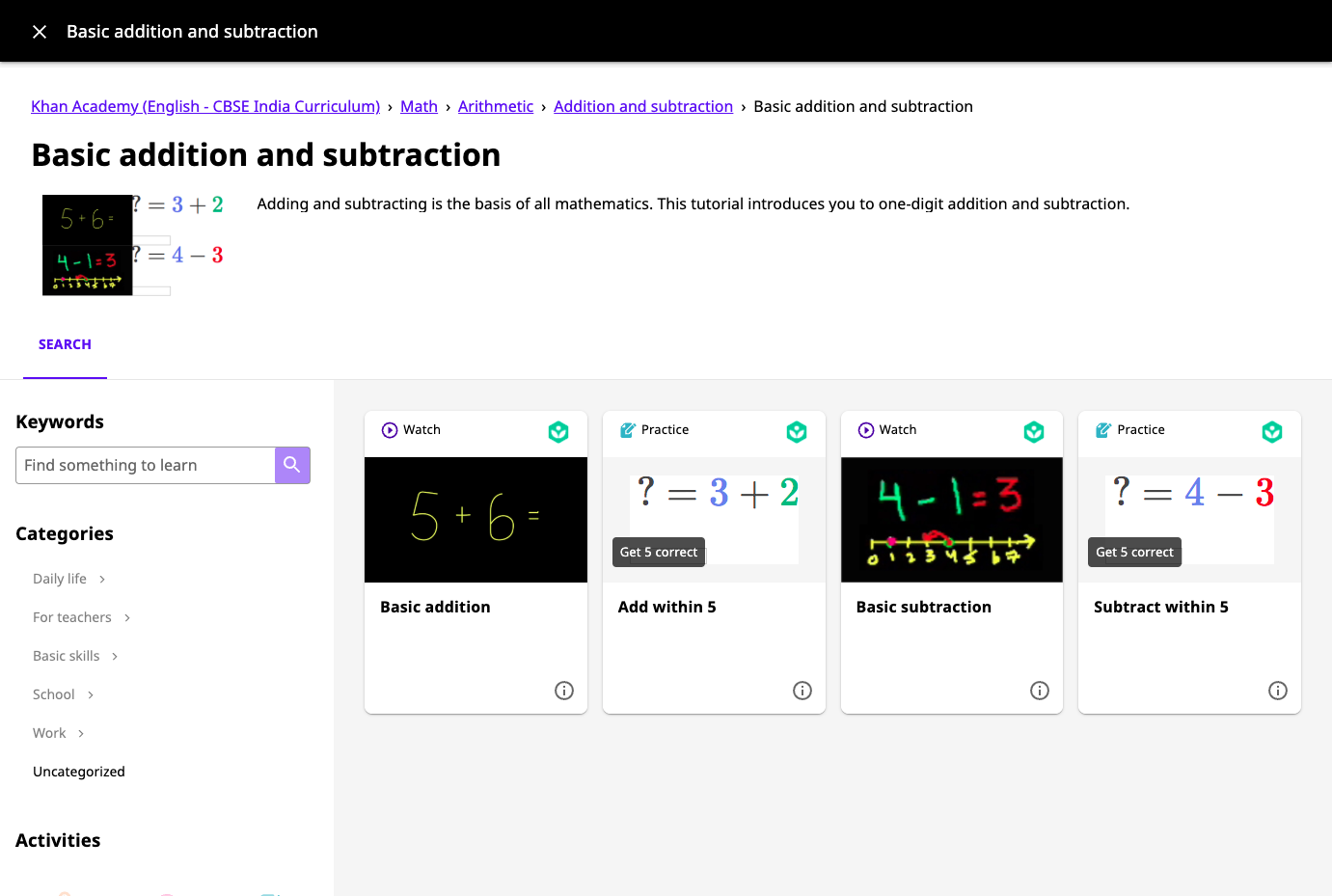
- Browse imported channels by category, keyword, activity type, language, or channel. Resources include videos, audio, PDF and ePUB documents, exercises, and interactive apps.
- Exercises With Hints
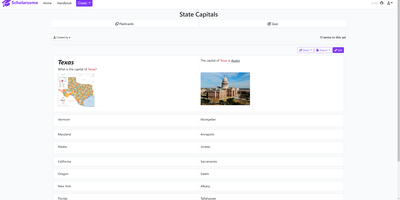
- Most practice activities require five correct answers in a row, some offer hints when learners get stuck, and points are awarded when a resource is completed.
- Lessons and Quizzes
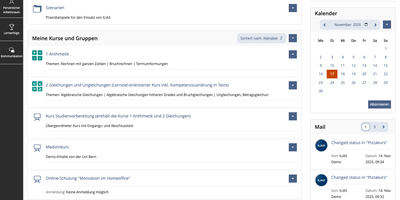
- Coaches assign lessons and quizzes to whole classes or learner groups, then review progress and scores per learner, plus a list of difficult questions.
- Class Activity Feed
- Notifications show when learners start or complete lessons and quizzes, and flag learners who need help with a resource, with links to the full report.
- User and Class Management
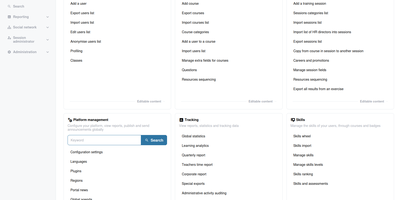
- Admins create learner, coach, and admin accounts, organize classes, and import or export users and classes from CSV files in the Facility dashboard.
- Device Settings and Sync
- Device managers set the default language, landing page, and storage locations, and super admins import and sync facilities with other Kolibri devices over a local network.