Stars
Forks
Watchers
Developer links
Kubewall
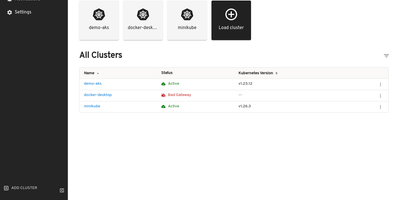
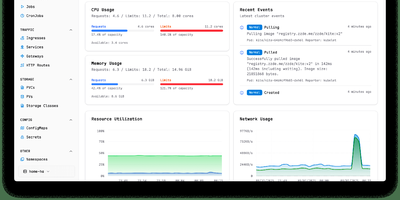
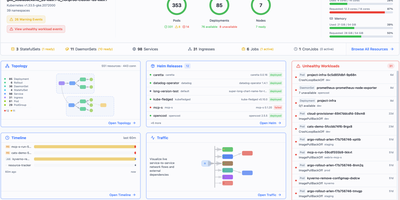
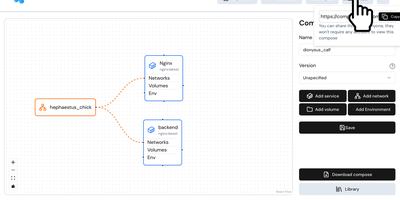
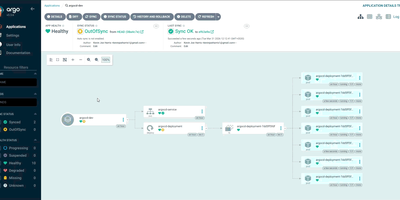
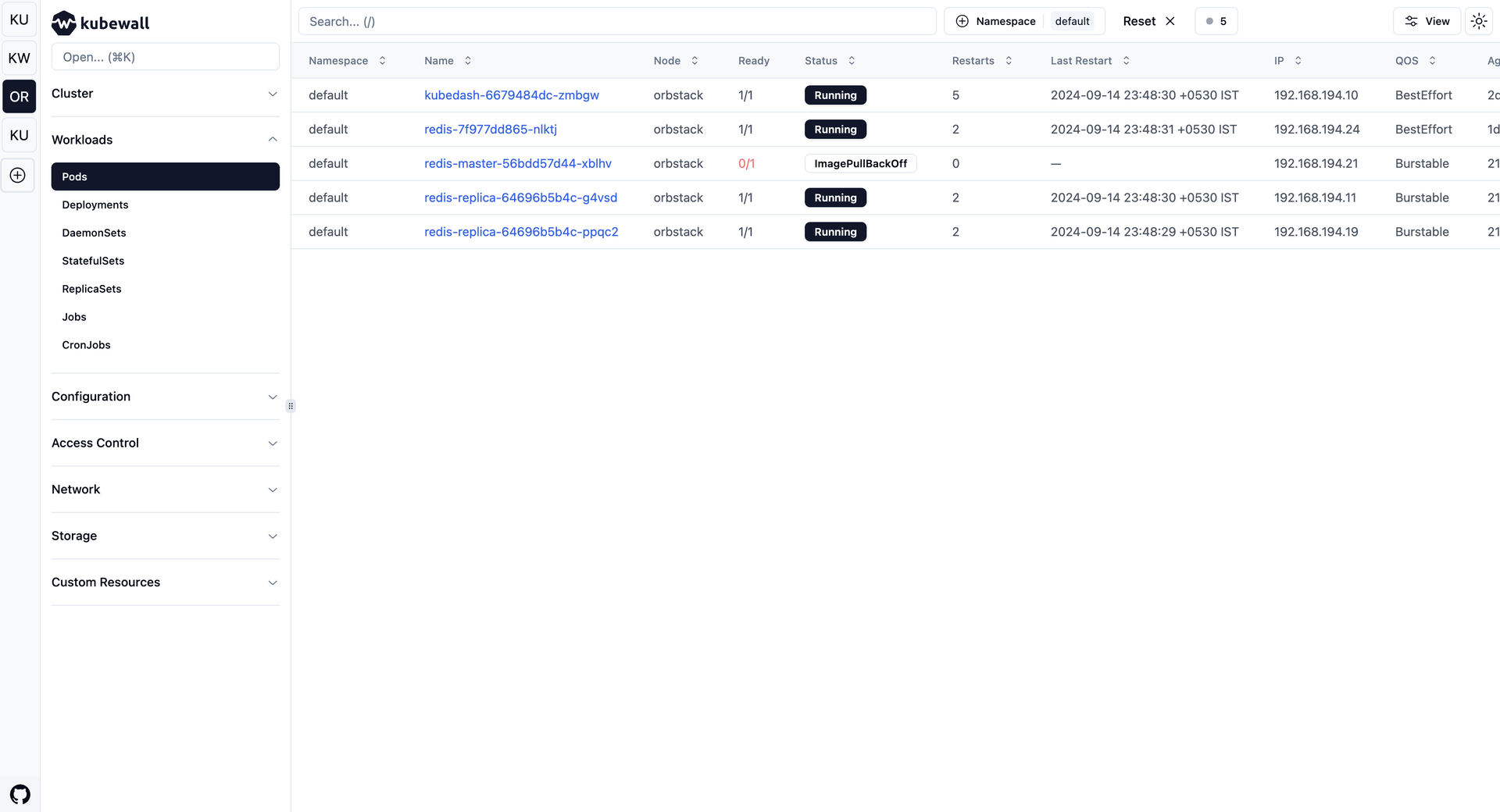
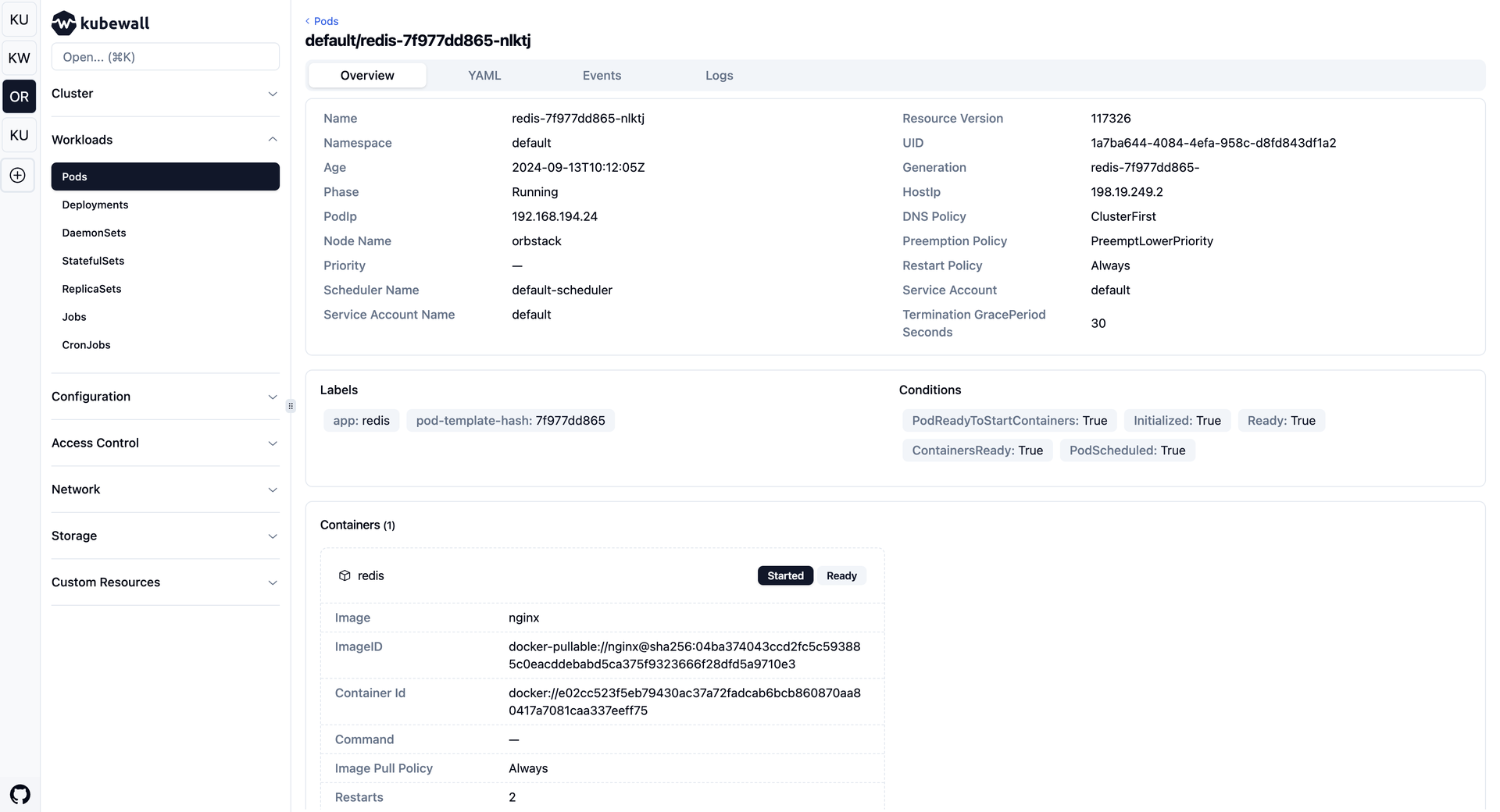
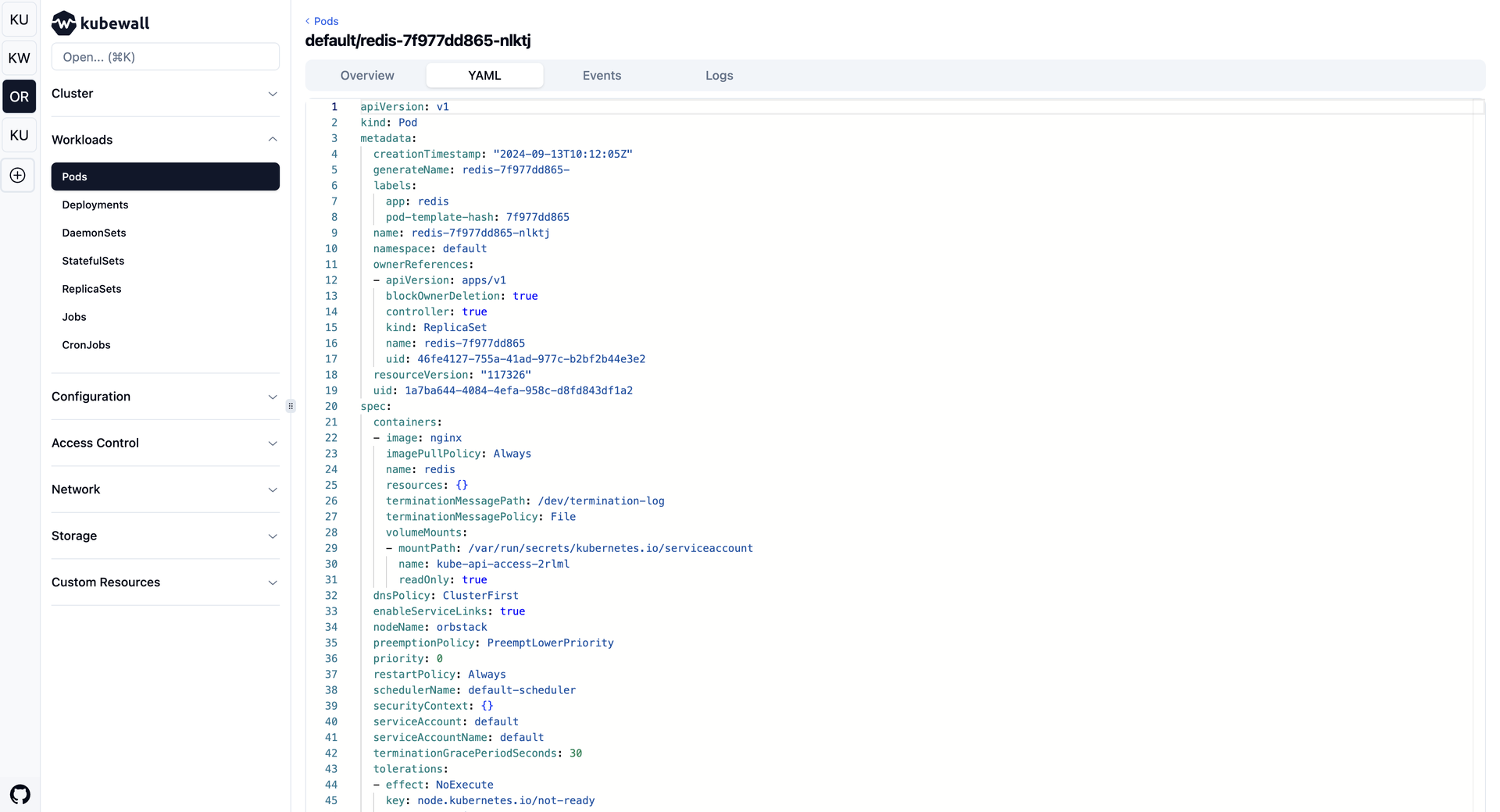
One binary is all that stands between you and every Kubernetes cluster you own: Kubewall opens a realtime web dashboard over all of them, with no agents to install and nothing phoning home. Switch between clusters from the sidebar and browse workloads, networking, storage, configuration, and access control in tables that update live as pods start, fail, and reschedule. Open any resource to inspect its overview, edit its manifest in the built-in YAML editor with validation, watch its events, or stream logs aggregated across pods and containers with search and tail controls. A command palette jumps straight to any resource type, while faceted filters and global search cut through thousands of objects by name, namespace, label, or image. Scale deployments, restart pods, trigger rollout restarts, and apply manifests with a click, or forward a cluster service to your local machine without memorising kubectl incantations. An integrated AI assistant, connected to OpenAI, Claude, Gemini, DeepSeek, OpenRouter, Ollama, or a local model, helps troubleshoot failures and review configurations right beside the resource it concerns. Running on a dedicated VPS on RepoCloud with guaranteed CPU, RAM, and SSD, full root SSH access, and a browser serial console. Apache-2.0 licensed.
Benefits
- Every Cluster, One Dashboard
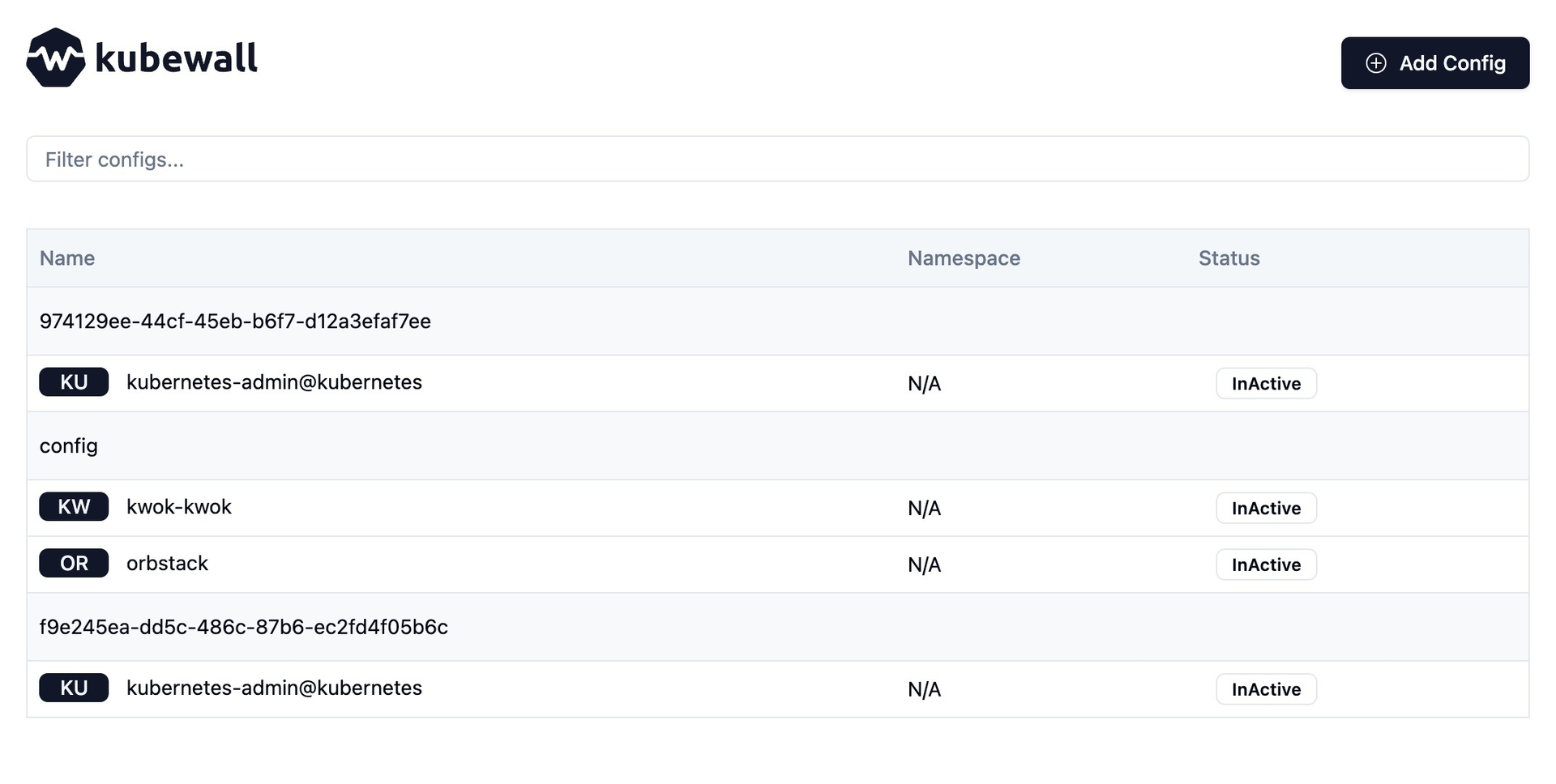
- Kubewall reads the contexts in your kubeconfig and switches between unlimited clusters from one sidebar, keeping separate filters and state per cluster so nothing gets mixed up during an incident.
- Live Data Without Refreshing
- Server-sent events stream every resource change into the tables and detail views automatically, with recently changed rows flashing briefly so you spot the pod that just failed in a wall of green.
- AI Help Beside Your Resources
- Connect OpenAI, Claude, Gemini, DeepSeek, OpenRouter, Ollama, Qwen, or LMStudio and ask the built-in assistant to troubleshoot failures or review configurations in a resizable panel next to the resource.
- A Single Binary to Run
- Download one binary for Linux, macOS, or Windows, or use Docker or the Helm chart, and the dashboard serves on port 7080 with optional HTTPS from your own certificates.
Features
- Realtime Resource Tables
- Deployments, pods, services, config maps, and custom resources list in filterable tables with namespace selectors, faceted filters, column controls, and multi-select bulk actions.
- Aggregated Pod Logs
- Stream logs across pods and containers of a workload in one view, with advanced search and tail options built for watching multi-replica applications behave in production.
- Built-In YAML Editor
- Detail views carry Overview, YAML, Events, Related Resources, and Logs tabs; the YAML tab edits manifests with validation and applies them without leaving the browser.
- One-Click Port Forwarding
- Forward in-cluster services to your local machine with a single click from the resource view, skipping the usual kubectl port-forward commands and YAML edits entirely.
- Command Palette Navigation
- Press Cmd+K or Ctrl+K to jump to any resource type across every category including custom resources, while global search filters by name, namespace, labels, and images.