Categories
Self-Hosted Homelab Local LLM Model Serving OpenAI Compatible GPU Management LLM Inference Distributed InferenceDeveloper links
Llama RPC Farm
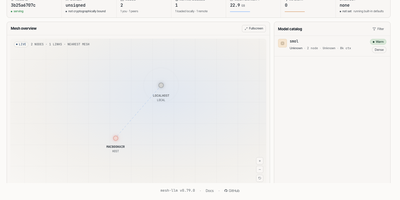
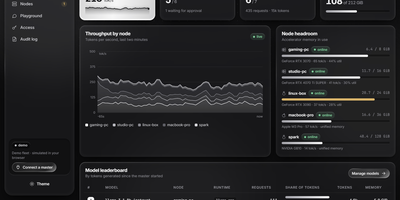
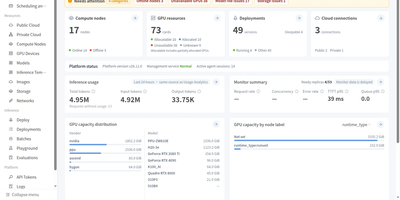
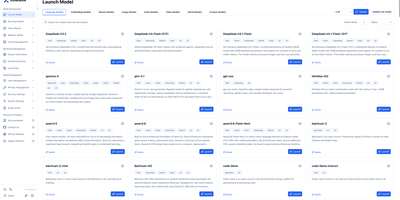
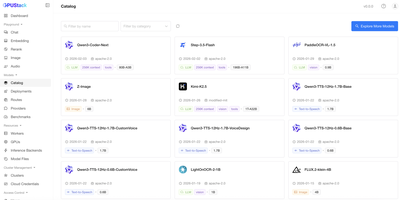
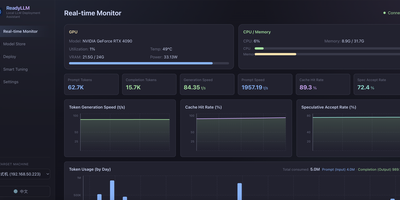
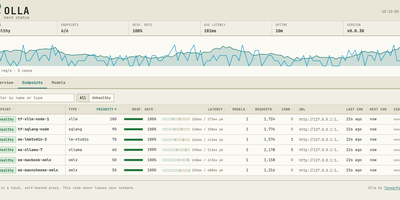
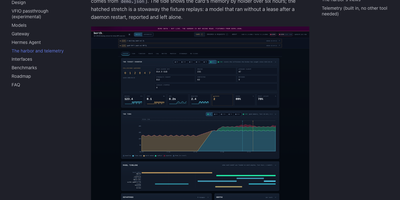
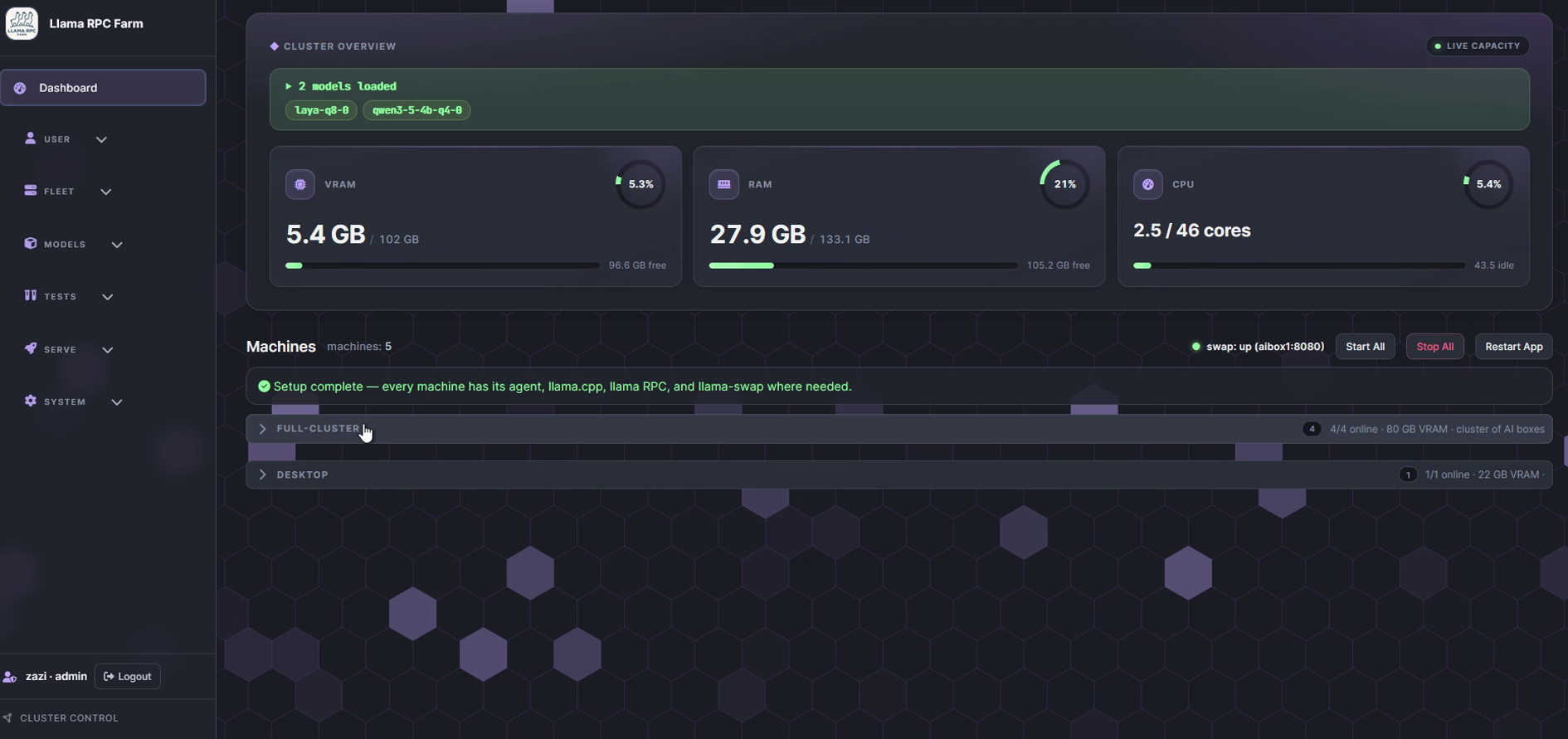
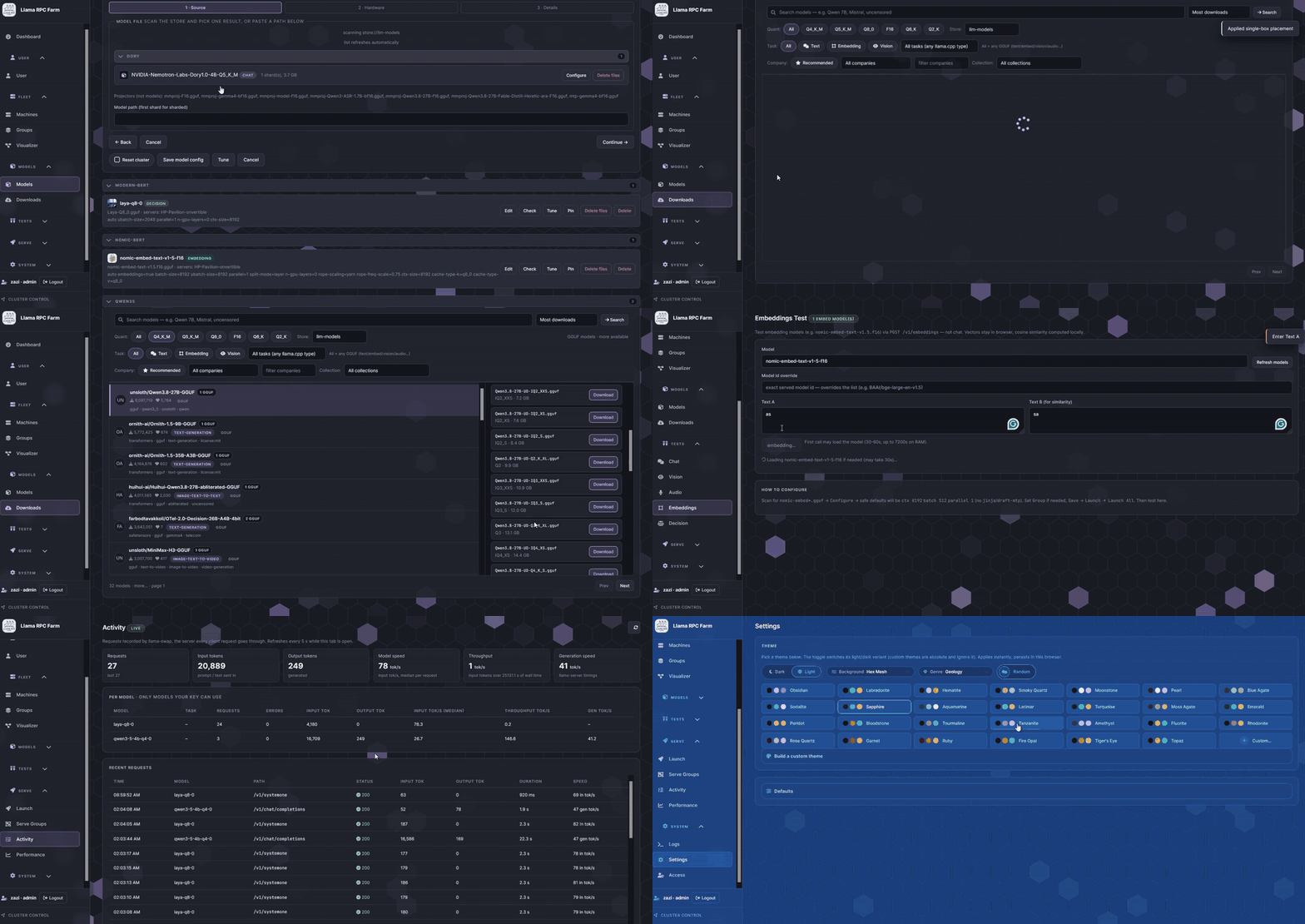
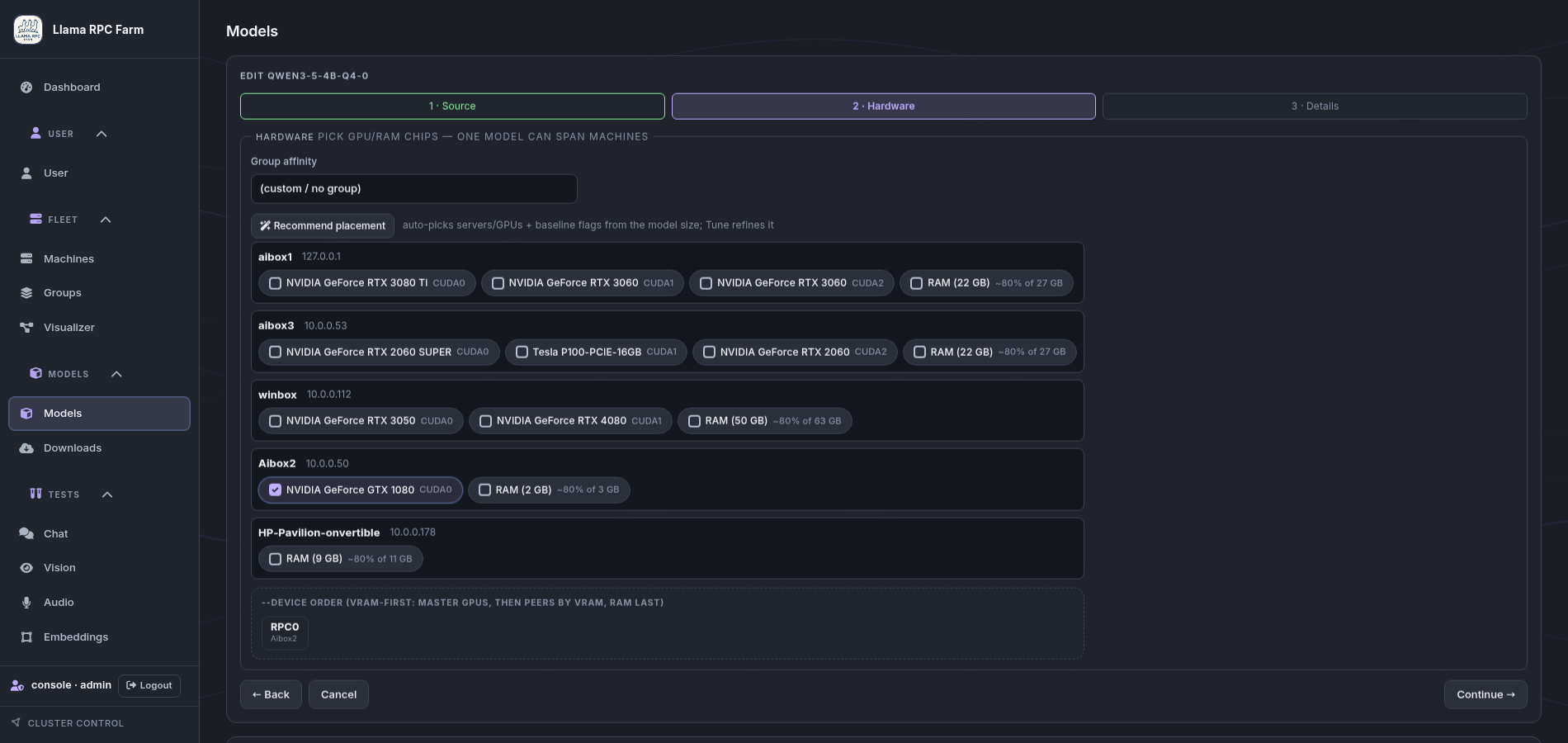
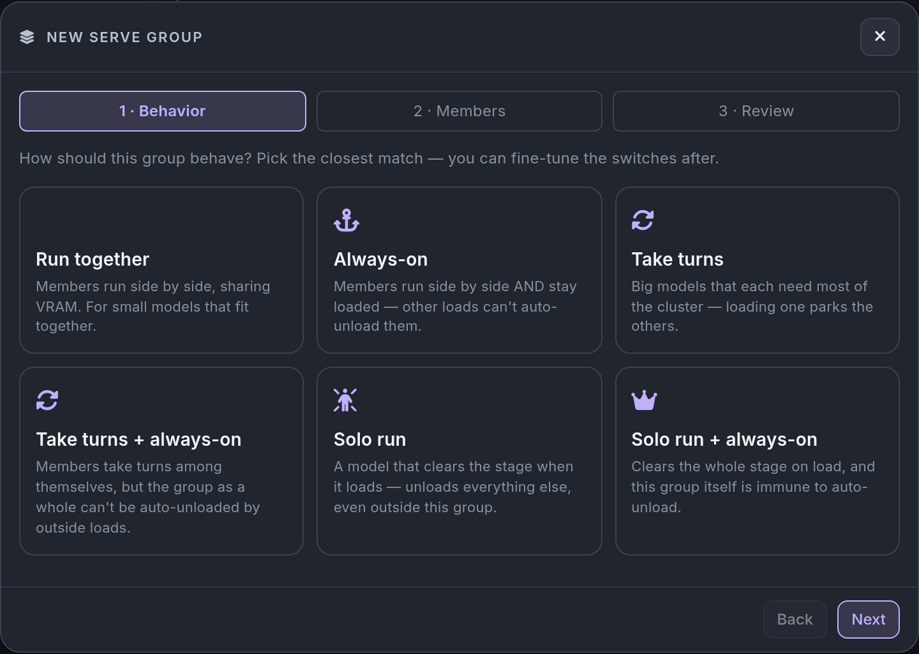
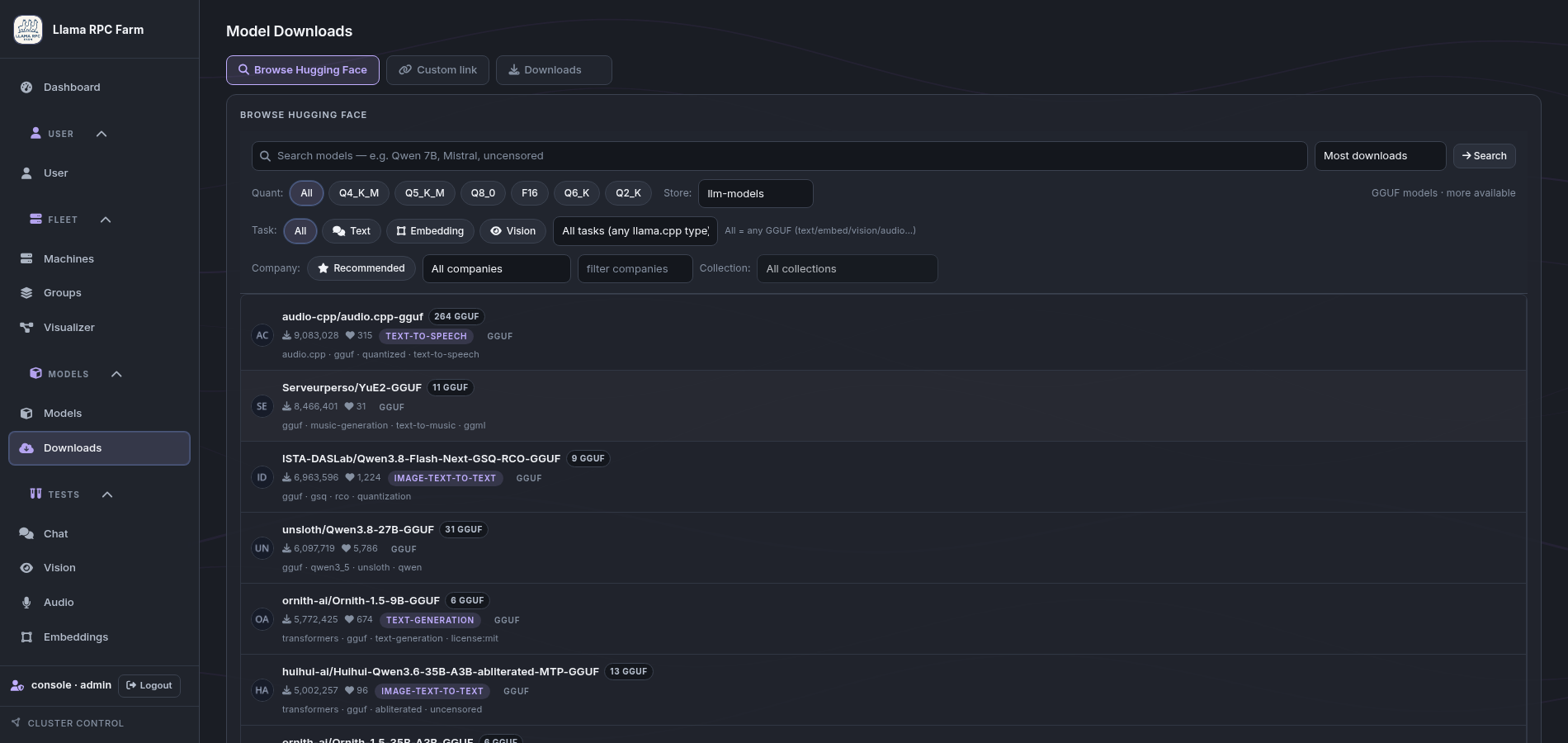
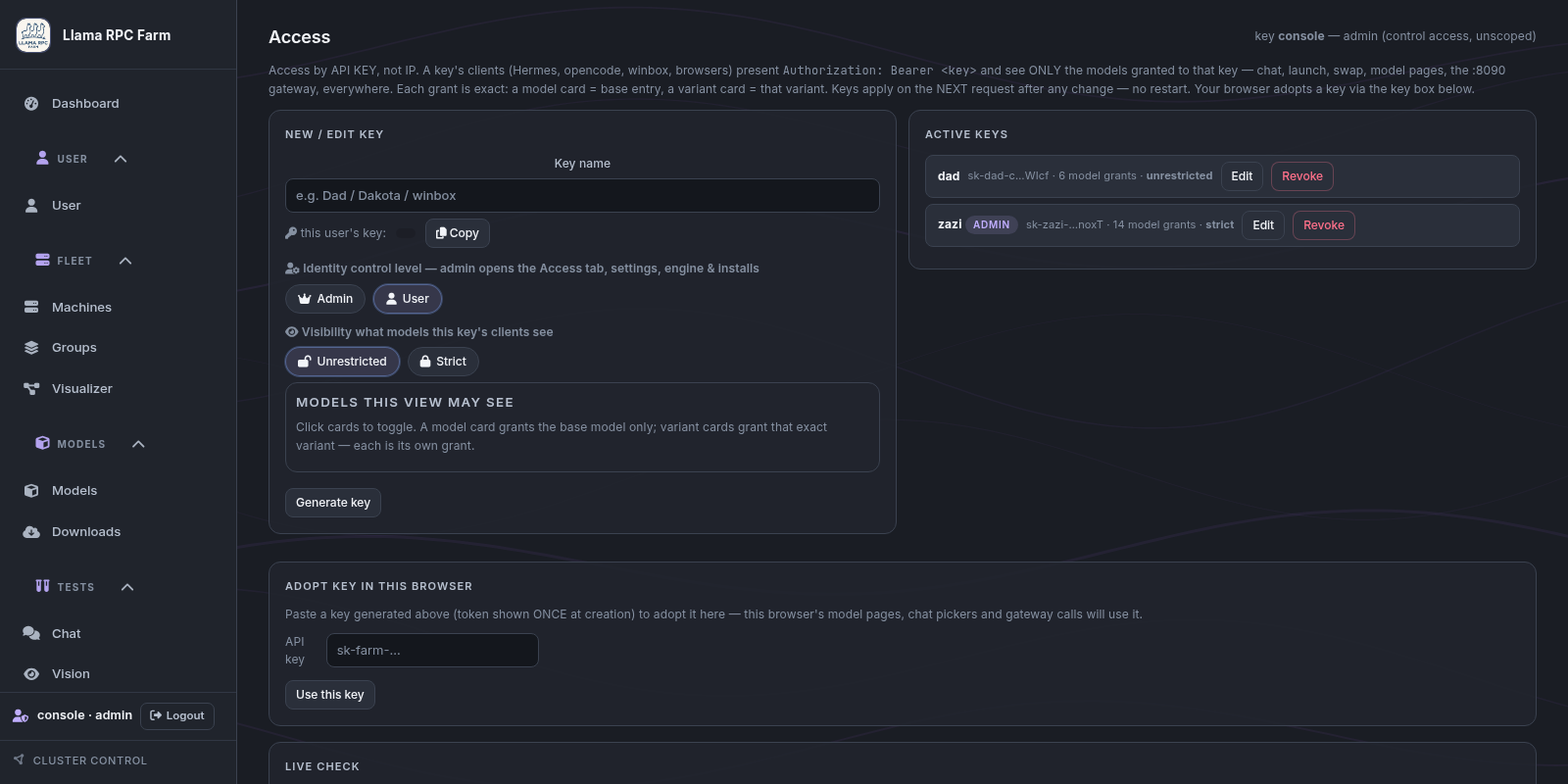
If your GPUs are scattered across a few machines, Llama RPC Farm pools them into one llama.cpp cluster behind a single OpenAI and Anthropic endpoint. A model editor lists every GPU and RAM chip, and ticking them lets one model span several machines with the device order in plain view. Models load on demand, and serve groups decide whether neighbors run together, stay always on, take turns, or clear the stage solo. A live dashboard tracks VRAM, memory, CPU load, temperature, and RPC state for each machine. The Flow Visualizer draws real per-tensor placement as a model runs, with pulsing GPUs wherever compute is in flight. Browse Hugging Face for GGUF files by quantization, task, company, or collection; sharded models download as one row. Weights can live on a shared network mount, or model sync can copy missing files to each machine. Access keys give each person or device a model allowlist and optional daily, weekly, or monthly request limits, with usage tracked per key. A Connect tab prints ready-to-paste client configs and tests the endpoint. A model that fits on one machine can run as a full replica on several, with requests balanced between them. Linux, Windows, macOS, and Raspberry Pi machines can share one cluster. A first-run walkthrough sets storage, installs the engines, and loads a tiny demo model. Running on a dedicated VPS on RepoCloud with guaranteed CPU, RAM, and SSD, full root SSH access, and a browser serial console. Apache-2.0 licensed.
Benefits
- One endpoint for every machine
- Clients talk to a single gateway that speaks the OpenAI and Anthropic APIs, while the farm decides which machine, GPU, or RAM pool actually runs each request.
- Idle GPUs become useful again
- Pool GPUs and RAM across machines so a model too big for one box can still run, while smaller models stay on a single machine for speed.
- Per-person access and limits
- Each key carries its own model allowlist and optional daily, weekly, or monthly request limits, and usage shows up per key in the dashboard.
- Stock llama.cpp, no lock-in
- The farm drives official llama.cpp and llama-swap builds, so every upstream flag, backend, and update works exactly as it does when you run them by hand.
Features
- Model editor and chips
- Pick GPU and RAM chips per machine across CUDA, ROCm, Metal, SYCL, or CPU backends, then review device order and per-model llama.cpp flags.
- Serve groups on llama-swap
- llama-swap starts and stops each model's llama-server on demand, and groups can run together, stay always on, take turns, or run solo.
- Flow Visualizer
- Reads llama.cpp scheduler output (GGML_SCHED_DEBUG) to show real per-tensor device assignment across machines, with pulsing GPUs wherever compute is in flight.
- Hugging Face model browser
- Searches the Hub with GGUF-aware filters for quantization, task, company, and collection, shows sharded variants as one row, and uses hf_xet for Xet-backed repos when installed.
- Peer agent and mixed fleets
- A typed peer agent starts RPC servers on Linux, Windows, and macOS machines, with Raspberry Pi and older Jetson boards as CPU-only peers and optional mutual TLS on RPC.
- Gateway, keys, and Connect
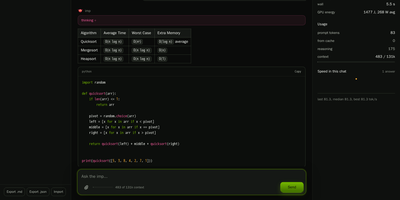
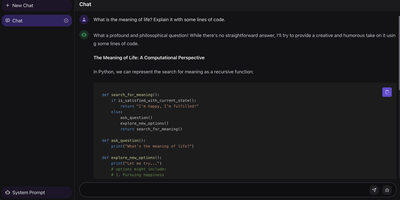
- A gateway on port 8090 serves the OpenAI and Anthropic Messages APIs with access keys, and the Connect tab generates client snippets and tests the endpoint.