Categories
AI Agents Knowledge Base Model Context Protocol Vector Search Deep Research LLM Orchestration Low-Code AI RAG FrameworkStars
Forks
Watchers
Developer links
UltraRAG
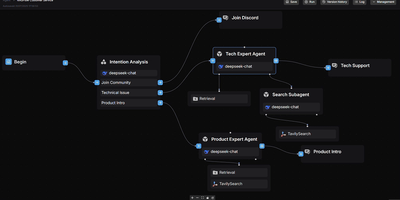
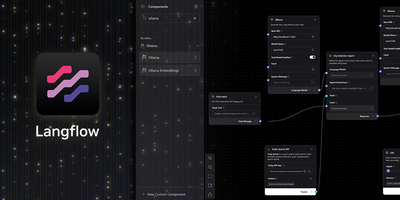
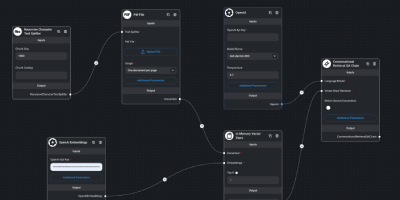
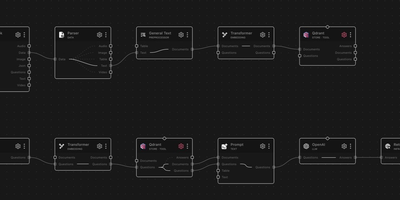
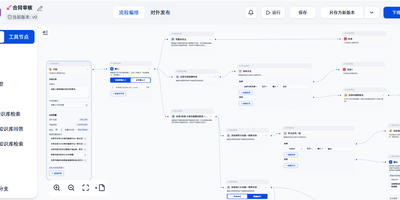
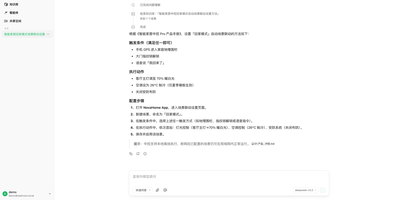
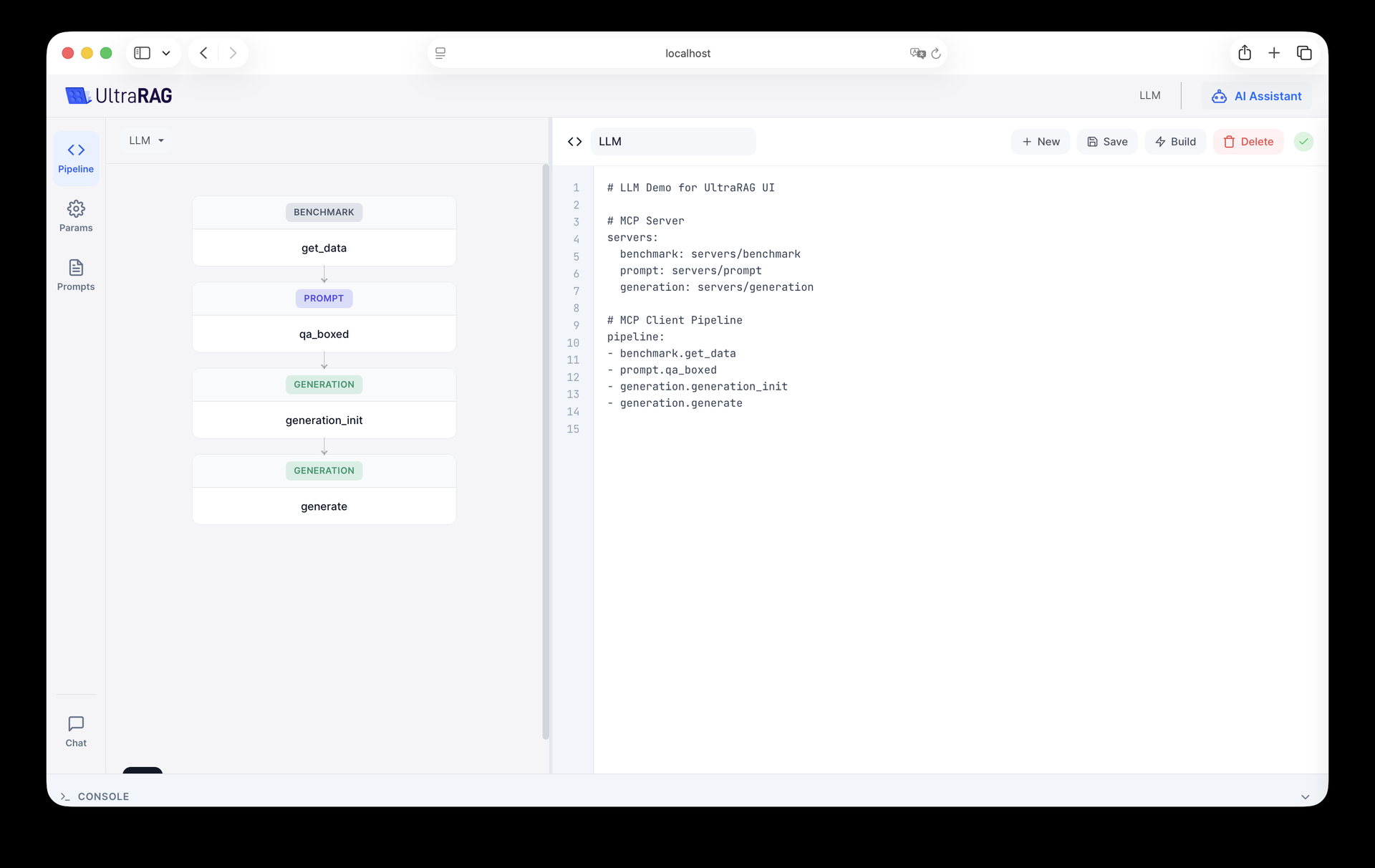
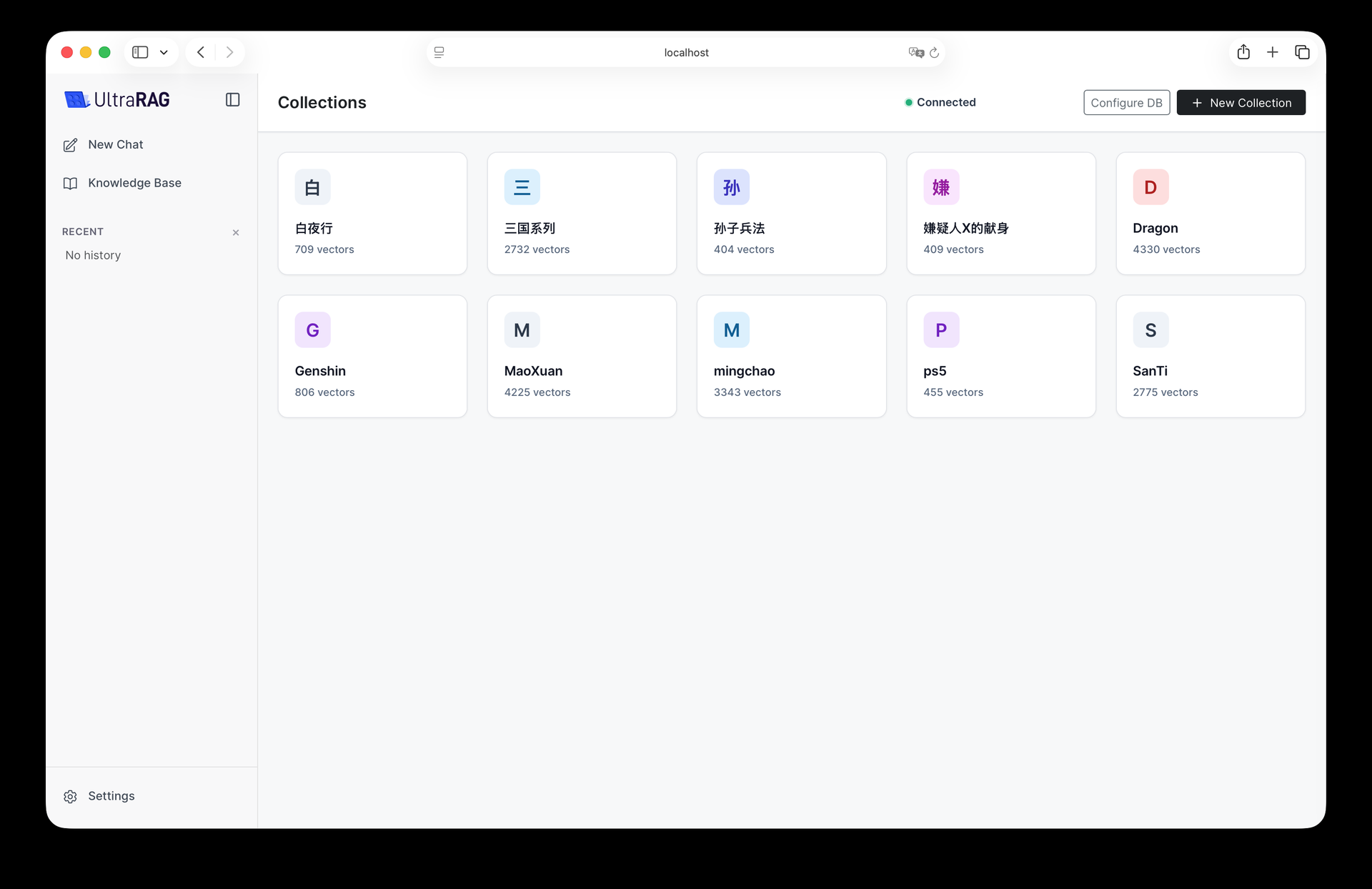
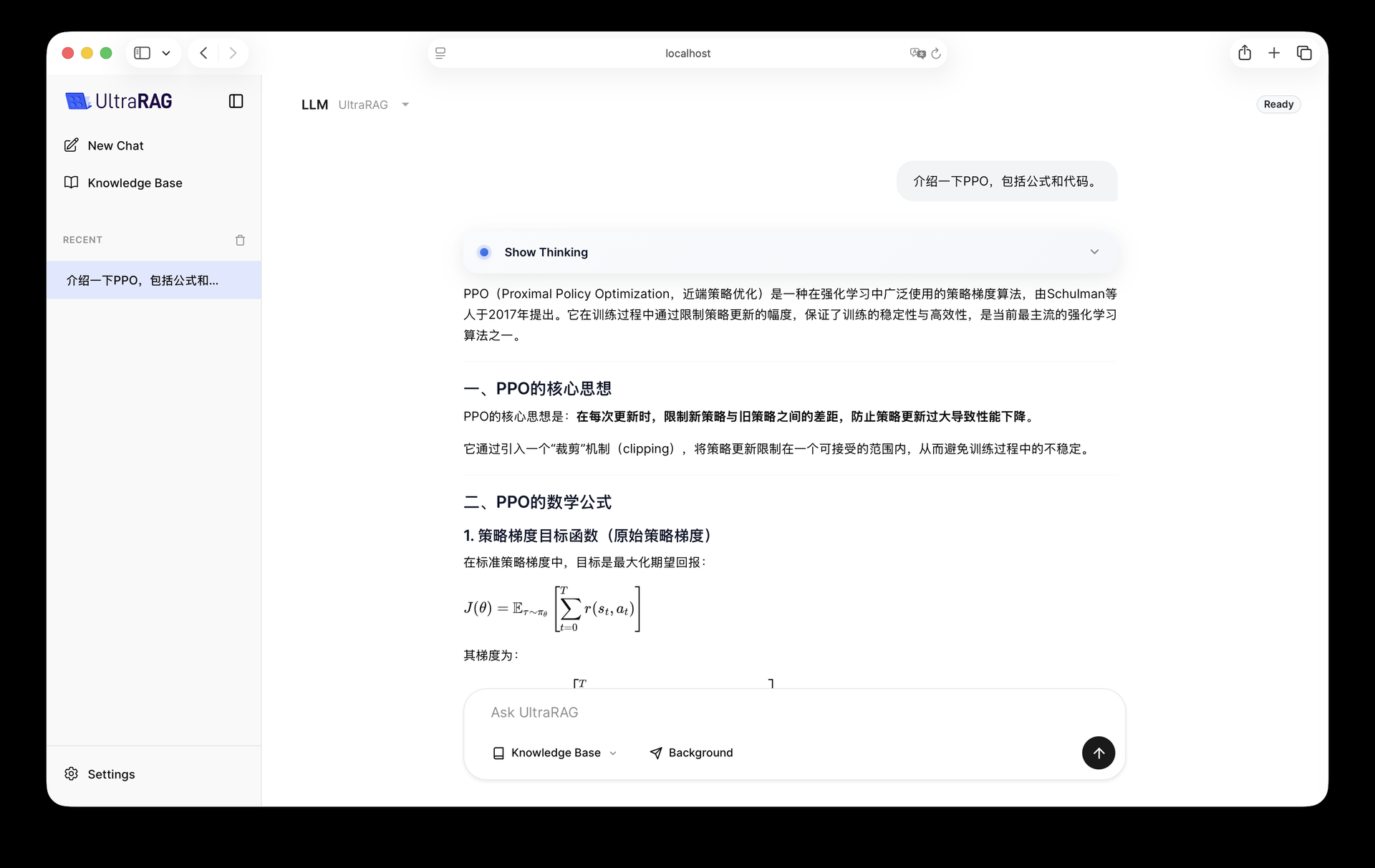
Every step, loop, and branch of a retrieval-augmented generation pipeline appears as a node on UltraRAG's visual canvas, with the YAML behind it kept in sync. Edit nodes on the canvas or in the synchronized YAML editor, press Build, read the console, set model endpoints and credentials on the Parameters page, and manage Jinja prompt templates. Corpus parses and chunks documents, Retriever embeds and indexes them in FAISS or Milvus, Generation calls vLLM, Hugging Face, or OpenAI, and each runs as its own MCP server you can swap or extend. Pipelines run in sequence, loop, or branch on a condition, and bundled examples cover Search-o1, VisRAG, IRCoT, and deep-research workflows. The Knowledge Base page creates Milvus collections and uploads documents, and Chat runs a built pipeline against a chosen collection and shows the sources behind each answer. The AI Assistant inspects your workspace, validates proposed YAML, and waits for you to apply or reject each change. Evaluation scores retrieval with MRR, NDCG, MAP, and Recall and generation with EM, F1, and ROUGE, and a built-in permutation test checks whether one retriever truly beats another. A Case Study viewer steps through each stage's inputs and outputs for every question, so you can see exactly where a pipeline went wrong. Running on a dedicated VPS on RepoCloud with guaranteed CPU, RAM, and SSD, full root SSH access, and a browser serial console. Apache-2.0 licensed.


Benefits
- See Every Reasoning Step
- The canvas and the YAML editor update each other in real time, so every retrieval, generation, loop, and branch stays visible, editable, and rebuilt with one click instead of buried in code.
- Swap Models Without Rewrites
- Retriever and generation servers accept Sentence-Transformers, Infinity, vLLM, Hugging Face, or any OpenAI-compatible endpoint, so changing models means editing parameters rather than rewriting the pipeline.
- Measure Instead of Guessing
- Built-in evaluation reports MRR, NDCG, EM, F1, and ROUGE on benchmark datasets, and separate parameter files let you rerun one pipeline with different settings to compare results.
- Hand Teammates a Working Chat
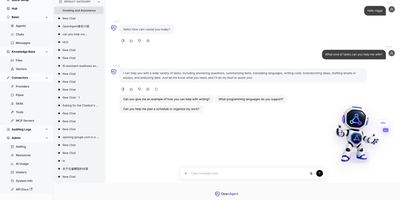
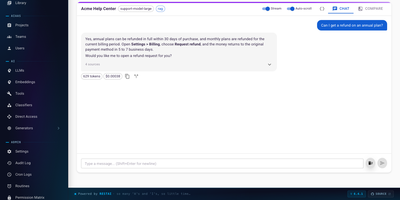
- Any built pipeline becomes a conversational web interface with cited sources and a knowledge base picker, so reviewers can try your RAG system without touching YAML or a terminal.
Features
- Visual Pipeline Builder
- Edit pipelines on a node canvas or in a synchronized YAML editor, then Save, Build, and read results in the console; serial, loop, and branch structures are supported.
- Cited Chat Interface
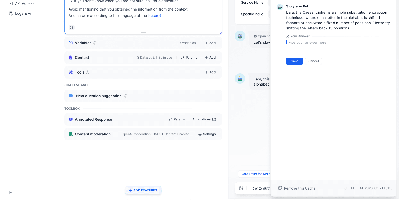
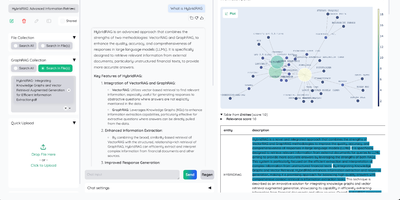
- Chat with any built pipeline against a chosen knowledge base, expand the model's thinking, and open numbered references to read the retrieved passages beside the answer.
- Knowledge Base Management
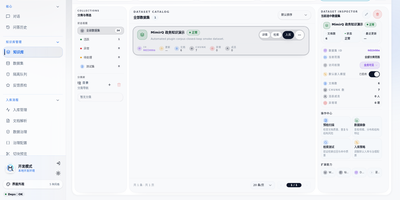
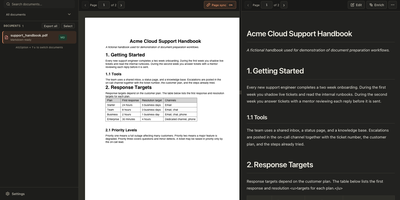
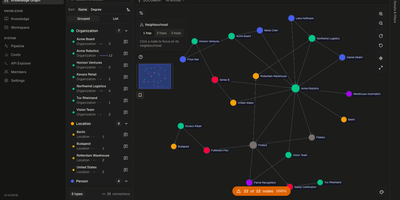
- Create Milvus-backed collections, upload PDF, DOCX, Markdown, and EPUB files, set chunking and the embedding endpoint, and see the vector count of each collection.
- Modular MCP Servers
- Corpus, Retriever, Reranker, Generation, Router, Prompt, Benchmark, and Evaluation run as independent MCP servers, and custom servers register their tools with a Python decorator.
- AI Pipeline Assistant
- An OpenAI-compatible, tool-calling assistant inspects registered servers and saved pipelines, validates proposed YAML, and waits for you to apply or reject each change.
- Deep Research Pipelines
- Ready-made LightResearch, Search-o1, VisRAG, and AgentCPM-Report pipelines run multi-step retrieval, and the last one writes long survey reports from your knowledge base.