Categories
Developer Tools MCP Server Access Control Database Management Audit Logging SQL Editor AI SQL Assistant PostgreSQL ClientStars
Forks
Watchers
Developer links
pgconsole
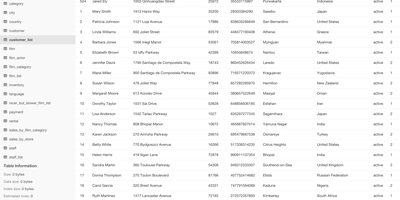
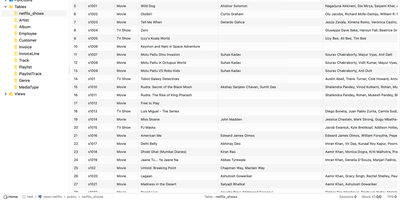
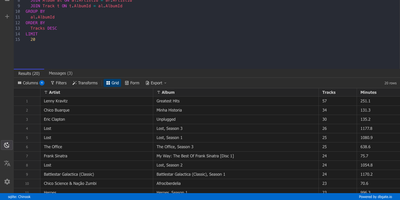
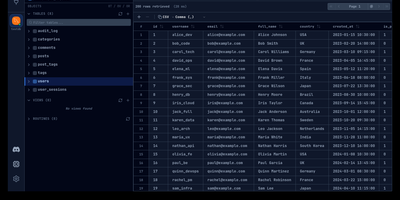
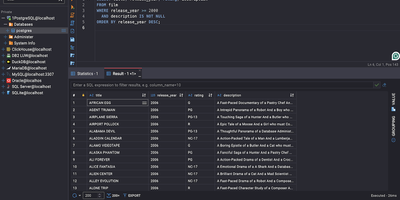
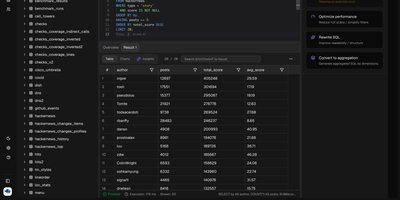
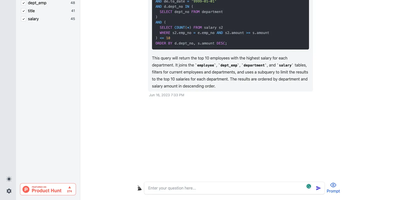
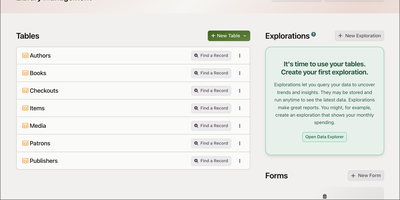
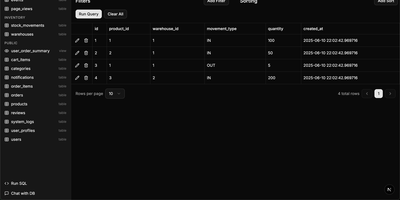
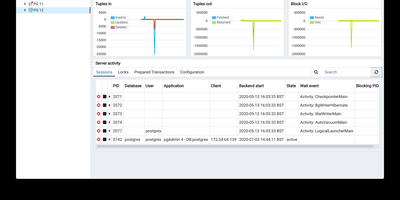
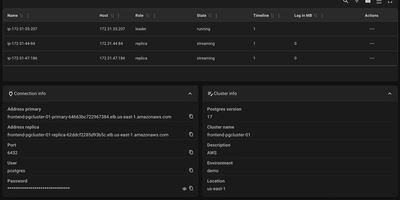
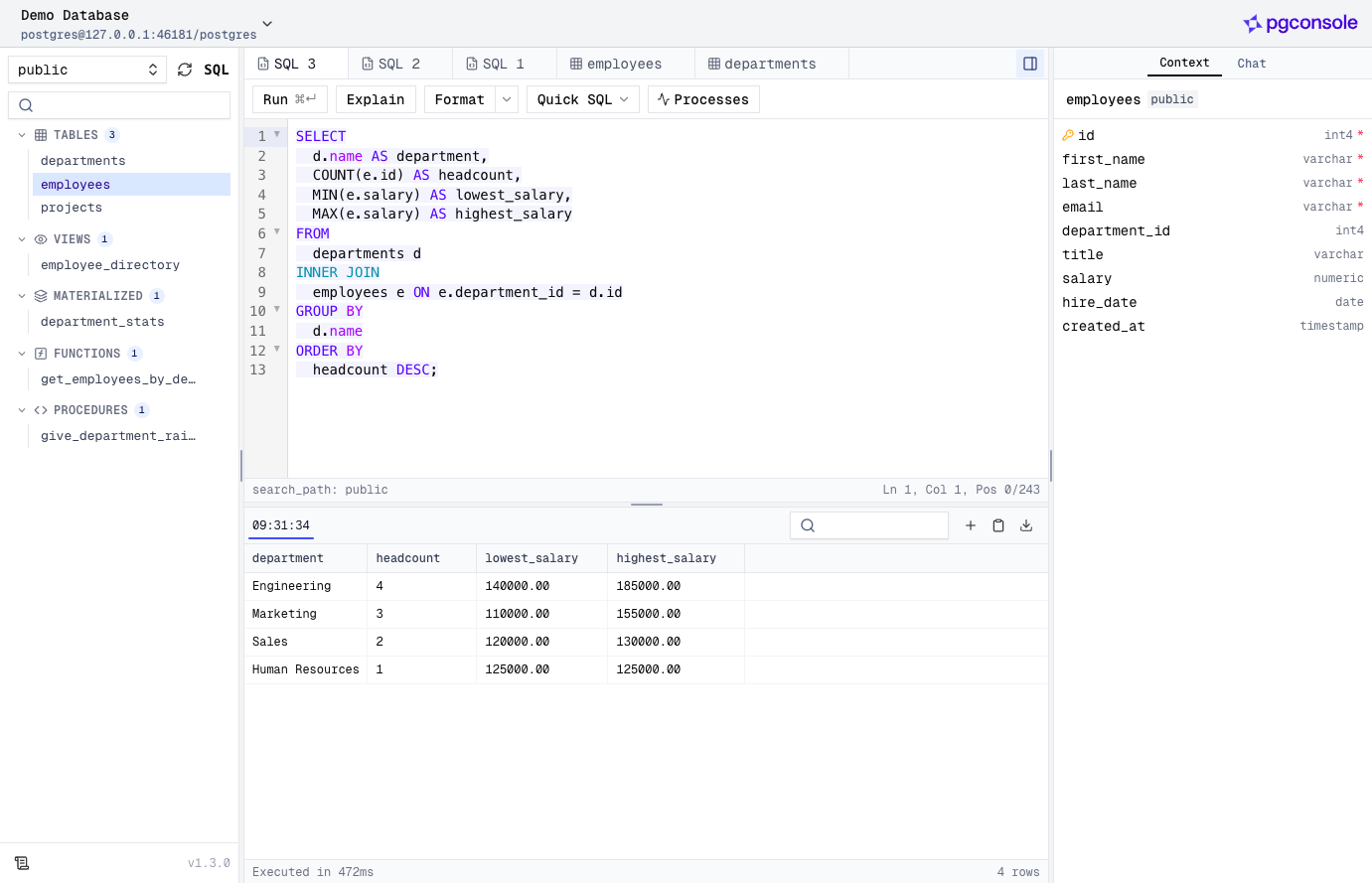
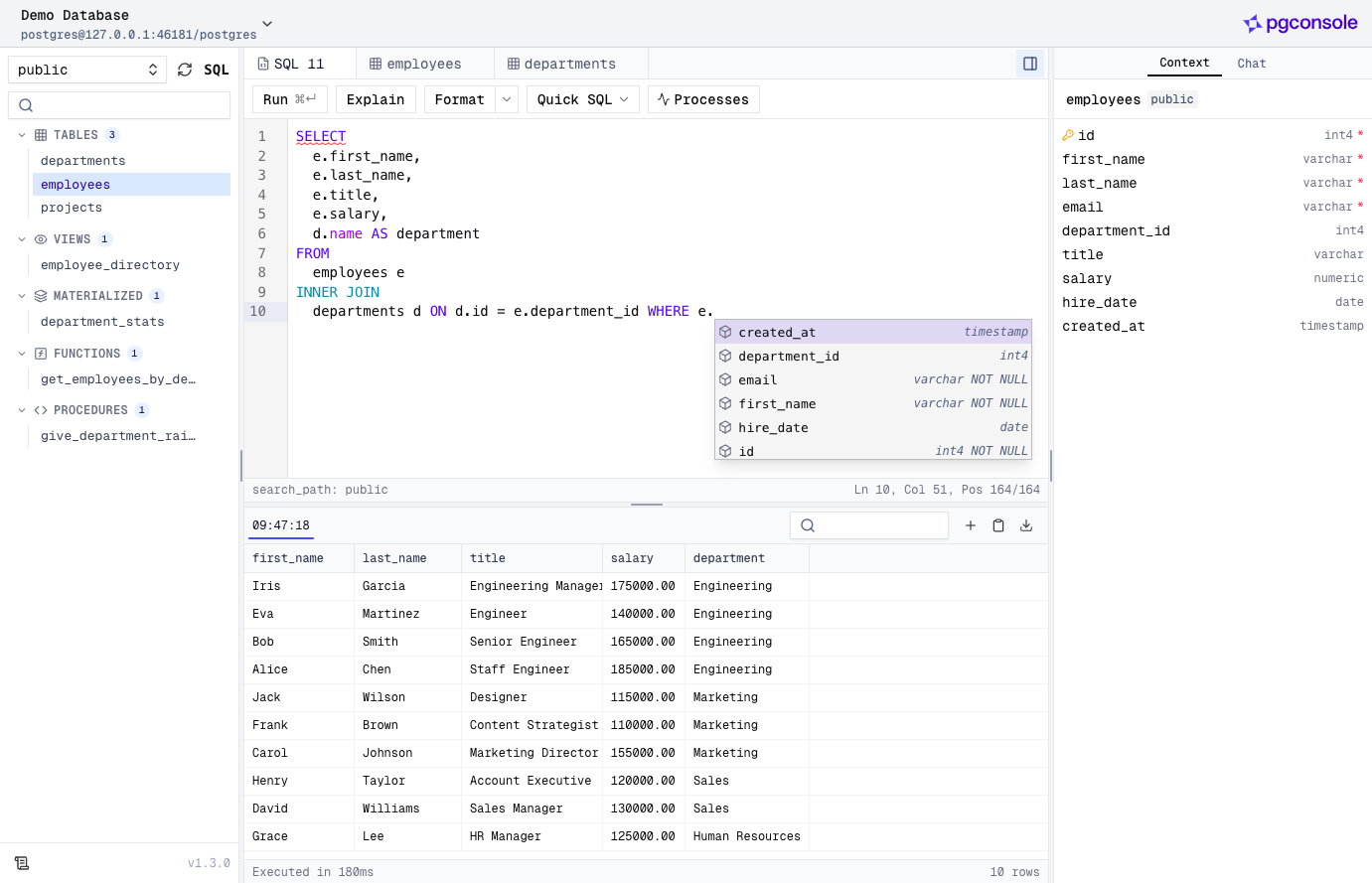
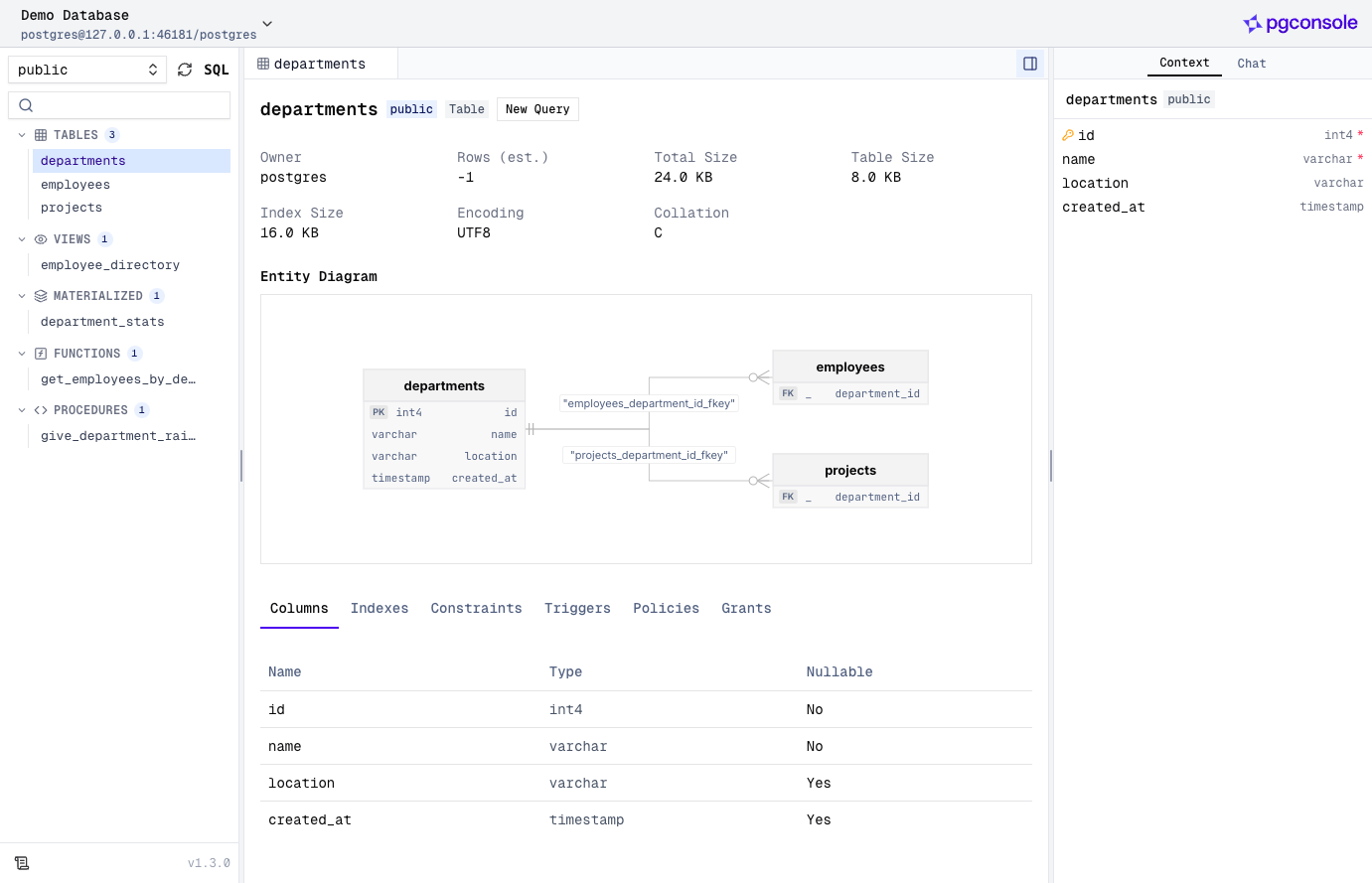
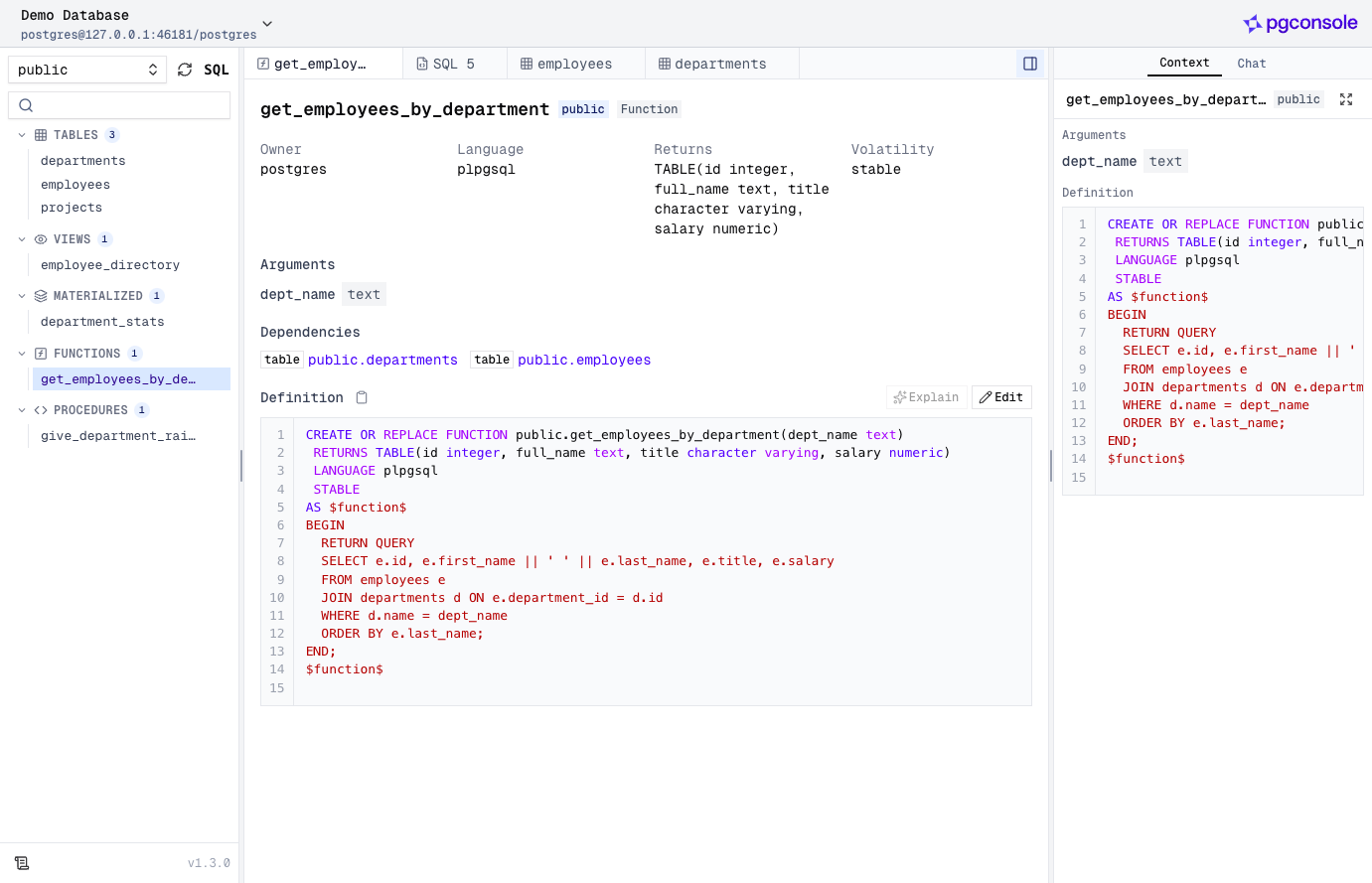
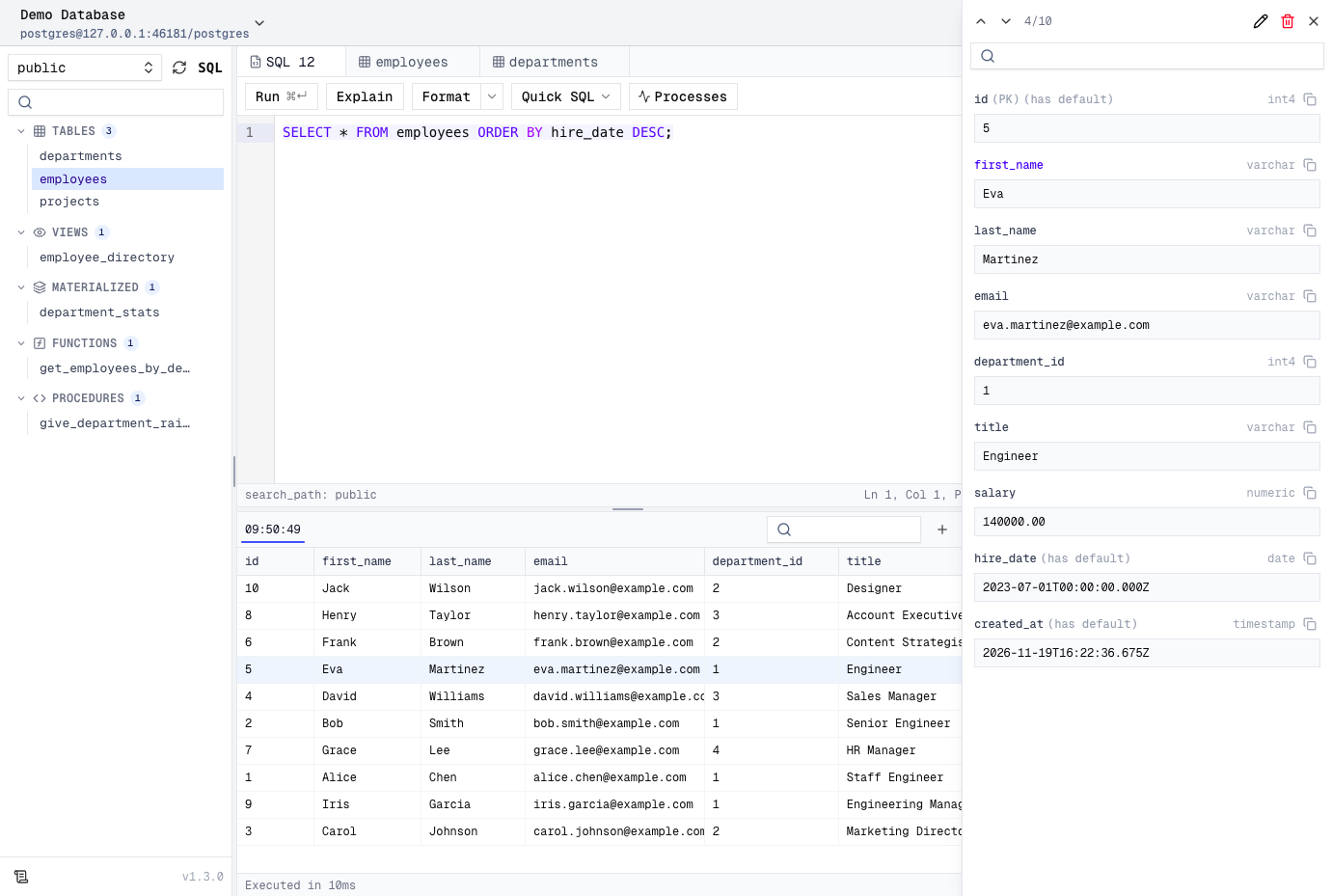
Your whole team can work in a browser-based PostgreSQL editor without a single database password changing hands. Connections live on the server, and one TOML file defines the connections, users, groups, access rules, and AI providers, so access changes get reviewed in pull requests like any other change. The editor parses PostgreSQL as you type, which powers autocomplete across tables, columns, joins, and CTEs, formatting, red error underlines, code folding, and function signature help. Results fill a virtual-scrolling grid with a row detail panel, pinned rows, and CSV, TSV, JSON, or Markdown export, while inline edits stay staged and color-coded until you preview the generated SQL and execute them. A schema browser lists tables, views, materialized views, functions, and procedures with entity diagrams, indexes, constraints, triggers, policies, and grants, and a Processes view lists active sessions. The AI assistant, using OpenAI, Anthropic, or Google keys that never reach the browser, writes SQL from plain English, explains, fixes, and rewrites queries, and rates the risk of staged changes. Coding agents such as Claude Code and Cursor connect through a built-in MCP server, where IAM rules limit each agent and every statement lands in the audit log. People sign in with email and password, Google, Okta, Keycloak, or any OIDC provider. Running on a dedicated VPS on RepoCloud with guaranteed CPU, RAM, and SSD, full root SSH access, and a browser serial console. Apache-2.0 licensed.
Benefits
- Database passwords stay on the server
- Connections are defined server-side in one config file, so credentials never reach users' browsers, and teams need no bastion hosts or firewall exceptions to give people SQL access.
- Access rules reviewed like code
- Users, groups, and IAM rules live in pgconsole.toml, so access changes go through pull requests, and nobody needs a separate database role created for them.
- AI agents get least-privilege access
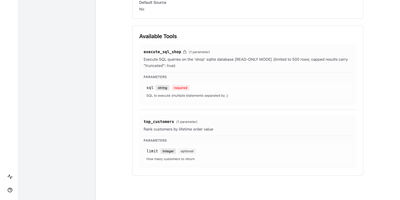
- Each MCP token maps to an agent identity limited to read, write, DDL, or explain permissions, and a delegated agent can never exceed the user it acts for.
- Safe edits before anything commits
- Grid edits stay staged and color-coded as insert, update, or delete. Preview the generated SQL, optionally ask the AI to assess its risk, then execute everything together or discard it.
Features
- Parser-Backed SQL Editor
- Autocomplete, formatting, error underlines, code folding, and function signature help run on a real PostgreSQL parser, handling CTEs, subqueries, and window functions.
- AI SQL Assistant
- Text-to-SQL chat with multi-turn follow-ups, plus Explain, Fix, Rewrite, and change risk assessment, using OpenAI, Anthropic, or Google models you configure.
- MCP Server for Agents
- A Streamable HTTP endpoint at /mcp gives Claude Code, Cursor, and other clients bearer-token access to listing connections, describing tables, queries, explain plans, writes, and DDL.
- Access Control and Audit
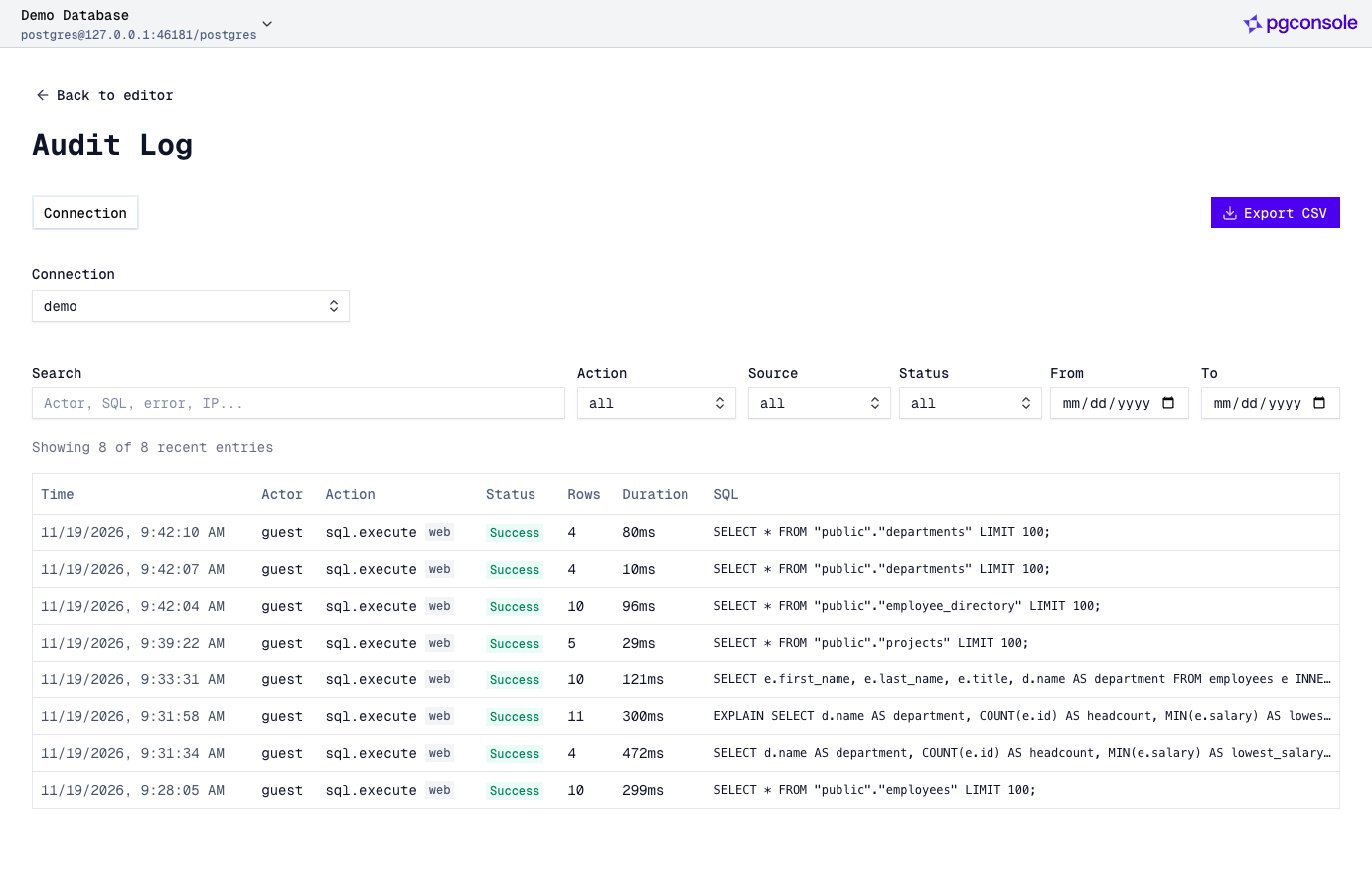
- Opt-in IAM grants read, write, ddl, admin, explain, execute, and export per connection, with default deny, groups, SSO through Google, Okta, Keycloak, or OIDC, and a filterable audit log.
- Schema Browser and Diagrams
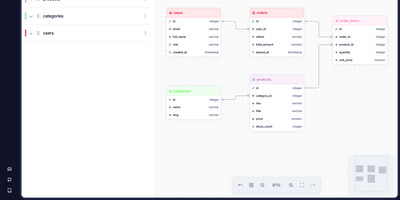
- Inspect tables, views, materialized views, functions, and procedures with columns, indexes, constraints, triggers, policies, grants, dependencies, and entity diagrams drawn from foreign keys.
- Single-Binary Deployment
- Run the pgplex/pgconsole Docker image, npx, or a global npm install on port 9876 with one TOML file; Docker Compose and Kubernetes examples are documented.