Categories
Self-Hosted Productivity Knowledge Base Team Collaboration Documentation Note Taking Privacy Tools Markdown EditorStars
Forks
Watchers
Developer links
plumio
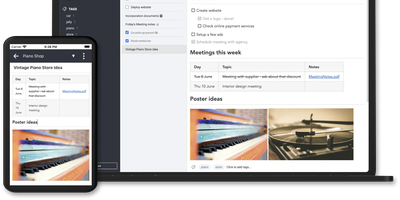
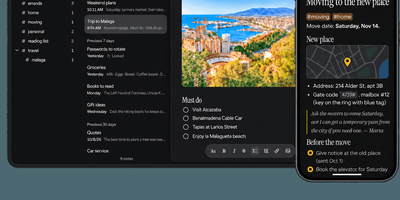
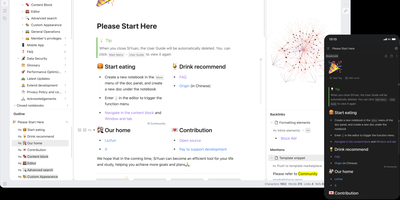
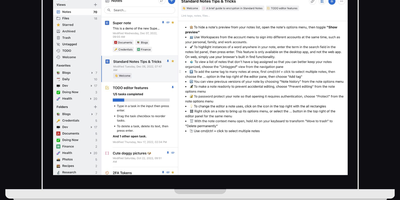
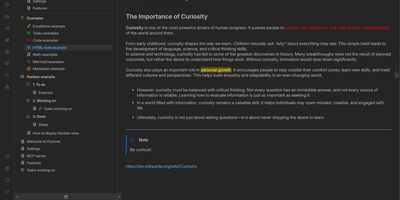
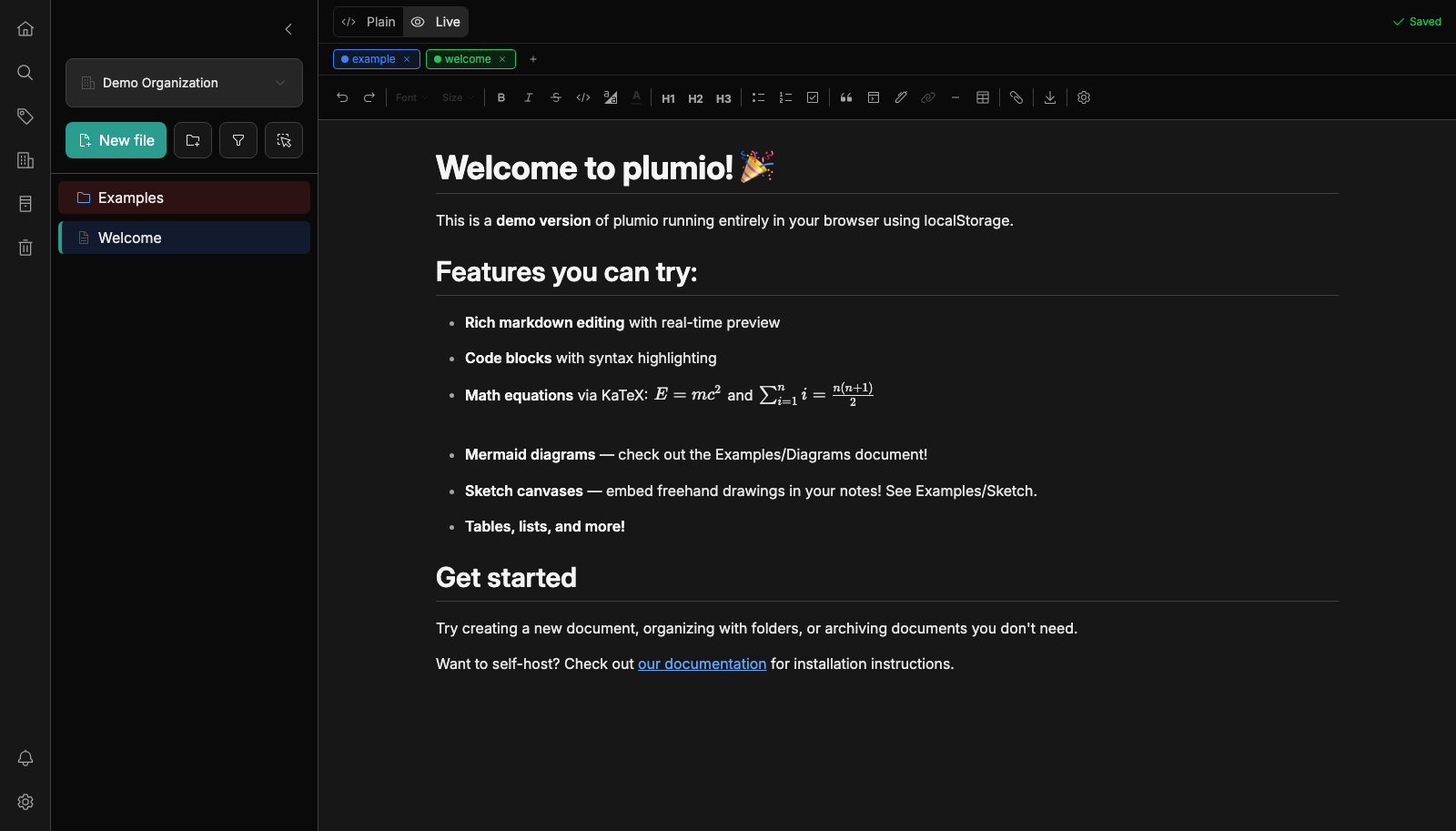
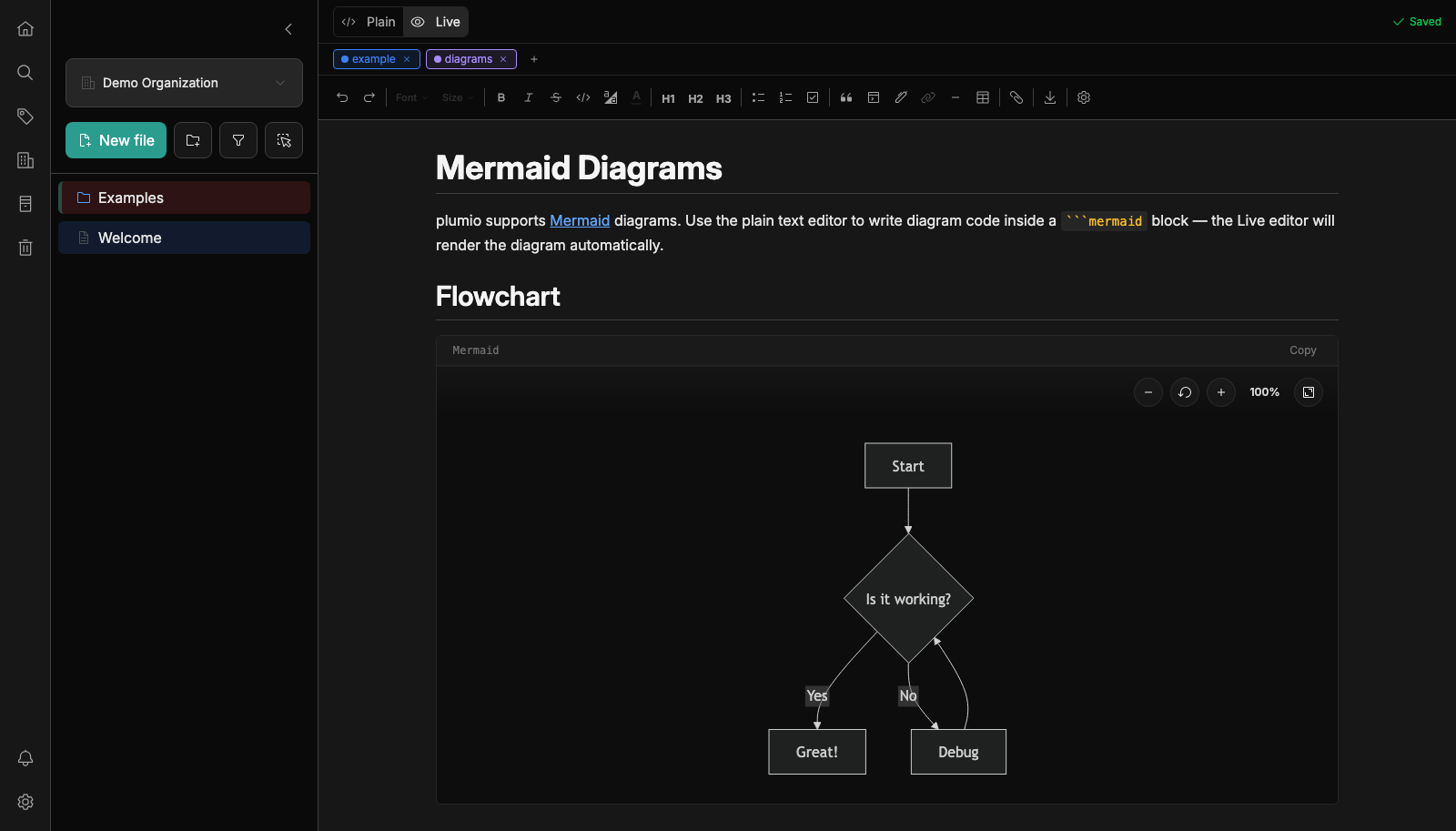
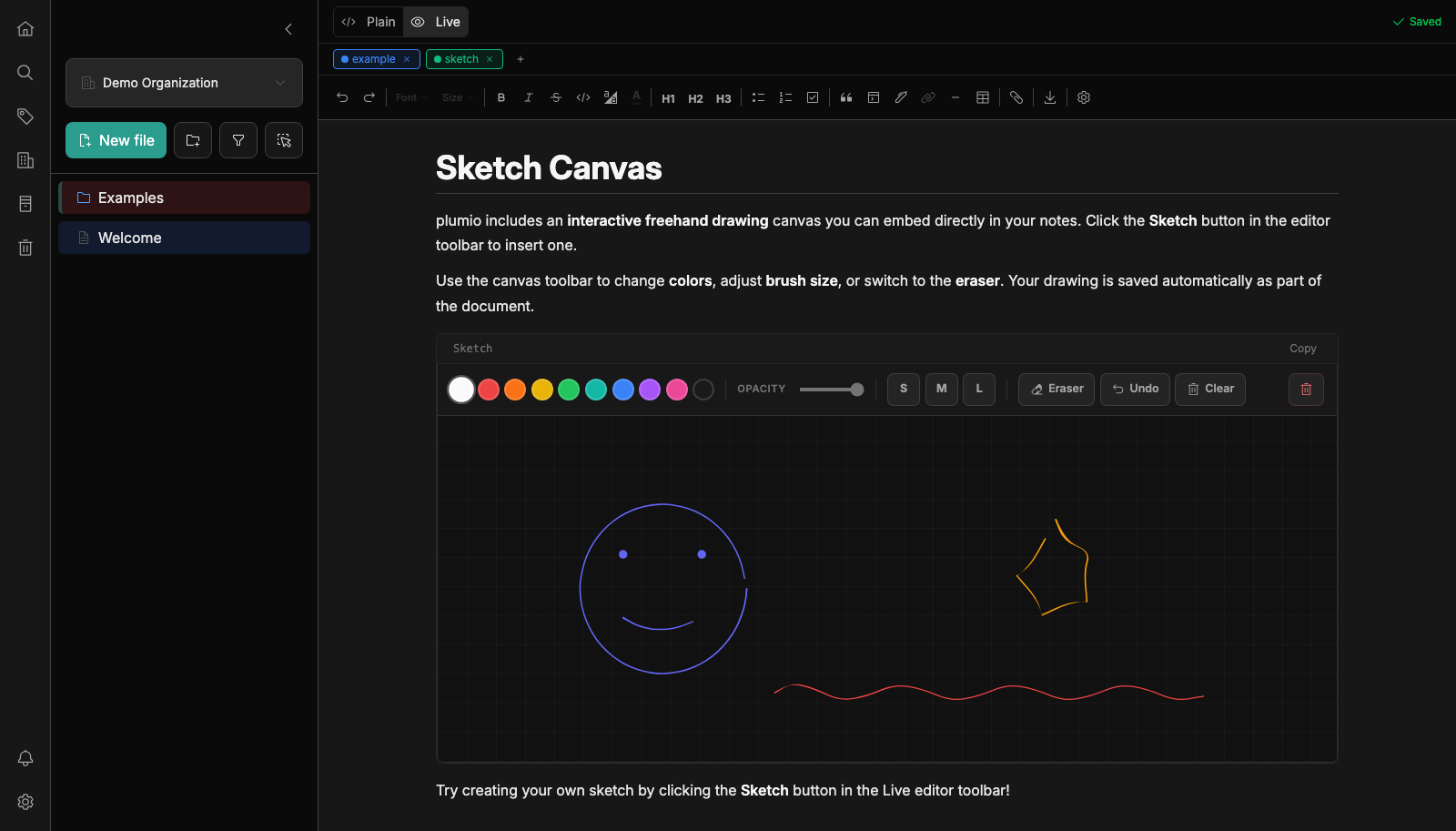
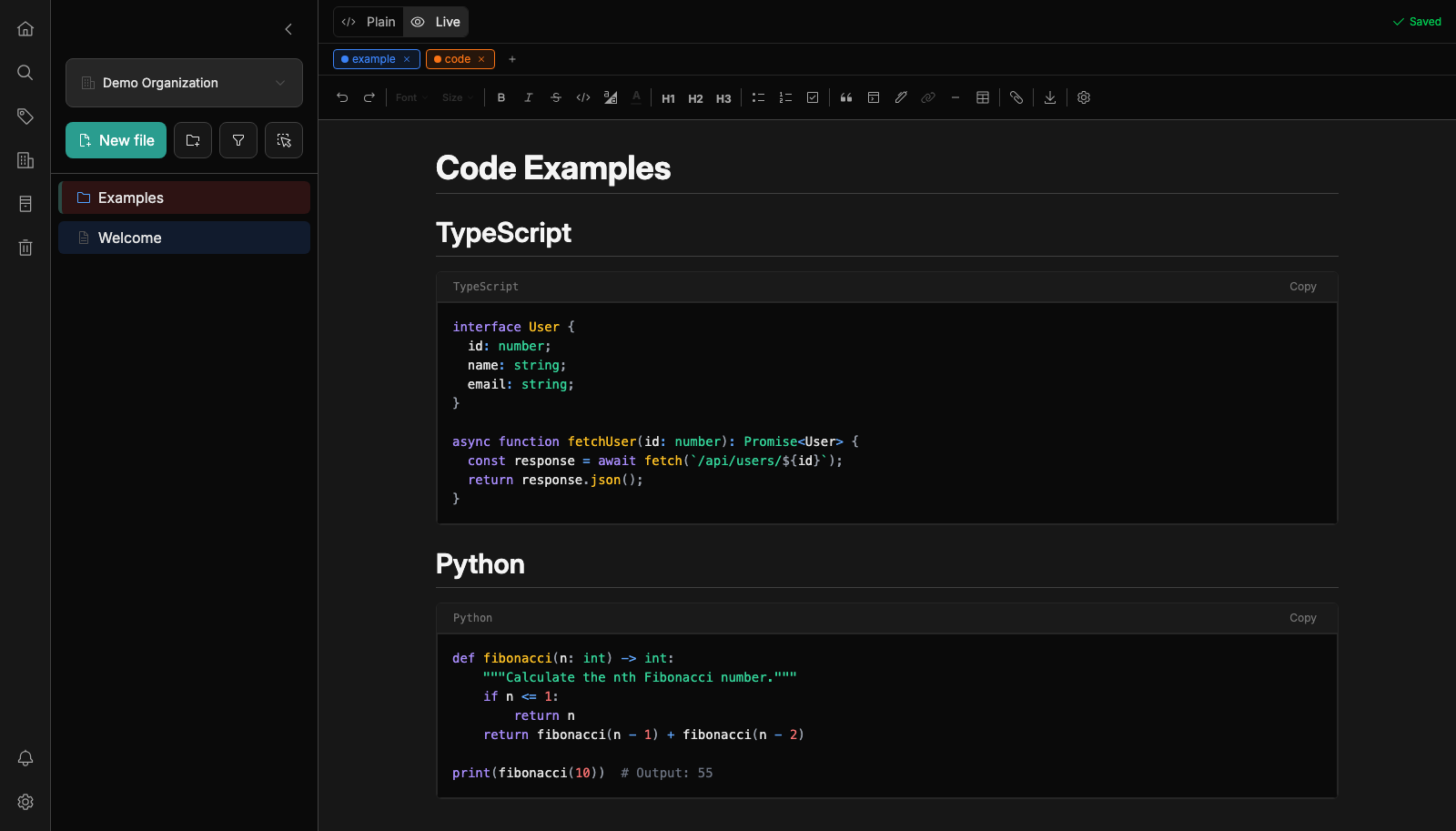
Notes belong on a server you control, and plumio gives them a quiet, fast home there with a polished markdown editor and a live preview. Write headings, task lists, tables, code blocks, math equations, and Mermaid diagrams in one document, then add a freehand sketch canvas for quick drawings. Each change saves as you type. Folders, tags, and custom colors keep a growing library tidy, favorites keep the important pages close, and full-text search finds a half-remembered phrase in seconds. Turn on AES-256 encryption and every document is protected at rest on disk. One instance can host several users and several organizations, so a family, a study group, or a small company each gets a separate workspace with roles for admins and members. Deleted notes land in a trash and archived ones stay out of the way until needed. Export everything as a zip of plain markdown files, or import a folder from another editor, Obsidian included. Webhooks announce document events to other services, API keys let scripts create and search notes, and optional SMTP email handles password resets. A daily backup job keeps compressed copies with automatic retention, and a desktop app can connect to your server. Running on a dedicated VPS on RepoCloud with guaranteed CPU, RAM, and SSD, full root SSH access, and a browser serial console. AGPL-3.0 licensed.
Benefits
- Notes Stay On Your Server
- Documents and the SQLite database live in your own data volume, with no telemetry or third-party services, so your private notes never leave infrastructure you control.
- Encryption You Can Switch On
- Enable AES-256 encryption with a single setting so documents are encrypted on disk, which protects your notes if a backup or disk image is ever copied.
- One Server For Many Teams
- Create several organizations and users with admin and member roles, so a family, a club, and a company can share one install with separate workspaces.
- Easy To Leave Or Automate
- Export plain markdown in a zip, import from Obsidian style folders, and use API keys and webhooks to connect notes to scripts and other services.
Features
- Live Preview Markdown Editor
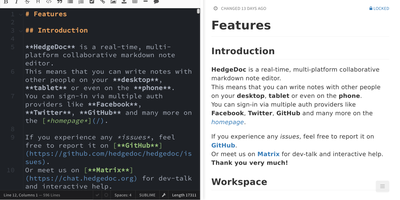
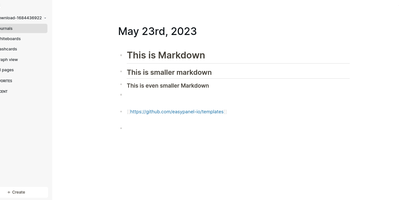
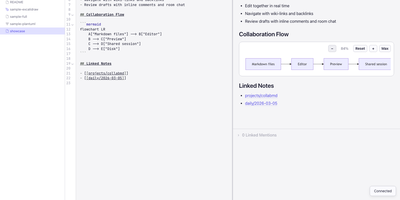
- Write in a rich markdown editor with tables, task lists, syntax highlighted code, KaTeX math, and Mermaid diagrams, and see the formatted result as you type.
- Folders Tags And Colors
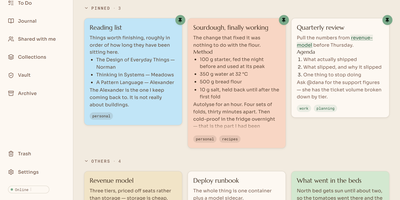
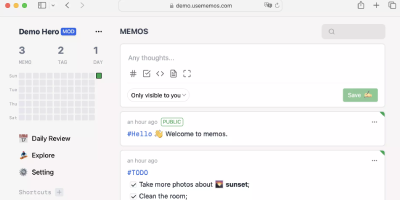
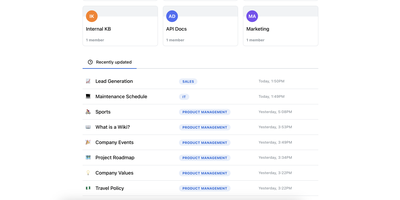
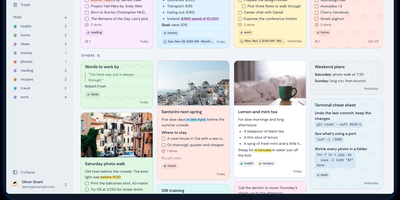
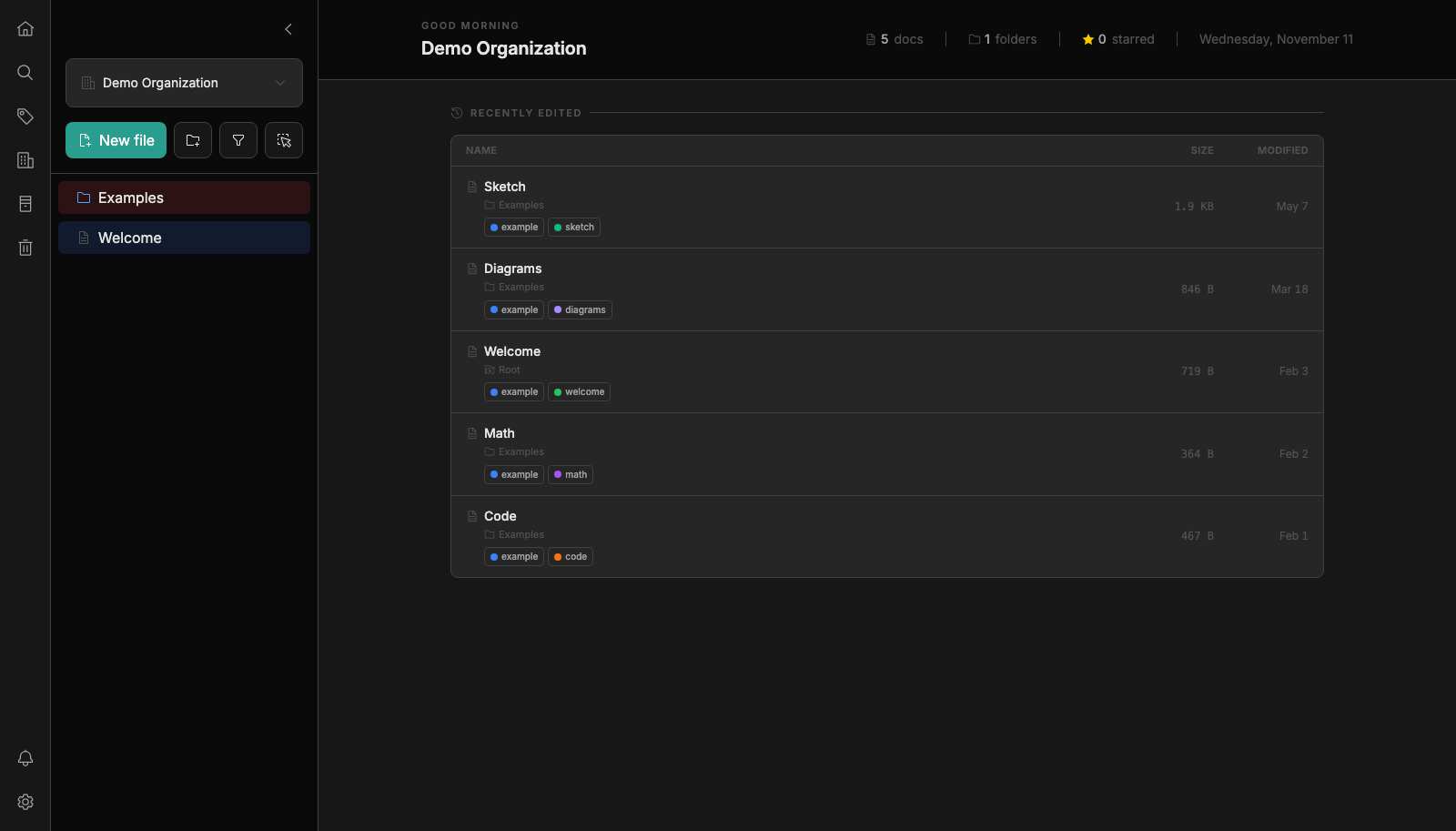
- Organize documents into nested folders, add colored tags, mark favorites, and open recently edited notes from a dashboard that shows document and folder counts.
- Full-Text Search
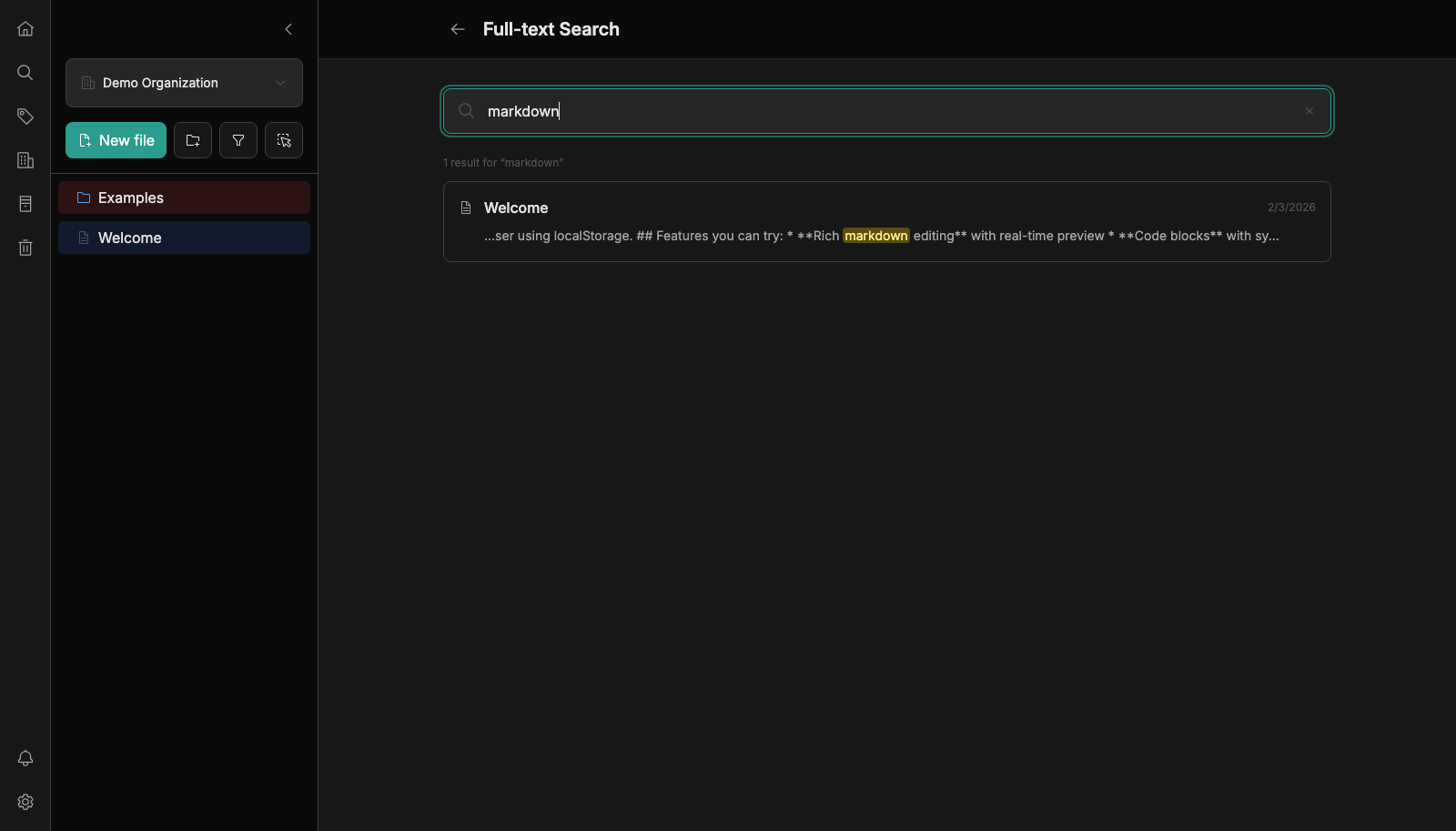
- Search across every note in an organization and filter results by tag, so a phrase from months ago is only a few keystrokes away.
- Trash And Archive
- Deleted notes move to a recoverable trash and archived notes leave the main tree, so cleanups are safe and old material stays available when needed.
- Webhooks And API Keys
- Send document created, updated, deleted, and moved events to external services, and create API keys so scripts can manage and search notes over HTTP.
- Automated Backups
- Schedule a daily backup that writes compressed archives and prunes old ones by retention, and export a full zip of markdown files whenever you want.