Stars
Forks
Watchers
Developer links
Directory Lister
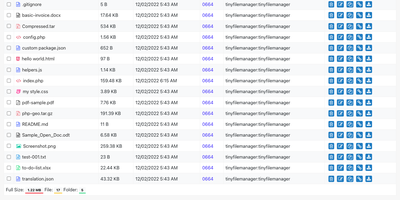
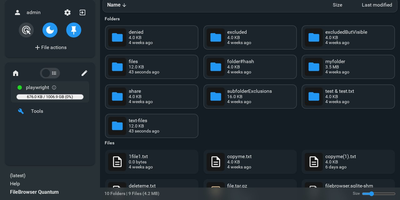
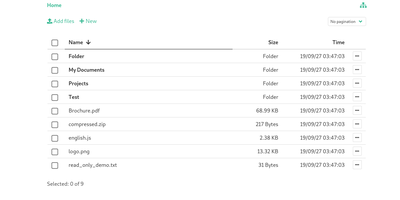
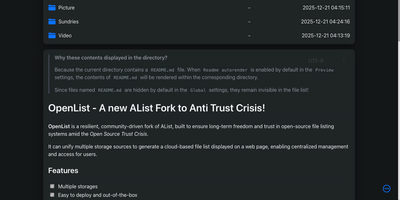
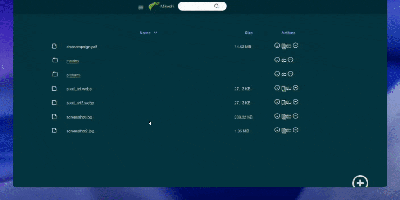
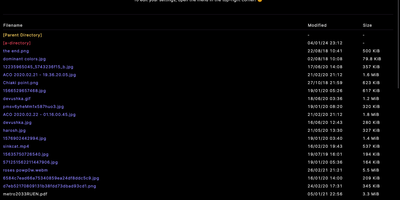
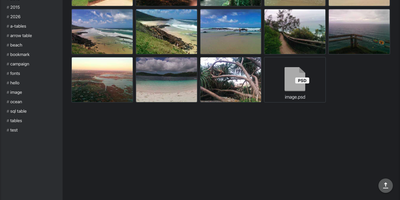
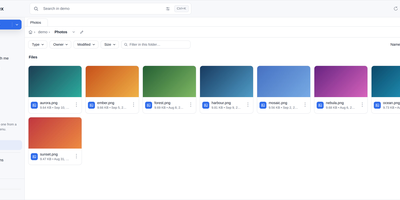
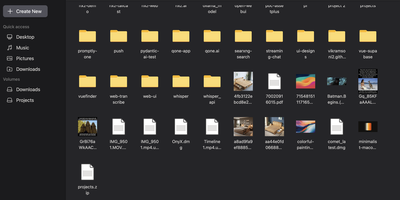
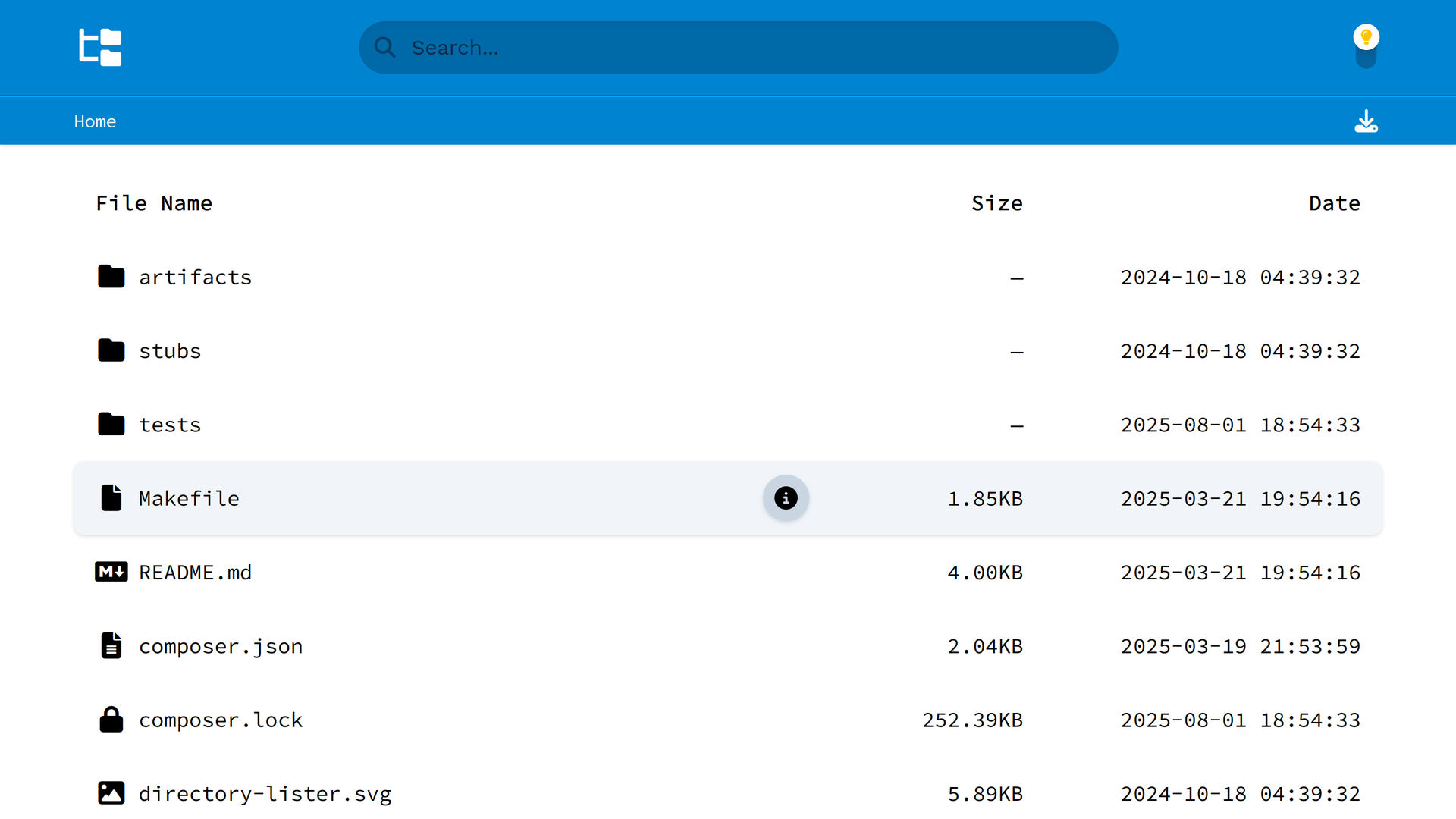
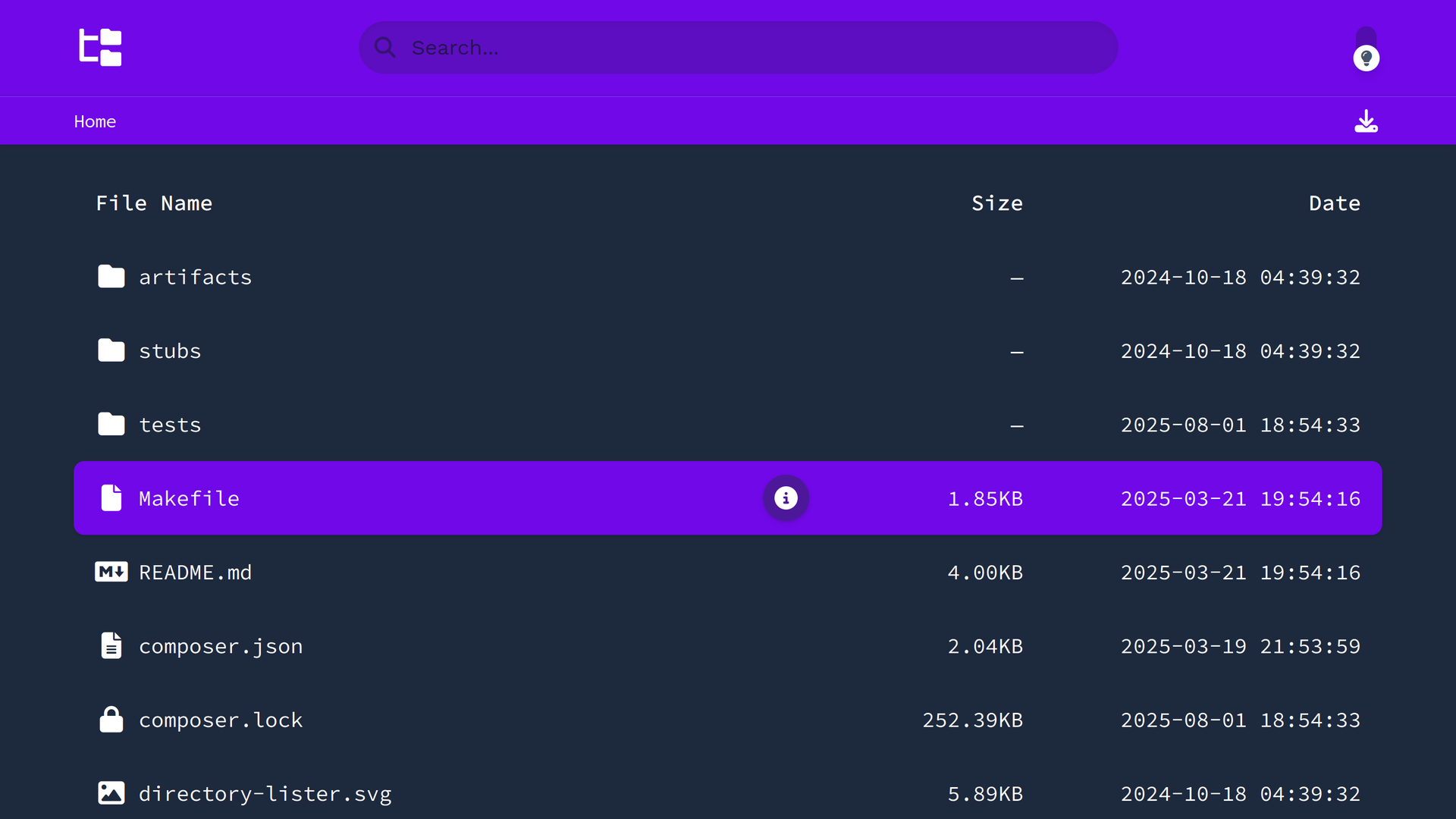
Drop Directory Lister into a folder and that folder becomes a tidy public file library. Visitors browse directories in the browser, search filenames, sort the listing the way they think, and download single files or the whole directory as one zip. There is nothing to configure for the first run, which makes it the fastest honest answer to "how do I just share these files" for release archives, documentation bundles, media collections, and project downloads. A README placed in a folder renders right on the listing page, so instructions travel with the files instead of living in a separate post nobody opens. File hashes appear beside downloads for people who verify what they fetched, and light and dark themes keep the listing presentable on a project site or a personal server. Multiple languages localize the interface for the audience actually downloading. Point it at the folder, share the link, and the files present themselves. One caution belongs in the pitch itself: everything in the exposed folder is public, hidden files included, so this is a publishing tool, never a place for private material. Running on a dedicated VPS on RepoCloud with guaranteed CPU, RAM, and SSD, full root SSH access, and a browser serial console. MIT licensed.
Benefits
- Sharing Without An Account System
- Visitors need no login, no client, and no instructions beyond the link. The folder presents itself in the browser, which removes the usual round of access requests and how-do-I-download questions.
- Trust Through Visible Hashes
- Published file hashes sit beside each download, so recipients can verify they received the exact bytes you published, a small feature that matters for installers and archives.
- Instructions Next To Files
- A README in a folder renders on the listing page itself, keeping license notes, install steps, and version warnings attached to the downloads they describe.
- Minutes From Folder To Library
- Zero-configuration installation means a directory of releases, photos, or documents becomes a searchable public library faster than setting up accounts on a file platform.
Features
- Browsable Folder Listings
- Any web-accessible directory becomes a navigable listing with custom sort ordering, so visitors move through nested folders like a small file site.
- File Search
- Built-in search narrows long listings to the file a visitor actually came for, instead of paging through hundreds of names.
- Zip Downloads
- A whole directory can be fetched as a single zip archive, turning a folder of related files into one click for the recipient.
- README Rendering
- Markdown README files inside listed folders render directly on the page, so documentation and downloads share one address.
- Themes And Languages
- Light and dark themes suit project sites or personal servers, and multi-lingual support presents the interface in the visitor's language.
- Drag-And-Drop Installation
- Copy the files to a PHP host or run the Docker Compose setup; no database and no build step stand between you and a listing.