Stars
Forks
Watchers
Developer links
FileGator
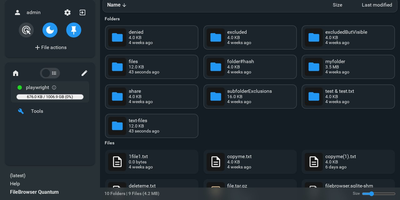
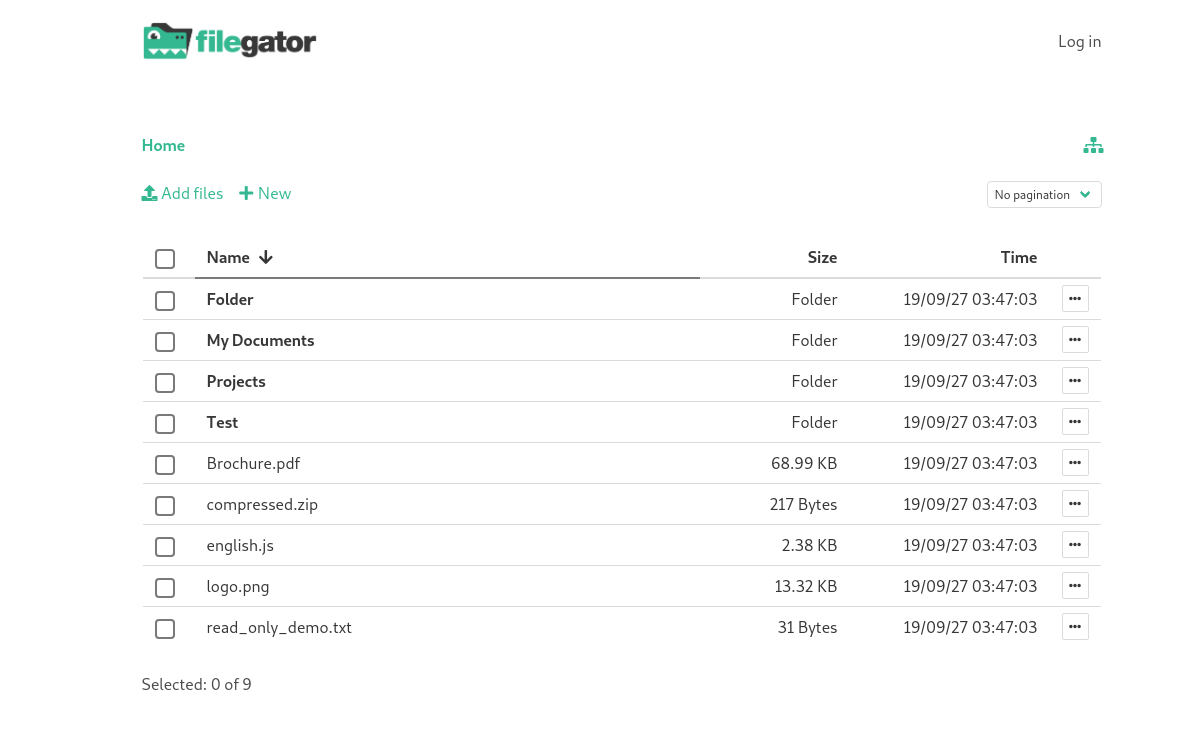
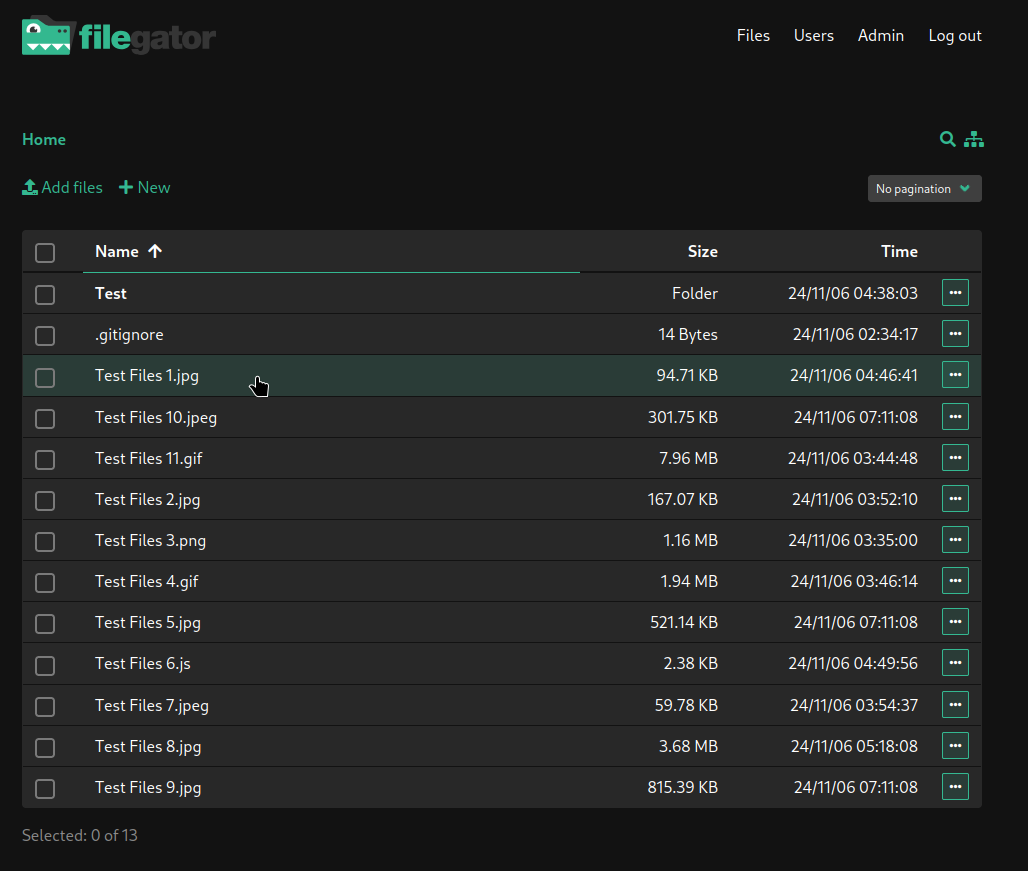
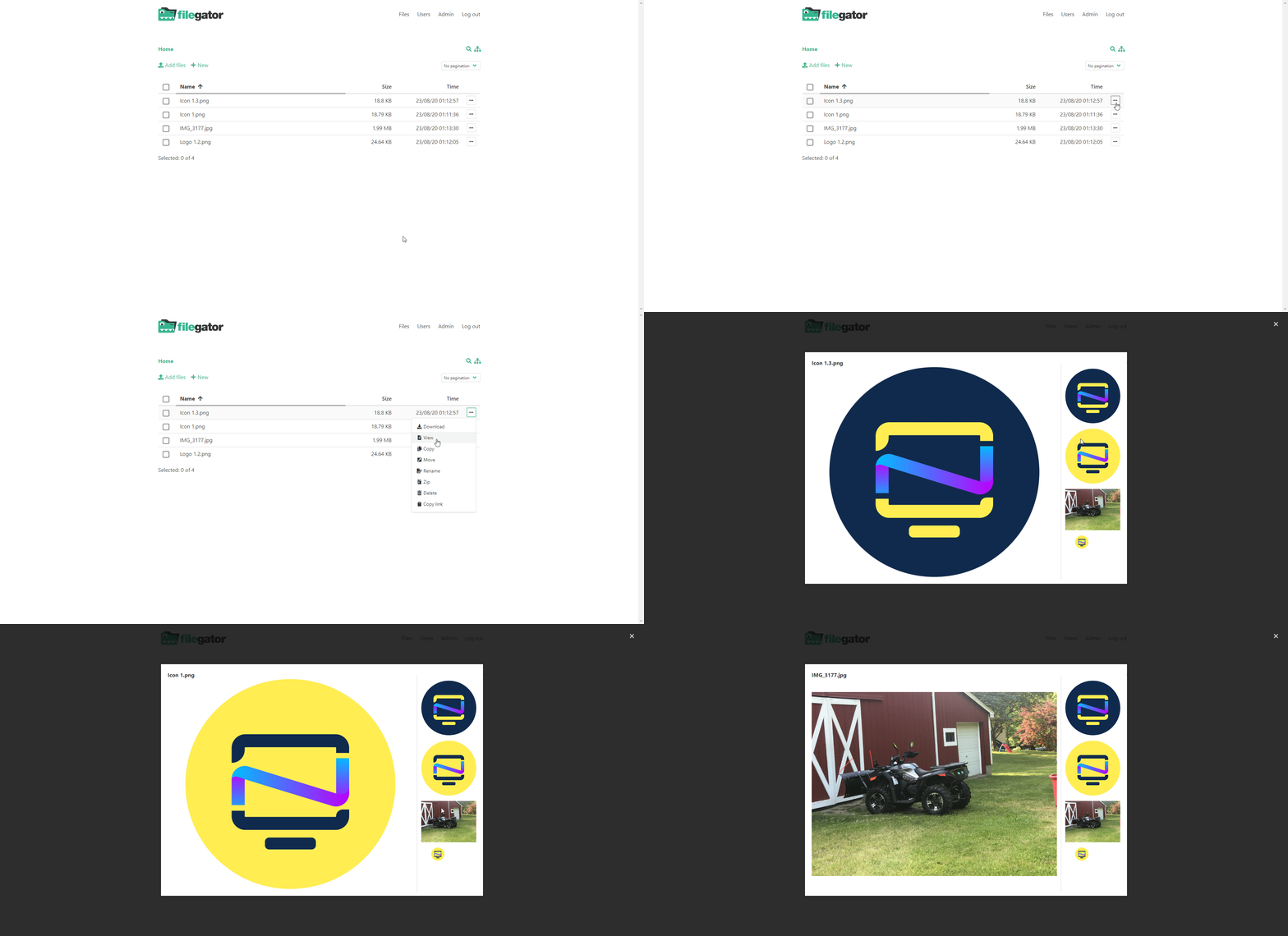
FileGator is a self-hosted, multi-user web file manager that gives your team a shared place to upload, organize, preview, and download files through the browser, with every person fenced into the folders they are allowed to touch. Create accounts for colleagues, students, or clients and give each one a home folder plus permissions that decide what they can read, write, rename, or delete. Everyone gets the full file toolkit: copy, move, rename, edit, create, delete, and preview, plus zip and unzip for bundling archives on the server. Select several files or folders and download them together, or zip a remote directory and pull it down in a single transfer. Uploads accept drag and drop with a live progress bar, and chunked transfers pause and resume, so a multi-gigabyte video survives an unstable connection. Point FileGator at a plain folder on the server disk or connect an Amazon S3 bucket as the storage adapter behind the same interface. Teachers collect assignments through it, field teams drop photos and documents from the road, and families share one photo archive without anyone installing an FTP client. Admins manage users, roles, and permissions from one panel, and the application runs on ordinary PHP hosting you already know how to operate. Running on a dedicated VPS on RepoCloud with guaranteed CPU, RAM, and SSD, full root SSH access, and a browser serial console. MIT licensed.
Benefits
- Role-Based Multi-User Access
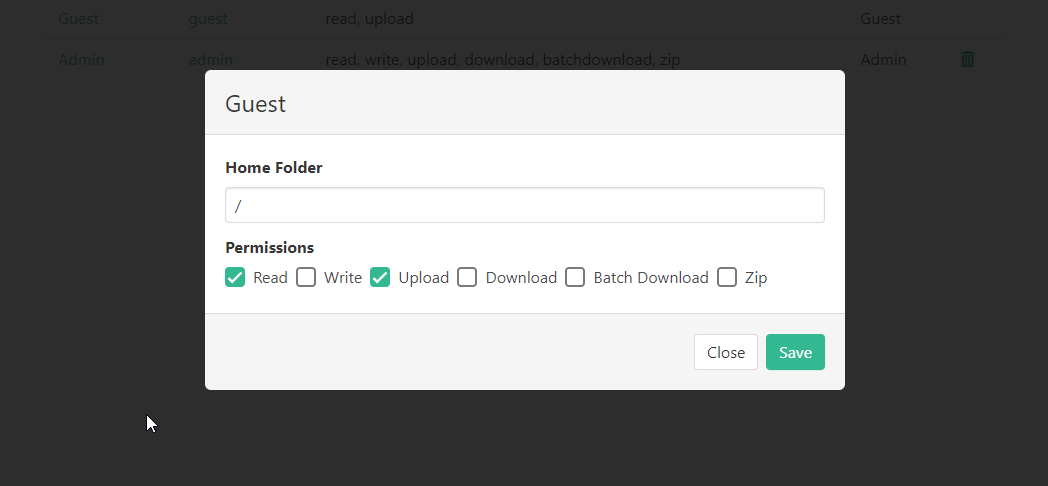
- Admins create accounts with individual home folders and permissions per folder, so clients, students, and teammates share one installation while only ever seeing the files meant for them.
- Uploads That Survive Bad Connections
- Chunked uploads show a live progress bar and support pause and resume, so very large files finish reliably even on flaky hotel Wi-Fi or a congested office network.
- Local Disk Or S3 Storage
- Serve files from a folder on the server or connect an Amazon S3 bucket through the storage adapter, keeping the same interface while the bytes live wherever you prefer.
- Every File Operation Built In
- Copy, move, rename, edit, create, delete, preview, zip, and unzip all happen in the browser, replacing the FTP clients and shell sessions people used for these chores.
Features
- Chunked Drag And Drop Uploads
- Drop files into the browser and watch chunk-by-chunk progress with pause and resume, allowing uploads larger than typical PHP limits to complete reliably.
- Zip And Unzip
- Bundle files and folders into archives on the server and extract uploaded zips in place, moving whole directory trees in a single download.
- Per-Folder Permissions
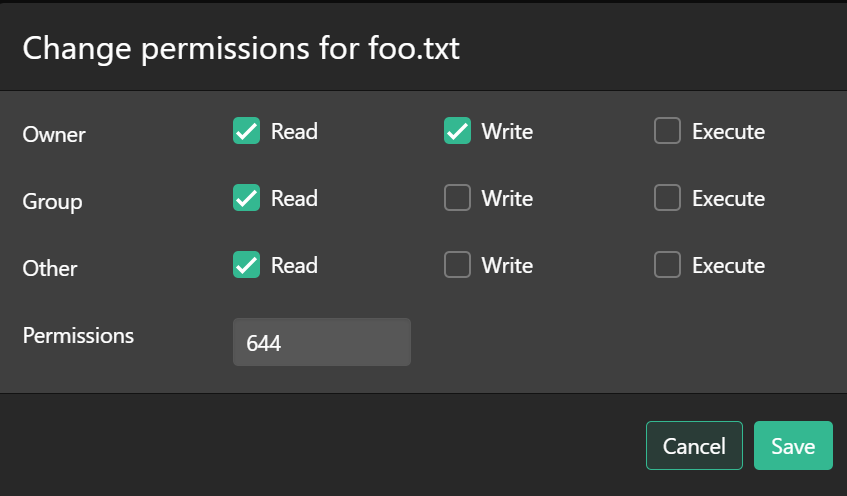
- Grant read, write, rename, and delete rights folder by folder for each user role, fencing every account into exactly the area it should manage.
- S3 Storage Adapter
- Connect Amazon S3 or compatible buckets as the file repository behind the interface, or keep files on the local disk of the server itself.
- Preview And Editing
- Preview images and documents and edit text files directly in the browser, fixing a line in a config or readme without downloading anything first.
- Multi-File Download
- Select several files or folders and download them together in one transfer, skipping the tedious one-by-one saving that default file browsers force on people.