Categories
Self-Hosted AI Agents Collaboration MCP Server Creative Tools Video Production Video Review AnnotationDeveloper links
Lampo
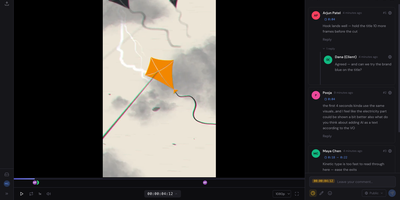
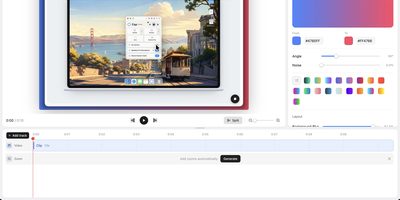
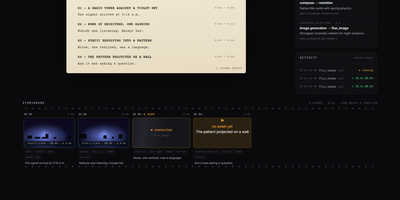
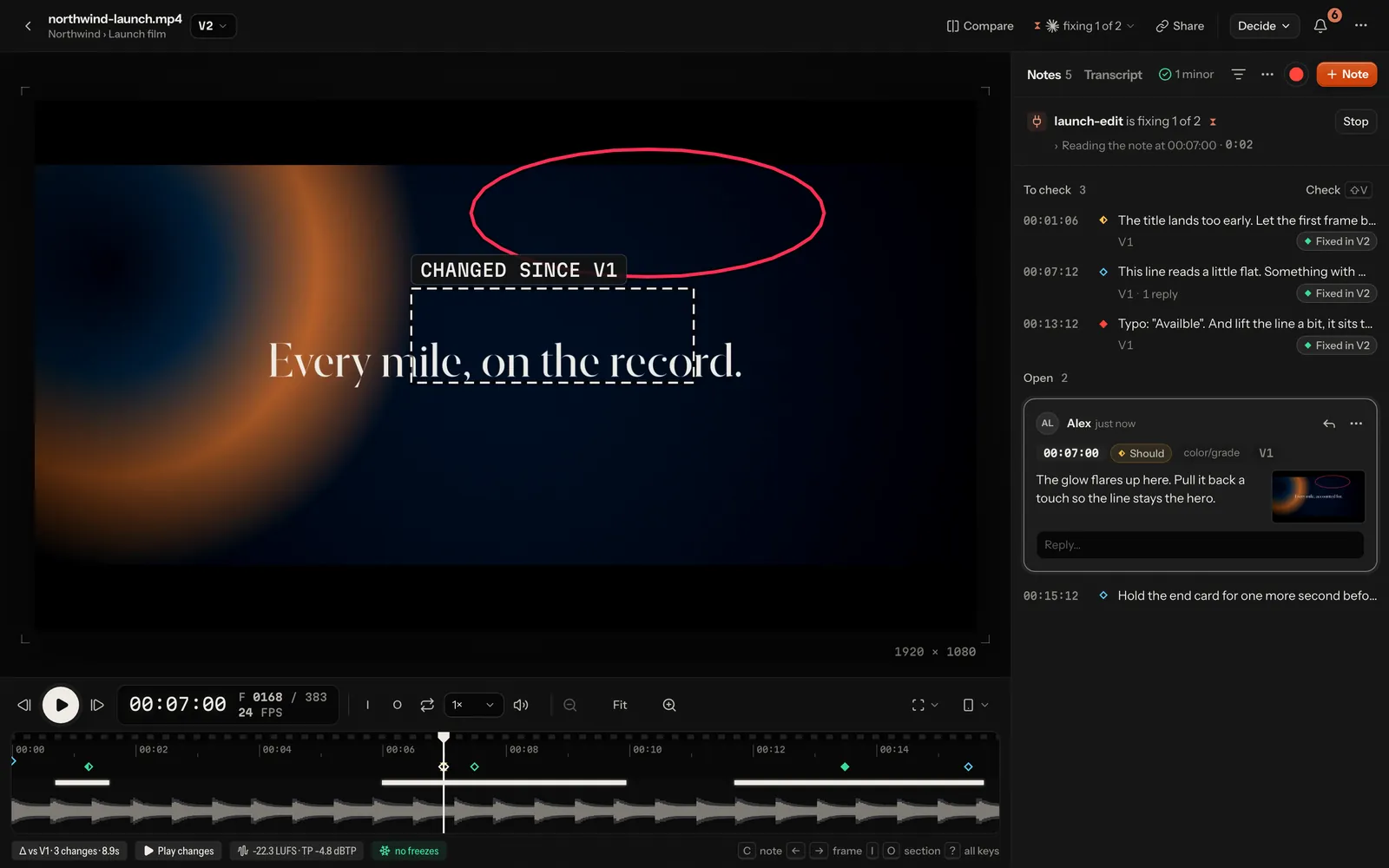
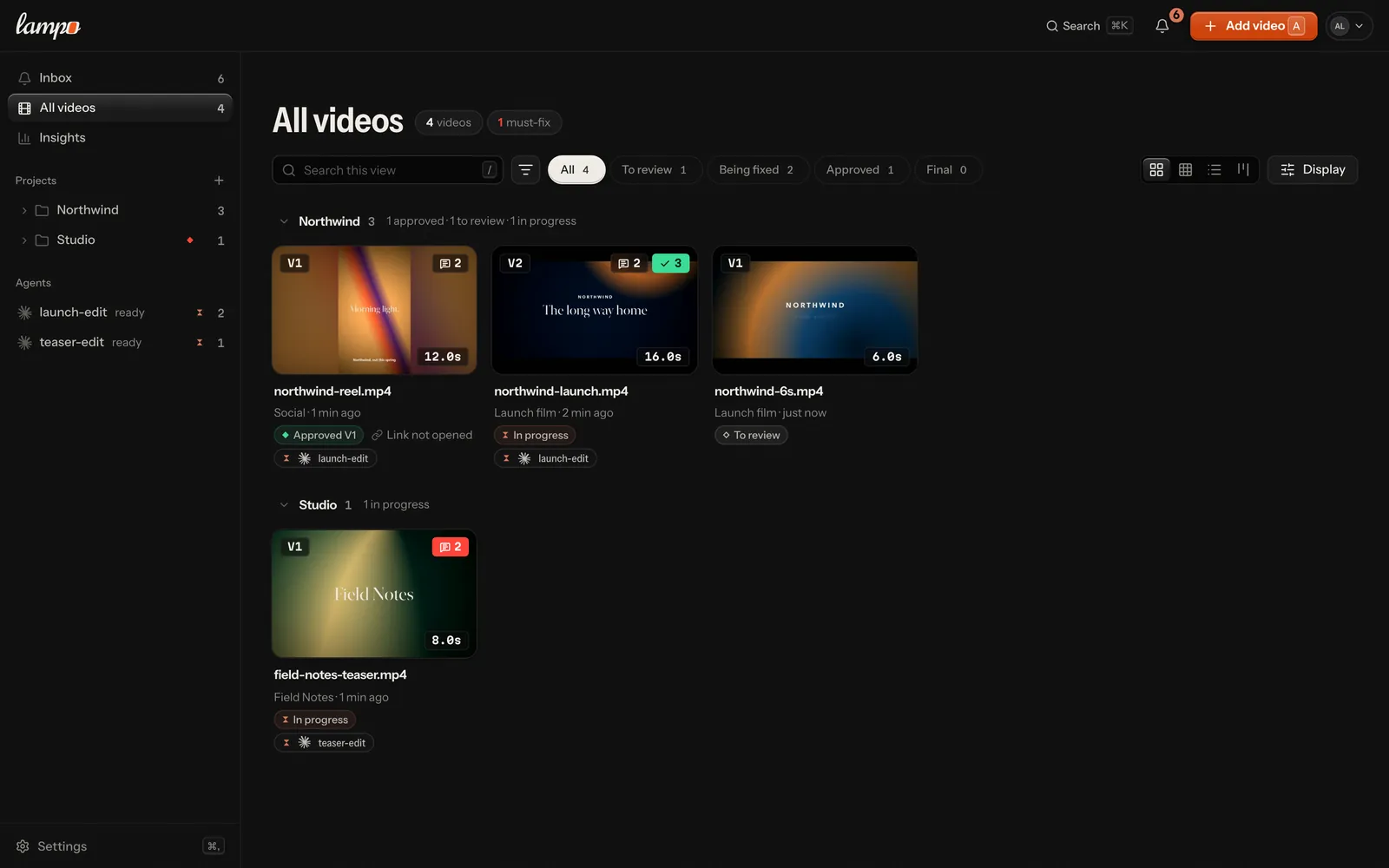
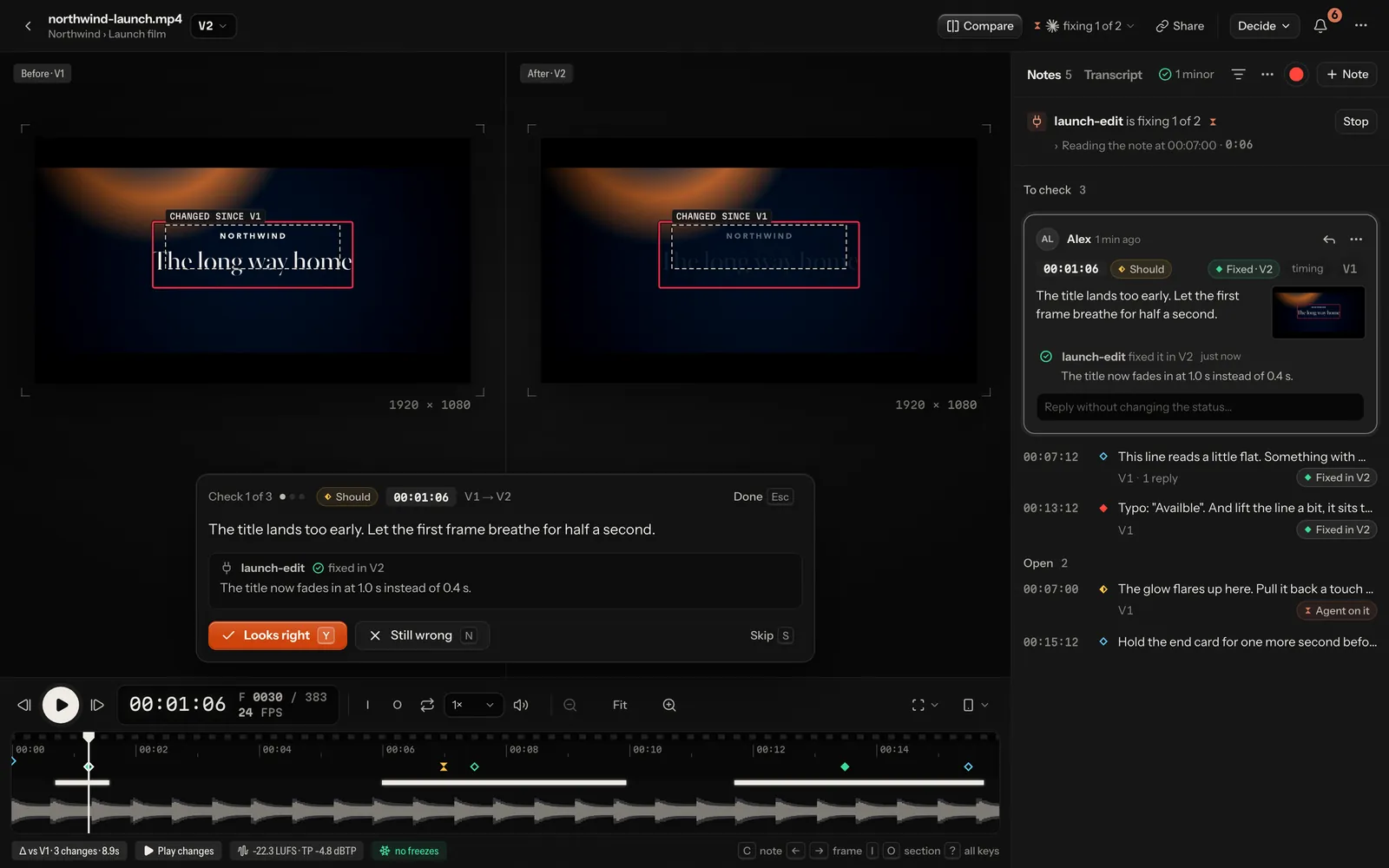
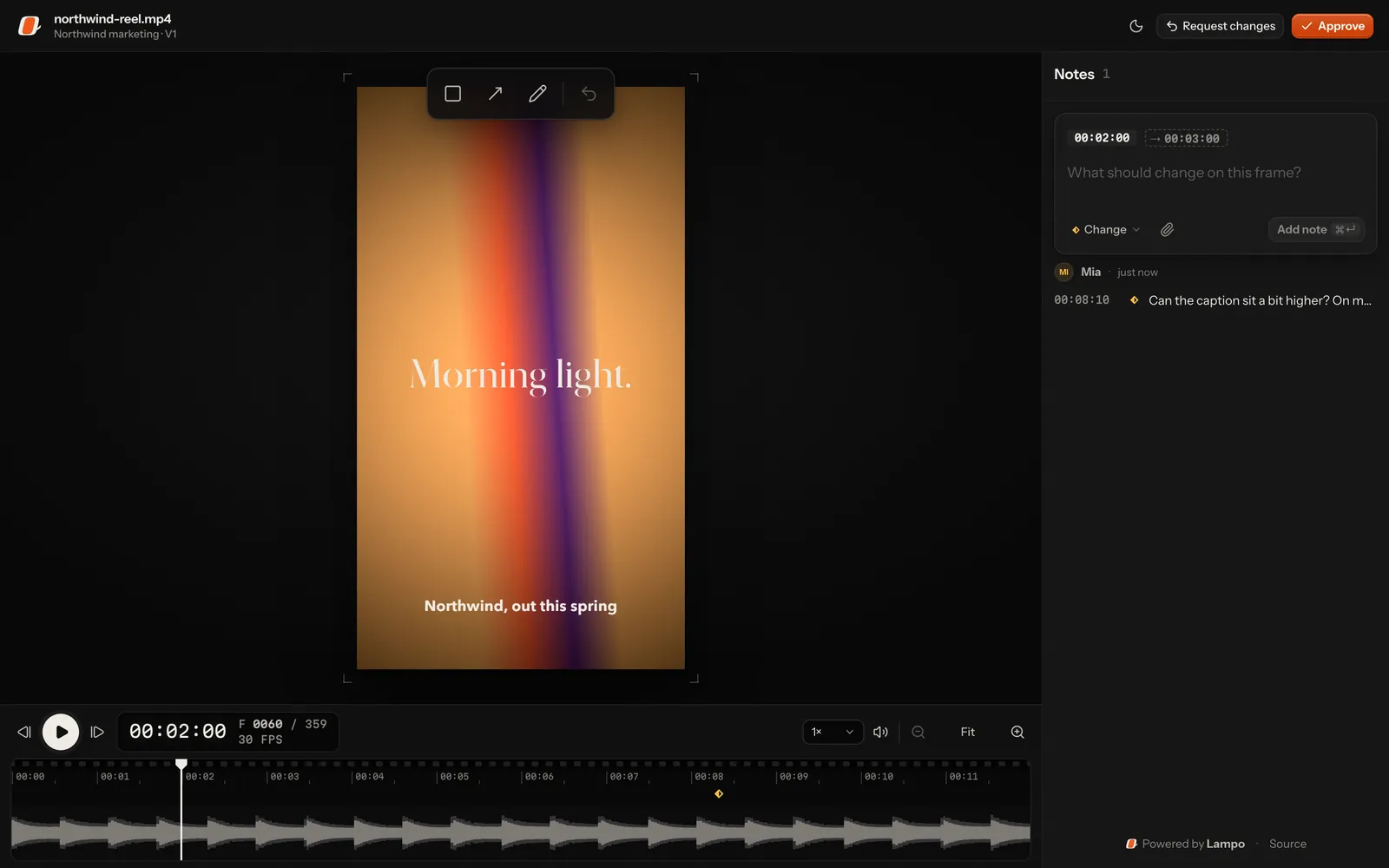
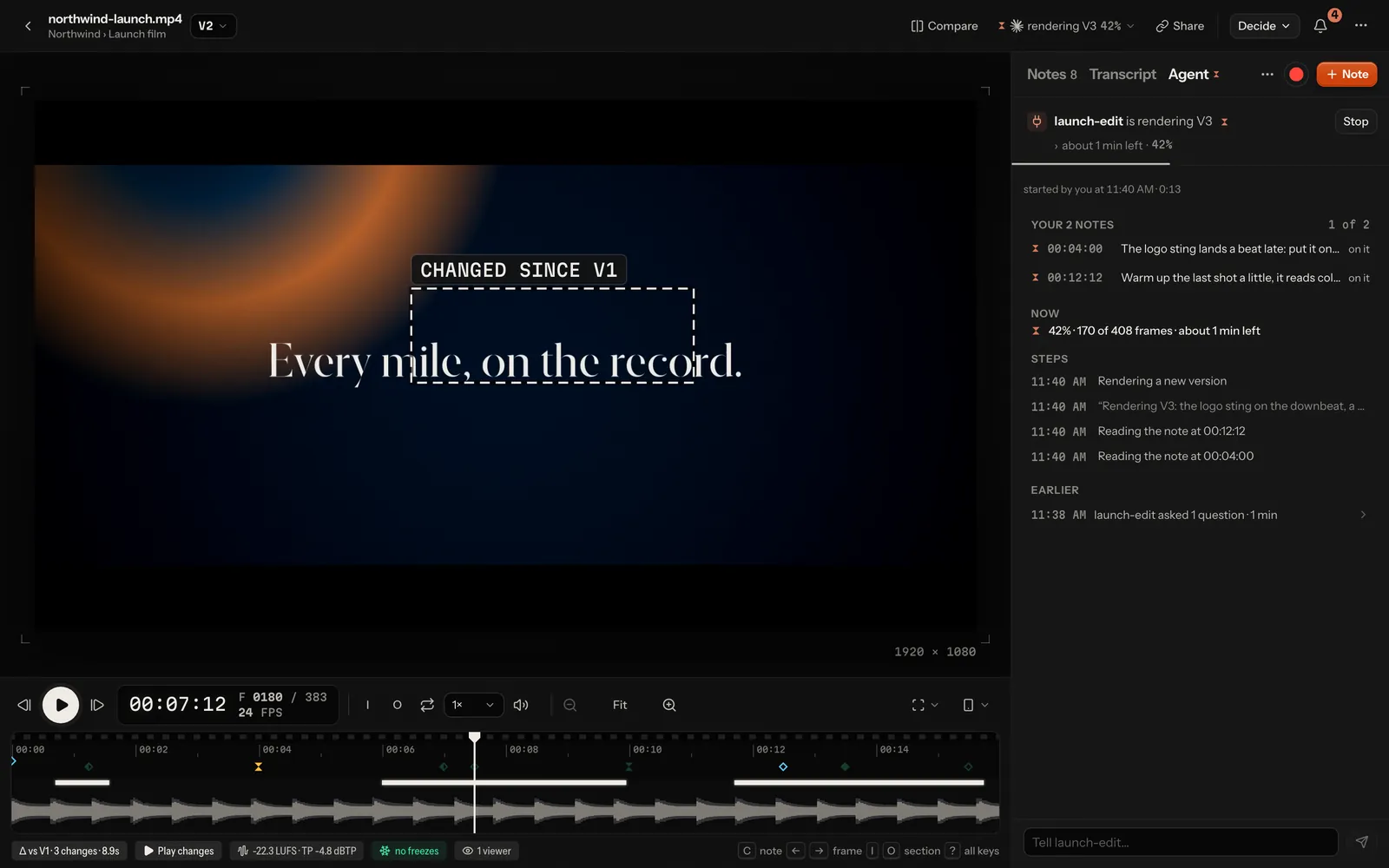
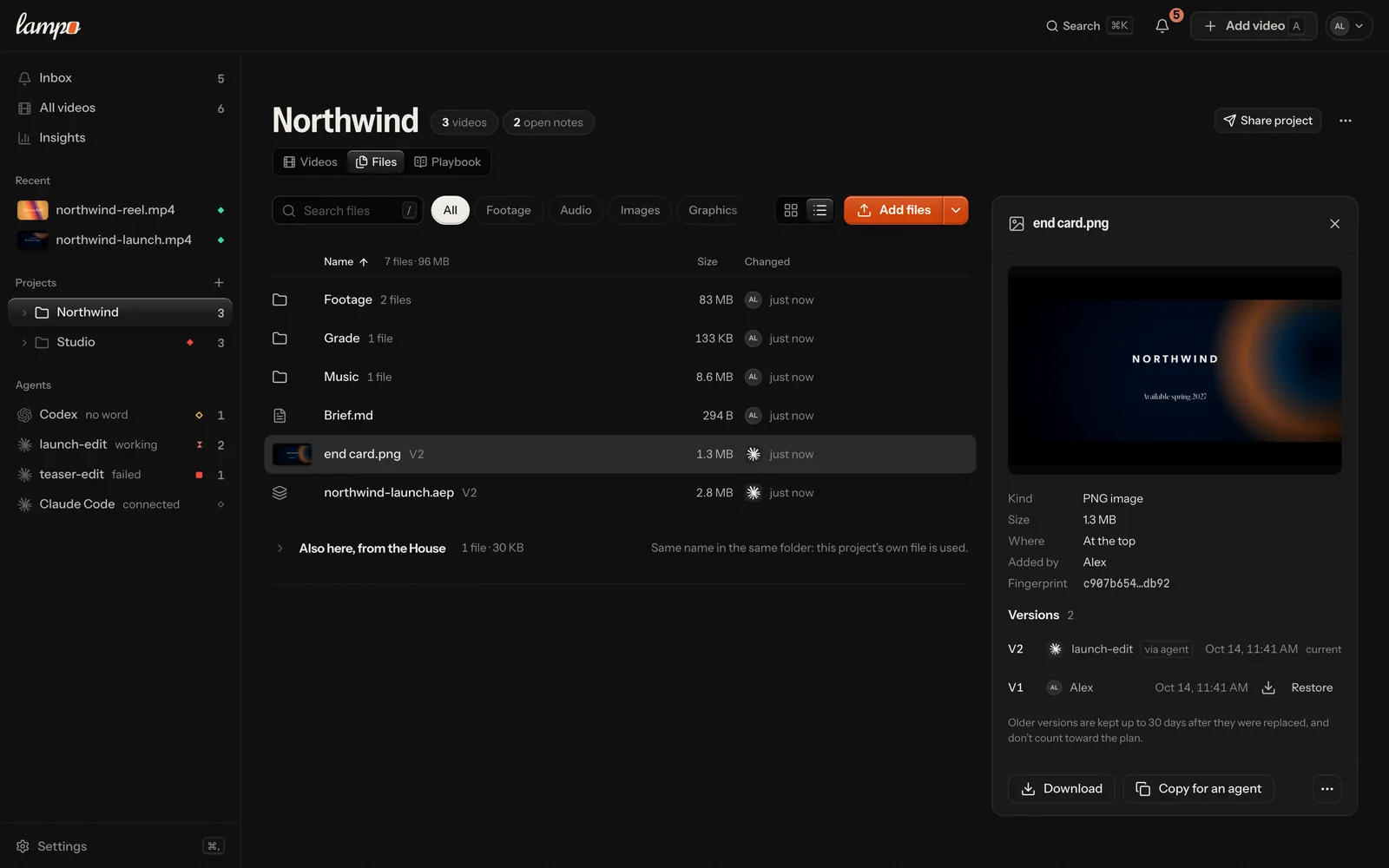
Feedback with a frame number attached: Lampo pins notes, drawings, and voice comments to exact video frames and hands AI agents the timecode and a marked screenshot of each. A producer marks up a cut, and the agent works through the notes, replying to each as fixed, won't fix, or a question pinned to that frame. The next render arrives as a new version with the unresolved notes carried over. Check mode lines up the old and new versions at the same frame, offering one key for looks right and another for still wrong. Hold T and talk while the video plays, and the note pins to where you started, transcribed and tagged by a speech engine on your own server. Auto-check reads burned-in text for typos and flags flash frames, freezes, clipping, silence gaps, and loudness that misses its target before anyone presses play. Clients draw on the frame, reply, and approve through a review link with no account, while you control downloads, expiry, and passwords. Sign-off stays with people. Claude Code, Codex, Cursor, and any MCP client connect through the CLI and MCP server, and an Agent view shows the plan, render progress, and a Stop button. Project Files hold footage, fonts, and logos with restorable versions, and playbooks carry the brief and house rules that agents read first. Running on a dedicated VPS on RepoCloud with guaranteed CPU, RAM, and SSD, full root SSH access, and a browser serial console. AGPL-3.0 licensed.
Benefits
- Notes agents can act on
- Every note carries a frame number, a timecode, a drawing in video pixels, and the exact frame as clean and marked PNGs, so an agent never guesses what you meant.
- Every fix checked before and after
- Check mode walks through each fix with the previous version and the new one side by side at the same frame, so approving takes one keypress per note.
- Clients review without an account
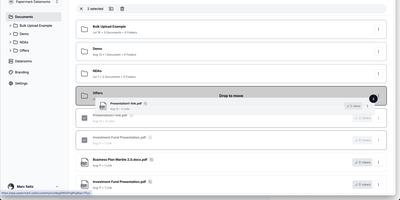
- Share a video or folder as a review link: guests draw on the frame, reply, and approve, while you control downloads, expiry, and passwords and see how far they watched.
- One volume holds the whole store
- The Docker image bundles ffmpeg, the text checks, and the speech engine, and one /data volume holds renders, notes, and models, so a backup and a restore drill cover everything.
Features
- Frame-exact player
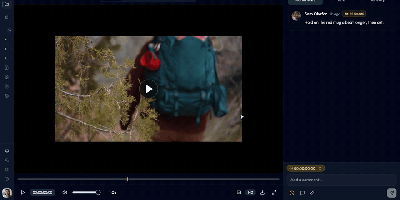
- The browser's frame matches ffmpeg's decoded frame, tested in Chrome and WebKit at 23.976, 25, and 30 fps, with proxies for unsupported formats and scrub copies for long keyframes.
- MCP server and CLI
- The lampo command and an MCP server over stdio or Streamable HTTP at /mcp give Claude Code, Codex, Cursor, and others tools like get_open_notes, mark_fixed, and wait_for_feedback.
- Auto-check and version diff
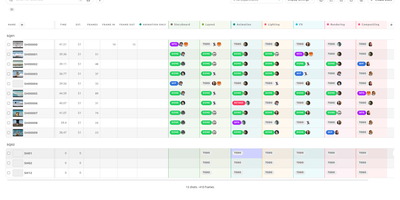
- Each render is compared frame by frame with the previous one, with changed regions outlined and audio changes and moved cuts marked, plus text, freeze, loudness, and clipping checks.
- Local speech and OCR
- Voice notes are transcribed by transcribe.cpp using Whisper large-v3-turbo on GPU or Parakeet v3 on CPU, and tesseract with hunspell powers the text checks in English and German.
- Docker with Caddy HTTPS
- docker compose runs a read-only app container behind Caddy with automatic Let's Encrypt HTTPS and HTTP/3 and a /readyz health check, storing renders on disk, Bunny, or S3.
- Playbooks, taste, and files
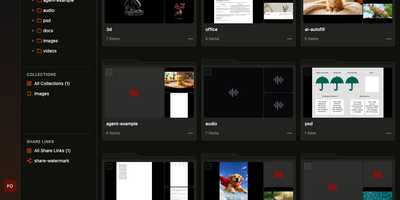
- Hierarchical playbooks hold briefs, rules, references, and SKILL.md skills, a per-project taste file distills notes into one page, and a Files tab keeps versions with Restore and a 30-day trash.