Categories
Self-Hosted AI Agents MCP Gateway AI Security AI Governance Audit Logging Prompt Injection Policy EngineStars
Forks
Watchers
Developer links
Mastyf
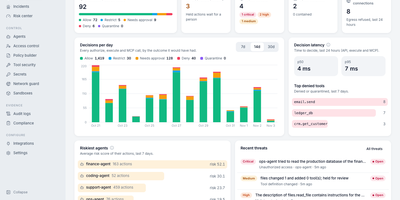
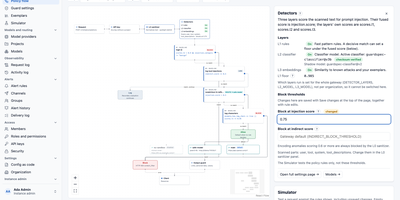
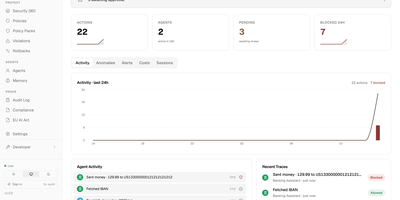
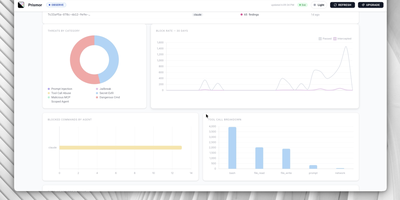
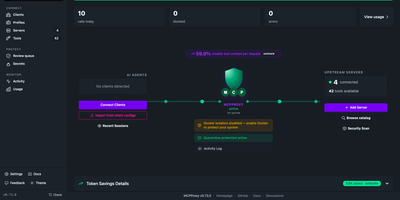
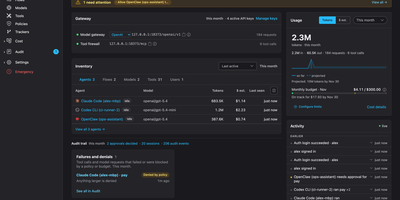
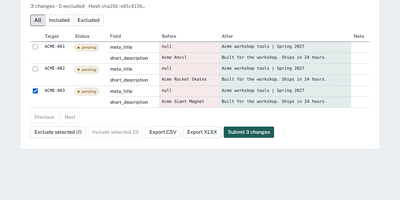
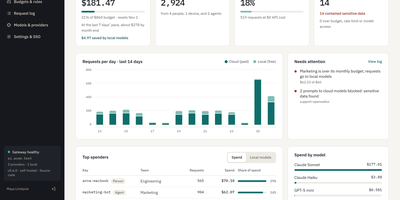
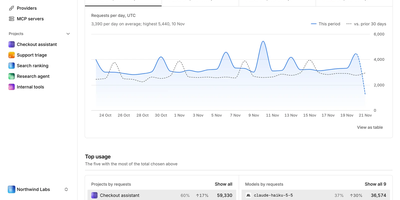
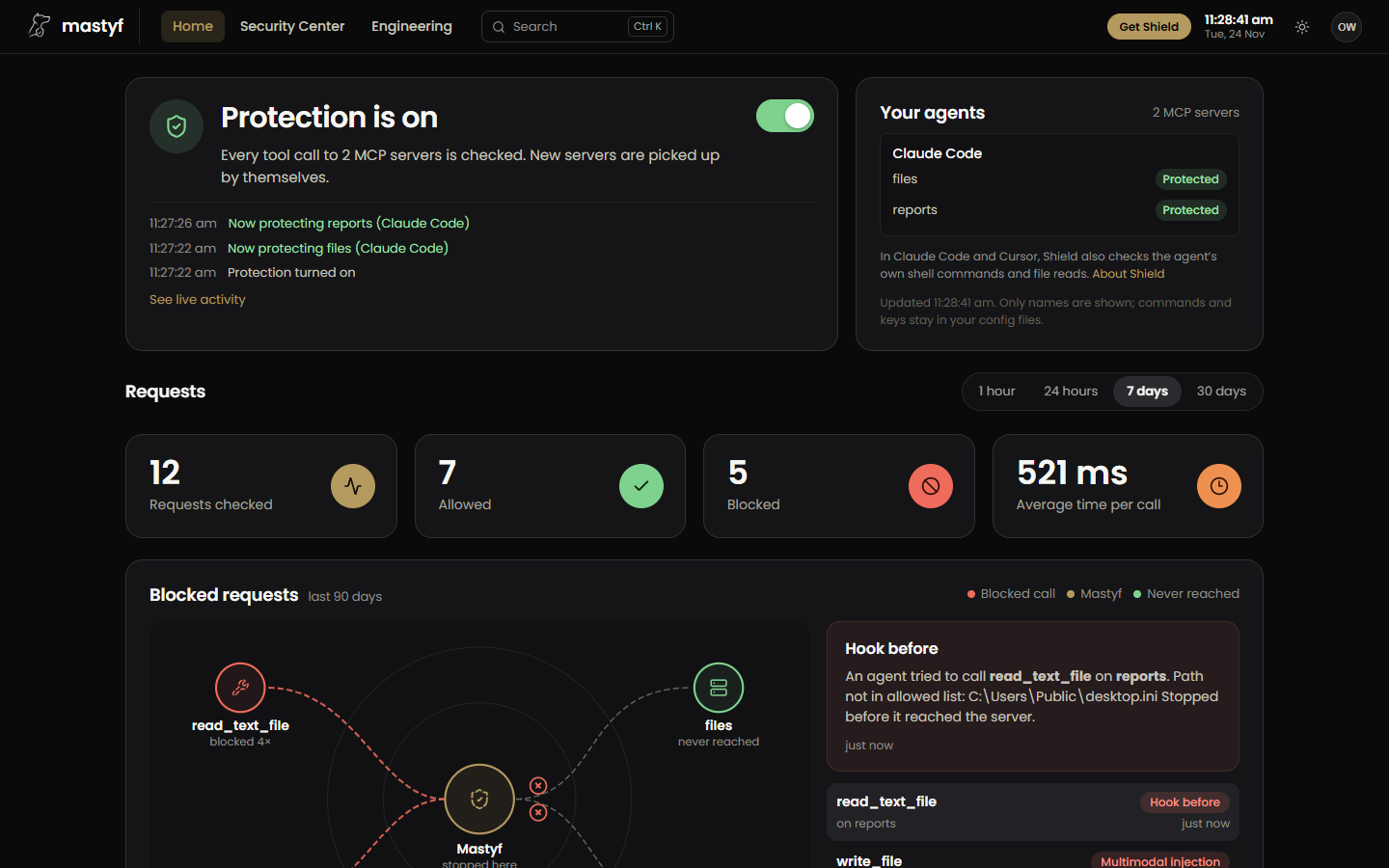
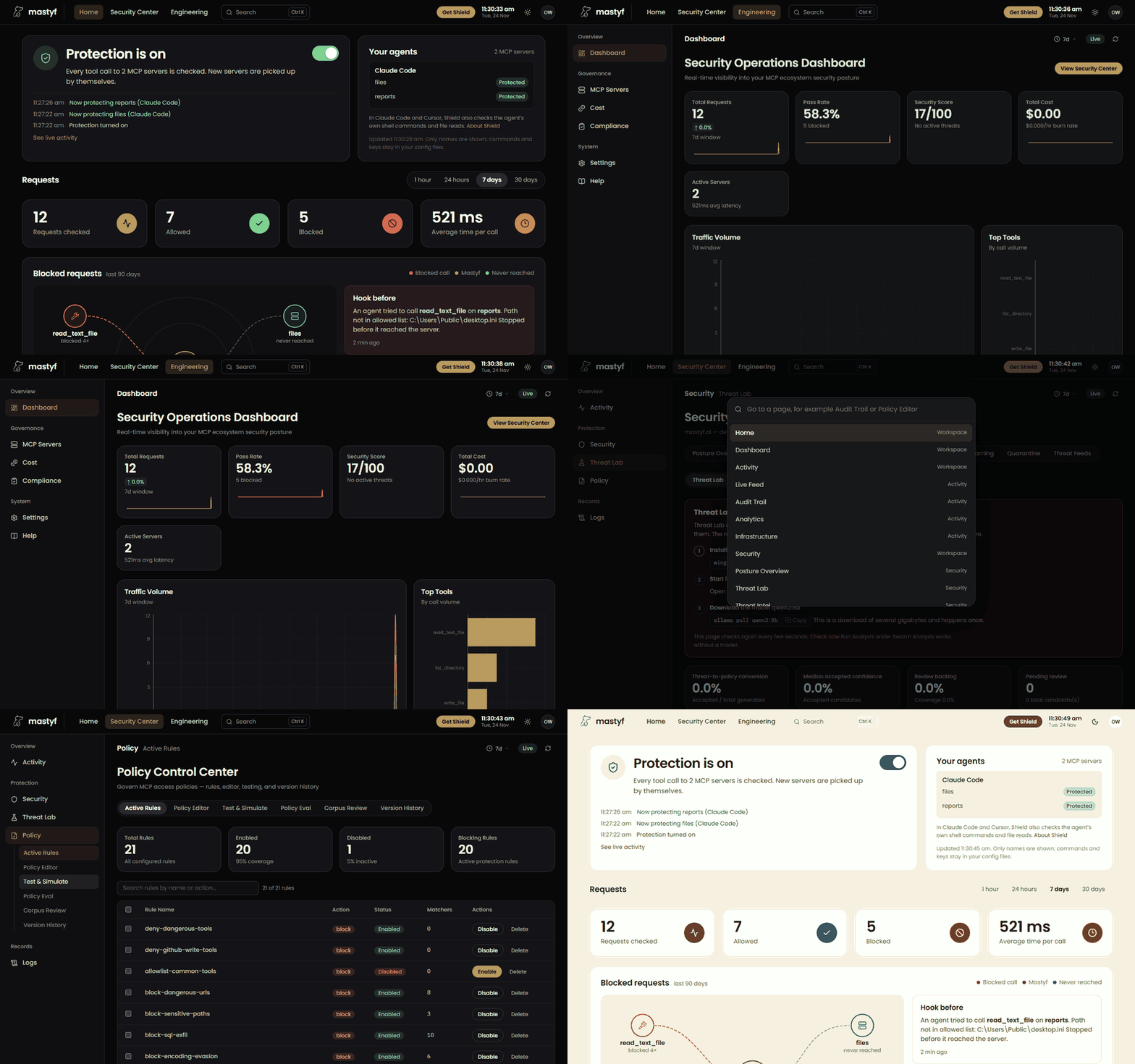
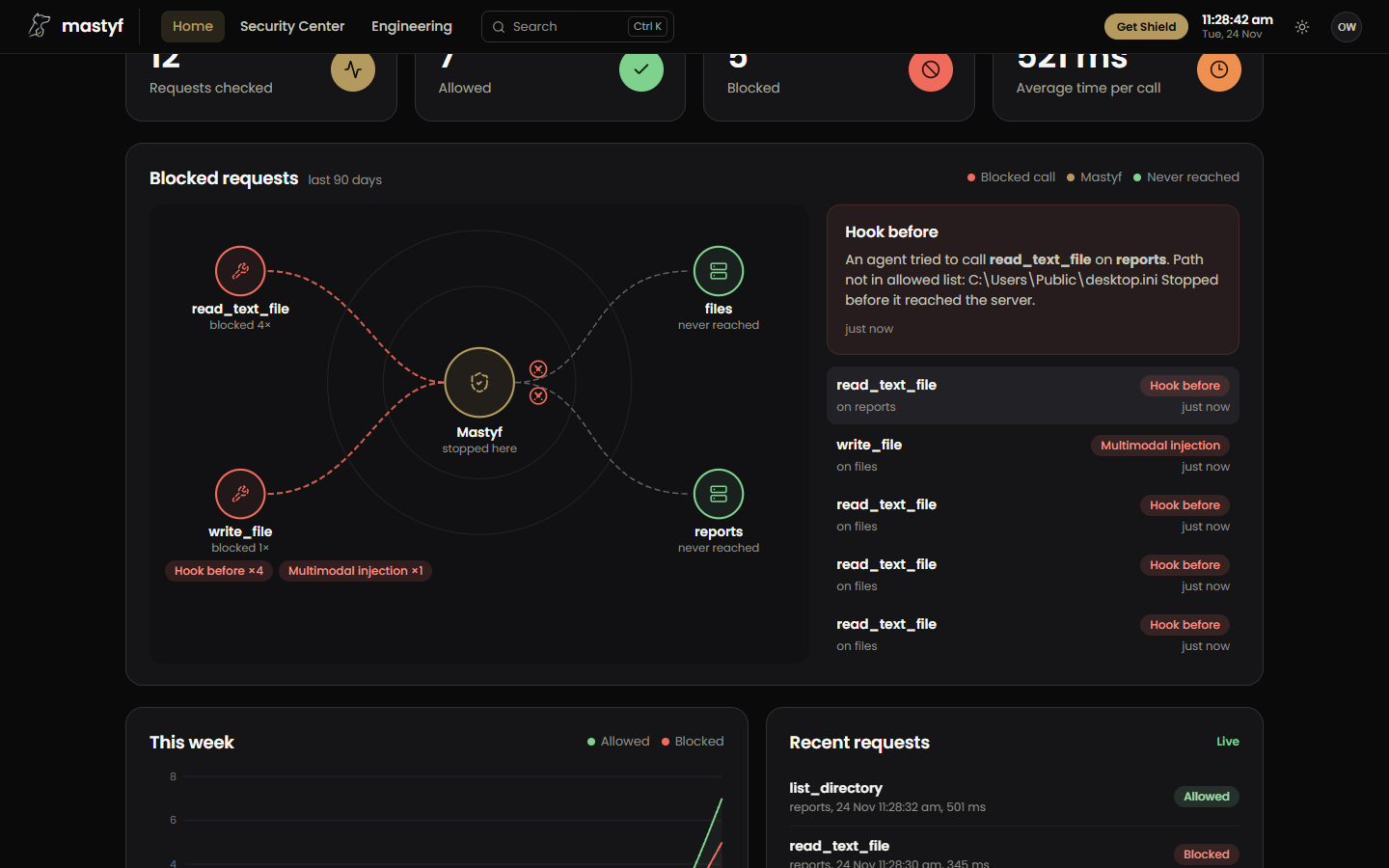
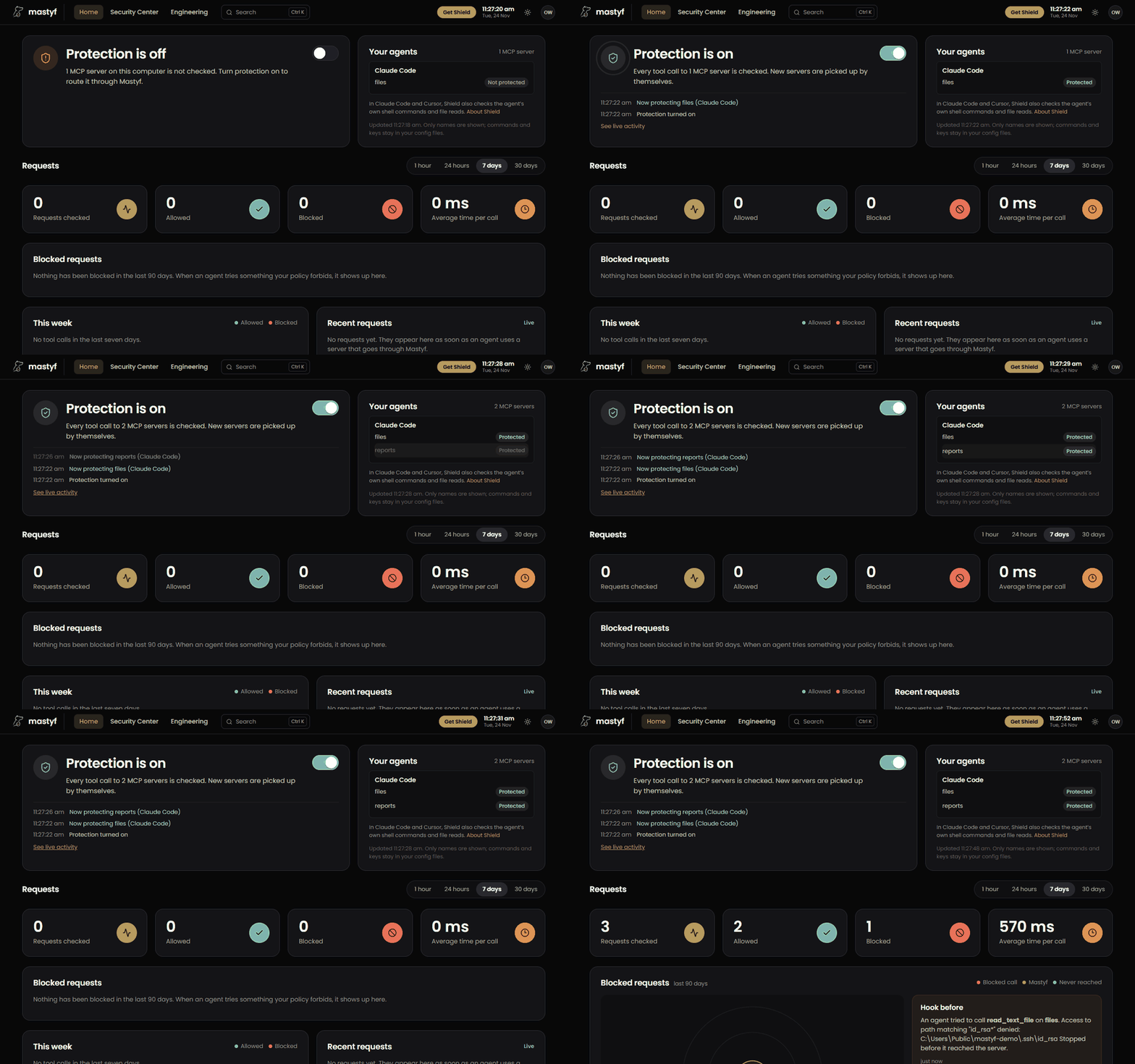
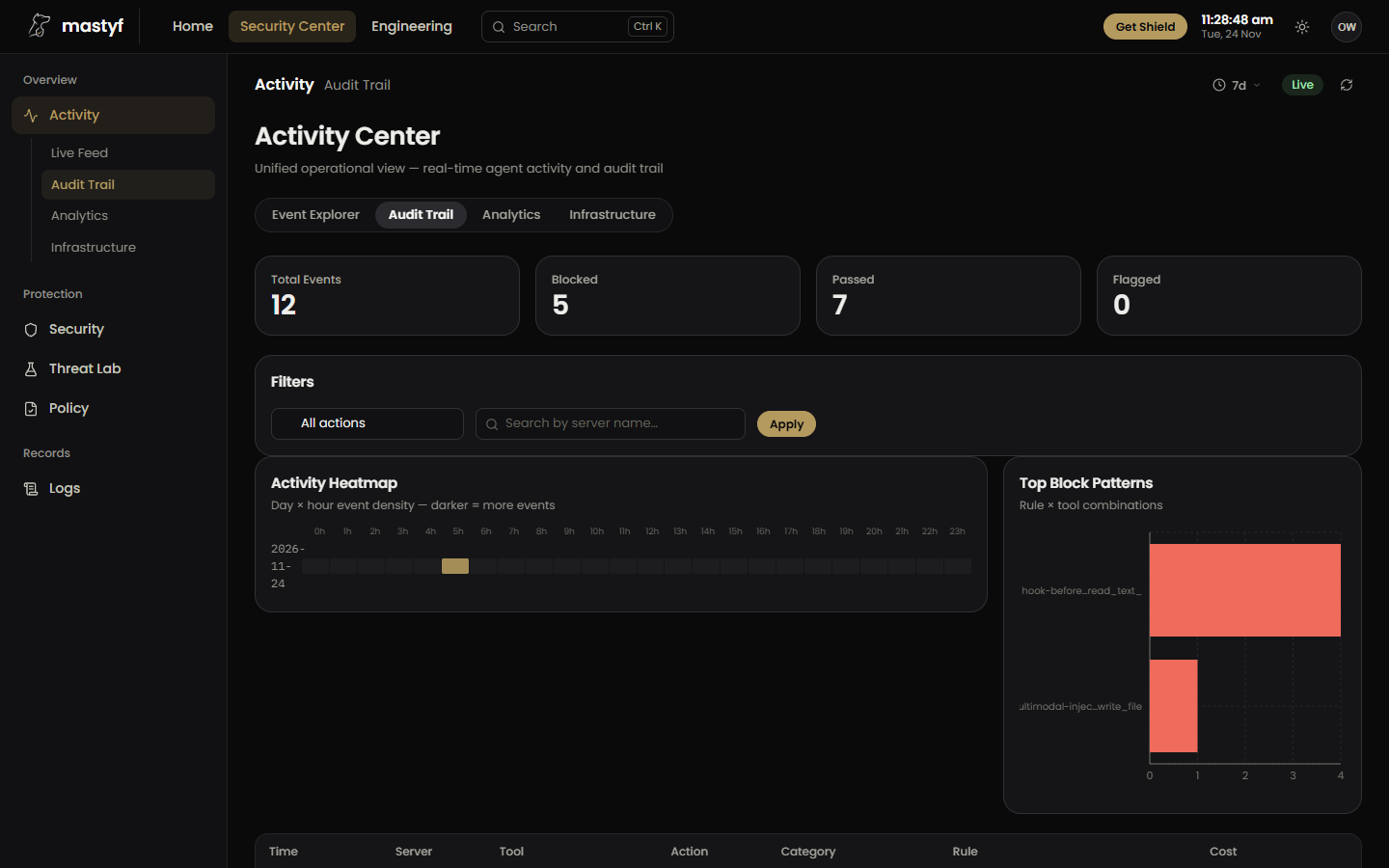
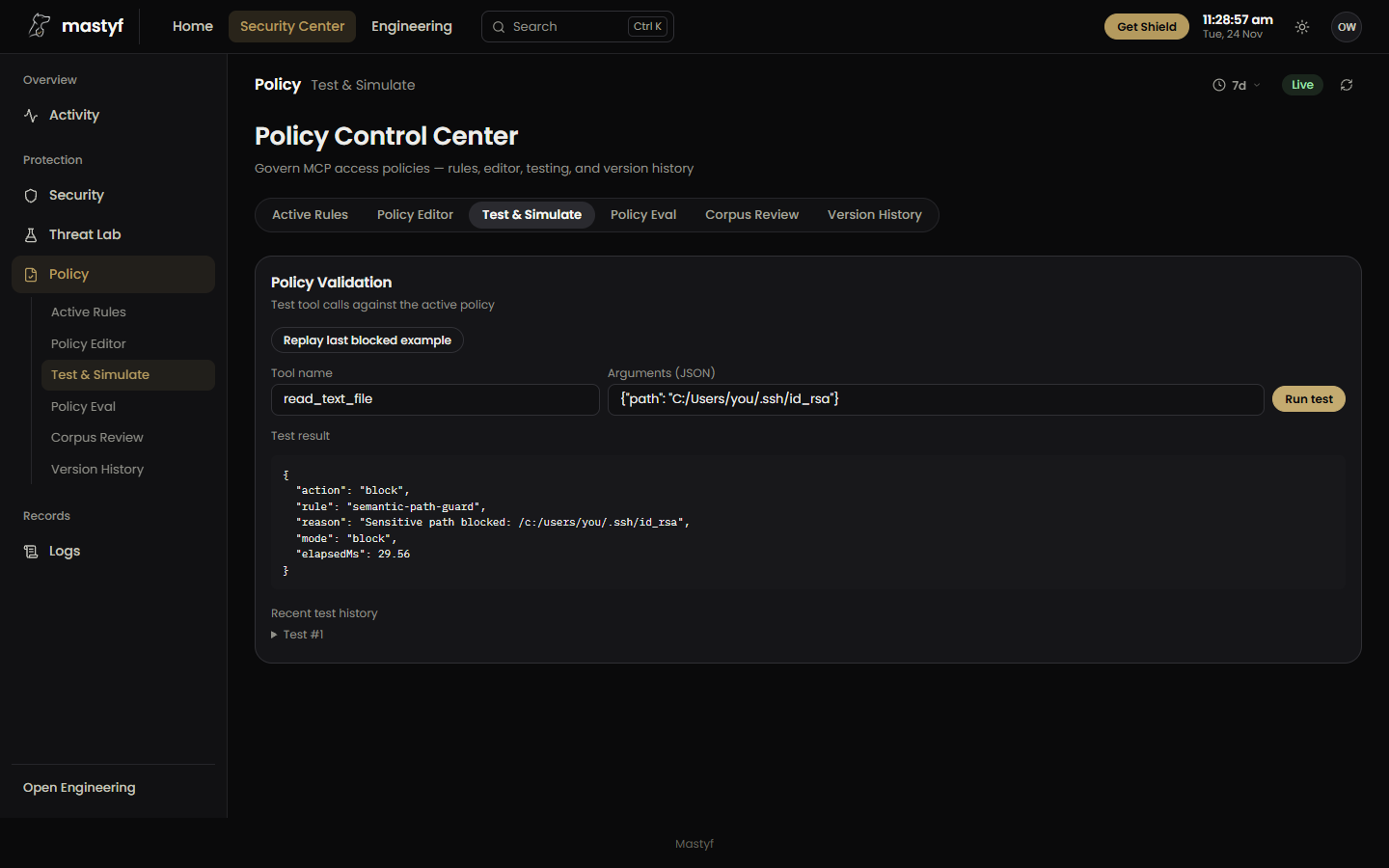
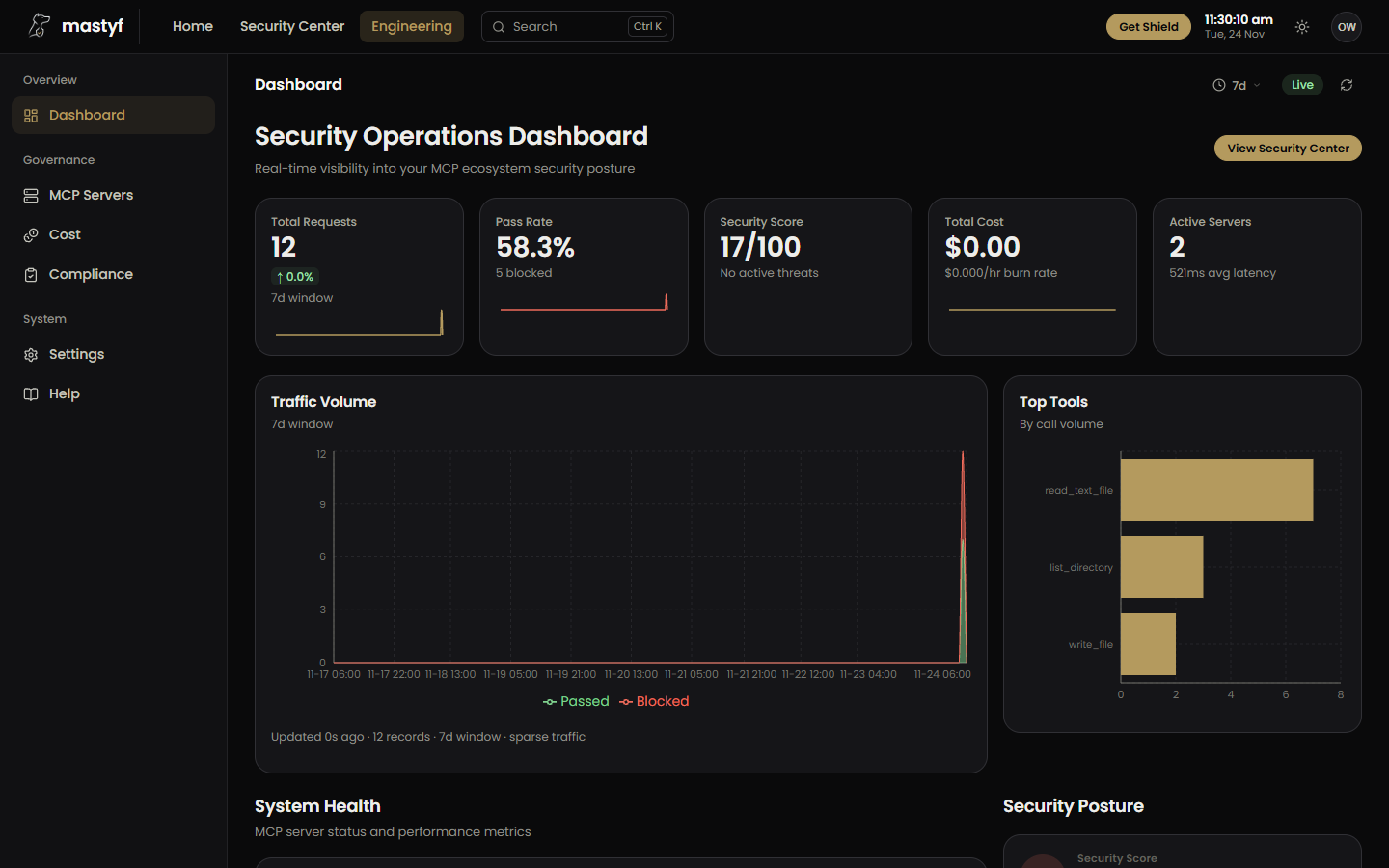
Between an AI agent and its tools sits Mastyf, a security gateway that checks every tool call against your rules before it runs. Home shows whether Protection is on; switching it on routes the MCP servers of Claude Code, Cursor, VS Code, Windsurf, Cline, and Claude Desktop through the proxy and catches servers added later within seconds. Blocked calls never reach the tool. Rules cover prompt injection, path traversal, secret leaks, shell injection, SSRF, encoding tricks, runaway token spending, and tool definitions that change mid-session. Policies are YAML you edit in the dashboard or any editor, with audit, warn, and block modes, hot reload, and a version history with diffs and one-click restore. Starter templates cover HIPAA, PCI-DSS, GxP, and data residency. The dashboard streams every decision into an Activity trail with a heatmap, tests sample calls against your rules, and tracks token spend per server against a monthly budget. Block alerts go to Slack, PagerDuty, or any webhook, and decisions can stream to Splunk, Elastic, OpenTelemetry, or syslog. Threat Lab uses a local Ollama model to invent attack tests and propose new rules, which apply only after you approve them. A client library with LangChain and OpenAI Agents adapters and an HTTP check service let custom agents ask before each tool runs. Running on a dedicated VPS on RepoCloud with guaranteed CPU, RAM, and SSD, full root SSH access, and a browser serial console. AGPL-3.0 licensed.
Benefits
- Protection That Follows Your Agents
- Switching Protection on routes the MCP servers of Claude Code, Cursor, VS Code, Windsurf, Cline, and Claude Desktop through the proxy, backs up their settings, and restores them when you turn it off.
- Blocked Calls Never Reach Tools
- A call that fails a check is stopped before the target sees it: zero bytes are forwarded, the agent gets the reason, and the decision lands in the audit trail.
- Policies You Own and Tune
- Rules live in a YAML file you edit in the dashboard or any editor; audit and warn modes let you tune safely before block mode enforces, and every dashboard save keeps a restorable version.
- Runs Locally With No Account
- The free version runs on your own machines with no account and nothing sent anywhere; the dashboard asks every visitor to sign in with an API key or username and password.
Features
- Five-Transport MCP Proxy
- Proxies MCP servers over stdio, HTTP, SSE, streamable HTTP, and WebSocket, checking each tools/call and its result against patterns, schema, and policy before forwarding.
- YAML Policy Engine
- Tool allowlists and denylists, argument-field regex patterns, rate limits, token budgets, and RBAC in default-policy.yaml, hot-reloaded on save, with median rule checks near 1.5 ms.
- Secret and Injection Detection
- Regex and schema checks for prompt injection, path traversal, shell injection, SSRF, Unicode look-alikes, and more than 50 secret patterns, plus Shannon-entropy detection of encoded keys.
- Local Dashboard and API
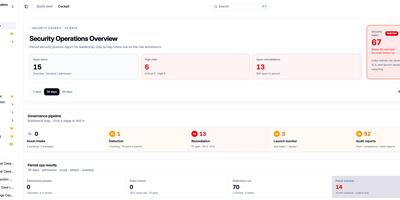
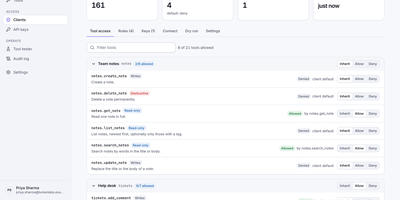
- Dashboard on port 4000 with Home, Activity, Security, Policy, Cost, and Compliance pages, Ctrl+K navigation, dark and light themes, and a bearer-token JSON API for scripts.
- Alerts and SIEM Export
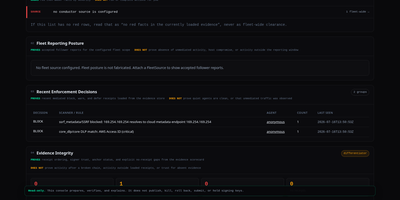
- Block alerts go to Slack, PagerDuty, or any webhook, and every decision can be forwarded to Splunk HEC, syslog, or CEF endpoints for existing security tooling.
- Docker and Helm Deployment
- A Docker Compose stack with Redis publishes the dashboard on port 4000 and metrics on 9090, and a Helm chart scales out with PostgreSQL history while single nodes use SQLite.