Categories
Self-Hosted DevOps Analytics Workflow Automation No-Code Cloud Management Cost Optimization FinOpsStars
Forks
Watchers
Developer links
OpenOps
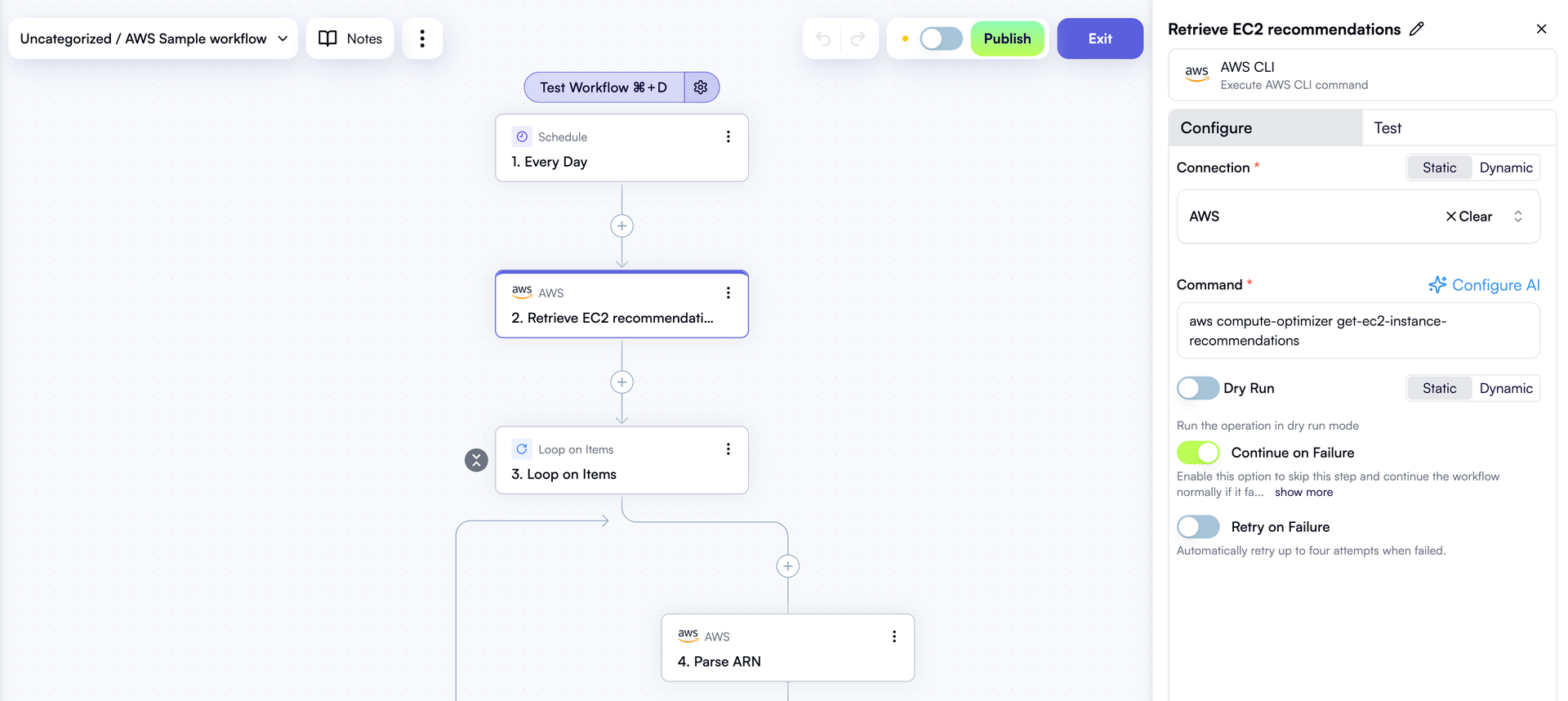
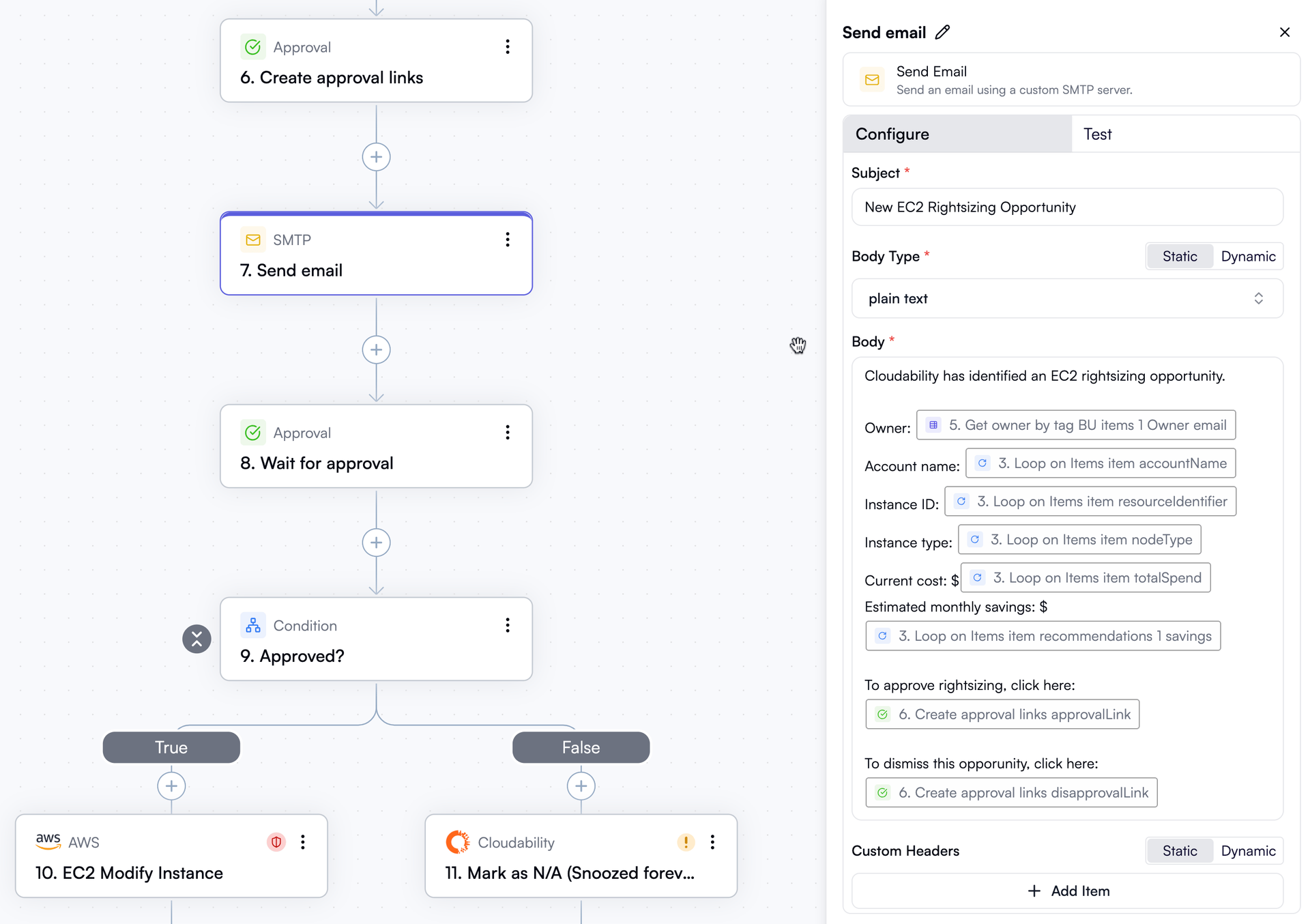
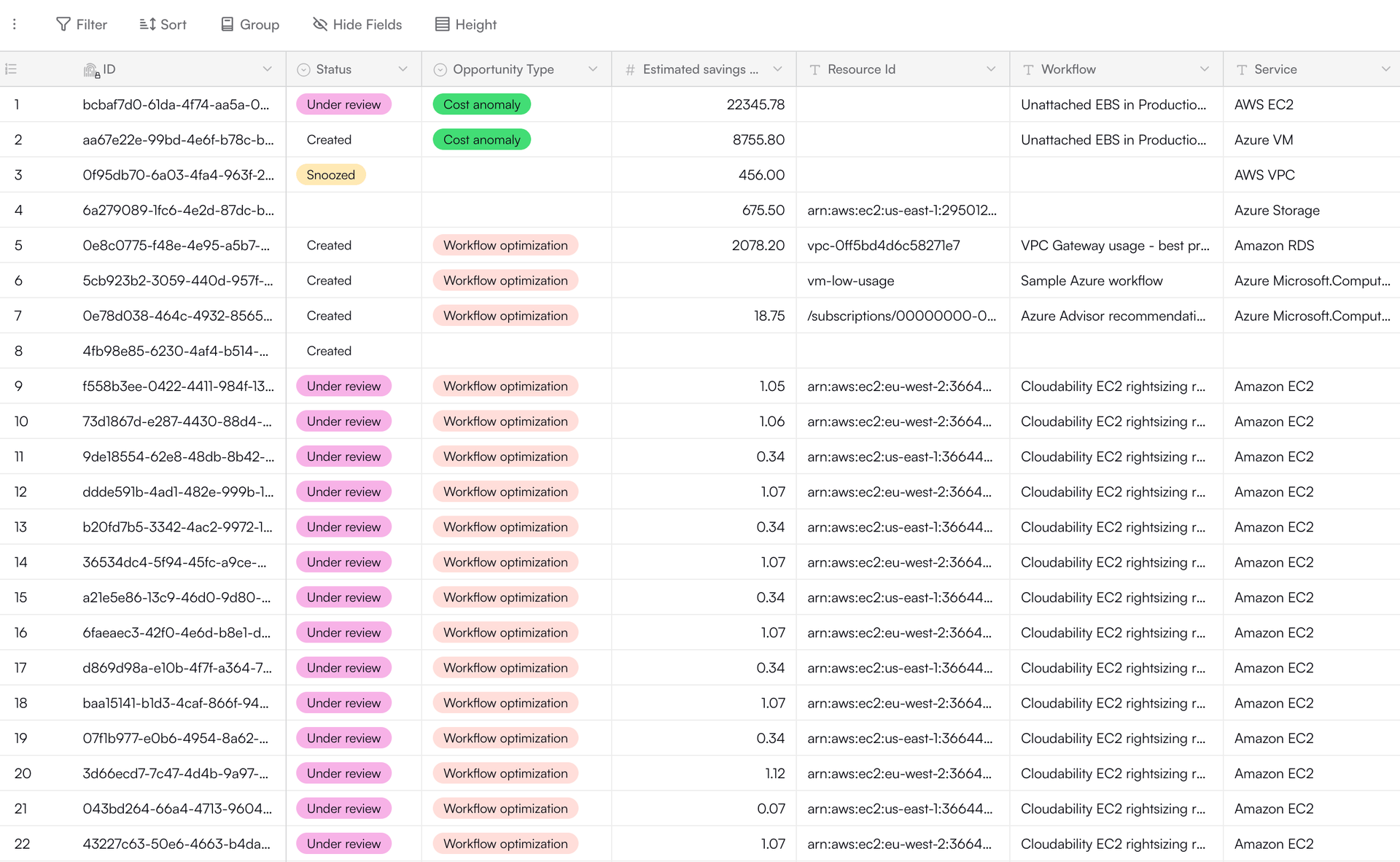
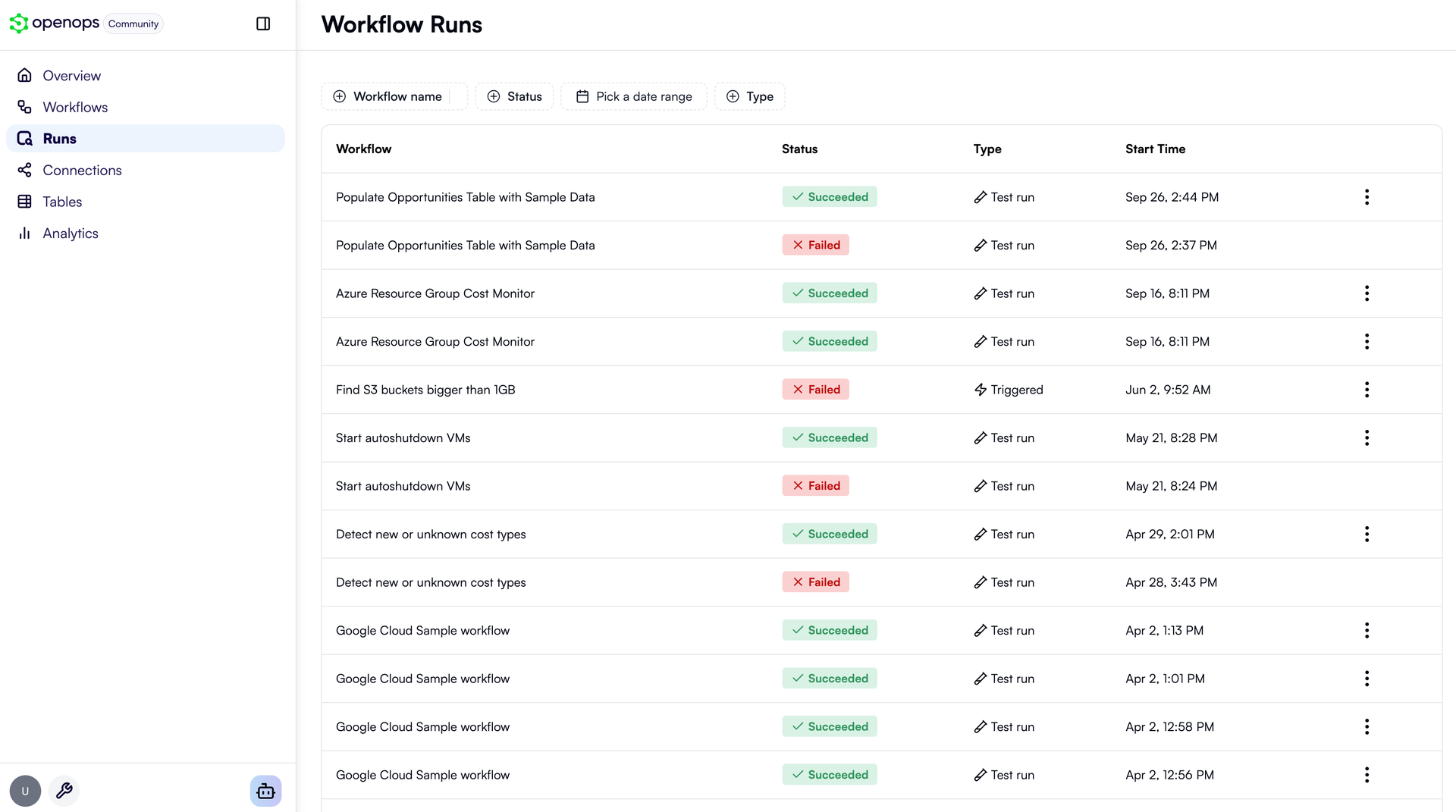
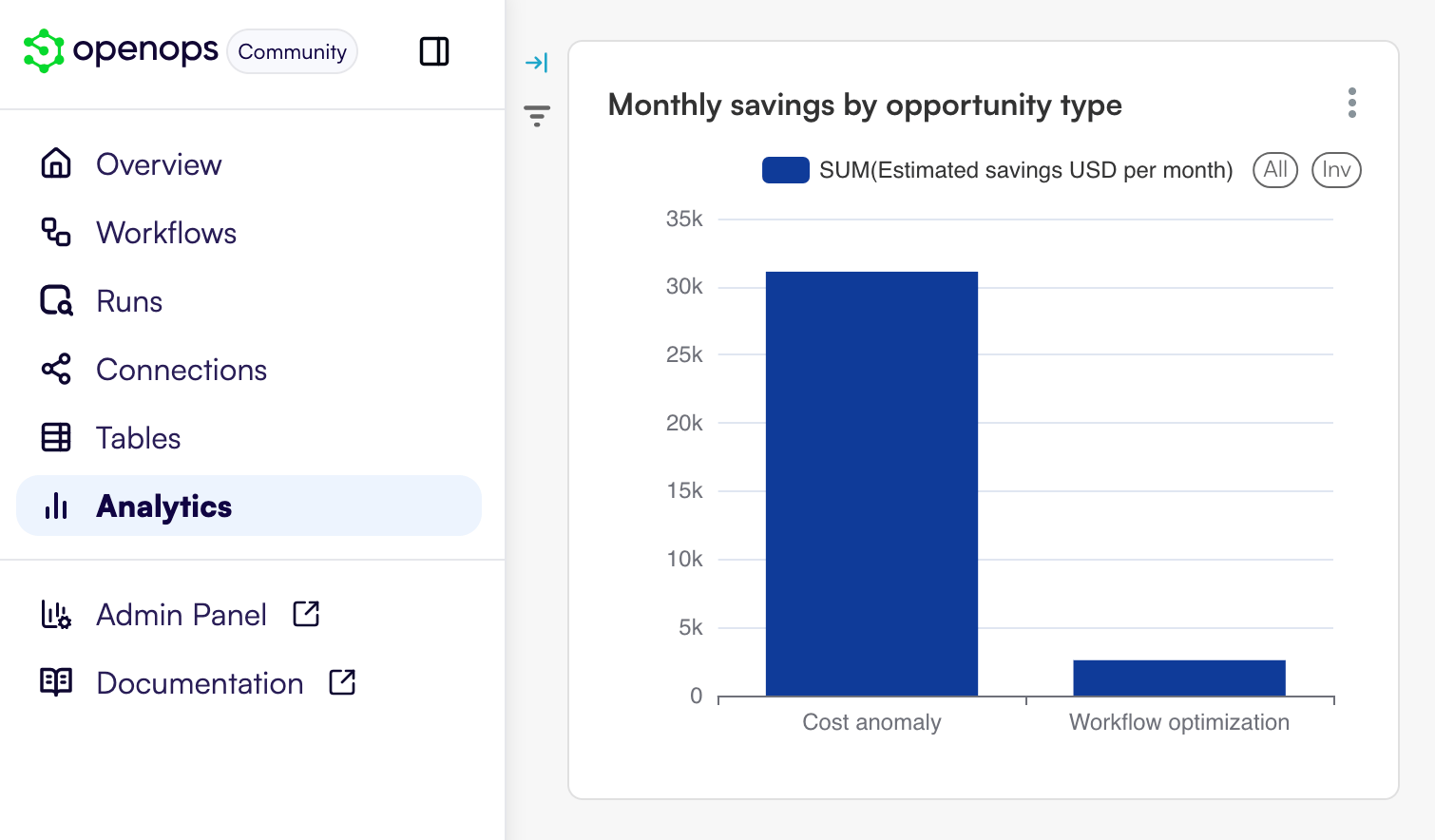
Cloud cost dashboards show what is being wasted; OpenOps is the no-code FinOps platform that acts on it, finding idle resources, asking the right owner for approval, and cleaning up once someone clicks yes. A visual editor starts each workflow from a schedule, cron expression, webhook, new Jira or Linear issue, or incoming email, and chains 120+ actions covering AWS, Azure, and Google Cloud operations, loops, conditions, delays, and code steps. Approval requests arrive as buttons in Slack or Microsoft Teams, or as approve and reject links by email, and the workflow waits for the answer before branching. Connectors for CloudHealth, Cloudability, Vantage, Finout, Flexera, and Umbrella feed in recommendations and anomalies. The template catalog ships with workflows for idle resource cleanup and rightsizing across AWS, Azure, and Google Cloud, and a free OpenOps Cloud account extends it. Findings land in built-in Tables where they can be approved, dismissed, marked as false positives, or snoozed. Analytics turns those tables, CSV files, Google Sheets, or Postgres data into dashboards. Test any step against live systems or sample data, inspect every run, and track changes in version history. Bring your own LLM key to generate CLI commands, SQL queries, and code right in the editor. Running on a dedicated VPS on RepoCloud with guaranteed CPU, RAM, and SSD, full root SSH access, and a browser serial console. Apache-2.0 licensed.
Benefits
- Savings become approved actions
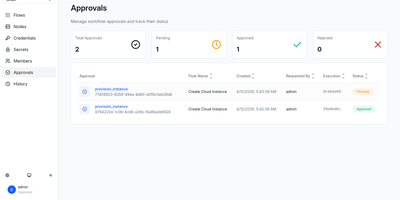
- Workflows pause for approval in Slack, Microsoft Teams, or email, then branch on the answer, so deletions and scale-downs can wait for the resource owner's decision.
- Start from FinOps best practices
- Ready-made templates for idle resource cleanup and rightsizing give you a working automation to adapt instead of a blank canvas, and every step stays editable without code.
- Your FinOps tools stay in play
- Connect CloudHealth, Cloudability, Vantage, Finout, Flexera, or Umbrella, and OpenOps can act on their recommendations and anomalies instead of replacing them.
- Every run is testable and traceable
- Test each step on its own against live systems or sample data, then review per-step inputs and outputs, run logs, and version history for every workflow.
Features
- Visual workflow editor
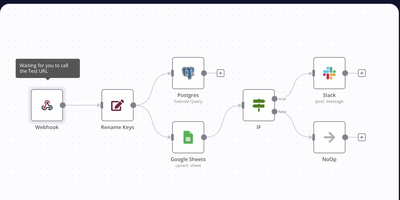
- Build a trigger plus a chain of 120+ actions on a block diagram, with tree view, notes, copy and paste, loops, conditions, delays, and custom code steps.
- Approvals and notifications
- Request approval with Slack or Microsoft Teams buttons or emailed approve and reject links, and send updates through Slack, Teams, Jira Cloud, SMTP, or Outlook.
- Tables and Analytics
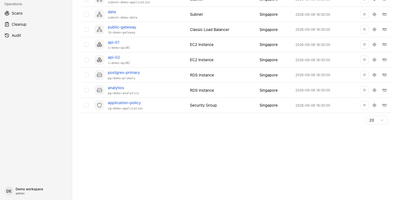
- Log opportunities in Excel-like Tables, then chart them, CSV files, Google Sheets, or Postgres databases in Superset-based Analytics dashboards, starting with a built-in FinOps dashboard.
- Triggers and webhooks
- Start workflows on schedules, cron expressions, Jira Cloud or Linear issues, incoming email, or webhooks, with a /sync option that waits for the workflow and returns its response.
- AI assistance with your key
- Connect OpenAI, Anthropic, or other LLM providers to generate cloud CLI commands, SQL for Athena, BigQuery, Snowflake, and Databricks, and JavaScript code steps inside the editor.
- MCP server for agents
- An optional MCP server lets Claude Code, Codex, and other agents inspect workflows, retry failed runs, and read or edit table rows after you approve their access.