Categories
DevOps Server Management Fleet Management Infrastructure Monitoring Linux Administration System Updates Patch Management SSH ToolsStars
Forks
Watchers
Developer links
Linux Update Dashboard
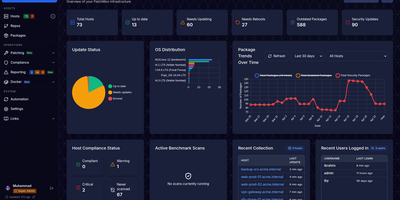
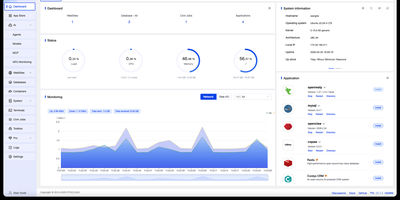
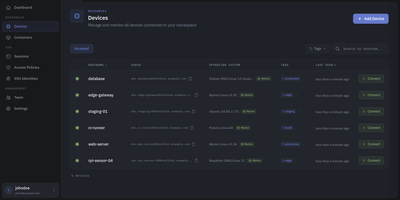
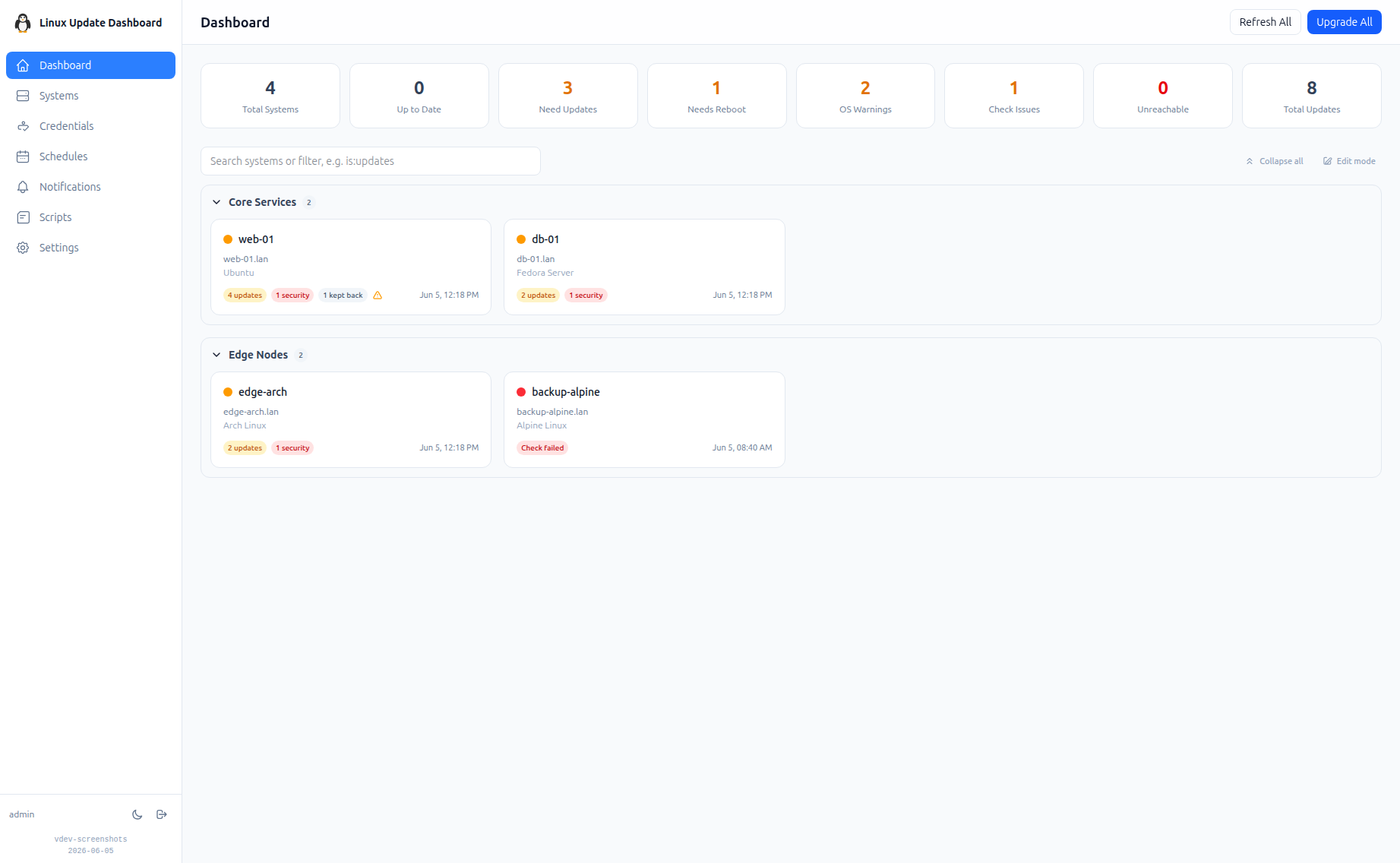
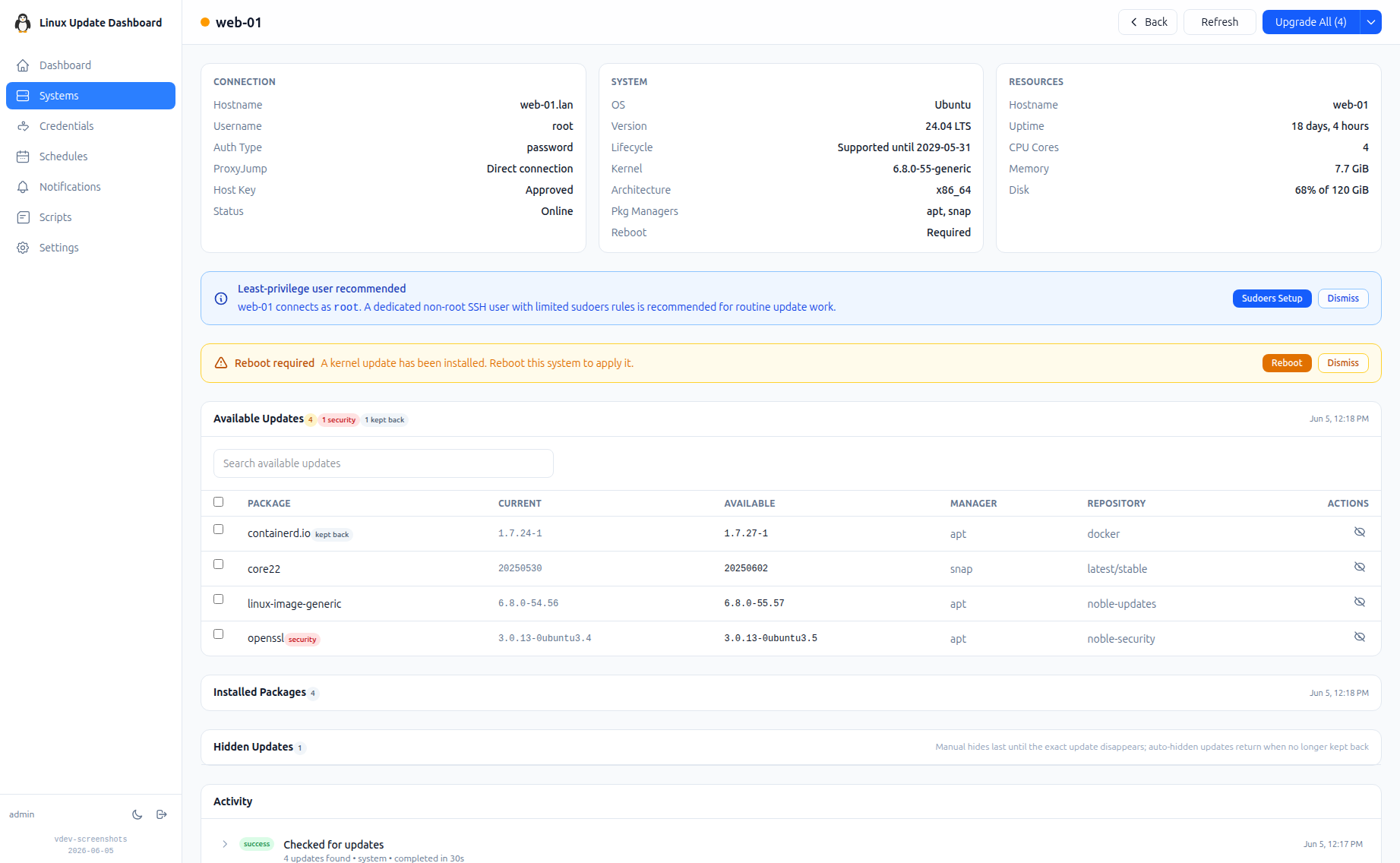
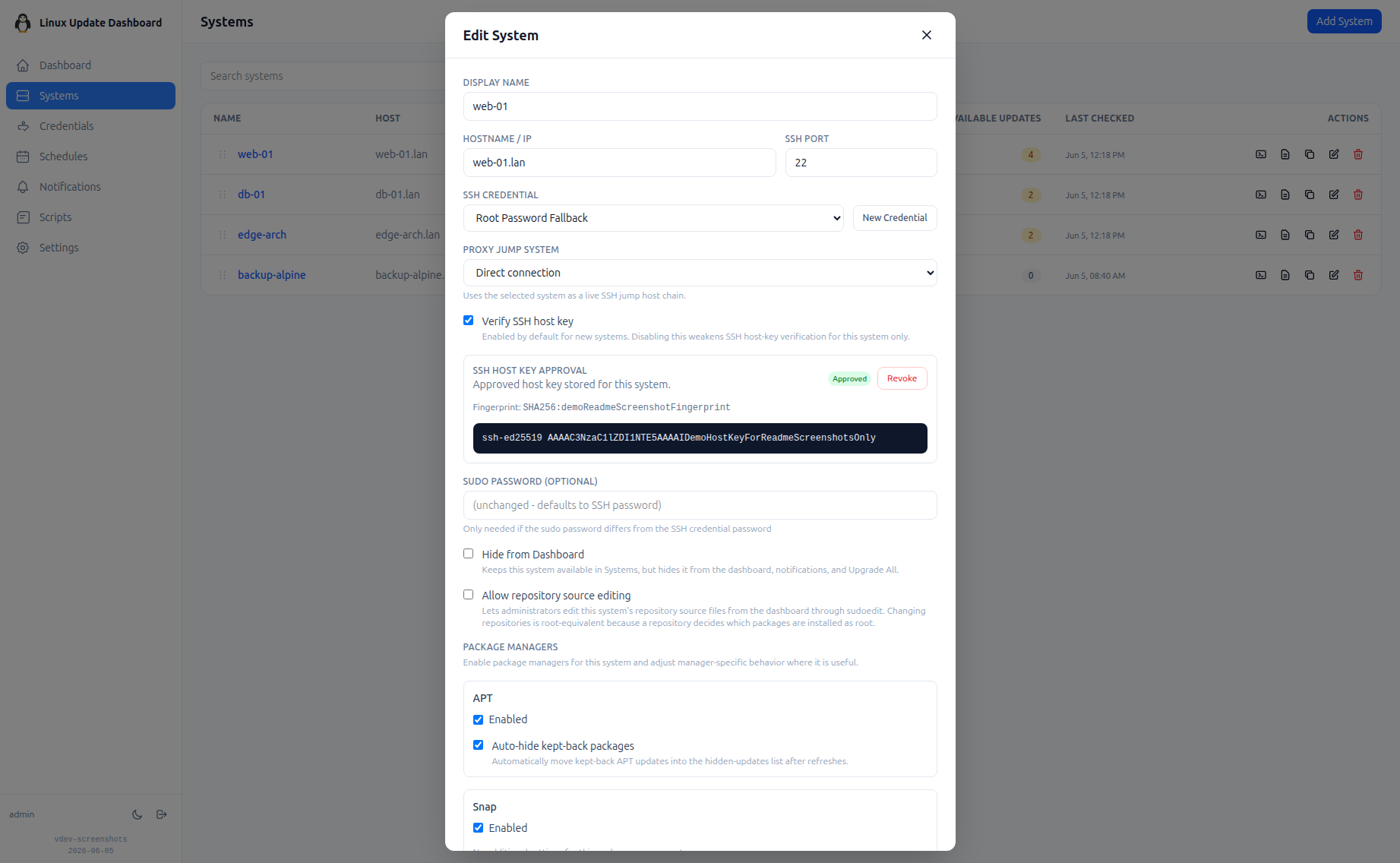
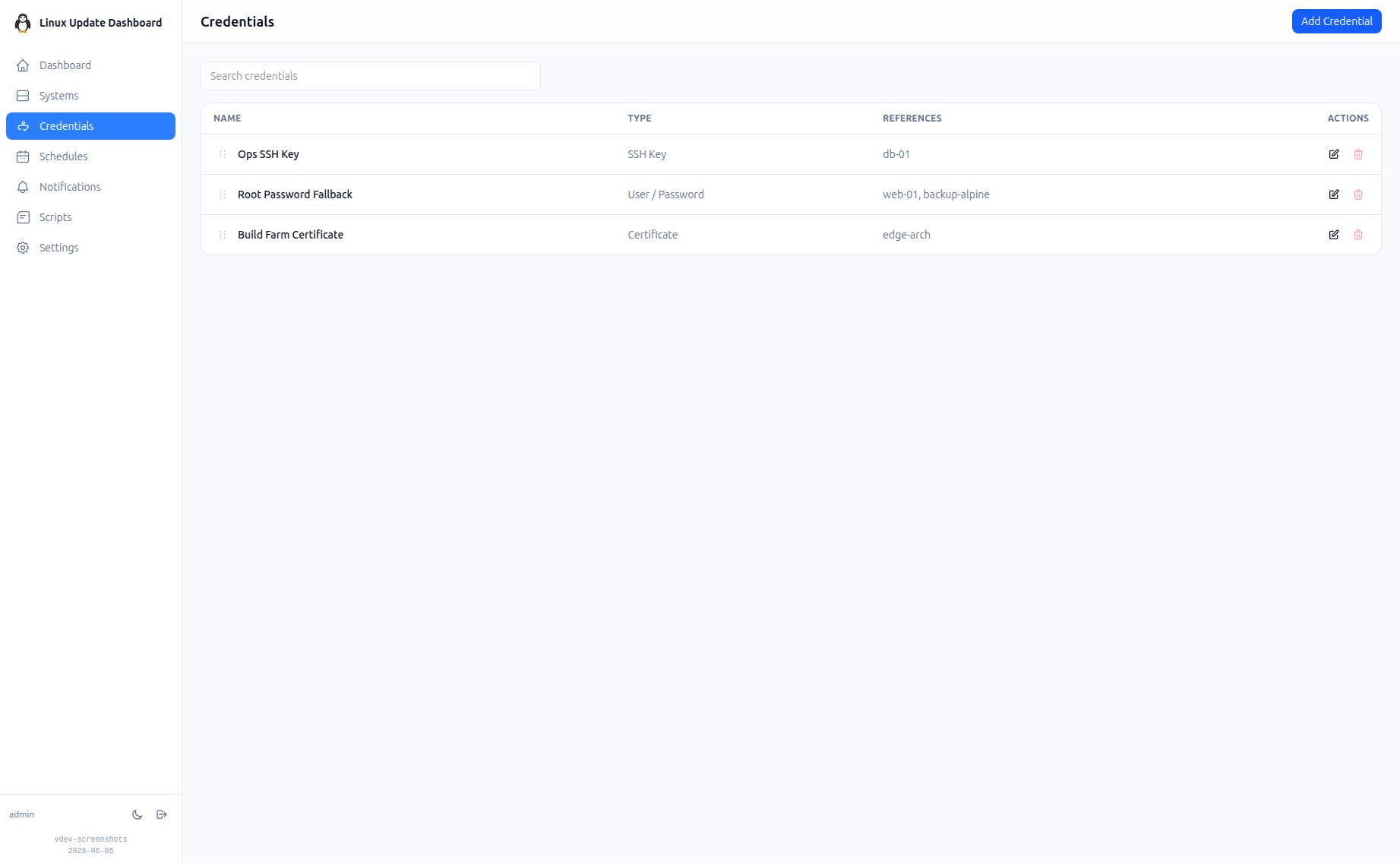
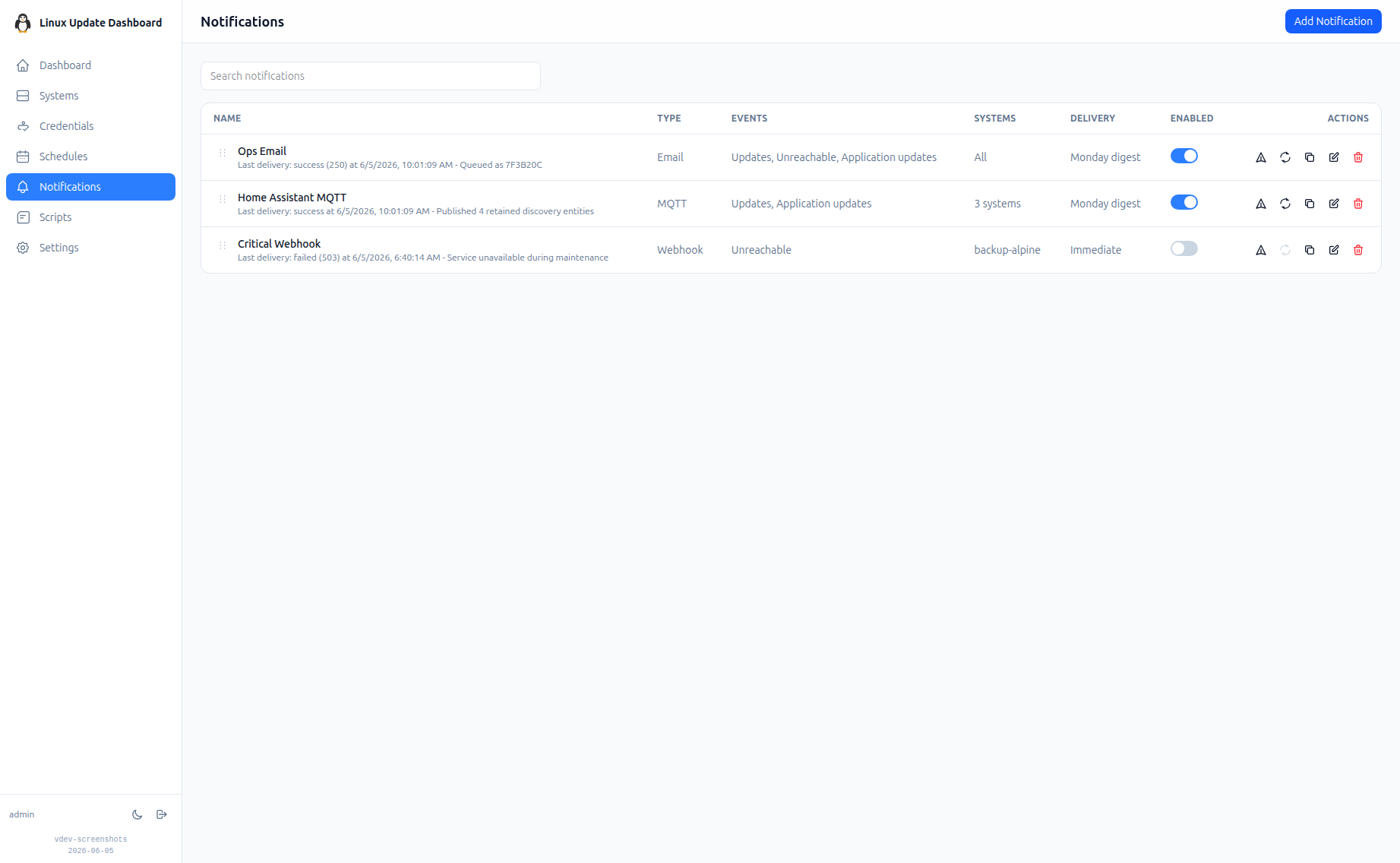
Linux Update Dashboard is a self-hosted web app that lets you check and apply package updates across a whole fleet of Linux servers from one browser dashboard, over SSH, with no agent installed on any managed machine. It discovers each server's package managers, operating system, installed packages, reboot state, and distribution lifecycle, then lets you refresh, upgrade selected packages, run full upgrades, autoremove leftovers, cancel running work, or reboot remotely while watching real-time command output stream into the page. Groups with health badges and explicit priorities organize fleets for clear overviews and ordered Upgrade All batches that run as waves across eligible systems. An encrypted SSH credential vault stores reusable passwords, private keys, and OpenSSH certificates with AES-256-GCM, and you can view or edit repository source files through sudoedit with diff review and activity history. Cron-based schedules automate refreshes, updates, autoremove, reboots, and notifications for chosen systems, while alerts go out by email, Gotify, MQTT, ntfy.sh, Telegram, or webhooks, with Home Assistant MQTT discovery entities for every server. Sign-in supports passwords with optional TOTP, passkeys and WebAuthn, OpenID Connect SSO, and API tokens, and the interface speaks ten languages with dark and light themes and custom branding. Because this tool can run commands on your servers, keep it on trusted networks behind TLS, a reverse proxy, or a VPN. Running on a dedicated VPS on RepoCloud with guaranteed CPU, RAM, and SSD, full root SSH access, and a browser serial console. AGPL-3.0 licensed.
Benefits
- Patch Every Server Together
- One dashboard checks and applies updates across many Linux servers over SSH, with grouped Upgrade All priorities, selected-package upgrades, full upgrades, autoremove, cancellation, and remote reboot.
- No Agents To Maintain
- Managed servers need only SSH access. The dashboard discovers package managers, OS details, installed packages, reboot state, and lifecycle status automatically without installing client software everywhere.
- Credentials Stay Encrypted
- Reusable SSH passwords, keys, and OpenSSH certificates live in a vault encrypted with AES-256-GCM, while logins support TOTP, passkeys, WebAuthn, OIDC SSO, and API tokens.
- Maintenance Runs On Schedule
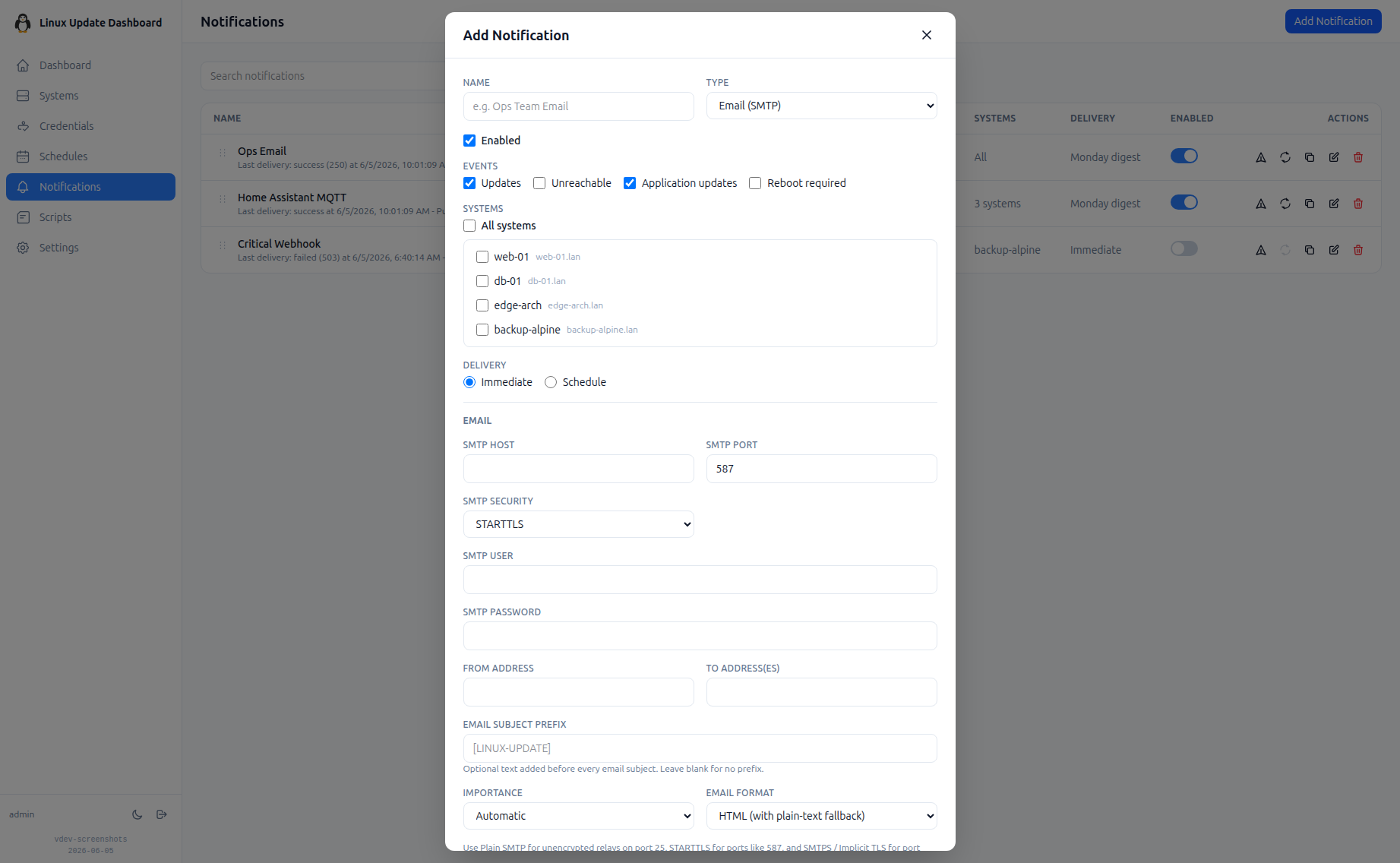
- Cron schedules automate refreshes, updates, autoremove, reboots, and notifications, with alerts through email, Gotify, MQTT, ntfy.sh, Telegram, webhooks, and Home Assistant discovery entities.
Features
- Multi-Distribution Update Engine
- Manage APT, DNF, YUM, Pacman, APK, Flatpak, Snap, deb-get, and custom package managers with importable definitions, parser settings, and per-system script overrides.
- Live SSH Output
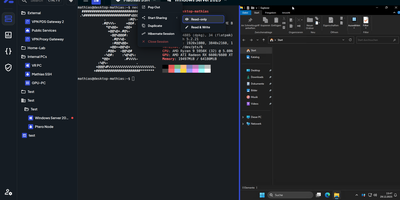
- Watch upgrade and check commands stream stdout and stderr into the browser in real time, with replay for late viewers and inline terminal history entries.
- Repository Source Editing
- View APT, DNF, Pacman, APK, and Flatpak repository files with credentials masked, then edit through sudoedit with diff review and a complete activity history.
- Fleet Groups And Priorities
- Organize systems into collapsible groups with health badges, reorder systems independently, and run prioritized Upgrade All waves that skip busy machines until they finish.
- Notifications And Home Assistant
- Send filtered alerts by SMTP email, Gotify, MQTT, ntfy.sh, Telegram, or webhooks, and publish per-system update entities to Home Assistant through MQTT discovery.
- Localized Branded Interface
- Use ten interface languages with browser detection, dark and light modes, and custom app name, logos, and accent colors for sidebar, sign-in, and authenticator apps.