Categories
Homelab Self-hosted IPAM Topology mapping Network monitoring Device inventory Firewall logsStars
Forks
Watchers
Developer links
NetMap
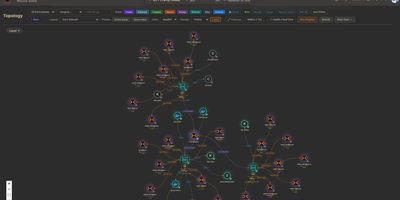
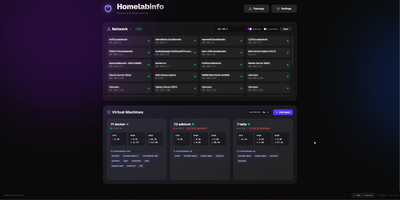
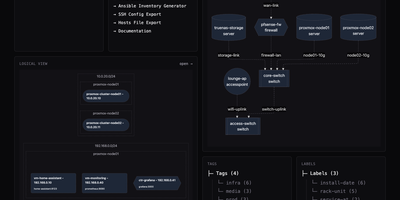
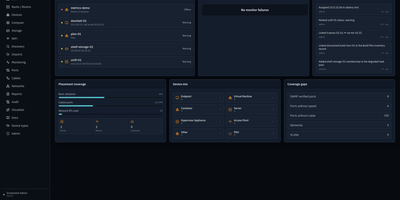
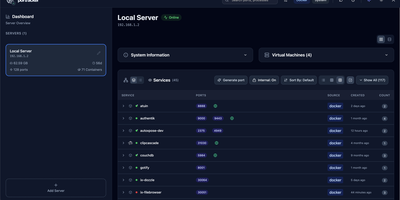
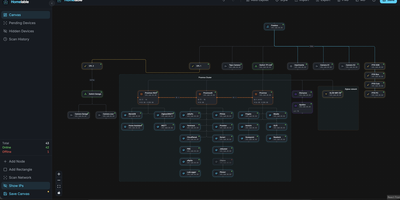
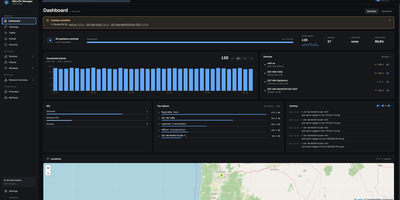
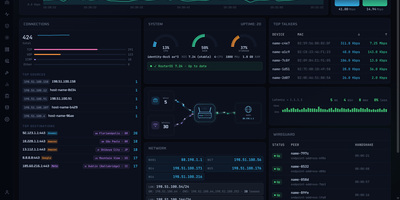
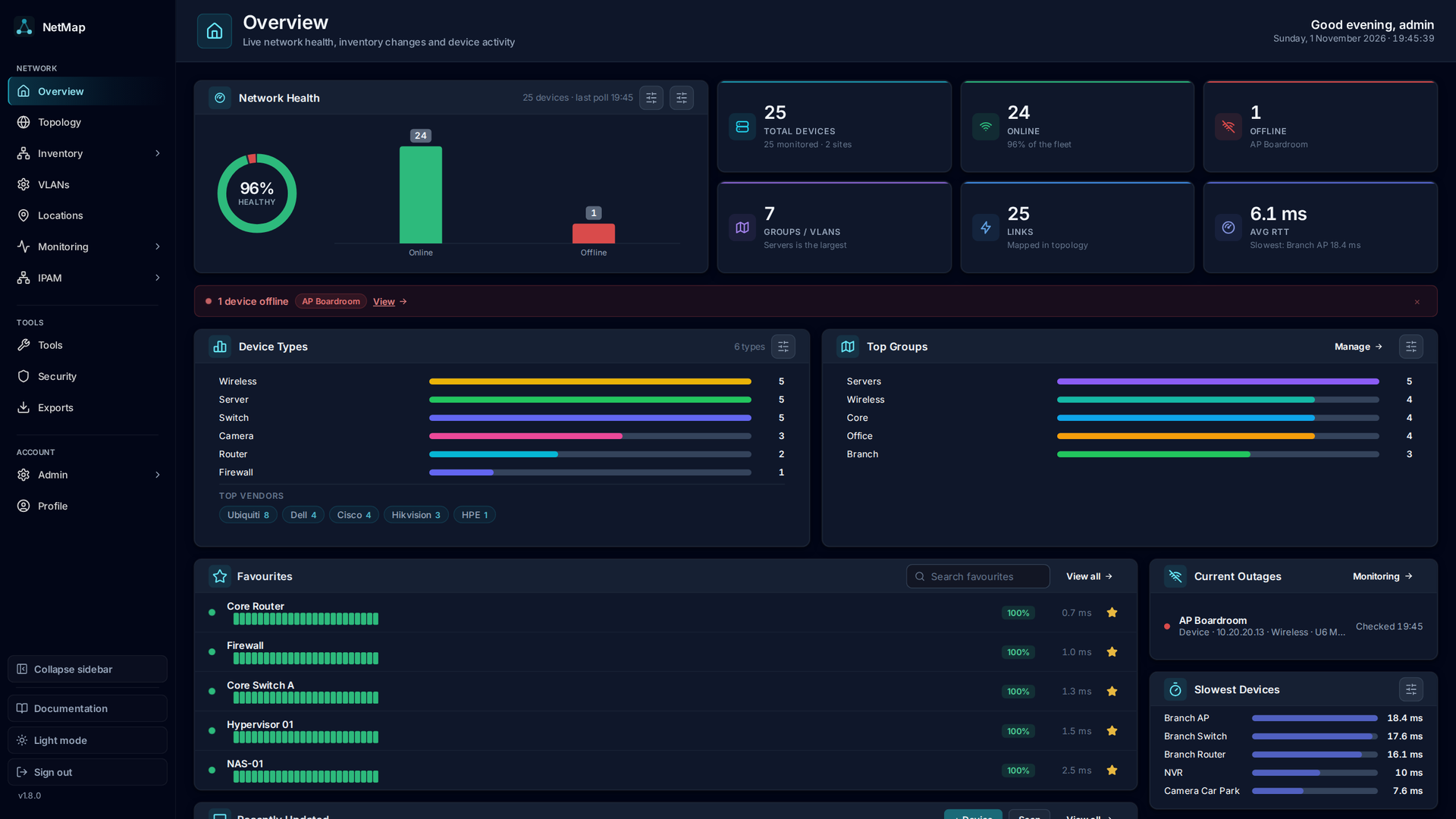
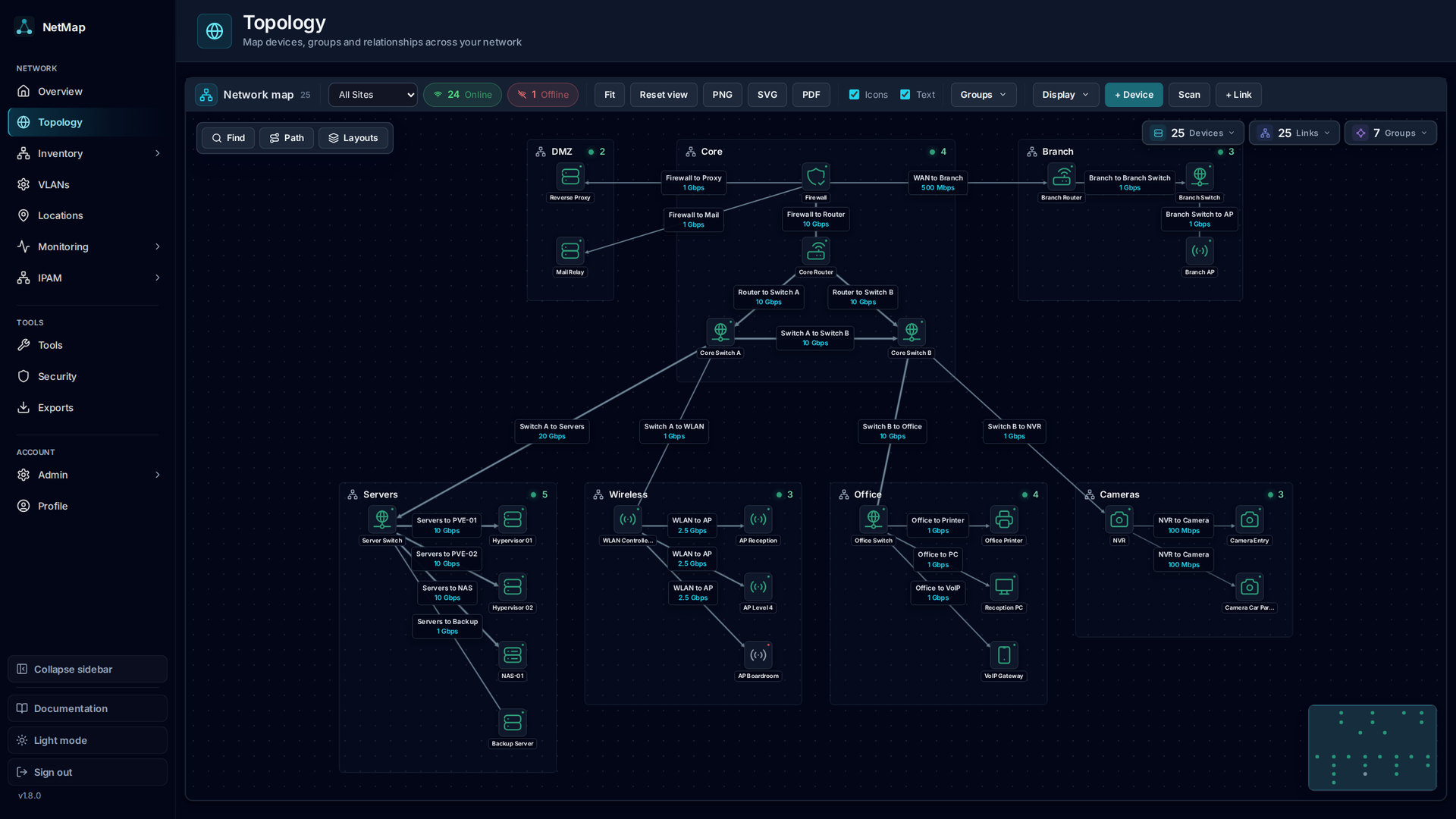
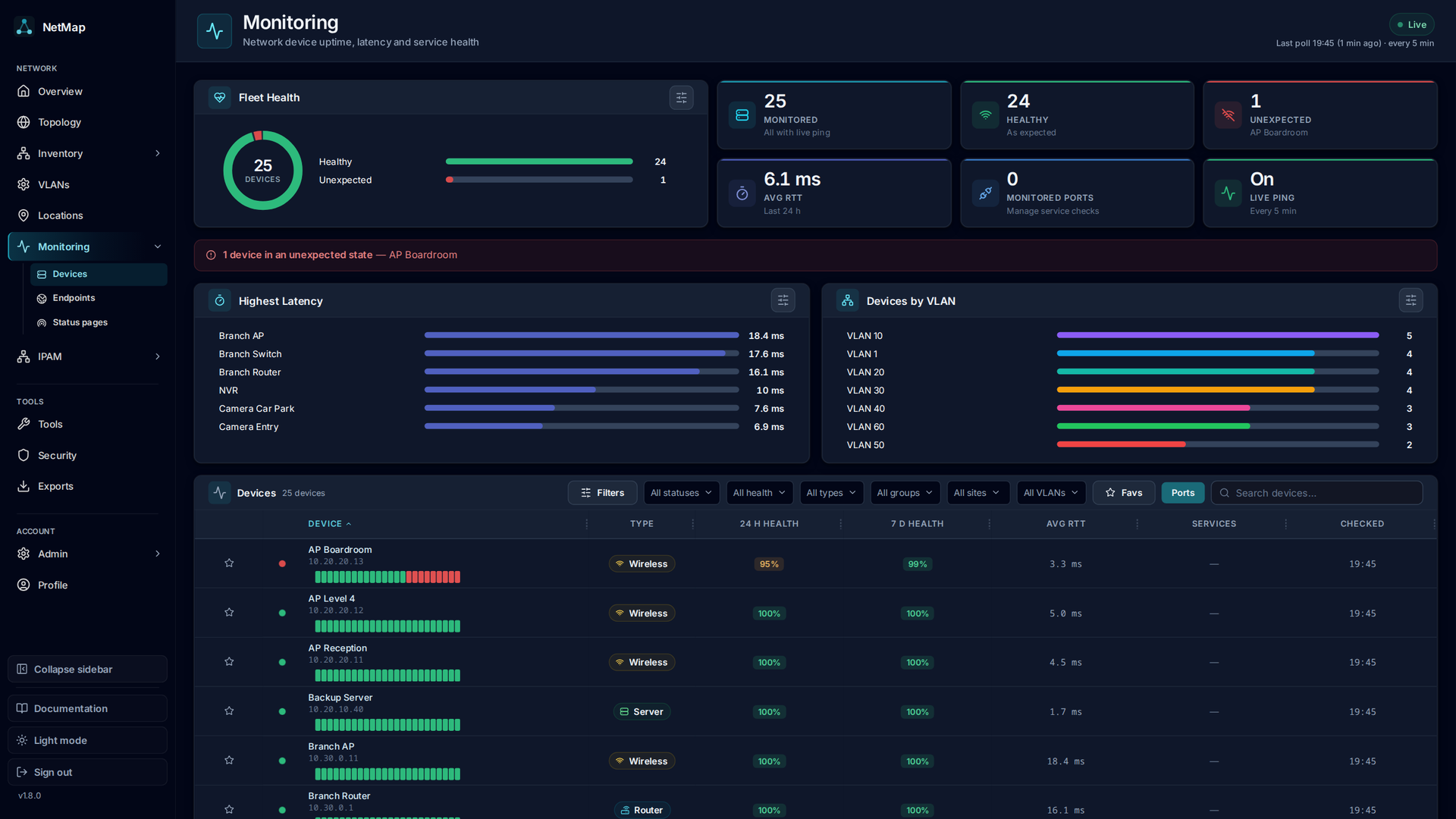
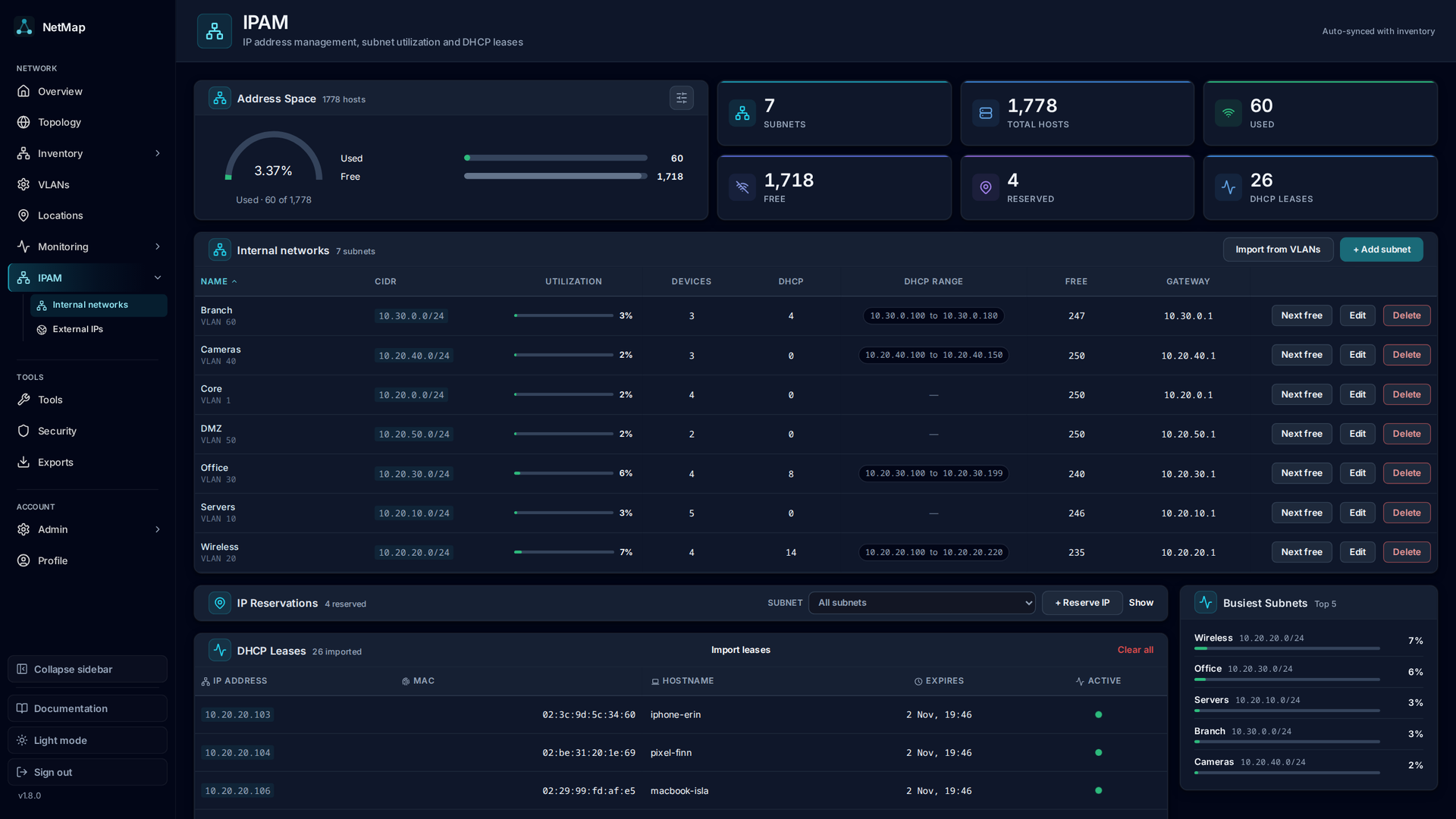
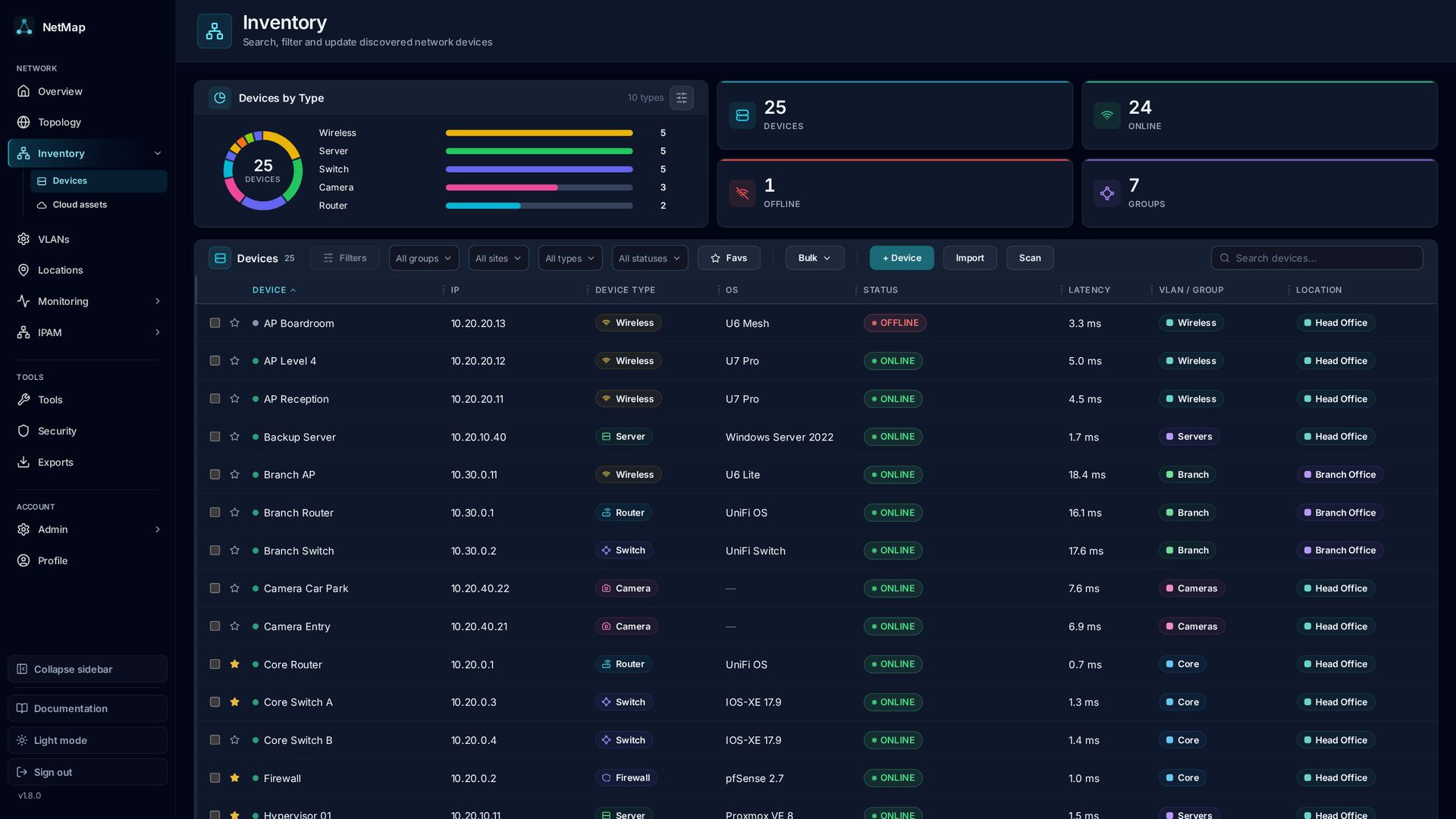
NetMap answers the four questions every homelab owner asks in four different tools: what is on my network, what address did it get, is it still up, and why is the firewall shouting about it. Devices you add appear automatically on a visual canvas where you can drag them into place, draw the links between them, and group them into VLANs or separate sites, and the layout is still there when you come back. Behind the map, every device is watched continuously: ping times graphed over history, service checks on the ports you care about, a heartbeat strip that betrays intermittent dropouts, and an uptime percentage that settles arguments. Address management stops being a spreadsheet: define subnets, import the leases your router already handed out, see used and free addresses as a grid, and get warned before a duplicate assignment causes a mysterious outage. Firewall logs stream in live and each entry links to the device it concerns, ready to search by address, port, or protocol. When something new appears, a network scan discovers hosts with their names, hardware addresses, and open ports for review before they join the inventory. Running on a dedicated VPS on RepoCloud with guaranteed CPU, RAM, and SSD, full root SSH access, and a browser serial console. GPL-3.0 licensed.
Benefits
- One Answer, One Place
- Topology, inventory, monitoring, address tracking, and firewall logs share one container and one database, ending the jump between disconnected tools.
- Dropouts Cannot Hide
- Continuous ping and service polling with history graphs and a thirty-check heartbeat strip expose devices that fail briefly and recover before you look.
- Addresses Without Spreadsheets
- Subnets, imported router leases, and a visual address grid show what is used, free, or reserved, with duplicate assignments flagged before they break things.
- Logs That Point Somewhere
- Firewall entries stream in live and link straight to the device record, so an unfamiliar address in a log becomes a known machine in one click.
Features
- Visual Topology Canvas
- Devices appear automatically for arranging, linking, and grouping into VLANs or separate named sites, with positions saved between visits.
- Ping And Service Monitoring
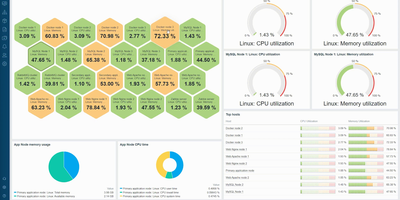
- Background polling graphs response time history, checks TCP and web services independently, and tracks rolling uptime for every inventoried device.
- IP Address Management
- Define subnets and allocations, import existing DHCP leases, and read a grid of used, available, and reserved addresses with full per-address records.
- Network Discovery Scans
- Scan a subnet and review discovered hostnames, hardware addresses, and open ports, choosing what joins the inventory and what gets merged.
- Built-In Network Tools
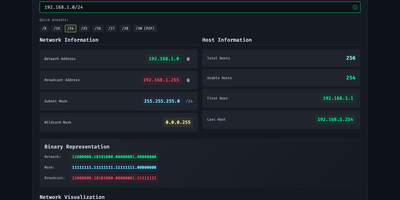
- Ping, traceroute, port checks, DNS lookups, and a subnet calculator run from the interface, removing the trip to a jump box for quick tests.