Categories
Virtualization Disaster Recovery Infrastructure Management Hypervisor Management XCP-ng Virtual Machine Management Backup and RecoveryStars
Forks
Watchers
Developer links
Xen Orchestra
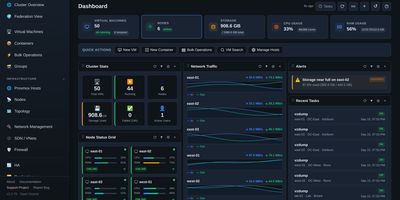
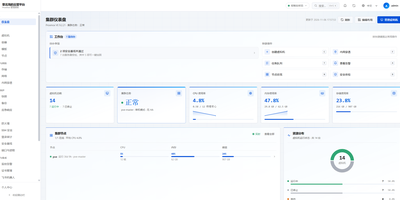
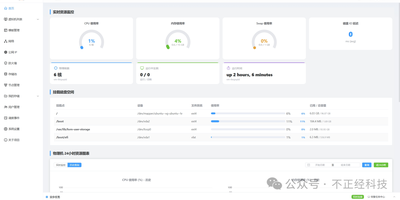
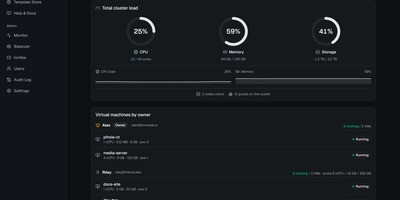
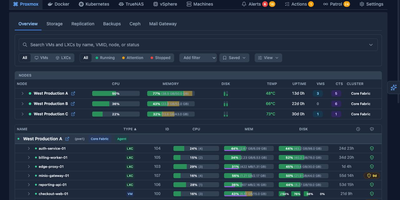
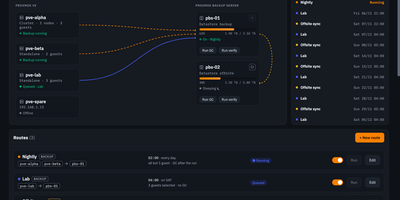
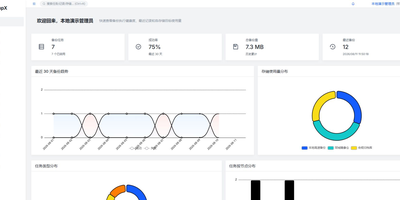
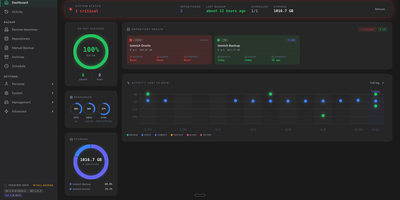
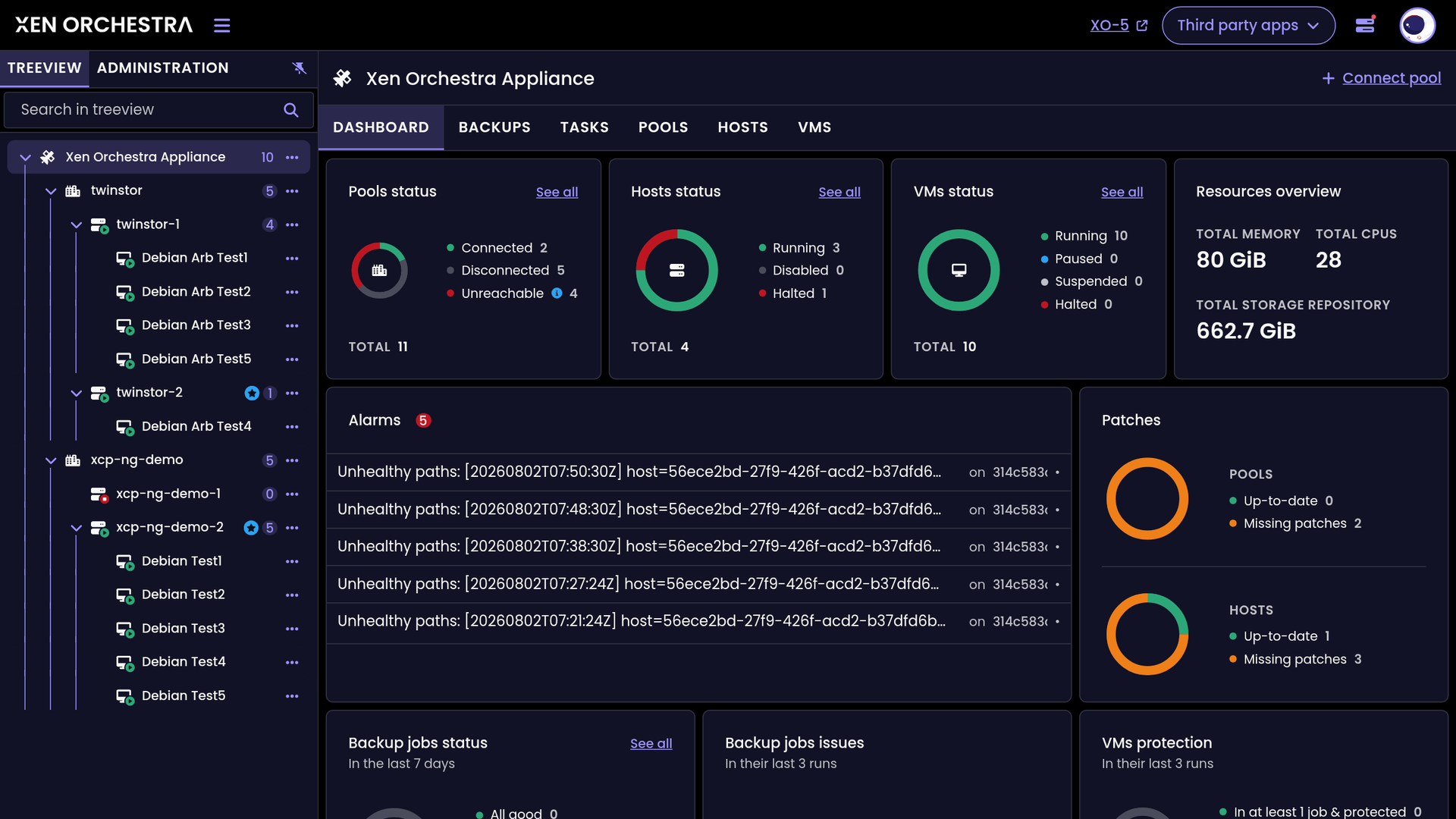
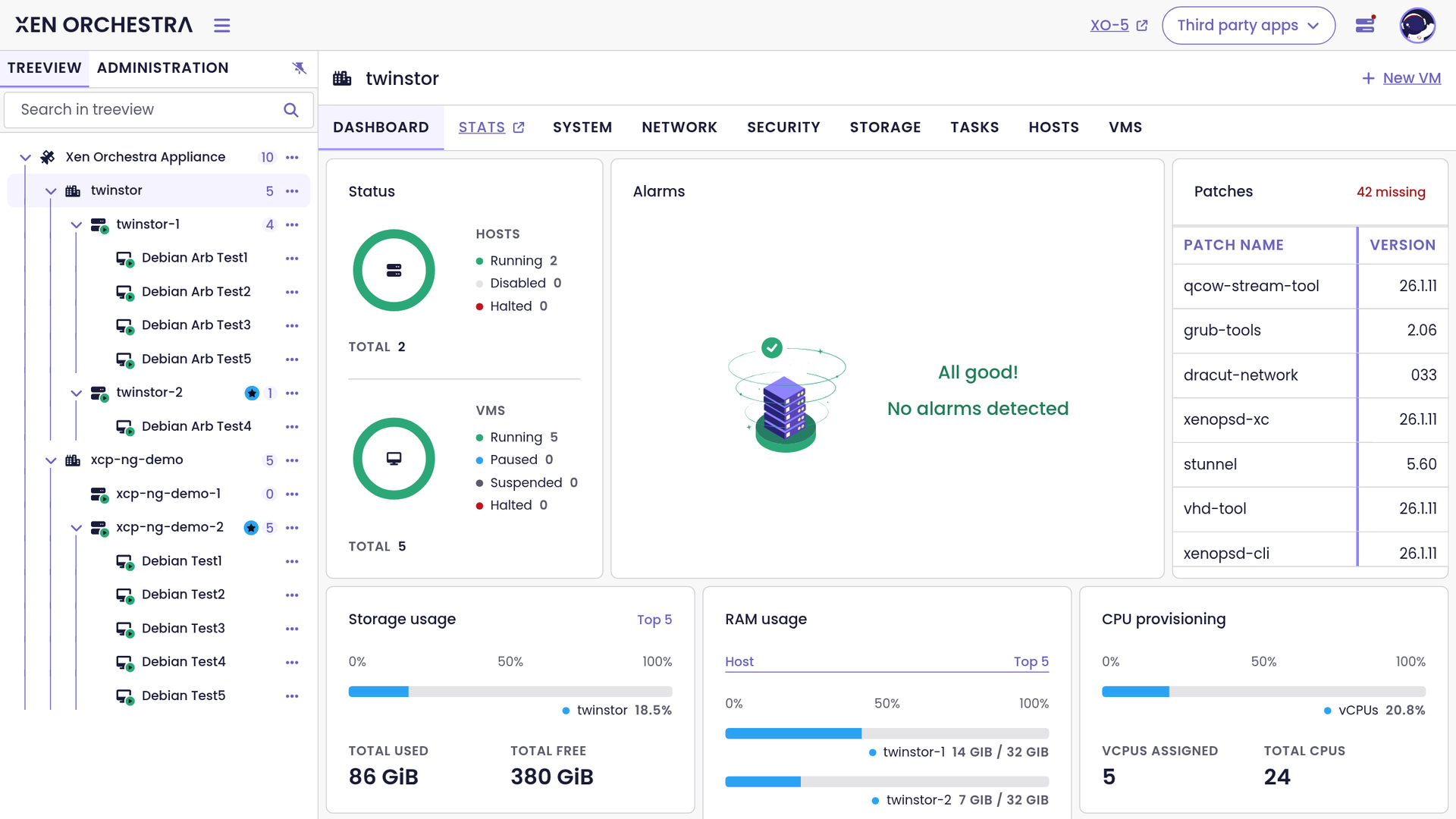
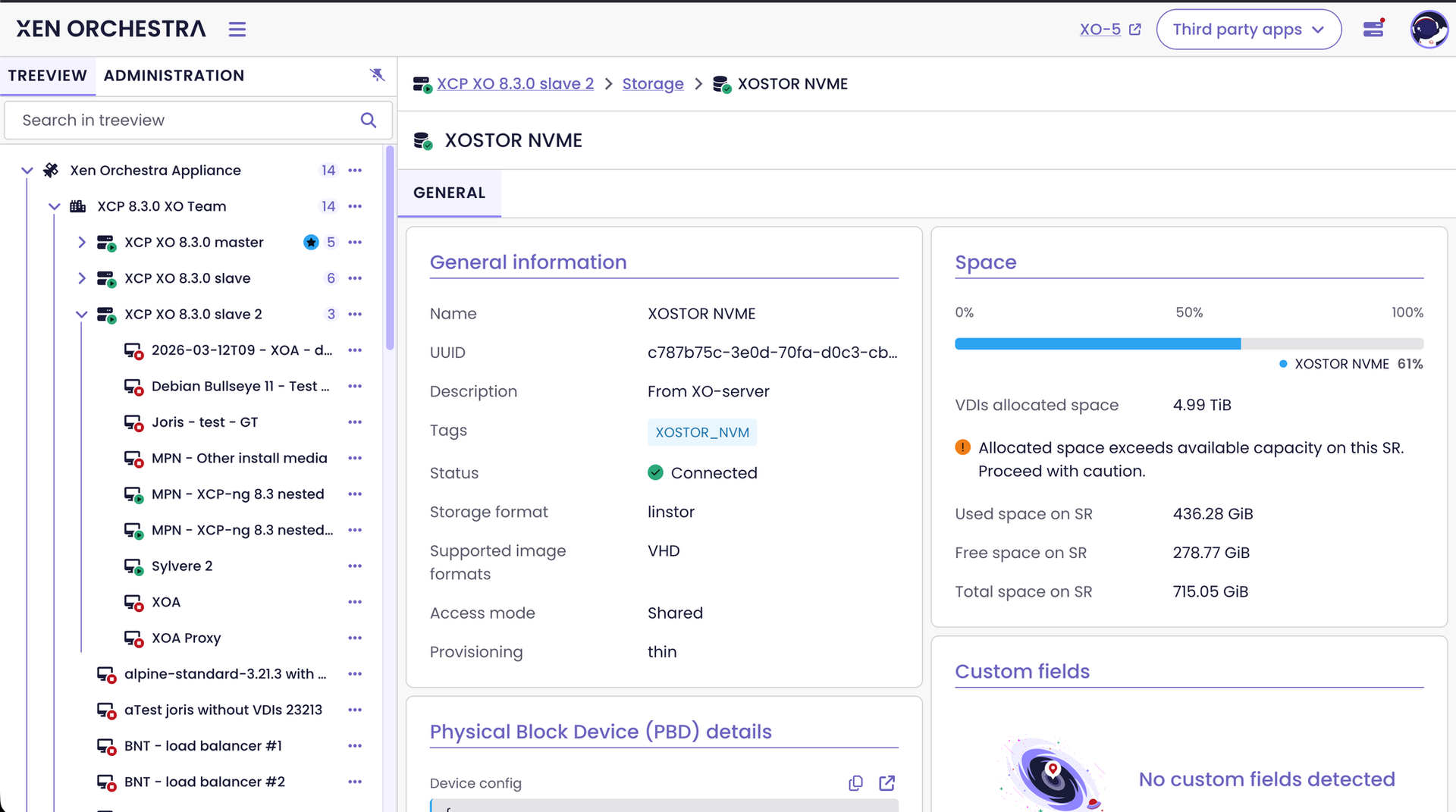
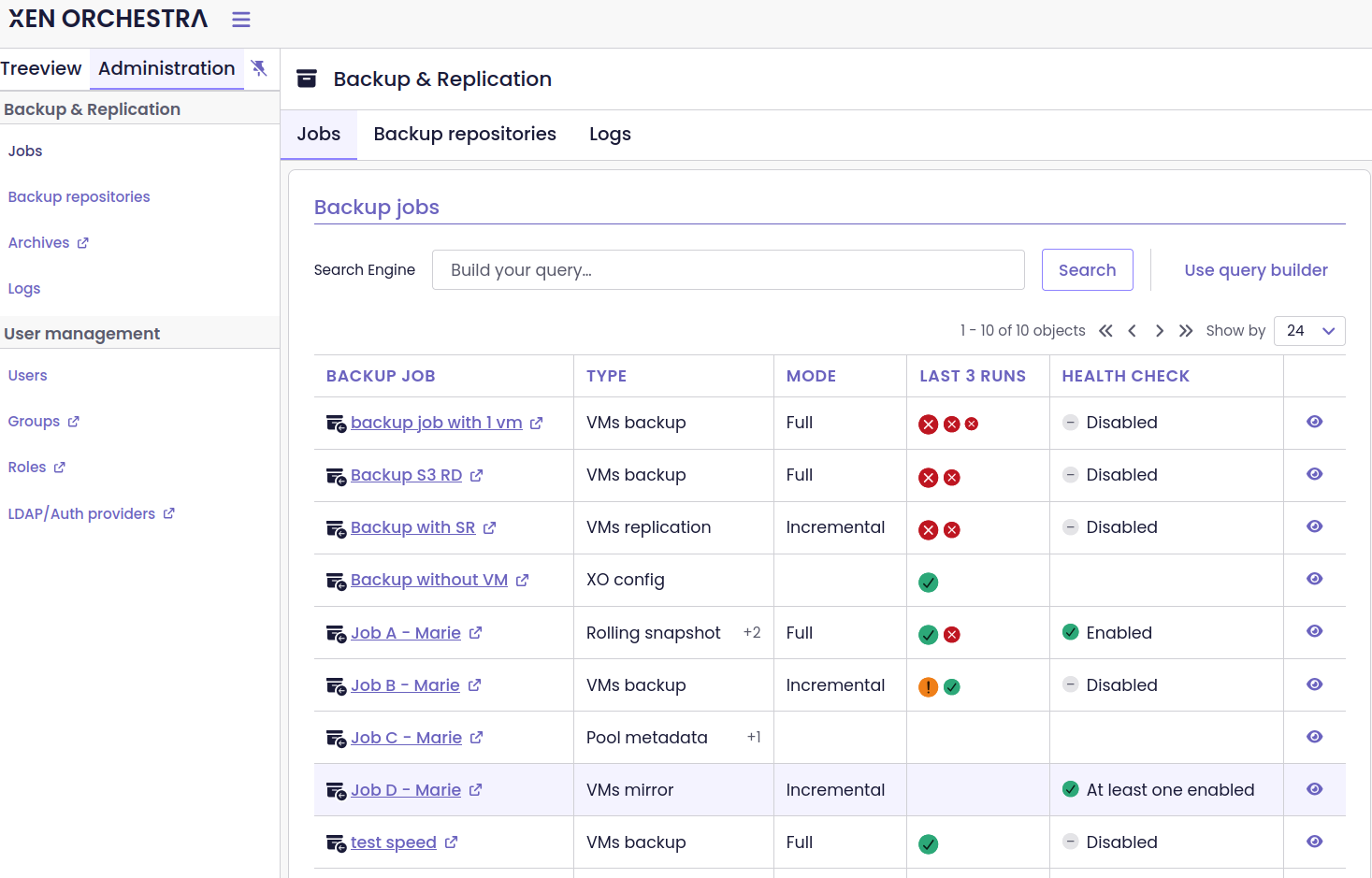
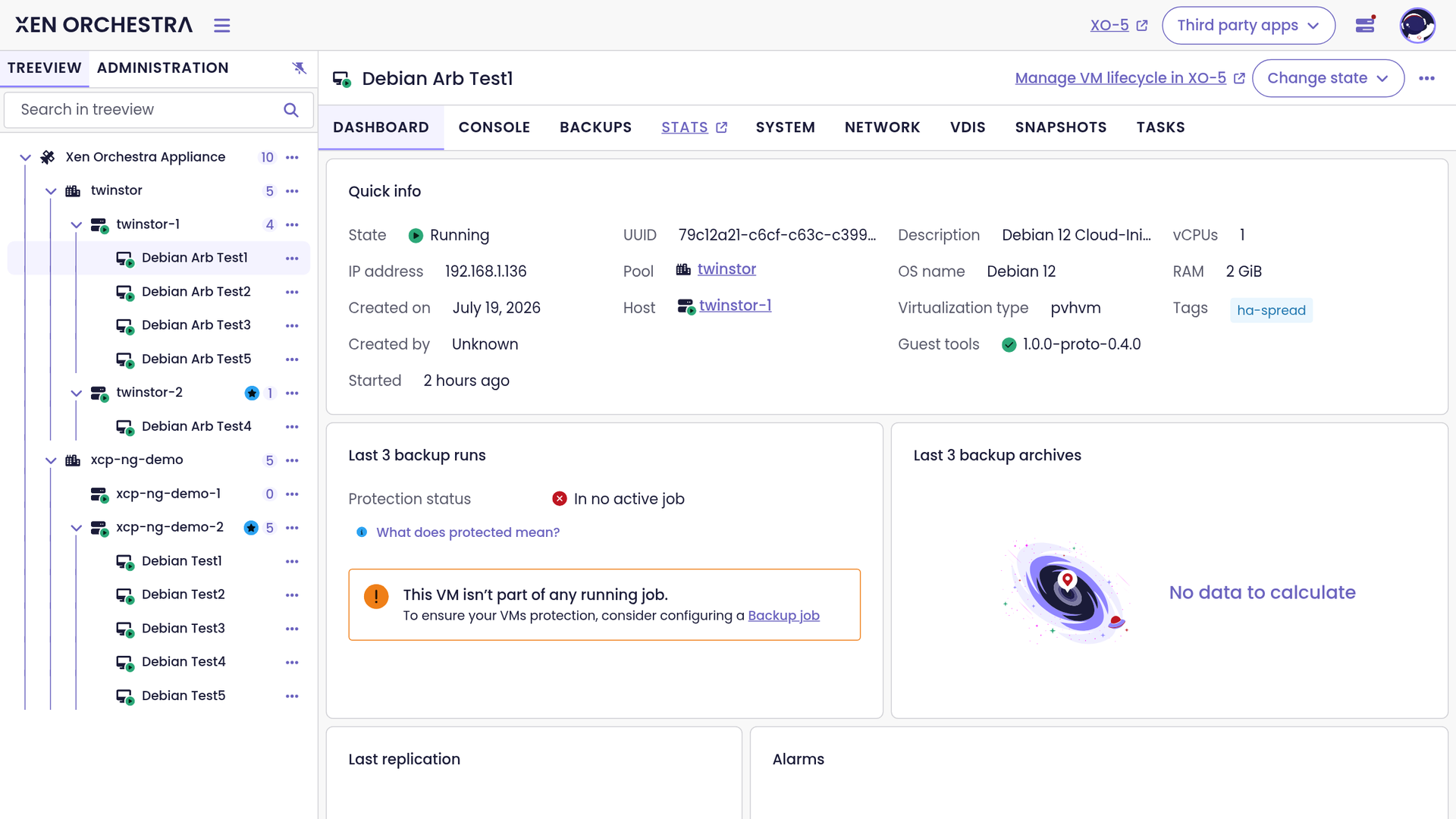
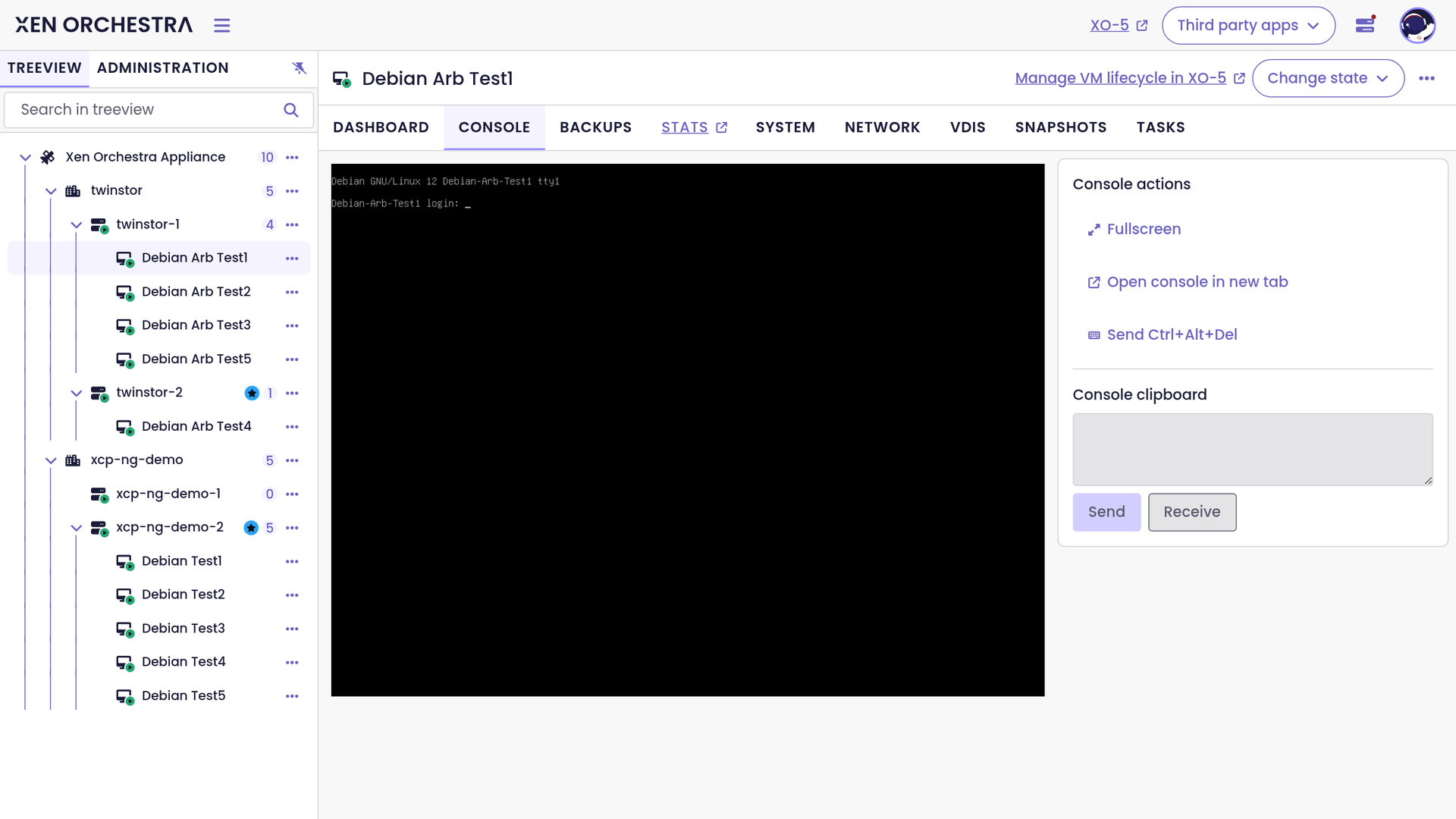
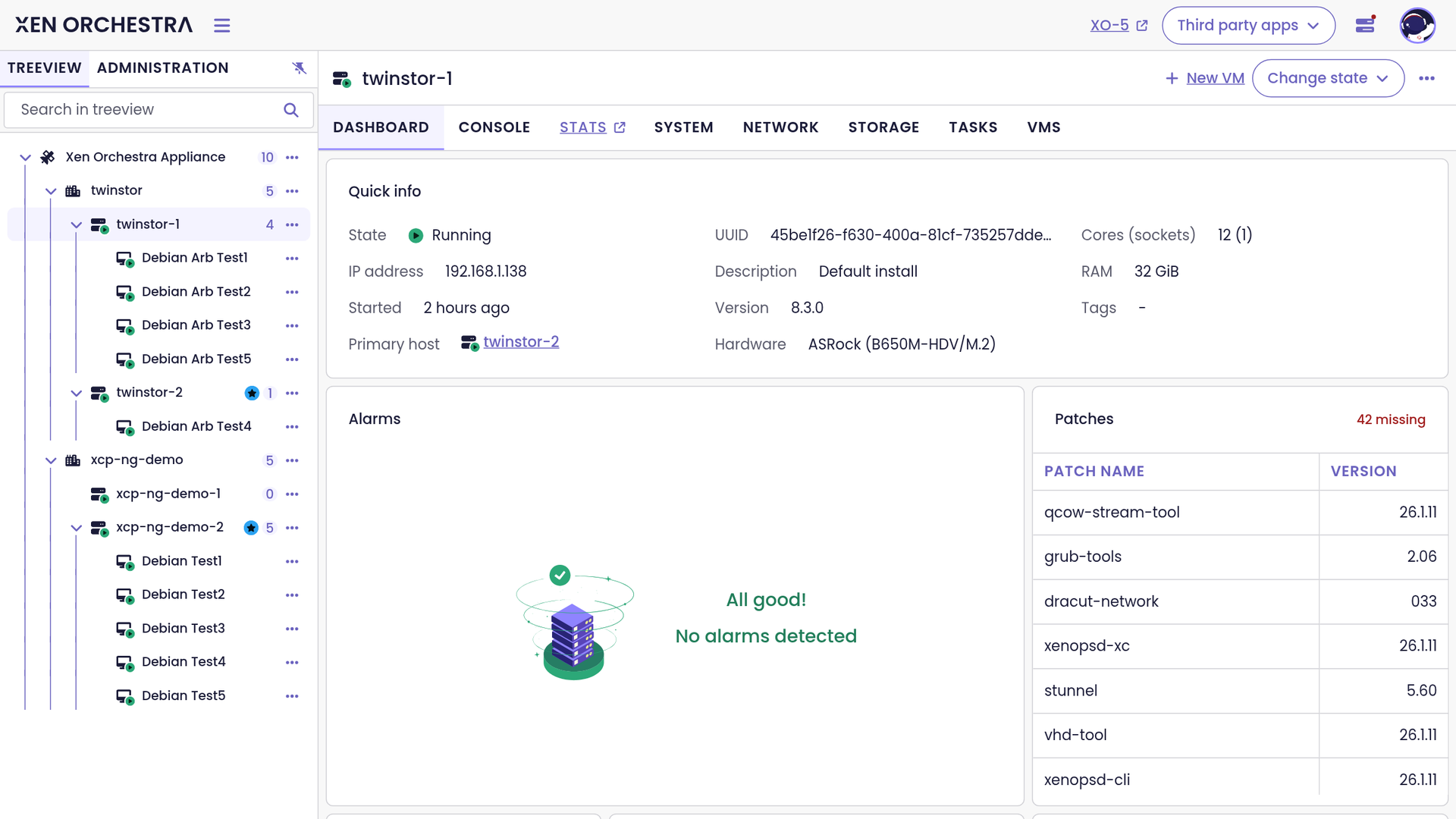
One searchable tree holds every pool, host, and VM in Xen Orchestra, the open source web console for XCP-ng and XenServer, with backup, patching, and migration controls built in. No agent runs inside any host or VM. Dashboards at the global, pool, host, and VM level summarize status, alarms, missing patches, resource use, and backup protection, including VMs that no job covers. VM actions include start, pause, suspend, reboot, shutdown, duplicate, snapshot, and export as XVA or OVA, and consoles open in the browser with fullscreen and Ctrl+Alt+Del. Backup jobs support rolling snapshots, full and incremental backups with replication, mirror backups, S3 remotes, distributed backups across several repositories, and health checks that boot restored VMs. Live Mount starts a VM straight from its backup, and the V2V engine moves VMware machines to XCP-ng with warm migration. Role-based access control limits each user or group to chosen objects, and accounts can come from LDAP, OpenID Connect, SAML, GitHub, or Google. A REST API with Swagger UI, the xo-cli tool, and integrations for Terraform, Pulumi, Packer, Ansible, and PowerShell handle automation, and the interface offers light and dark modes in 21 languages. Hosting it on a dedicated RepoCloud VPS brings guaranteed CPU, RAM, and SSD, full root SSH access, and a browser serial console. Mostly AGPL-3.0 licensed, with a few ISC helper libraries.
Benefits
- See every pool in one tree
- A searchable tree lists each pool, host, and VM, and dashboards at every level show status, alarms, patches, resources, and backup health, so problems surface without opening separate list pages.
- Prove backups actually restore
- Health checks boot restored VMs to confirm each backup works, replication copies VMs to another site, and immutable storage protects backups against ransomware.
- Automate with API and Terraform
- A documented REST API with built-in Swagger UI, the xo-cli tool, and Terraform, Ansible, and Packer integrations let scripts perform nearly every action the web interface offers.
- Delegate access without handing over admin
- Role-based access control grants users and groups only chosen actions on chosen objects, resource sets with quotas let teams self-serve, and LDAP or OpenID Connect sign-in works alongside an audit log.
Features
- Tree View and Dashboards
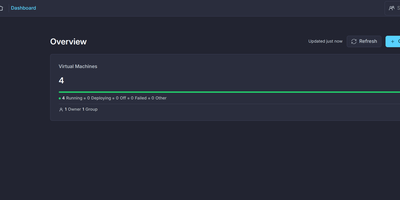
- The Vue 3 based XO 6 interface shows a searchable tree of pools, hosts, and VMs, with dashboards, a Tasks tab, and a query builder on every major table.
- Backup and Replication
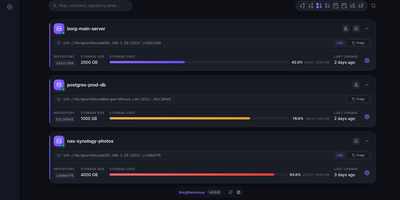
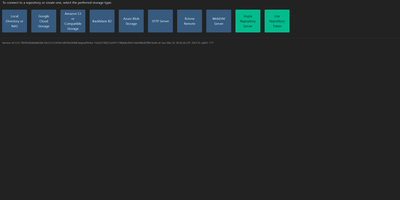
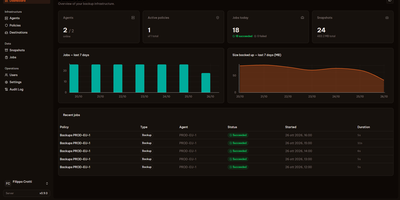
- Rolling snapshots, full and incremental backups with replication, mirror backups, S3 remotes, distributed backups across repositories, immutable storage, and restore health checks.
- VMware V2V Migration
- Warm migration reads disks from ESXi or vCenter through the vectura NFC reader, uses changed block tracking when enabled, and imports into XCP-ng storage from the XO 5 interface.
- REST API and Automation
- A versioned /rest/v0 REST API with Swagger UI and token authentication, plus xo-cli and integrations for Terraform, Pulumi, Packer, Ansible, and PowerShell.
- Access Control and SSO
- RBAC roles hold allow and deny privileges with object selectors, and authentication plugins cover LDAP, OpenID Connect, SAML, GitHub, and Google sign-in.
- Single Node.js Process
- The server and web interfaces run as one Node.js process with Redis or Valkey as the database, built with Yarn, listening on ports 80 and 443 by default.